


































If your projector sounds much louder from the couch than you expected, do not assume you need a new projector—or a box built around the one you have. What sounds like projector fan noise may be normal cooling airflow, a setting that keeps the fan running faster, trapped heat, installation vibration, or a mechanical problem that needs service.
The useful question is not simply, “How many decibels is this projector?” It is: What kind of noise reaches your seat, when does it appear, and what changes it? A short listening test can usually identify the right category before you spend money or move permanent hardware.
Start With a Simple Test From the Couch
Use the projector as you normally would and sit in your main viewing position. Choose a quiet dialogue scene rather than loud action content. Then make four comparisons.
- Cold versus warm: Listen during the first few minutes, then again after the projector has been running for 20 to 30 minutes.
- Normal versus lower light output: Compare your usual picture or light-source mode with Eco, Quiet, or a lower-output mode if your model offers one.
- Main seat versus another position: Move one seat to the side, then move a few feet forward if the room allows.
- Projector only versus the complete installation: Listen for a buzz or rattle from the ceiling mount, shelf, cabinet, cable, or nearby trim—not just from the projector chassis.
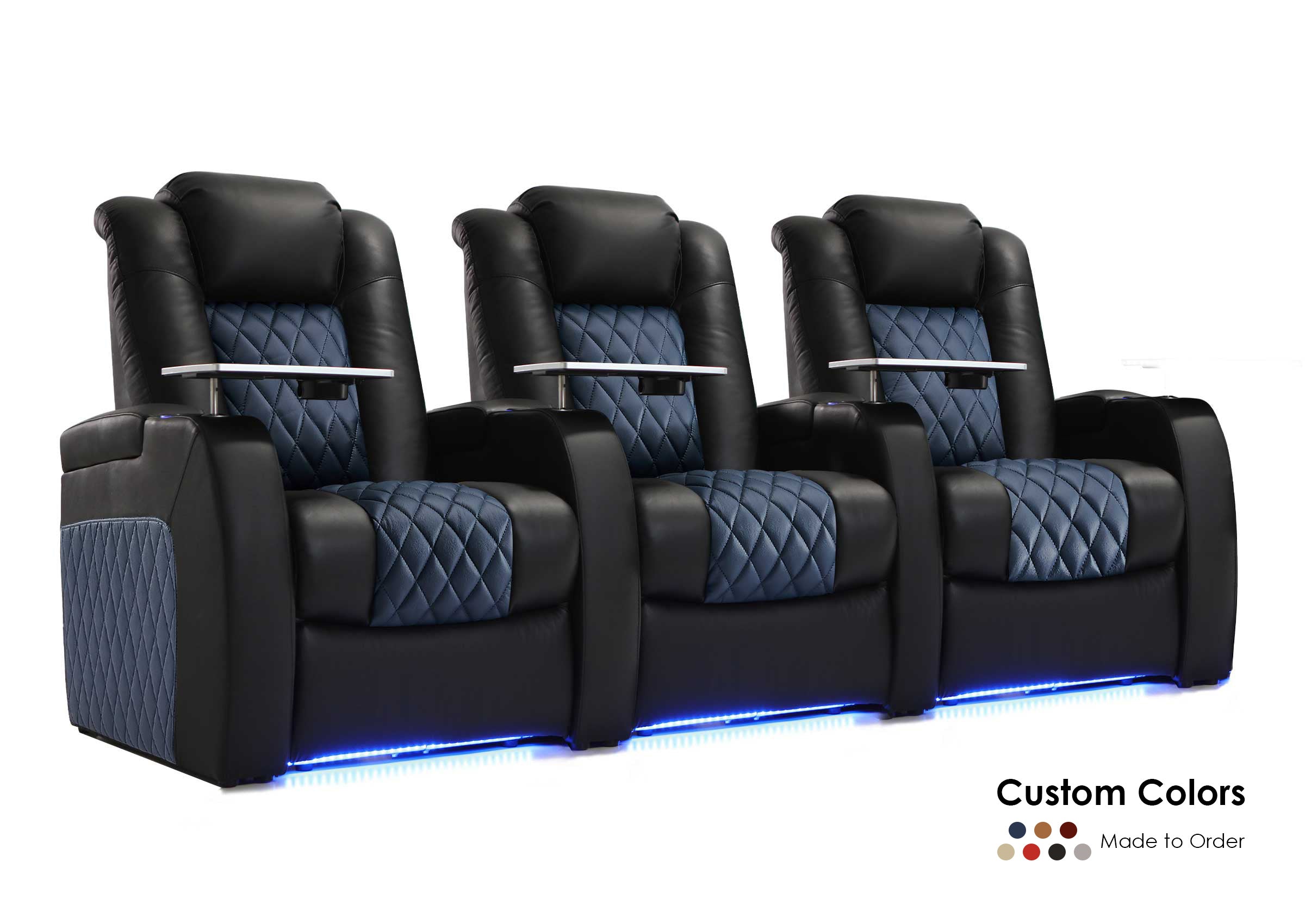
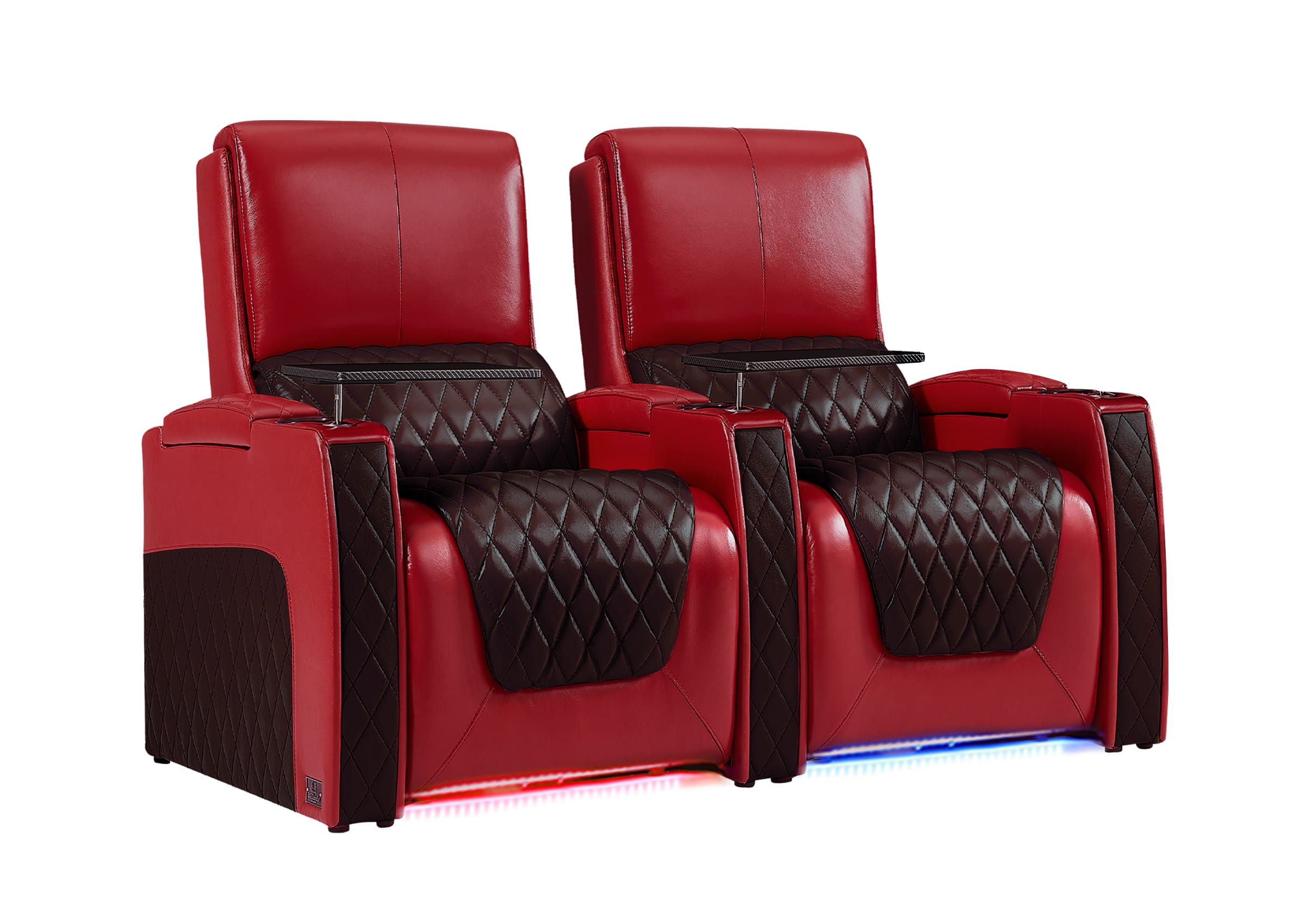
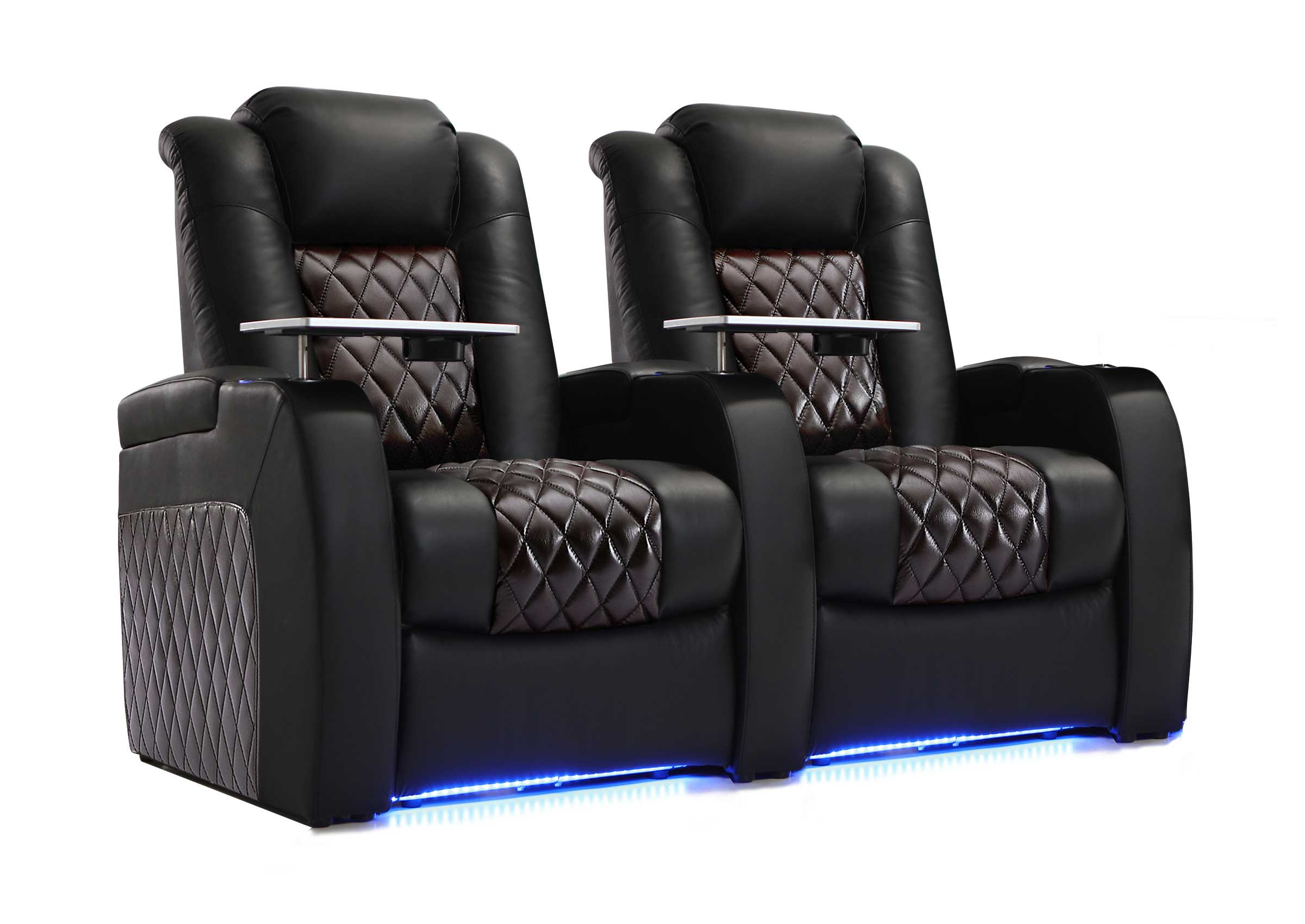
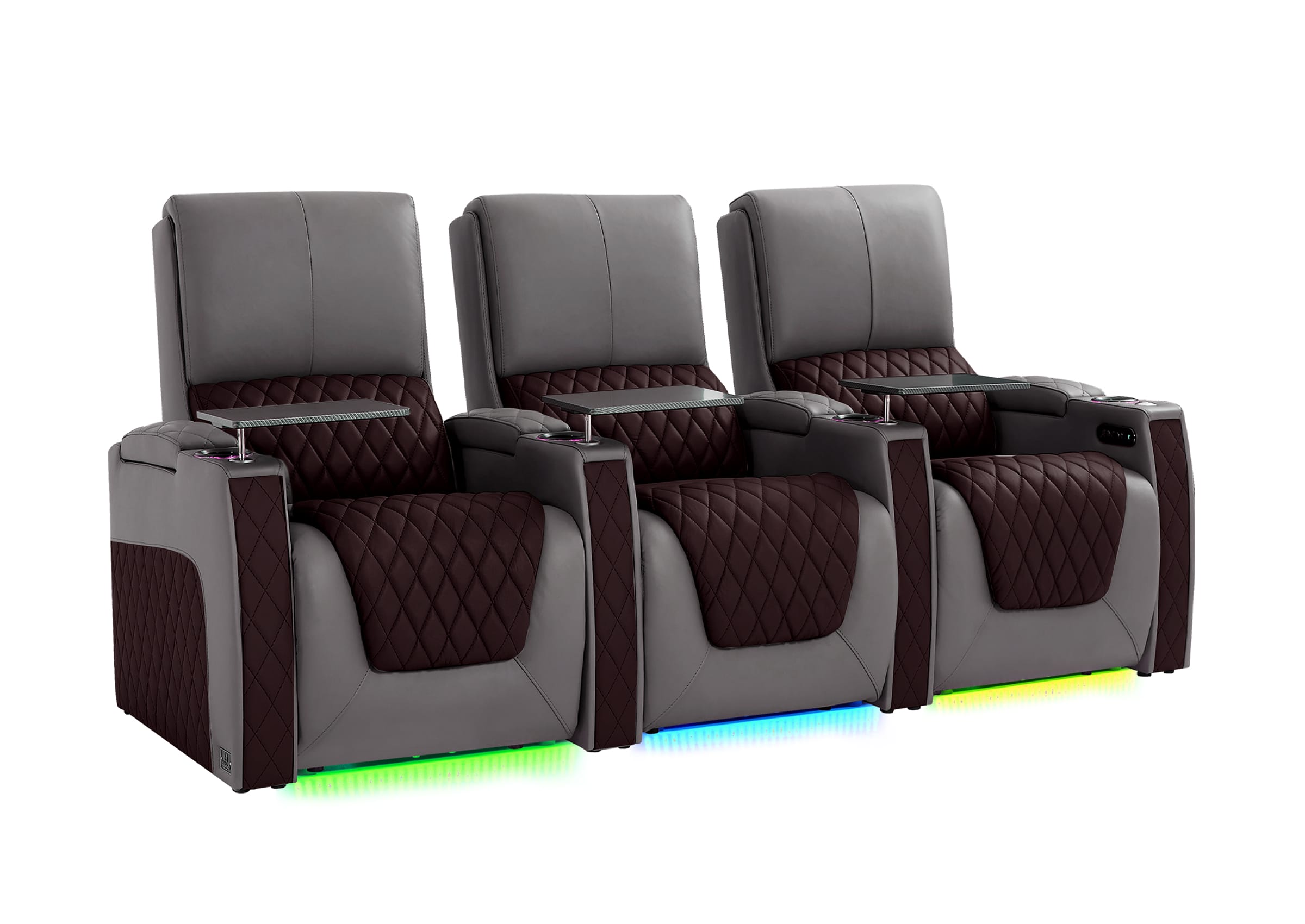
If the room is still being planned, confirm the finished home theater seating layout before treating the current couch position as permanent.
Write down what changes. A phone sound-level app can help compare two tests made from the same location, but it should not be treated as a calibrated measurement. The pattern is more useful than the absolute number.
| What you notice | Most likely direction to investigate |
|---|---|
| Smooth airflow that becomes louder as the projector warms up | Heat, light-output mode, room temperature, or ventilation |
| Noise drops clearly in Eco or a lower light-source mode | Normal cooling response to operating load |
| Sound changes significantly when you move to another seat | Distance, direction, or reflection from a nearby wall or ceiling |
| Buzz or rattle changes when a shelf, mount, or loose cable is secured | Installation vibration |
| Grinding, scraping, repeated clicking, or a new irregular rattle | Possible fan or mechanical fault |
| Warning light, overheating message, or unexpected shutdown | Airflow problem or fault requiring prompt attention |
This test prevents two common mistakes: treating normal airflow as a defect or trying to hide a mechanical warning sound with acoustic foam.

First Identify the Sound, Not the Solution
Different sounds point to different causes.
Steady rushing air
A smooth “whoosh” is usually cooling airflow. It may be noticeable during quiet scenes, especially when the projector is close to the seats. If it becomes stronger in a bright or high-output mode and softer in Eco mode, the cooling system may be responding normally to a higher thermal load.
Epson states in one projector manual that ECO mode reduces lamp brightness and fan noise. BenQ similarly notes for applicable models that higher room temperature can increase fan noise and that a lower light-source mode can reduce it. The settings and image tradeoffs are model-specific, so check your own manual. (Epson, BenQ)
A fan that repeatedly speeds up and slows down
Some variation is normal as temperature and image settings change. Frequent or extreme cycling is a reason to check for recirculated exhaust, a nearby heat source, or an unusually warm room. Let the projector reach normal operating temperature before comparing the same scene and settings.
A high-pitched whine or faint electronic tone
Not every high-frequency sound comes from a fan. BenQ notes that the pixel-shifting mechanism in some 4K DLP projectors can create a slight high-frequency noise. Whether it is distracting depends partly on seating distance and background noise, but a new, severe, or changing sound should still be checked by the manufacturer. (BenQ)
Buzzing or rattling
A buzz can come from the projector, but it can also come from the structure supporting it. A thin shelf panel, loose mount cover, unsecured cable, cabinet door, or nearby ceiling trim can turn small vibrations into a larger audible problem.
Power the projector down, unplug it, and let it cool before inspecting the installation. Check the mount and shelf according to their manufacturers’ instructions. Do not tighten projector hardware blindly or press on a hot operating chassis.
Grinding, scraping, or a harsh irregular sound
Treat this differently from ordinary airflow. ViewSonic’s support guidance identifies grinding or rattling as a possible fan-bearing problem and advises powering the unit off rather than shaking it or continuing to run it. A fanless portable projector that begins making a mechanical sound also deserves immediate support attention because it should not have a cooling fan producing that noise. (ViewSonic)
If the sound is mechanical, accompanied by an error, or followed by overheating, skip the room experiments and contact the manufacturer or an authorized service provider.
Check the Operating Mode Before Moving Anything
Projectors do not have one fixed perceived noise level. Fan behavior can change with light output, picture mode, room temperature, and altitude settings.
Run this controlled comparison:
- Keep the same content playing.
- Record your current picture and light-source settings.
- Switch only the light output to a lower or quieter mode.
- Wait several minutes for the cooling system to respond.
- Listen again from the same seat at the same volume.
If the noise falls substantially, the cooling system is responding to operating load; that does not prove the brighter mode is faulty. Decide whether the quieter mode still produces a suitable image. Change one setting at a time so you know what worked and avoid unnecessary compromises to brightness, color, motion, or HDR.
Check High Altitude Mode
High Altitude Mode intentionally increases cooling on many projectors. If enabled unnecessarily, it may make the fan louder. ViewSonic notes that it can run the fan at maximum speed on applicable models. Sony warns that users above the elevation specified for their projector should not turn it off merely to reduce noise. (ViewSonic, Sony)
Use the elevation threshold in the manual for your exact model. There is no safe universal number for every projector.
Make Sure the Projector Is Cooling Fresh Air
A projector can have open space around it and still cool poorly. The important issue is the path of the air:
- Where does fresh air enter?
- Where does hot air leave?
- Can the exhaust return directly to the intake?
- Does a wall, cabinet side, soffit, curtain, or stored object block either path?
- Is a filter due for cleaning or replacement?
A rear shelf is easy to misjudge: the front may be open while the back wall traps exhaust. A cabinet may fit the chassis but leave too little space for airflow and cable bends. A ceiling-mounted projector may also sit too close to a soffit or HVAC outlet.
Follow the clearance and filter instructions for your exact model. Sony and ViewSonic publish different clearance guidance, which demonstrates why airflow matters—but also why one brand’s number should not be copied to an unrelated projector. (Sony, ViewSonic)
Inspect the filter and vents only as the manual directs. Do not blow canned compressed air into the projector unless the manufacturer specifically approves it; ViewSonic warns that this can push dust into the optical engine.
A simple heat test
Without covering or touching the projector, compare its behavior in two conditions:
- the room and installation exactly as normally used;
- nearby cabinet doors fully open and removable objects cleared well beyond the required vent space.
If the fan settles down in the open condition, the enclosure or local airflow deserves attention. This test identifies the problem category; it does not authorize smaller clearances or improvised cooling.

Why the Same Projector Can Sound Louder at One Couch
Projector specifications cannot fully predict what reaches your seat. Your room adds distance, direction, reflections, background noise, and listener position to the published test condition.
Two installations using the same projector can feel very different:
- A ceiling-mounted unit directly above the main seat may be physically close to the listener.
- A rear-shelf projector may direct fan or tonal noise toward a hard back wall that reflects it toward the couch.
- A shelf, cabinet cavity, or room corner can make a narrow-band buzz more noticeable.
- A quiet, acoustically treated theater can reveal projector noise that was masked in a living room.
- The center seat may be comfortable while the end seat nearest the projector hears much more noise.
The projector does not need to be loud everywhere to be distracting where you actually watch movies.

Test for reflected sound safely
Keep every vent and required clearance completely open. Then temporarily place a thick blanket or removable absorptive panel against the nearby hard wall—not on, around, or above the projector. If the sound at the couch changes noticeably while the projector settings stay the same, reflection is contributing to the problem.
This is only a diagnostic test. Permanent acoustic treatment must remain outside the manufacturer’s clearance zone and meet applicable safety requirements.
Also compare the main seat with a position a few feet forward and to the side. A large change suggests that distance, direction, or reflection matters. Little or no change points you back toward the noise source itself.
PLAN BEFORE YOU MOUNT
Still Deciding Where the Projector Should Go?
Coordinate the mounting zone with the seats, fan-noise path, ventilation, and projected beam before the ceiling mount or rear shelf becomes permanent.
Separate Projector Noise From Installation Vibration
Before blaming the cooling fan, listen close to each possible source without placing your face or hands near the exhaust:
- projector chassis;
- ceiling-mount arms and decorative cover;
- projector shelf and its wall brackets;
- cabinet doors or access panels;
- HDMI and power cables touching the chassis or shelf;
- nearby trim, vents, or light fixtures.
If the sound changes after a loose non-electrical item is secured following shutdown, installation vibration is likely contributing. A thin shelf can act like a sounding board even when the projector operates normally.
Do not place soft foam directly under a projector unless the installation method is approved and remains stable, level, ventilated, and safe. A ceiling-mounted projector should never be modified with improvised padding that compromises the rated mount or attachment.
Use This Diagnosis Order
The most efficient sequence is setting → heat → sound path → vibration → fault.
- Compare normal and lower light-output modes and verify the altitude setting.
- Check room temperature, vent clearance, filters, and exhaust recirculation.
- Listen from multiple seats and test nearby hard surfaces for reflection.
- After shutdown and cooling, inspect the shelf, mount, cables, and nearby fixtures.
- Stop and seek support for grinding, scraping, warning indicators, unusual smells, or thermal shutdowns.
The order matters. Moving the projector will not repair a failing bearing, and buying a quieter model will not fix a heat-trapping cabinet.
Should You Build a Projector Hush Box?
A properly engineered hush box can reduce noise, but it is not a padded container. It must supply cool air, remove exhaust without recirculation, preserve required clearances and service access, and avoid blocking the light path.
Do not build a sealed or foam-lined box as the first response to a loud projector. It can increase internal temperature, make the fan work harder, shorten component life, and create a safety risk.
Before considering an enclosure, confirm that:
- the projector is operating normally;
- the selected mode is appropriate;
- the vents and filter are clear;
- the existing location is not trapping heat;
- reflection or shelf vibration is not the real problem;
- the enclosure can be designed around the exact intake and exhaust layout.
For many rooms, a better mounting position or a quieter projector at the actual seating distance is simpler than adding another cooling system to the ceiling.
When to Adjust, Relocate, Service, or Replace
| Finding | Best next step |
|---|---|
| Normal airflow becomes acceptable in a lower light-output mode | Use that mode when its image remains suitable, or reassess the brightness/noise tradeoff |
| Fan grows louder because the installation traps heat | Correct airflow according to the exact manual before using the projector normally |
| Sound is normal near the projector but distracting mainly at one seat | Address distance, direction, reflection, or the mounting position |
| Shelf, mount, cable, or trim is buzzing | Correct the installation safely; do not open the projector |
| Grinding, scraping, persistent irregular rattle, fan error, or overheating | Power down and contact the manufacturer or authorized service |
| Projector is healthy but still too loud in every usable mode and location | Compare quieter models using the intended mode and real seating distance, not one headline specification |
Replacement should be the final diagnosis, but it is reasonable when a healthy projector’s normal sound remains incompatible with a quiet room and close seating. If replacement becomes necessary, compare LED and laser projectors by the operating mode, heat load, and seating distance you will actually use.
If the Room Is Not Finished Yet, Test Noise Before Final Mounting
Noise is cheapest to solve before the outlet, mount, shelf, soffit, and seats are fixed. Start by planning the projector around the seats, fan-noise path, and projected beam.
Temporarily place the exact projector near the proposed mounting zone. Run the mode you expect to use, let the unit warm up, recline the seats, and listen during quiet content from every important position. Check the closest end seat as well as the center seat.
The installation zone must pass both an optical test and a listening test. Filling the screen is not enough if the fan remains distracting at the seats.
Frequently Asked Questions
Is projector fan noise normal?
Smooth airflow is normal for projectors that use cooling fans. The amount can change with light output, temperature, ventilation, and altitude settings. Grinding, scraping, a sudden new rattle, error indicators, or overheating should not be treated as routine fan noise.
Why does my projector get louder after 20 minutes?
The cooling system may increase speed as internal temperature rises. Check whether the projector stabilizes, whether the room or enclosure is warm, whether exhaust is recirculating, and whether a lower light-output mode changes the result. Warning lights or shutdowns require immediate attention.
Why is the projector louder in a bright or HDR mode?
Some modes drive the lamp, laser, or LED light source harder and create more heat, so the cooling system may run faster. The exact behavior depends on the model. Compare modes using the same scene and wait long enough for fan speed to respond.
Will Eco mode always make a projector quieter?
It often reduces light output and cooling demand, and some manufacturers explicitly associate Eco mode with lower fan noise. It may also reduce screen brightness, so judge the picture and sound together. Menu names and behavior vary by model.
Can I put acoustic foam around the projector?
Not within the projector’s required clearance or airflow path. Foam or fabric placed around a hot projector can restrict cooling and introduce a safety risk. Diagnose the source first; any permanent enclosure or treatment must be designed around the exact model and applicable safety requirements.
Can dust make a projector fan louder?
Restricted airflow can make cooling more difficult. Inspect and clean the filter and vents only according to the manufacturer’s instructions. Do not open the chassis or force compressed air into the projector unless the manual specifically tells you to do so.
Is a rear shelf quieter than a ceiling mount?
Not automatically. A rear shelf may move the projector away from the listeners, but a hard back wall or shelf cavity can reflect or amplify the sound, and poor ventilation can increase fan speed. Compare both locations from the actual seats with the projector warmed up.
When should I stop using a loud projector?
Power it down if you hear grinding or scraping, receive a fan or temperature warning, experience repeated overheating or shutdowns, or notice an unusual smell. Follow the manual and contact the manufacturer or an authorized service provider.
Diagnose the Noise Before You Hide It
A projector that sounds loud from the couch does not have one universal fix. It may be operating normally in a demanding mode, cooling recirculated hot air, reflecting sound off a rear wall, vibrating its shelf, or warning you about a mechanical fault.
Start from the seat, change one variable at a time, and use the result to choose the next step. The goal is not to make the projector silent at any cost. It is to make the complete theater quiet enough without compromising cooling, safety, image quality, or reliability.
When you are ready to coordinate the room around the viewing seats, explore home theater seating options. For product or installation questions, visit Support or email leon@weiliandahome.com.
