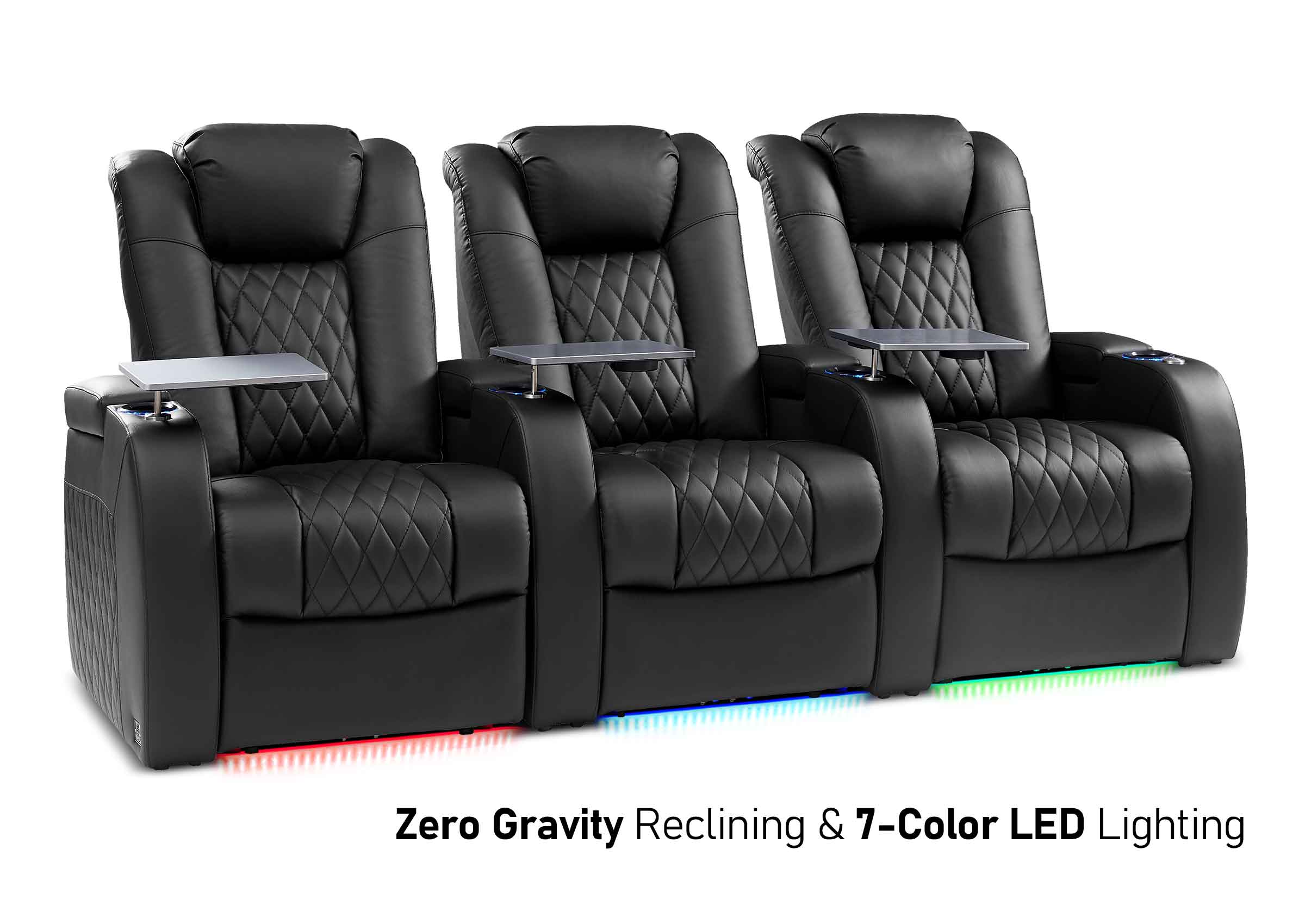
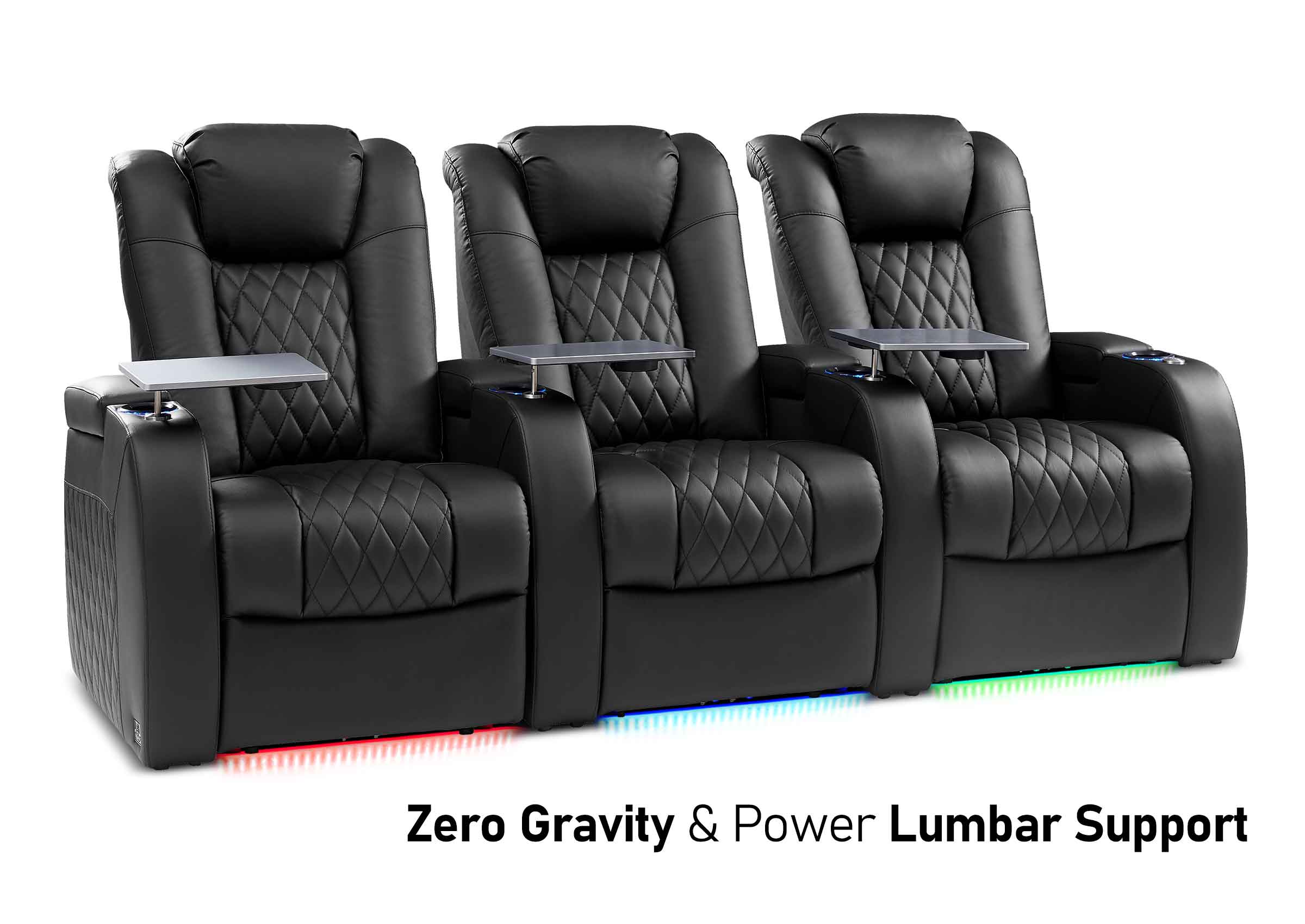
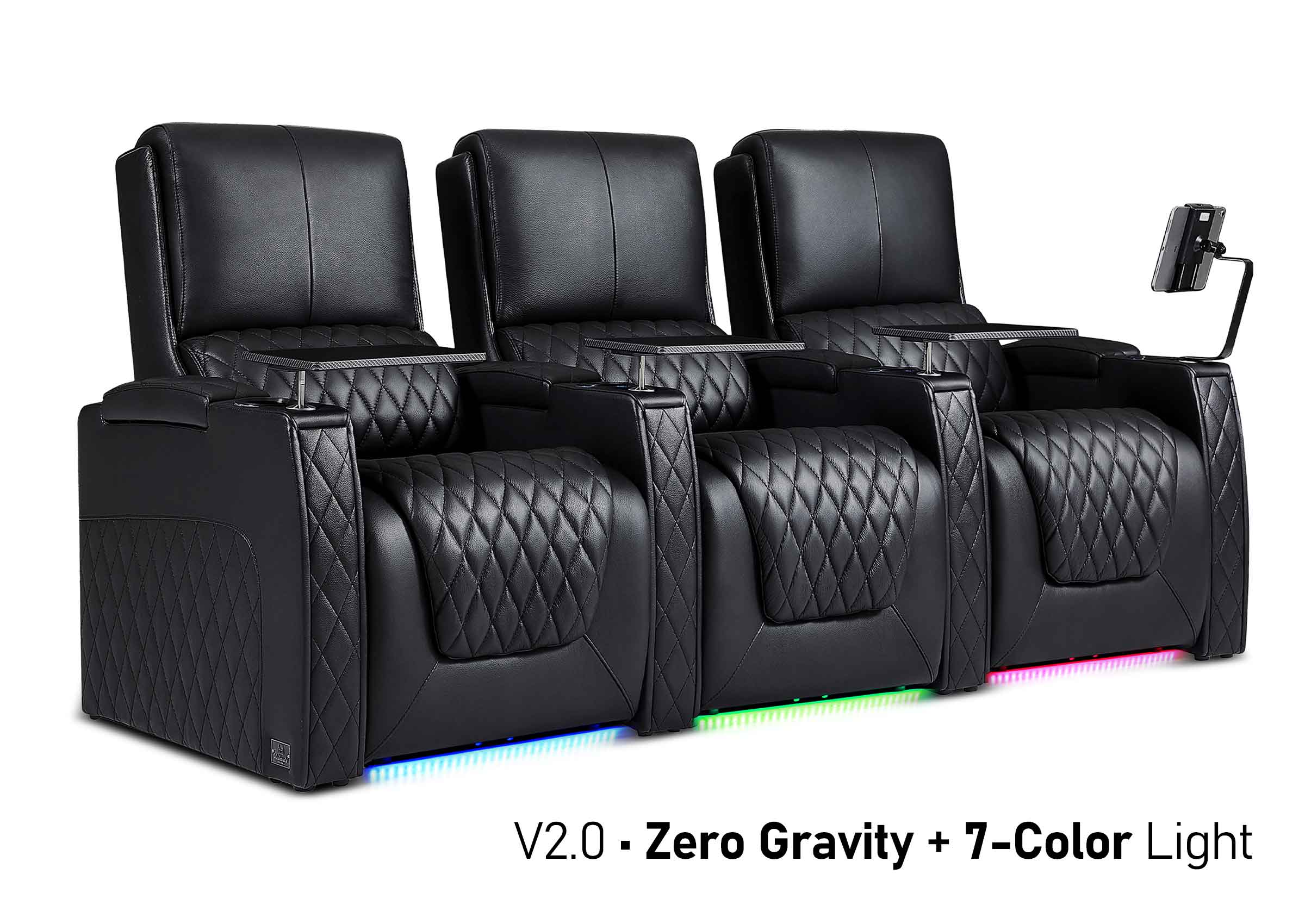
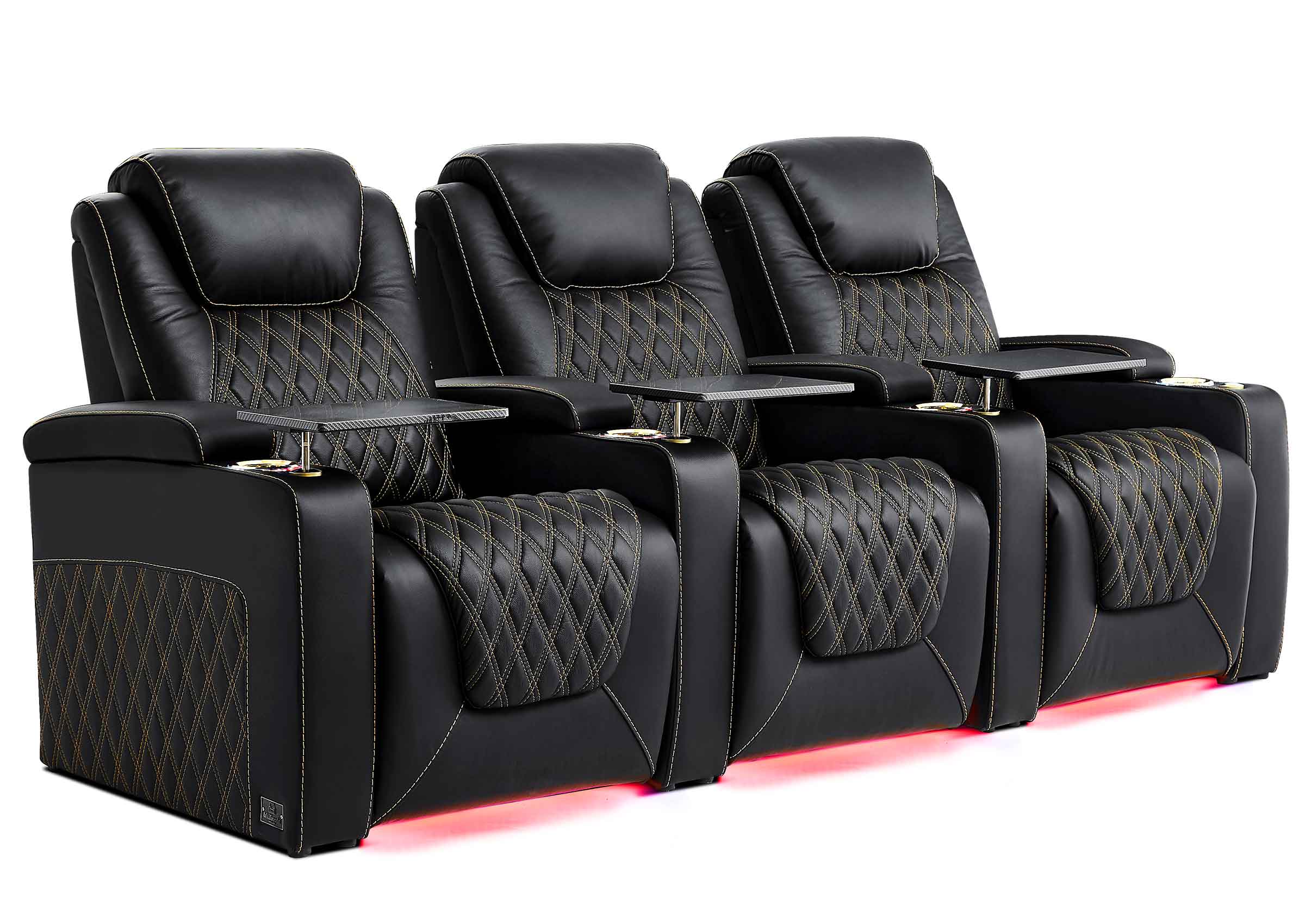
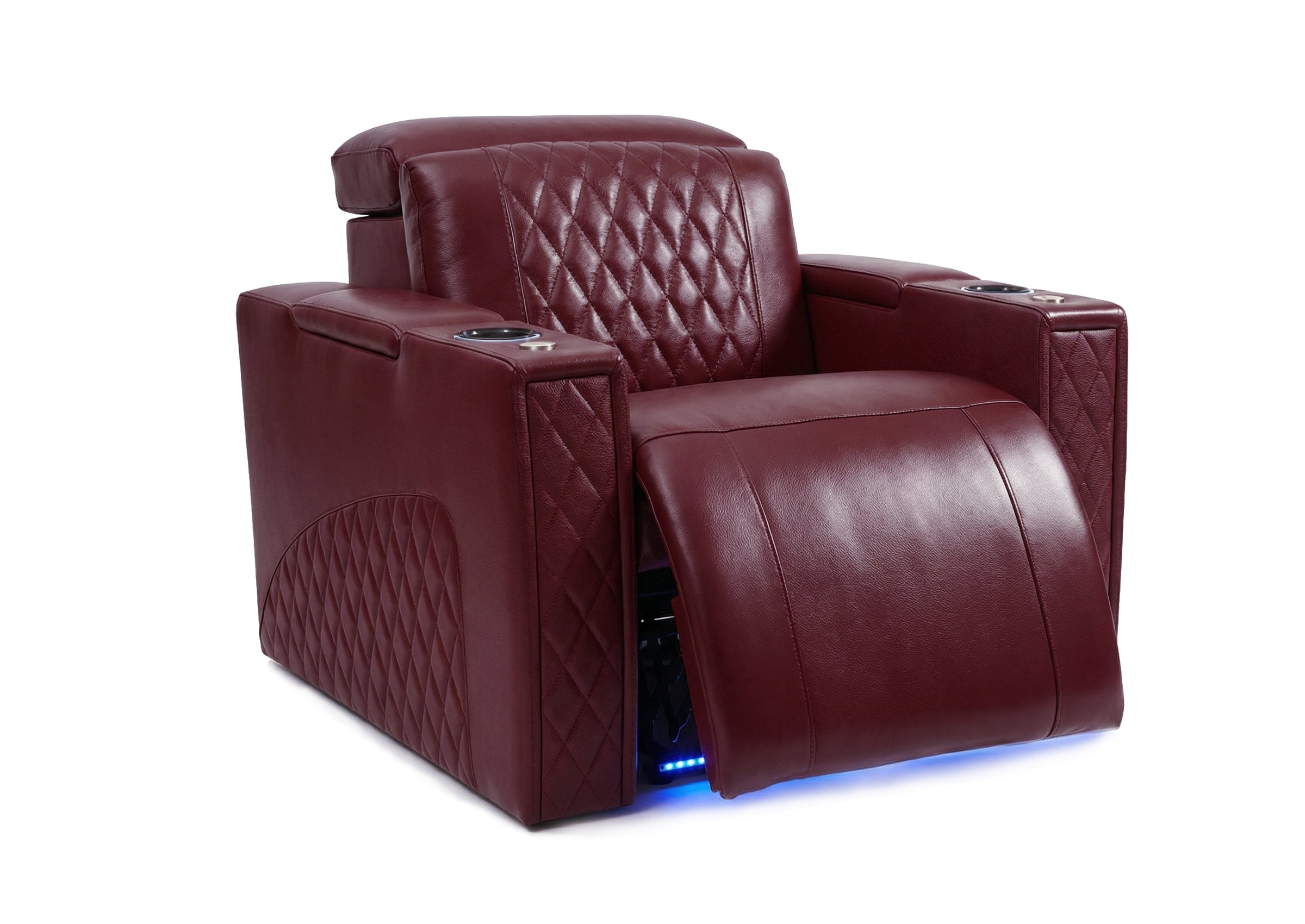

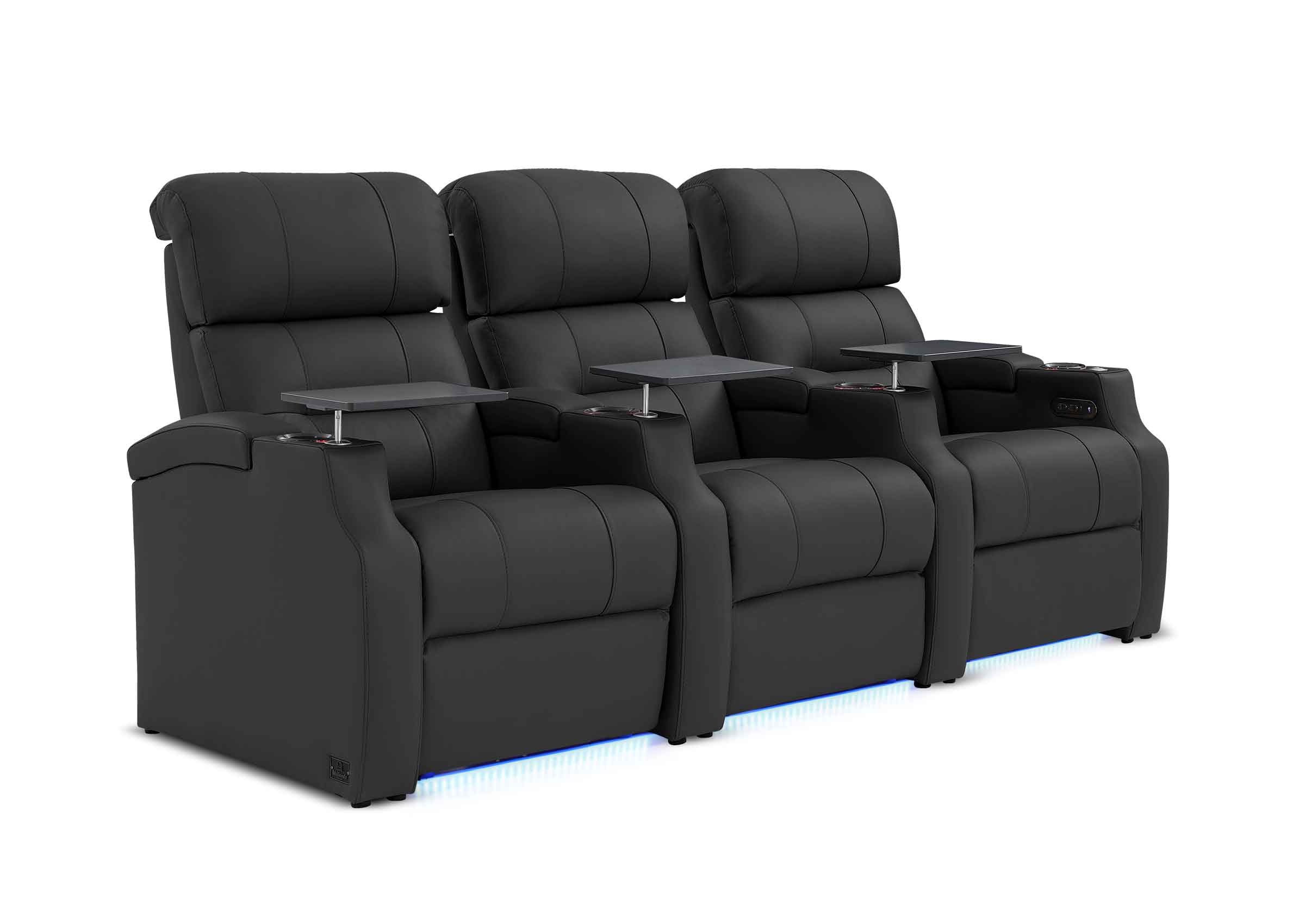
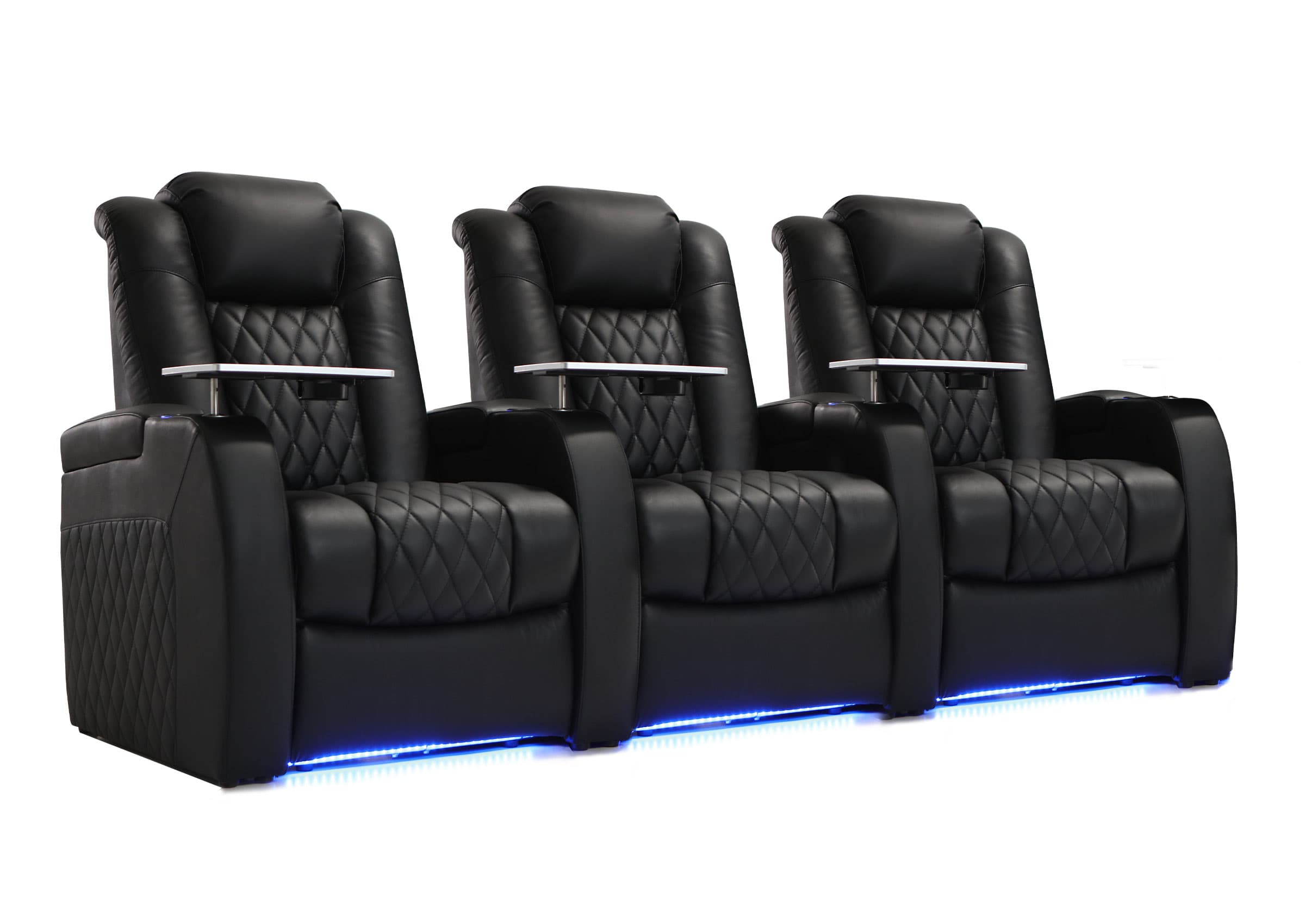
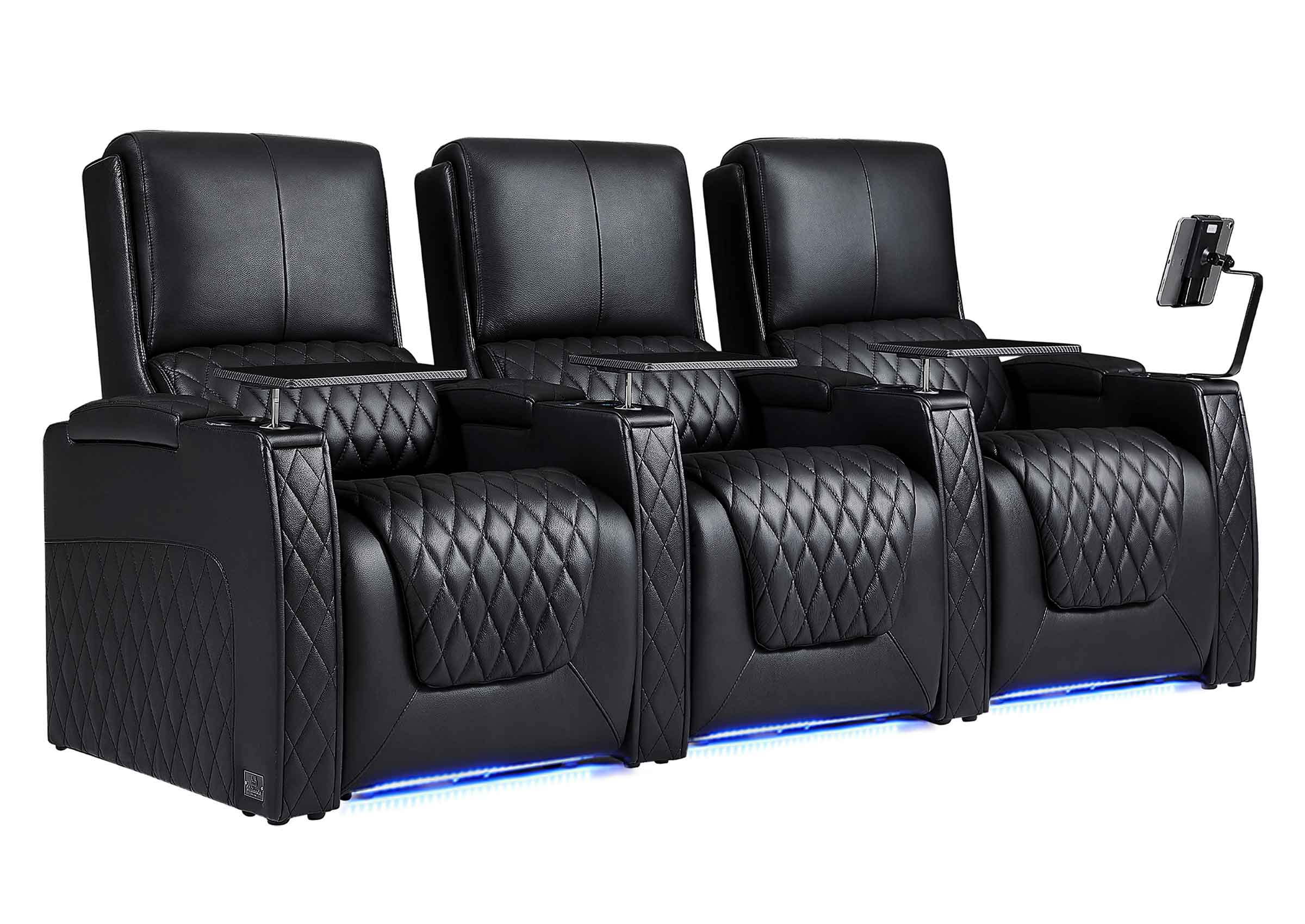






When selecting home theater seating, people often focus first on materials, features, or style. However, in practical setups, layout errors typically cause more discomfort than choosing the wrong chair model.
Many homeowners invest in premium seating only to later find the room feels cramped, certain seats go unused, or long movie nights become fatiguing. In most instances, the problem isn’t the seat itself but the space planning.
Before deciding how many seats to purchase or which configuration looks best, it’s important to understand how room size, viewing distance, and seating layout work together.
Measure First: Why Space Planning Comes Before Seat Selection
Every successful home theater layout starts with precise measurements. Estimating dimensions or replicating another person’s setup frequently results in compromises that can be hard to correct later.
Room Width and Depth
Room width dictates the number of seats that can be placed side by side, while room depth influences three key factors:
- Viewing distance
- Reclining clearance
- Walkway space behind or in front of seats
Even minor variations in width or depth can significantly impact whether a layout feels balanced or cramped.
Screen Size and Viewing Distance
A larger screen does not necessarily require sitting closer. Comfortable viewing hinges on field of view (FOV)—the proportion of your vision occupied by the screen. Industry standards offer guidance:
- THX advocates for a wider, more immersive viewing angle.
- SMPTE prefers a more relaxed viewing experience.
- Gaming setups typically benefit from an even broader FOV.
Reclining and Walkway Clearance
Fully reclined seats demand more space than commonly anticipated. Failing to account for reclining needs when planning often leads to inadequate legroom, obstructed walkways, or underutilized reclining features.
To simplify this process, the Weilianda Movie Night Planner calculates optimal viewing distance based on screen size, room dimensions, and personal viewing preferences. Unlike generic averages, this tool uses real-world seating proportions to ensure recommendations translate accurately to actual home theater setups.
For a detailed exploration of spacing guidelines, layout patterns, and practical examples, consult our comprehensive home theater seating layout guide, which delves deeper into these topics.
Seat Count Guide: How Many Seats Do You Really Need?
More seats don’t always mean a better experience. The objective is to ensure every seat falls within a comfortable viewing range—without compromising space or functionality.
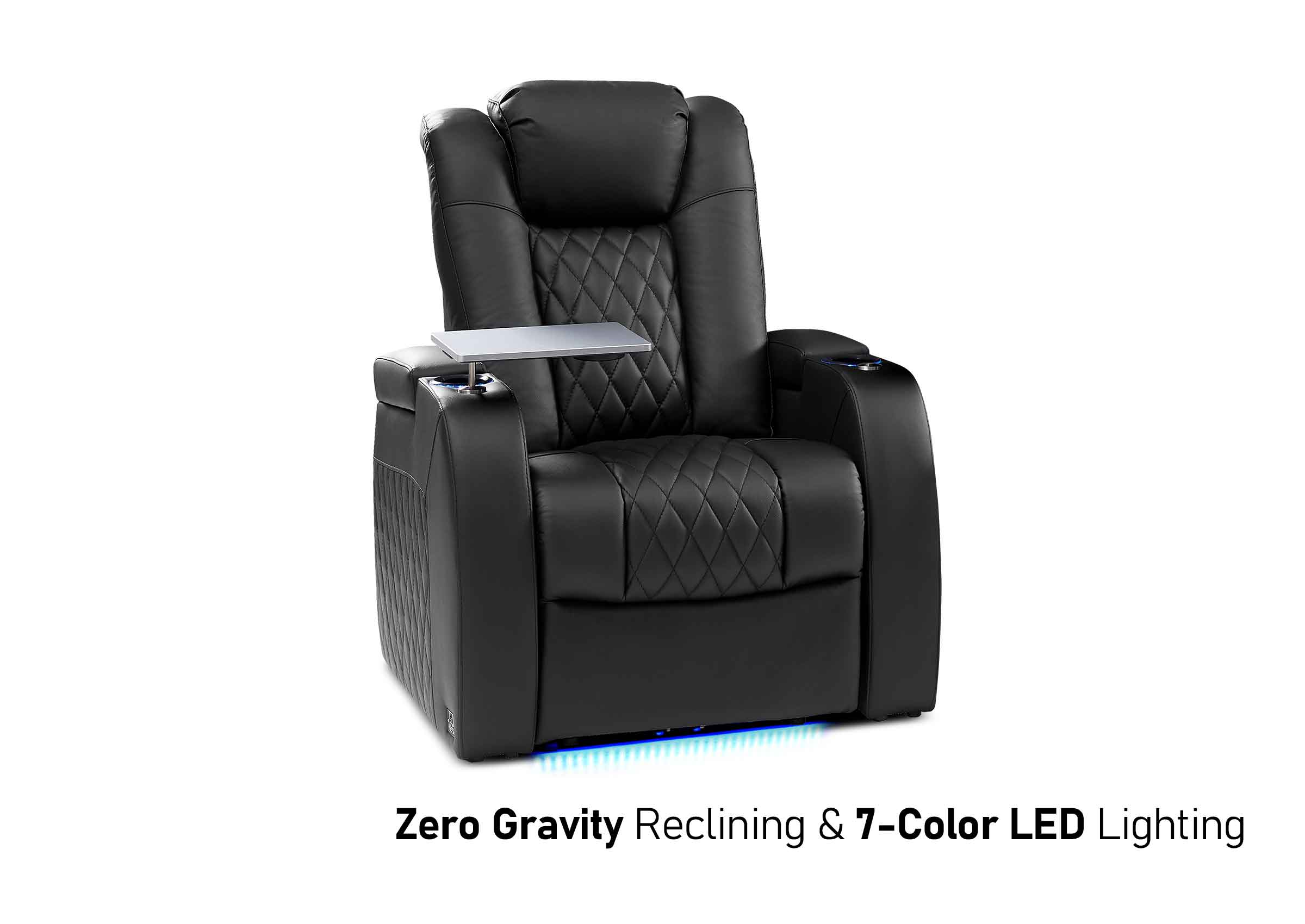
Single Seat
Ideal for:
- Personal media rooms
- Gaming-focused setups
- Narrow or multipurpose spaces
A single seat simplifies centering within the screen’s “sweet spot” and provides maximum control over viewing distance.

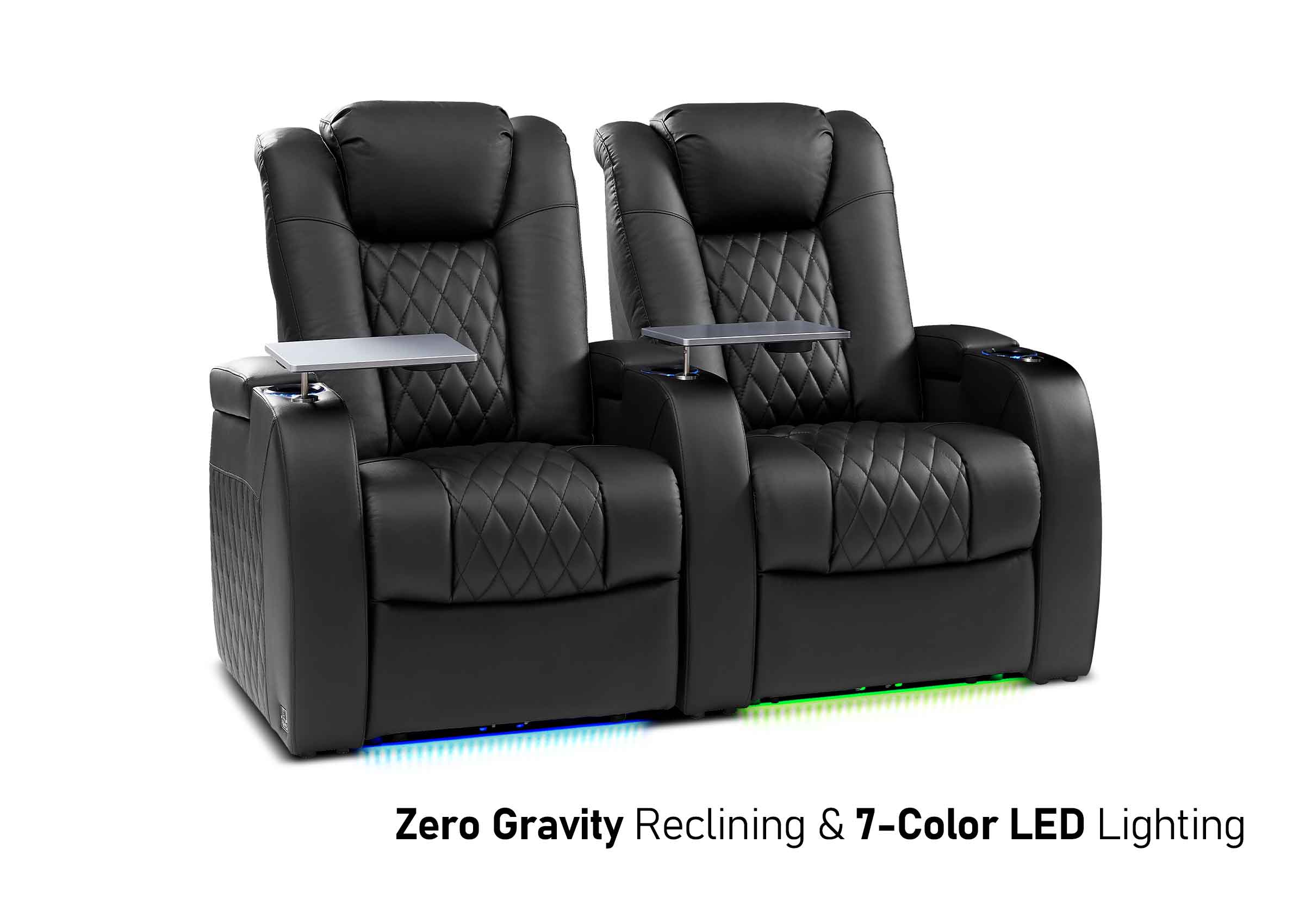
Two Seats
Best for:
- Couples
- Apartments or smaller living spaces
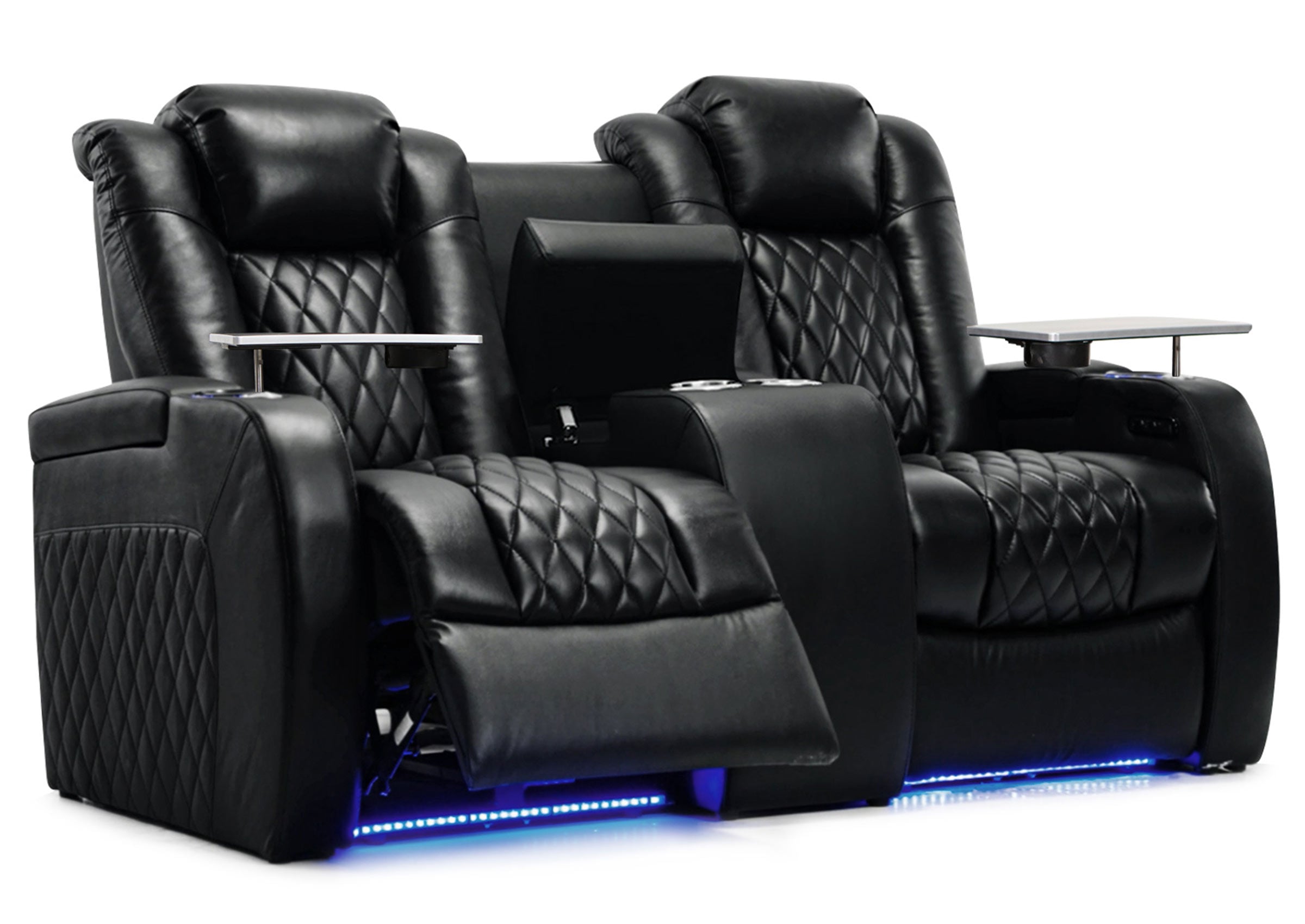
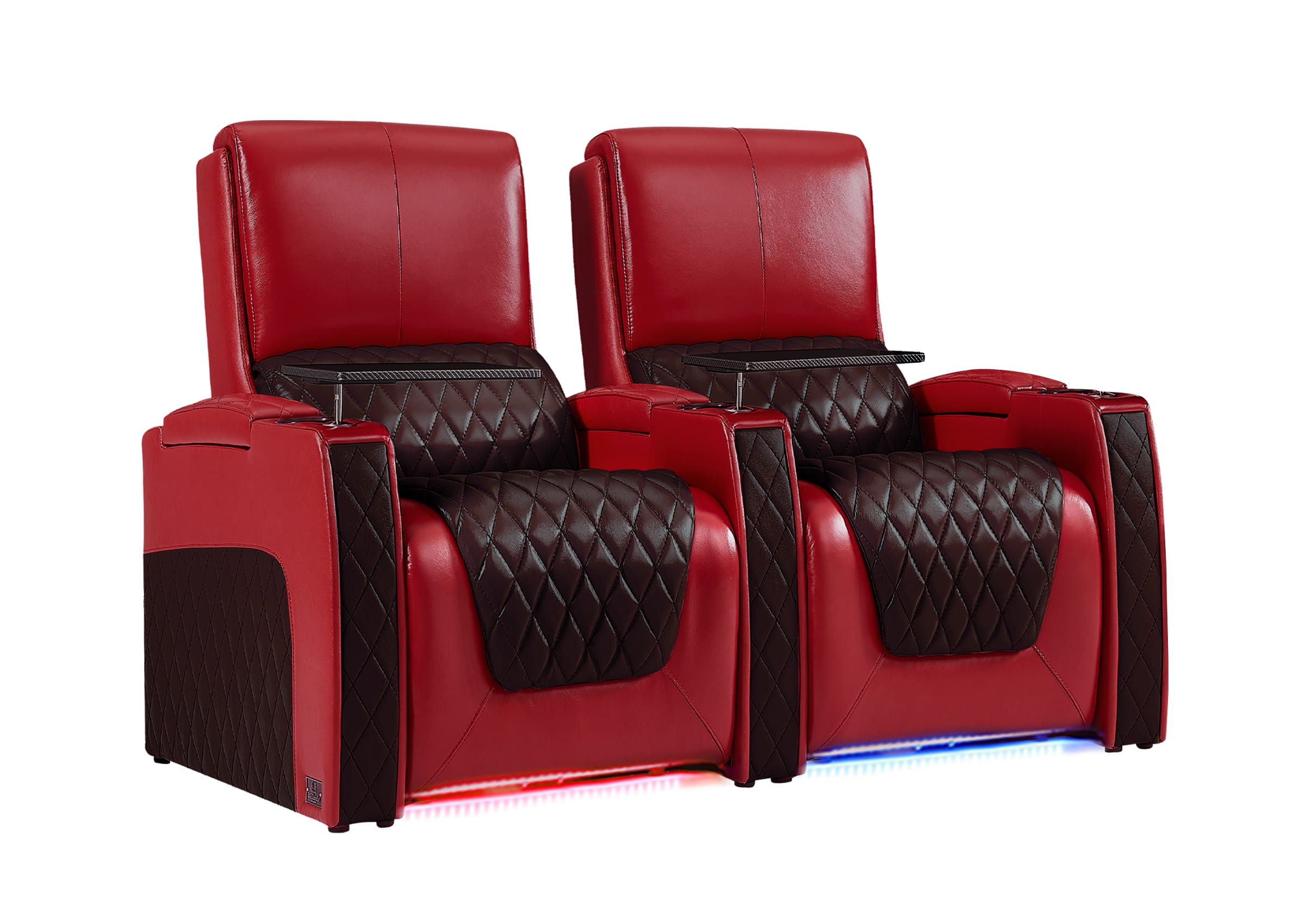
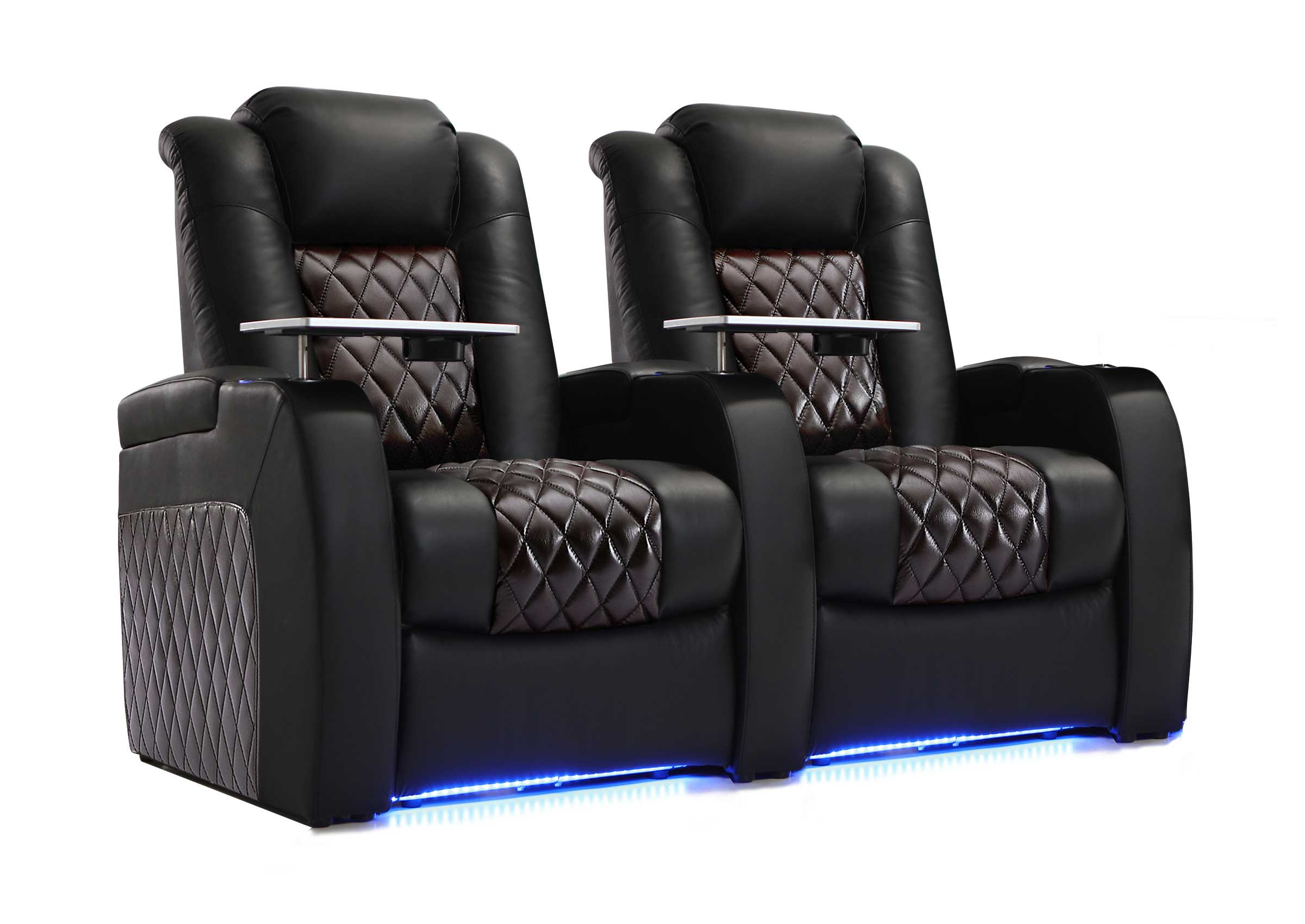
Two-seat arrangements balance intimacy and comfort, keeping both viewers close to the optimal viewing angle.

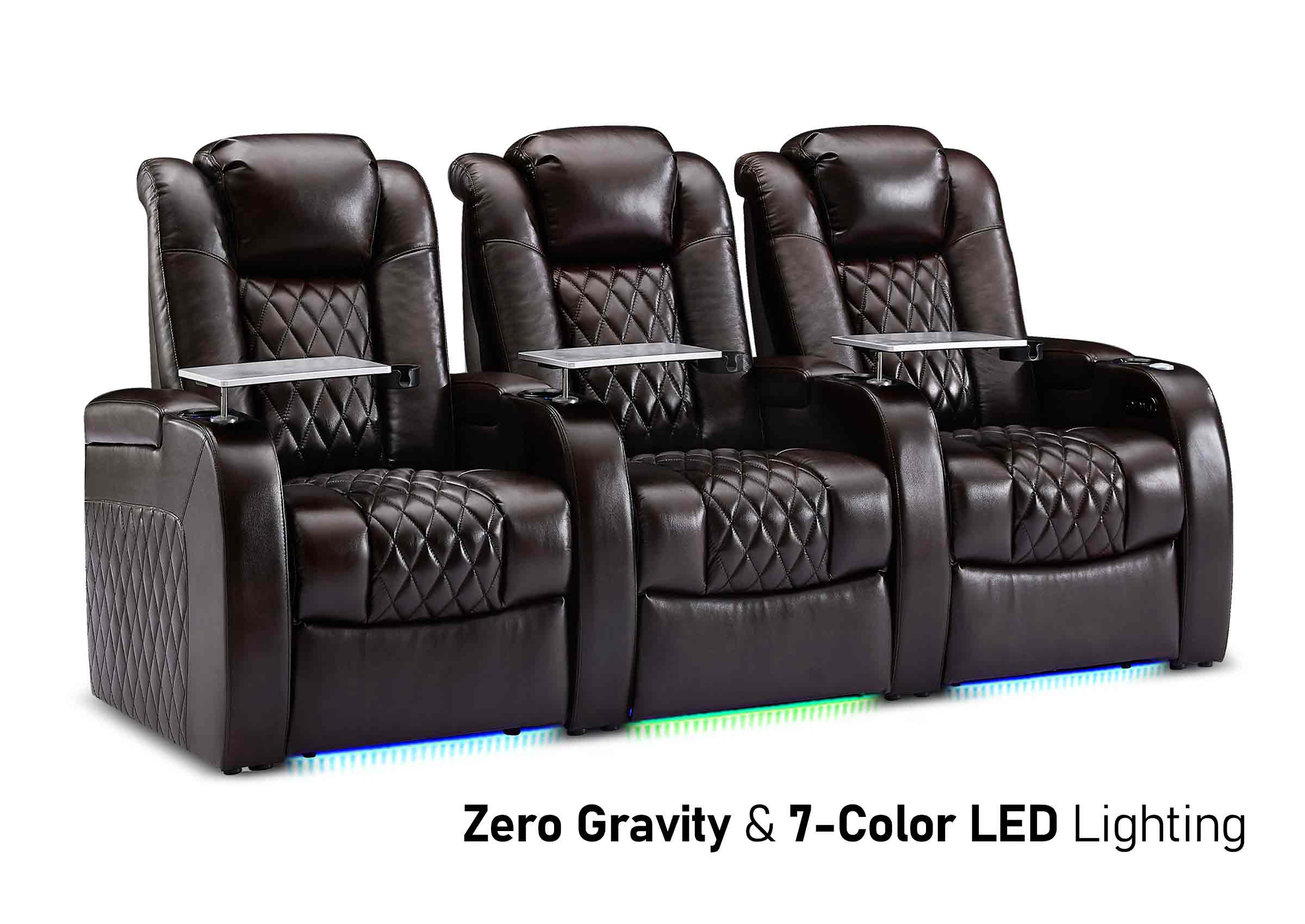
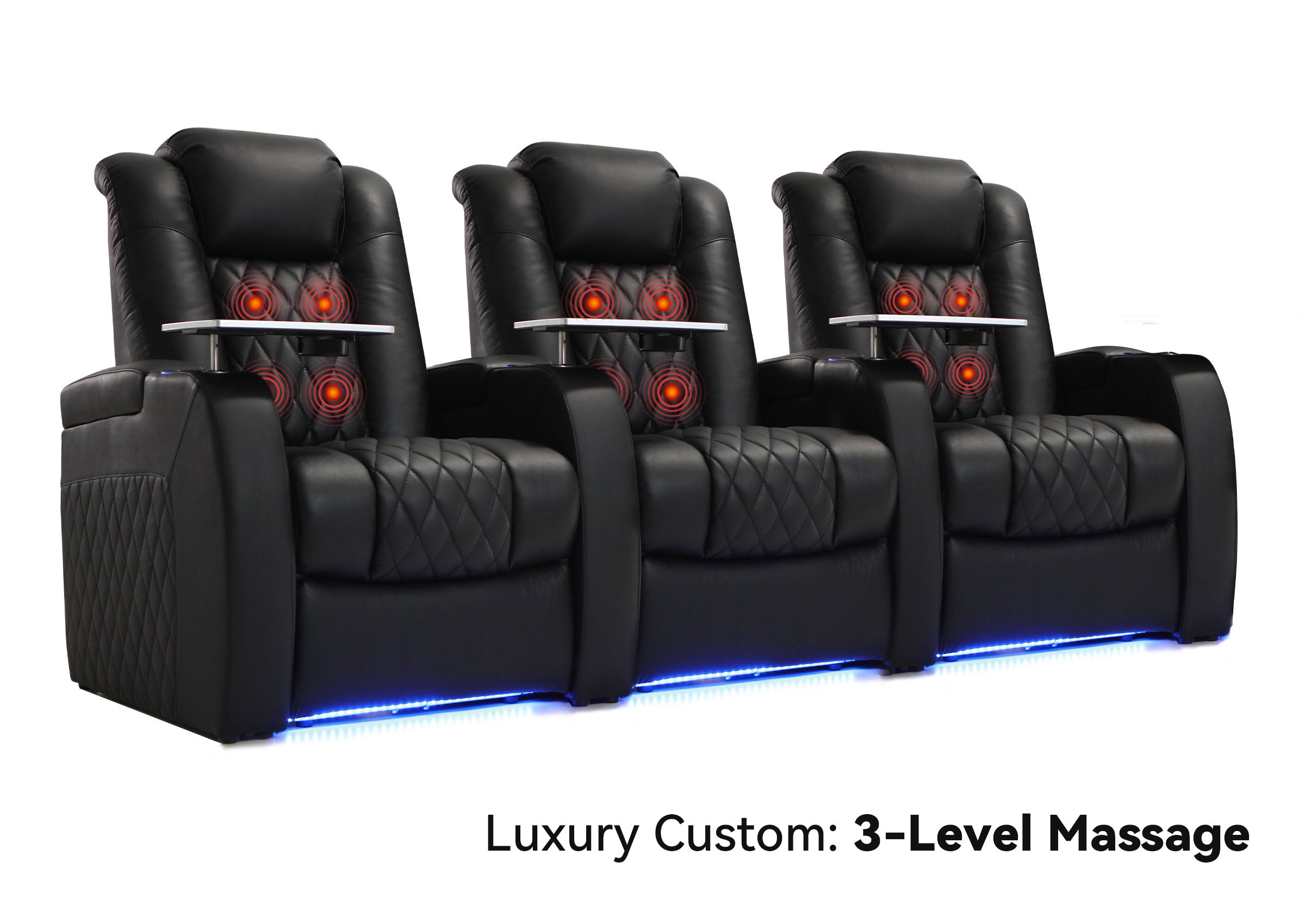
Three Seats
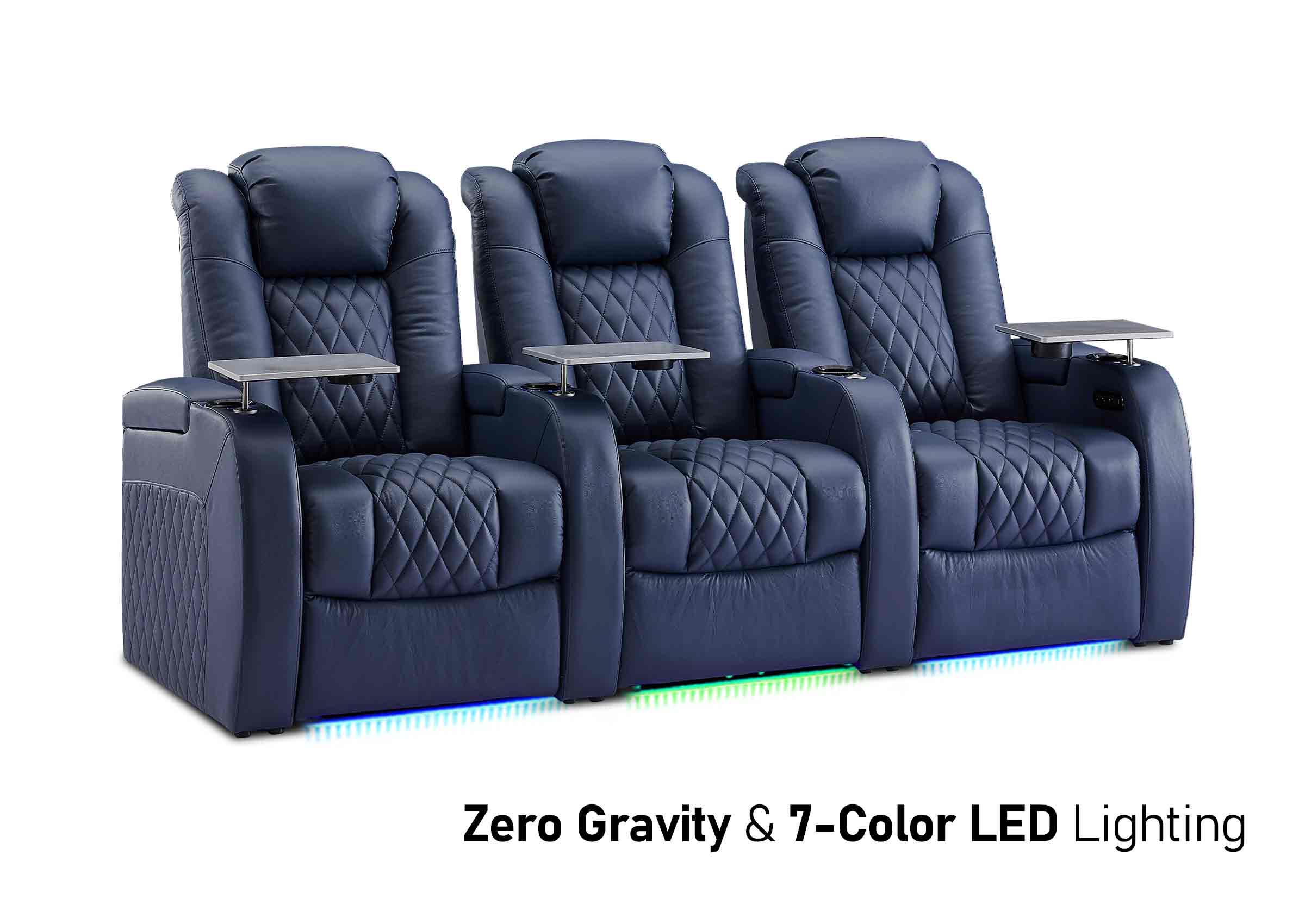
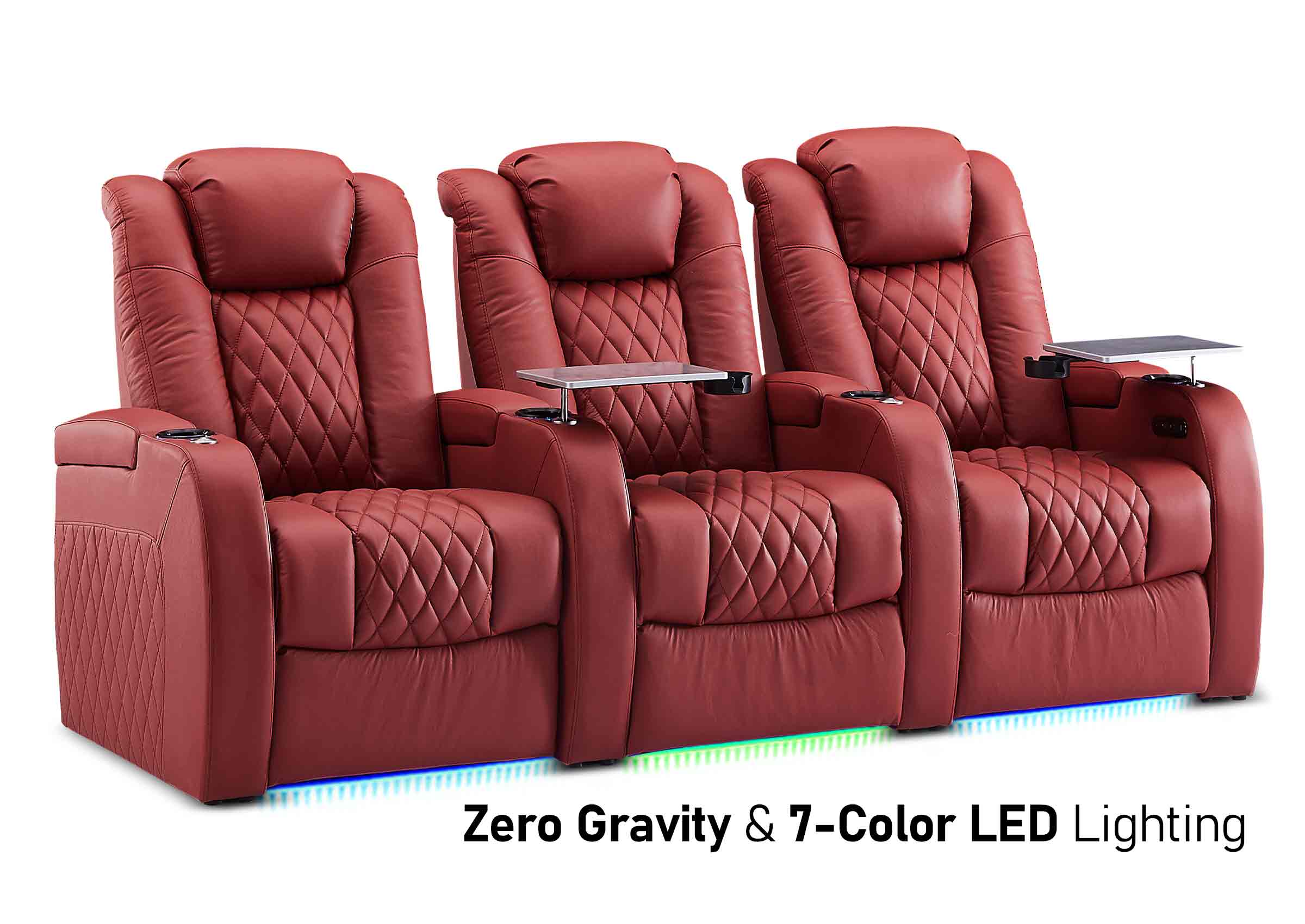
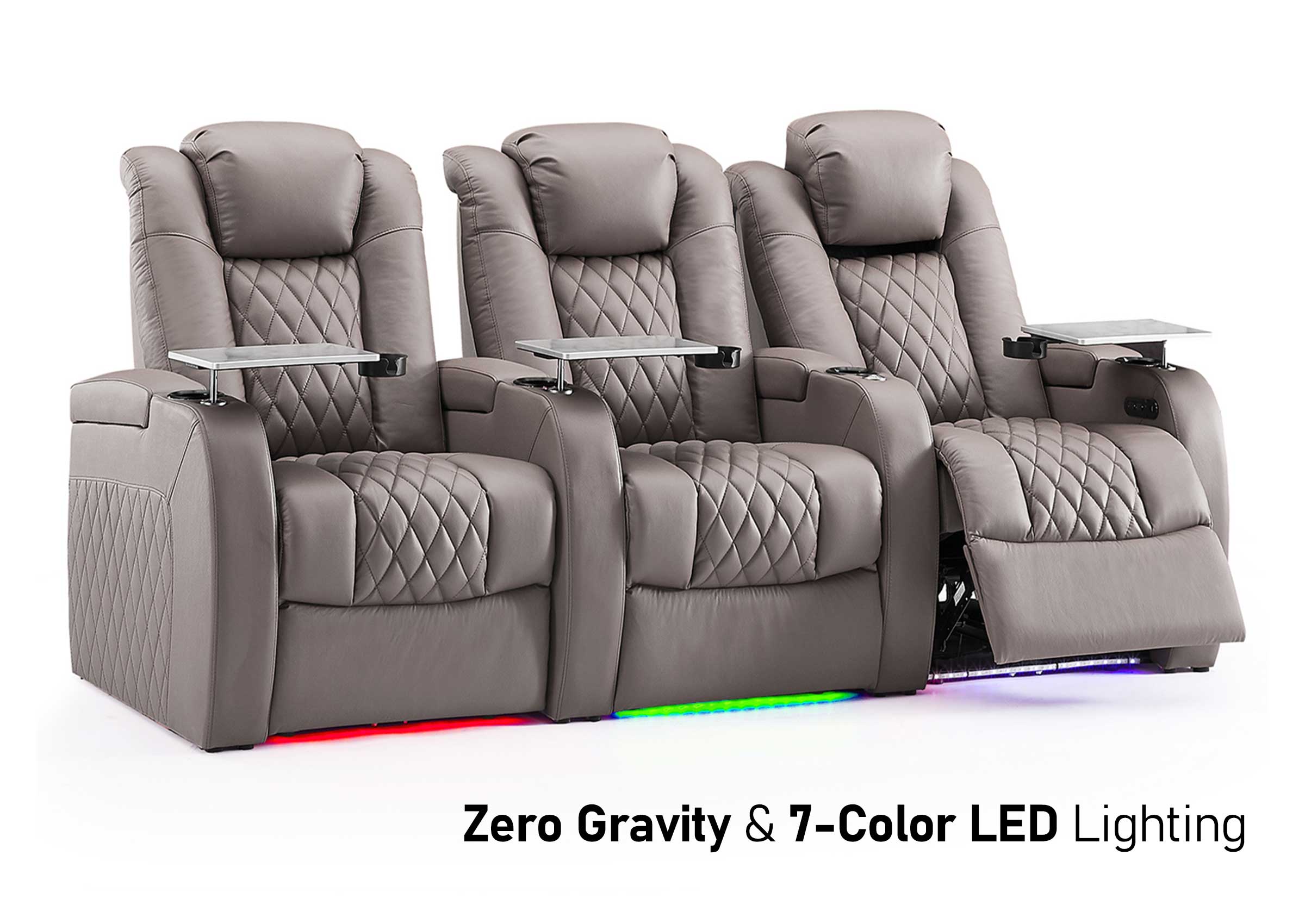
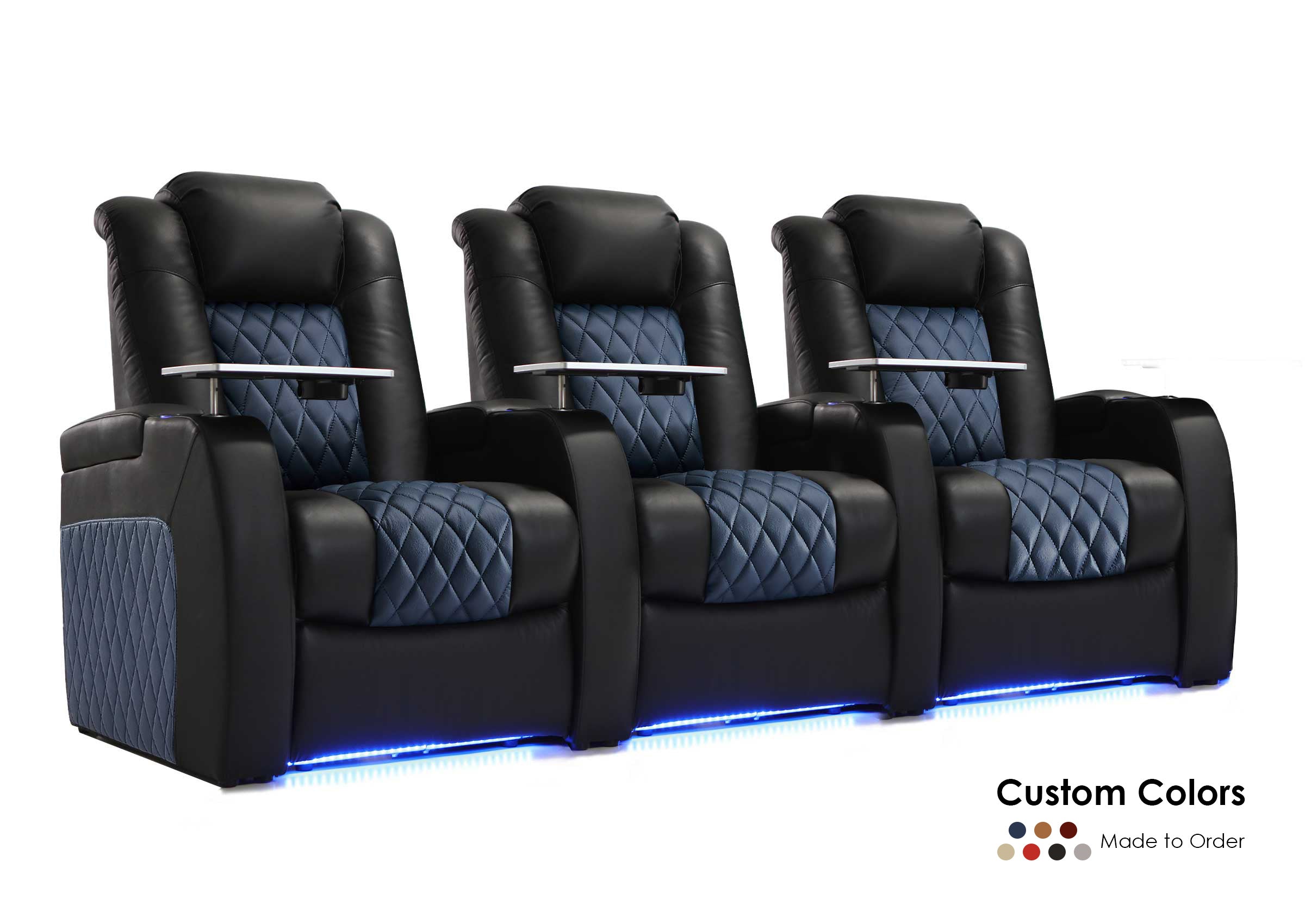
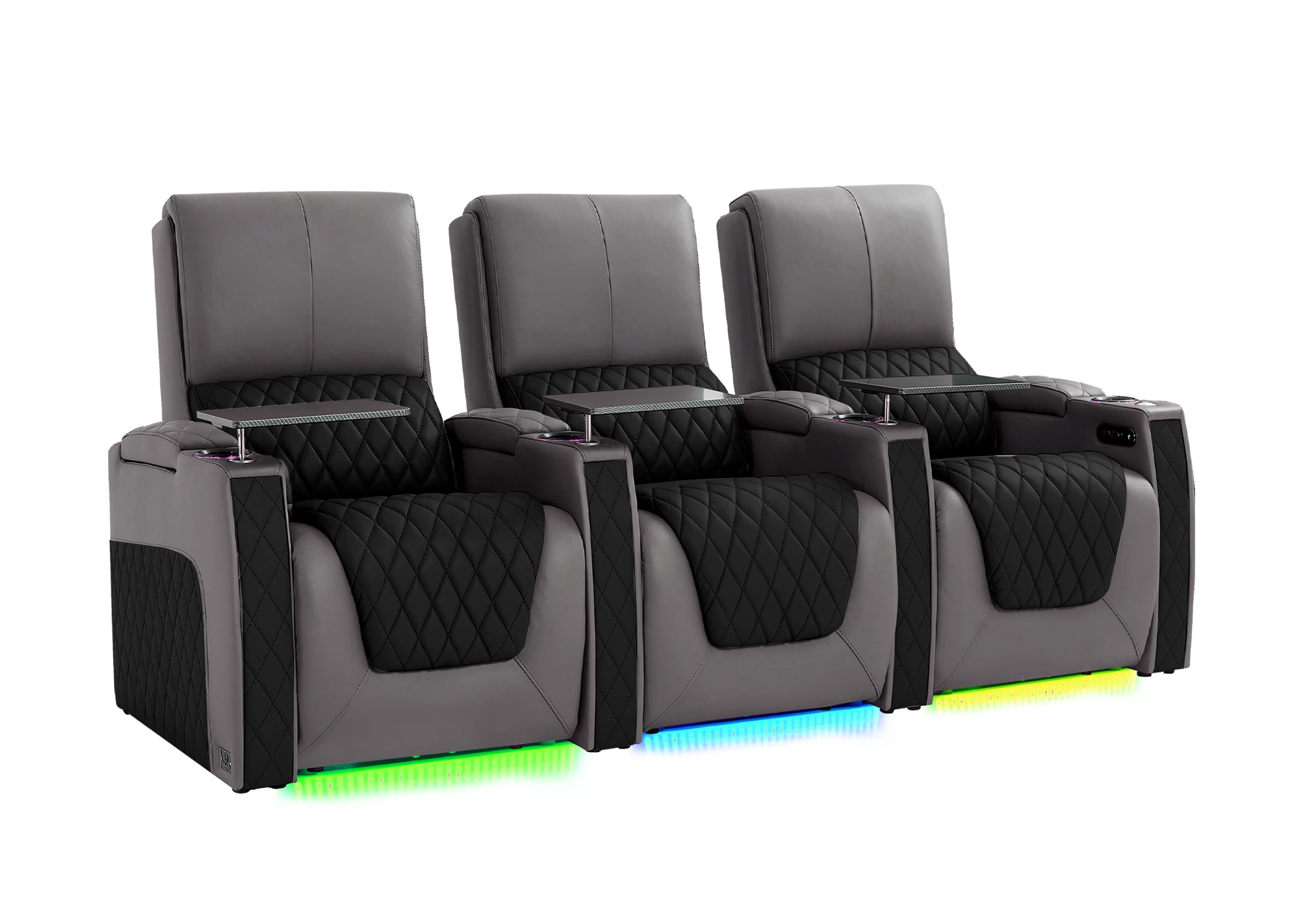
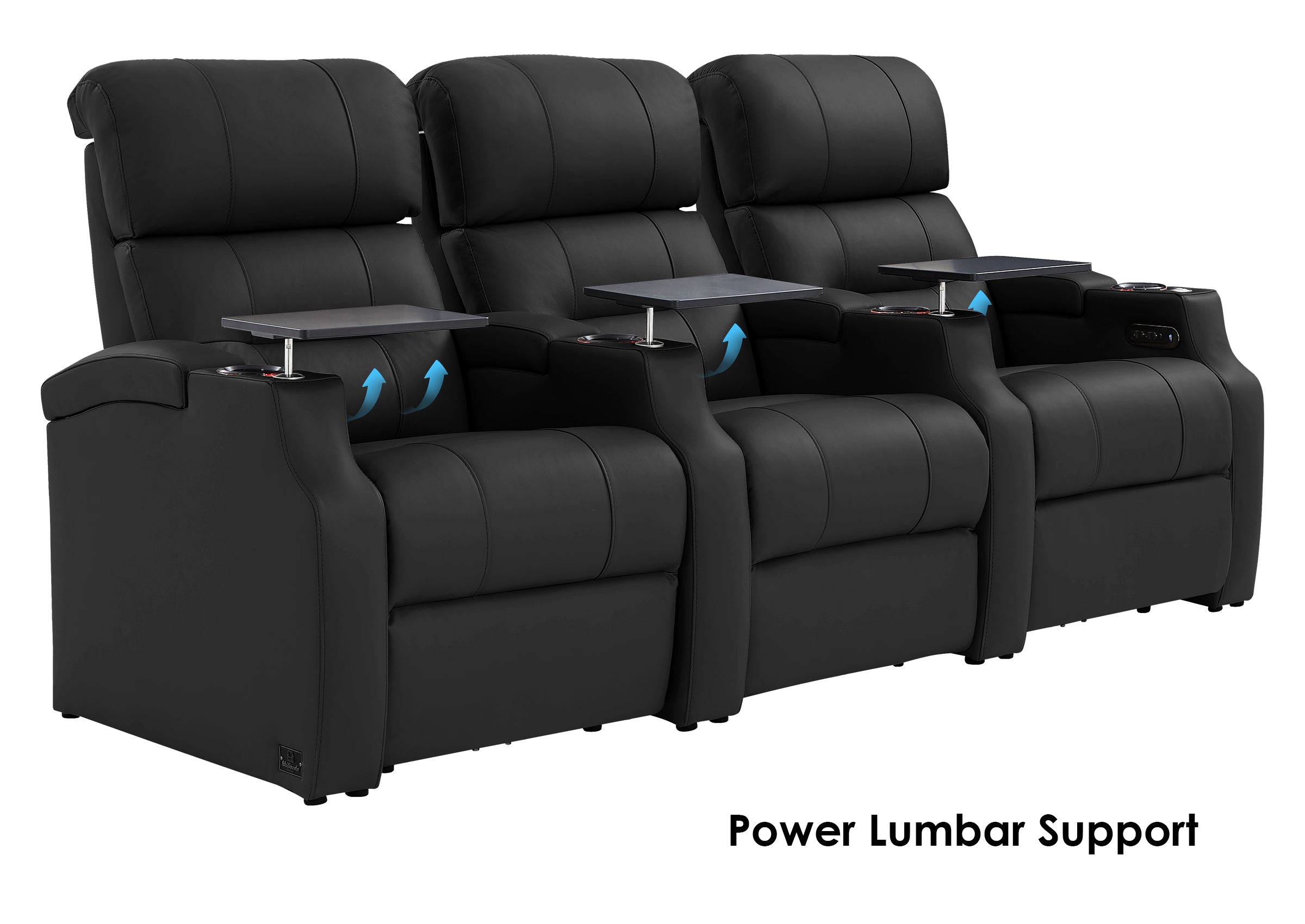
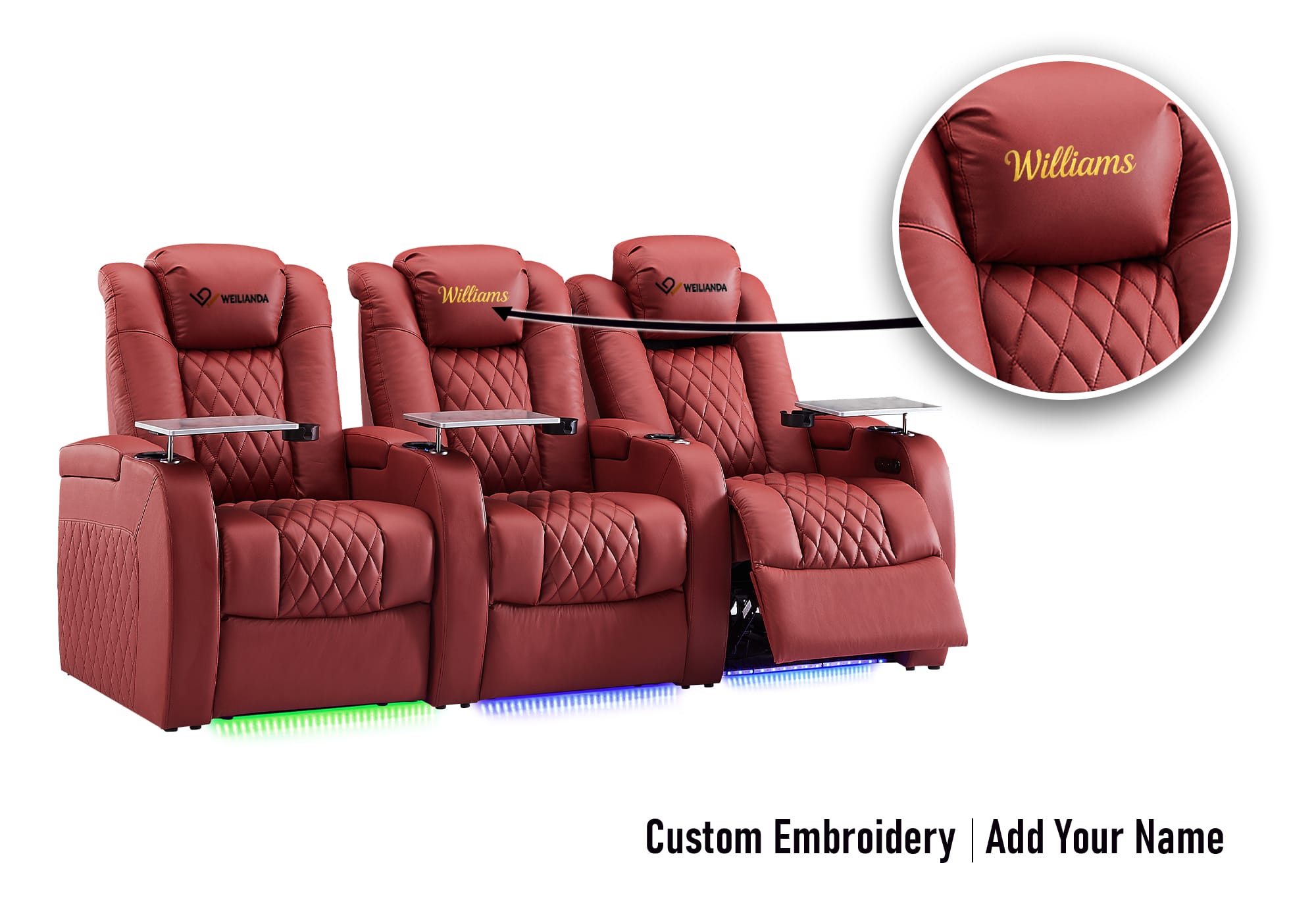
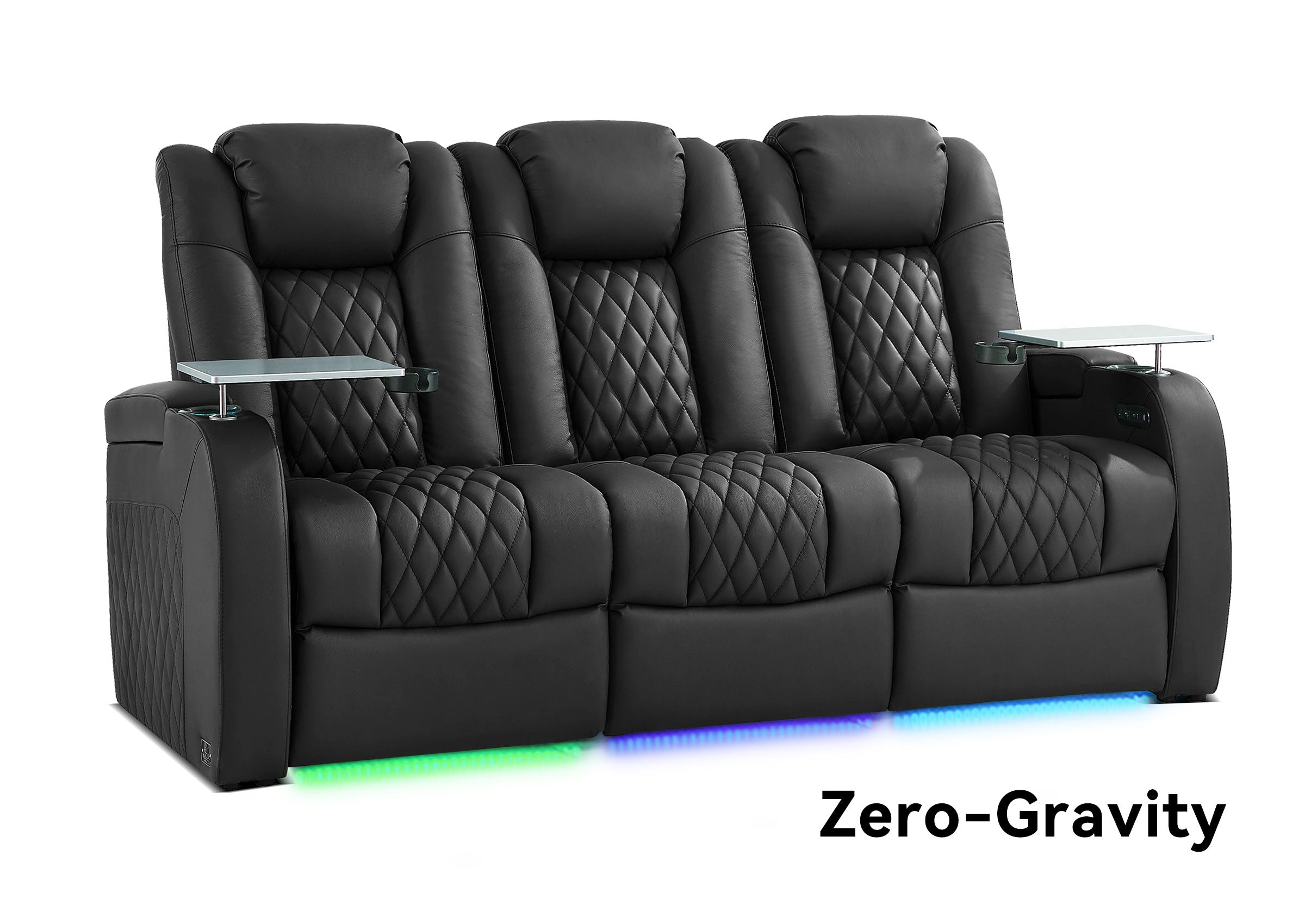
The most common home theater configuration:
- Works well in medium-sized rooms.
- Requires attention to total seating width.
- The center seat should remain within the distortion-free viewing zone.

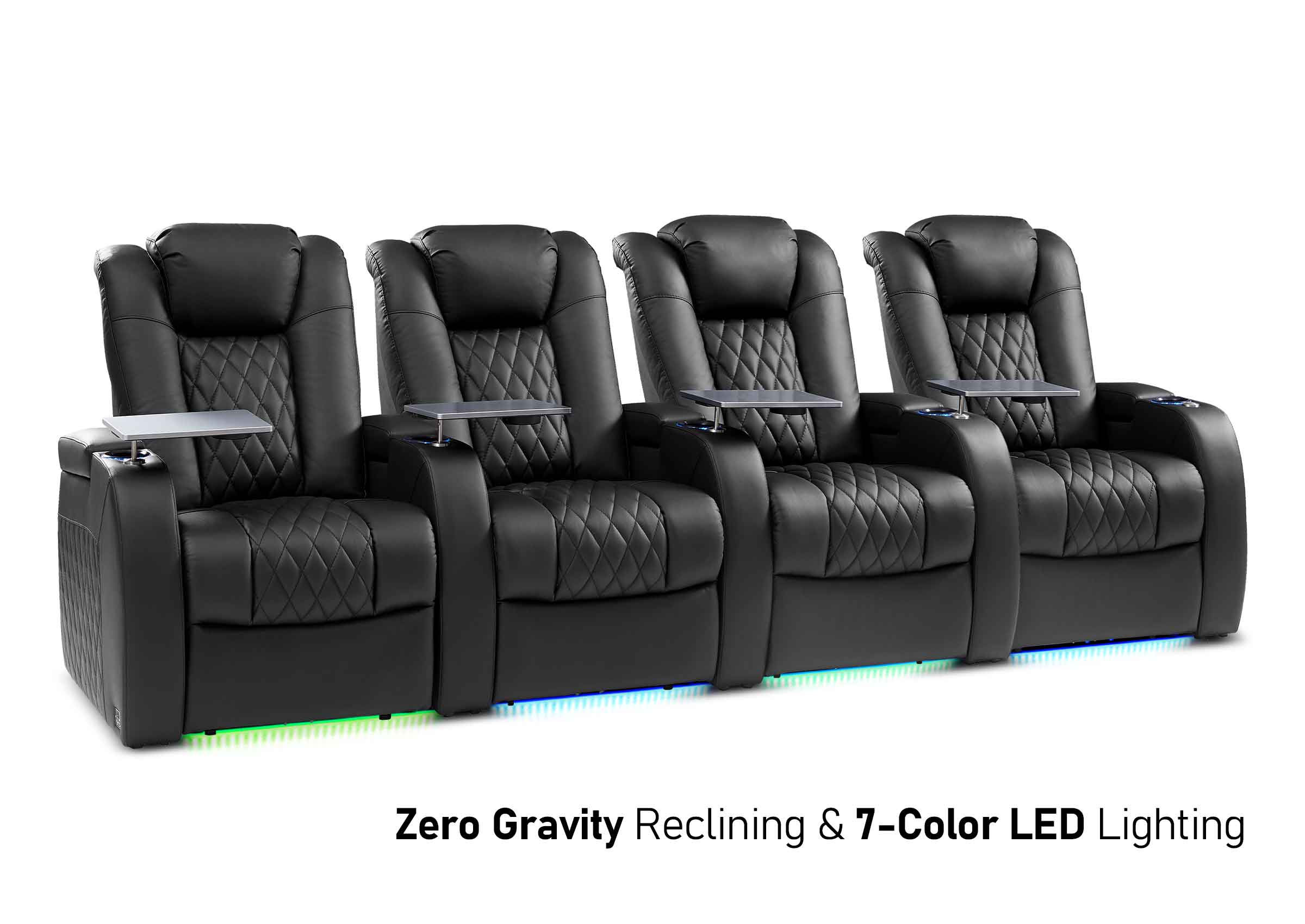
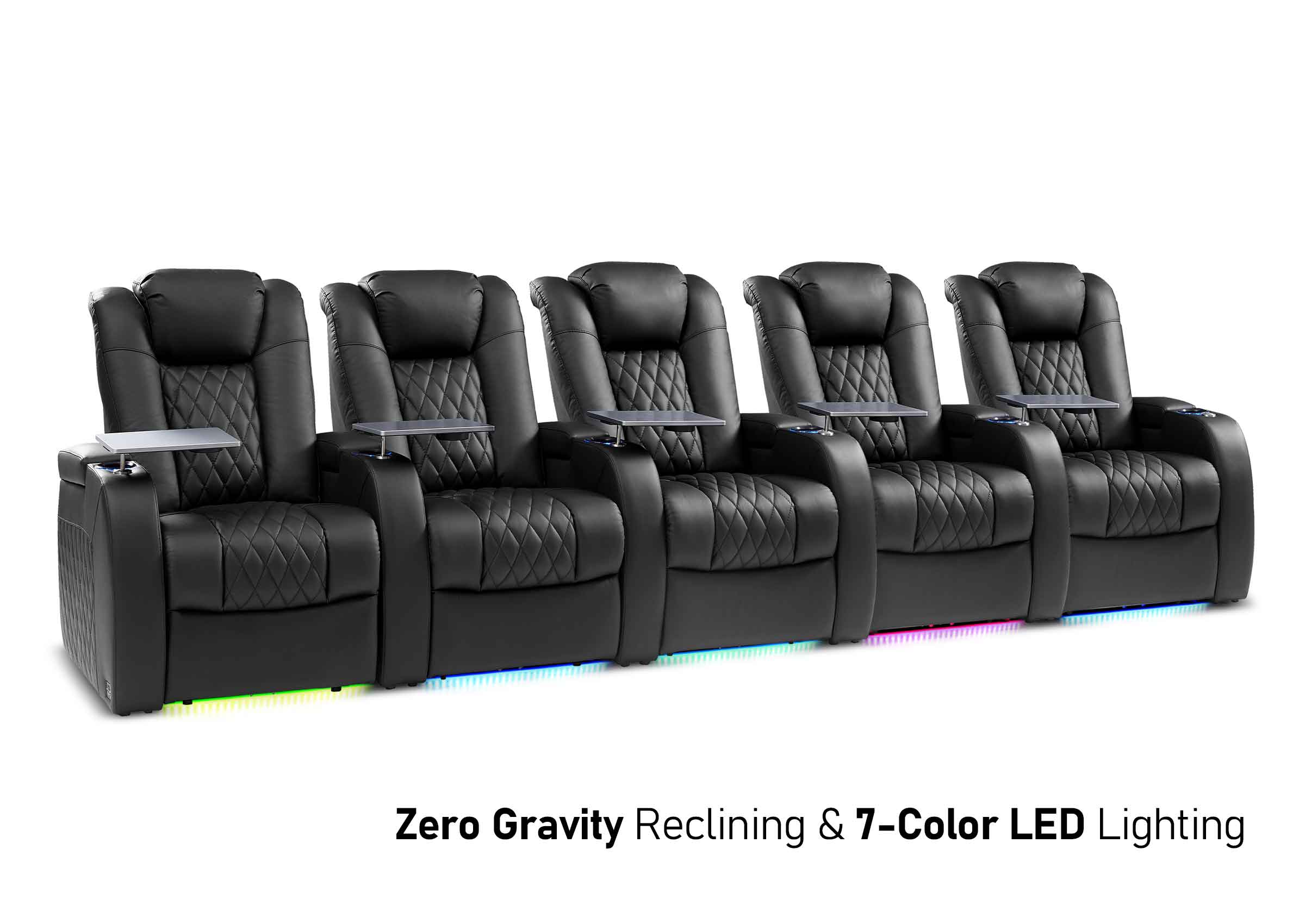
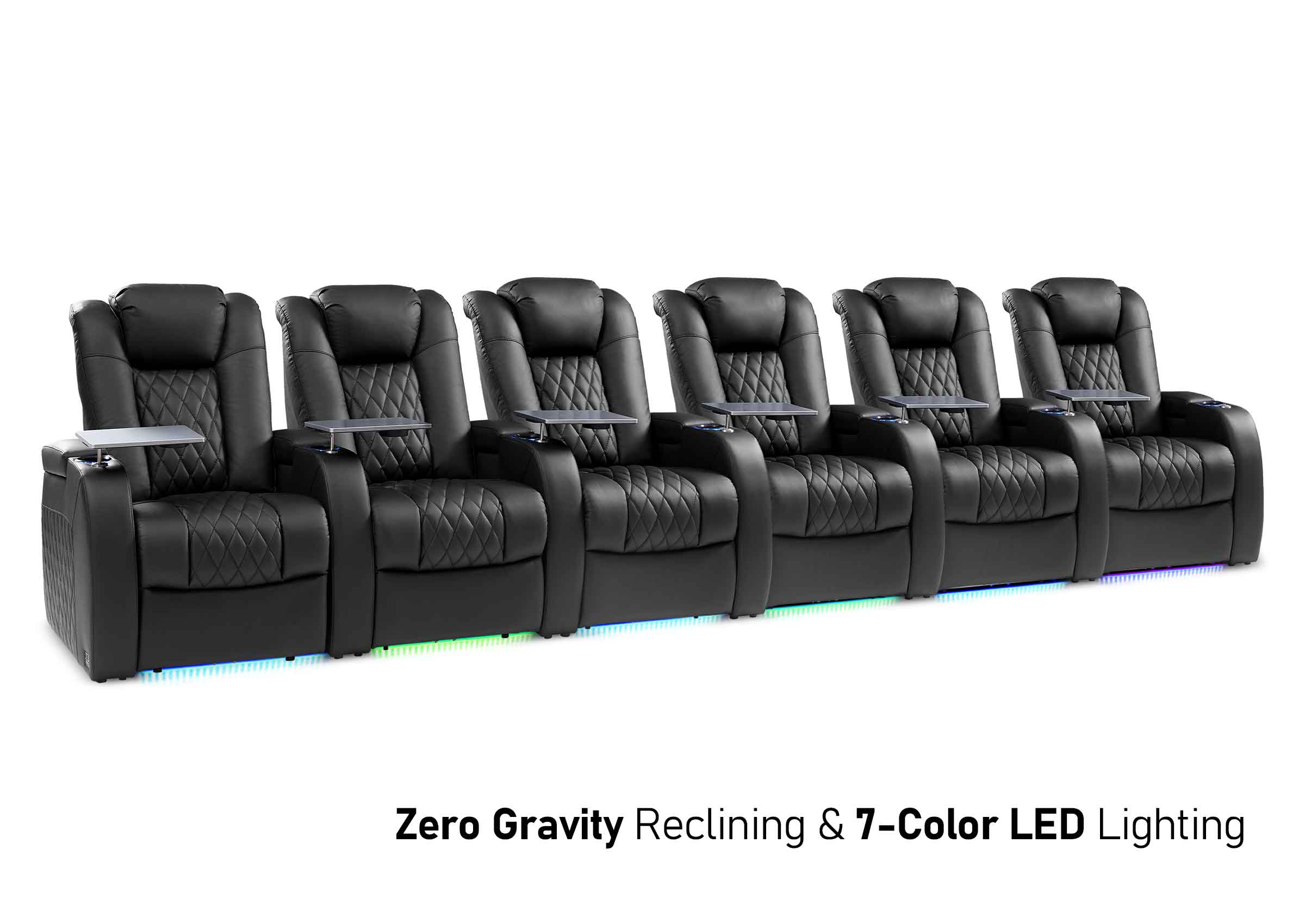
Four to Six Seats
Suitable for:
- Family movie nights
- Entertaining guests
Larger layouts benefit the most from planning tools, as outer seats can quickly fall outside comfortable viewing angles if spacing isn’t calculated properly.
Our planner also indicates the maximum seating width your room can accommodate, helping prevent layouts where some seats feel noticeably less comfortable than others.

Armrest & Layout Options: How Structure Affects Comfort
Armrests might appear to be mere design elements, but structurally, they significantly influence how seating arrangements fit into a space.
Full Armrest Seating
- Each seat operates as an independent unit.
- Features a clear personal space and integrated cupholders.
- Best suited for fixed seat counts and dedicated theaters.
This layout is straightforward to plan and provides consistent spacing.

Shared or Armless Configurations
- Reduce overall seating width.
- Suitable for smaller rooms or layouts that prioritize seat count.
- Require more precise spacing adjustments.
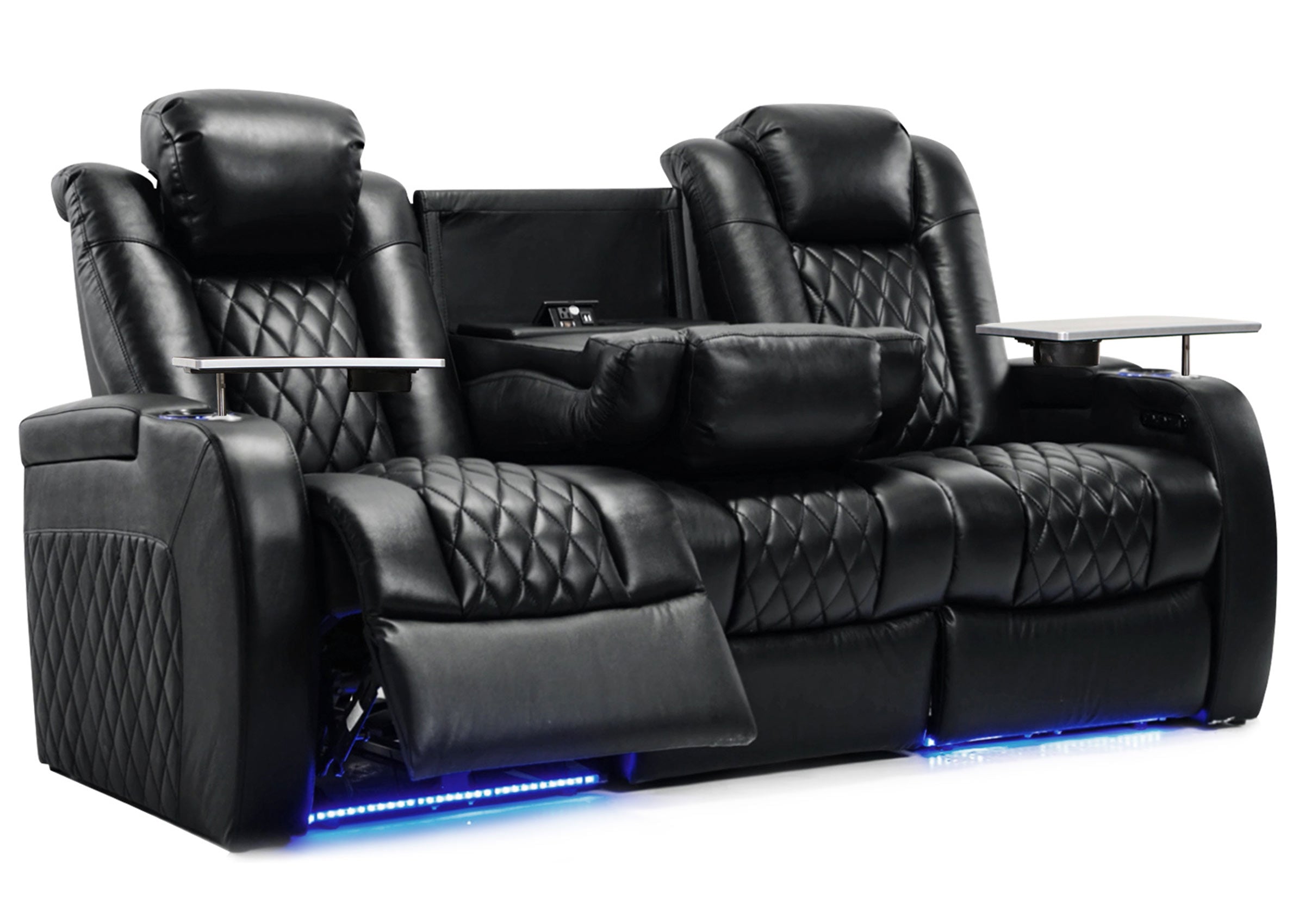
Modular Seating Advantages
Modular seating systems allow for long-term flexibility:
- Adjust layouts as room usage evolves.
- Expand seating incrementally.
- Adapt to future upgrades, such as a larger screen.
How the Planner Handles Armrest Width
To keep planning consistent, the Weilianda Movie Night Planner calculates layouts based on a standard seat module that includes one armrest.
For reference:
- A typical armrest is approximately 5–6 inches wide
- Armless configurations may permit slightly narrower layouts
- Seats with armrests on both sides generally require additional width
Since the planner is designed around Weilianda seating modules, its width calculations reflect real-world home theater configurations, providing a practical baseline for planning.
Comfort Over Specs: Why Long-Term Use Matters Most
Though specifications may appear impressive on paper, genuine comfort emerges over time. Key priorities to consider include:
- Leather feel and breathability
- Cushion density and long-term support
- Ergonomics for extended viewing sessions
Even the most advanced seating won't feel comfortable if positioned at the wrong distance or angle. Layout choices directly impact how your body interacts with the seat—particularly during long movies or binge-watching sessions.

Choose a Layout That Works Long Term
A home theater should provide enjoyment for years, not just weeks. Careful planning enables you to:
- Avoid costly replacements
- Maximize usable seating
- Maintain comfort across different types of content
While many online calculators rely on generic seating assumptions, tools developed directly by seating manufacturers can account for real product dimensions—making the transition from planning to purchasing far more seamless.
If you’re unsure how to start, using a viewing distance and seating layout planner can help you visualize your setup before finalizing decisions—ensuring your space functions as well as it appears.
Movie Night Planner – FAQ
Q1: How does the calculator determine viewing distance?
The planner uses established viewing angle standards, including THX and SMPTE recommendations, to calculate a comfortable viewing distance based on your screen size and selected viewing mode.
Q2: Does it work for movies, TV, and gaming?
Yes. Different modes prioritize different field-of-view ranges:
- Cinema immersion
- Casual TV viewing
- Gaming-focused setups
Each mode adjusts the recommended distance accordingly.
Q3: How is seating width calculated?
The calculator estimates seating layout based on a standard seat unit with one armrest included. This provides a realistic baseline for most home theater configurations.
Q4: What if my seats don’t have armrests?
For reference, a typical armrest measures about 5–6 inches wide.
- Armless layouts may allow slightly more seats than the planner suggests
- Seats with armrests on both sides may require additional width
These estimates help you adjust the recommendation to match your exact configuration.
Q5: Is the calculator meant to replace professional planning?
The planner is designed as a practical starting point. It helps narrow down options and avoid common mistakes, but final decisions should also consider personal preferences, room constraints, and usage habits.