

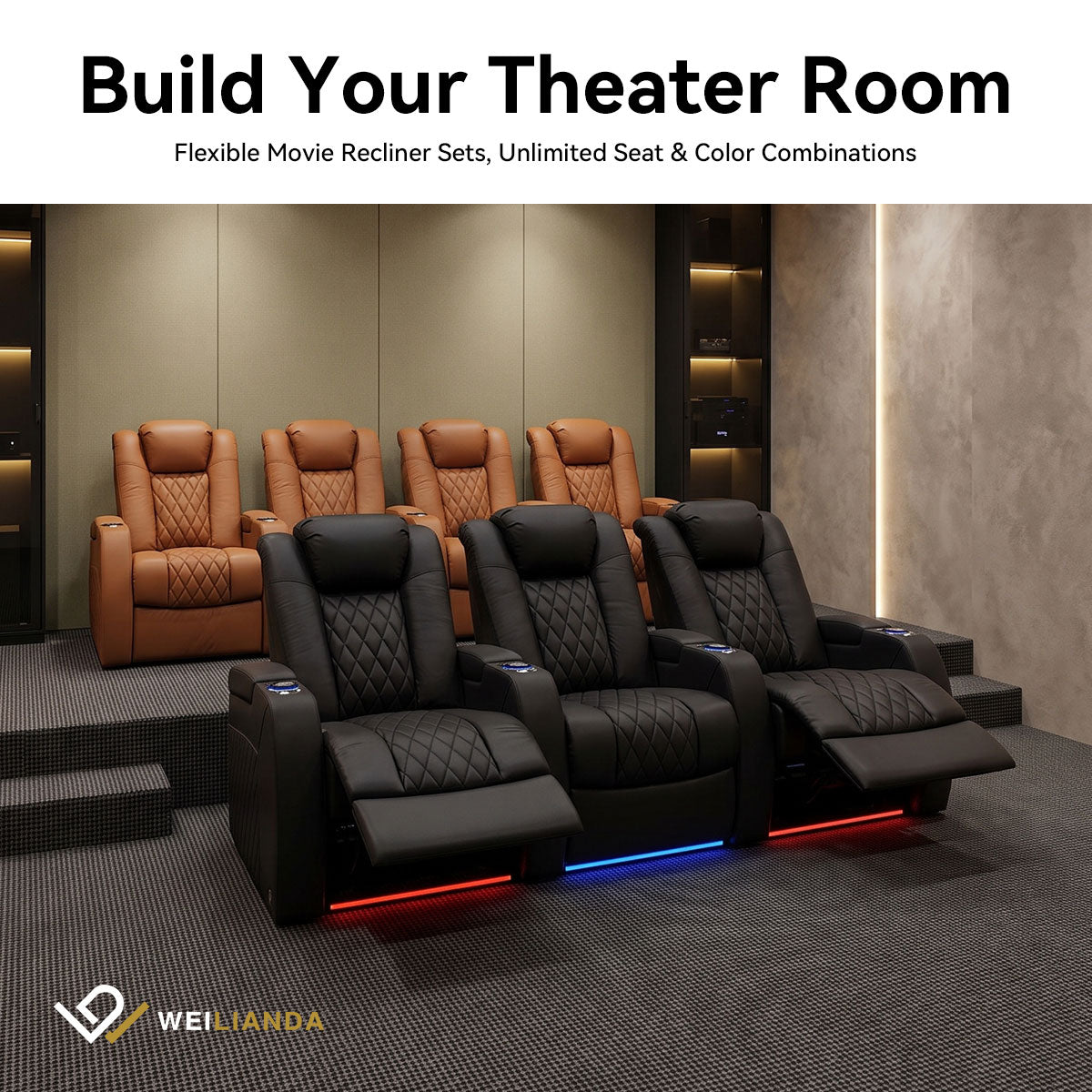
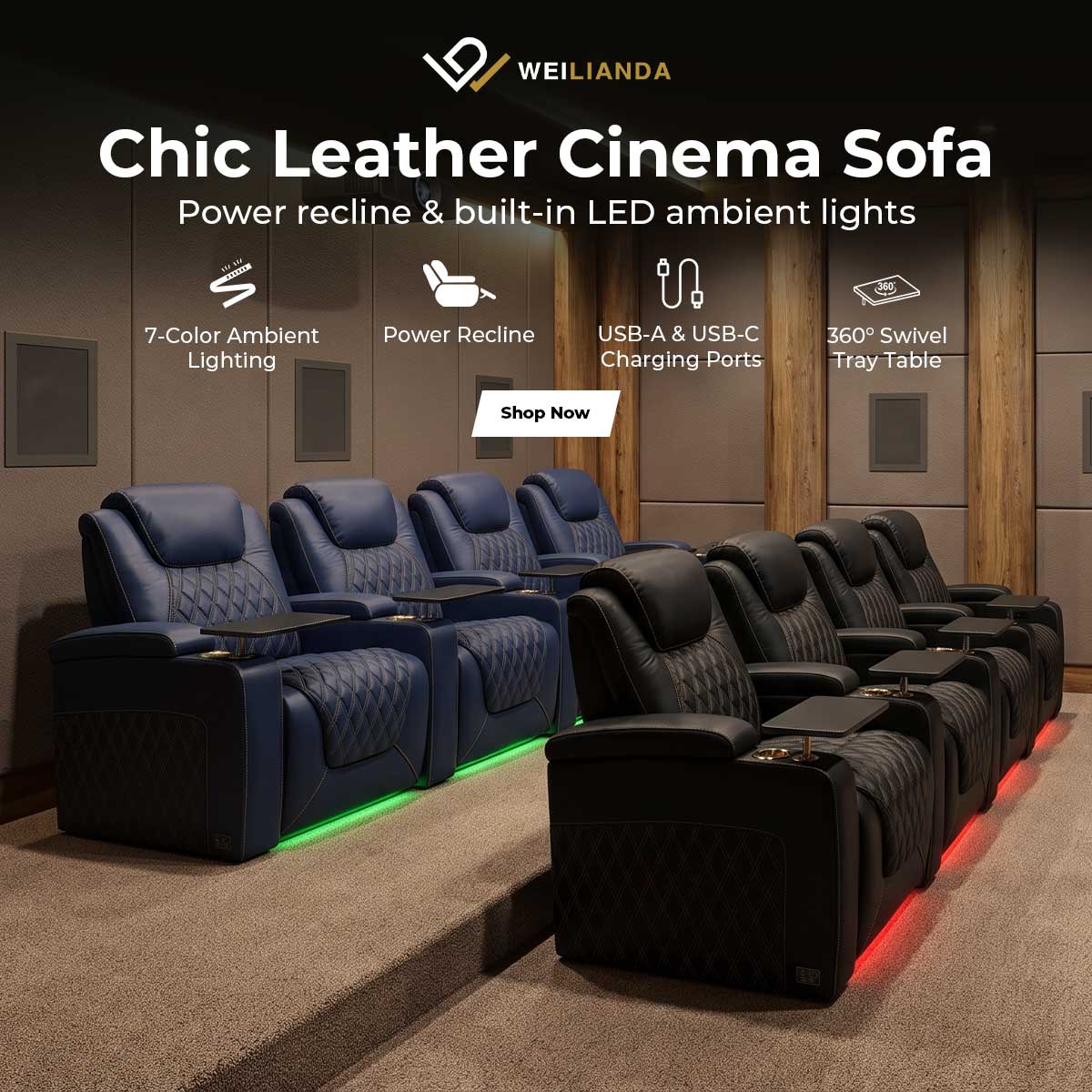
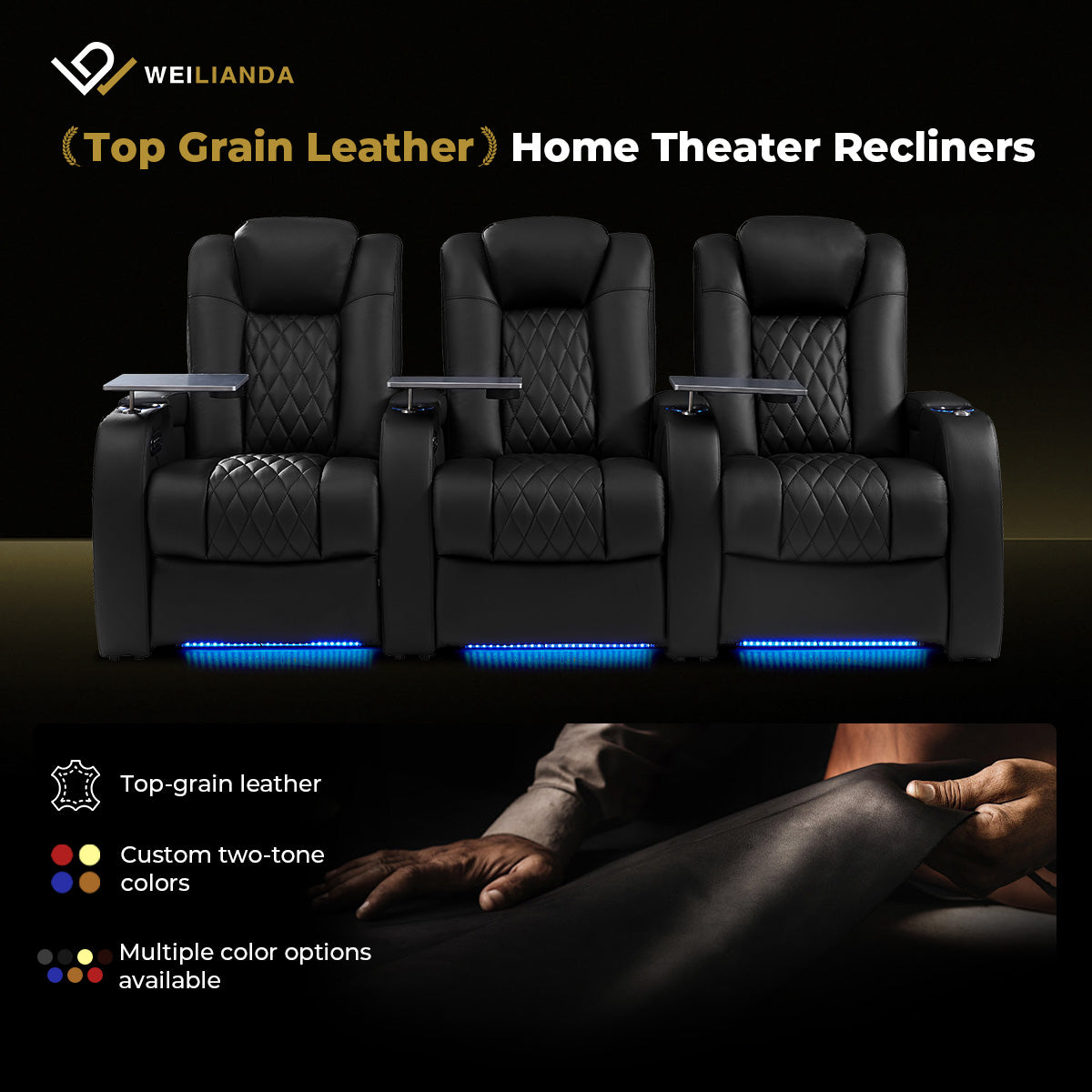
























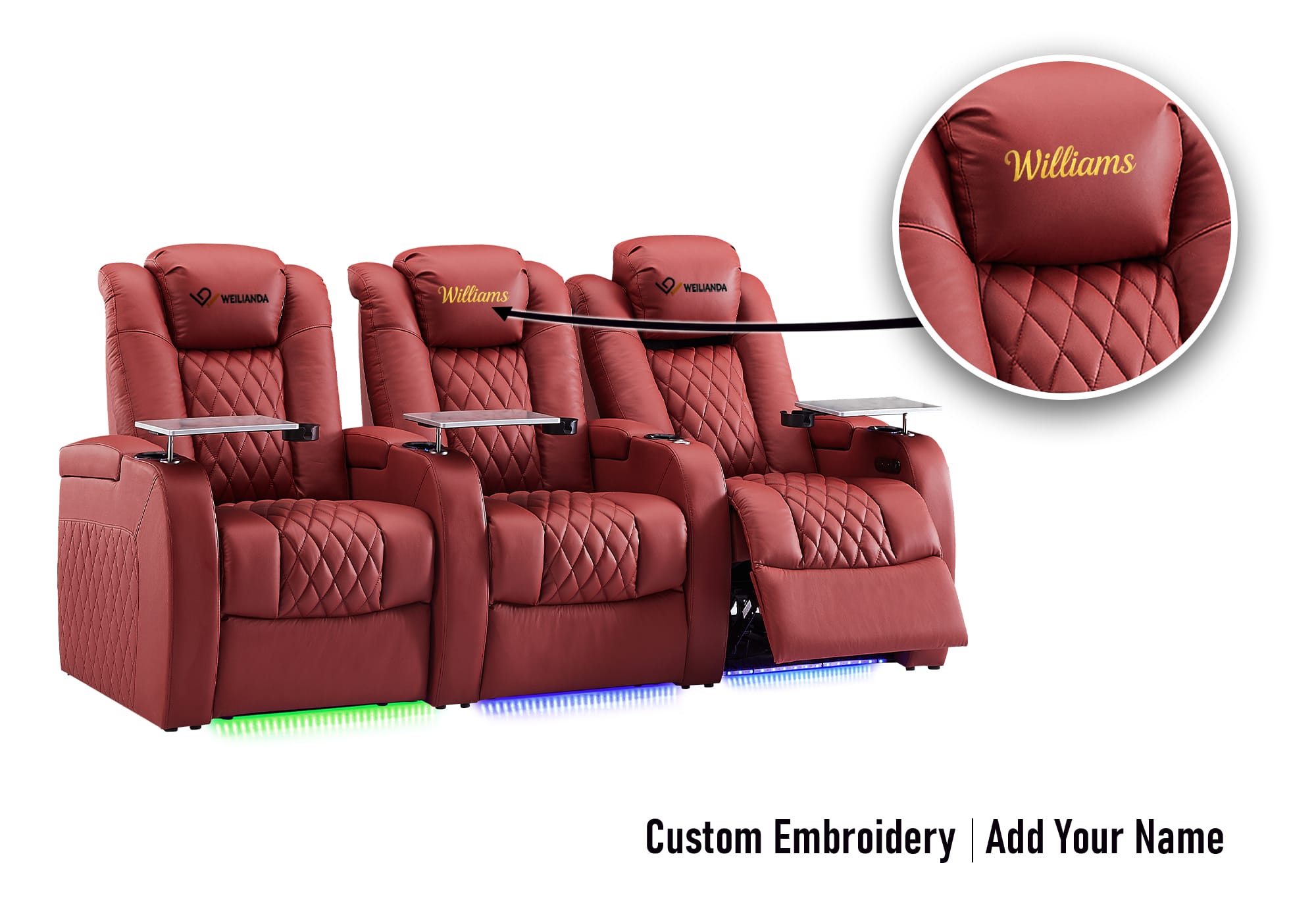

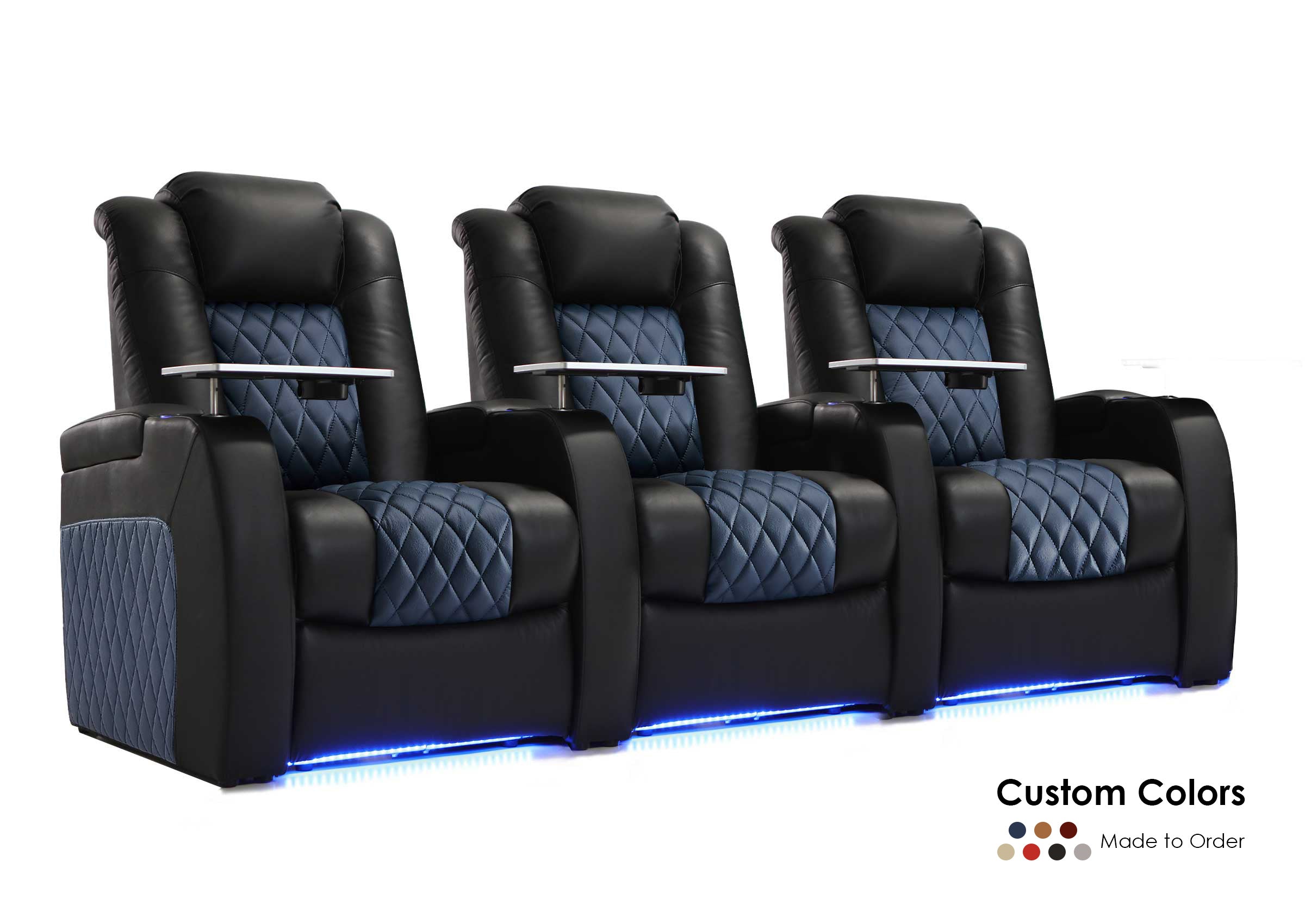

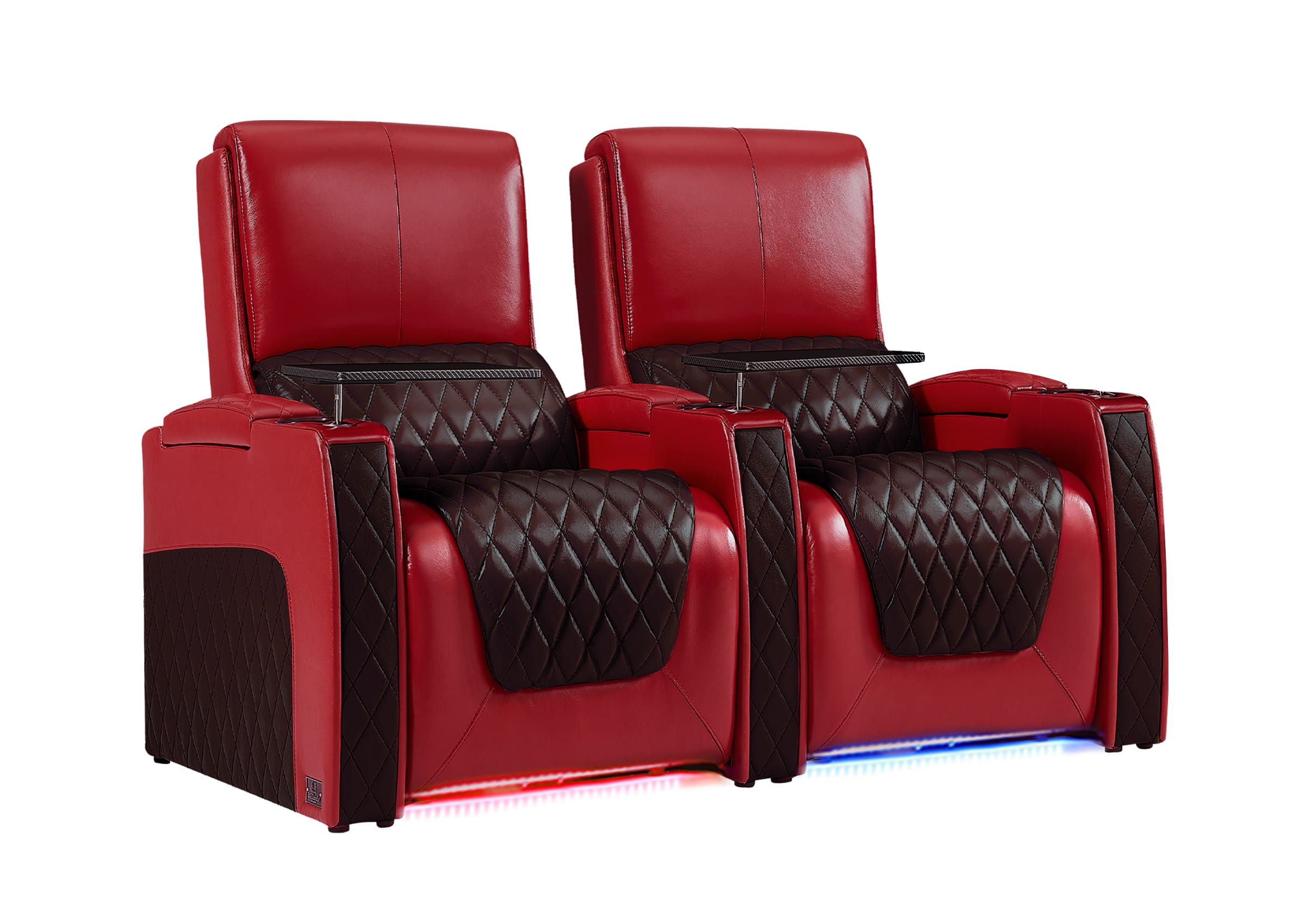
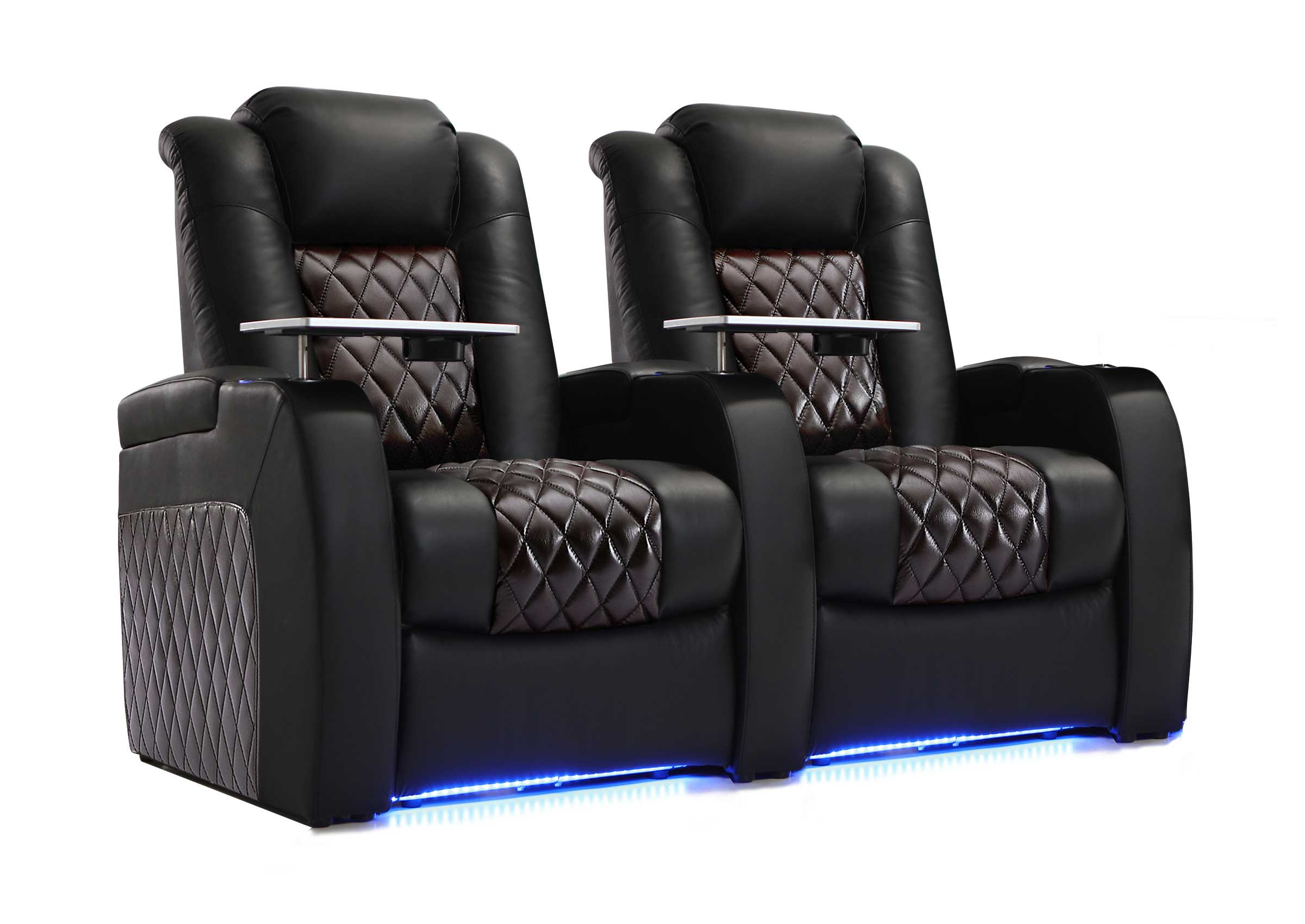
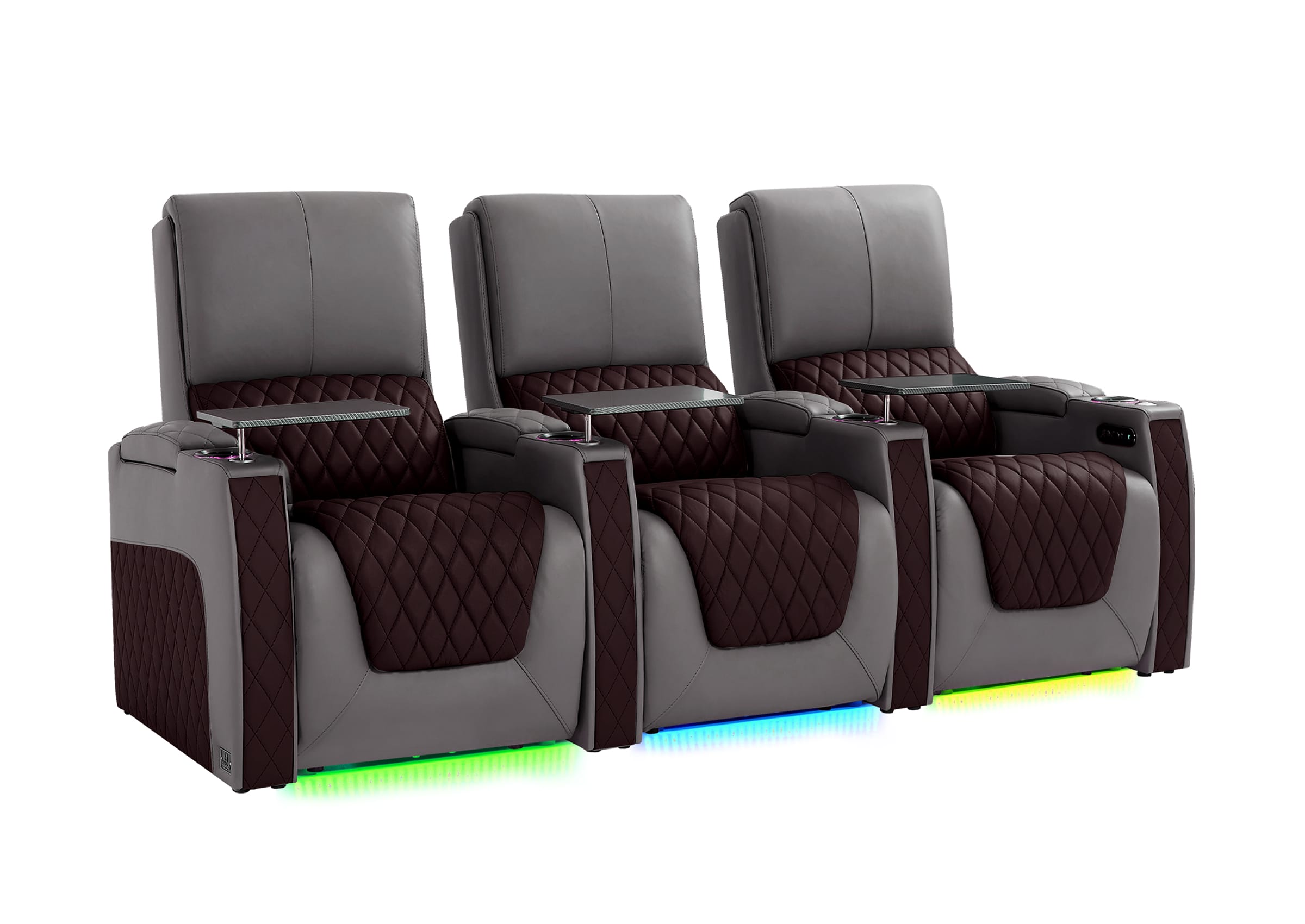
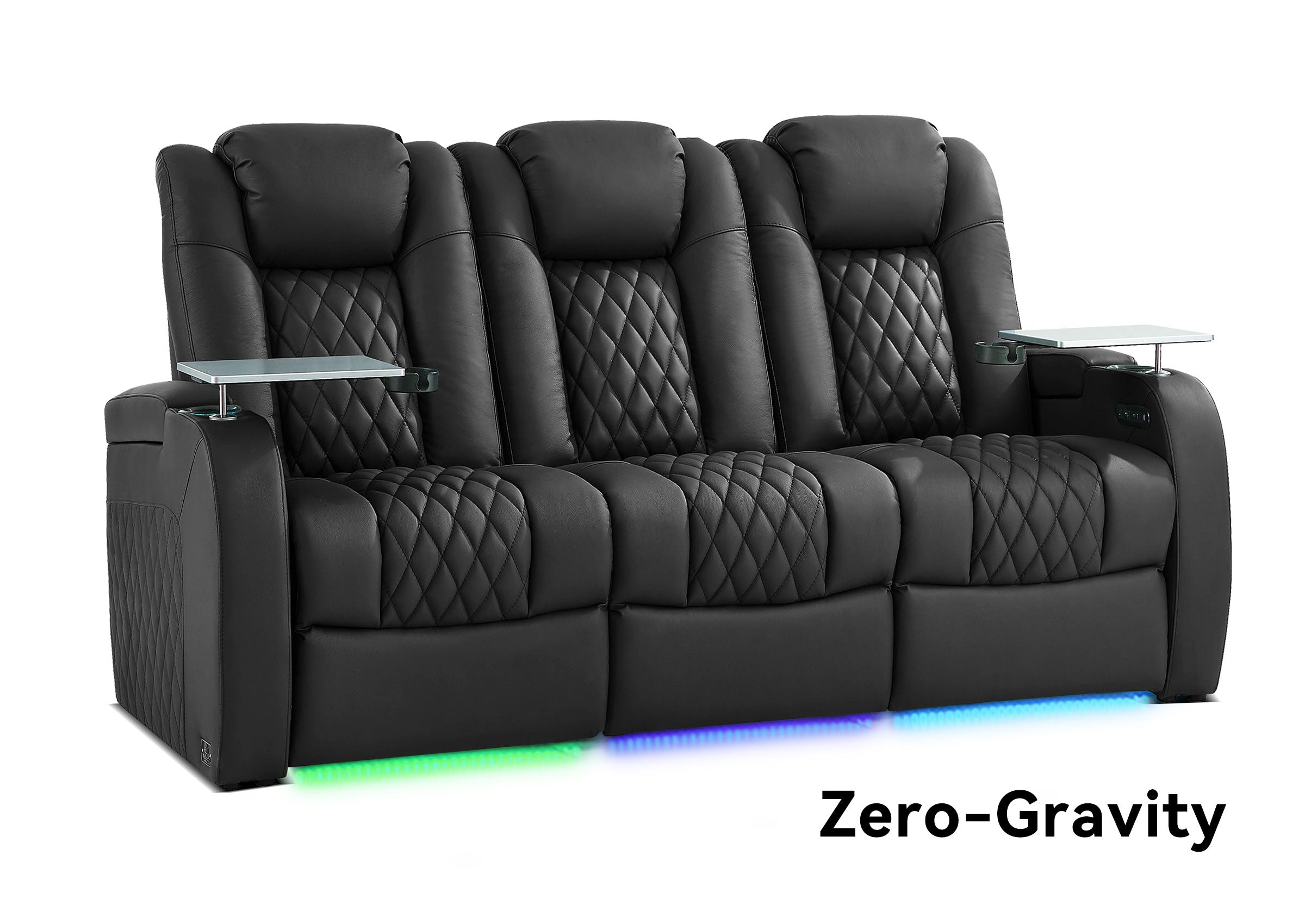


Movie theater seating includes upright chairs with fixed or tip-up seat cushions, rocker-back seats, recliners, and two-person configurations such as loveseats. The right choice depends on how you want people to watch, how much space the seats need in use, and how the cinema will clean and maintain them. Start with those conditions before comparing upholstery or extra features.
What Counts as Movie Theater Seating?
Movie theater seating is the seating used in a cinema auditorium—the room where an audience watches a film. It can range from compact upholstered chairs in organized rows to spacious reclining seats in a premium screening room.
The term describes a use, rather than one particular mechanism. A cinema seat does not have to recline, and a chair that looks like a home theater recliner is not automatically suitable for a public cinema. For the application differences, see commercial versus residential theater seating.
Three separate details help explain what you are actually comparing:
- Installation: how the chair is attached or supported, such as floor or riser mounting.
- Movement: whether the seat cushion tips up, the back rocks, or the chair reclines with a footrest.
- Configuration: whether the seating uses individual positions, shared armrests, or paired seats.
A floor-mounted chair can still have a moving back or footrest. A two-person seat can also be a recliner. Treating these details separately makes product descriptions much easier to interpret.
What Are the Main Types of Cinema Seats?
The main differences are viewing posture, movement, and personal space. These categories can overlap, so use them to identify a seating direction, then check the exact configuration.
| Seating type | Main distinction | First detail to check |
|---|---|---|
| Upright, non-reclining seat | Supports a relatively consistent viewing posture | Cushion, back angle, and occupied depth |
| Tip-up seat | Seat cushion folds upward when unoccupied | Return action and space when occupied |
| Rocker-back seat | Back allows limited movement | Travel, resistance, and rear clearance |
| Recliner | Back reclines, usually with an extending footrest | Full movement footprint and controls |
| Loveseat or twin seat | Two positions form a paired configuration | Center armrest and independent movement |
Upright and Tip-Up Seats
An upright cinema chair is a useful starting point when the room needs organized rows and reclining is not central to the experience. Comfort still depends on the cushion, seat depth, back angle, and support; a non-reclining chair does not have to feel basic.
Some chairs have a seat cushion that stays down. Others use a tip-up cushion that folds upward when unoccupied. This distinction concerns the seat cushion, not whether the whole chair is fixed to the floor.
A tip-up seat can free space in front of the chair when empty. Once someone sits down, that cushion occupies space again. Check the row with seats occupied as well as empty, rather than treating the folded position as the only condition that matters.
Rocker-Back Seats
A rocker-back cinema seat allows limited backward movement instead of holding the viewer at one fixed back angle. The movement and resistance vary by design; some move primarily through the back rather than rocking the entire chair like a residential rocking chair.
Rockers may suit a cinema that wants some posture adjustment without selecting a full reclining chair with a footrest. However, the category alone does not establish how much room the seat saves. Compare the actual back travel and occupied dimensions with the alternatives.
During a sample test, check whether the back moves comfortably and stays supportive when you lean forward again. A mechanism that feels pleasant at first may feel less useful if you must keep pushing against it throughout the film.
Reclining Cinema Seats
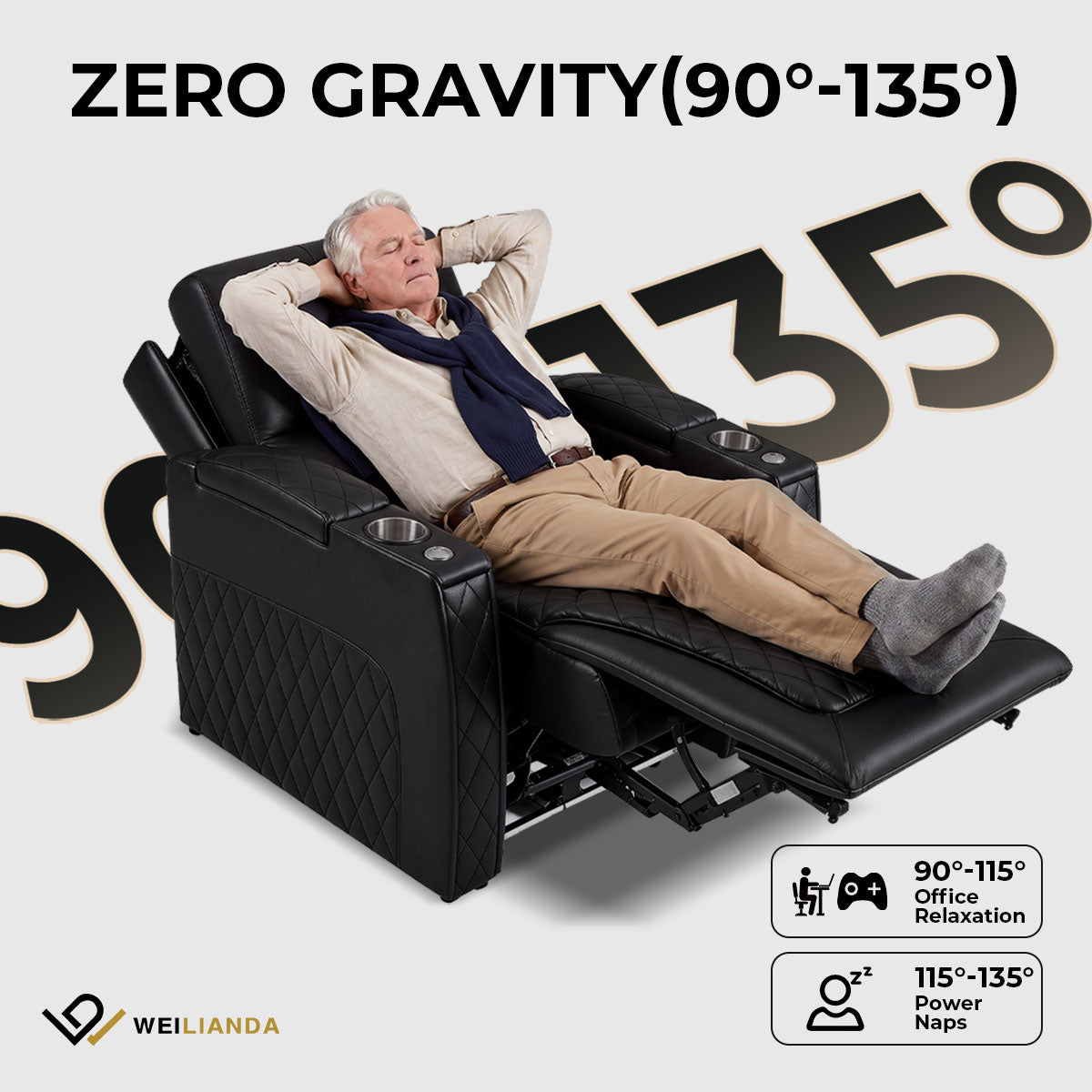
Cinema recliners let viewers change their back angle and, on many designs, extend a footrest. Manual and powered versions exist. Controls may operate the back and footrest together or separately, depending on the model.
Recliners are worth considering when adjustable posture and more personal space are central to the cinema experience. The selection becomes more demanding because the chair must work throughout its movement, not just fit while upright.
Ask for the fully extended dimensions and any clearance needed behind the back. A chair can fit on an existing platform yet leave too little usable space once its footrest extends. Powered seating also introduces connections, controls, and components that need an accessible service arrangement.
Loveseats and Twin Seats
A loveseat or twin cinema seat groups two seating positions together. Designs differ: some have a shared cushion, while others retain separate cushions and use a shared or retractable center armrest.
Paired seating can support a more sociable experience for couples or companions. Before selecting it, decide what someone booking a single position will experience. Does each person have a comfortable boundary, access to a cup holder, and usable controls?
For reclining pairs, confirm whether each position moves independently and whether the center armrest can change position. The word “loveseat” alone answers neither question.

Is Stadium Seating a Type of Chair?
Stadium seating is a layout with successive rows on stepped levels, rather than a chair mechanism. A cinema can combine that arrangement with upright chairs, rockers, or recliners.
The stepped levels help organize viewing over the rows ahead, but they do not guarantee a clear view from every seat. The screen position, row geometry, chair backs, and viewers' eye positions still need to work together.
This is why “stadium seating” and “recliner seating” should be discussed separately. One describes how the rows are arranged; the other describes how the chairs move. Neither label, on its own, tells you how comfortable a particular seat will be.
COMPARE YOUR SEATING OPTIONS
Which Seating Direction Fits Your Cinema?
Use your preferred seat type as a starting point, then check its dimensions, movement, and intended use before committing to a configuration.
Which Features Actually Affect the Choice?
Prioritize features that change viewing comfort, available space, or everyday operation. Convenience extras become easier to judge once those basics are settled.
Support and Viewing Posture
Try the seat in the posture people will use to watch the screen. Check whether your feet feel supported, the cushion depth lets you sit comfortably against the back, and the headrest supports you without pushing your head forward.
For recliners, repeat the check upright, partly reclined, and in the position you expect to use most. A deep recline may feel relaxing in a showroom but place your head at an awkward angle toward the screen. The useful adjustment is the one that supports watching, not simply the one that moves farthest.
Where practical, have people of different heights try the sample. Seat width is only one part of fit; cushion depth, armrest position, and head support can change the experience just as much.
Space in Use
Compare the dimensions of the assembled row as well as the individual chair. Shared armrests, end panels, and accessories can change the total width.
For moving seats, request drawings showing the movement envelope—the space occupied as the back and footrest move. Then check the remaining passage and nearby walls or fixtures against the actual plan.
Row pitch and clear passage are different measurements. Row pitch is the spacing between equivalent reference points in successive rows; clear passage is the usable gap left between obstructions in the condition being checked. A larger pitch does not tell you the remaining gap unless you also know what the chairs occupy.
Cup Holders, Tables, and Controls
Cup holders should be reachable without awkward stretching. Controls should be easy to find and distinguish in a dark room. If lighting is included, check its brightness from neighboring seats and toward the screen.
A tray table adds another object to the seating area. Try reaching it upright and reclined, moving it aside, and getting out of the chair. For a dine-in cinema, the table and chair should also be evaluated with the intended food service process.
Select accessories around their actual use. Adding a table to a chair does not, by itself, create a workable dine-in seating arrangement.
Upholstery, Cleaning, and Service Access
Choose upholstery against the cleaning process it will receive. Ask which cleaners are permitted and inspect seams, armrests, cup holders, and the spaces where crumbs collect. A material sample helps assess the finish, but it cannot show whether the assembled chair is easy to clean.
Serviceability matters especially with moving or powered seats. Ask how a technician would reach the mechanism or connections and whether cushions, covers, controls, or other parts can be replaced individually. Confirm parts availability rather than assuming every component will remain obtainable.
How Do You Choose the Right Seating Direction?
Begin with the cinema's priorities and physical constraints, then test the chairs that satisfy them. This keeps an appealing feature from deciding the whole seating plan too early.
Establish What the Room Must Deliver
Decide whether the main priority is preserving a target capacity, offering adjustable comfort, creating paired seating, or supporting food service. Identify which goals are essential and which are negotiable.
An existing cinema with shallow stepped platforms, for example, might first compare compact upright seats and rocker-back designs. Recliners can remain an option, but the team would need to investigate whether the movement footprint fits or whether the platforms and row arrangement must change. If retaining the platforms is essential, a seat that requires deeper platforms leaves the shortlist; if reconstruction is acceptable, it can remain under consideration.
A new boutique screening room with a flexible capacity target may instead begin with recliners and selected paired seats. Here, the question is how much personal space to provide while retaining comfortable access and workable cleaning arrangements. These are illustrative situations, not universal recommendations for either venue type.
Build a Shortlist From Actual Drawings
Compare proposed models against the room plan using row widths, mounting details, and occupied or extended dimensions. Keep a record of which condition rules out a candidate: width, platform depth, movement, access, or an unresolved installation requirement.
Recliners may reduce capacity when they need more width or row depth than the seats they replace. The amount depends on both seating designs and the room. Calculate it from the proposed arrangement instead of applying a standard percentage.
Have the project team review circulation, accessibility, exits, and other applicable requirements alongside the seating proposal. A chair drawing is an input to that review, not approval of the complete layout.
Test the Experience and Daily Work
Use a representative sample to check support, motion, controls, cup holders, and getting in and out. Include the armrest and accessory arrangement you intend to order, since a different sample configuration may hide a problem. Spend time in a realistic viewing position rather than judging the chair from a brief sit, and note any need to keep shifting, straining toward the screen, or reaching awkwardly.
Then examine the same chair from the operator's perspective: how it will be cleaned between screenings, how a seat needing attention will be identified, and how it can be accessed for service. Ask for a demonstration of cleaning access and the manufacturer's service procedure; do not assume a removable-looking panel is intended to be removed by staff.
Compare cost on a consistent basis. Separate the seating price from delivery, mounting, electrical work, any platform changes, and the parts or support included in the offer. A lower chair price may be less attractive if the proposed design requires work that the alternative avoids. Keep operating costs as questions to investigate unless you have project-specific evidence to estimate them.
Turn the Shortlist Into Clear Questions
Before moving toward a quote, record:
- The preferred seating type and the reason for choosing it.
- The target seat count and any acceptable alternatives.
- Room plans, existing platform details, and known space constraints.
- Required armrests, paired-seat arrangements, tables, and controls.
- The drawings, samples, intended-use confirmation, and service information still needed.
You do not need a complete technical specification to begin a useful conversation. You do need to make the priorities and unanswered questions visible.
From Choosing a Chair to Planning the Cinema
A good seating choice supports the way the room will be used: upright chairs and rockers may suit one set of space and experience goals, while recliners or paired seats may suit another. The deciding evidence is the selected chair's fit, viewing comfort, and operation within the proposed cinema.
Once the seating direction is clear, the next step is to coordinate the layout, capacity, row spacing, and sightlines around those actual chairs. For an existing cinema, add a review of what must change before the new seats can be installed.
Discuss Your Cinema Seating Options With Weilianda
Share your room plan, preferred seat types, capacity priorities, and any existing platform constraints to discuss the configuration details that need confirmation. Contact Weilianda Support or email leon@weiliandahome.com.
