



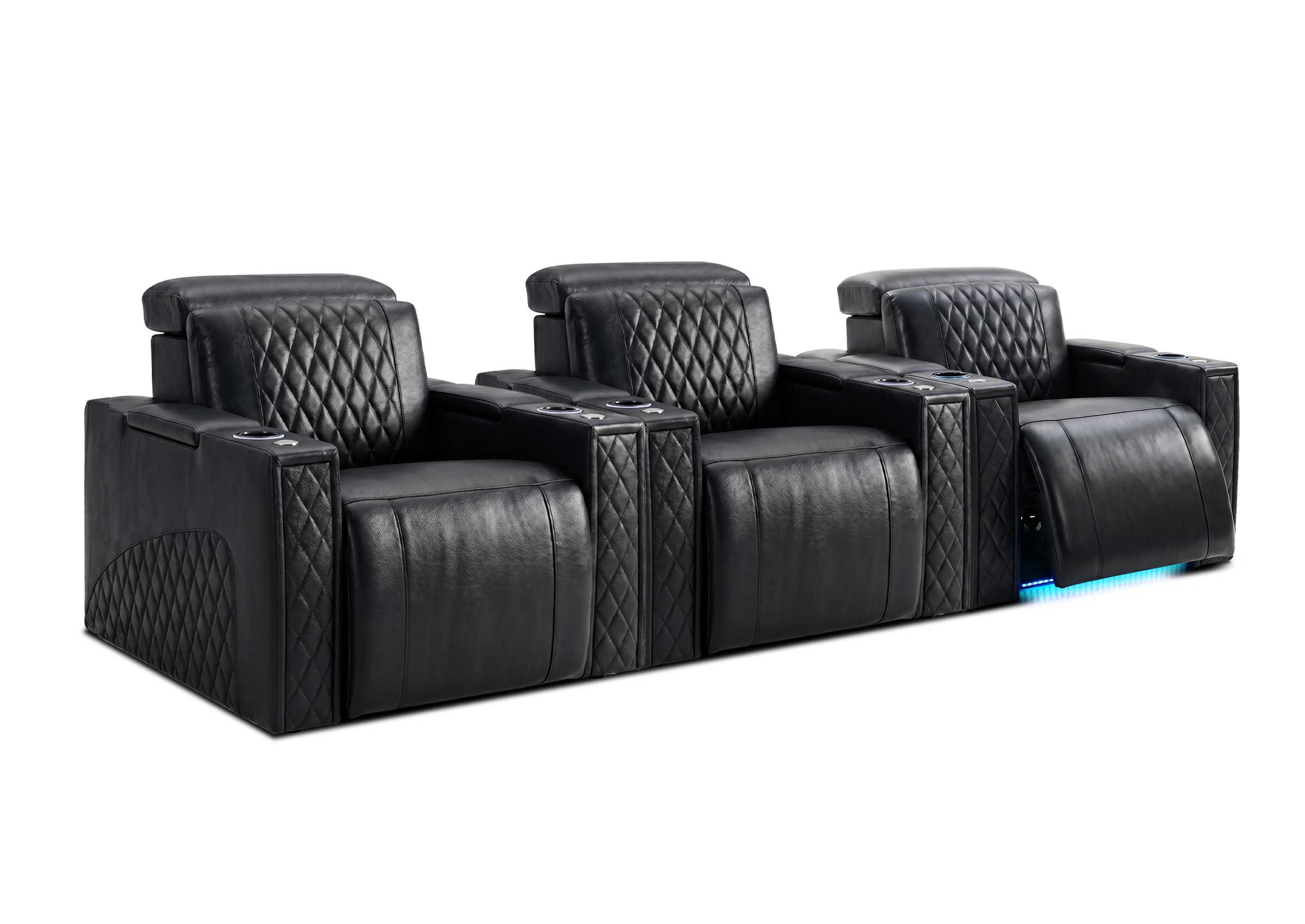

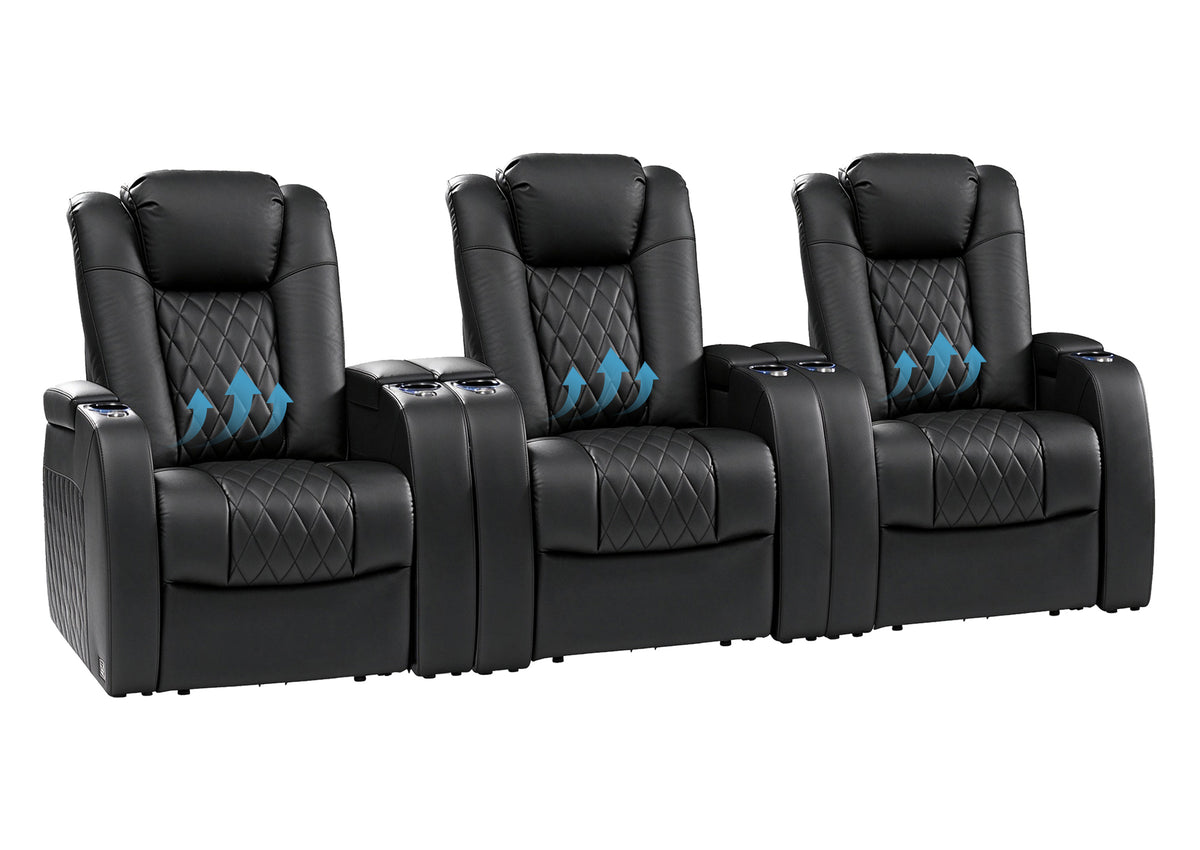
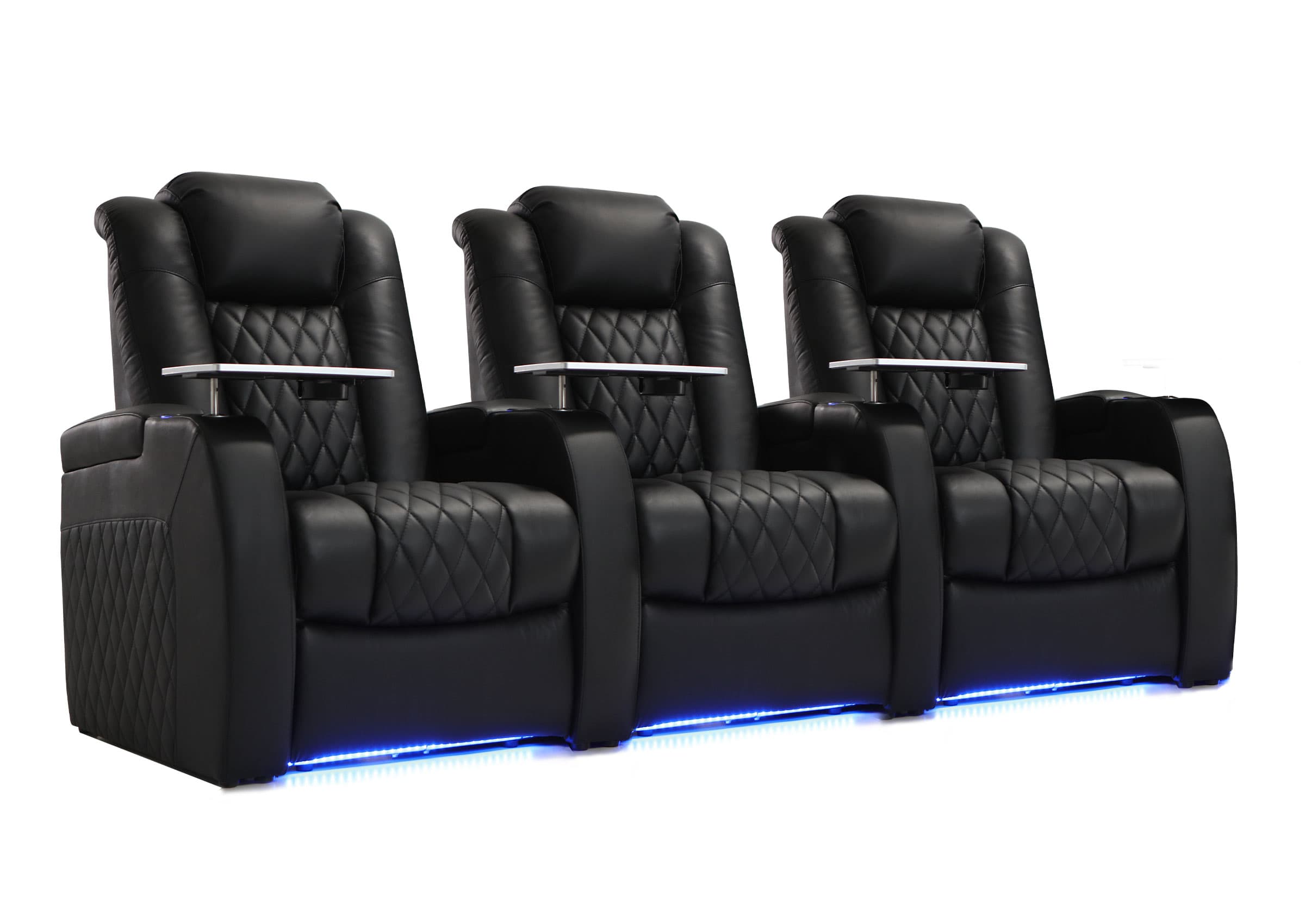
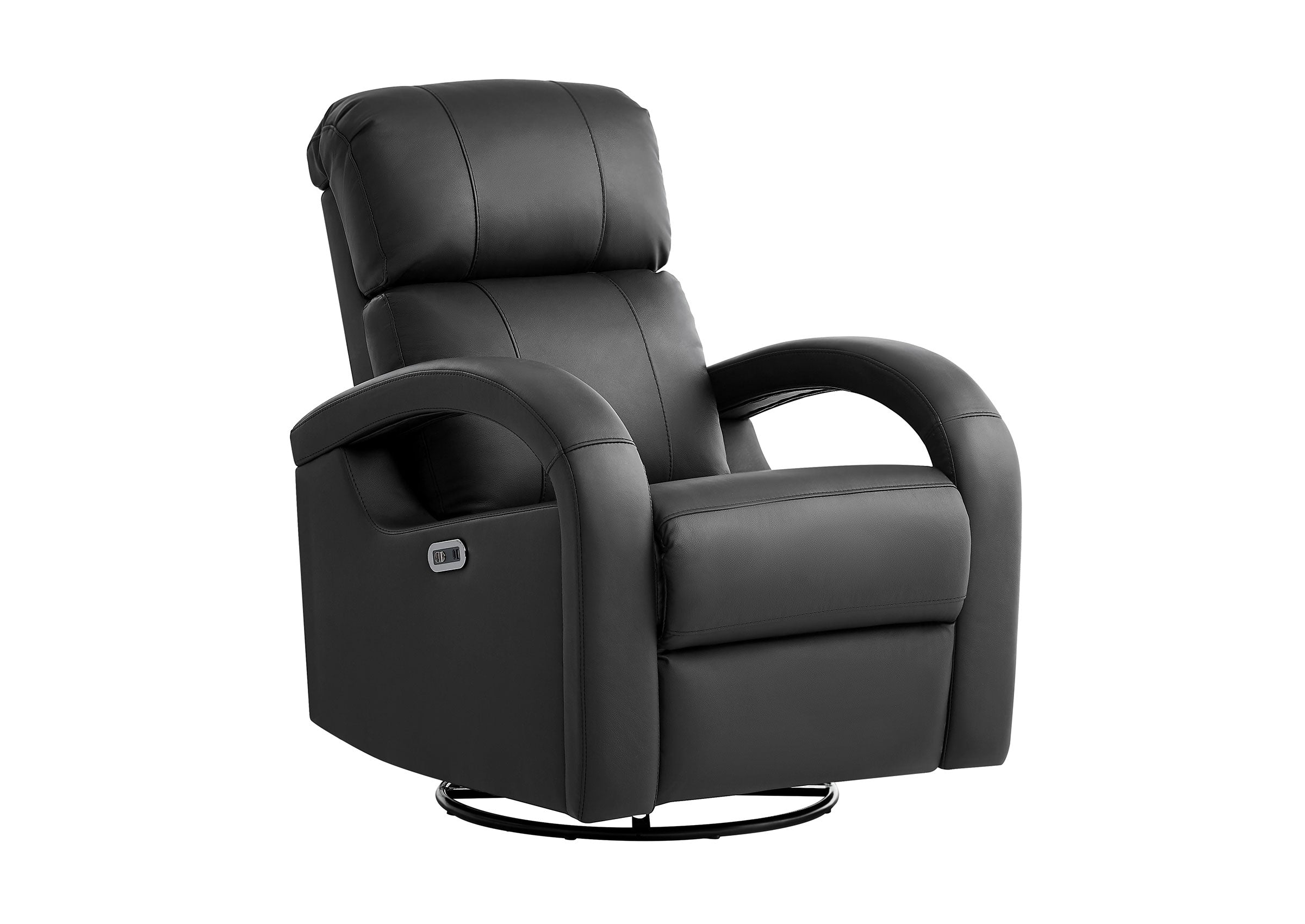





Start a media room setup with the activities the room has to support, then test the seating and screen positions before buying more equipment. Get one movie source and your games working, make lighting and storage easy to change, and try the room during an ordinary day as well as a movie night.
You can do this with an existing TV and sofa. If you are starting with an empty room, the same sequence helps you decide what to buy first. The aim is a room where watching, playing, and spending time together all feel convenient, including the change from one activity to the next.
Write a Brief for Three Ways of Using the Room
Ask the people who will use the room what they actually want to do there. “Gaming” might mean two people sharing a console, someone playing alone while another person reads, or a board game spread across a table. Those arrangements need different seats, surfaces, and lighting.
A short activity brief makes the trade-offs visible:
| Use | What the room needs to let you do |
|---|---|
| Movies and shared TV | See the picture from the regular seats, follow dialogue, and reduce distracting light without making the route out difficult to see. |
| Games | Read game text, reach controllers and charging points, and use responsive display settings. Tabletop games need a usable table and task lighting; movement-based games need their specified clear activity area. |
| Everyday living | Read, talk, find a place for a drink, and move through the room without first rearranging the entertainment system. |
Write down the usual number of people and the occasional guest count separately. A seat that works for a short visit may be a poor everyday gaming position if its occupant has to keep turning toward the screen.
Then identify what stays: the sofa, TV, desk, bookcase, or dining table. If another household activity must continue, give it a place in the plan now. A media room can work around a desk or guest bed, but those uses still need access when the entertainment furniture is occupied.
Mock Up the Seats and Screen Before Installing Anything
Start with the main viewing positions. With an existing TV and sofa, move a loose chair or temporarily shift the sofa to compare positions. Try a subtitled scene and a game menu from each regular seat. Check whether people can read comfortably, see around one another, and sit with a relaxed head position.
In an empty room, mark the proposed furniture footprints and screen position with removable tape. Include the TV stand, side tables, and storage doors. Use a real chair at approximately the intended seating height for the viewing test; a floor outline cannot tell you how a sofa back, cushion, or reclined posture will feel.
Check the proposed screen height from seated eye level before mounting it. Comfort depends on the furniture and viewing posture, so test the intended height rather than automatically centering the screen on the wall. If several seats require a strained upward or sideways view, adjust the arrangement before making the installation permanent.
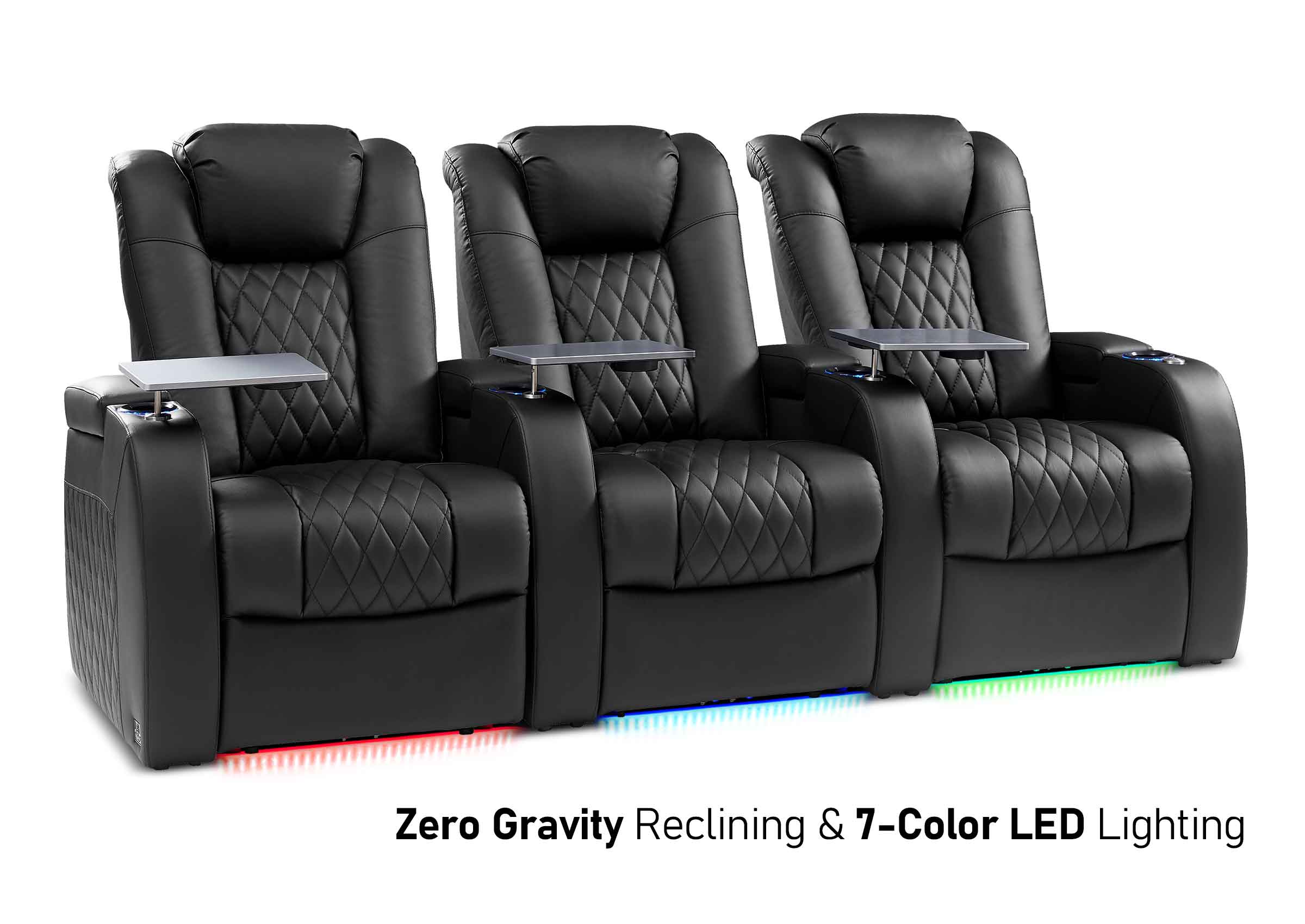
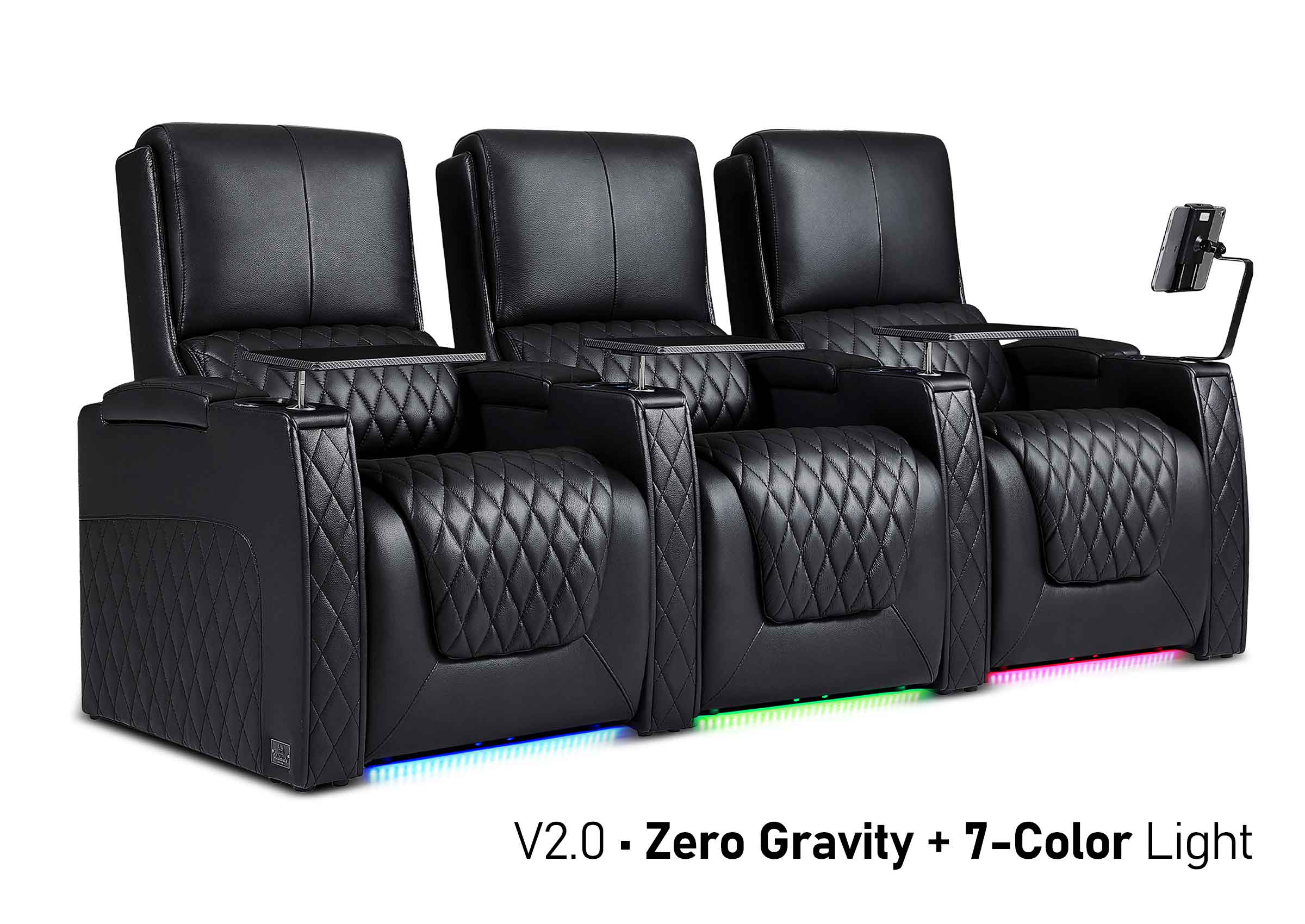
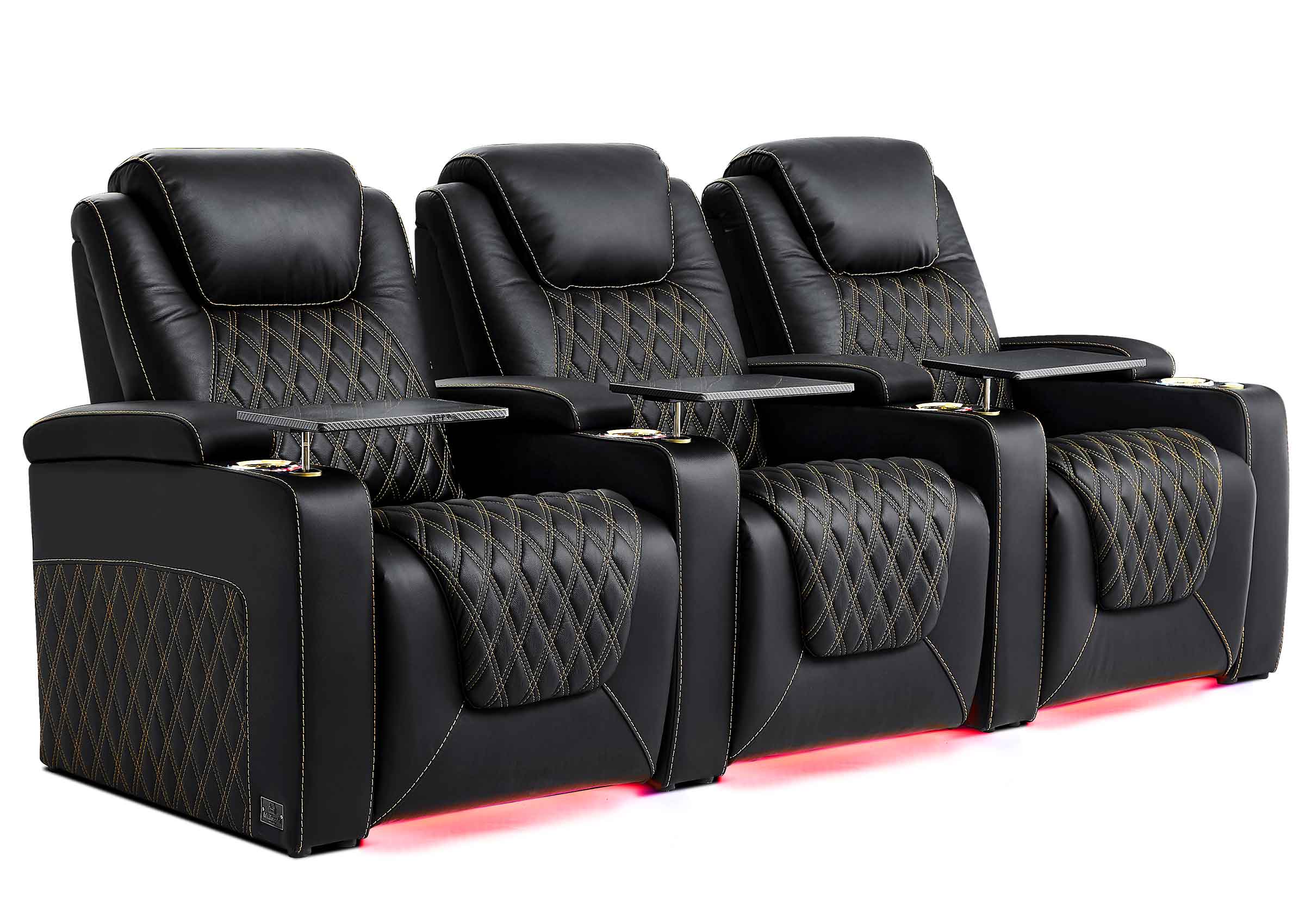
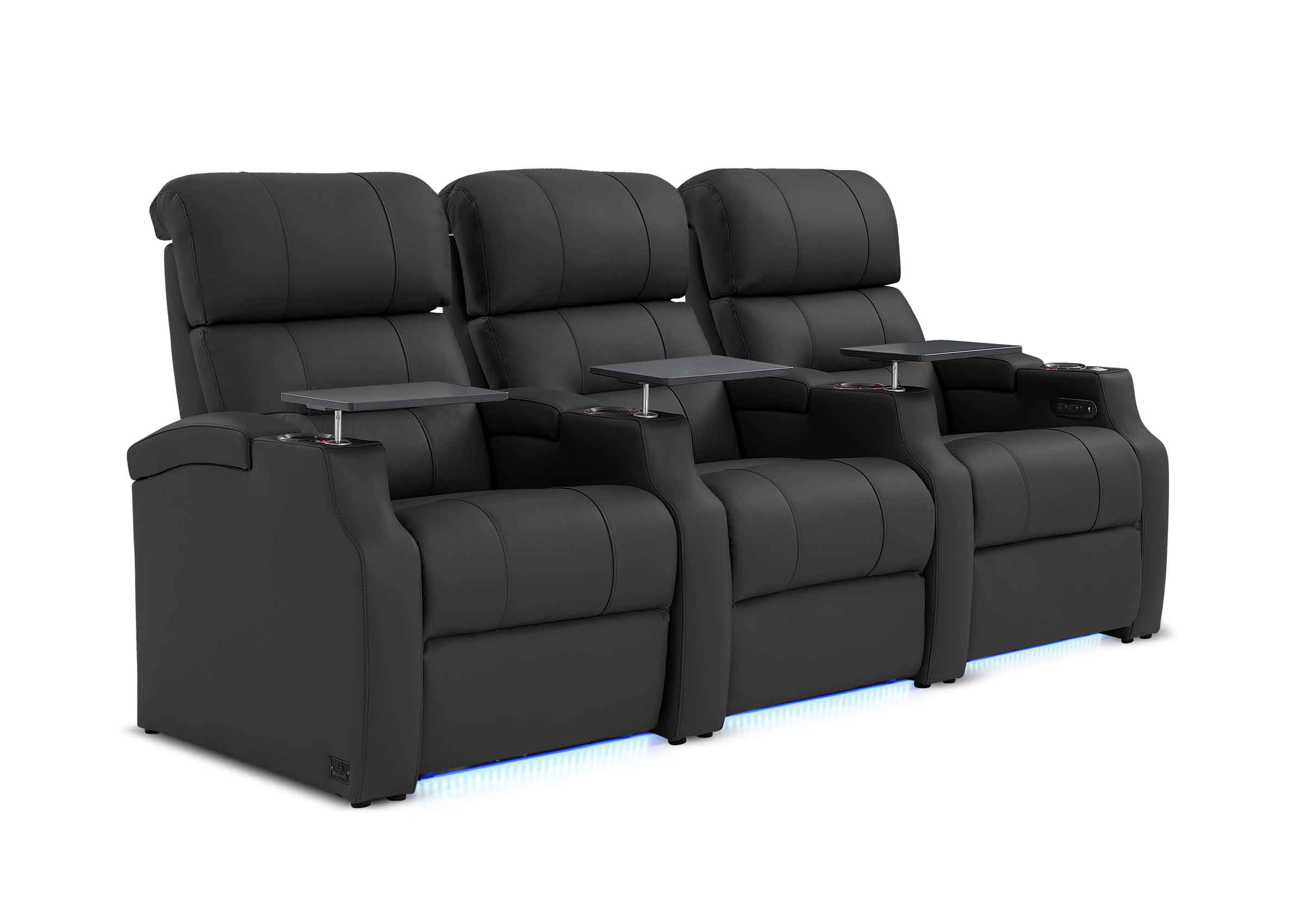
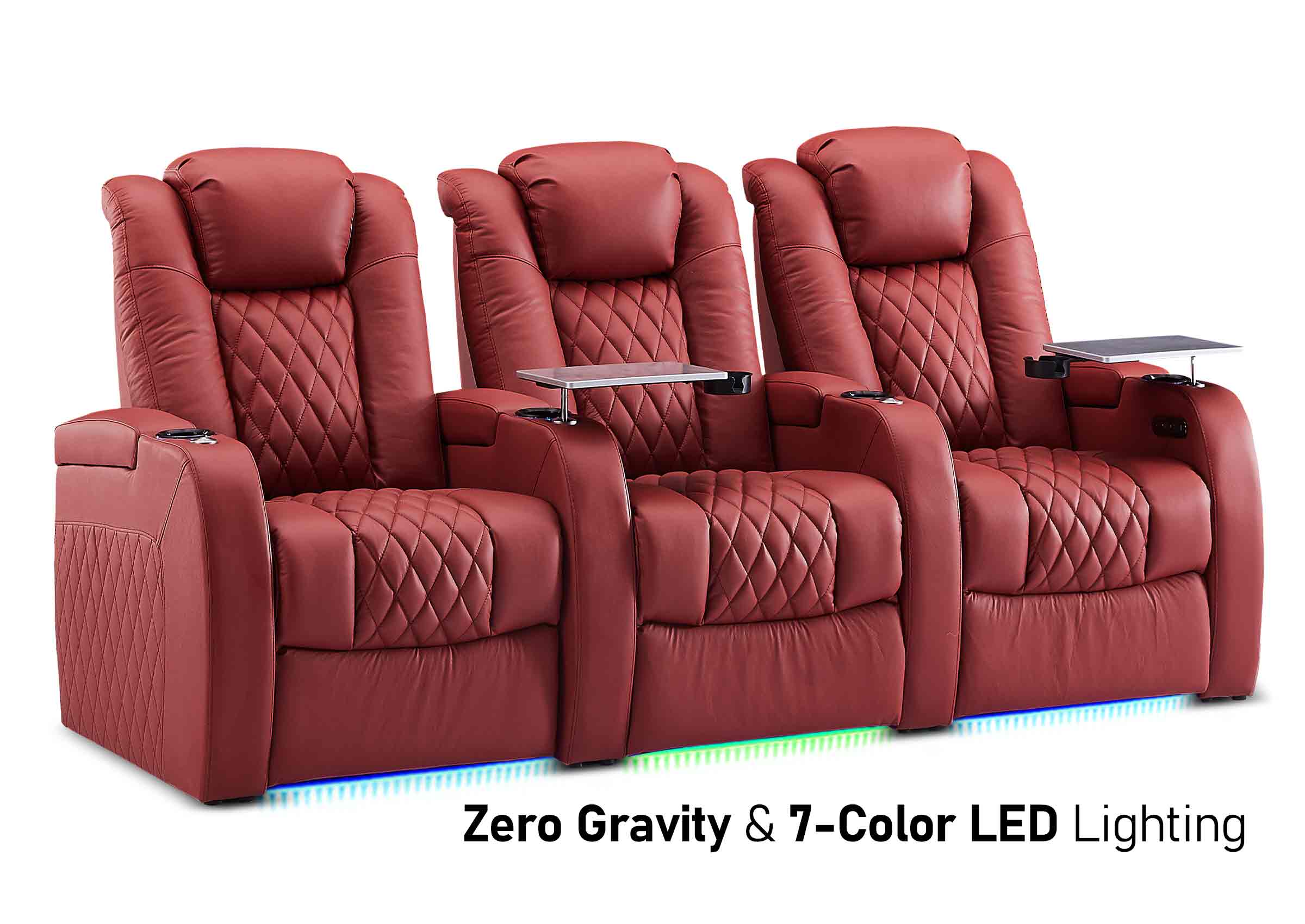
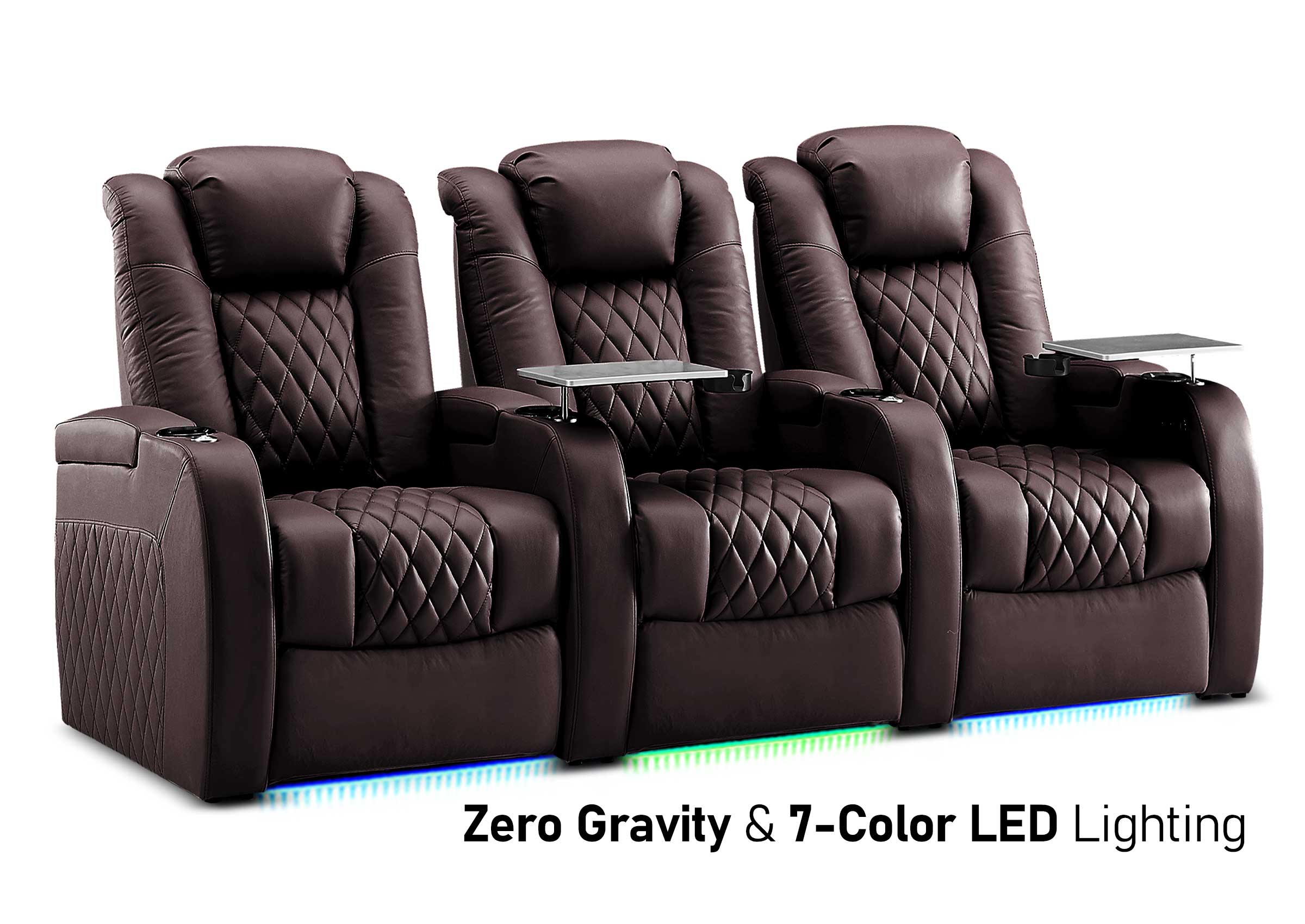
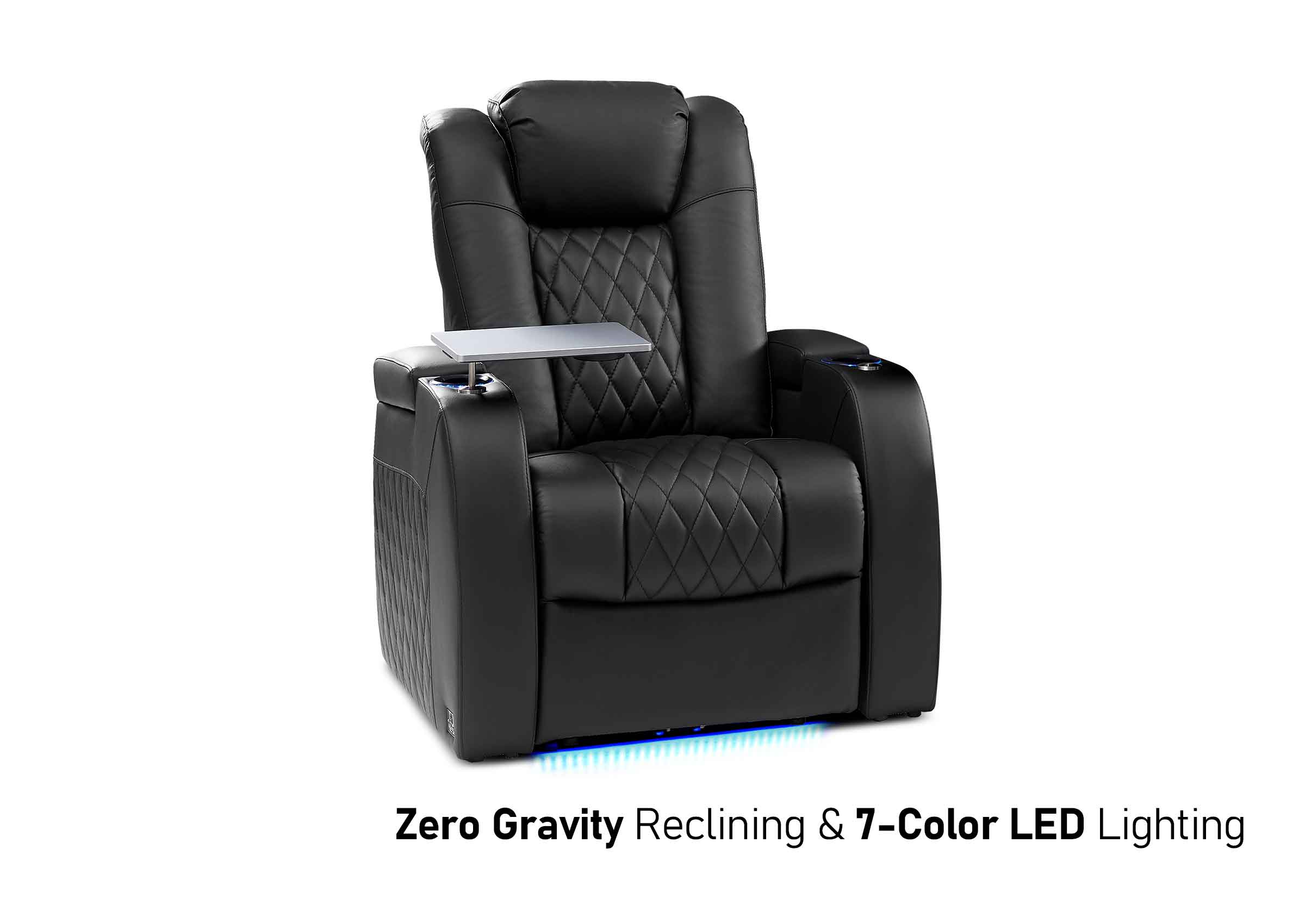
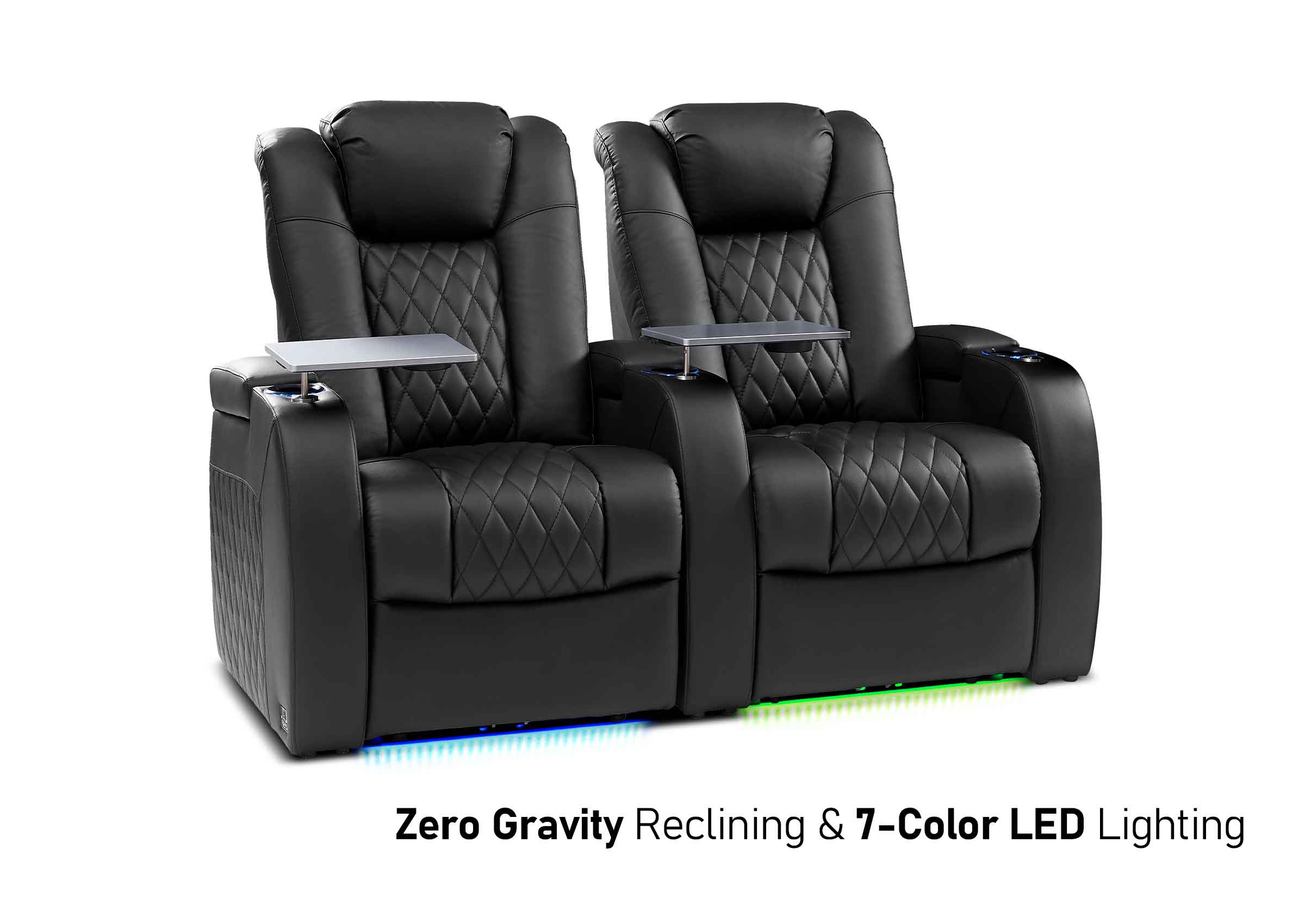
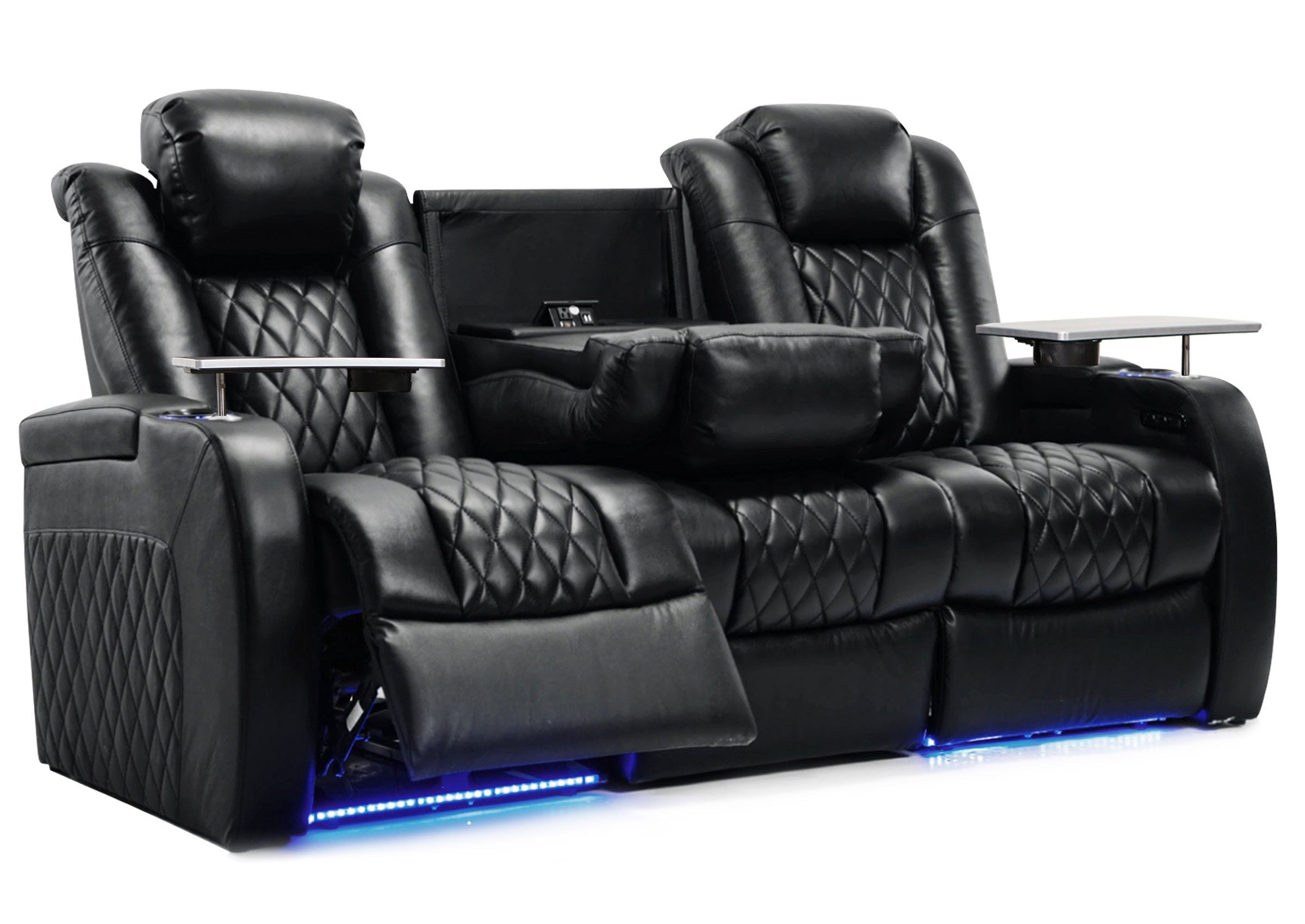
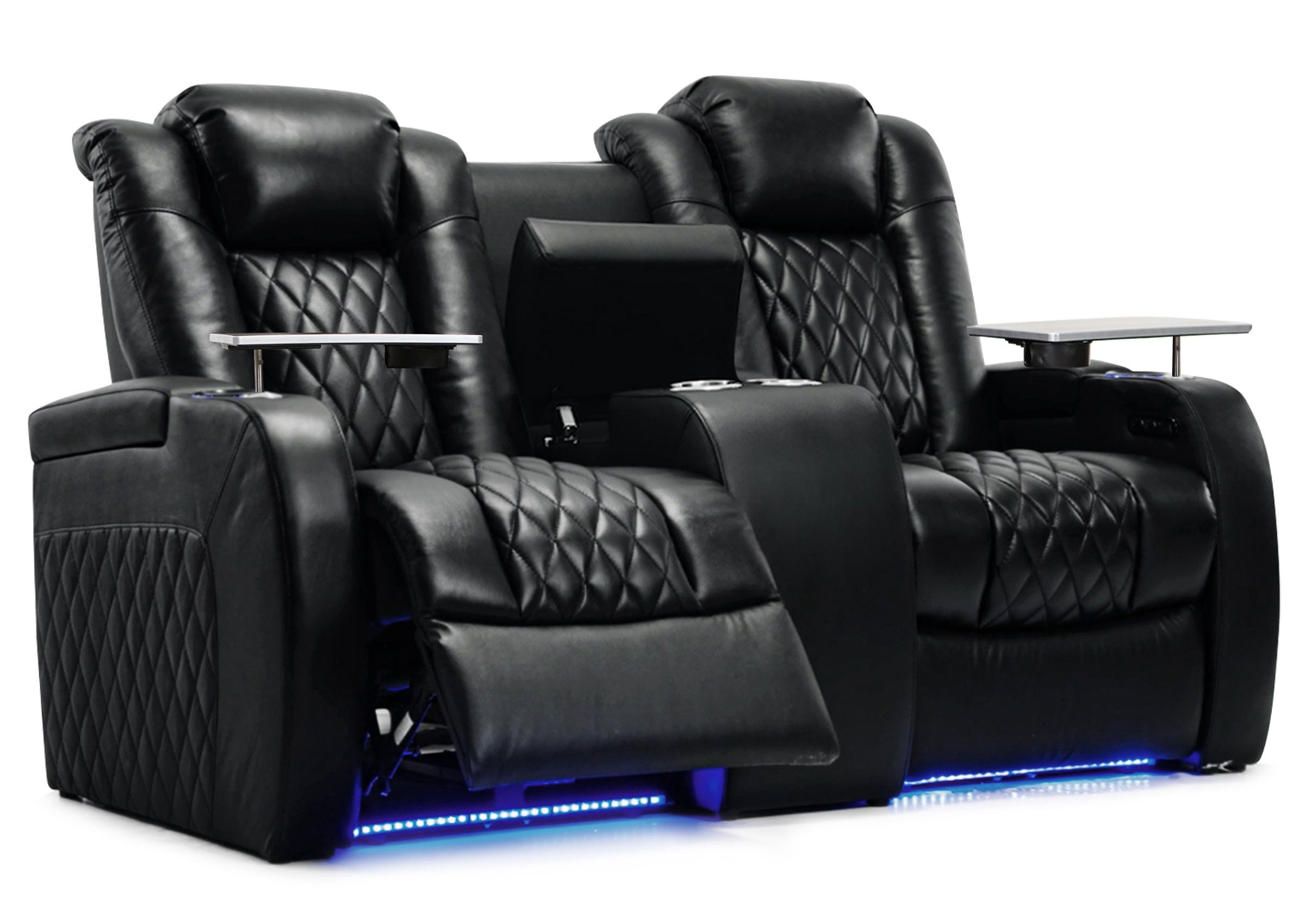
Plan around furniture while people are using it. Open a recliner fully, account for a chaise or footrest, and have someone walk to the door while the other seats are occupied. Check access to tables, drawers, and the remote. Use the exact furniture dimensions and instructions; the recliner clearance guide can help organize that measurement check.
Repeat the viewing test when daylight reaches the room. A layout that looks good after sunset may put a bright window reflection over the picture during afternoon games. Try another screen position or a window covering before deciding the display itself is inadequate. Keep the ordinary walking route usable in each arrangement.

FROM MOCKUP TO SEATING
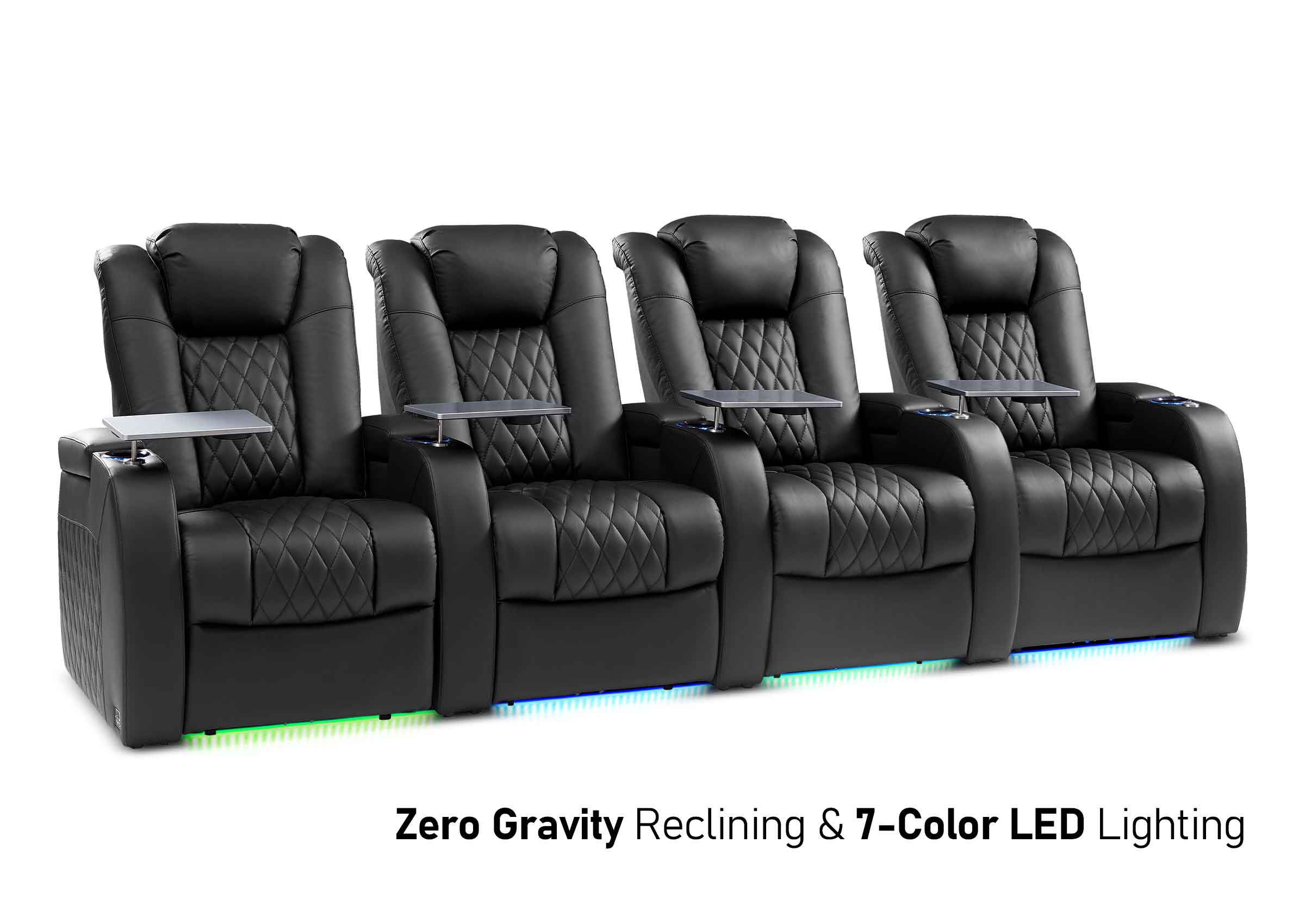
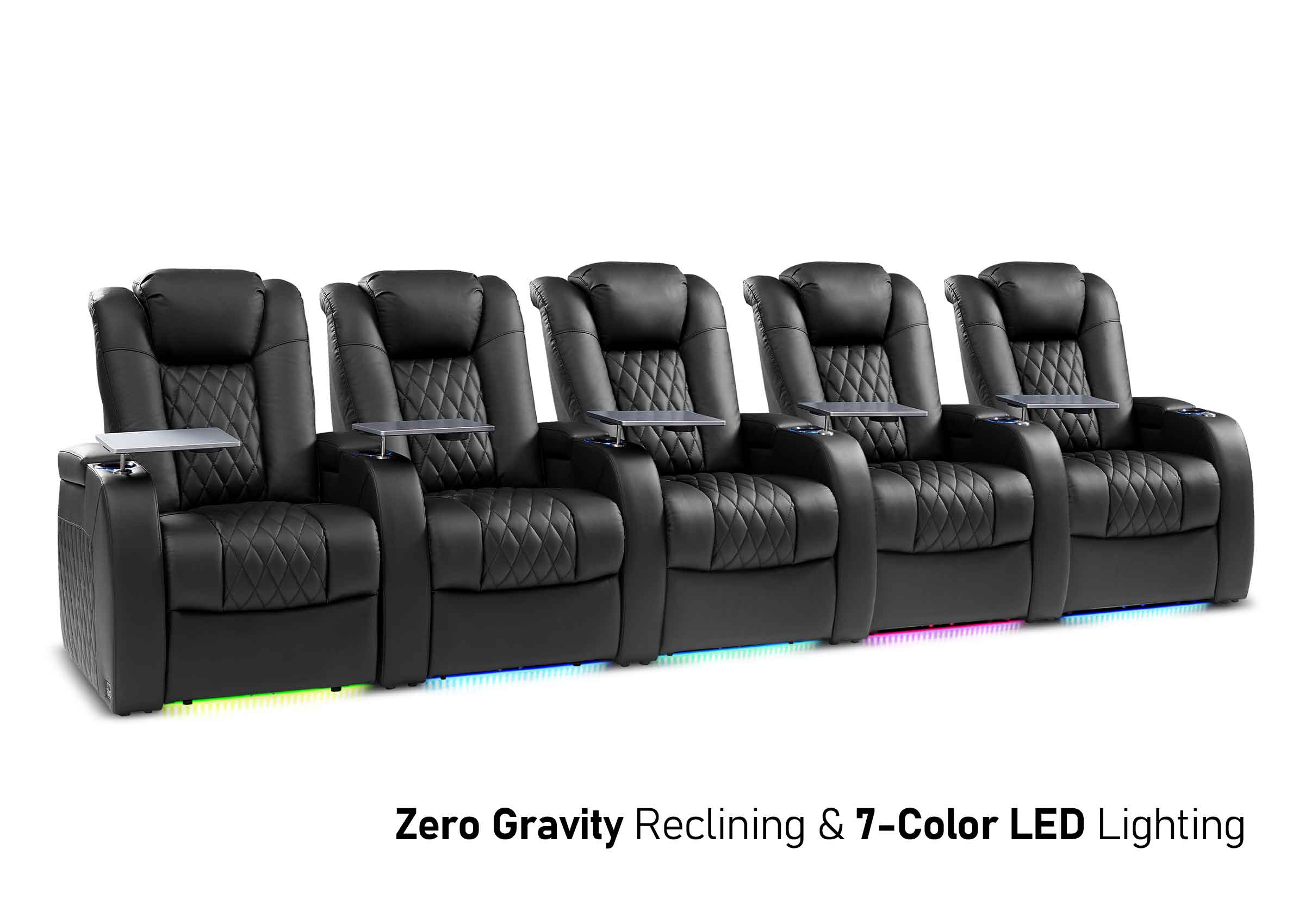
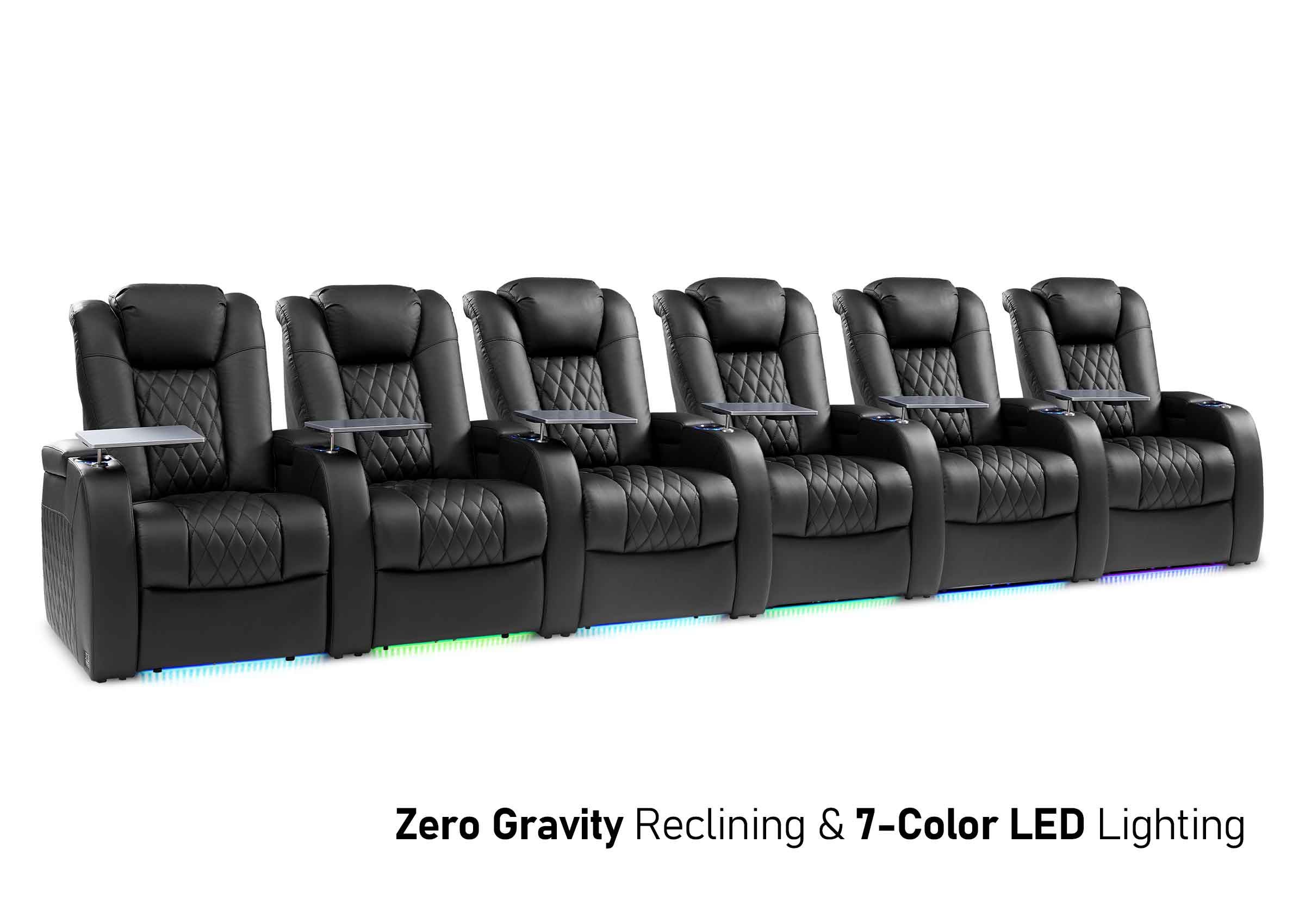
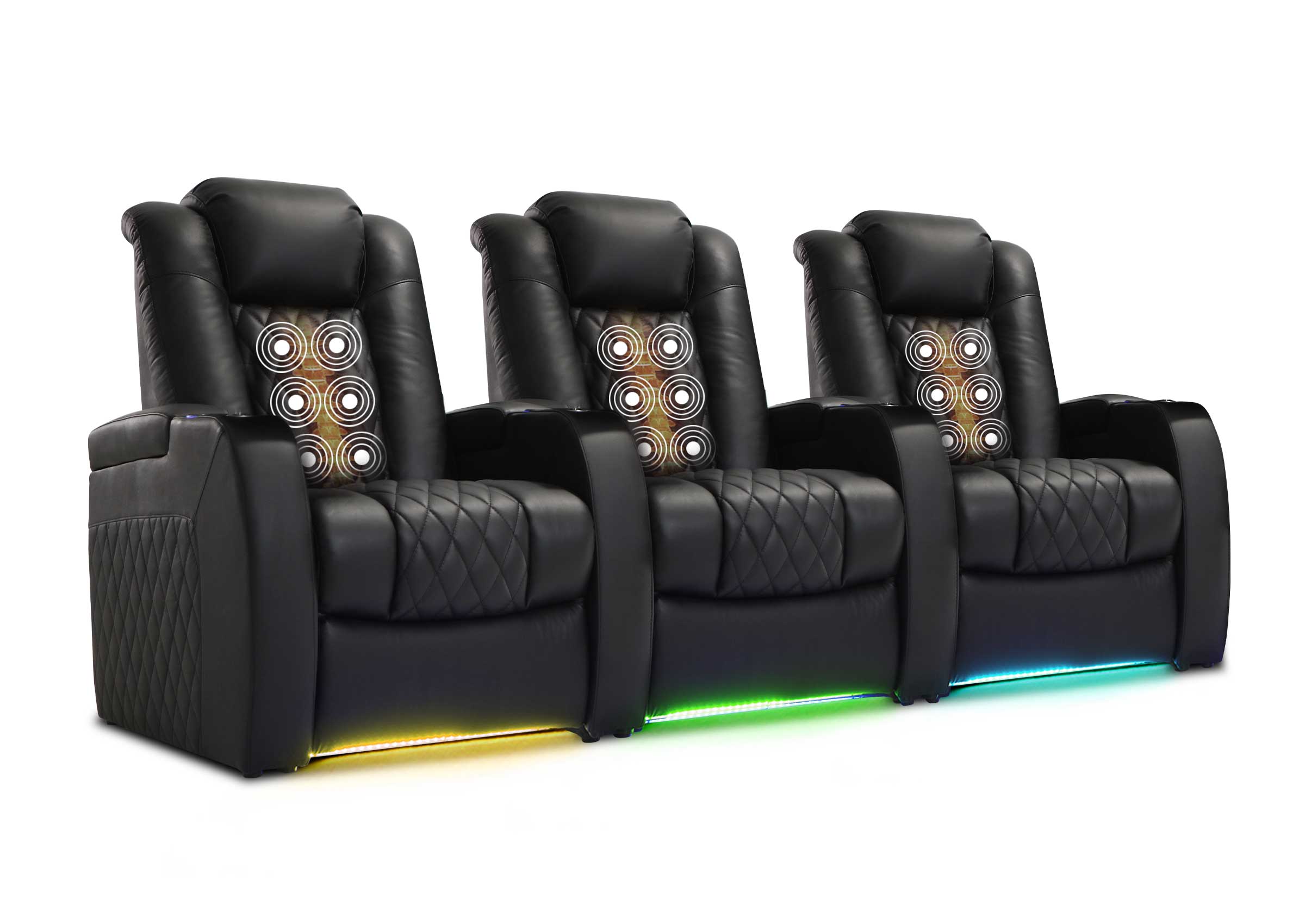
Choose Seats for Your Tested Layout
Use your tested viewing positions, open furniture footprint, and everyday activities to compare seating types.
Connect a Simple System That Supports Your Games
Choose the display around the tested room. An existing TV is a sensible starting point if its size, viewing angles, and daytime picture work from the seats you need. Projection may suit a larger shared image, but it also requires a workable image size, placement, light control, and a plan for the screen when the room has another use. Check the proposed projector's installation and gaming requirements before committing to furniture or a mount.
Next, draw the signal path in plain language. Two common arrangements are:
- Console or streaming device to TV; TV audio to a compatible soundbar or receiver through the designated ARC/eARC connections.
- Console or streaming device to an AV receiver; receiver video output to TV or projector, with the receiver driving the speakers.
The first arrangement can keep a small system straightforward. The second can suit separate speakers and multiple sources, provided the receiver passes the video features you want. An AV receiver is not a requirement when your chosen sound system already provides the necessary connections and amplification.
HDMI's explanation of eARC describes how audio received by a TV can return to a compatible soundbar or receiver through HDMI. Check the specific ports and supported audio formats on both devices. A connector that fits does not establish every feature of the complete connection.
For console games, check the display's game or low-latency setting on the input you actually use. Features such as variable refresh rate also depend on the equipment and settings across the path. For example, PlayStation's PS5 video-output guidance explains that automatic low-latency switching requires compatible support. It also provides a connected-device information screen for checking available capabilities.
Test the actual movie source and game source separately. Confirm picture, sound, dialogue timing, and controller response before concealing cables. If something fails, check the correct ports and settings, then isolate an intermediate device where the equipment instructions allow. This is more useful than replacing several components without knowing which connection caused the problem.
Start the audio check with speech at an ordinary listening level. Keep the soundbar or front speakers unobstructed, follow their placement guidance, and try the outer seats as well as the center. If voices seem indistinct in a bare, echoing room, compare placement and room reflections before treating higher volume or more speakers as the solution. Soft furnishings may help with reflections; they do not establish sound isolation from the rest of the house. For a deeper equipment and installation plan, continue with the home theater setup guide.
Make Lighting, Storage, and Controls Work Across Modes
Give each activity a lighting arrangement. For movies, reduce light falling directly on the screen while leaving a usable route to the door. For a board game or reading, provide light where people need to see the table or page. Check that a lamp beside a seat does not create a reflection for someone across the room.
Try these changes with ordinary switches and lamps first. A dimmer or automated scene may make the change easier, but you should already know which lights belong in it. Leave a clear manual way to return the room to everyday use.
Put controllers, remotes, headsets, and games near the people who use them. Give chargers a consistent home and leave room to open storage without moving a seated person. Follow each device's ventilation instructions; a cabinet that hides equipment still needs the specified airflow and access for maintenance.
Keep the control routine short enough for another household member to follow: turn on the display, select the source, choose the sound output if needed, and set the lights. Label inputs clearly. Test any automatic power or input switching instead of assuming every connected component will behave together.
Plan cables along an appropriate, protected route with access at the equipment. The U.S. Fire Administration's electrical safety guidance warns against overloading power strips and placing cords where they can be pinched or damaged, including under rugs. If the layout needs new outlets, concealed mains wiring, or permanent installation work, use a qualified professional and the applicable requirements.
Finish the room's everyday arrangement too. Decide where the movable table parks during a film, where blankets return, and where a guest chair goes afterward. A setup that takes substantial clearing each time may get used less often than a simpler arrangement that is ready.
Build One of Two Practical Starting Configurations
These are hypothetical starting arrangements, not tested room specifications or shopping packages. Adapt them to your dimensions, equipment, and household.
Start With an Existing TV and Sofa
Suppose the room already contains a TV on a stand, a sofa used by two people most evenings, and an occasional chair. Keep those pieces for the first trial. Position the sofa for a comfortable shared view, then angle the loose chair so a guest can see without blocking the route into the room. Check whether the TV stand or a nearby lamp creates glare before replacing either.
Use the TV's existing streaming source for the first movie test. Connect the console to an appropriate TV input. If you have a compatible soundbar, connect it through the designated audio-return ports and confirm both TV-app and console sound. Without a soundbar, assess the TV's speech clarity before deciding whether an audio purchase would solve a real problem.
Place a small side table within reach without squeezing the entrance. Store controllers and charging accessories near that table or in accessible console storage. For tabletop games, use a suitable movable table only if players can reach it comfortably; decide where it can safely park during screen use.
For a movie, move the table if necessary and reduce the lights that reflect on the screen. For console play, select the console input and confirm its game setting. For everyday use, restore the reading lamp and return the controllers to storage. Test that complete change once before buying more furniture.
If the picture and seats work but afternoon glare does not, investigate light control first. If only the occasional chair is uncomfortable, solve that position rather than replacing the whole sofa arrangement. Keep a simple note of what stays, what needs moving, and what actually needs buying after the trial.
Start With an Empty Spare or Multipurpose Room
Suppose the room must serve two regular viewers, occasional guests, and a small reading or tabletop-game area. Mark a compact sofa opposite the display wall, a movable guest chair to one side, and a separate table position that keeps the doorway clear. If the regular users prefer individual recliners, compare their full open footprints against the sofa arrangement before selecting either.
Use a real chair to test the proposed viewing position and a temporary screen position where practical. If the display is not yet purchased, mark the planned image size on the wall and check it against the actual seats and display specifications. That outline tests fit, not picture clarity. Where possible, compare a display of the intended size at a similar distance using subtitles and game text before committing. Do not mount equipment simply because the furniture outlines look balanced.
A first working version could use a TV with built-in streaming, a console, and either existing audio or a compatible soundbar. Put the console in accessible, ventilated storage. Verify the connection route before purchasing a cabinet that might restrict it. Separate speakers remain an option if listening tests and the room justify them.
Place the reading lamp so it lights the page without shining across the picture. Keep the game table usable with chairs around it, and define its parked position if the center of the room must open for another activity. Movement-based games need the clearance specified for that system, even when the screen-viewing layout already works.
For the first test, have one person start a movie, another switch to the console, and both restore the reading arrangement. If the loose chair or table has nowhere convenient to go, revise the layout before ordering the remaining furniture. That daily change is part of the setup.

Run First-Use Checks Before Calling the Room Finished
Use familiar content so you can judge the room rather than an impressive demonstration clip. Include a dialogue-heavy scene, a game with ordinary menus, and the streaming service you normally use.
| Check | What to try and what to change if it fails |
|---|---|
| Every regular seat | Read subtitles and game text, then sit for a normal session. Reposition a strained or obstructed seat before changing screen size. |
| Movie and game connections | Switch between actual sources; check sound, lip sync, and game response. Recheck the affected input and signal path if one source behaves differently. |
| Daylight and evening light | Repeat a dark scene and a game menu at the times you use the room. Adjust window coverings, lamp positions, or the screen position before buying around a reflection. |
| Streaming and online play | Try the real service at the usual busy time. If it struggles, distinguish internet or local-network trouble from a display problem; test a suitable wired connection where practical. |
| Occupied furniture and access | Use the seats together, including open footrests, and walk to the exit and storage. Change the furniture or table position if access disappears. |
| Someone else's startup | Ask another user to start a movie without coaching. Simplify inputs, labels, or the control routine where they get stuck. |
| Everyday reset | Put away controllers, return the table, and restore reading light. Add a storage or parking place for anything left in a walking route. |
Write down what failed and change one thing at a time. Retest the affected activity and the everyday arrangement afterward. Moving a lamp may fix one seat's reflection while creating another's.
Upgrade Only the Problem That Remains
Spend first on the pieces needed to make the room usable: a suitable display or reuse of one, seats that work in the layout, intelligible sound, and safe access and connections. Keep some of the budget available for problems discovered during the trial.
A larger screen may help with unreadable text, but moving a distant seat or changing a game's text setting may be the better first check. More speakers will not correct an obstructed soundbar. A new sofa will not fix a screen mounted too high. Choose the change that addresses the observed problem.
Comfort upgrades can follow the same approach. Note who needs leg support, who sits upright for games, and whether a shared sofa or individual seats better support those habits. Measure the proposed replacement in both its everyday and open positions. Leave decorative additions until the core activities work, especially when accessories would occupy useful table or floor space.
A first version is ready when the household can use it and restore it. It can still have future upgrades. Keep a short list of remaining issues, their likely causes, and what you will test before spending again.
Frequently Asked Questions
Does a media room need a projector?
No. A TV can support movies, console games, and everyday viewing. Projection is an option when the desired image size, placement, ambient light, and equipment fit the room. Plan where the screen and projector go during other activities, and check gaming suitability on the actual model if games matter to you.
Can I keep my existing sofa?
Yes, if it gives the regular users a comfortable view and leaves the room usable. Try a real session together before replacing it. Check the occupied footprint, supported posture, access to tables, and any reclining movement. Add or reposition an occasional chair if only the guest arrangement needs help.
Do I need an AV receiver if I use a soundbar?
Usually not when the soundbar and TV already support your sources and intended audio connection. Many soundbar arrangements do not use a separate receiver. Check the exact devices, ports, and supported formats; a receiver becomes relevant when your speaker system or connection needs call for one.
Do the walls have to be dark?
No. Start with glare and light reaching the screen. Window coverings, lamp placement, and controllable lighting may let you keep a lighter everyday room. Dark finishes can be considered where reflected light is a remaining issue, especially with projection, but paint color alone does not establish a comfortable viewing setup.
Will rugs or acoustic panels keep movie sound out of other rooms?
Do not rely on them for that result. Soft furnishings and suitable acoustic treatment can help manage reflections inside the room. Reducing sound transmission to neighboring spaces is a different task involving the building and sound paths. If quiet adjoining rooms are essential, assess that requirement before assuming an acoustic-panel purchase will solve it.
Can one person watch a movie while someone else plays a game?
With one ordinary shared display, the household normally has to choose one source at a time unless the equipment specifically supports an appropriate simultaneous-viewing feature. Headphones can separate listening but do not create a second picture. Schedule screen time, use a suitable second display, or pair screen use with an independent activity such as reading. Check whether the light and sound conditions suit both people.
What should I buy first on a limited budget?
Start by testing what you own. Buy what prevents the basic arrangement from working, such as a needed display, appropriate seating, or a way to hear dialogue clearly. Price installation and necessary connections before optional equipment. Use the first-use checks to identify the next purchase rather than committing the entire budget to a bundle before trying the room.
Make the First Version Easy to Live With
Before choosing new seating, bring together a room sketch, the furniture you are keeping, the regular and guest counts, and the positions you have tested. Include the space furniture uses when occupied or fully open, along with the routes that must stay available.
For help checking a Weilianda seating configuration against that plan, visit Support or email leon@weiliandahome.com. Share how the room will be used for movies, games, and everyday living so the discussion starts with the way your household will actually sit and move.