





































Buying a home theater receiver can feel like reading a wall of numbers.
Five channels or eleven? 80 watts or 120? HDMI 2.1 or something newer? Dolby Atmos? eARC? Room correction? Pre-outs?
The easiest way to simplify the decision is to stop comparing receivers first.
Choose the system you actually want to build, then choose the receiver that can run it.
A good AV receiver is not necessarily the one with the highest channel count, the biggest wattage number, or the longest feature list. It is the one that supports your speaker layout, source devices, display, room, and one realistic next upgrade without forcing you to pay for capabilities you may never use.
A practical decision order looks like this:
Speaker layout → realistic upgrade → sources and HDMI → speaker compatibility → room correction → physical installation → extra features
Do You Actually Need an AV Receiver?
An AV receiver combines several jobs in one component. It can switch between video sources, decode surround-sound formats, send video to a TV or projector, process audio, and amplify passive speakers.
That makes an AVR a natural foundation for systems built around separate passive front, center, surround, and height speakers.
But not every home entertainment setup needs one.
If you are using a self-powered soundbar or another audio system that already includes its own amplification and processing, adding an AV receiver may provide little benefit. At the other extreme, a more advanced theater may eventually use a separate surround processor and external power amplifiers instead of relying on one receiver.
For most people building a conventional multi-speaker home theater, however, an AVR is the simplest way to connect the system.
Before shopping for one, decide what the speaker system will actually look like.
Start With Your Speaker Layout
Receiver channel count makes much more sense once you stop thinking about it as a specification and start thinking about it as a speaker plan.
Dolby uses layouts such as 5.1, 5.1.2, 5.1.4, and 7.1.4 to describe surround systems. The first number represents the main ear-level speakers, the second represents the subwoofer channel, and the third represents overhead or height speakers used for Dolby Atmos. You can review Dolby's official Dolby Atmos speaker setup guidance for layout examples.
That gives you a simple starting point:
| Planned Speaker Layout | Amplified Speaker Channels Typically Needed |
|---|---|
| 5.1 | 5 |
| 7.1 | 7 |
| 5.1.2 | 7 |
| 5.1.4 | 9 |
| 7.1.2 | 9 |
| 7.1.4 | 11 |
The subwoofer does not normally consume one of those built-in speaker-amplifier channels because a typical powered subwoofer contains its own amplifier.
This is why someone planning a 5.1.2 system has a different receiver requirement from someone planning 5.1.4, even though both systems use five ear-level speakers.
If you have not decided on the speaker layout yet, do that first. The Home Theater Speakers Guide explains the roles of front, center, surround, height, and subwoofer channels and how the layout relates to the room and listening position.

Do Not Confuse Powered Channels With Processing Channels
This is one of the easiest receiver specifications to misunderstand.
A receiver may be able to process more channels than it can amplify internally.
For example, an AVR could decode and route additional channels through preamp outputs while requiring a separate power amplifier to drive those extra speakers.
So when a product page lists a large channel number, verify two things:
- how many channels the receiver can process;
- how many speakers its built-in amplifiers can actually power.
If you want a 7.1.4 system without external amplification, you need enough built-in amplification for the eleven passive speaker channels.
If you are comfortable adding a power amplifier later, a receiver with additional processing and suitable pre-outs may give you another upgrade path.
Future-Proof One Realistic Upgrade, Not Every Possible Upgrade
Future-proofing sounds sensible until it becomes the reason you buy features your room may never use.
Imagine that you are building a 5.1 system today.
If you already know that you plan to install two height speakers next year, buying enough amplification for 5.1.2 makes sense.
But if your ceiling cannot accommodate height speakers, the room has no practical wiring route, and you have no real plan to expand beyond 5.1, paying substantially more for a large Atmos receiver may solve a problem you do not have.
A better rule is:
Buy for the system you are building now plus one upgrade you can realistically describe.
That upgrade might be:
- two Atmos speakers;
- two additional rear surrounds;
- an external amplifier;
- a second display;
- another subwoofer;
- an additional source device.
If you are renovating and future speakers are genuinely part of the plan, wiring them before the walls are finished can be more valuable than buying the largest receiver immediately. The Home Theater In-Wall Wiring Guide can help you think through those cable routes before the room is finished.
Count the Devices You Will Actually Connect
After channel count, make a source list.
A typical home theater may include some combination of:
- streaming box;
- game console;
- gaming PC;
- Blu-ray or UHD disc player;
- cable or satellite box;
- turntable;
- media server;
- TV or projector.
Now count how they will connect.
Do not stop at the total number of HDMI inputs printed on the front of the box. Ask whether the specific inputs you need support the video features your sources require.
A user with one streaming device has a very different HDMI requirement from someone connecting a PS5, Xbox, gaming PC, UHD player, and another media source.
Leaving one unused input for a likely future device is reasonable.
Paying for a dozen connections when you use three is not automatically better.
Buy HDMI Features, Not Just an HDMI Version Number
“HDMI 2.1” is often treated like a complete feature package. It is not.
HDMI Licensing Administrator explains that support for individual HDMI specification features can vary, which is why the useful question is not simply which version number appears on the specification sheet, but which features the individual inputs actually support. See the official HDMI specification guidance.
That means a better receiver checklist asks:
What must pass through this particular HDMI input?
For a gaming console or PC, that may include:
- 4K at 120Hz;
- Variable Refresh Rate (VRR);
- Auto Low Latency Mode (ALLM);
- appropriate HDR support.
If several high-bandwidth gaming sources will connect directly to the AVR, verify how many receiver inputs support the features you need—not just whether the specification page contains the phrase “HDMI 2.1.”
When Does eARC Matter?
eARC becomes especially useful when sources or streaming apps connect to the TV rather than directly to the receiver.
It allows compatible TVs to return high-quality audio over HDMI to an AVR or soundbar. HDMI's official eARC guidance lists support for formats including Dolby TrueHD, Dolby Atmos, DTS-HD Master Audio, and DTS:X.
So instead of automatically routing every source through the receiver, first decide:
Will my sources connect to the AVR, or will some connect directly to the TV?
That decision changes which HDMI inputs and eARC capabilities actually matter.

Do Not Buy a Receiver by Wattage Alone
Receiver power specifications look easy to compare because they use one familiar number: watts.
Unfortunately, the number is not useful without its test conditions.
The Federal Trade Commission maintains an Amplifier Rule designed to make amplifier power disclosures more meaningful and comparable for consumers.
When comparing two receiver power claims, look beyond:
80 watts versus 120 watts.
Check whether the ratings use comparable:
- speaker impedance;
- frequency range;
- distortion level;
- number of channels driven.
A larger headline number measured under easier conditions can be less useful than a smaller number measured under more demanding conditions.
The receiver also has to work appropriately with the speakers themselves.
Confirm the selected speaker manufacturer's impedance and amplification recommendations, and confirm that the AVR is designed to operate with that load.
Room size, listening distance, speaker sensitivity, crossover choices, and the volume you actually use all affect how much amplifier capability matters in practice.
The goal is not to buy the largest watt number. It is to avoid making wattage the only number you understand.
Room Correction Starts With the Listening Position

Modern AV receivers can measure the room and adjust speaker levels, distances, delays, frequency response, and other parameters depending on the calibration system.
That can be extremely useful.
But calibration should happen after the room layout makes sense.
Dolby's speaker-layout guidance begins by identifying a central seating position and placing or aiming speakers relative to the listener.
That suggests a better setup order:
Set the seating position → place the speakers → connect the receiver → run calibration
not:
Buy a powerful room-correction system → expect it to repair every physical layout problem.
A calibration system cannot move a surround speaker that has nowhere sensible to go. It cannot create space for overhead speakers that the room cannot support. And it should not be expected to fully solve a physical obstruction between a listener and a speaker.
The listening position also changes when furniture changes.
A recliner can move the listener's head backward. An adjustable headrest can change ear height and what sits behind the head. A tall couch can occupy part of the path between listener-level surround speakers and the viewer's ears.
That is why speakers, receiver calibration, and seating should ultimately be treated as one system rather than three unrelated purchases.
PLAN THE LISTENING POSITION
Before You Calibrate the Receiver, Make Sure the Seats Are in the Right Place
Speaker calibration works around where people actually sit. If your seating position is still flexible, check the room layout first. If seat-back height may sit between your ears and the surround speakers, verify that relationship before the room is finalized.
Make Sure the Receiver Fits the Cabinet Before You Buy It
AV receiver placement is a performance issue, not just a furniture issue.
A receiver may physically fit on a shelf while still having too little room for:
- ventilation;
- HDMI connectors;
- speaker terminals;
- cable bends;
- antennas;
- service access.
Check the exact manufacturer's ventilation requirement for the model you are considering.
For example, Denon recommends approximately six inches of ventilation space above and two inches on each side of its AVRs. That is a Denon-specific recommendation, not a universal receiver rule, but it illustrates why the cabinet dimensions alone are not enough.
Also measure depth with cables connected.
A receiver that is 15 inches deep does not necessarily fit comfortably inside a 16-inch-deep cabinet once stiff HDMI cables and speaker wiring are attached behind it.
The receiver needs operating space, not just shelf space.

Which Receiver Features Are Actually Worth Paying For?
Once the core system requirements are covered, convenience and expansion features can separate otherwise suitable receivers.
The important question is not whether a feature sounds premium.
It is whether you can describe when you will use it.
| Feature | More Valuable When… |
|---|---|
| Extra powered channels | You have a defined speaker upgrade planned |
| More processing channels | You may add external amplification later |
| Preamp outputs | External power amplifiers are a realistic future step |
| Multiple subwoofer outputs | You plan a multi-sub system and the AVR supports the control you need |
| Extra HDMI outputs | You need both a TV and projector or another display |
| Zone 2 / Zone 3 | The receiver will genuinely serve another room |
| Phono input | You use a turntable without its own suitable phono stage |
| Built-in streaming | You want the AVR itself to be a regular music source |
| App or voice control | It improves the way your household actually operates the system |
Features that duplicate something you already use well elsewhere deserve less weight.
If your streaming box already handles every service you care about, built-in receiver apps may not determine the purchase.
If you never intend to power another room, Zone 2 does not become valuable simply because a more expensive model includes it.
A Home Theater Receiver Buying Checklist
Before comparing final models, make sure you can answer these questions:
Speaker System
- What layout am I actually building?
- How many built-in amplifier channels does it require?
- Is the advertised number powered channels or processing channels?
Upgrade Plan
- What is the one most likely expansion?
- Does it require more channels, pre-outs, additional HDMI, or wiring?
Sources and Display
- How many real source devices will connect?
- Which devices need 4K120, VRR, ALLM, HDR, or other specific HDMI features?
- Will sources connect to the receiver or directly to the TV?
- Do I need eARC?
Speakers
- Is the AVR compatible with the speaker load?
- Are the power ratings I am comparing measured under similar conditions?
Room
- Where is the main listening position?
- Can the speaker layout actually work around that position?
- Will room calibration be run after the furniture and speakers are in their real positions?
Installation
- Does the receiver fit with cables attached?
- Does the manufacturer-required ventilation fit inside the cabinet?
- Can you reach the back again without dismantling the room?
If two receivers both pass those tests, then differences in streaming services, apps, displays, control systems, aesthetics, and price become much easier to compare.
Frequently Asked Questions About Home Theater Receivers
What does a home theater receiver do?
An AV receiver typically combines source switching, surround-sound decoding and processing, video routing, volume control, room calibration, and amplification for passive speakers in one component.
How many receiver channels do I need for Dolby Atmos?
It depends on the speaker layout. A 5.1.2 layout uses seven amplified speaker channels, while 5.1.4 and 7.1.2 normally require nine. A 7.1.4 layout requires eleven amplified speaker channels unless some speakers are powered through an external amplifier.
Is a 7-channel receiver enough for home theater?
It can be. Seven amplified channels can support traditional 7.1 or a 5.1.2 Dolby Atmos layout. If you expect to move to four height speakers, you will need a different amplification plan.
Do I need an AV receiver if I have a soundbar?
Most self-powered soundbars include their own amplification and audio processing, so they do not require a conventional AV receiver. An AVR becomes more relevant when building a system around separate passive speakers.
How many watts should a home theater receiver have?
There is no useful universal number. Match the AVR to the speakers, room, listening distance, and desired output, and compare wattage only when the rating conditions are similar. Speaker impedance, sensitivity, distortion, frequency range, and the number of channels driven can all affect what a headline wattage figure means.
Do I need HDMI 2.1 or HDMI 2.2 on an AV receiver?
Start with the features your sources and display actually need instead of the version number alone. HDMI specification features can vary by product and input, so verify features such as 4K120, VRR, ALLM, eARC, and the number of ports that support them.
Is eARC necessary on a receiver?
It becomes particularly useful when the TV is the connection point for streaming apps or source devices and you want compatible high-quality audio returned from the TV to the receiver through HDMI.
Is room correction worth having?
It can be very useful for balancing a multi-speaker system in a real room, but it works best after the speaker layout and listening positions have been planned correctly. It should refine a sensible setup rather than replace one.
Can I put an AV receiver inside a closed cabinet?
Only if the cabinet satisfies the receiver manufacturer's ventilation and clearance requirements and leaves enough room for cables and airflow. Check the exact model's manual rather than relying on a universal clearance number.
Choose the Receiver After You Know the Room
A home theater receiver is easiest to buy when it is no longer an abstract box full of specifications.
Once you know:
- where people will sit;
- which speakers the room can realistically support;
- how many channels those speakers require;
- which sources need high-bandwidth HDMI connections;
- and which upgrade you are genuinely likely to make;
most receiver specifications stop being confusing.
Some become requirements. Others become optional. And many disappear from the decision completely.
The best home theater receiver is not the one that prepares you for every system you might someday build. It is the one that completely supports the system you are actually building—and leaves room for the next upgrade you are realistically likely to make.
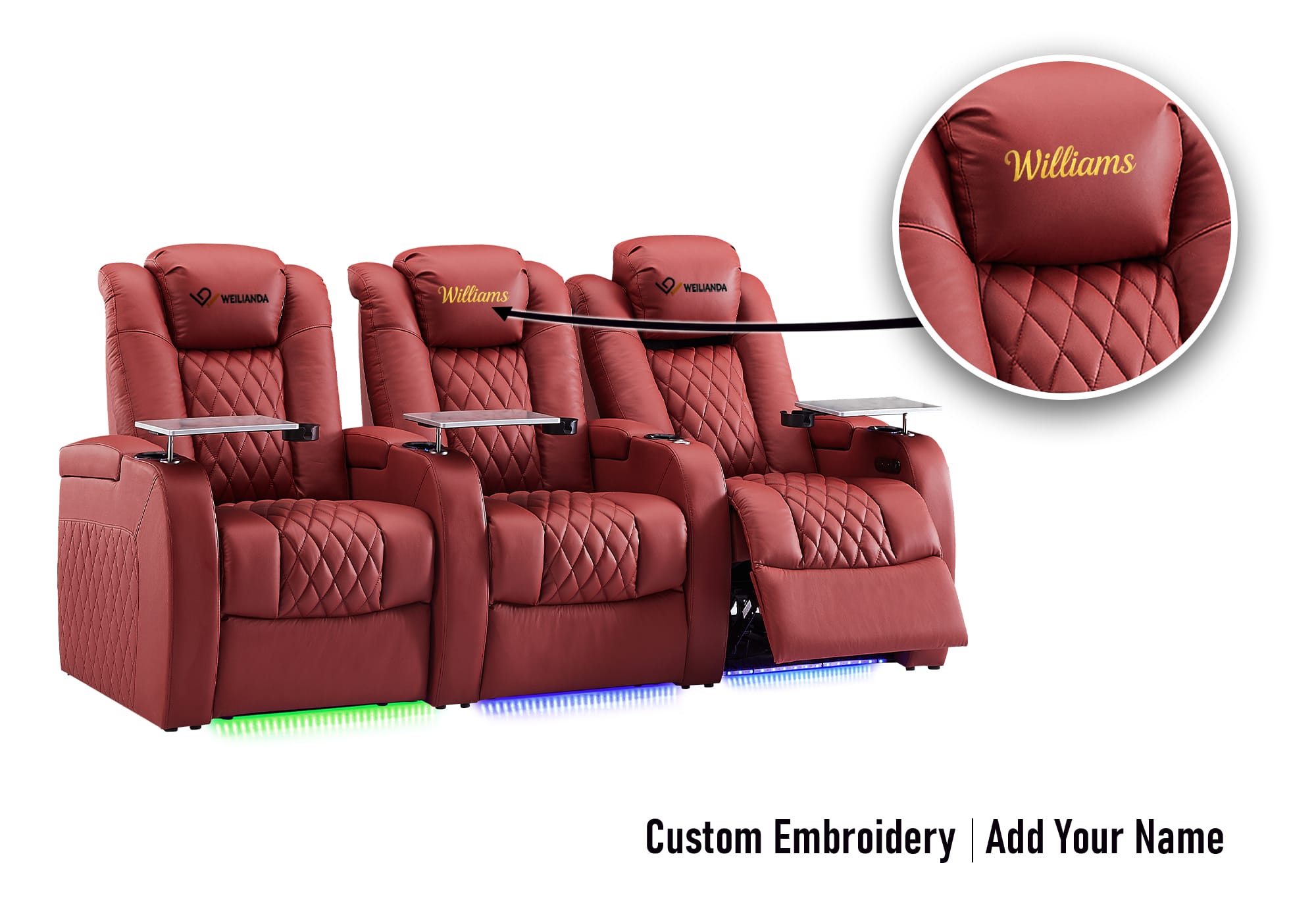
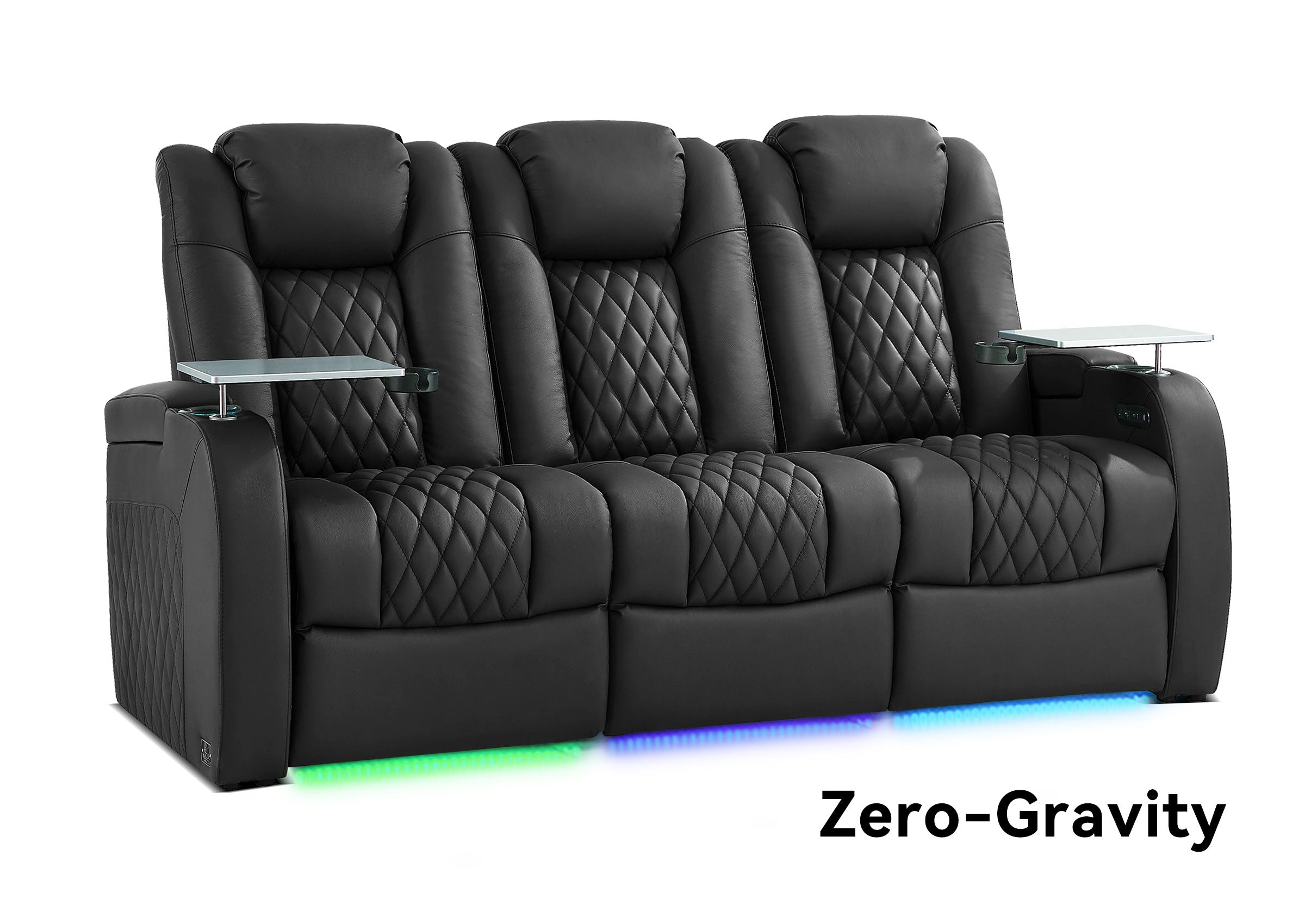
If your receiver, speaker layout, and listening position are already planned, the next step is to choose seating that fits the room without forcing you to redesign the system around it. You can explore current home theater seating options when you are ready to compare configurations.
