










For most home theater setups, multiply your primary seating distance in inches by 0.835 to get a 40-degree cinematic screen size, or by 0.6 for a comfortable 30-degree mixed-use size. These simple multipliers give you a practical starting point that balances immersion with comfort, though personal preference and room constraints should always guide the final choice.
The Science of Immersion: THX vs. SMPTE Standards
The viewing angle—the horizontal portion of your field of vision filled by the screen—matters far more than raw screen size for how immersive a movie feels. A wider angle engages your peripheral vision, creating that "you are there" sensation that makes films gripping.
THX recommends a 40-degree viewing angle for the most immersive cinematic experience, matching the back row of many commercial theaters. This standard prioritizes the "wow" factor for dedicated movie nights. In contrast, the SMPTE standard targets around 30 degrees for more relaxed reference viewing that suits sports, gaming, and general TV use without overwhelming casual viewers.
This difference explains why the same room can support very different screen sizes. A 40-degree setup fills more of your vision for movies but can feel intense during a two-hour news broadcast. As THX's viewing distance guidance explains, these angles translate directly into how large a screen should appear from your seat.

Why Peripheral Vision Drives Immersion
Filling roughly one-third to nearly half your horizontal field of view triggers the brain's sense of presence. Smaller angles keep the screen feeling like a window; larger ones remove the frame and heighten emotional impact.
Home Theater Screen Size Formulas: Calculating Your Optimal Viewing Distance
Two straightforward formulas turn your measured seating distance into a recommended diagonal screen size for 16:9 content.
For cinematic 40-degree immersion, multiply seating distance (in inches) by 0.835. For comfortable mixed-use 30-degree viewing, multiply by 0.6. These are heuristics based on geometry, not rigid laws, so treat them as reliable starting points you can adjust for your tolerance and room.
Quick Reference Screen Sizes by Distance
- At 8 feet (96 inches): roughly 61–80 inches diagonal
- At 10 feet (120 inches): roughly 77–100 inches diagonal
- At 12 feet (144 inches): roughly 92–120 inches diagonal
- At 15 feet (180 inches): roughly 116–150 inches diagonal
These ranges assume a 16:9 screen. The lower end supports mixed-use comfort while the higher end maximizes movie immersion. Use the chart below to visualize how the two angles scale with distance.
Screen Size by Seating Distance
A planning guide for choosing screen size from seating distance. The 30° and 40° curves show common viewing-angle targets rather than exact requirements, so treat the bands as practical ranges for typical home setups.

| Category | 30° viewing angle | 40° viewing angle |
| 8 ft | 61 | 85 |
| 10 ft | 77 | 106 |
| 12 ft | 92 | 128 |
| 15 ft | 116 | 160 |
Resolution and Reality: Why 4K Changes Your Screen Size Options
Higher resolution removes an old limitation: the ability to sit closer without noticing pixels or the screen-door effect. With 4K, you can safely use a larger screen or sit nearer than older 1080p systems allowed.
For 4K content, many experts suggest a viewing distance of roughly 1 to 1.5 times the screen diagonal. This means a 120-inch 4K screen works well from about 10–15 feet, whereas 1080p would have required sitting farther back to maintain clarity. As Crutchfield's TV placement guide notes, 4K lets viewers sit closer while still enjoying sharp detail.

When Resolution Matters Most
- Gaming and sports benefit from the extra detail at closer ranges.
- Movies on 4K projectors allow bigger screens without visible pixel structure.
- 8K extends these benefits further, though content remains limited.
- Always verify your projector's native resolution and throw ratio before scaling up size.
Aspect Ratio Impact: Choosing Between 16:9 and 2.35:1 CinemaScope
Screen shape dramatically affects perceived immersion and content compatibility. A 16:9 (1.78:1) screen matches most TV shows, sports, and games, delivering the tallest usable image for mixed content. A 2.35:1 CinemaScope screen better matches Hollywood blockbusters but leaves black bars (pillarboxing) on 16:9 material, making that content appear smaller vertically.
Many dedicated cinema rooms choose 2.35:1 for the wider horizontal field of view—often targeting 43–50 degrees—while keeping constant image height across formats. This approach maximizes movie scope but trades some versatility. As the CEDIA-informed guide from Acoustic Frontiers explains, 2.35:1 setups often require anamorphic lenses or projector lens memory to avoid compromising non-scope content.

When to Choose Each Ratio
16:9 remains the safer default when your room sees regular TV, gaming, or sports use. Opt for 2.35:1 only when movies dominate and you accept the complexity of constant image height (CIH) setups. In mixed rooms, a 16:9 screen usually prevents the disappointment of smaller-looking everyday content.
Height and Sightlines: Avoiding Neck Strain and Obstructions
Vertical placement affects comfort as much as horizontal size. The top of the screen should stay within 15 degrees above your seated eye level to prevent neck strain during long sessions. A practical target places the screen center around 42 inches from the floor for standard seating height.
Mounting too high—the common "TV over the fireplace" mistake—forces upward gaze that causes fatigue within 30–60 minutes. THX vertical placement guidelines emphasize keeping the top of the image below that 15-degree threshold for comfortable extended viewing.
Additional Vertical Considerations
Vertical field of view should feel enveloping but not require constant head movement.
In rooms with multiple rows, ensure the front row does not block lower portions of the image for those behind.
Measure your actual seated eye height before finalizing mount location.
Planning for Rows: How Seating Layout and Risers Affect Screen Choice
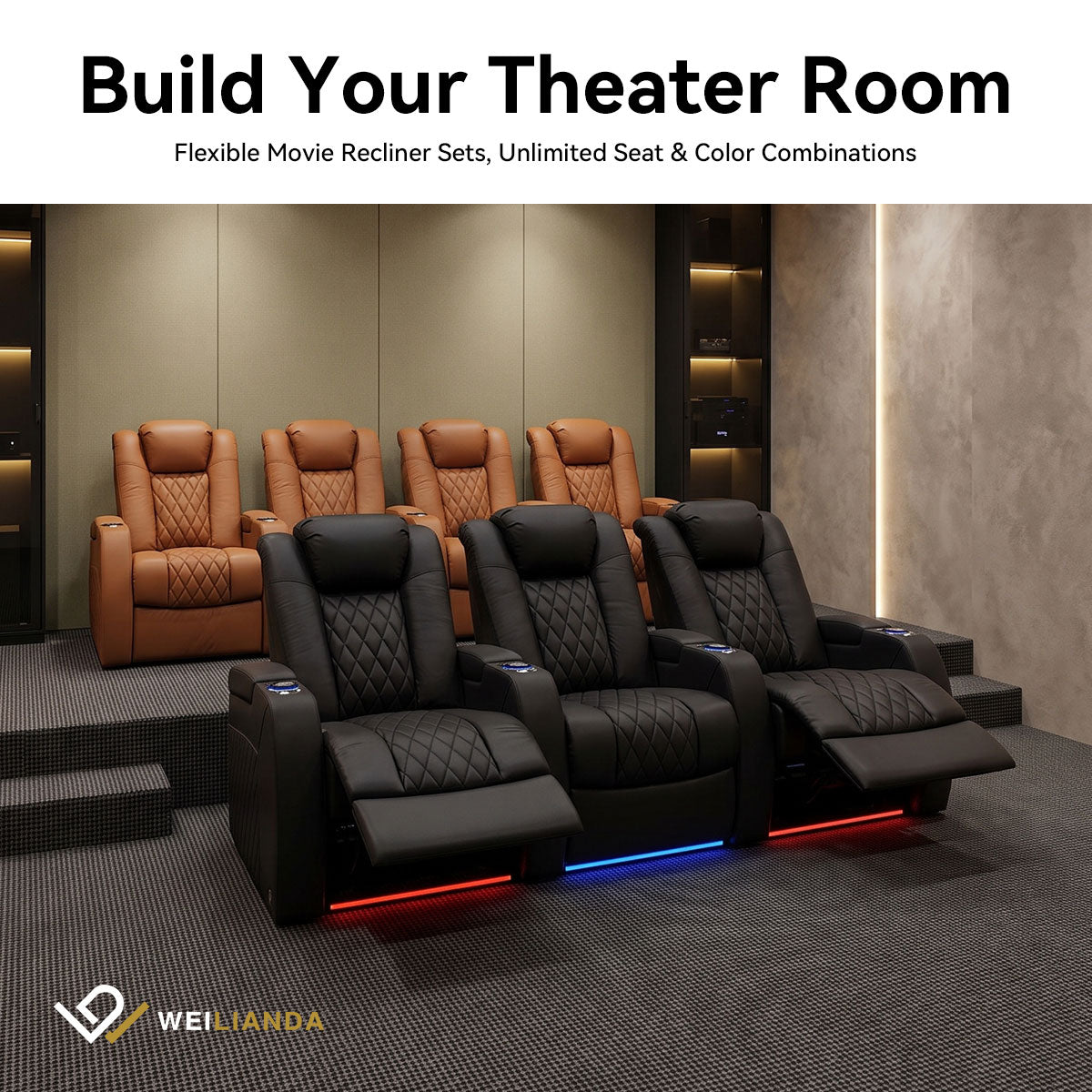
Multi-row theaters introduce sightline challenges the front row can easily block the bottom of a large screen for viewers behind. A riser that elevates the rear row by about 12 inches is a common starting point, though actual height needed varies with screen size, mounting height, and room geometry.
Larger screens often require higher mounting, which in turn may demand taller risers or adjusted seating positions. The screen center near 42 inches and the 15-degree top-angle rule still apply, but back-row clearance becomes the limiting factor.
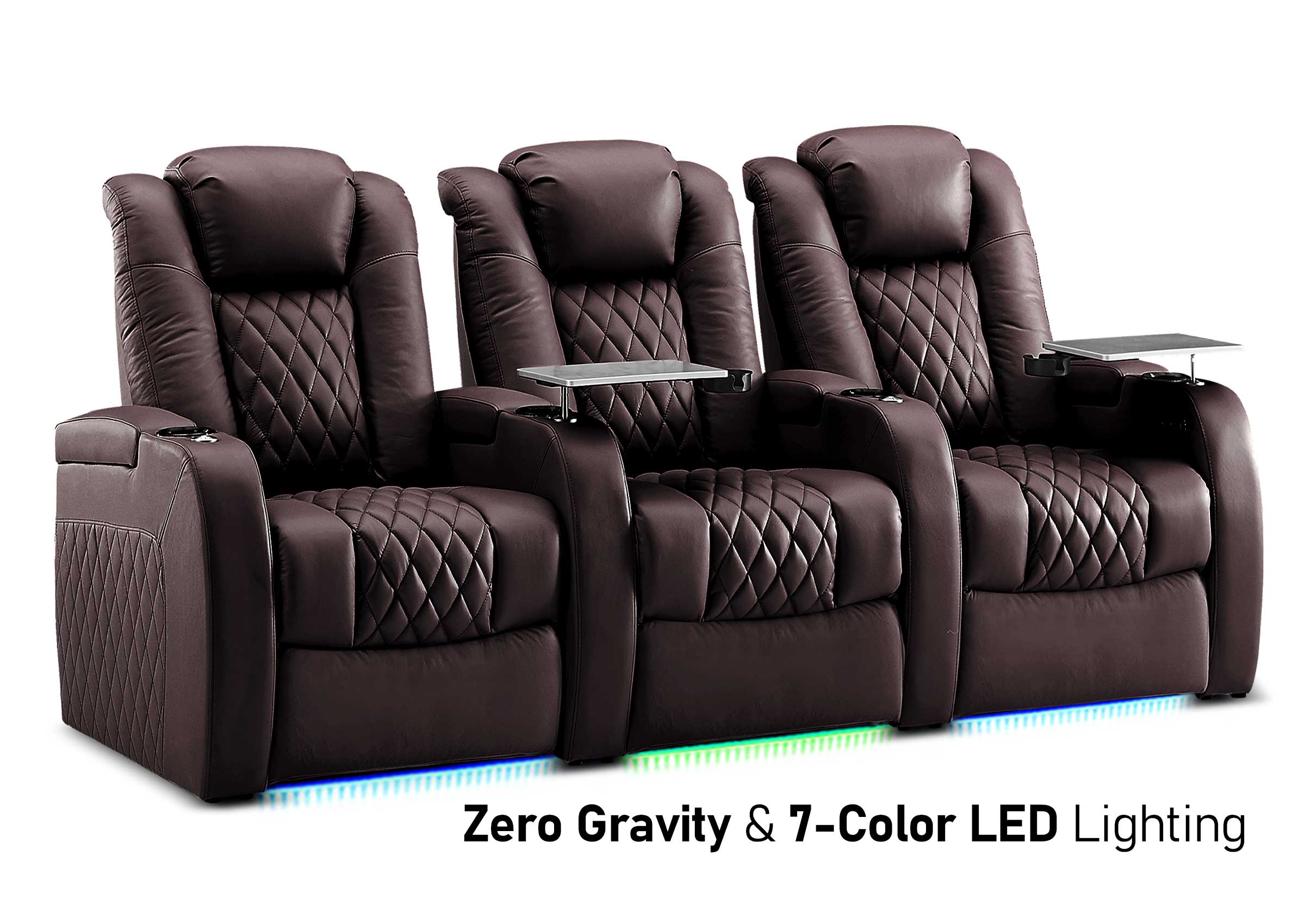
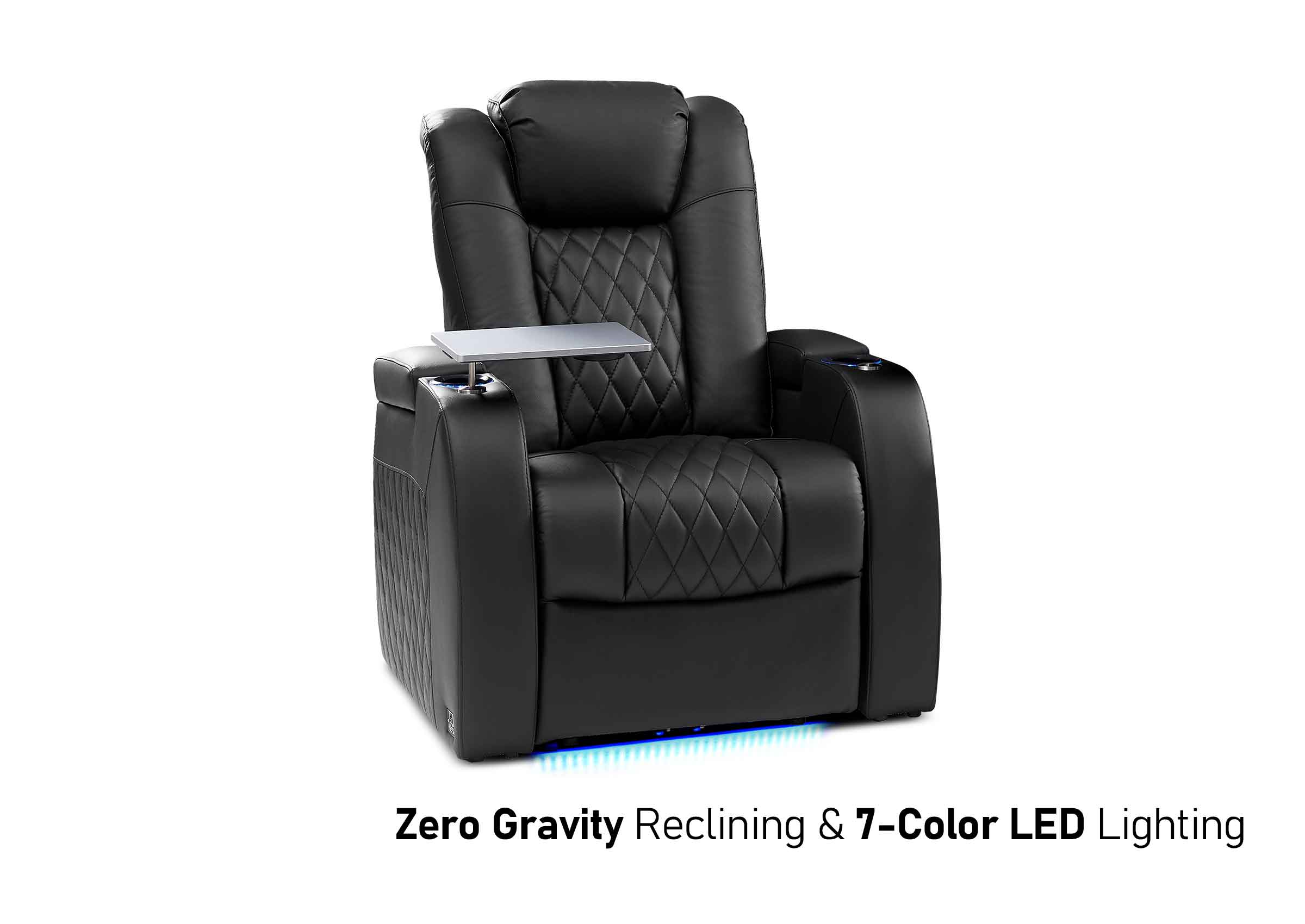
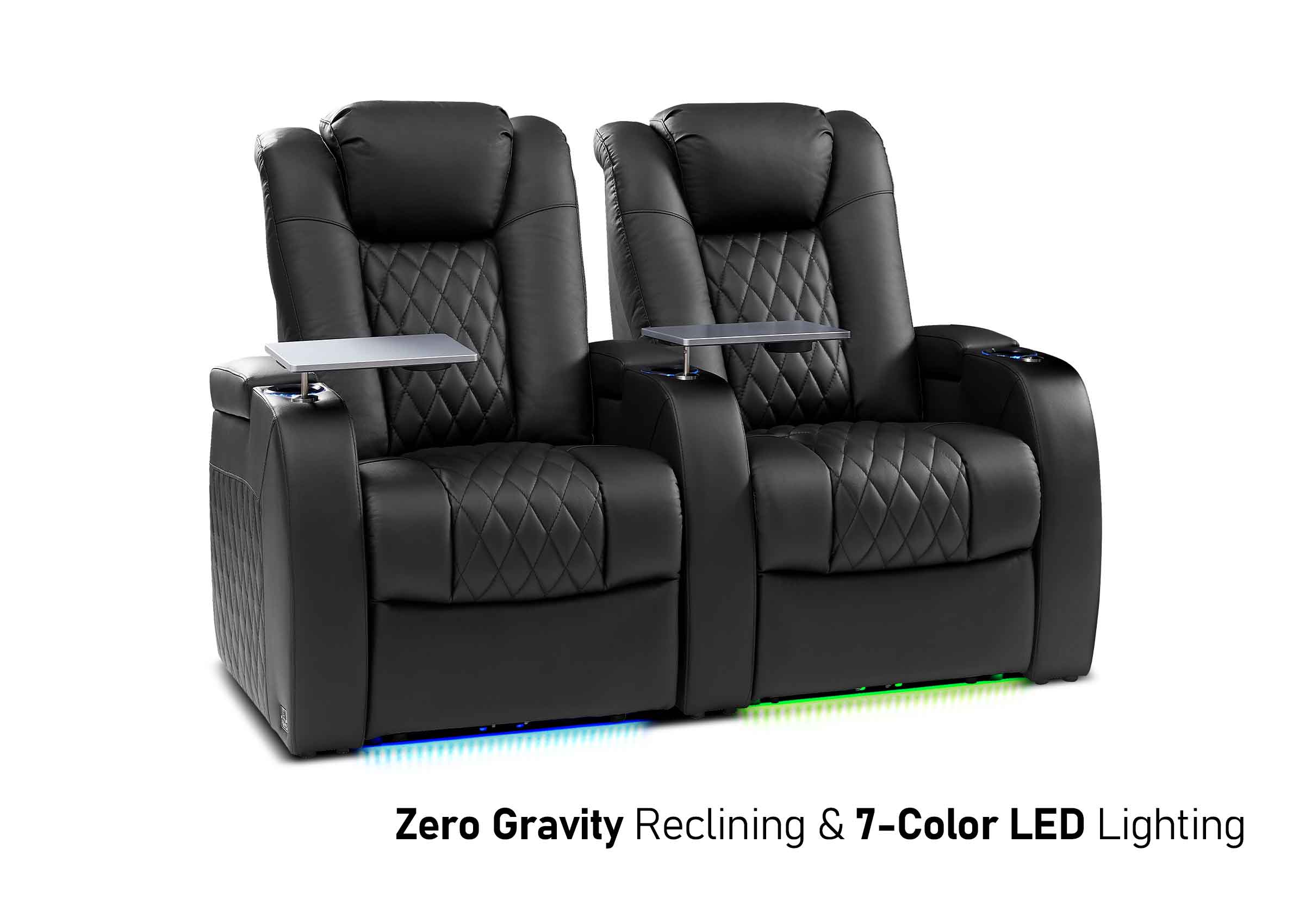
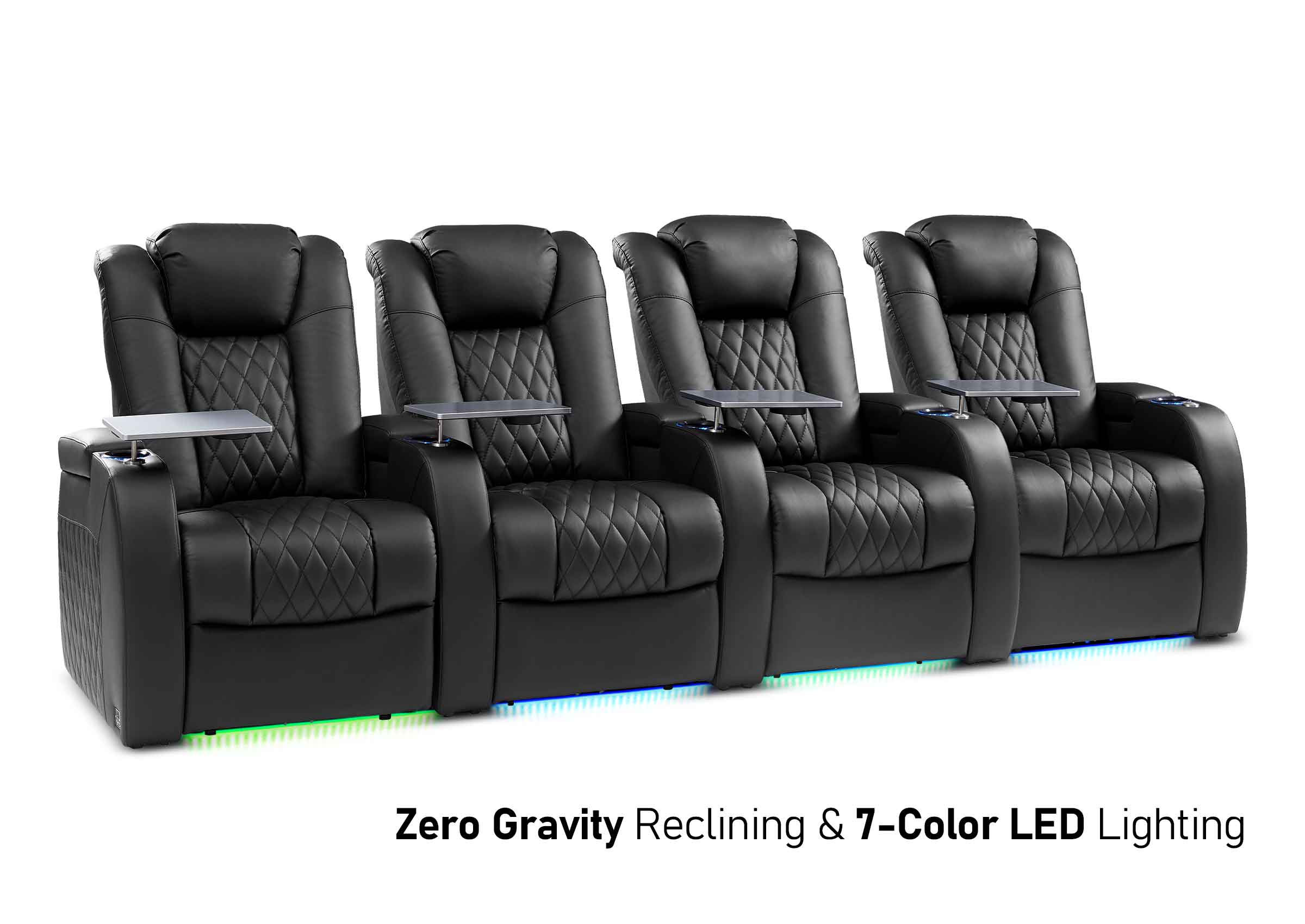
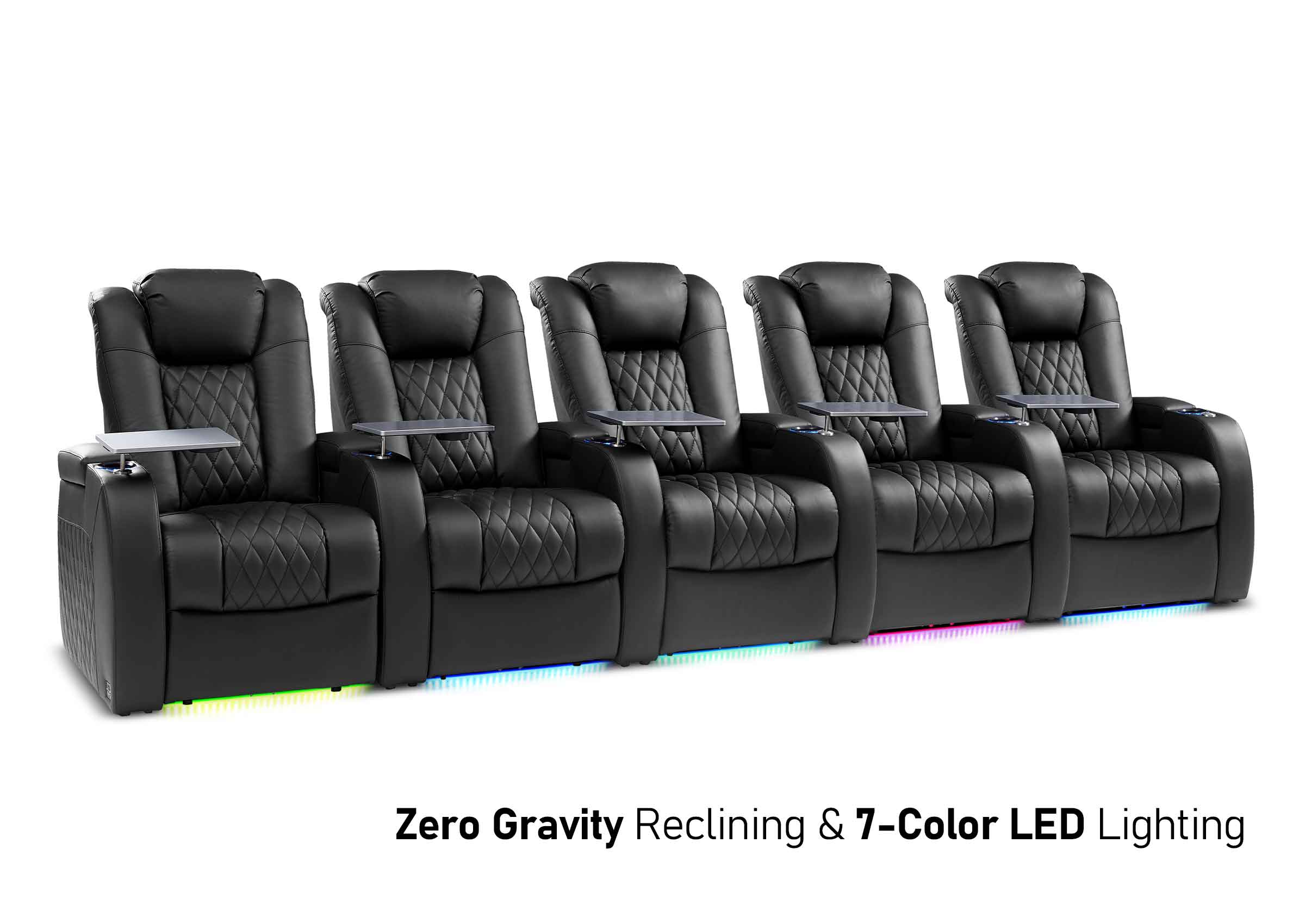
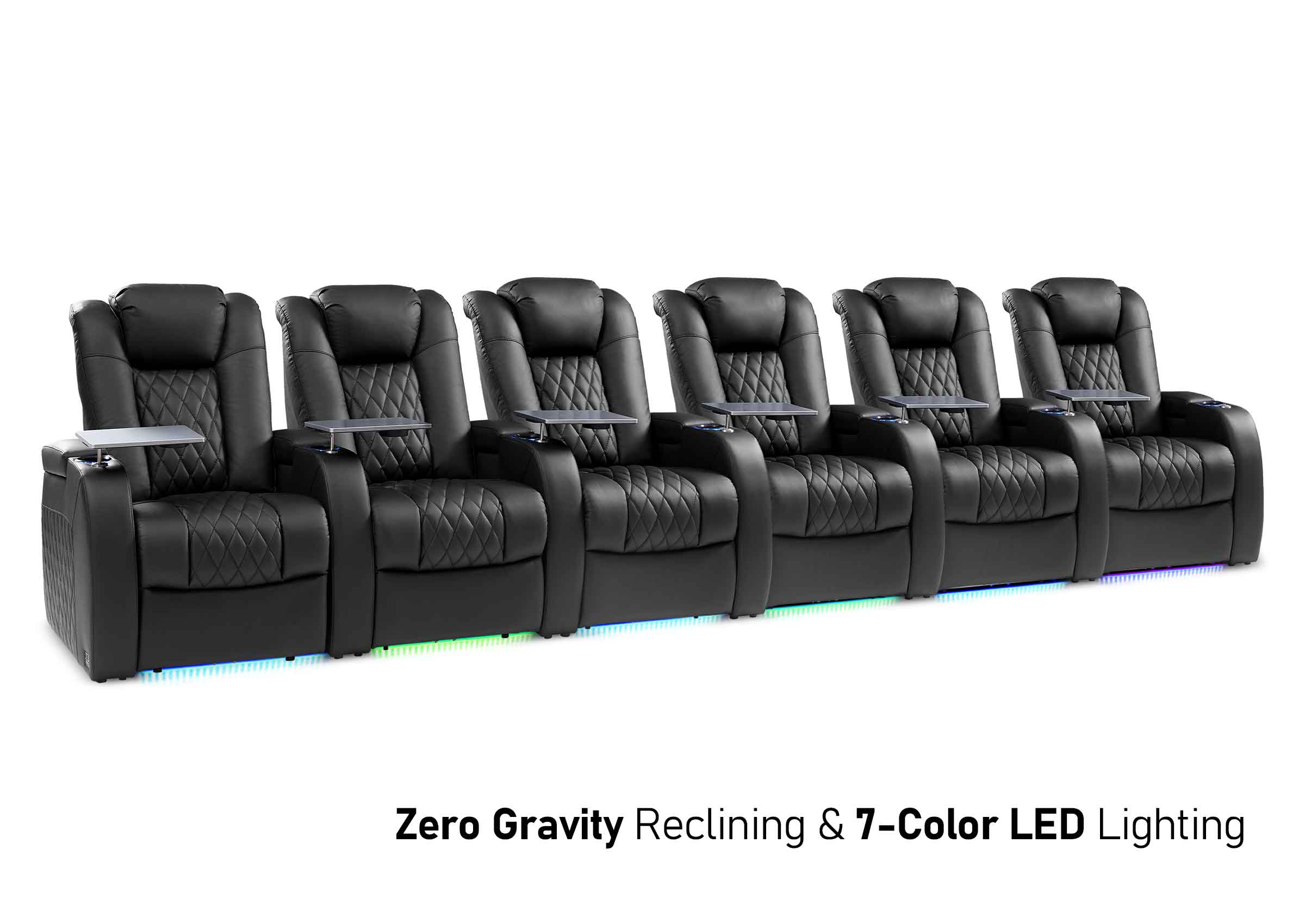
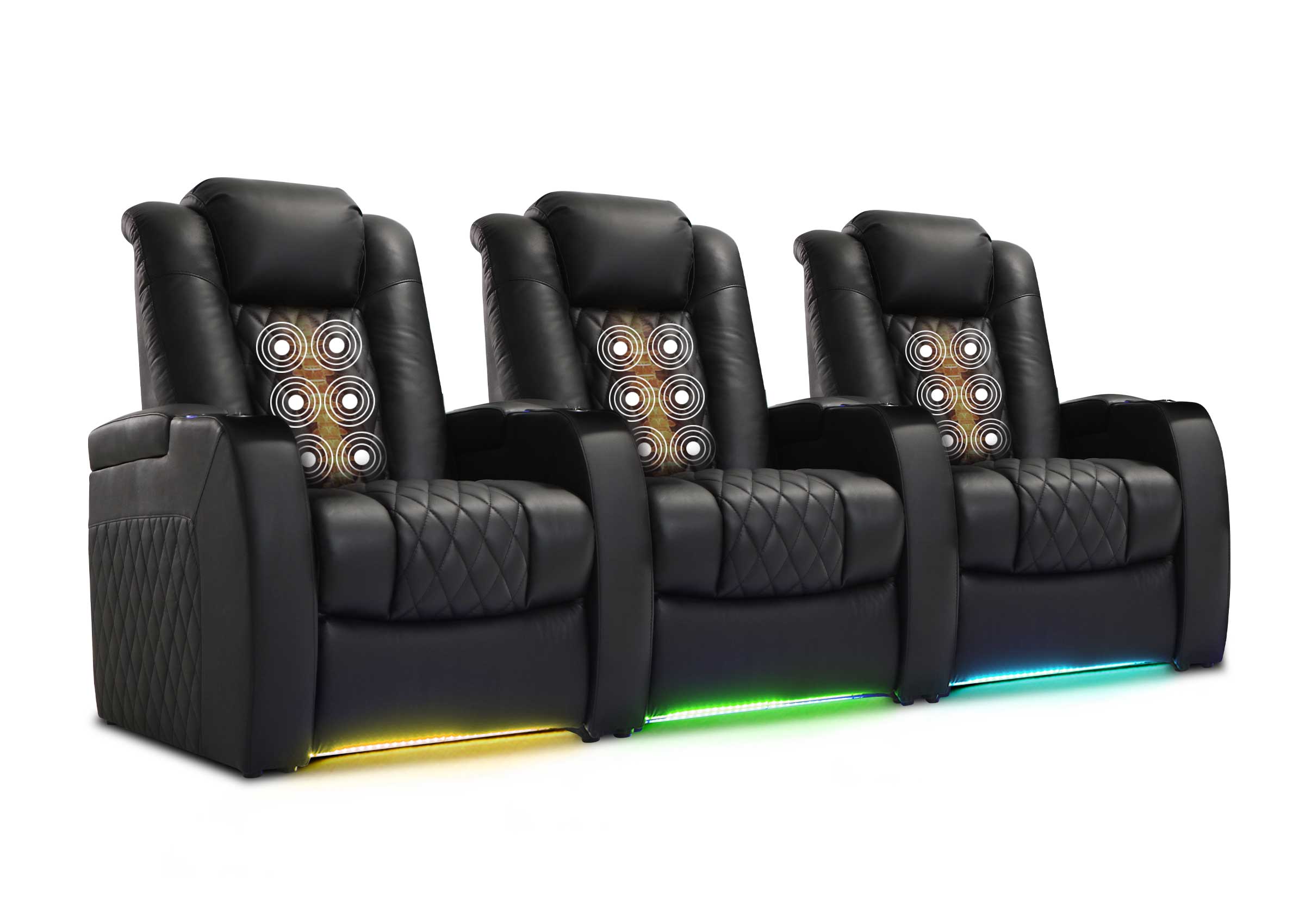
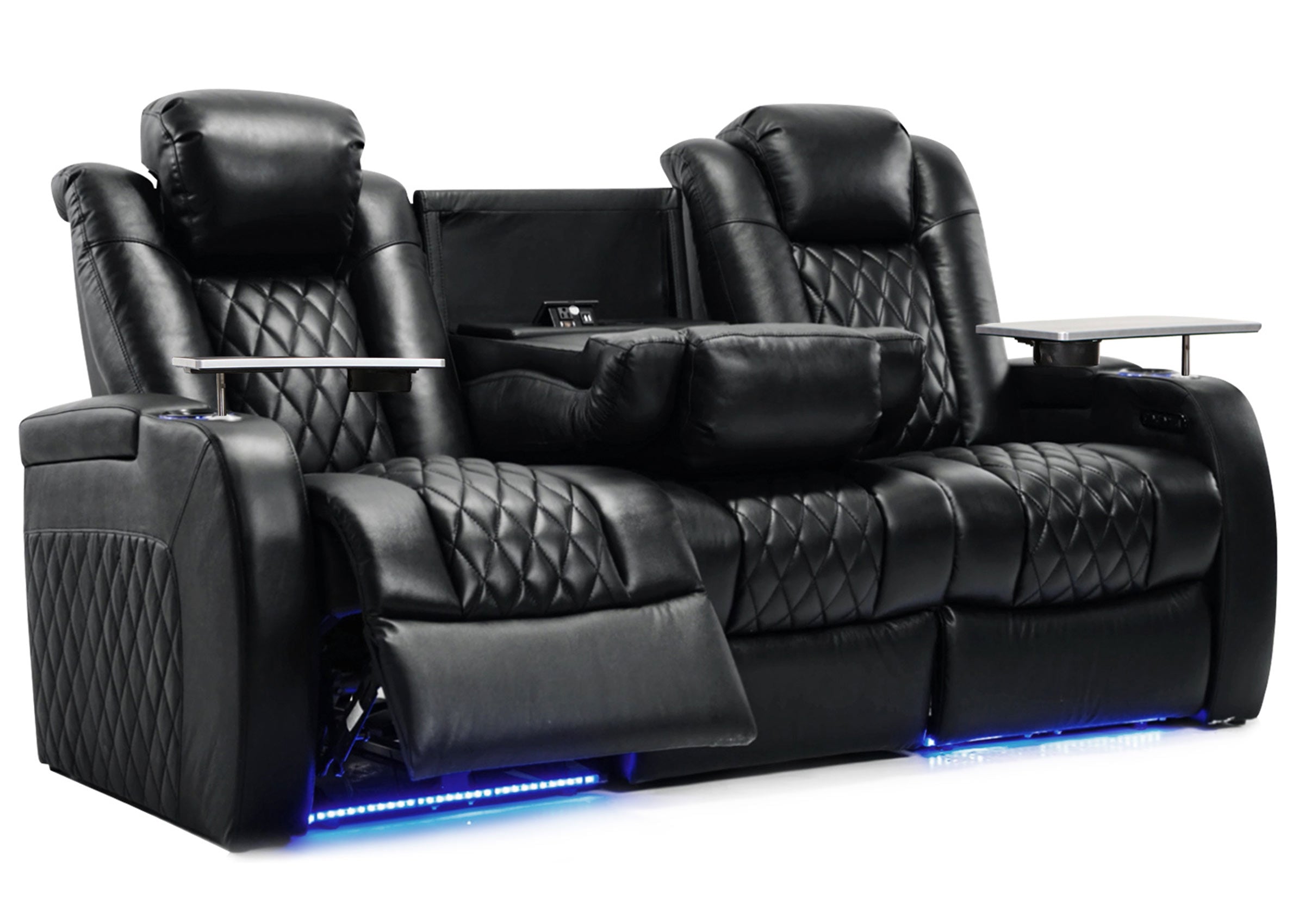
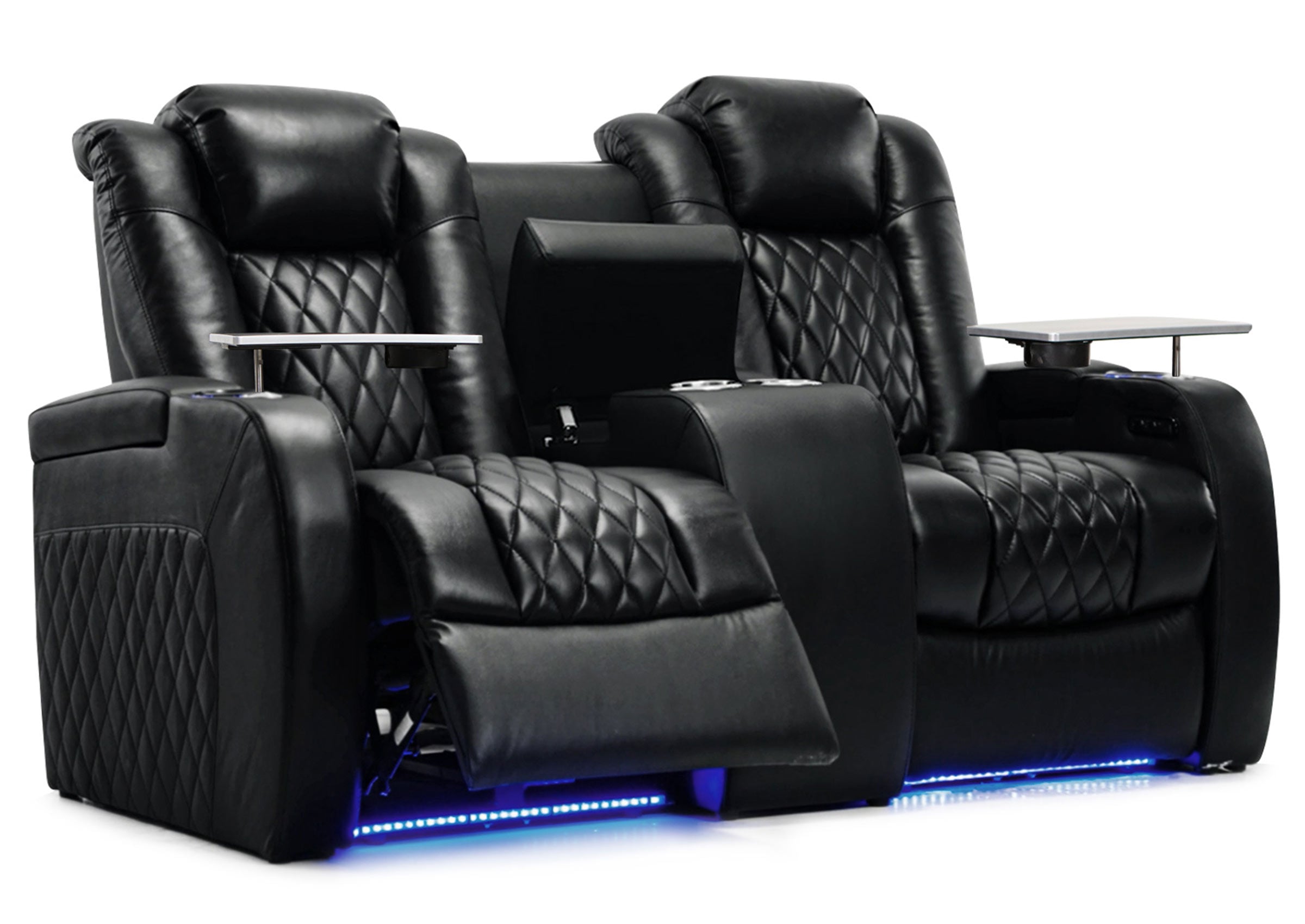
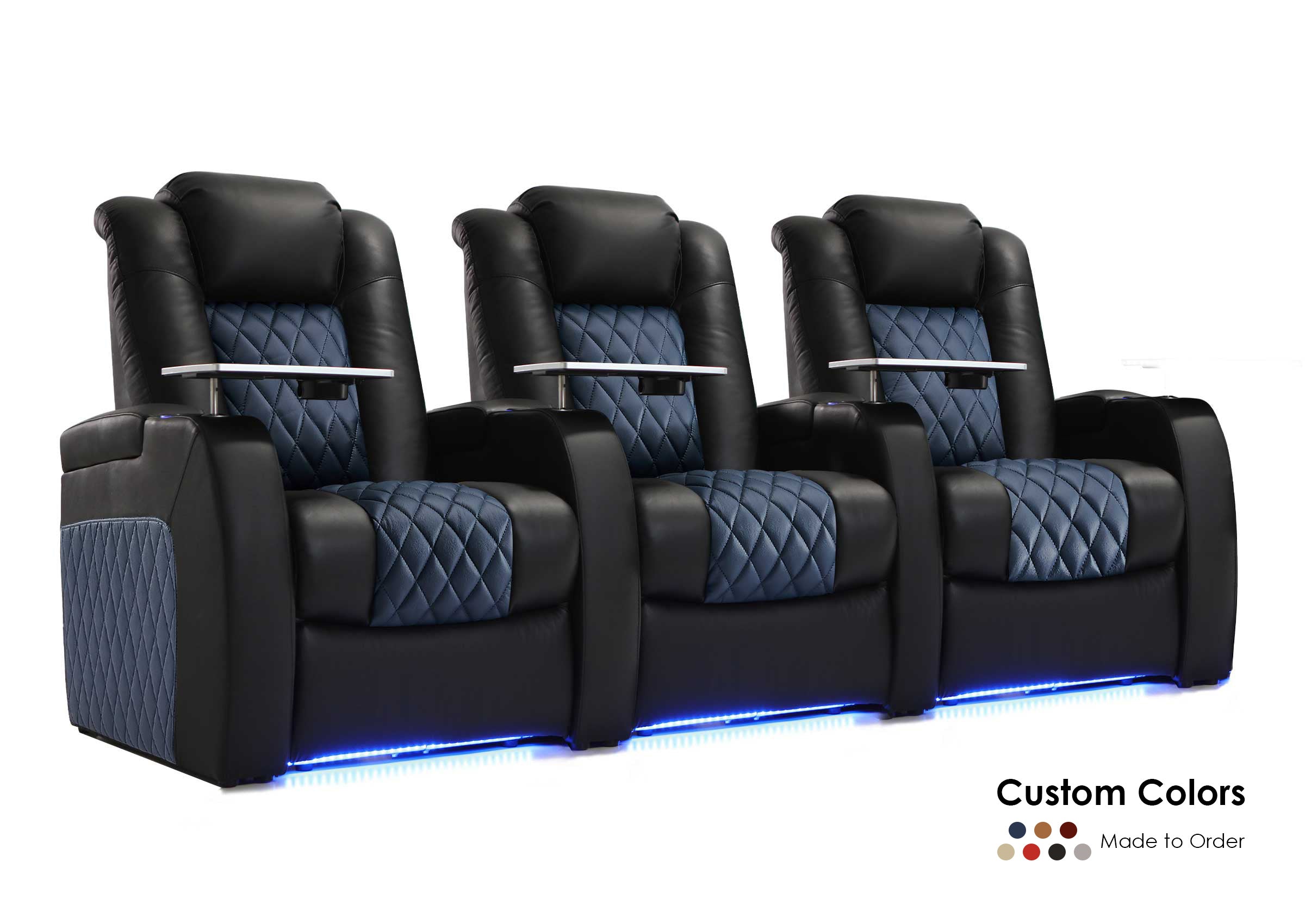
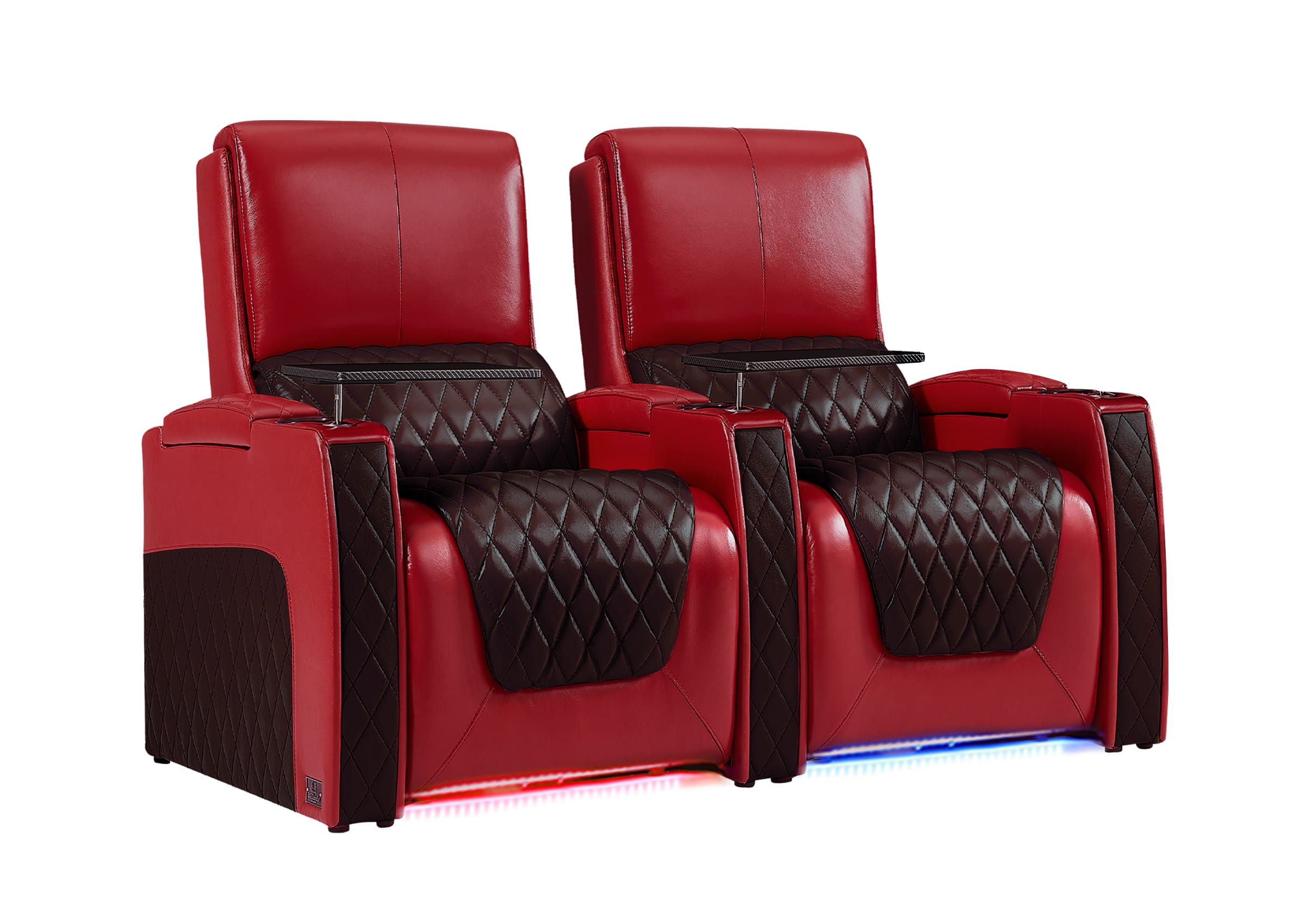
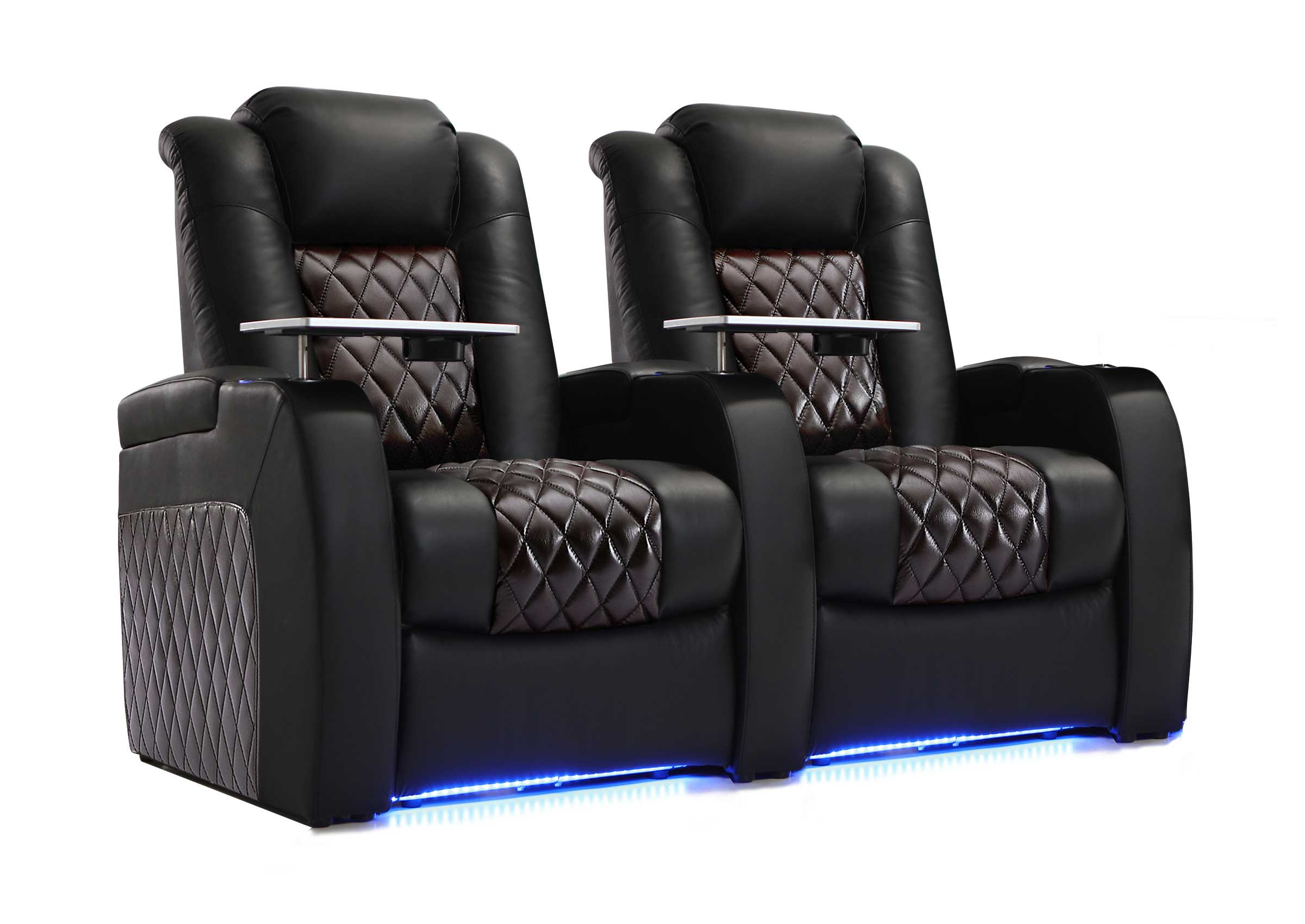
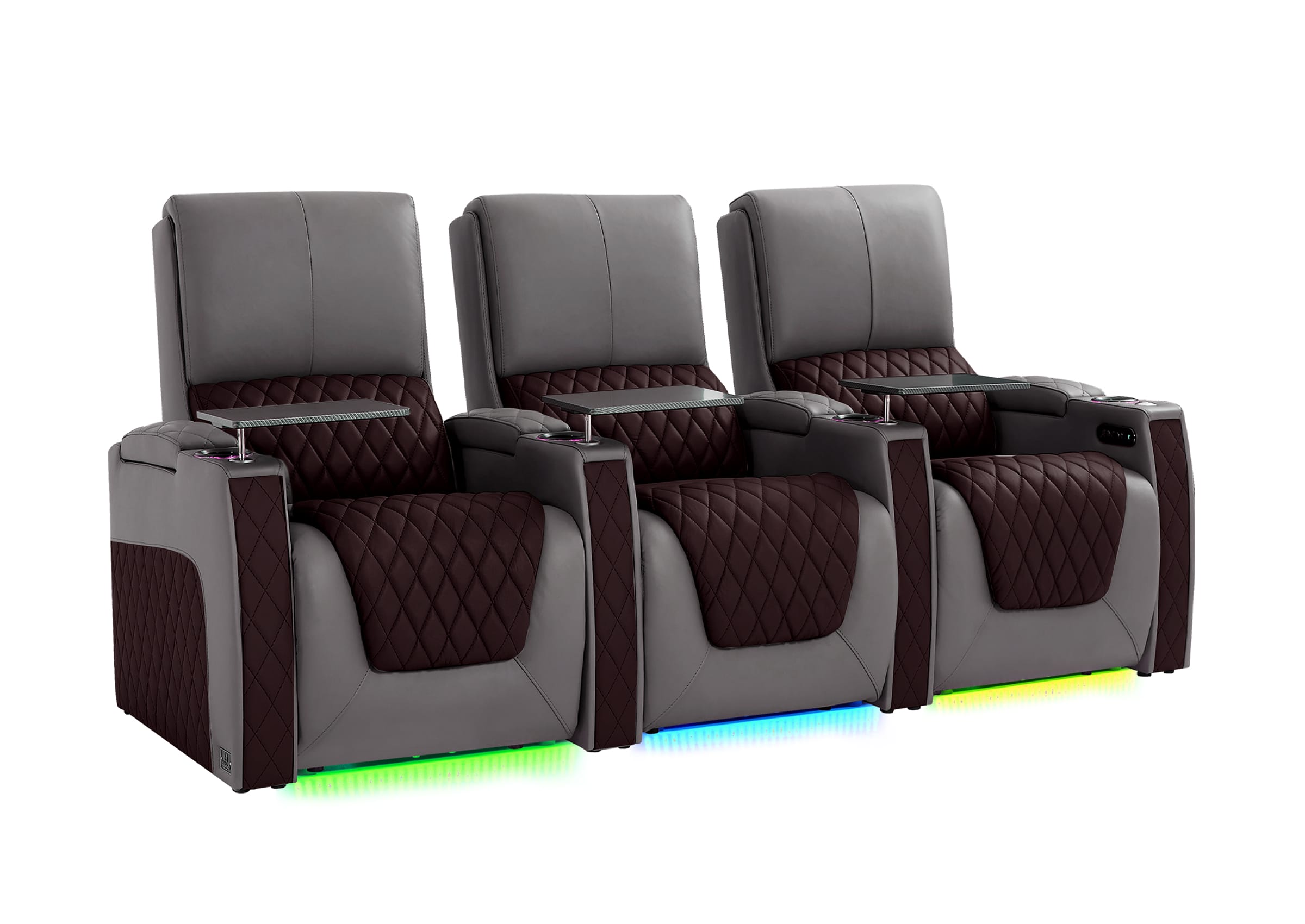
Our Built-in Riser Home Theater Seating collection addresses these challenges with integrated platforms that maintain clear sightlines without excessive floor height. For dedicated two-row rooms, consider models like the Weilianda LumiChic Riser Series or the Home Theater Seat Riser Platform to optimize visibility across rows.

Key Multi-Row Checks
Verify that front-row heads stay below the bottom third of the projected image.
Test riser height with temporary blocks before permanent installation.
Larger screens generally need more riser elevation or greater row spacing.
Read our guide on How to Measure and Design the Perfect Home Theater Seating Layout for detailed spacing and riser calculations.
Final Validation: Tape-Out Tests and Room Layout Optimization
Before purchasing, validate your calculations with real-world tests. Use painter's tape to outline the proposed screen dimensions on the wall, then sit in your planned seating position for 10–15 minutes while imagining content. This "mock viewing" quickly reveals whether the size feels immersive or overwhelming and whether neck position remains comfortable.
Also measure wall width to ensure space remains for side speakers or acoustically transparent screen frames. Leave at least 6–12 inches on each side for proper audio staging. Combine these checks with your calculated size to balance immersion, comfort, and technical limits.
Ready to Build Your Perfect Home Theater?
The right screen size emerges from your primary seating distance, intended content mix, and room realities rather than a single universal number. Start with the 0.6× or 0.835× multiplier, test the taped outline in your actual space, verify sightlines for every seat, and confirm your projector or TV can deliver sharp, bright images at the chosen size. When these steps align, the result is a cinema that feels immersive without causing strain or regret. Use the decision steps outlined above to finalize your layout confidently and pair it with properly elevated seating for the best experience.
FAQs
Q1: How do I calculate the best home theater screen size for my room?
Start by measuring the distance from your main seating position to the screen wall in inches. Multiply that number by 0.835 for a cinematic 40-degree experience or by 0.6 for comfortable mixed-use viewing. Adjust downward if the room has limited width or if you prefer less immersion.
Q2: What is the ideal viewing distance for a 120-inch home theater screen?
A 120-inch 16:9 screen works best from about 10–12 feet for 40-degree cinematic viewing or 13–16 feet for relaxed 30-degree mixed use. Sit closer with 4K sources to maintain sharpness while still enjoying the size.
Q3: Should I choose a 16:9 or 2.35:1 screen for my home theater?
Choose 16:9 when your room serves gaming, sports, or everyday TV alongside movies, as it keeps all content at full height. Select 2.35:1 only for dedicated cinema rooms focused on scope films, accepting that standard content will appear smaller or require extra equipment.
Q4: How high should I mount my home theater screen to avoid neck strain?
Position the screen so its center sits near 42 inches from the floor and its top stays within 15 degrees above your seated eye level. Avoid mounting high like a living-room TV over a fireplace, which quickly causes discomfort during long sessions.
Q5: Do I need a riser for a two-row home theater seating layout?
A riser is usually necessary so the back row can see over the front row without obstruction. A 12-inch elevation is a common baseline, but test with your exact screen height and seating positions, as larger screens or lower mounting may require more height or greater row spacing.