



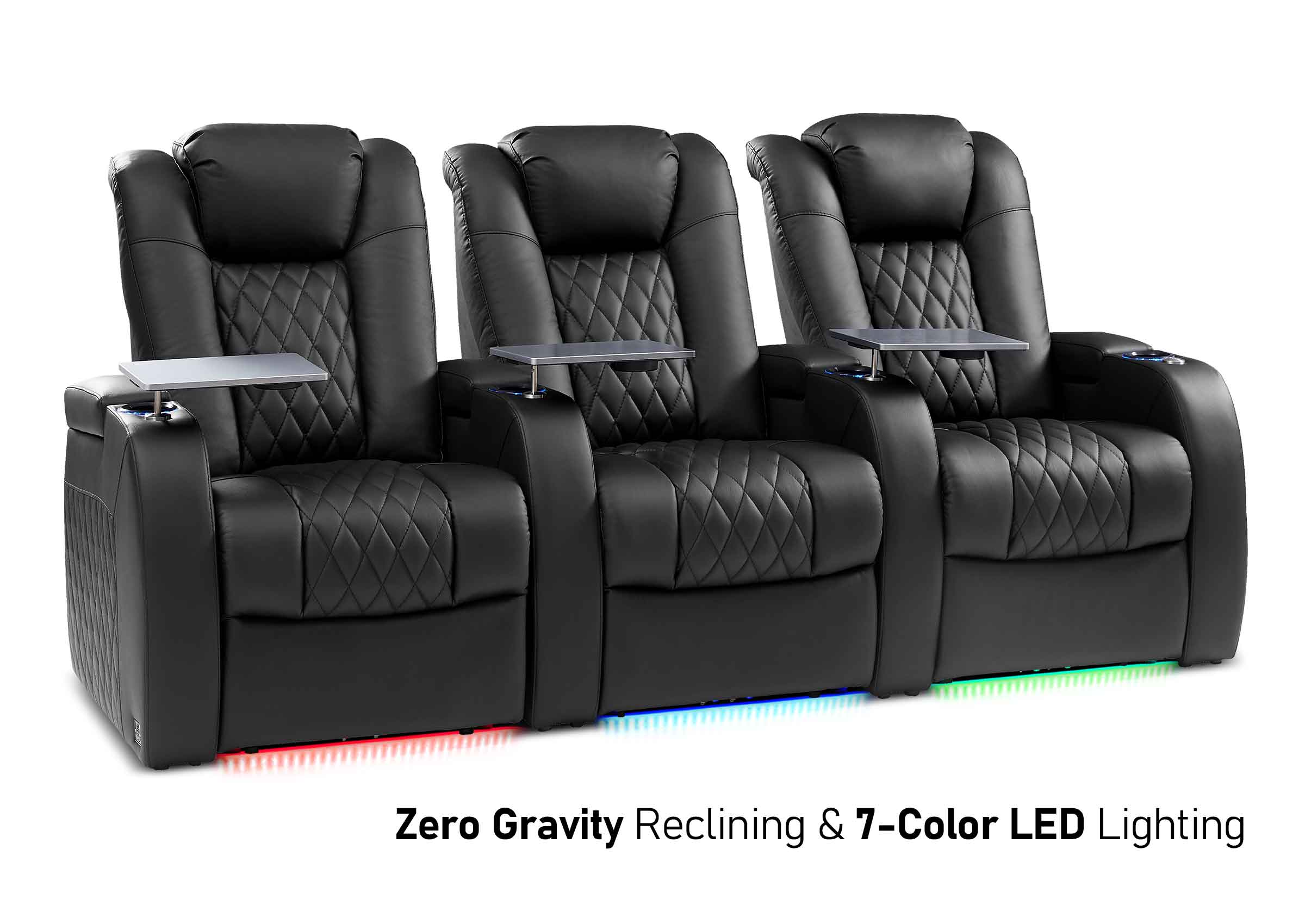
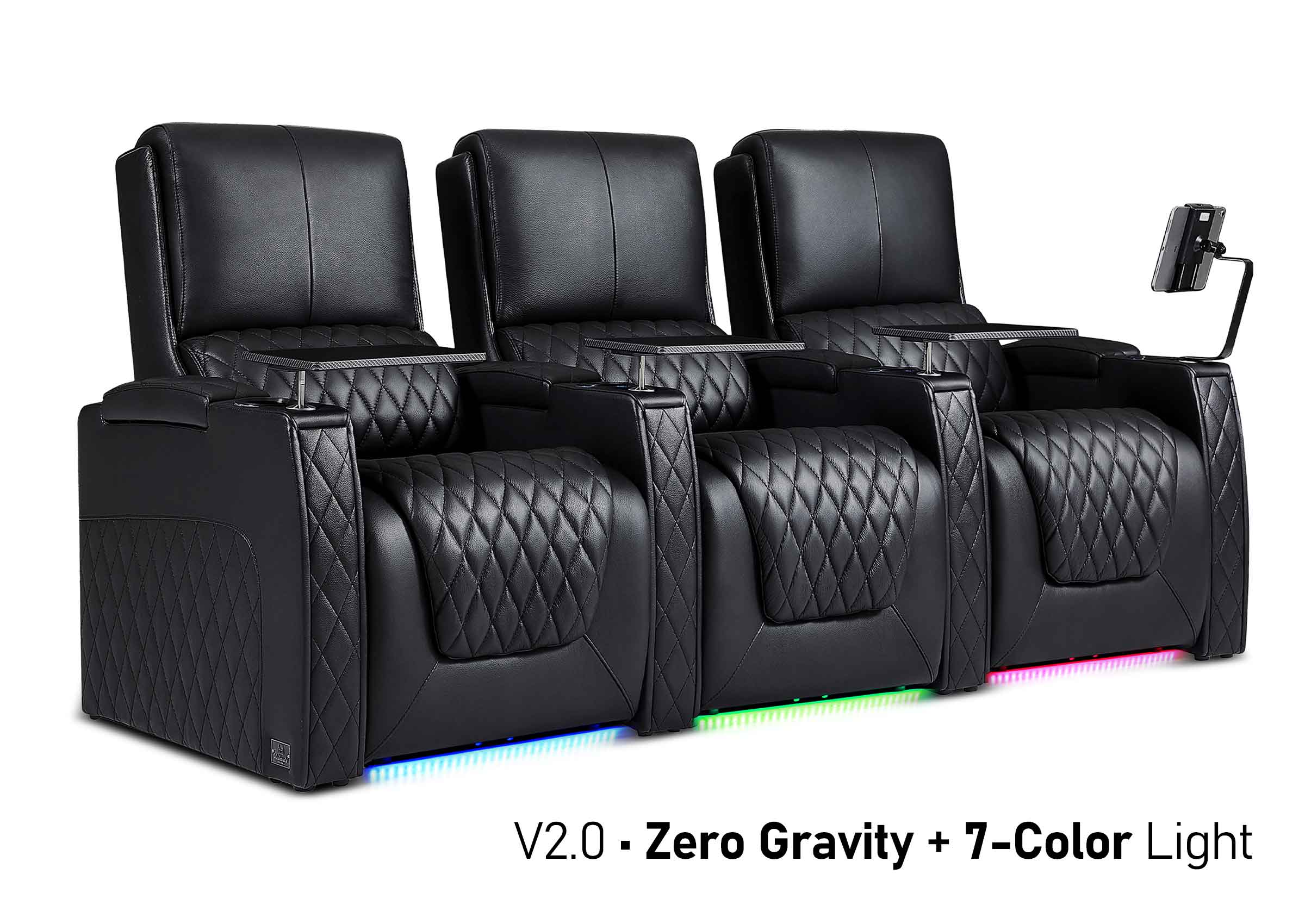
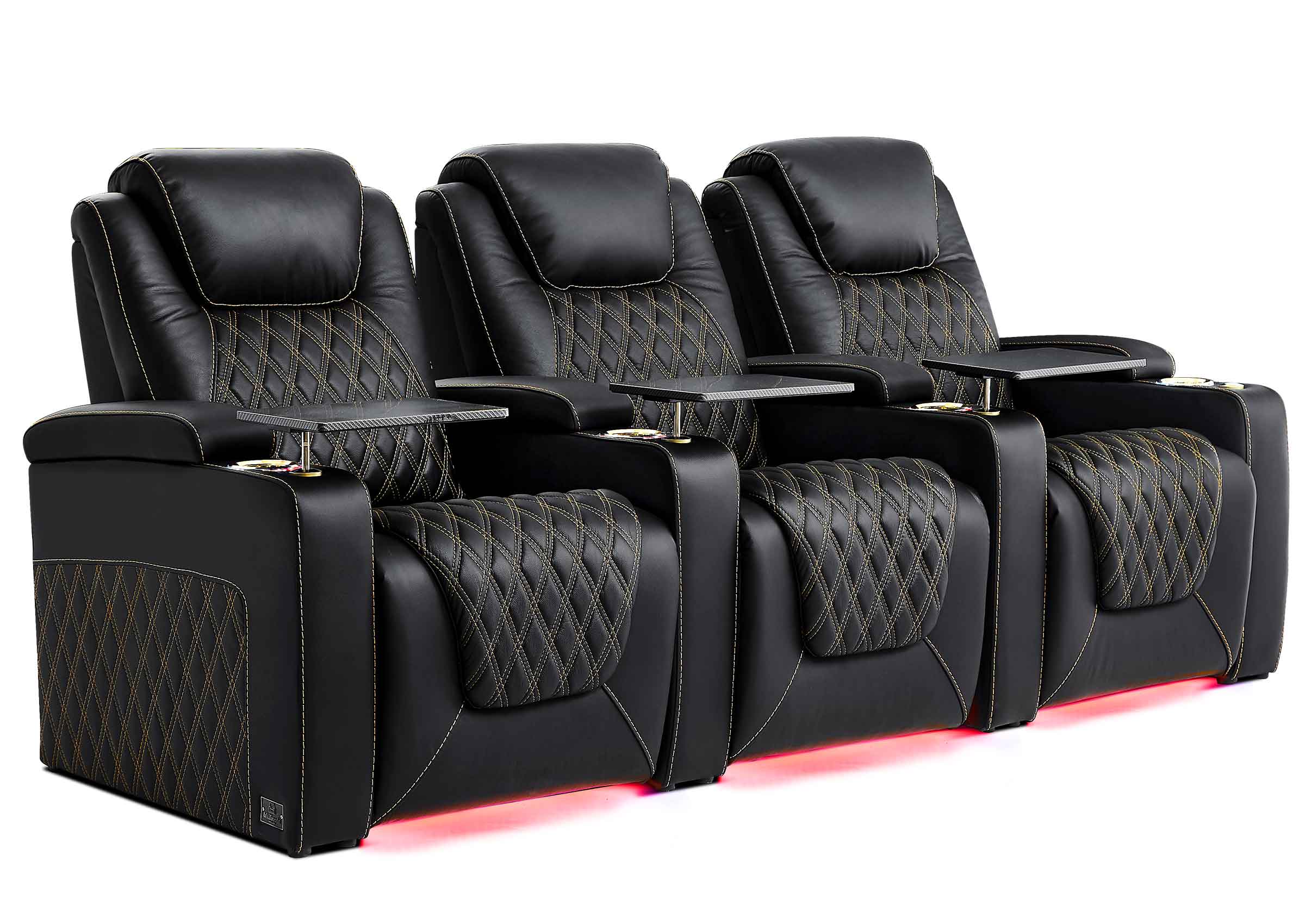
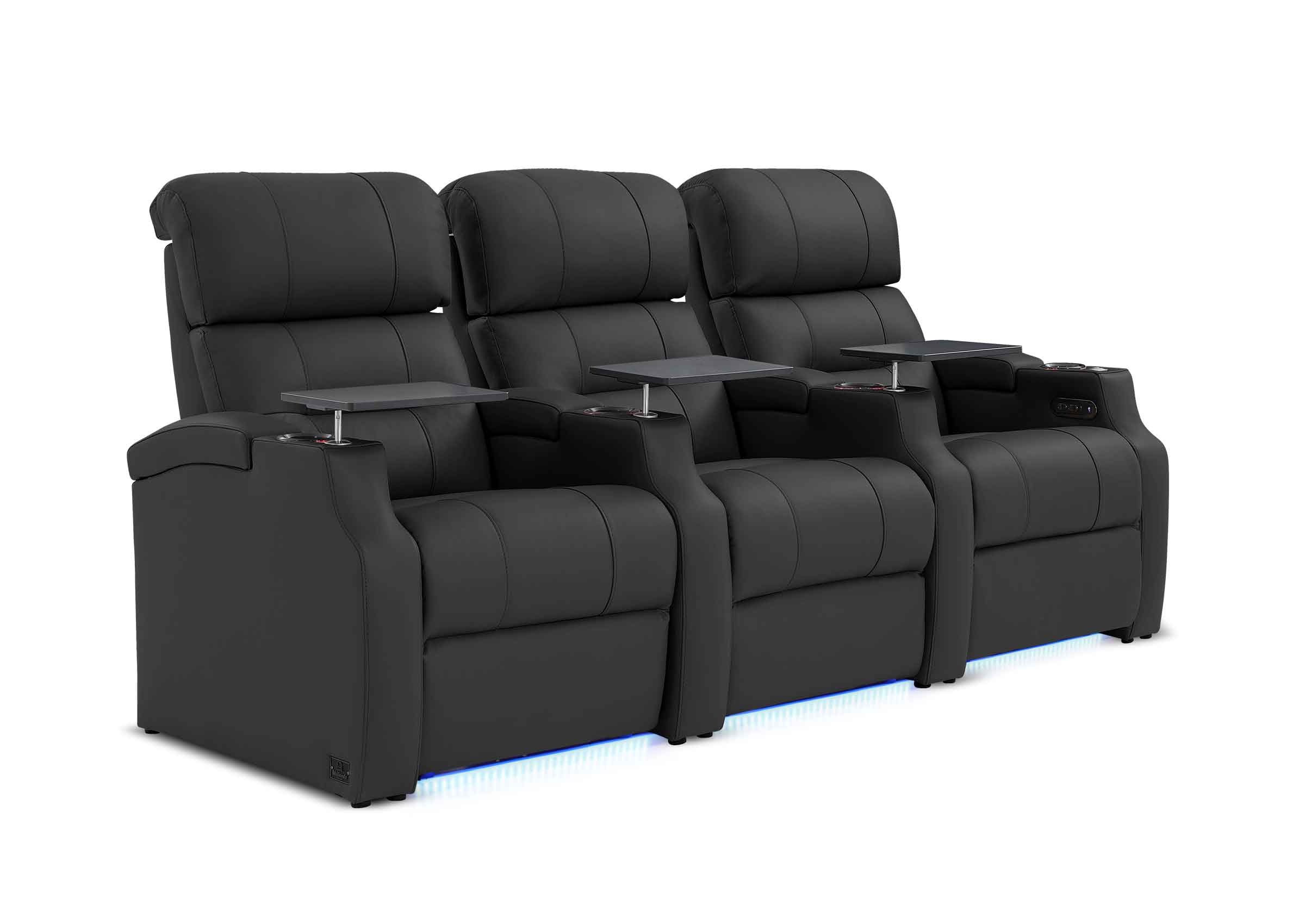
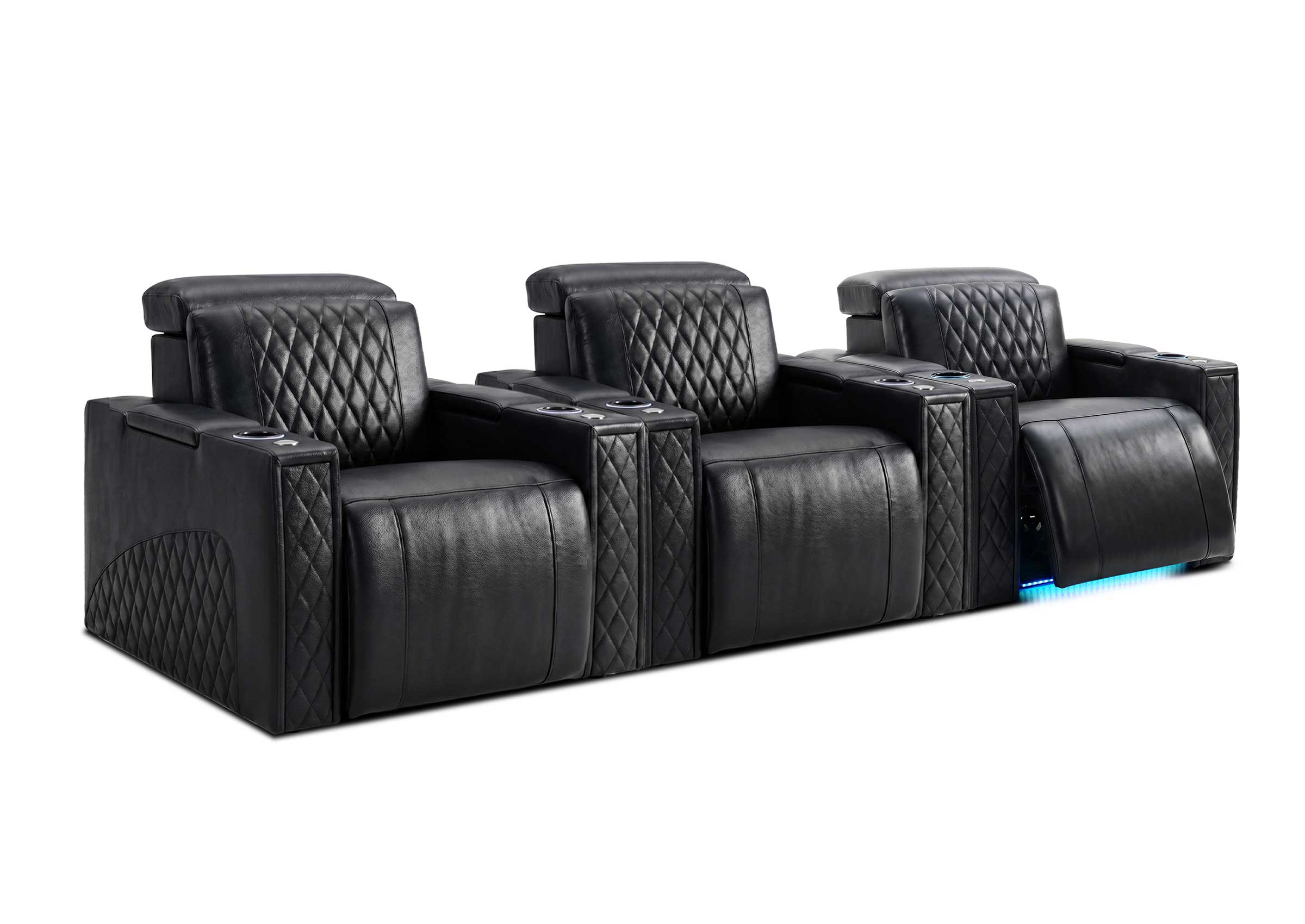

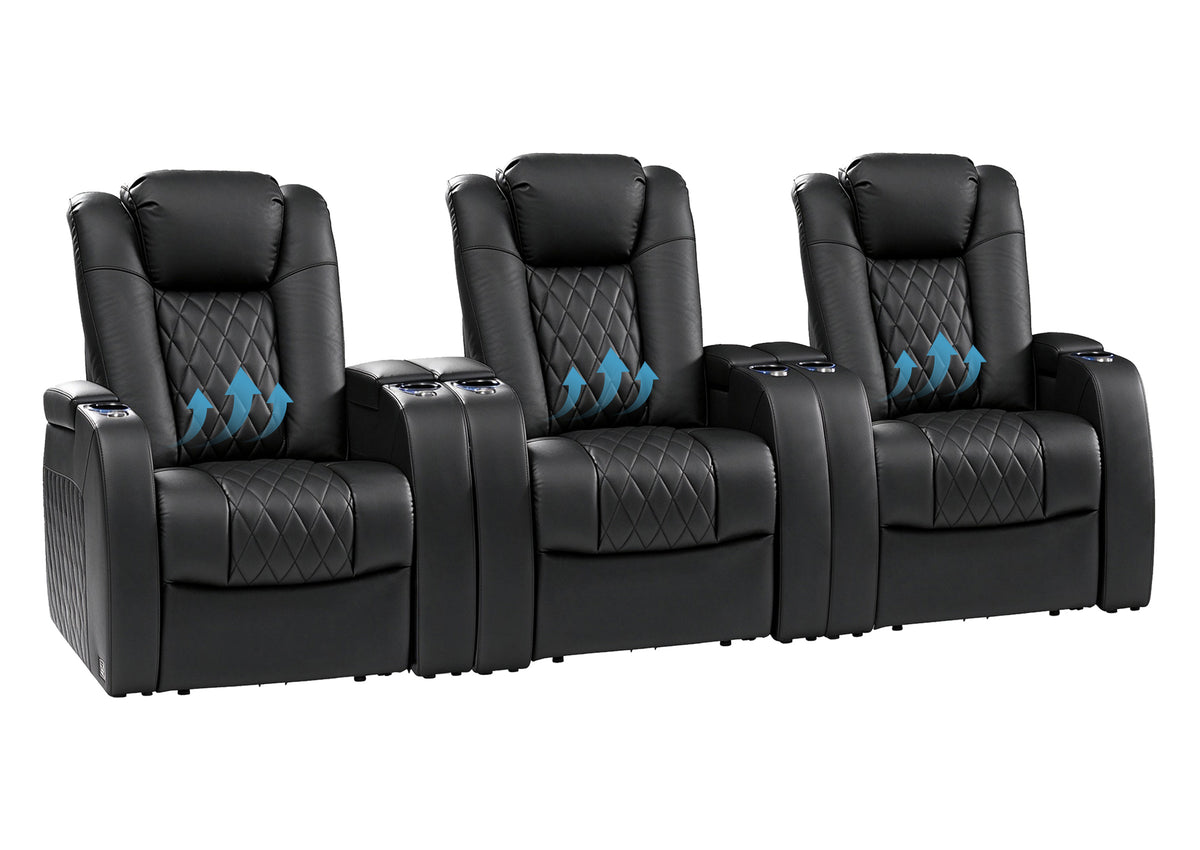
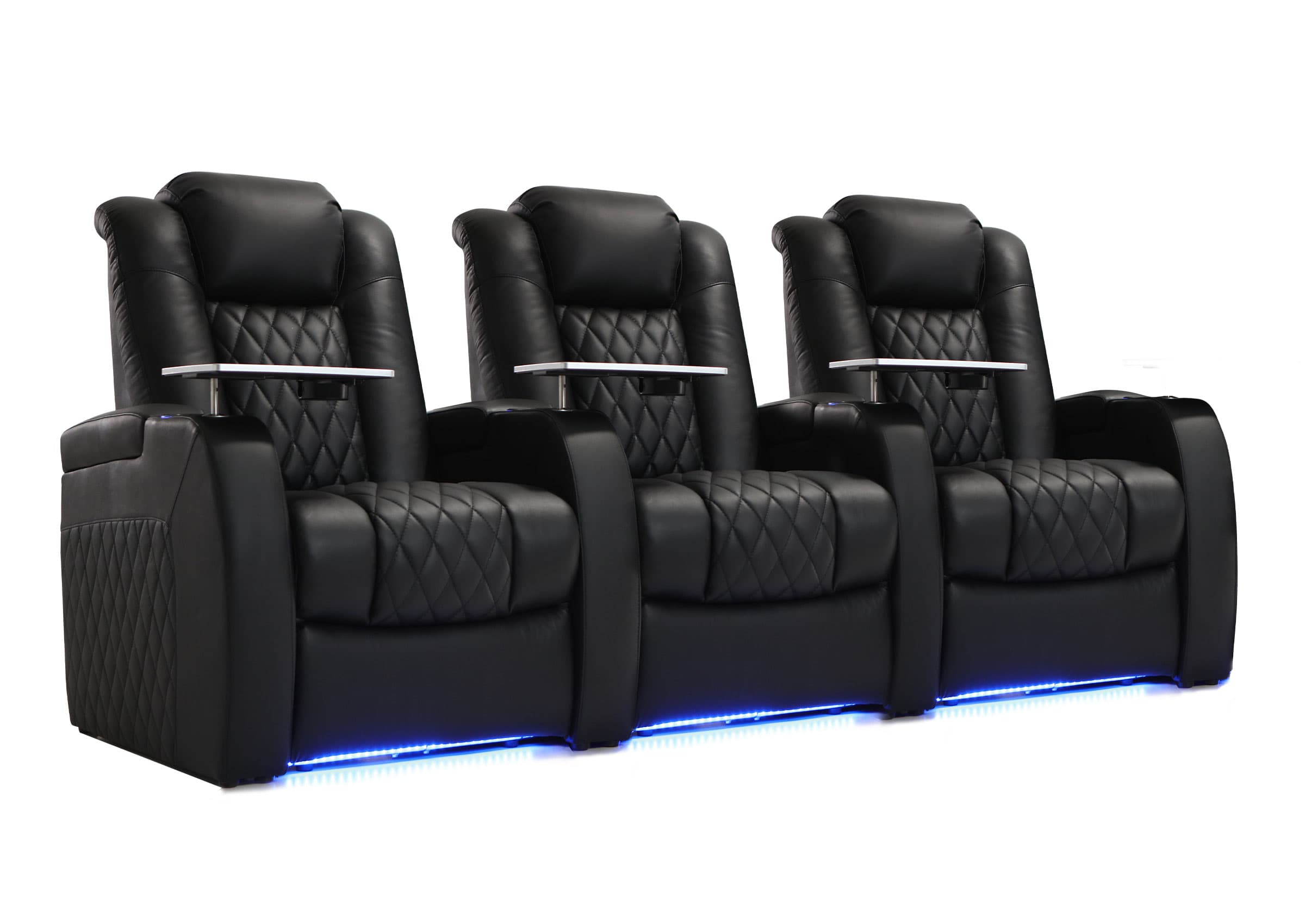
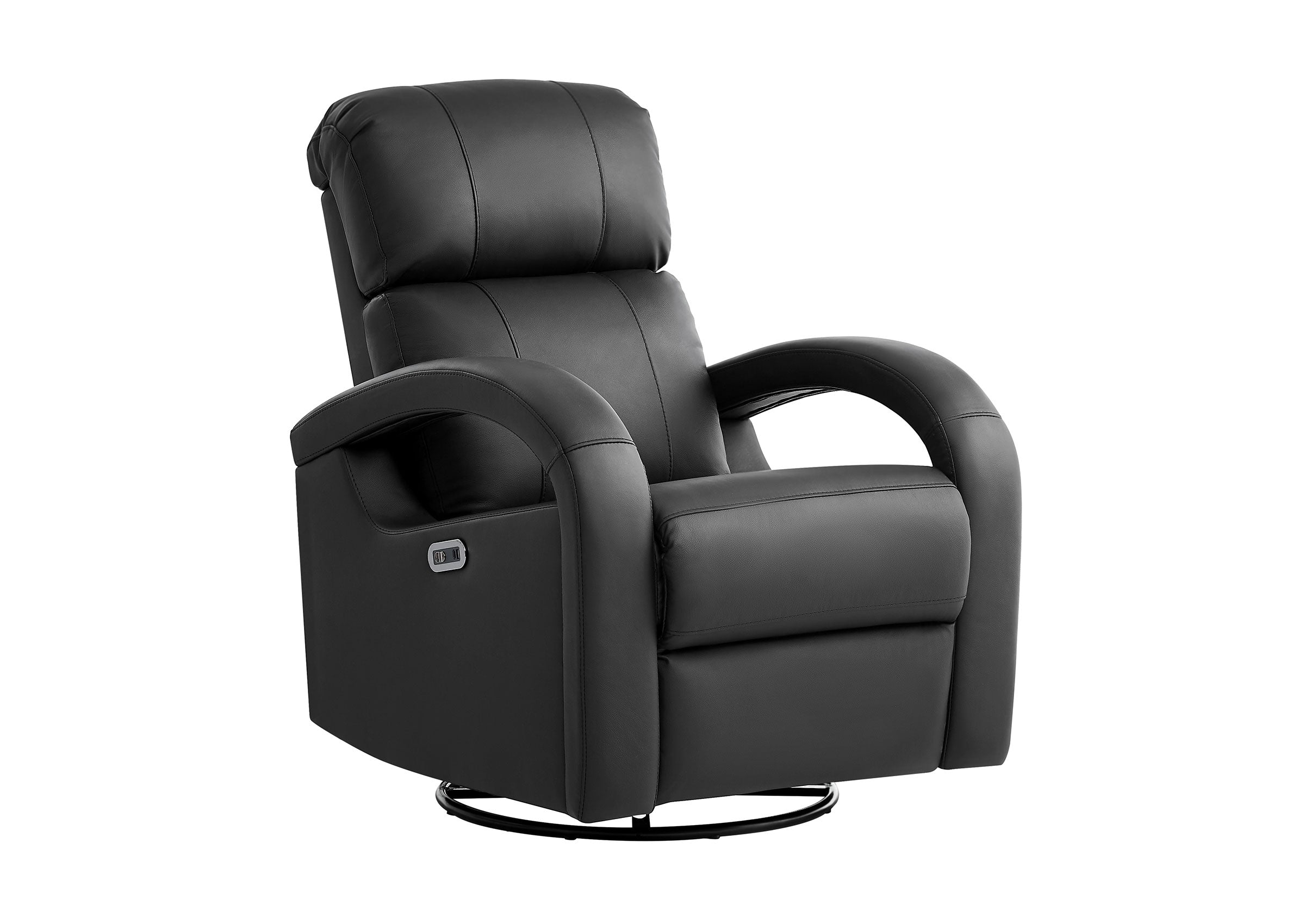
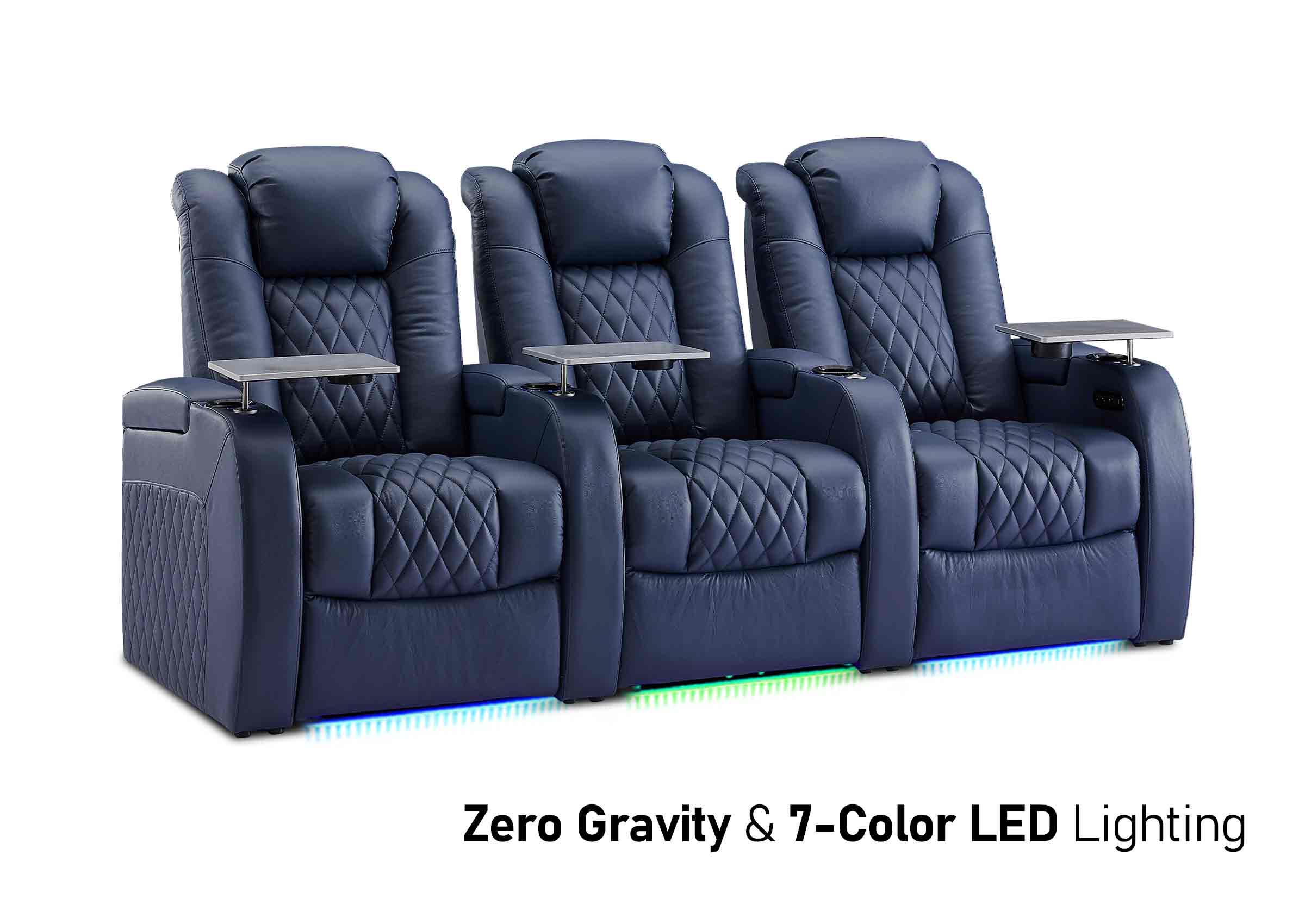
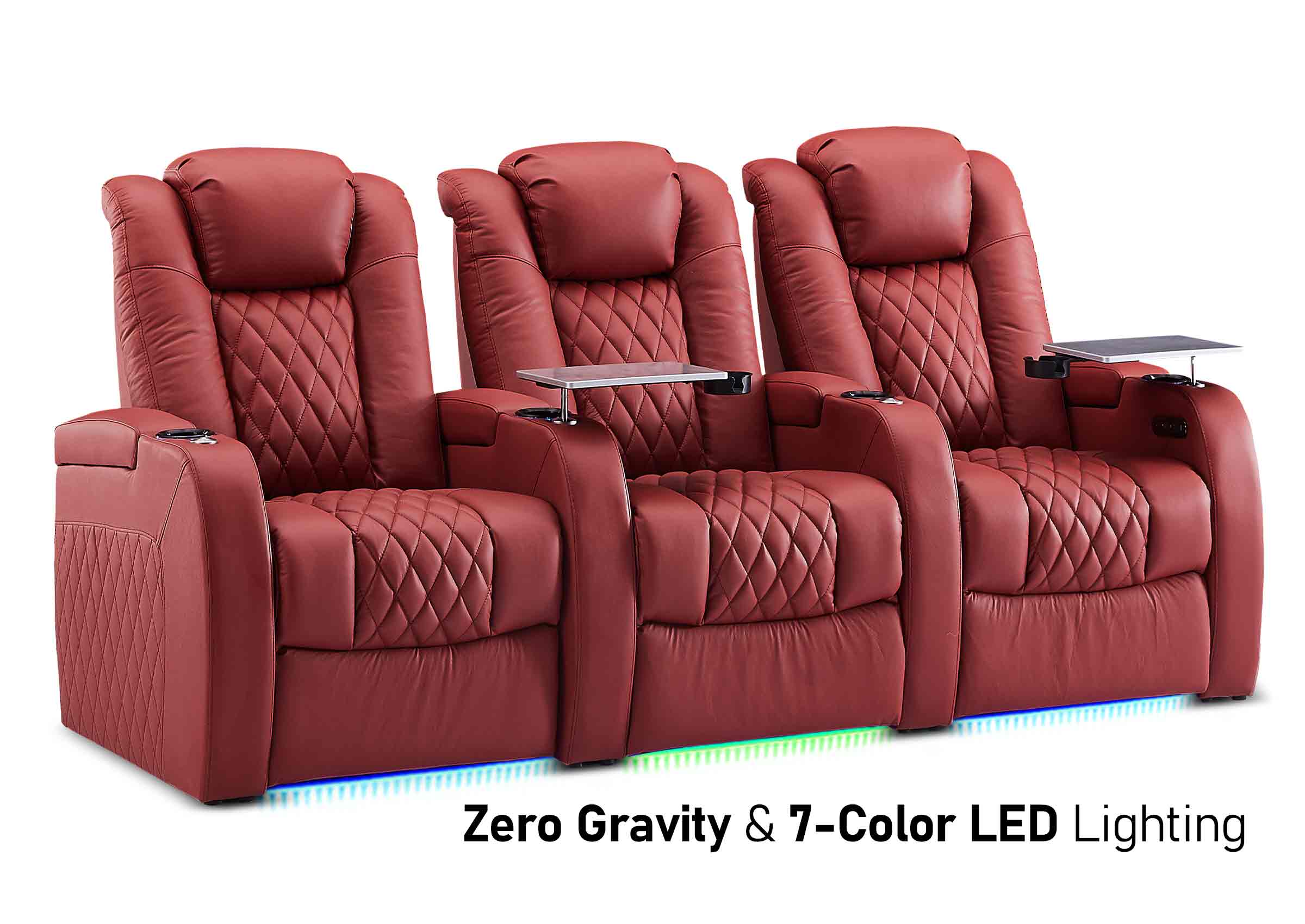
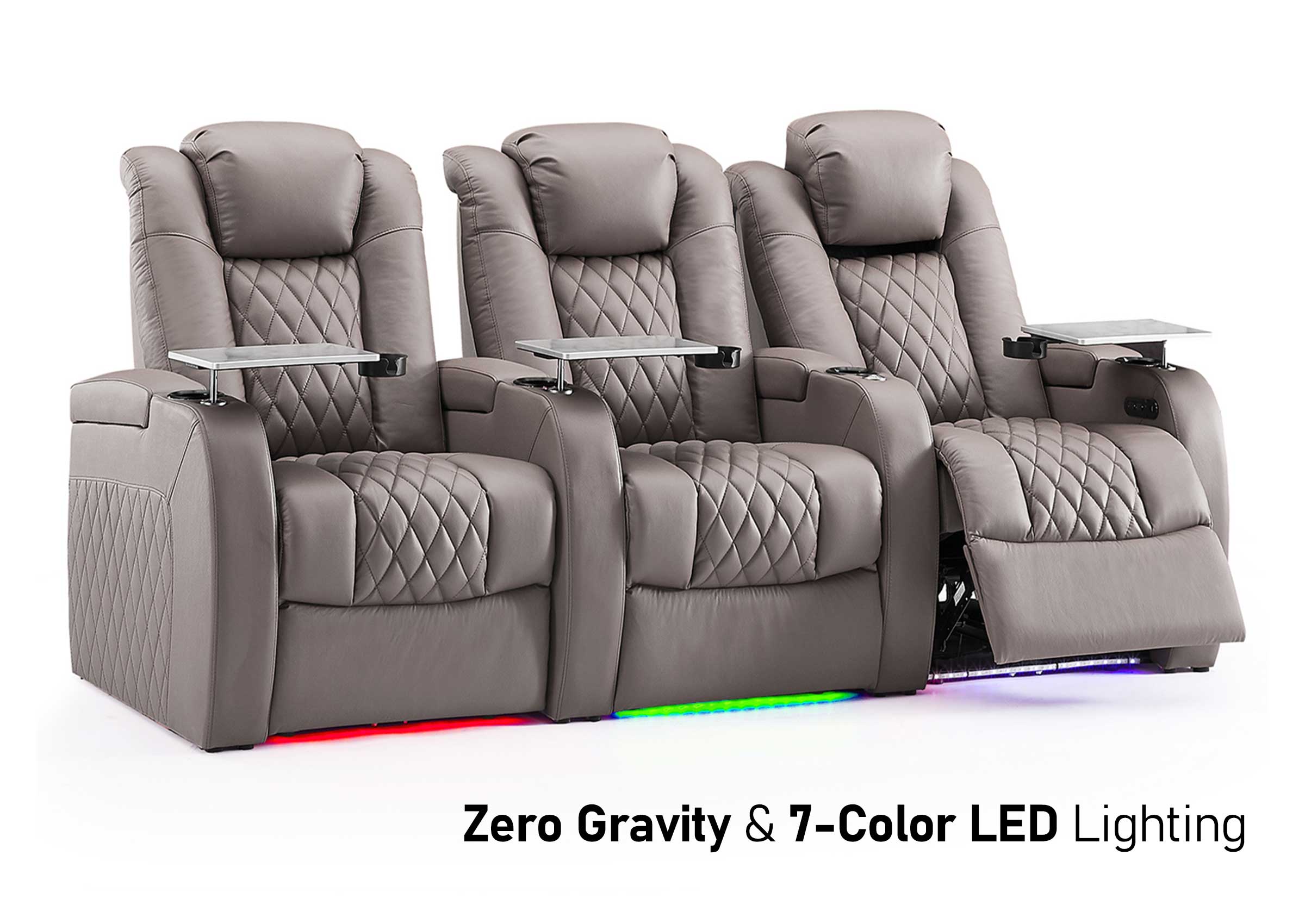
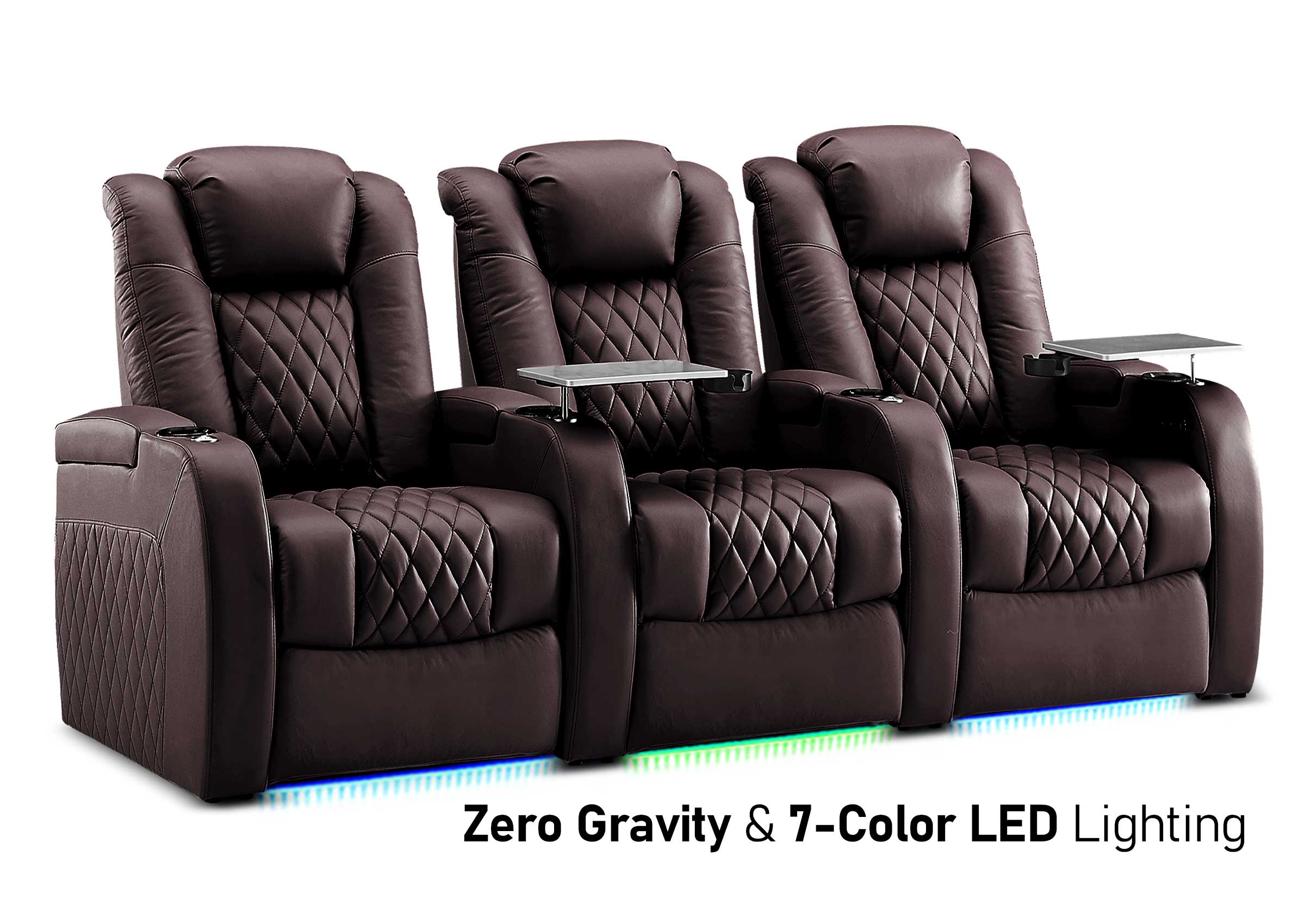

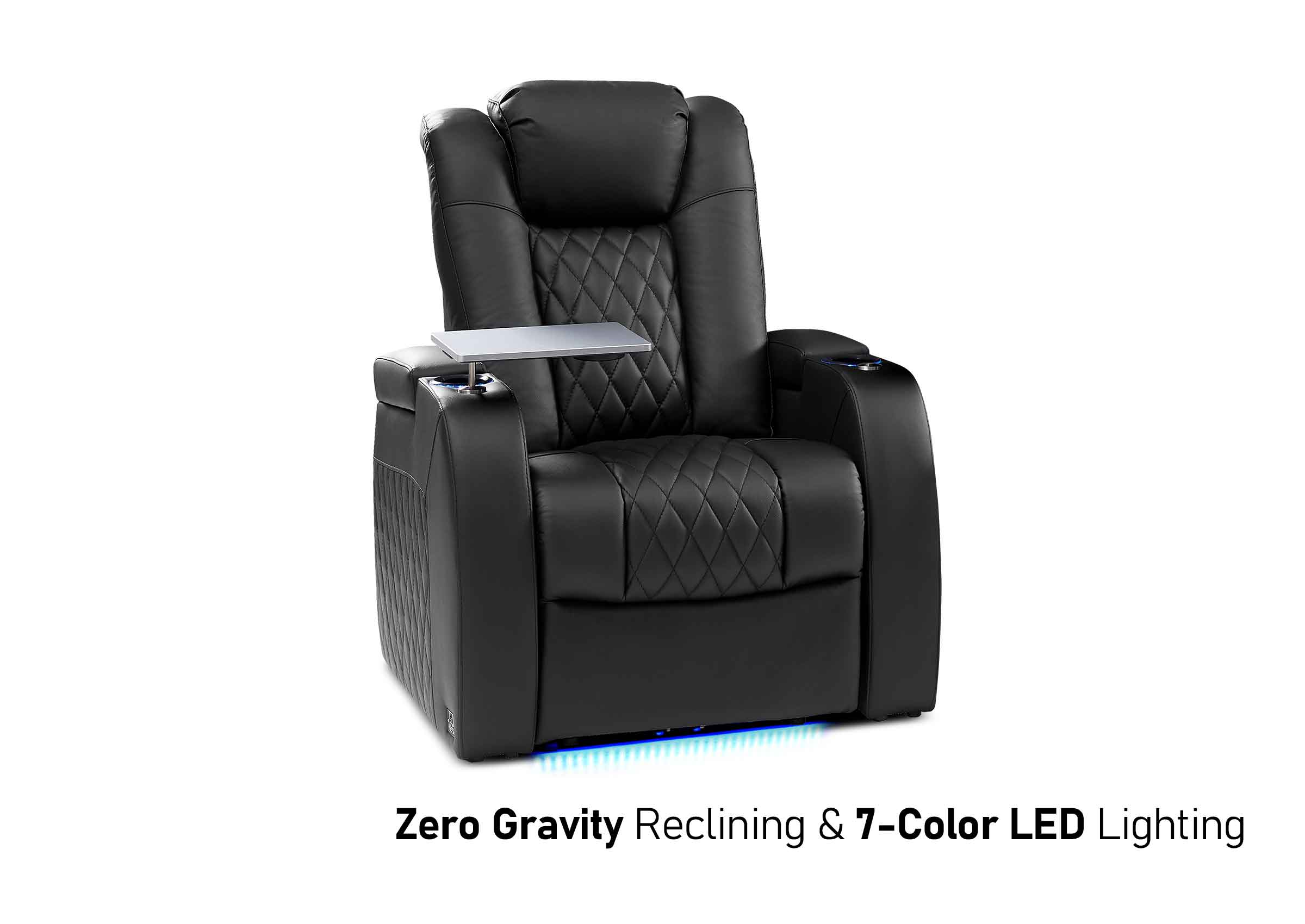
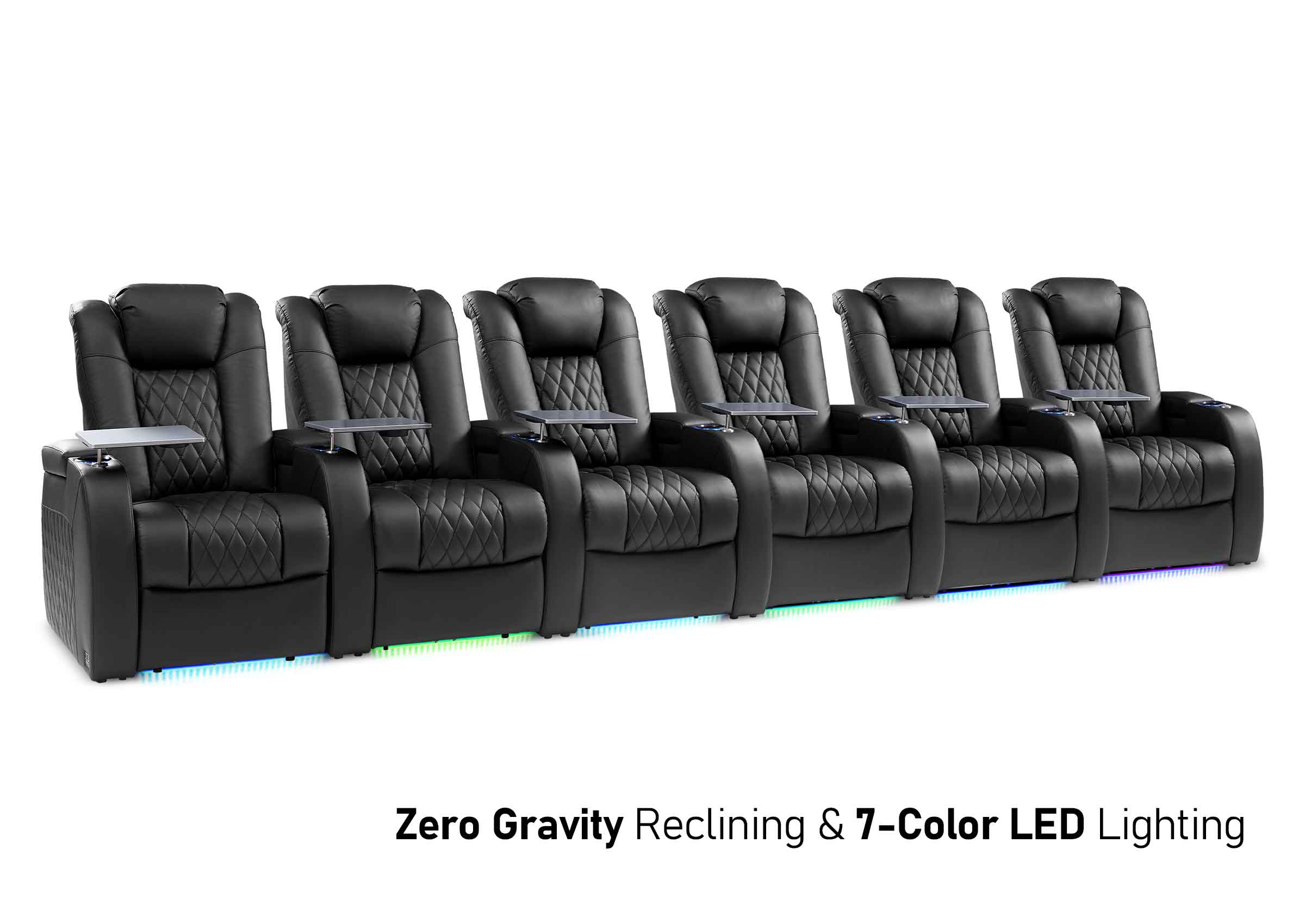
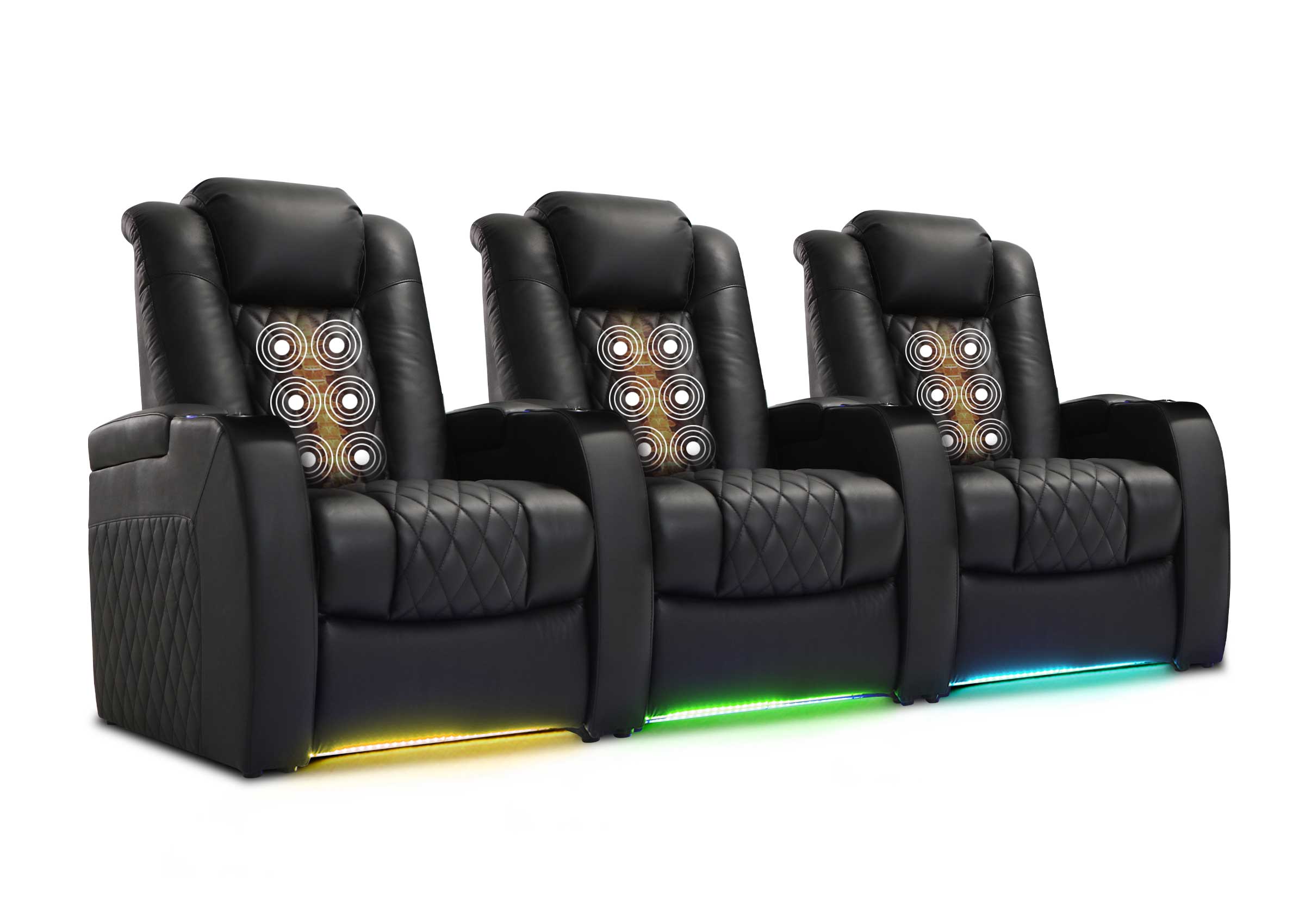
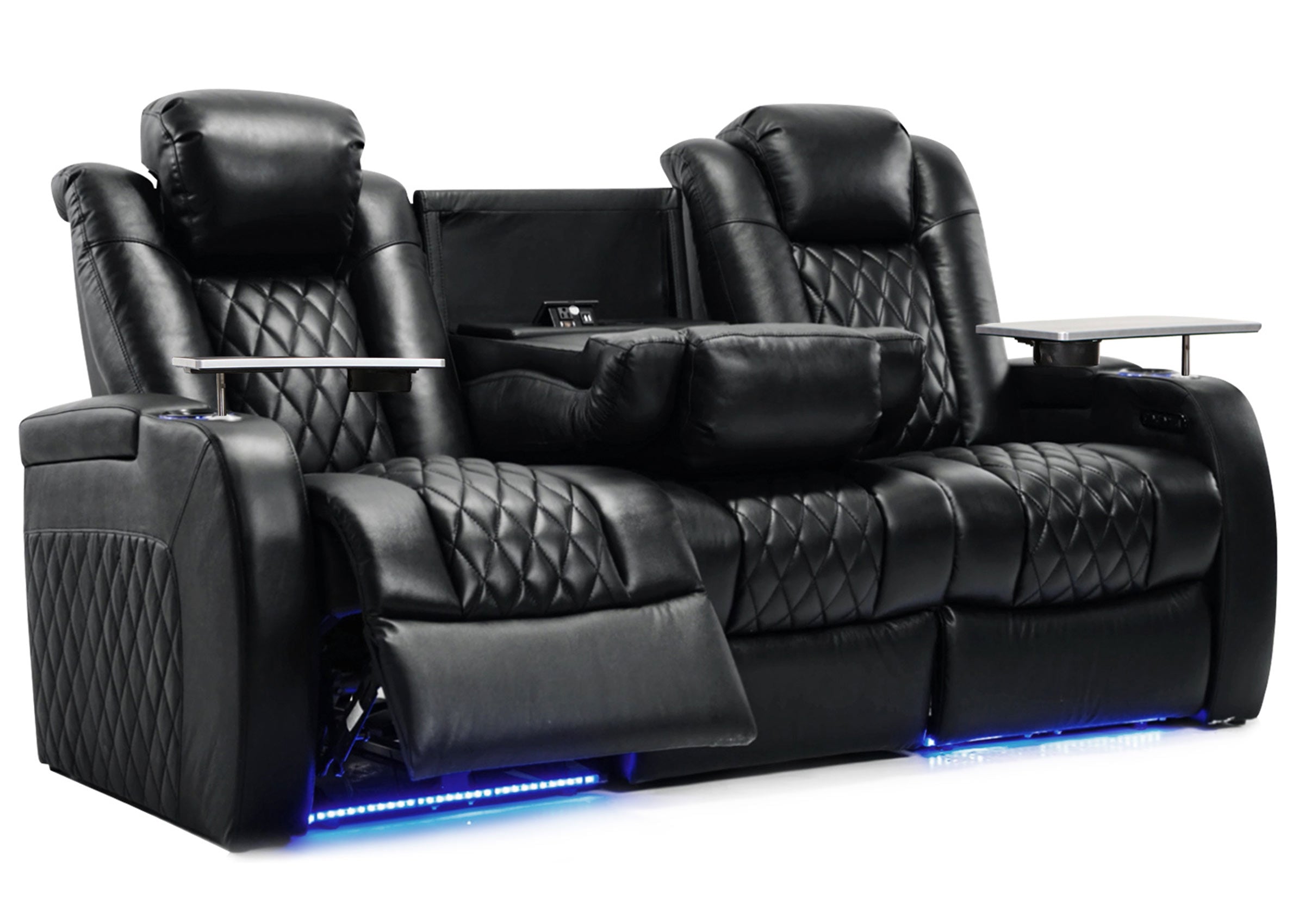
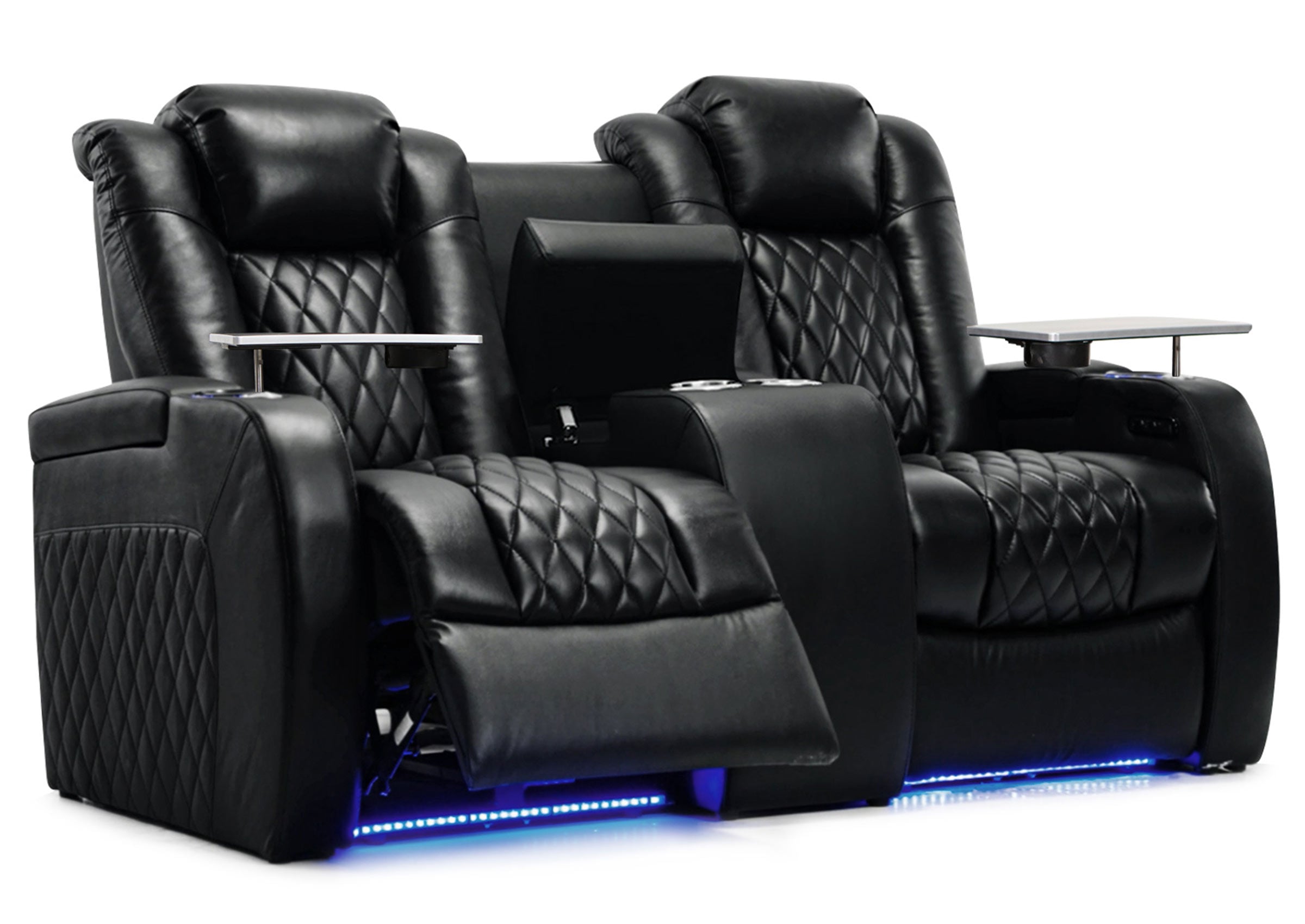


Building the ideal viewing experience is a matter that goes beyond the screen size and the quality of the entertainment system you are utilizing. It is the theater seats you will be utilizing that will help you decide whether you will spend substantial amounts of time enjoying a good viewing experience or whether you will spend the rest of the night experiencing pain due to discomfort.
Home Theater Seating Options You Should Know
The market has a wide series of setups, and knowing the features will enable you to make decisions on what matters to you by providing you with the information you require to make decisions.
Manual vs Power Adjustments
Recliners that are manual require lever action or a push-back system that involves physical labor to adjust. Such systems are less costly, eliminating the potential problems associated with electric shocks or malfunctions.
Power-operated home theater seating is easy to control through buttons or remote control technology. One can adjust the seats to their desired position with minimal interference with their viewing activities. The disadvantages lie in their high upfront costs and reliance on an electric system.

Essential Features in the Best Home Theater Seating
Top-of-the-line home theater seats will have various adjustment points designed to really support your body. The things you should be looking for are multiple controls, including those that allow you to adjust the position of the back, foot rest, head rest, and support at the lower back.
Material quality significantly affects comfort during extended use. Breathable fabrics prevent heat buildup, while high-density foam maintains support without becoming too firm. Armrest padding and width also influence overall comfort, particularly during sessions lasting several hours.
The Right Theater Seats for Your Space
Room dimensions influence which features matter most, so choosing appropriate seating requires careful consideration of your specific environment.
Space Considerations
Compact spaces benefit from wall-hugger designs that recline without requiring significant clearance behind the seat. Larger rooms accommodate traditional recliners with extended footrests that provide maximum stretch-out comfort.
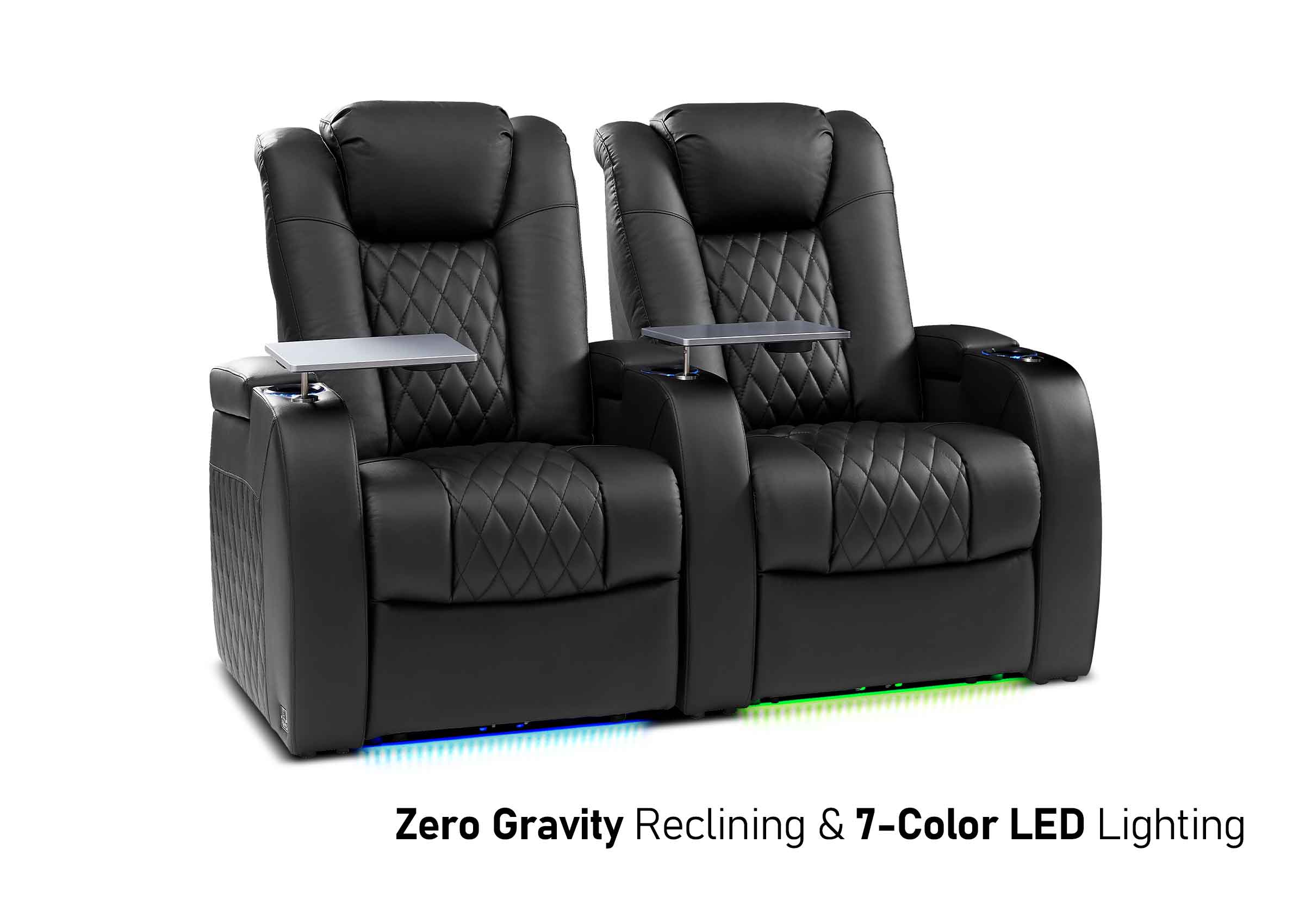
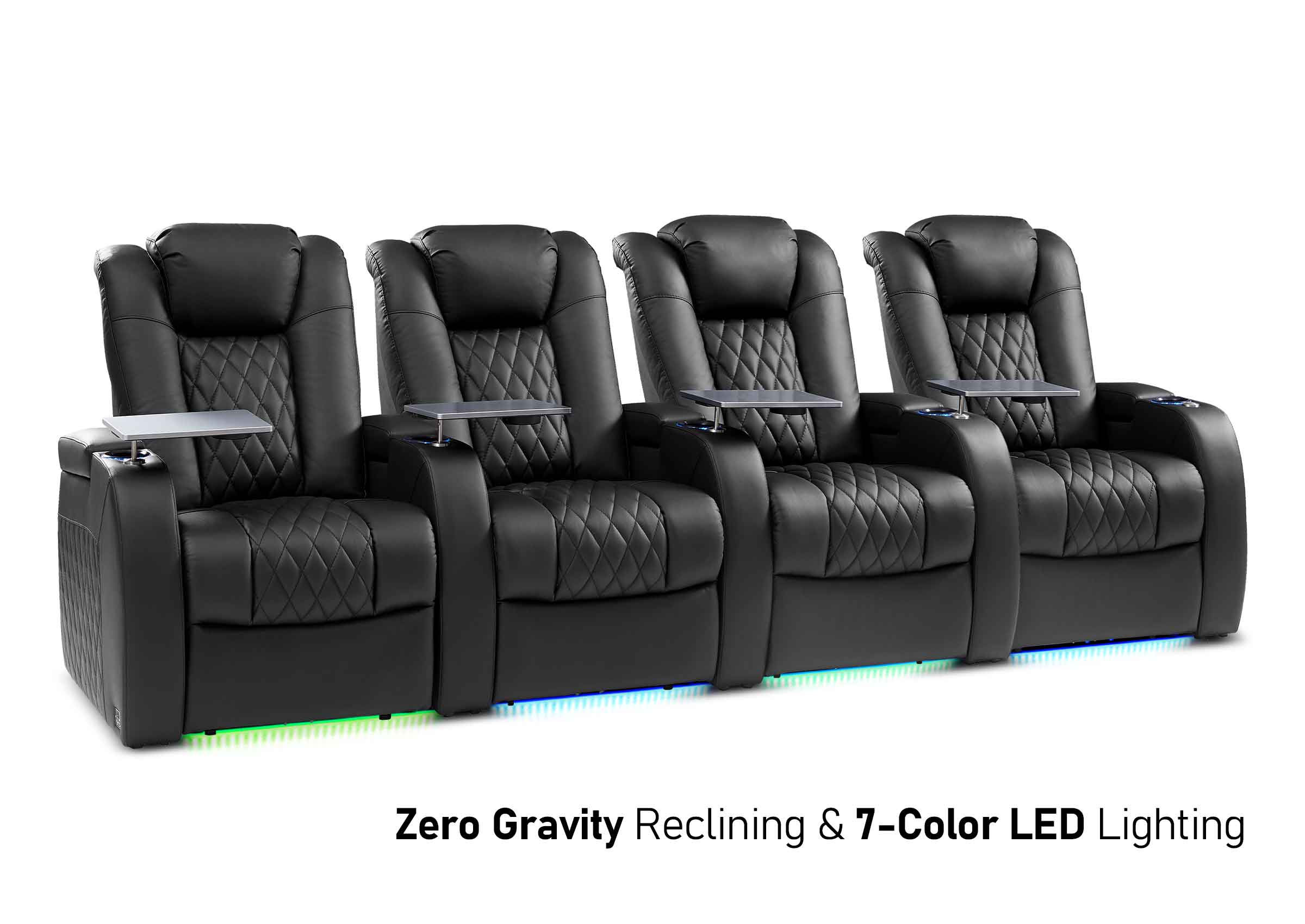
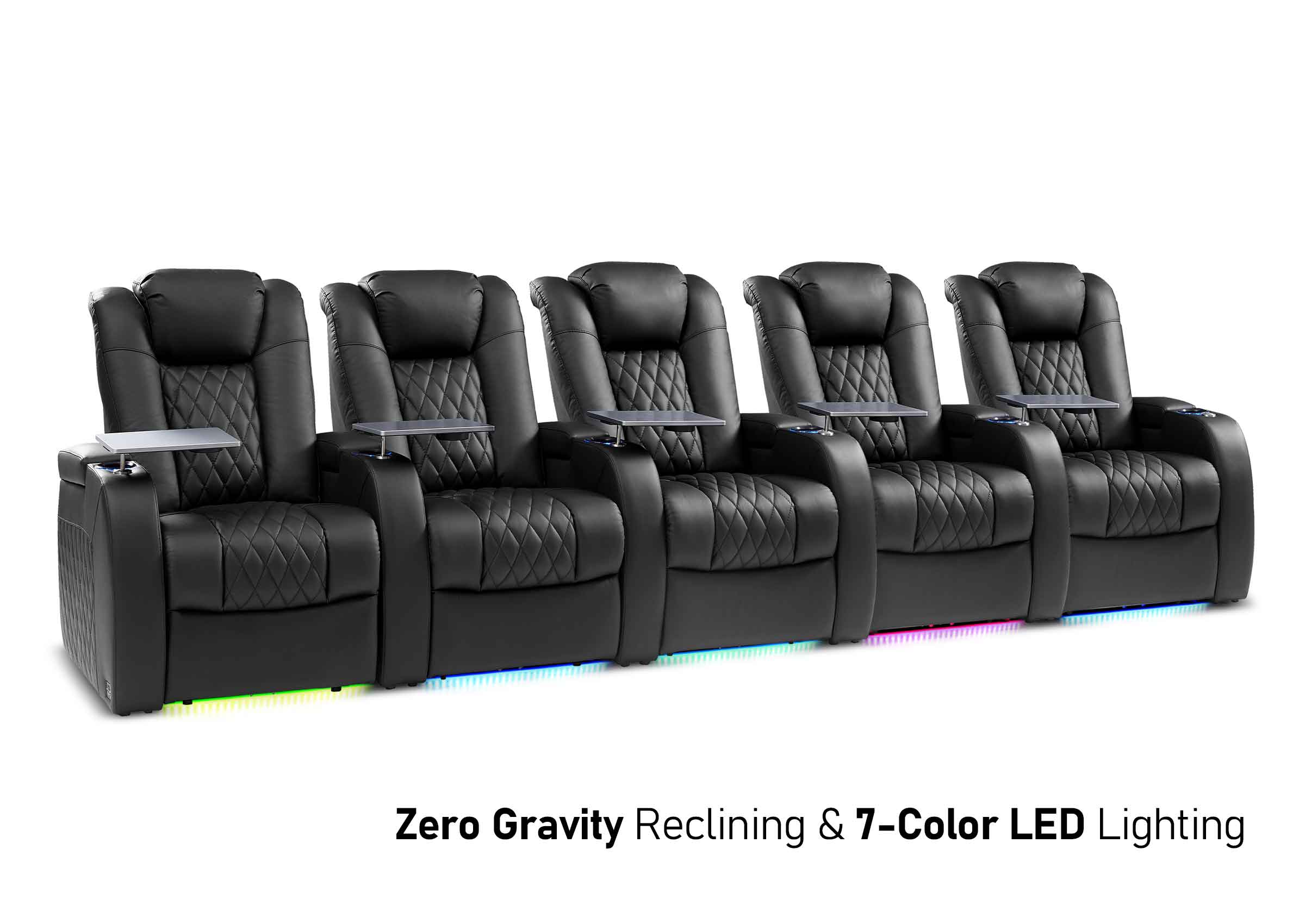
Consider how many seats you need and their arrangement. Theater seating configurations affect individual comfort—curved rows provide better screen angles for outer seats than straight arrangements. Spacing between seats impacts accessibility and perceived comfort.

Screen Distance and Viewing Angles
The size of the screen will determine the distance you should sit, which will be between 1.5 and 2.5 times the diagonal size of the screen. The distance will influence how you sit, with regard to reclining and elevating your legs. A comfortable distance will reduces strain on your eyes.

Step-by-Step Guide to Adjusting Theater Seats
The proper configuration involves a meticulous process at each point, focusing first on the positioning and later on the refinement of features.
First, you want to position your body as you are seated in your theater seats with your feet flat on the floor. The position should have your back against the back rest without pushing your body backward.
The Perfect Recline Angle
The perfect position involves a recline which balances comfort and support. You want to position your back rest at an angle of 100 to 110 degrees from the sitting surface. Reclining your position helps reduce pressure on the lower part of your back, as well as maintain proper head alignment relative to the monitor.
It should never lie down as if you are sleeping. When the angle exceeds 130 degrees, your body weight shifts awkwardly, creating pressure points at your hips and shoulders. You'll also strain your neck trying to view the screen from this position.
Lumbar Support Adjustment
There is a natural inward curve of your lower back, so you'll need specialized support. Until you feel a gentle pressure filling the space between your lower back and the bottom of your backrest, you'll want to continue adjusting your lumbar supports or air supports until you achieve this.
Height is as important as intensity. The lumbar pillow should be positioned inline with the small of your body, or 3-5 inches above your seated position. Too high will put pressure on your middle Back, while a lower position will neglect the vital lower Back part.
Headrest and Neck Positioning
Your headrest should cradle your head without pushing it forward. When properly positioned, you should feel slight contact without pressure. The goal involves supporting your head's weight while maintaining neutral neck alignment.
Many people position headrests too high, forcing their chin toward their chest. Others set them too low, providing no support at all. The sweet spot places the thickest part of the headrest at the curve where your skull meets your neck.

Common Theater Seating Mistakes to Avoid
Even a high-end home theater sofa will be uncomfortable if placed incorrectly, so an understanding of potential landmines will save you discomfort.
One common mistake involves changing seats independently rather than evaluating the viewing configuration as a unit. The position of your seats relative to the screen will influence the angles and placements of the head rests.
The next mistake is over-optimizing features. When all controls are maximized, this results in an uncomfortable combination, which negates the purpose of having an adjustable item or feature. The simplest home theater configuration involves an optimal balance between various features.
Some viewers often forget to readjust their sitting position as their body moves a natural position as they continue watching their programs. Staying in fixed positions causes pressure and circulation problems, even if they are comfortable.
Maximum Comfort During Movie Marathons
Extended viewing involves other approaches beyond just sitting position adjustment, as your body demands occasional relief even in properly designed theater seats.
The Two-Hour Position Change Rule
It's better to change position every two hours. It doesn't imply standing up and taking a walk around, although this is a good thing to do as well. Minor modifications to the position of recline, foot rest, or a lumbar support are sufficient to avoid the formation of pressure points.
Perhaps consider switching between two or three positions you have stored if your theater seats offer this type of memory function. You can change among these setups to keep the blood flowing and avoid muscular fatigue due to holding set positions.
Temperature and Environment Control
Temperature control is another comfort factor that impacts marathons. The seats that allow airflow are a good idea, and temperature control is important as well. A cooled room reduces the sleepiness associated with a warm room and sitting for a long period of time.
Lighting intensity affects both eye strain and comfort levels. Low ambient lighting results in reduced glare on the screen, preventing a condition of complete darkness, which may cause strained eyes. Place light sources to prevent reflections on your computer screen.
Hydration and Break Strategies
Staying hydrated while watching a long period helps prevent fatigue and aids concentration. Keeping water accessible will prevent dehydration discomfort. Taking regular water breaks while watching will help circulation and keep you awake.
Timing the strategic breakpoints around natural pauses in the program material. Breakpoints or end-of-episode or end-of-halftime are ideal locations to stretch and readjust your body position when standing up. Breakpoints are a great comfort boosters to enhance program enjoyment.
Maintenance Tips for Long-Lasting Comfort
The adjustment mechanisms call for regular maintenance so that all functions continue to work smoothly.
Mechanical System Care
The manual system relies on periodic lubrications involving the pivot points as well as the levers. Check the manufacturer directions regarding appropriate lubricants to avoid damage to the upholstery as well as any other components. Remove any debris that may accumulate around moving components to avoid jams or wear and tear.
Power systems require checks for electric connectivity and control cleaning. Button mechanisms may accumulate dust, leading to problems with responsiveness. Careful cleaning with electronics cleaner is advised.
Upholstery and Cushion Maintenance
Taking care of the cushioning will help maintain comfort levels even after many years of service. Vacuum out the areas between pieces of debris that accumulate. You should turn the seat cushions if they are detachable so that they all wear evenly. Spills should be dealt with immediately so that staining or damage doesn't occur.
The approach towards caring for leather and fabric differs significantly. One should condition the leather periodically if they want to prevent any formation of cracks, while fabric should be protected against moisture and stains.

Experience Comfort That Lasts
The line between an acceptable viewing experience and an exceptional experience may lie with how you have your seats arranged. Taking the time to correctly position your theater seats will reward you with many happy viewing experiences down the road. Even small adjustments can make sure your investment continues to bring you a lifetime of comfort, turning your room into a haven.
Frequently Asked Questions about Home Theater Seating Comfort
Q1: How Often Should You Change Positions When Watching a 4-Hour Movie?
Make small adjustments every 1-2 hours to prevent pressure points and maintain circulation. Even minor position changes significantly reduce discomfort during extended use.
Q2: What Is the Ideal Distance From Theater Seats to a 75-Inch Screen?
Screen size determines ideal distance—generally 1.5 to 2.5 times the screen diagonal. This affects your preferred recline angle and headrest positioning for optimal viewing comfort.
Q3: Will Adjusting My Theater Seats Multiple Times per Day Wear Them Out Faster?
Quality mechanisms are resistant to periodic adjustments. The truth is, periodic operation will keep components flexible enough, preventing stiffness. It is crucial to follow directions regarding weight and operation.
Q4: Are Power Recliners Worth the Extra Cost Compared to Manual Theater Seats?
Think about your priorities: you will get convenience and accuracy with power, or ease and economy with manual, but both can offer you superb comfort if adjusted correctly to fit your body.
Q5: Where Exactly Should the Lumbar Pillow Touch Your Back?
A gentle, even pressure filling the lower back should be present, but this should not push you forward. The pressure should feel natural, as if you are standing upright correctly, so as to keep your spinal cord in line.