


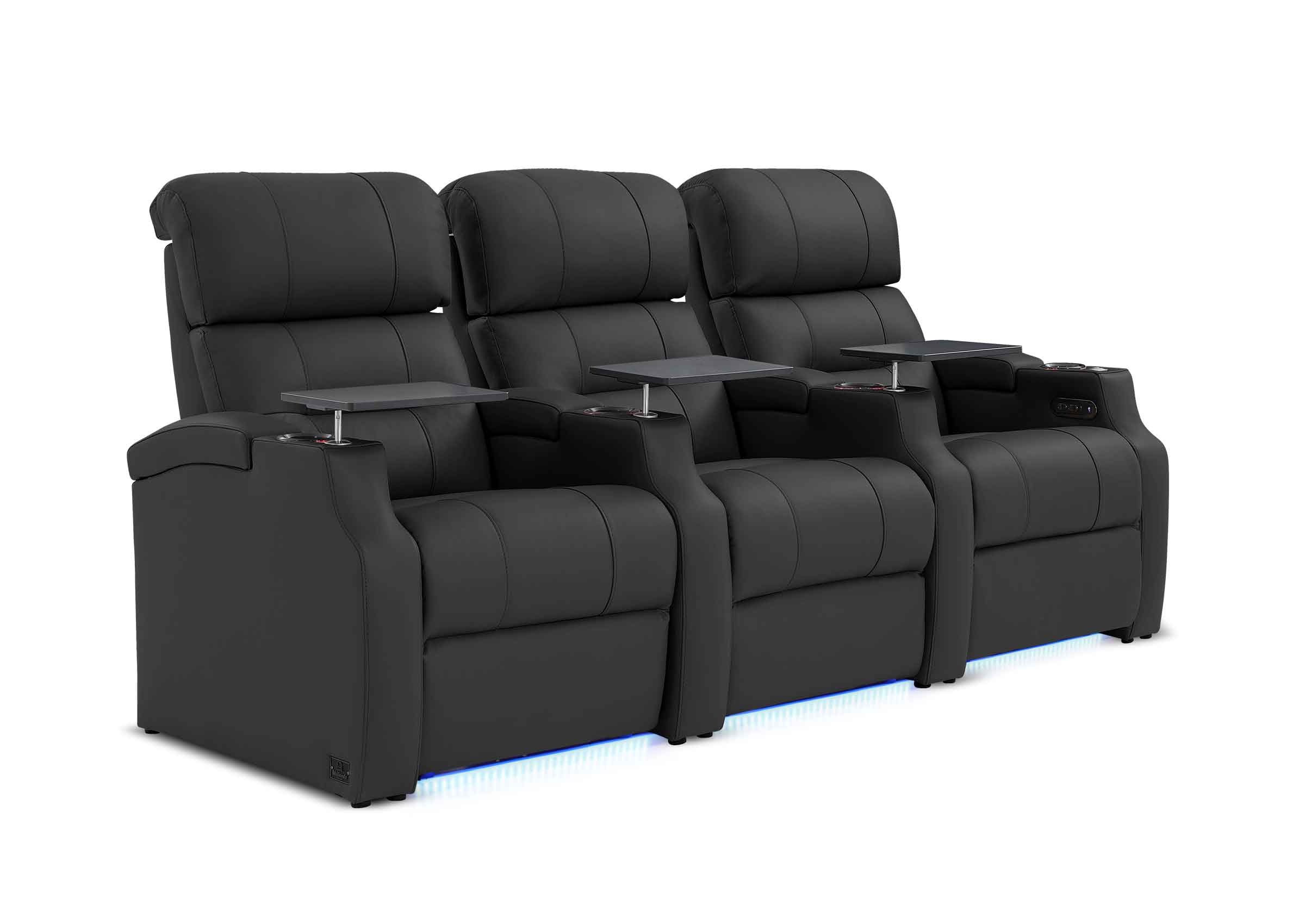


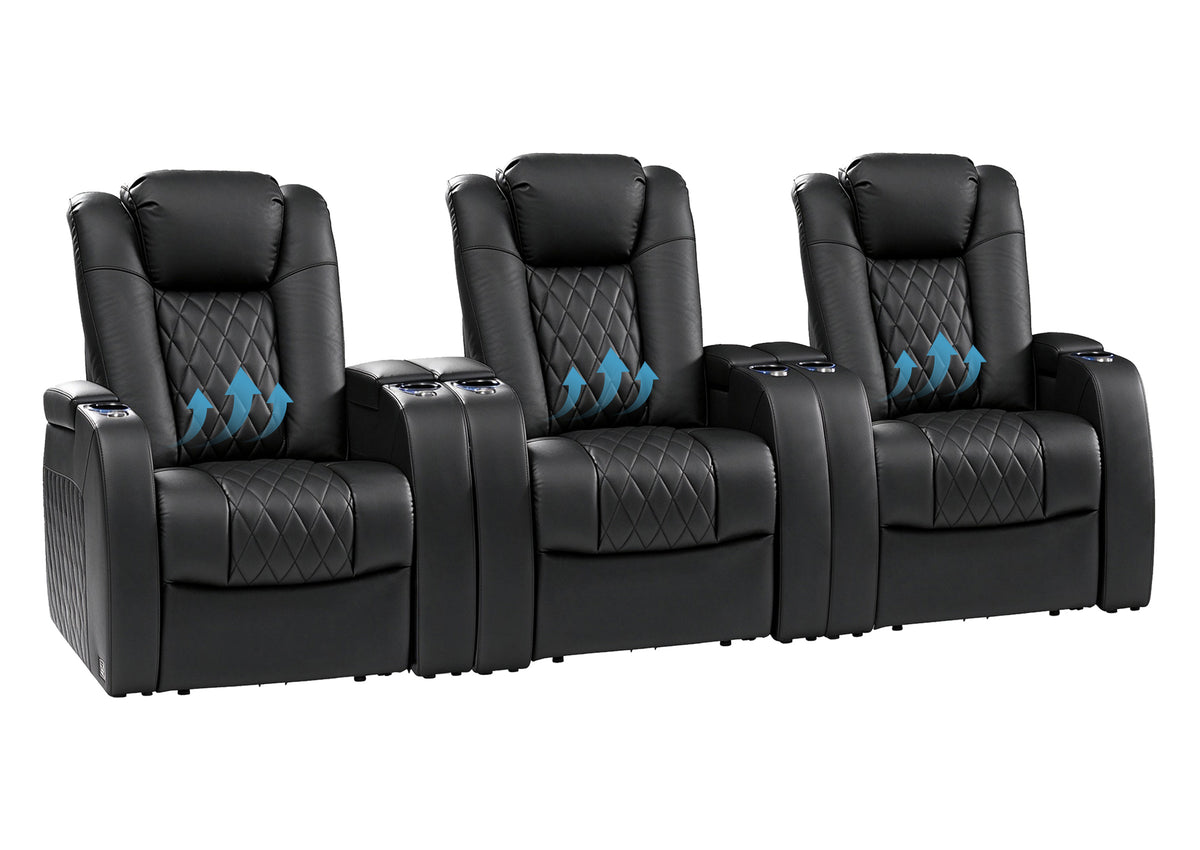
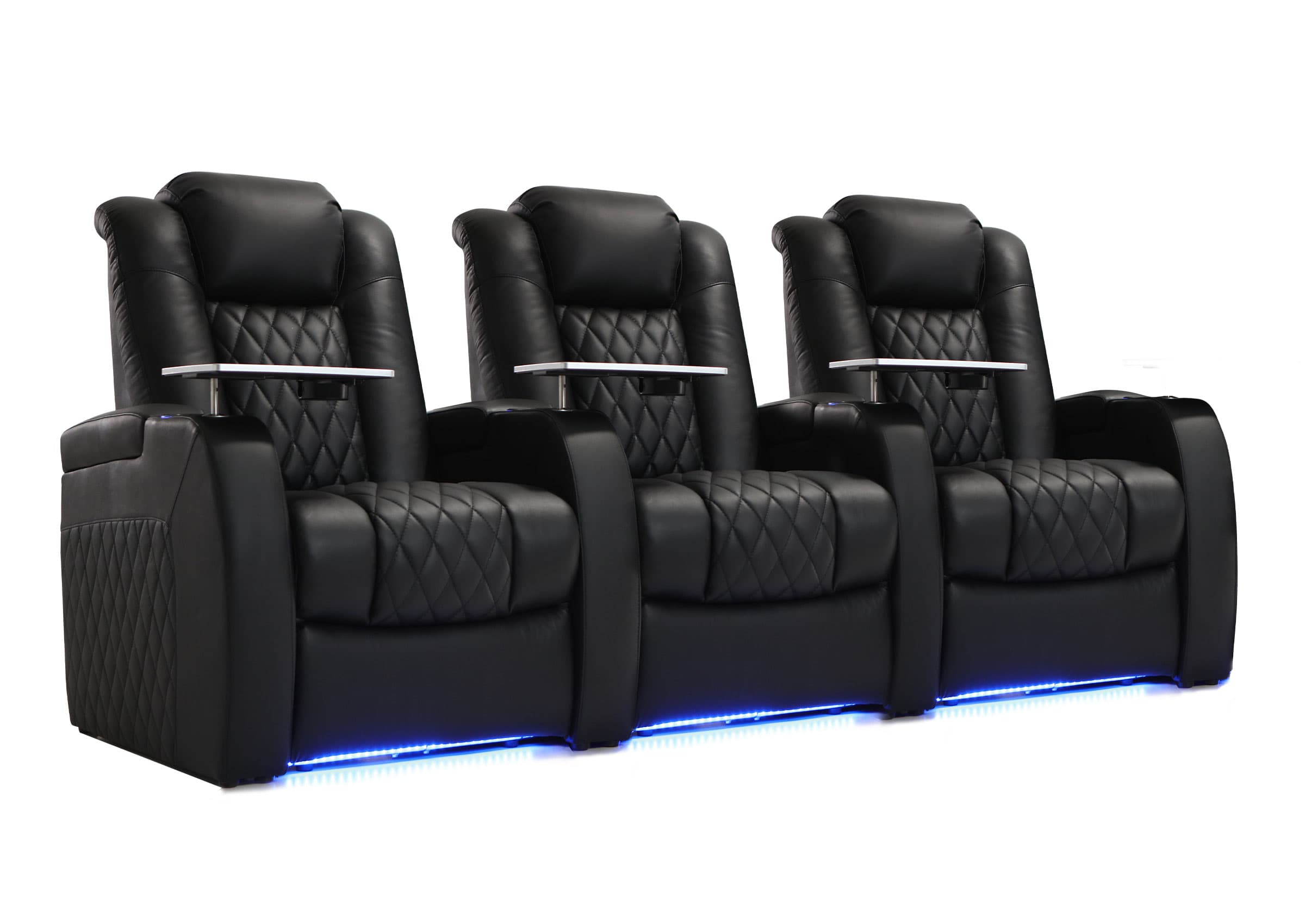
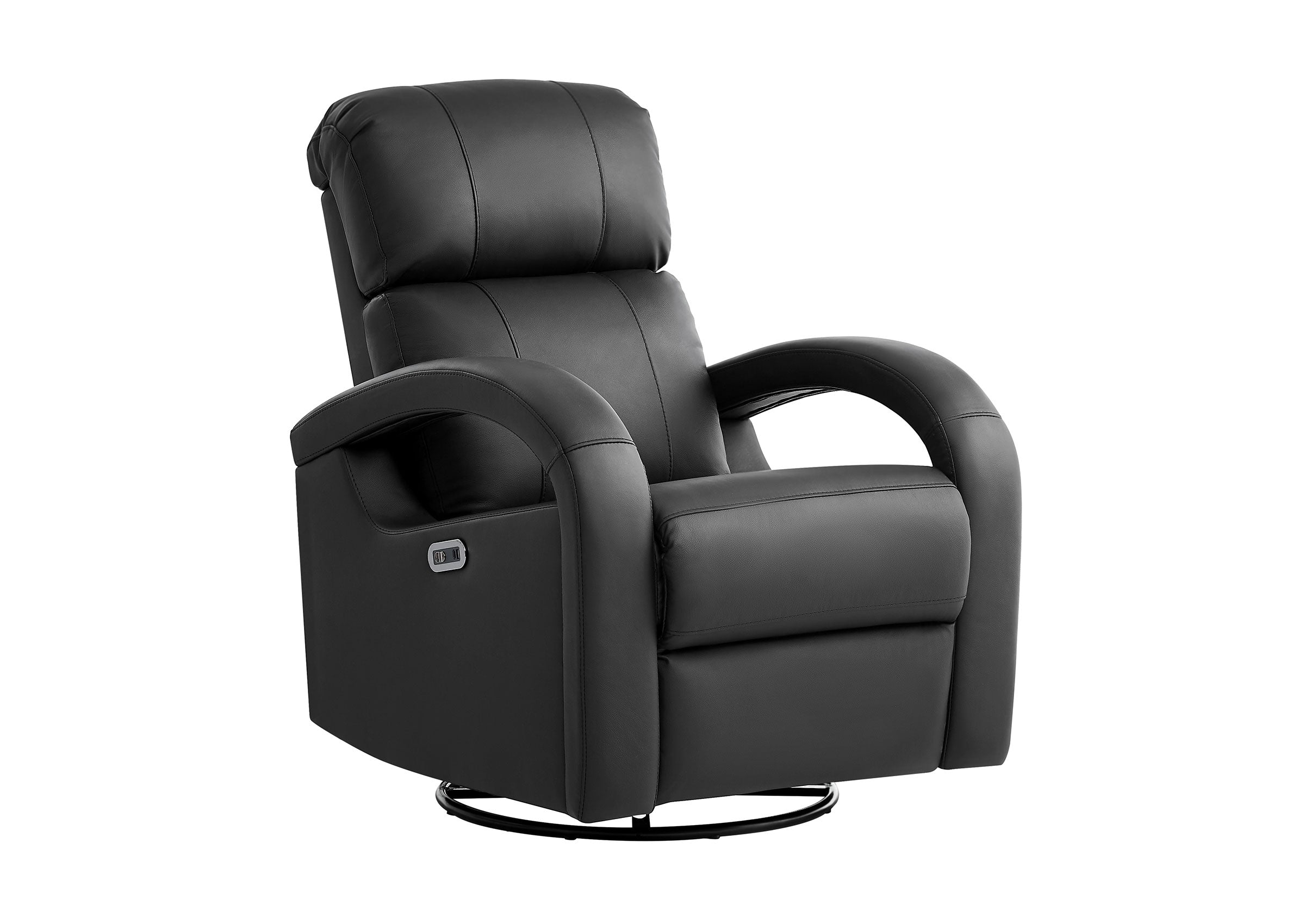



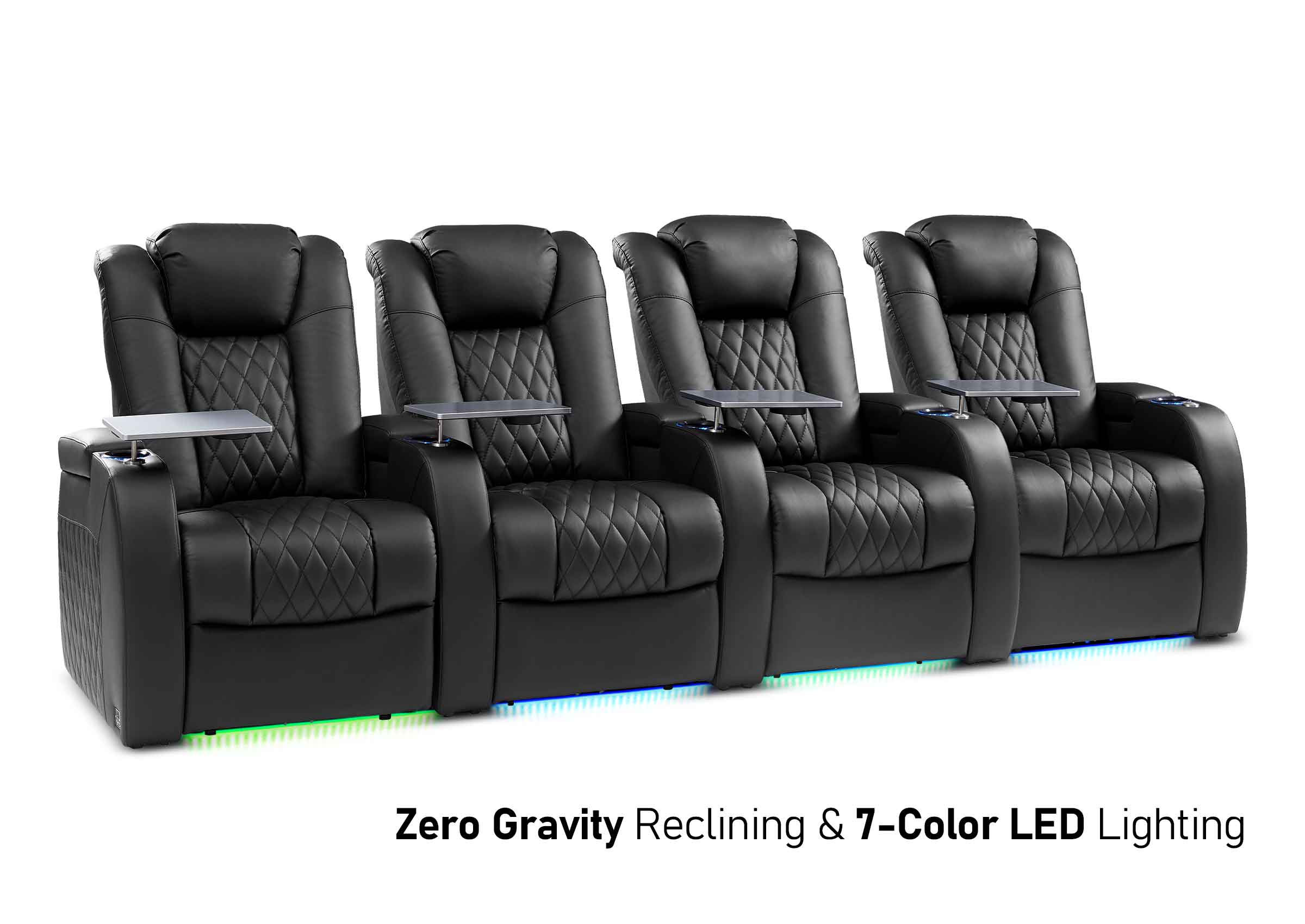
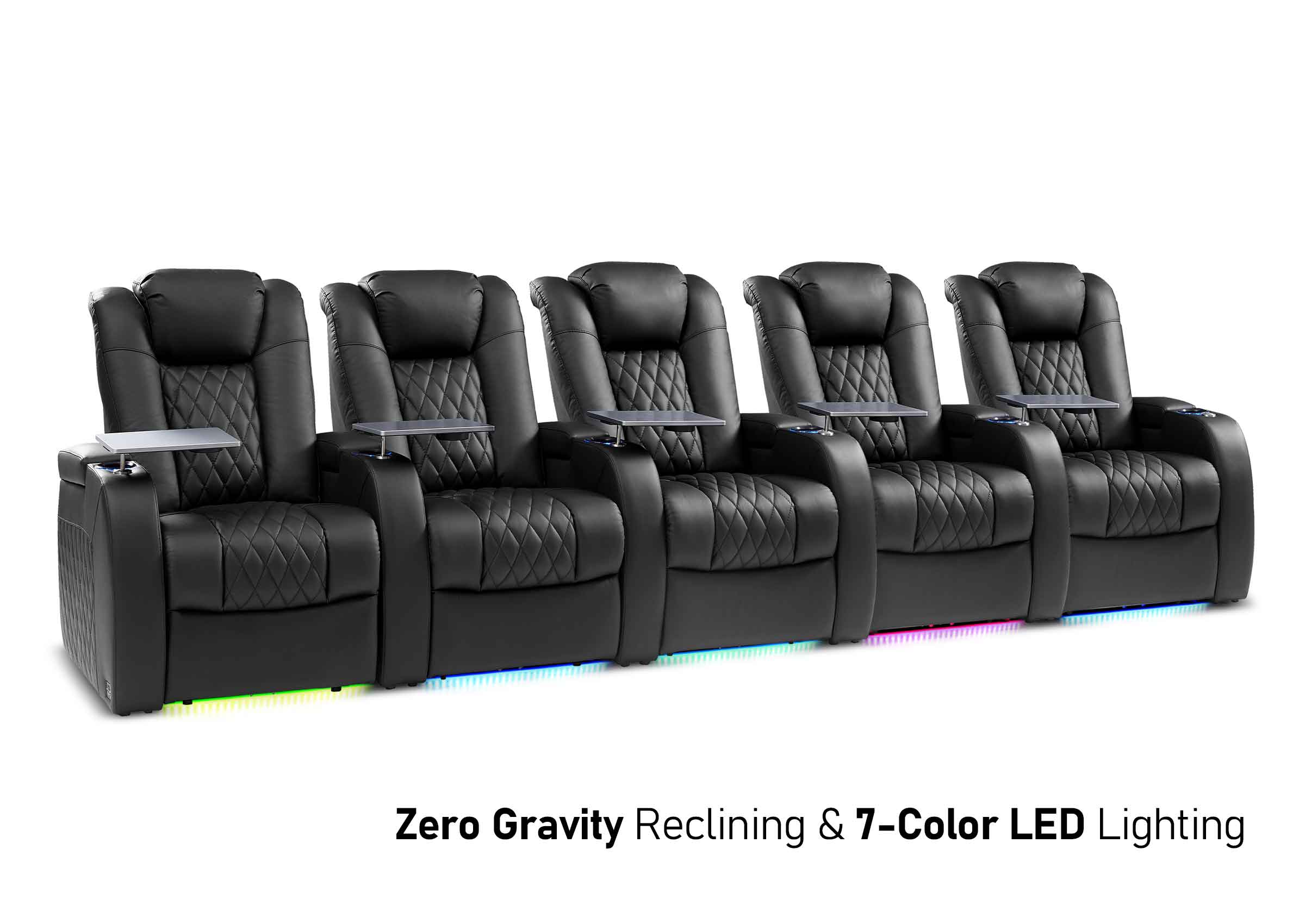
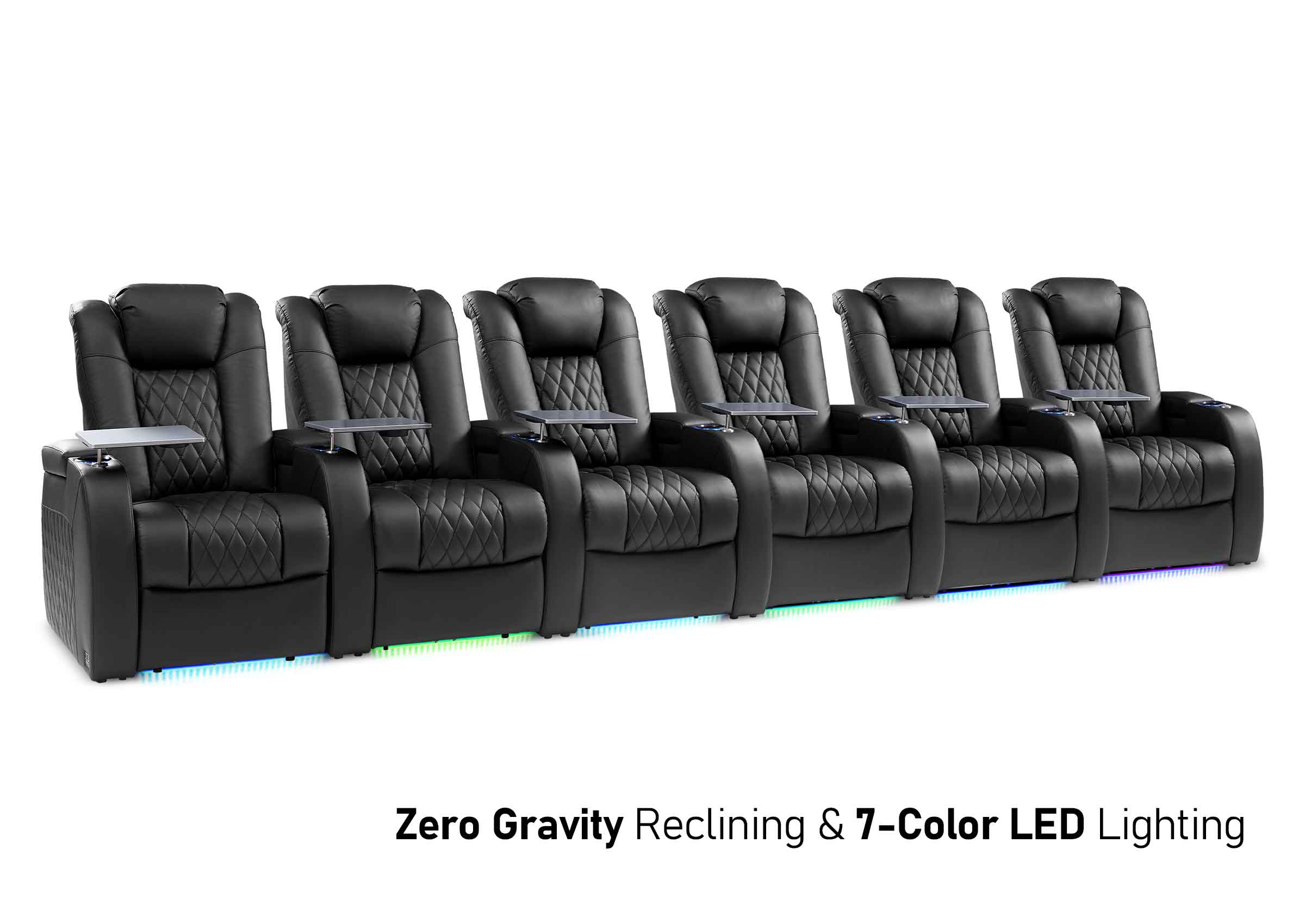
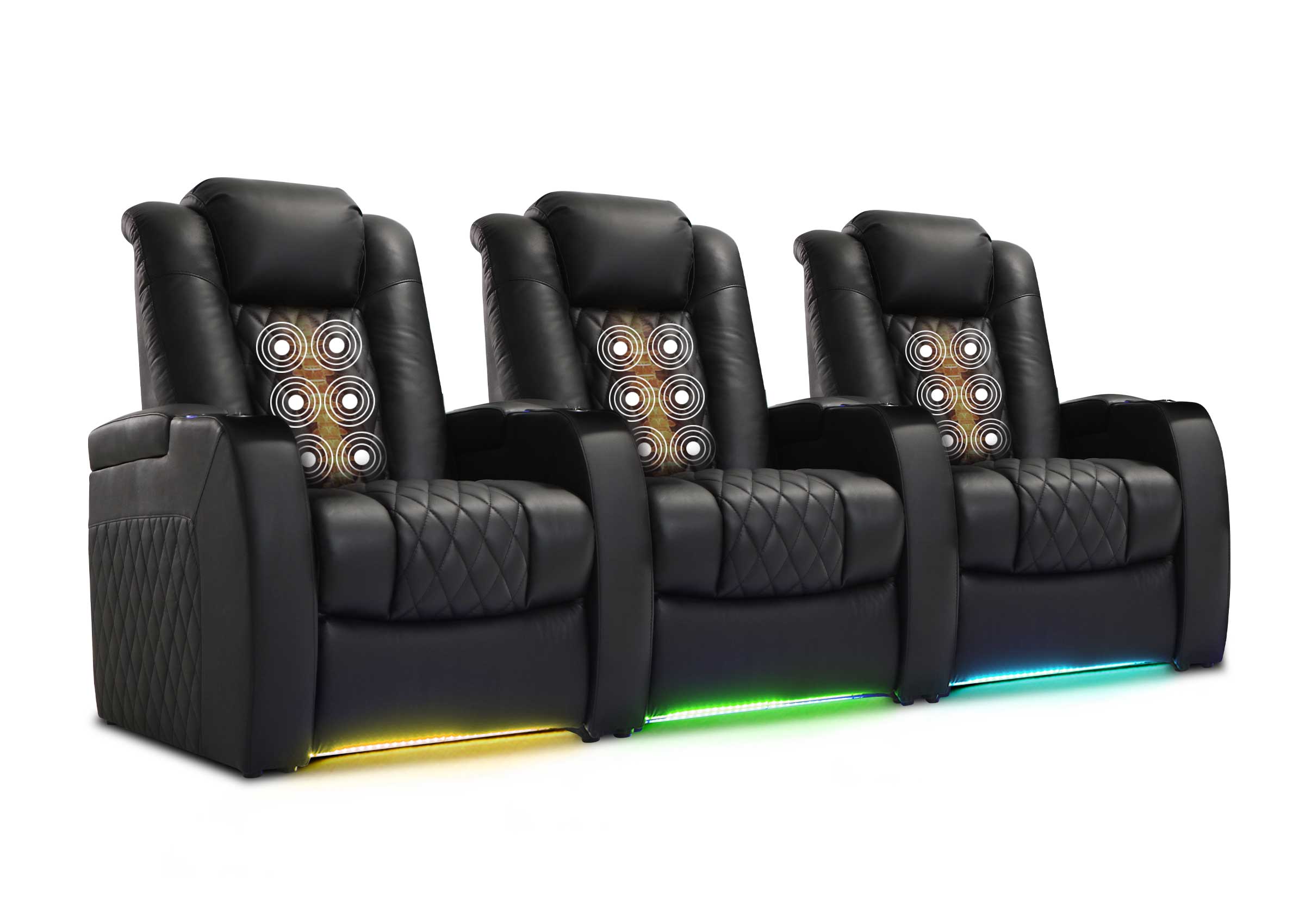






A narrow, rectangular room can still feel like a theater if the layout works with the room's shape. The key is to protect a clear walkway, set a screen size that fits your distance, and build a home theater layout that keeps sound and sightlines clean.
Is Your Room Too Narrow for a Comfortable Theater Setup
A room can look long enough and still feel wrong once you add seats, speakers, and a path to walk through. A quick check keeps you from forcing too many pieces into a tight footprint.
Signs a Layout Will Feel Cramped
A narrow room often runs into trouble when the aisle disappears, the first row sits too close, or people brush the side walls when they stand up. Those issues can make movie night feel tense instead of relaxing.
The Priority That Keeps Everything Working
Keep comfort and movement in mind first. It's easier to set up the rest of the equipment, like the screen size and speaker angles, if the path and main seat feel good.

Measure Minimum Room Width and Lock In a Practical Home Theater Layout
A narrow room rewards exact measurements. Once you confirm your usable width, you can choose a layout that fits real furniture, not just a floor plan sketch.
Measure Usable Width and Traffic Zones
Measure the clear width after trim, built-ins, and door swing. Then mark where people will enter, where they will walk, and where they will sit. The best home theater layout in a slim room usually keeps one consistent walkway from the door to the seats.
Choose One Walkway Strategy and Commita
Pick one of these and build around it:
- Side Walkway: Seating shifts slightly to one side, walking lane stays open along the other wall
- Center Walkway: Two narrower seating blocks split by a middle aisle, less common in very tight rooms
Planning Table for Narrow Rooms
| Room Width Range | Walkway Plan That Tends to Work | Seating Plan That Feels Realistic | What to Avoid |
| Under 8 ft | Side walkway | one row, 2 seats | Deep seats that kill the aisle |
| 8–10 ft | Side walkway | One row, 2–3 seats | Forcing a second row |
| 10–12 ft | Side or center | Two rows only if seats stay slim | Oversized chairs with wide armrests |
| Over 12 ft | Side or center | Two rows with better spacing | Blocking side speaker locations |
If your minimum room width is tight, fewer seats usually create a better room. Many narrow rooms feel “bigger” after you remove one chair.
Choose Screen Type and Size for a Long Narrow Room
After measurements, the next decision is the screen plan. A narrow room often has enough length, so the risk is not “too small.” The risk is choosing a screen that feels overwhelming from the main seat.
Tv or Projector Based on Your Constraints
A TV can keep placement simple and reduce setup variables. A projector can deliver a larger image, but it asks for stronger light control and careful mounting so the path through the room stays clear. Either option can work if the screen height and seating distance are correct.
Set Screen Height for Relaxed Neck Posture
Aim for seated eye level to land around the lower third of the image. If the screen rides high, people tilt their heads up. In a narrow room, that discomfort shows up fast because the viewing distance is often shorter than you expected.
Pick a Size That Matches Your Main Seat
Choose your primary seat first. Then choose a screen size that feels wide without forcing constant eye scanning. If subtitles or fast action make you move your head side to side, the screen is likely too large for the distance.

Plan Home Theater Seating That Fits Narrow Rooms
This is where slim spaces either shine or fail. The best narrow home theater seating plan keeps sightlines clean, preserves the aisle, and still feels like a treat.
One Row Often Gives the Best Result
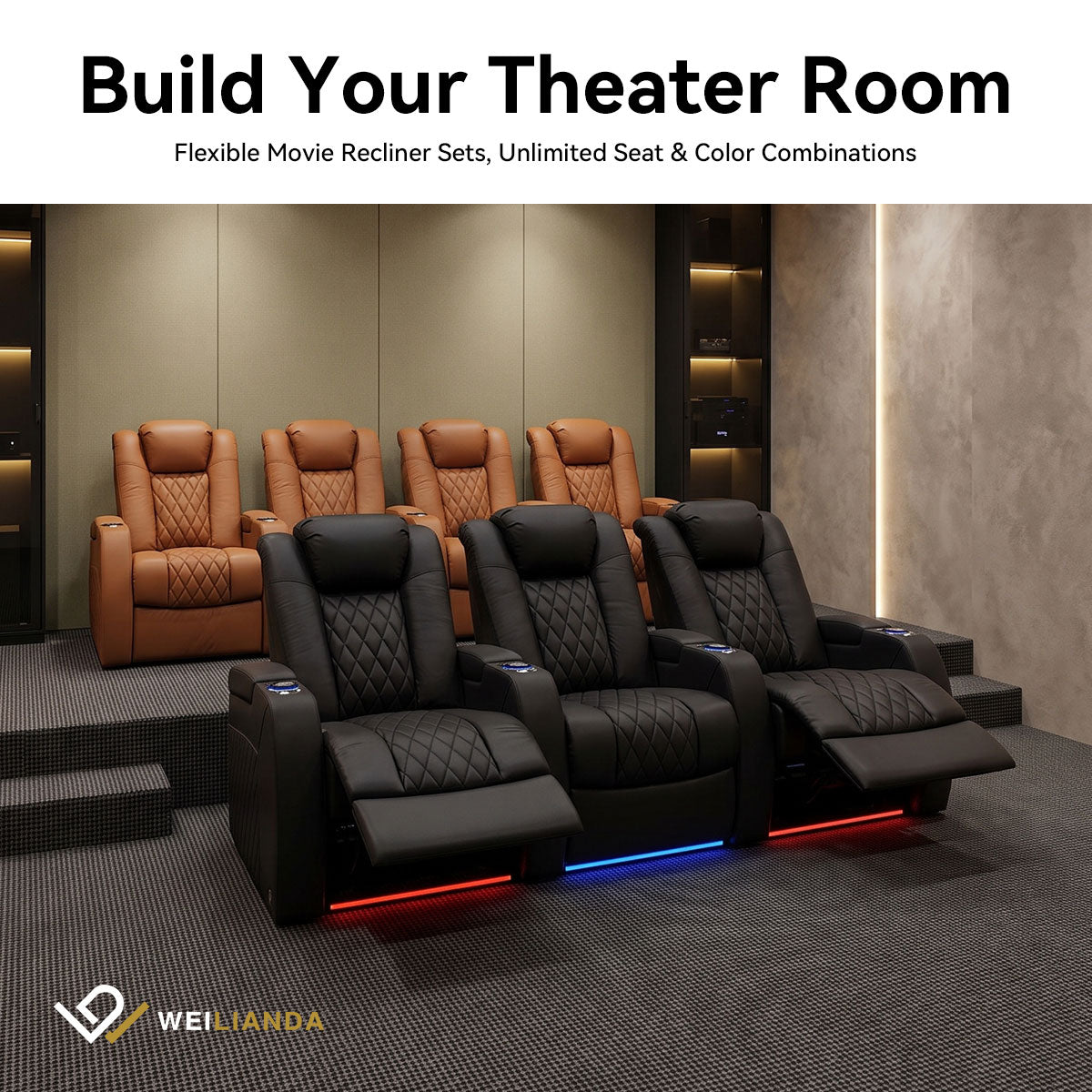
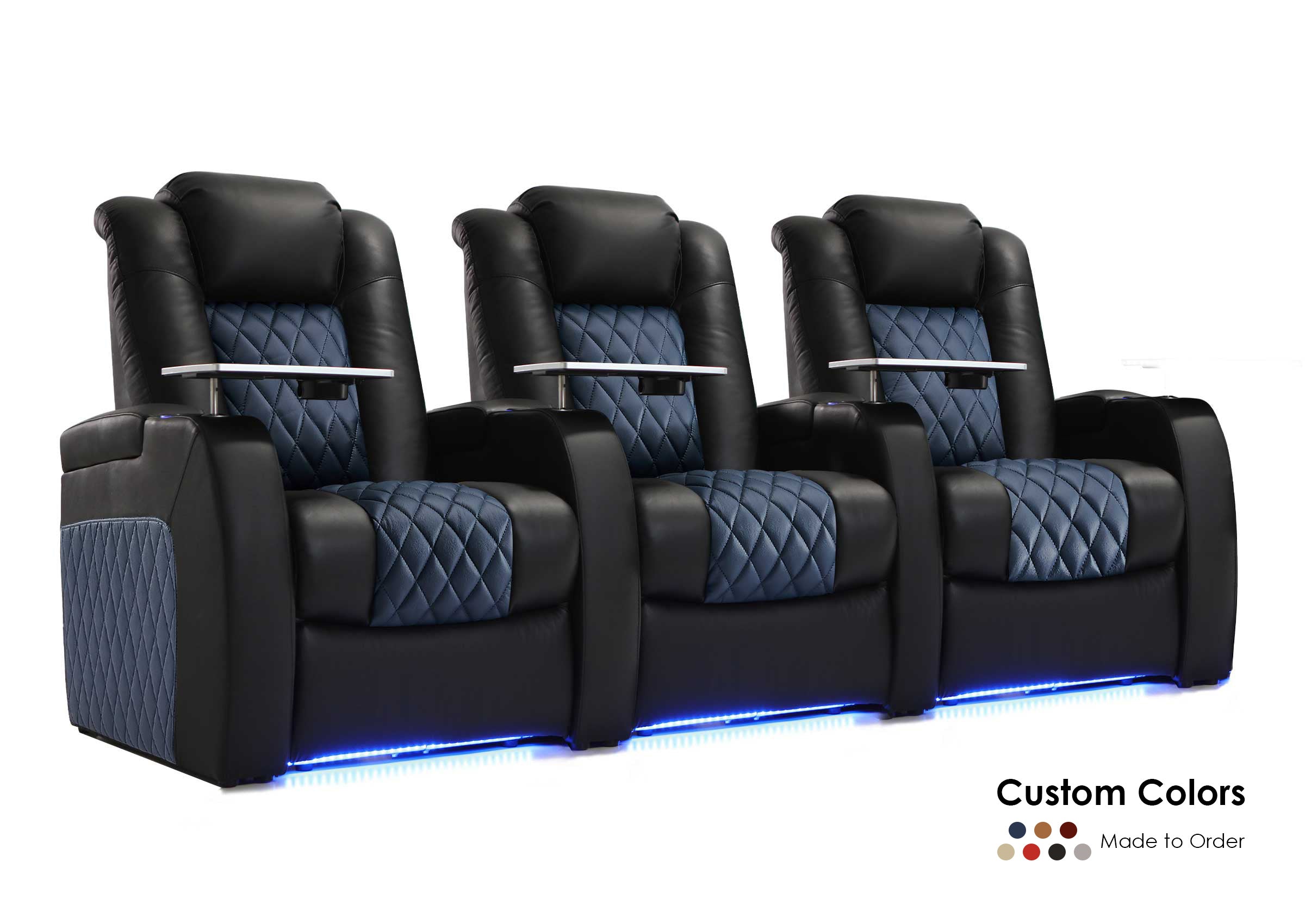
One row improves comfort, sound consistency, and access. It also removes the need for a riser, which can be hard to fit under a normal ceiling. If you want a premium feel, upgrade comfort within one row rather than squeezing in a second.
Two Rows Work Only When the Room Supports It
Two rows can work if you have enough width for an aisle and enough ceiling height for a low riser. Keep the back row slimmer and avoid bulky seat designs. A second row that blocks the walkway or forces knees into the aisle usually disappoints in daily use.

Seat Width and Armrest Reality
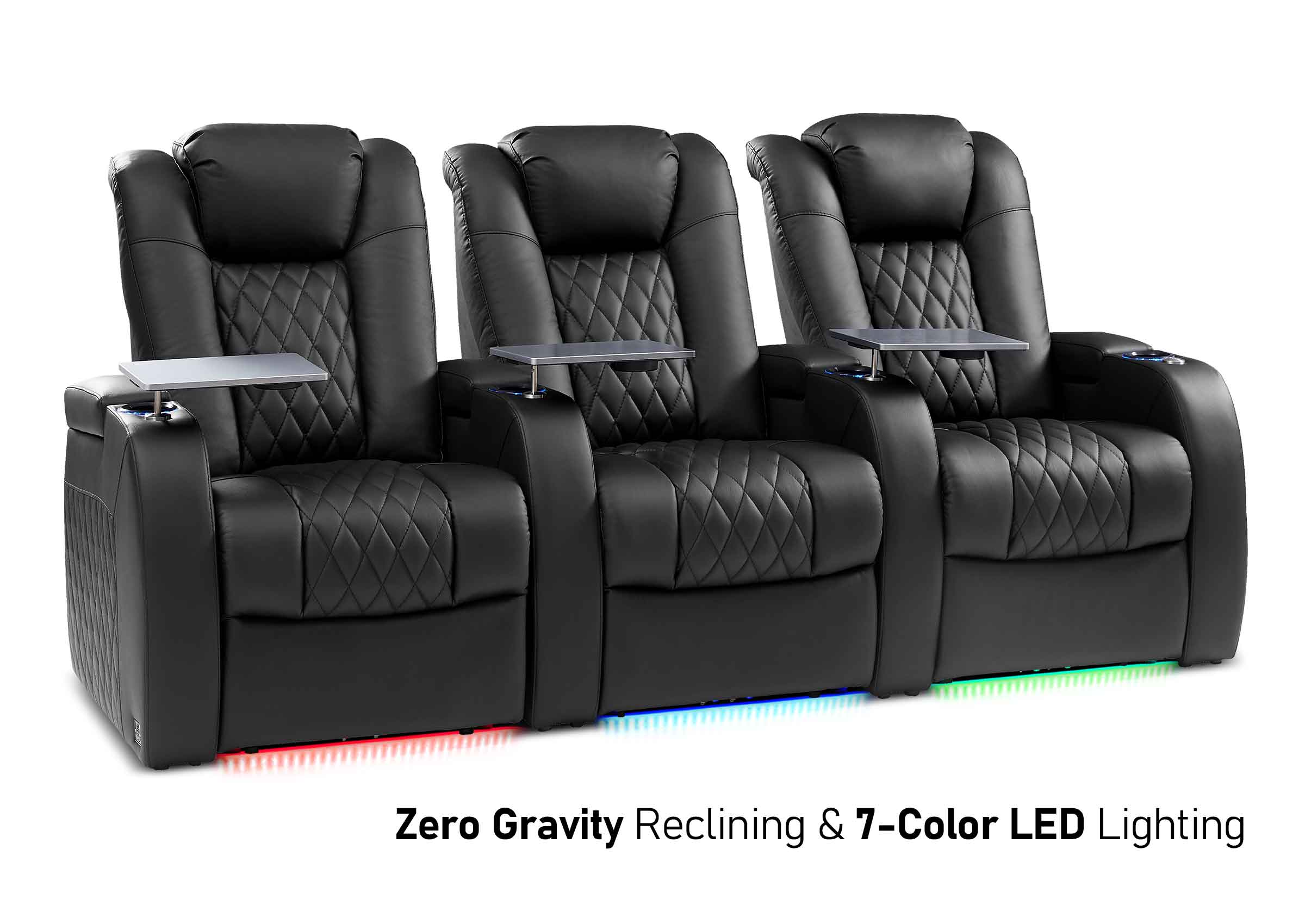
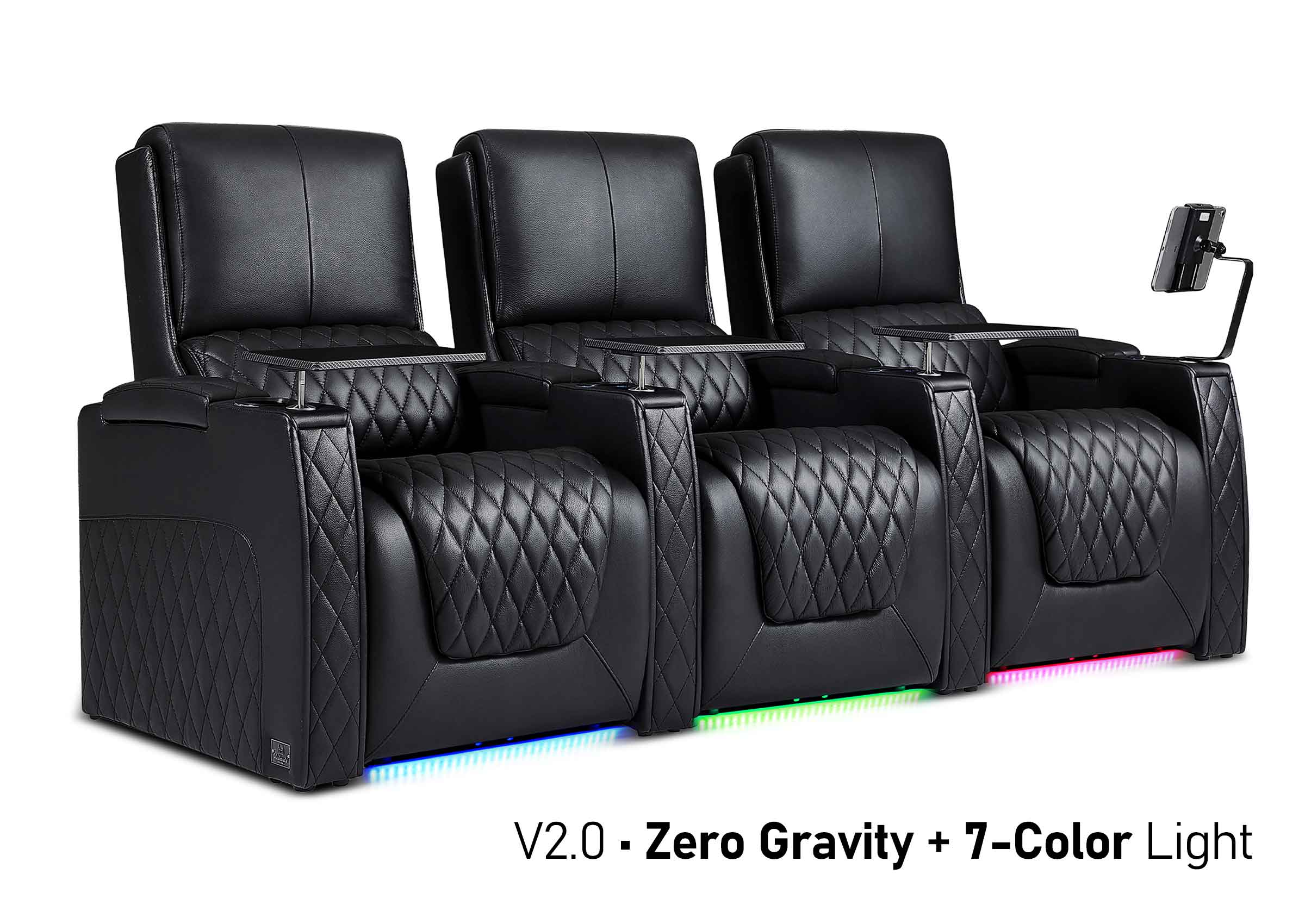
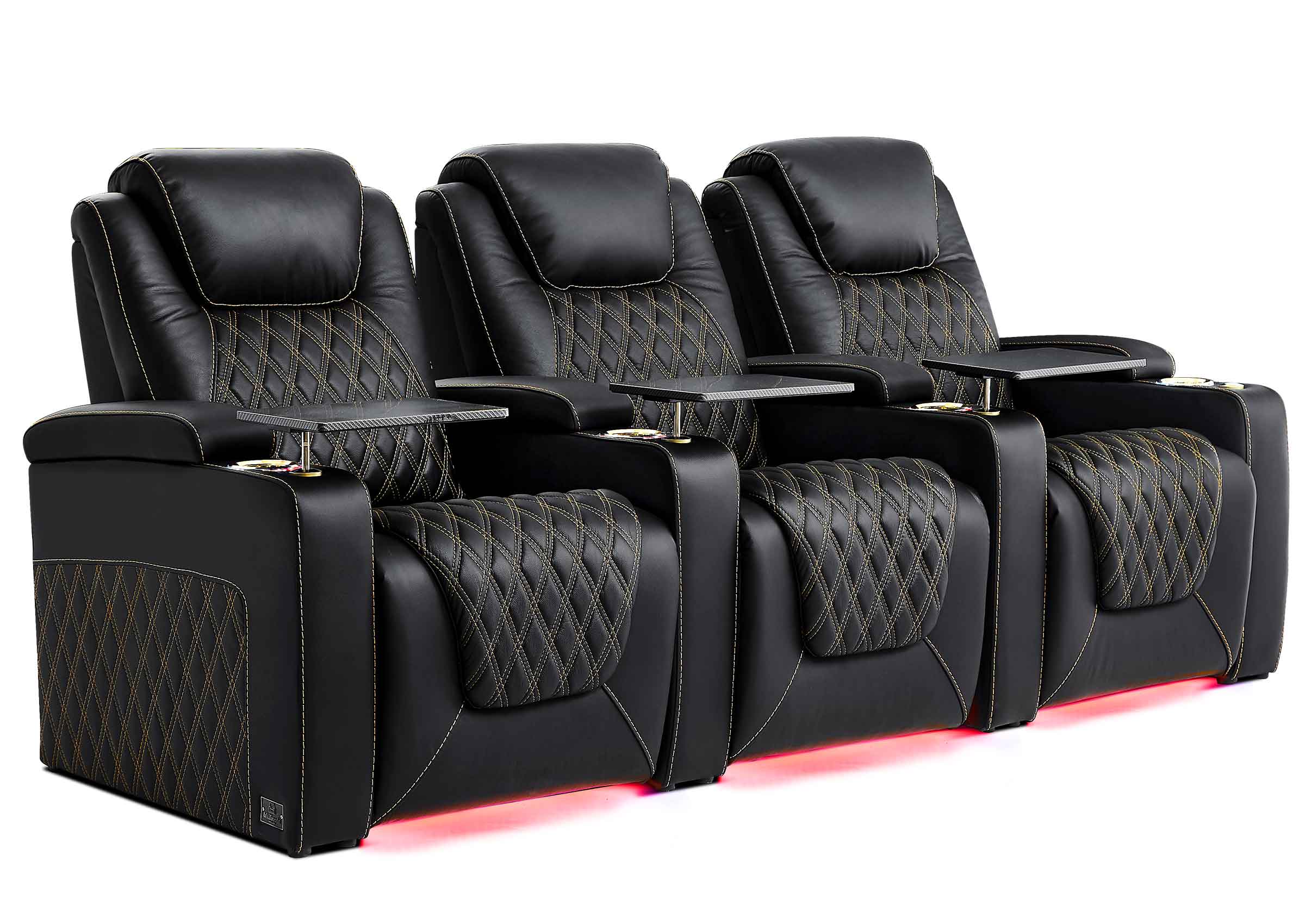
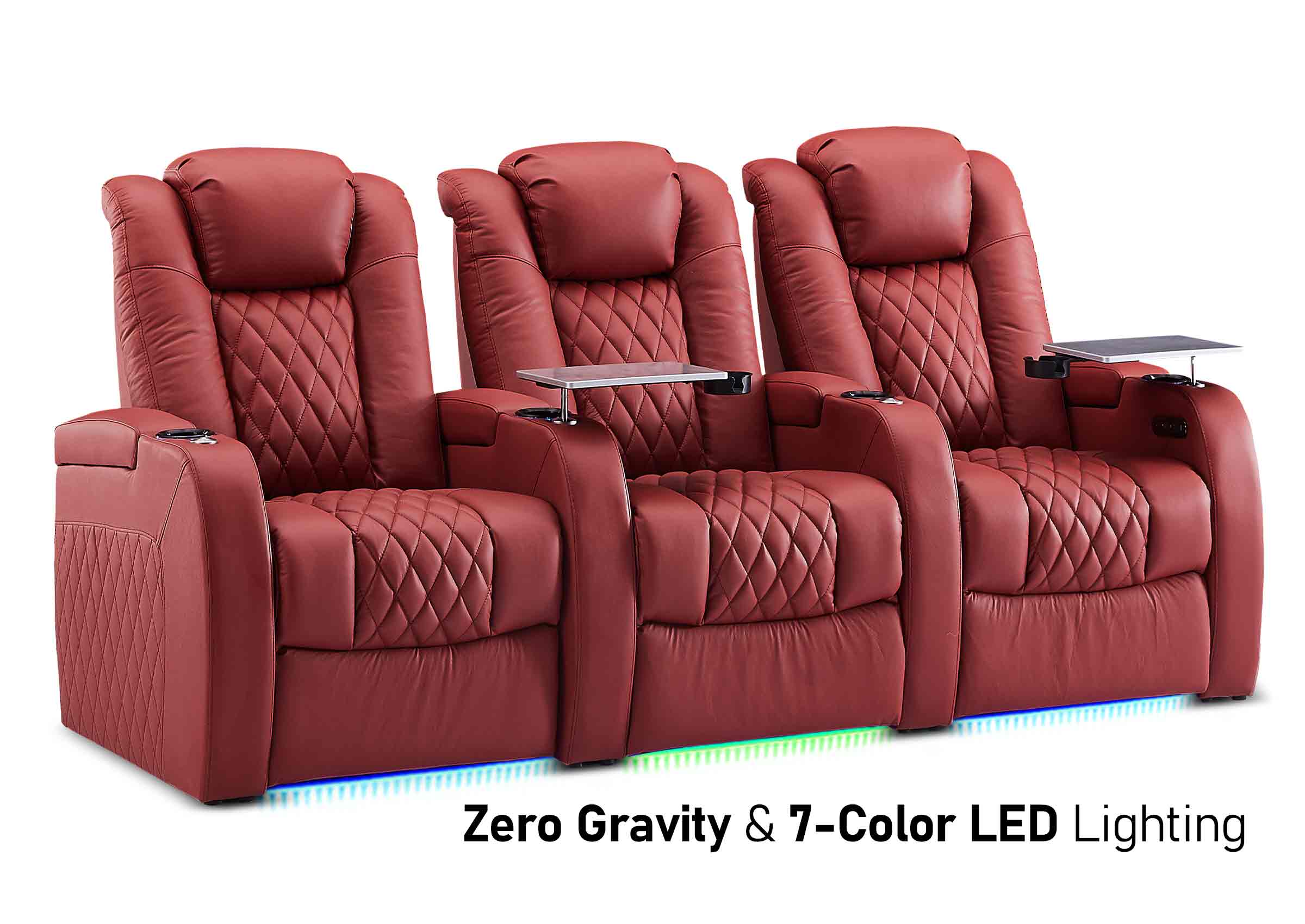
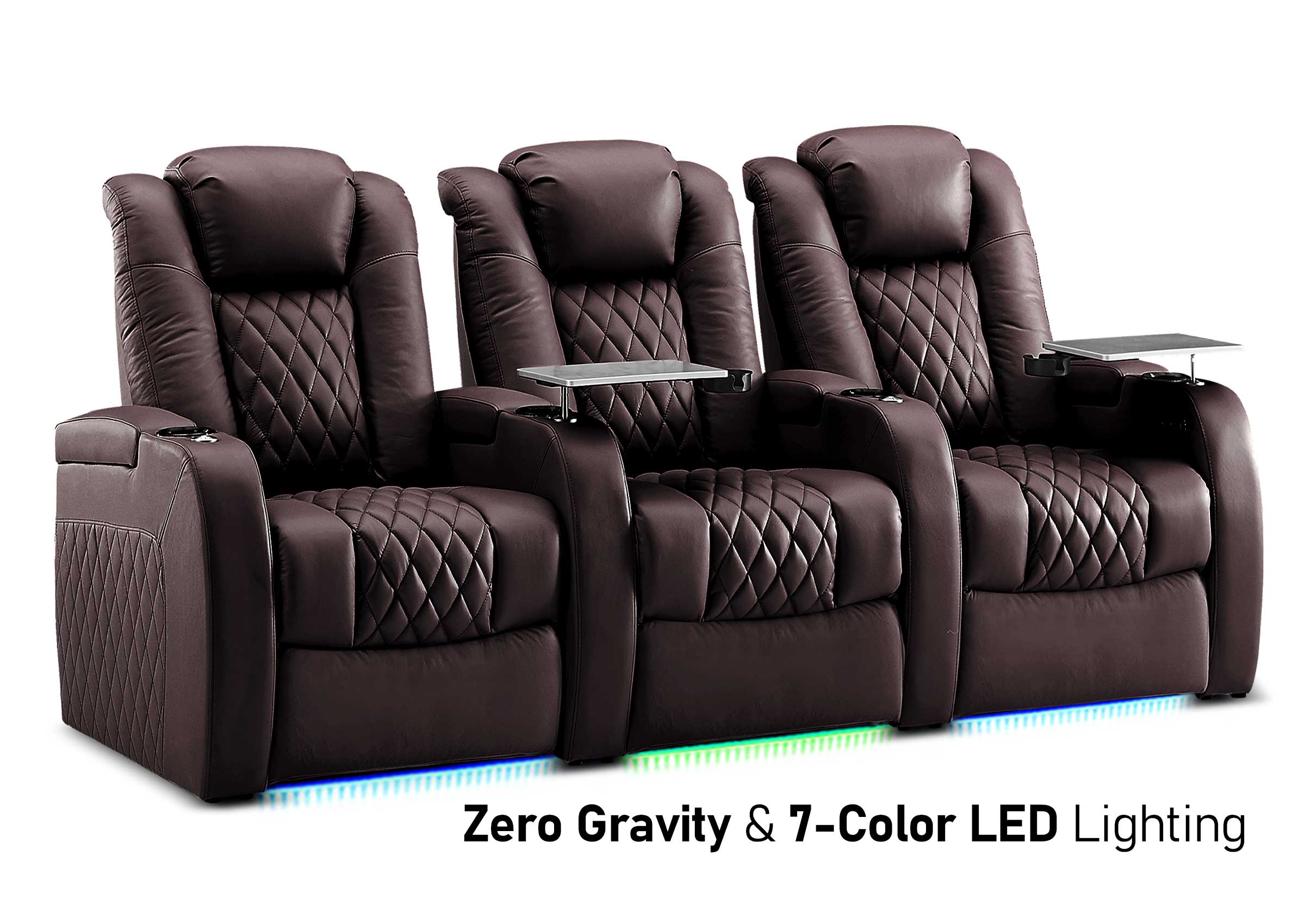
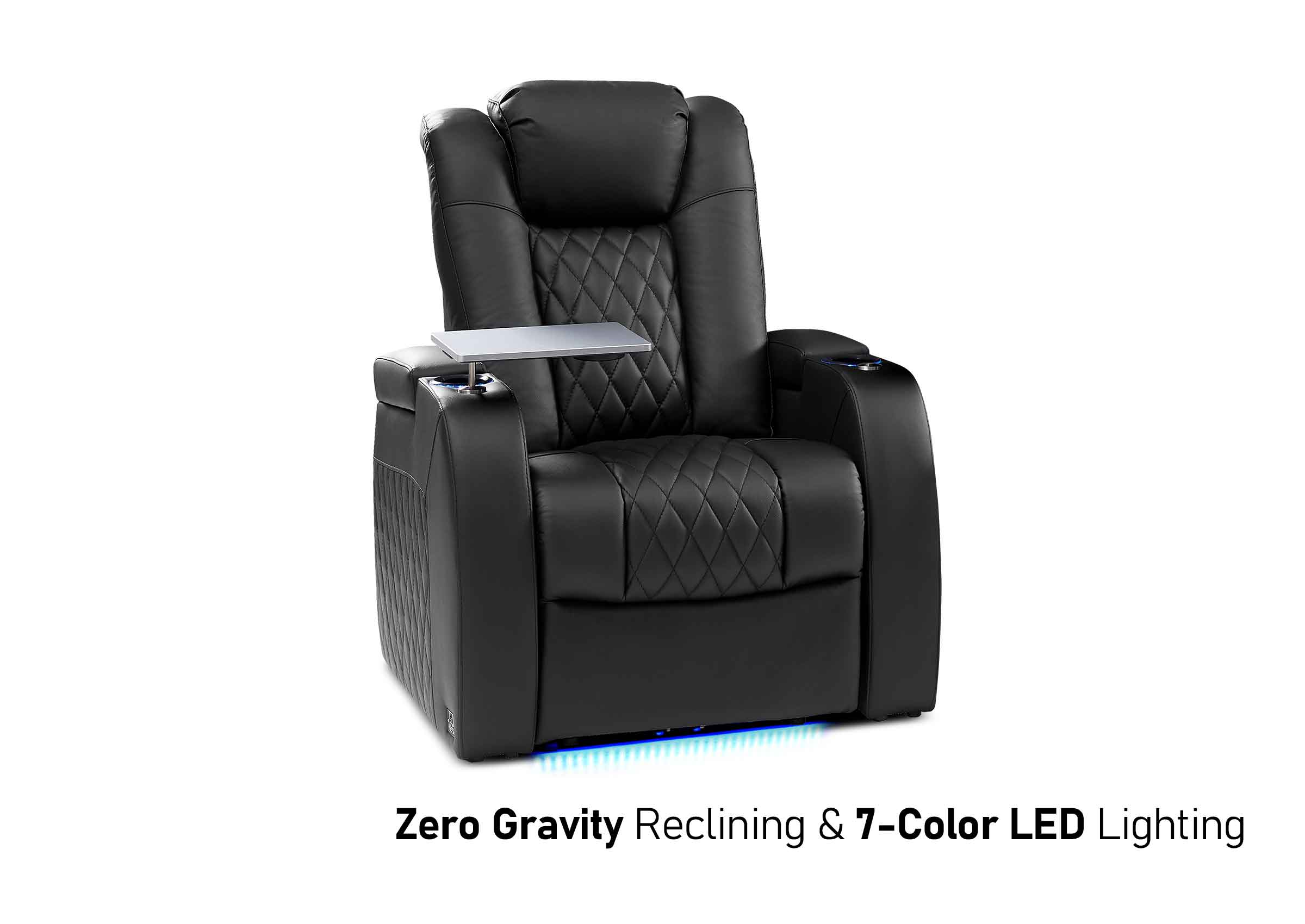
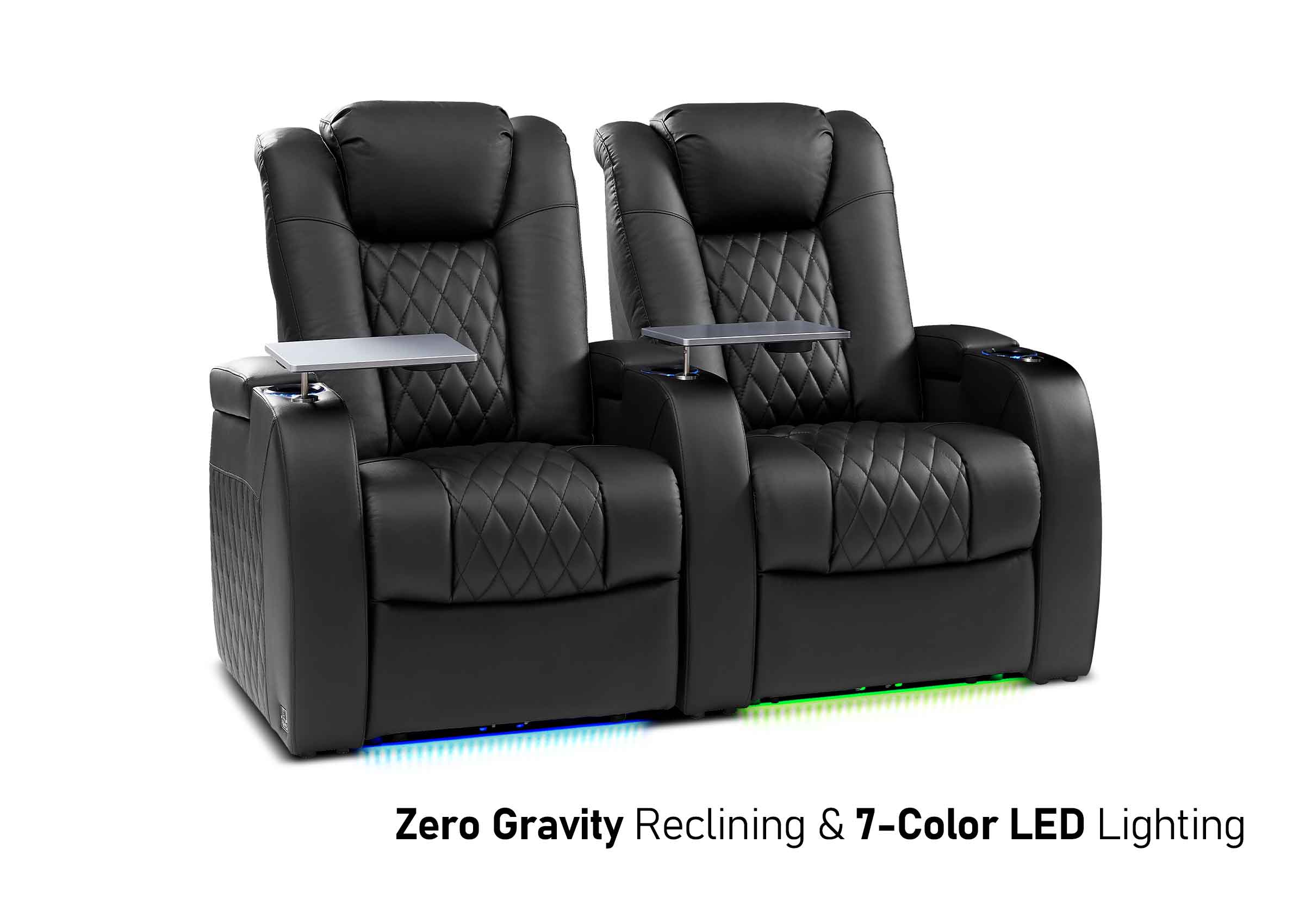
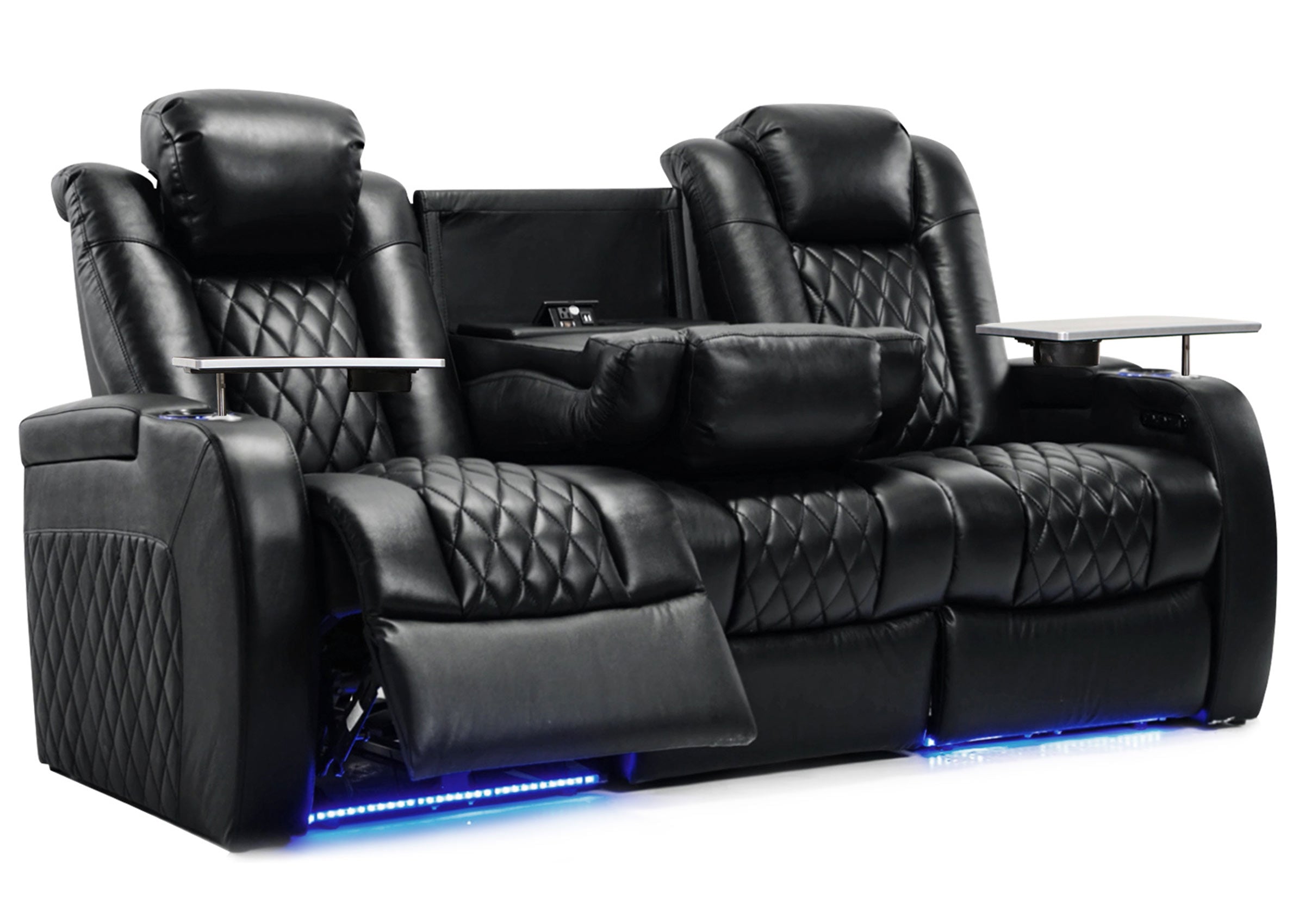
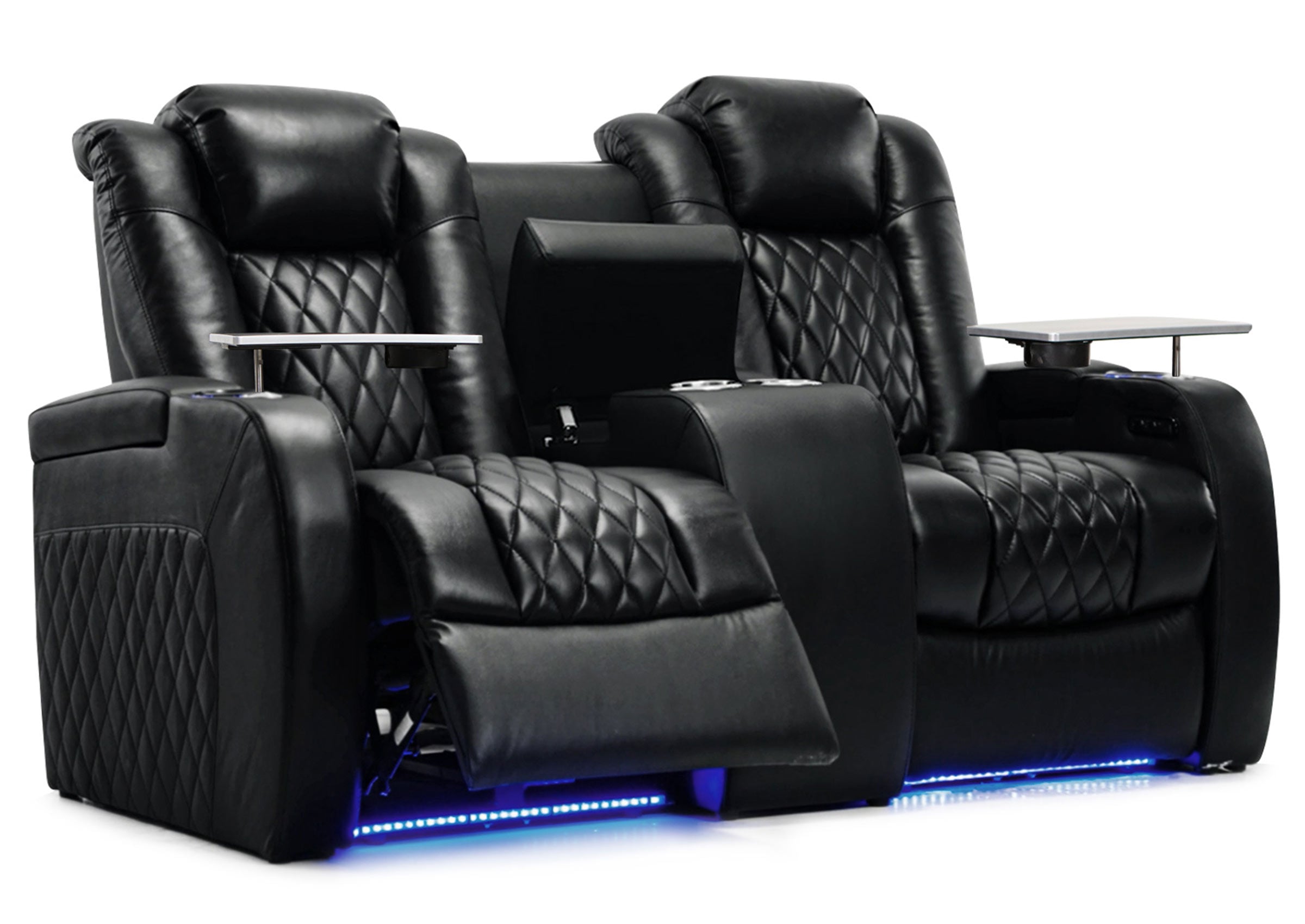
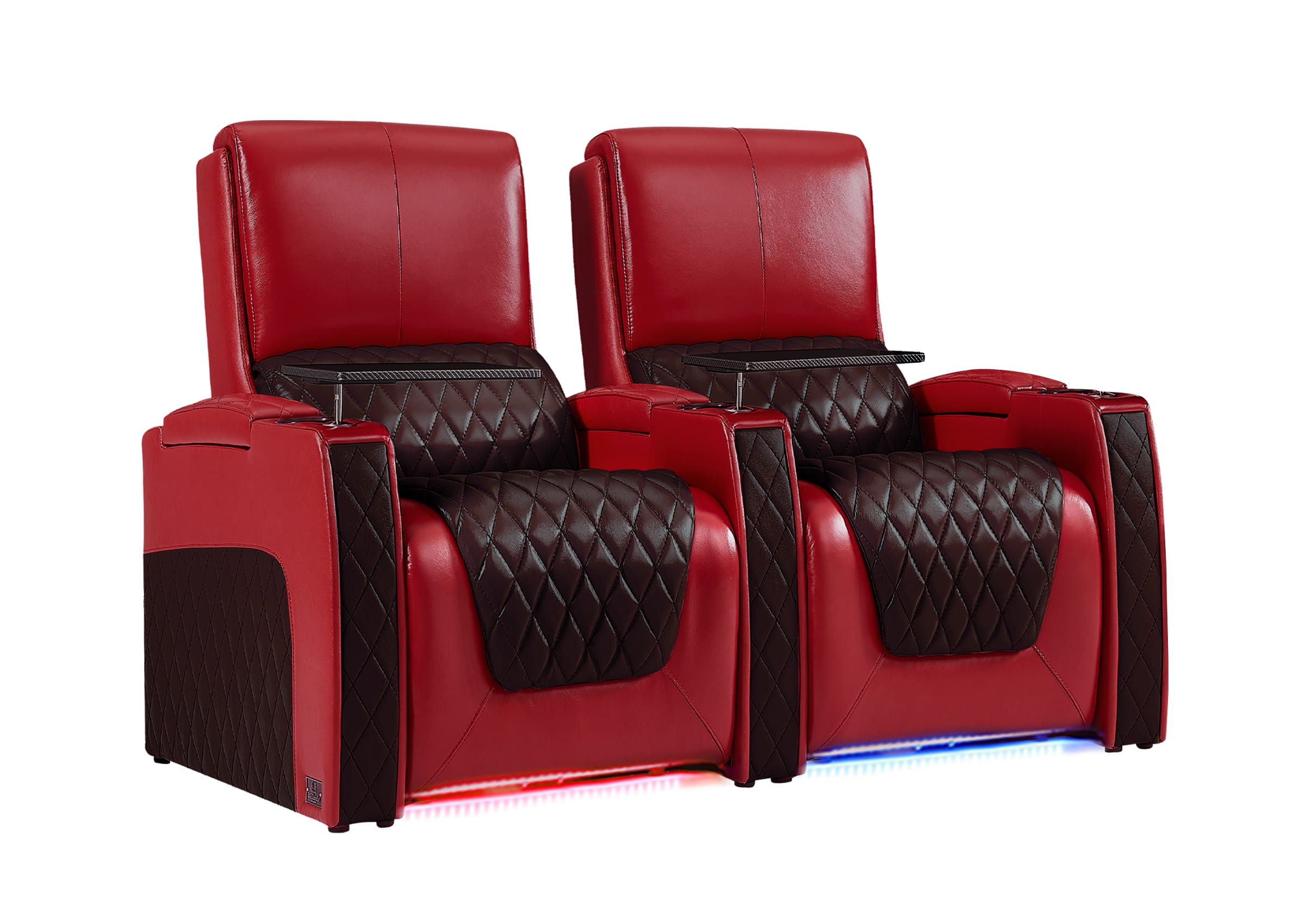
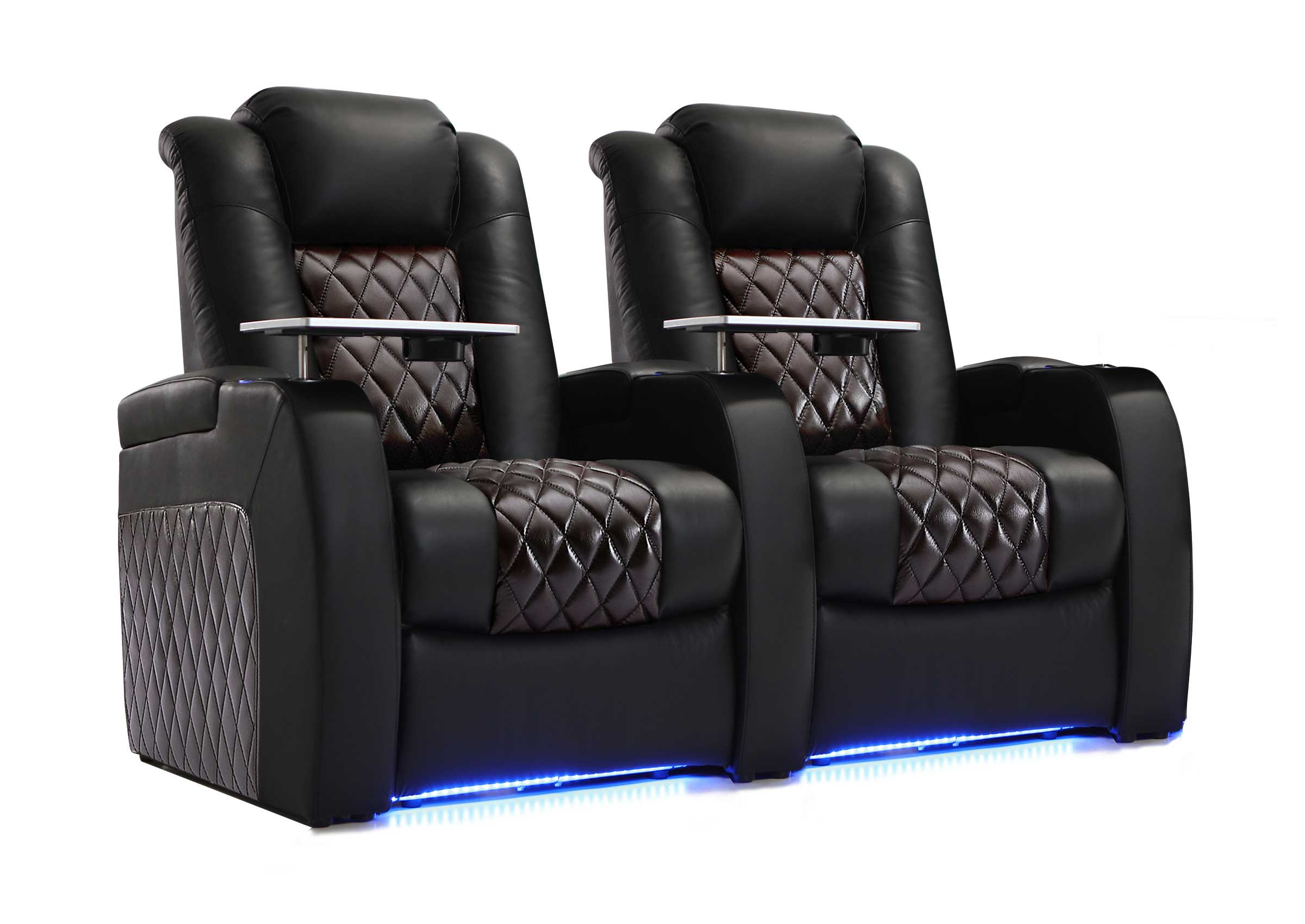
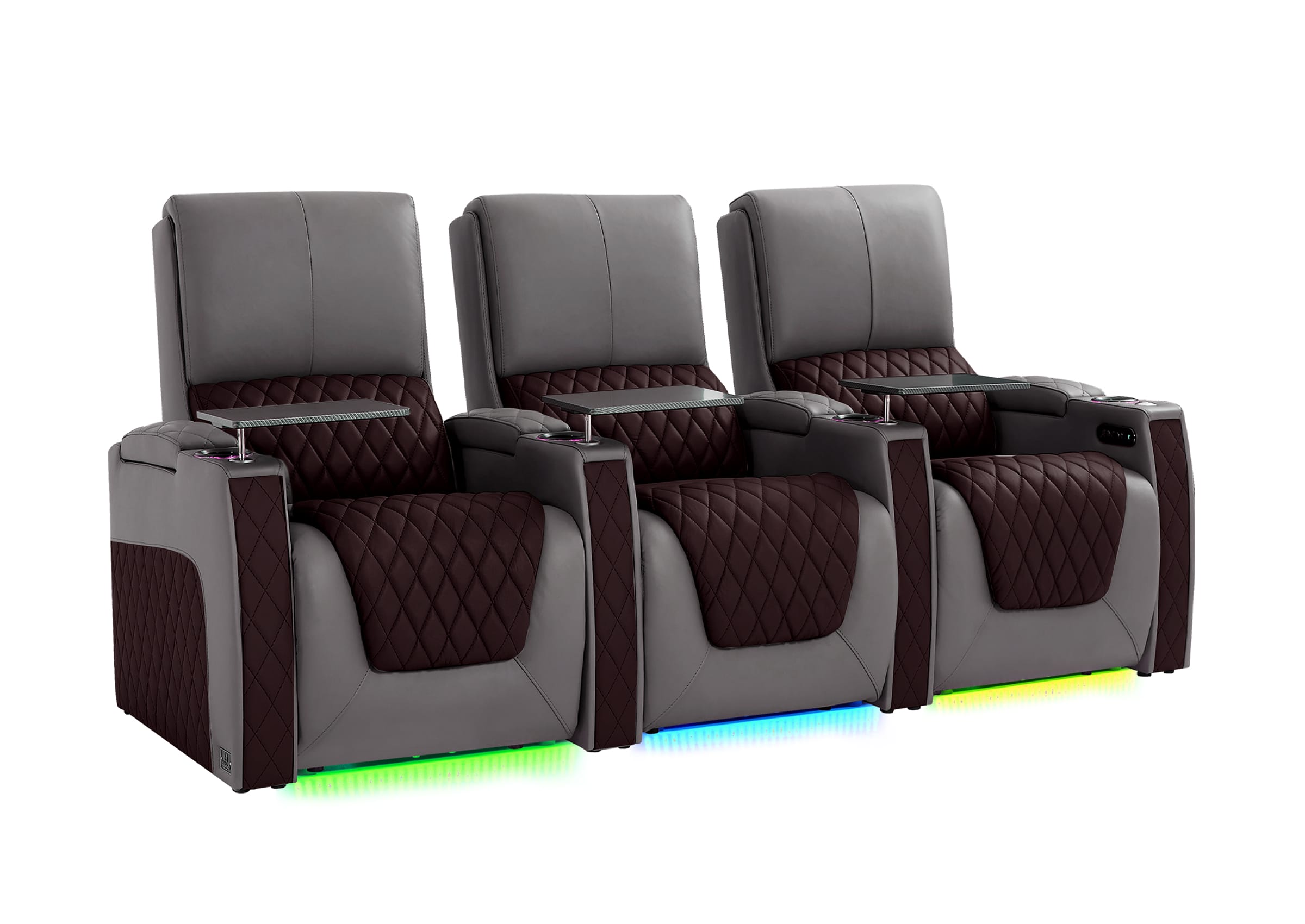
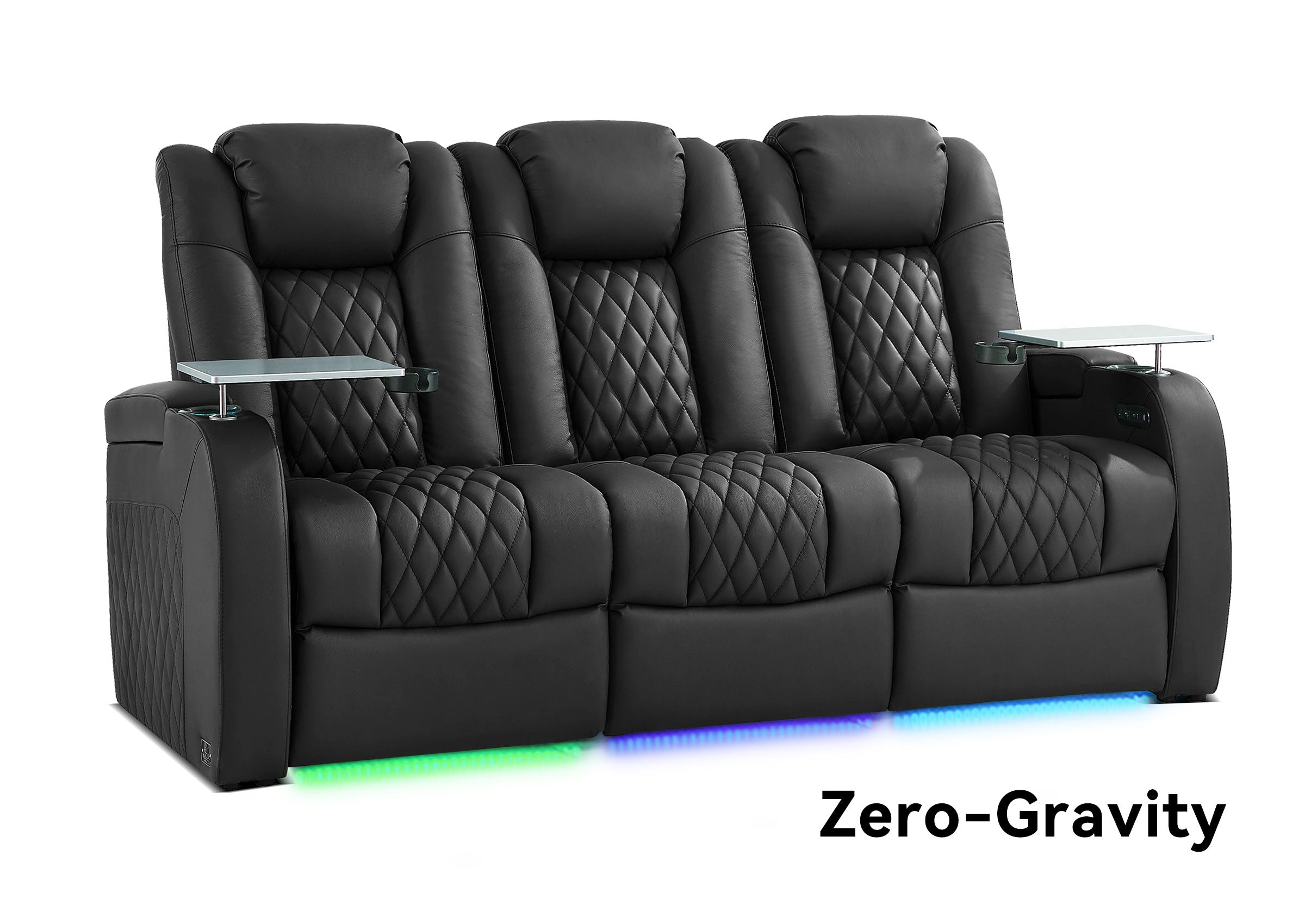
Many people plan for “two seats” and forget that armrests, cup holders, and side clearance eat width. Measure the full seat footprint, then add space so shoulders do not feel pinned. If the math feels tight, choose fewer seats or a slimmer style. That choice can improve home theater seating comfort immediately.
Place Speakers to Reduce Harsh Reflections and Uneven Sound
Sound in a rectangular room can be excellent, but parallel walls can make it sharp if placement ignores reflections. A few smart moves keep it balanced.
Front Speakers and Dialogue Clarity
Place the left and right speakers evenly around the screen, angled toward the main seat. Keep the center speaker aligned with the screen so dialogue feels anchored to the picture. If the center sits below the screen, tilt it slightly upward toward ear level.
Surround Speaker Placement in Narrow Rooms
Side surrounds can feel too direct when they sit close to the ears. A slightly higher placement often helps. If the room forces surrounds behind the row, aim them toward the seating area so the effect feels enveloping rather than distracting.
Subwoofer Placement That Stays Practical
Start near the front wall, then test a second position along a side wall that does not block the walkway. Small moves can change bass smoothness. Keep cables safe and out of foot paths so the room stays usable.
Handle Echo and Reflections with Simple Acoustic Choices
After speakers, reflections become the next problem to solve. Narrow rooms create strong side-wall bounce, so simple softening often makes a noticeable difference.
Treat the First Reflection Points
A rug, thicker curtains, and soft wall decor can reduce harshness. Focus on the spots where sound bounces from the front speakers to your ears off the side walls. That is often where clarity improves the most.
Break Up the Long Tunnel Feel
A long, narrow room can amplify flutter echo. Furniture with texture helps, such as fabric seating and irregular surfaces. A few well-placed items can work better than covering every surface.
Keep It Balanced and Adjust in Steps
Too much absorption can make the room feel dull. Aim for a calmer sound, not a dead room. Add changes gradually and listen after each adjustment.

Set Lighting and Visual Choices That Make the Room Feel Wider
Once sound and seating are in place, lighting and finishes help the room feel intentional. Narrow rooms feel better when glare is controlled, and movement stays safe.
Use Layered Lighting for Better Control
A small entry light helps people walk in safely. A dimmable main light supports cleanup and setup. Low-level accent light can reduce eye strain during long viewing without bright reflections on the screen.
Choose Finishes That Reduce Screen Glare
A darker front wall can reduce reflections and keep attention on the image. If you prefer lighter walls, keep the area closest to the screen more muted, and avoid shiny paint finishes near the screen.
Keep Cable Paths Calm and Predictable
Cable clutter makes narrow rooms feel tighter. Route cables along baseboards or behind furniture so the walkway stays clean. A tidy path improves both safety and the visual impression.

Start Your Theater Night
You can have a great experience in a narrow rectangular room as long as you build your home theater plan around one clear walkway. Once you know what size screen you want from the main seat, you can choose home theater seats that fit everyone comfortably. Set up layered lighting and basic reflection control, then adjust the speaker angles to perfection. This will make the room feel quieter, cleaner, and better to enjoy.
FAQs
Q1: What Is a Practical Minimum Room Width for a Basic Home Theater Setup?
A practical minimum room width depends on whether you keep a sidewalk and how wide your seats are. Many narrow rooms feel best with a single row and a protected aisle, because that prevents daily frustration. Measure the real seat footprint, then add clearance for shoulders and a walking lane. If the aisle disappears on paper, it will feel worse in real life.
Q2: How Can I Build a Home Theater Layout When the Room Has a Side Door?
A side door usually works best with a side walkway that stays open from the door to the seating area. Center the screen on the front wall and adjust the seating arrangement if necessary to ensure that the path is clear. It is important to avoid a setup that involves viewers passing through a screen to enter or leave.
Q3: What Narrow Home Theater Seating Plan Feels Best for Most Homes?
One row often feels best because it keeps access easy and avoids a tall riser. Two or three seats can work if you choose a slimmer seat style and keep the aisle open. If you want two rows, confirm you have enough ceiling height and legroom first, then keep the back row compact so the room does not feel packed.
Q4: Where Should Surround Speakers Go in a Narrow Rectangular Room?
Side surrounds can become too close to the listeners' position if the room is narrow, and a somewhat elevated position can help alleviate this problem. The position of the left and right speakers should be as symmetrical as possible, given the constraints of the room. If the surround speakers have to be placed behind the seating positions, they should face the listeners' position to create an enveloping, as opposed to distracting, effect.
Q5: How Do I Reduce Echo Without Making the Room Feel Too Dead?
Begin with soft materials that serve purposes of comfort, such as a rug, thicker curtains, and a fabric couch. After that, apply the first reflection points on the side walls by means of simple wall decoration or wall panels. Introduce changes one by one while listening to the result after finishing each stage of the process.