



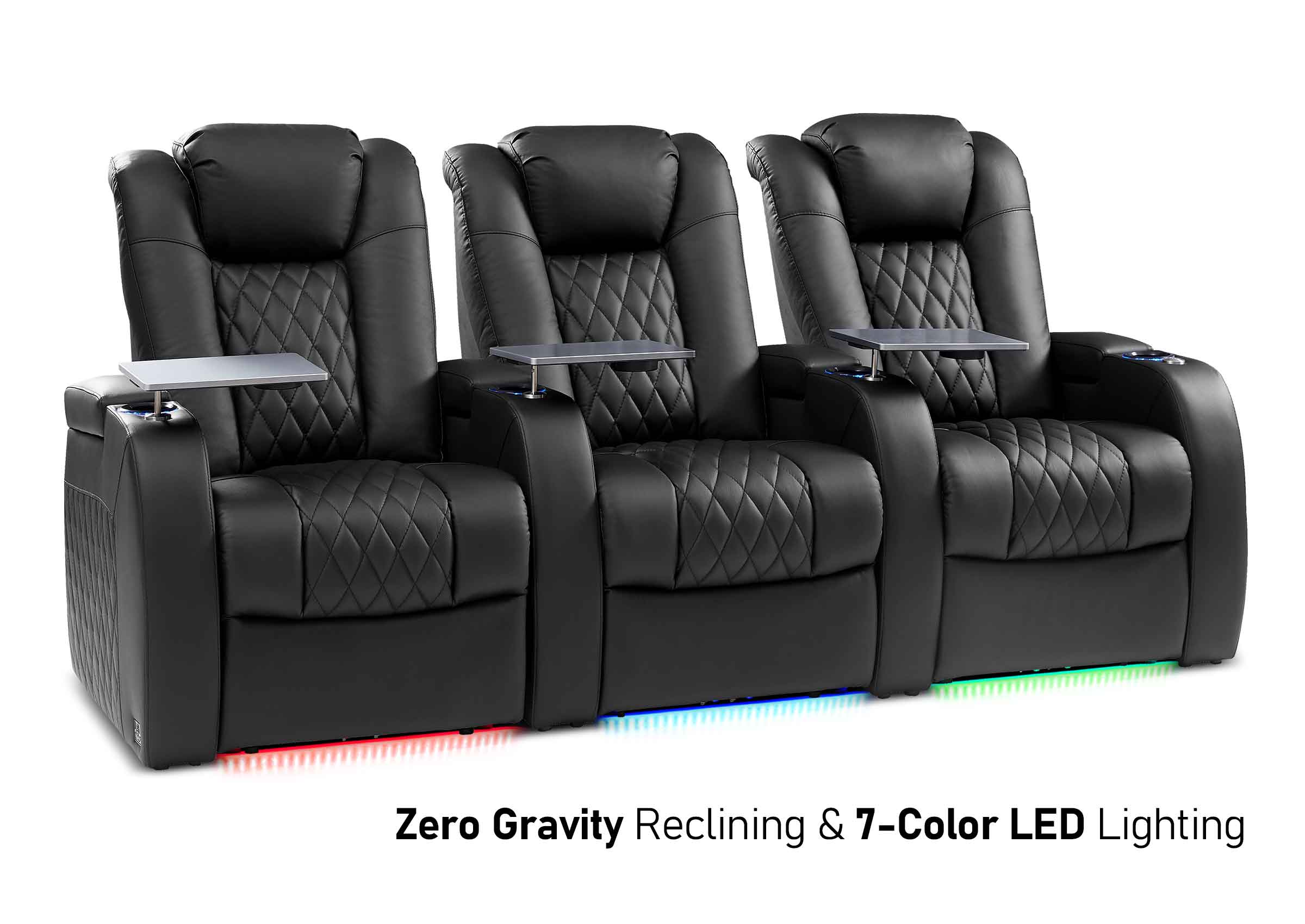
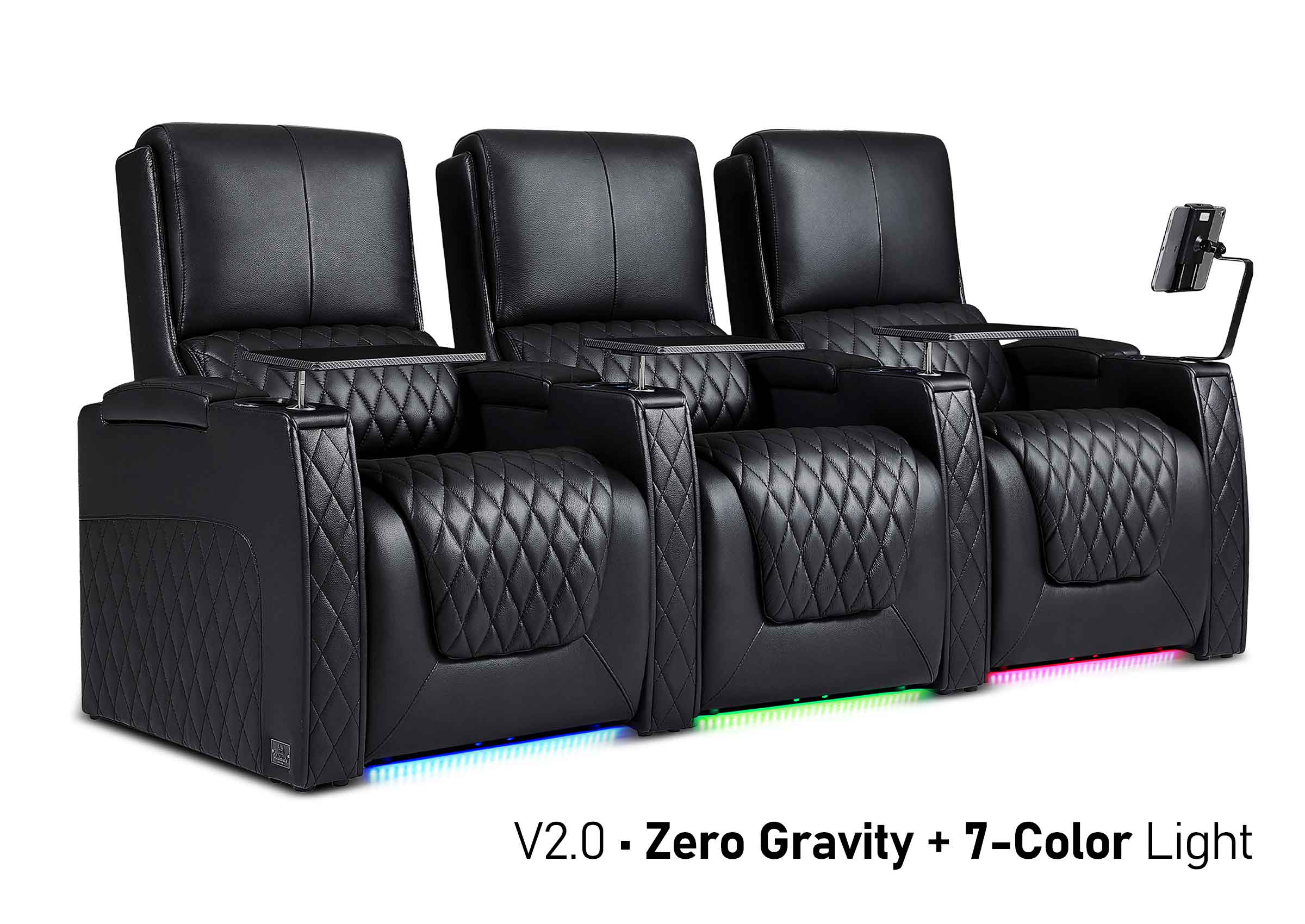
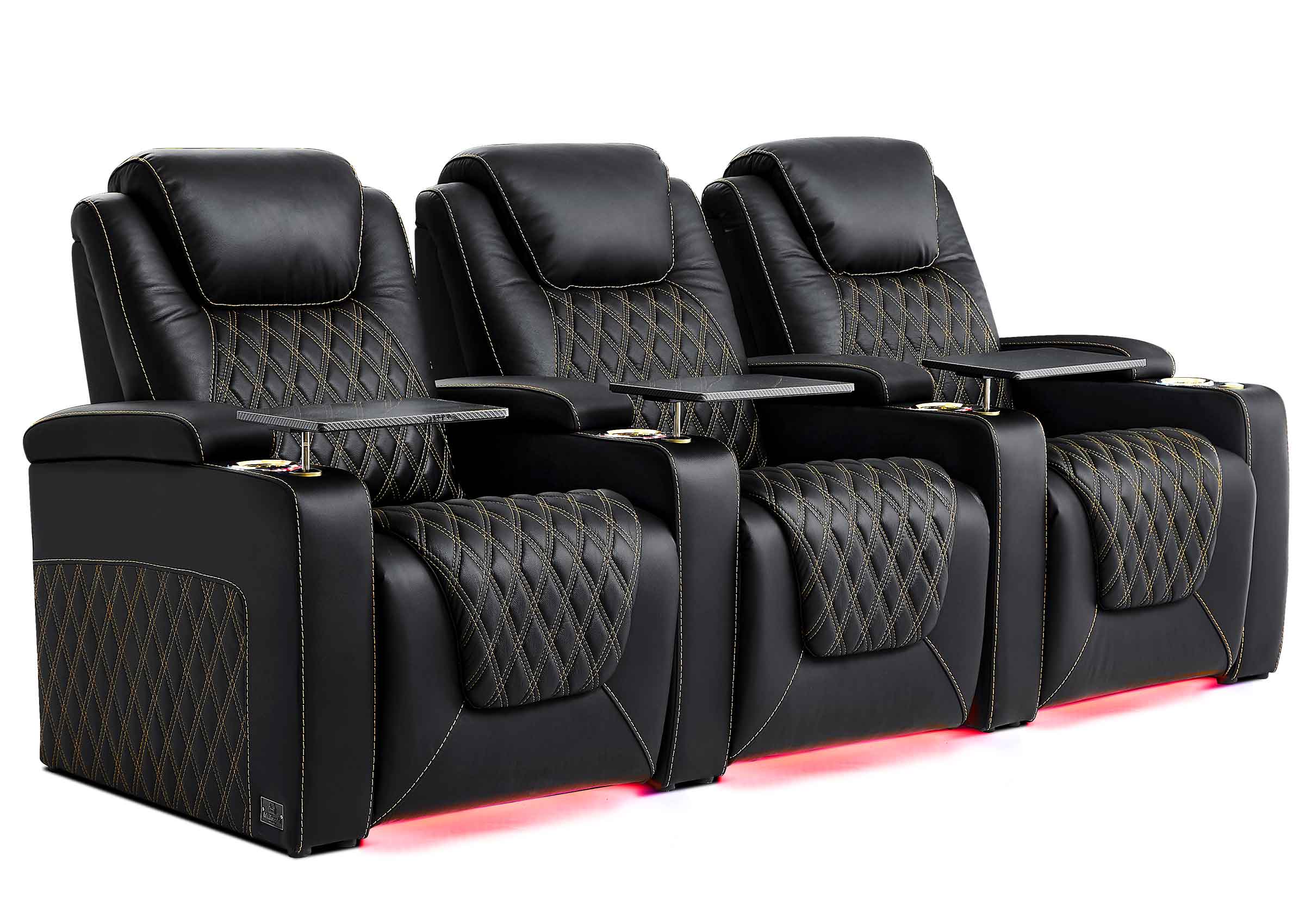
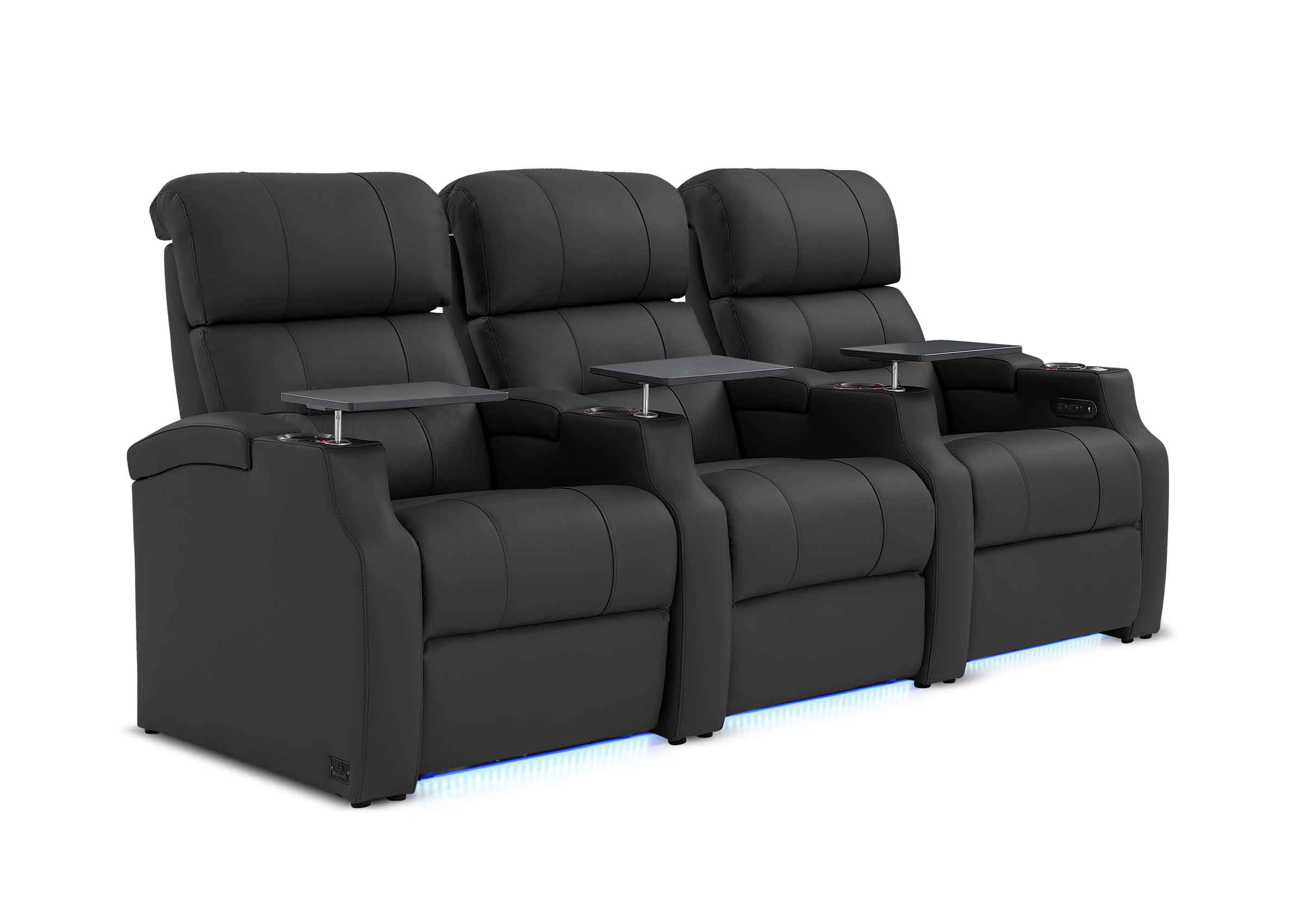
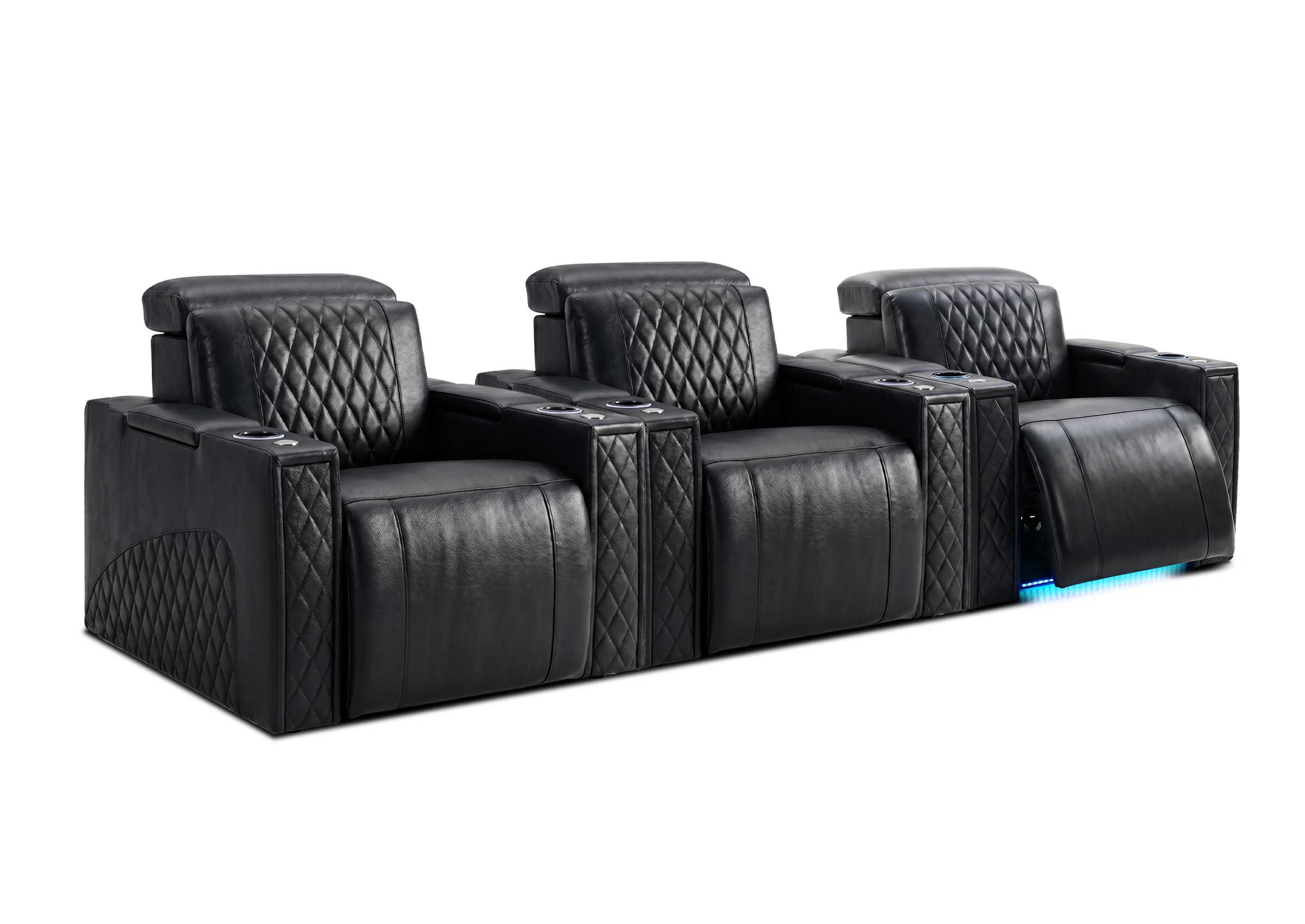

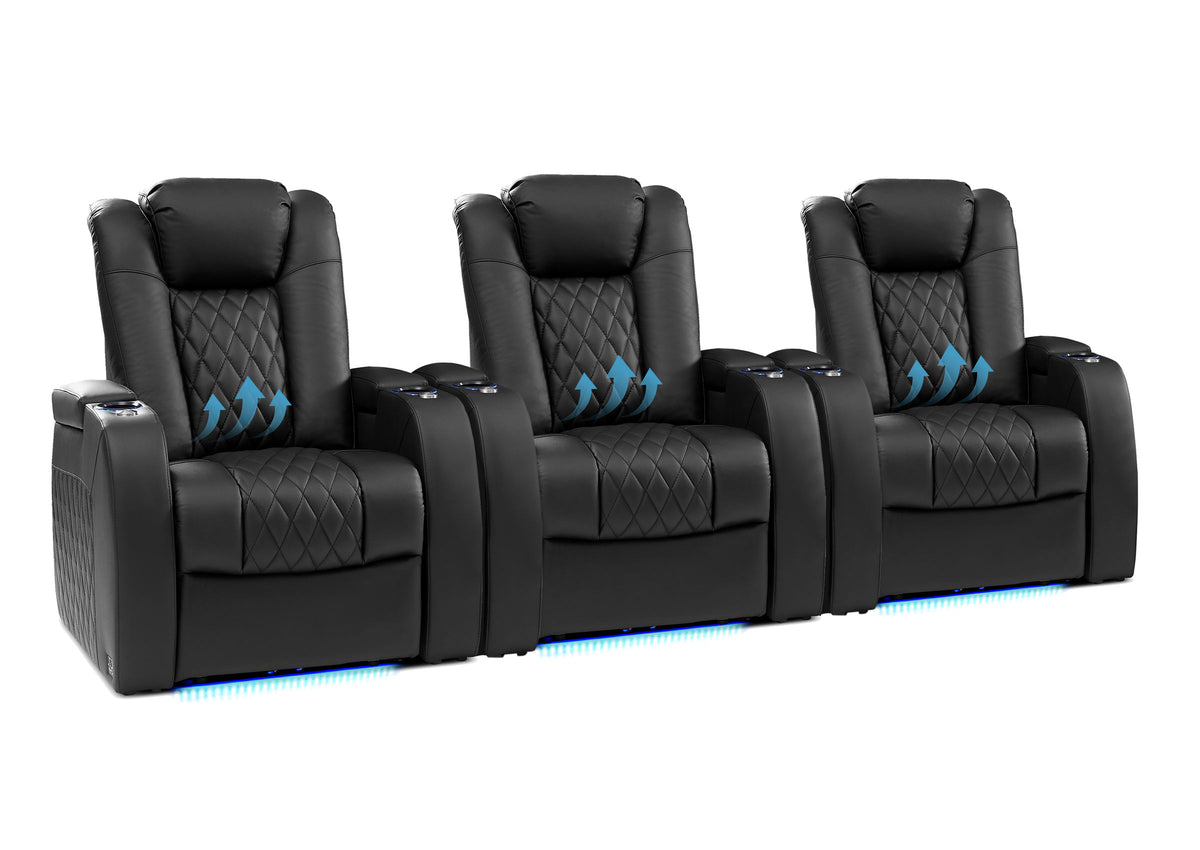
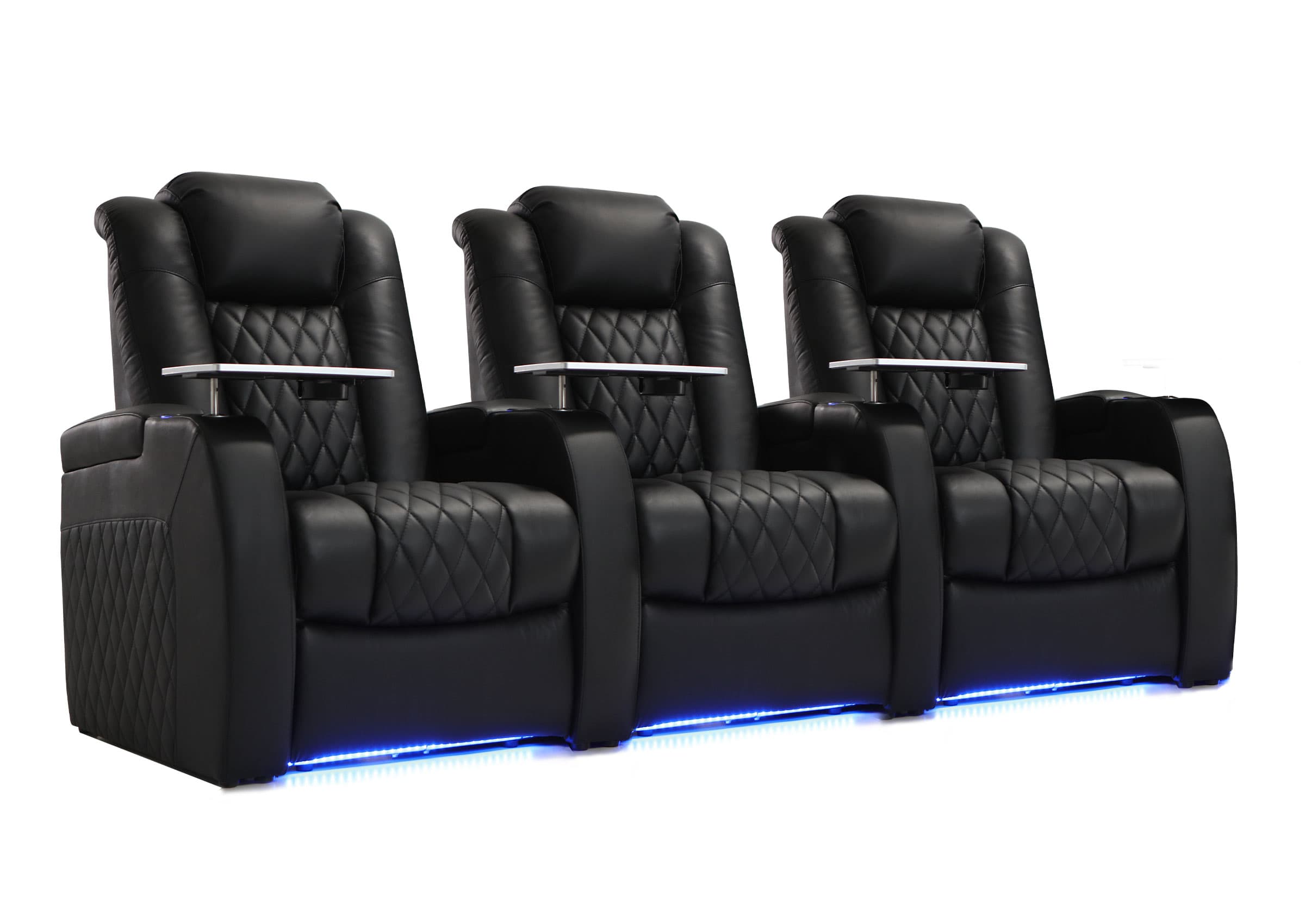
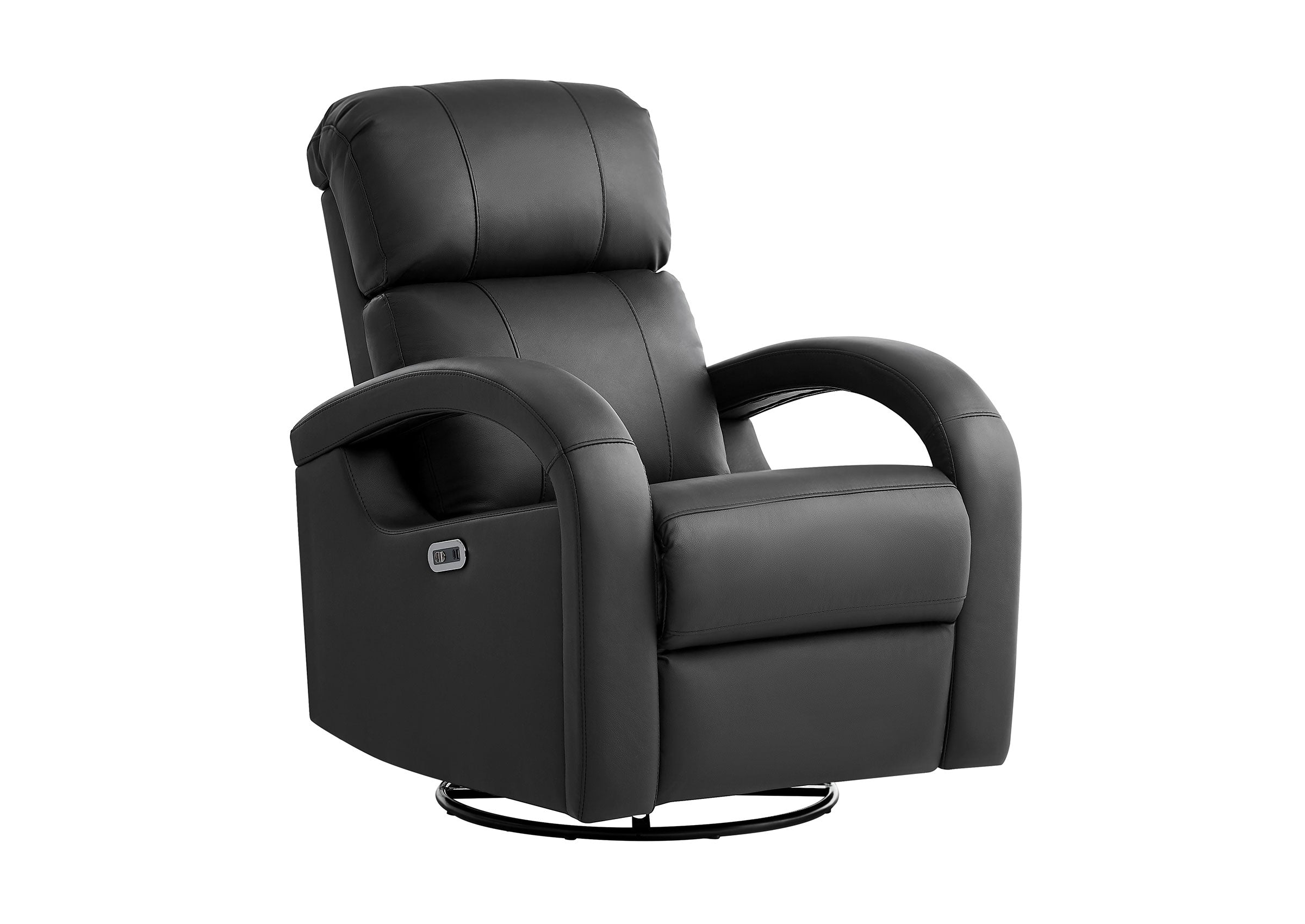
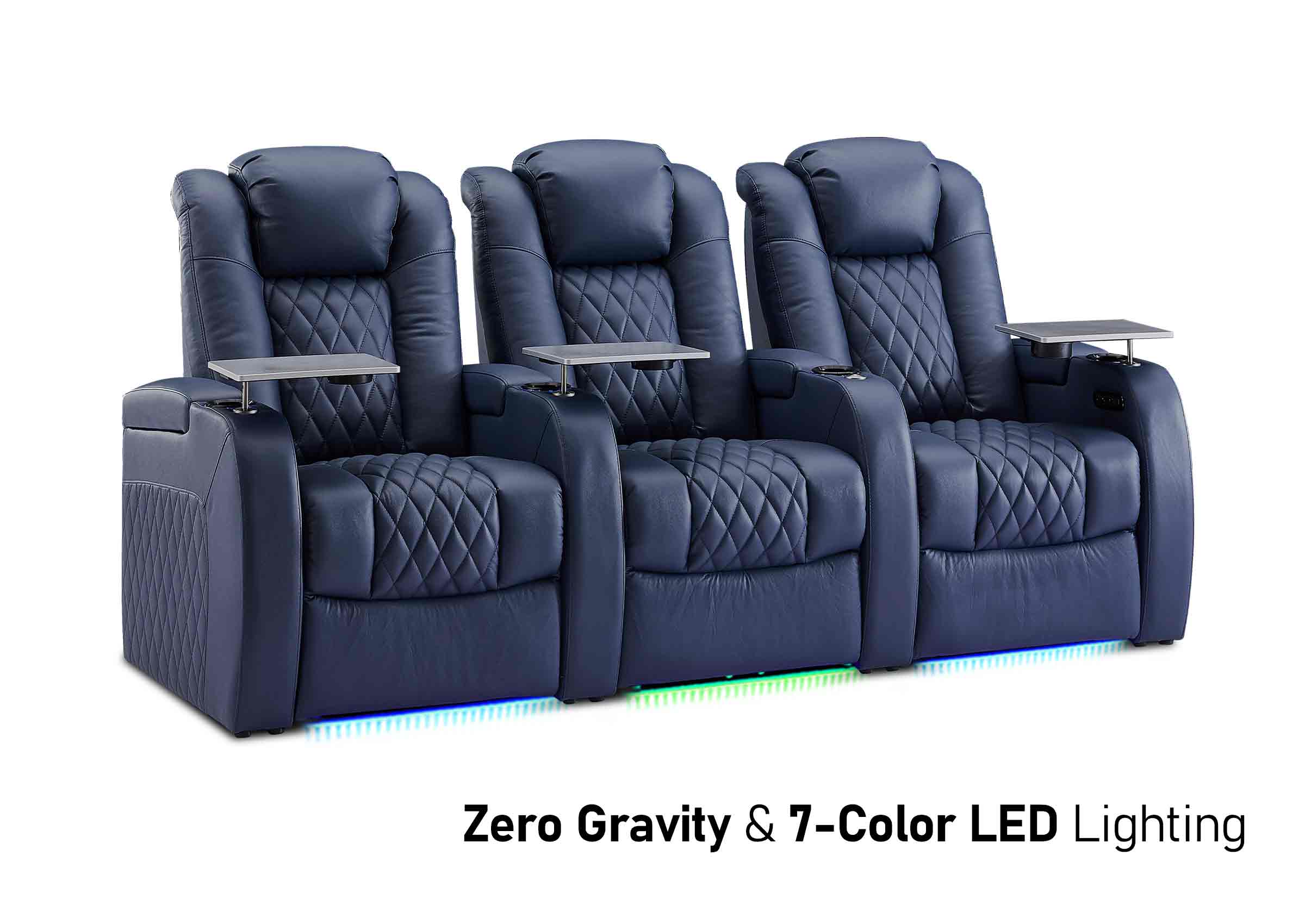
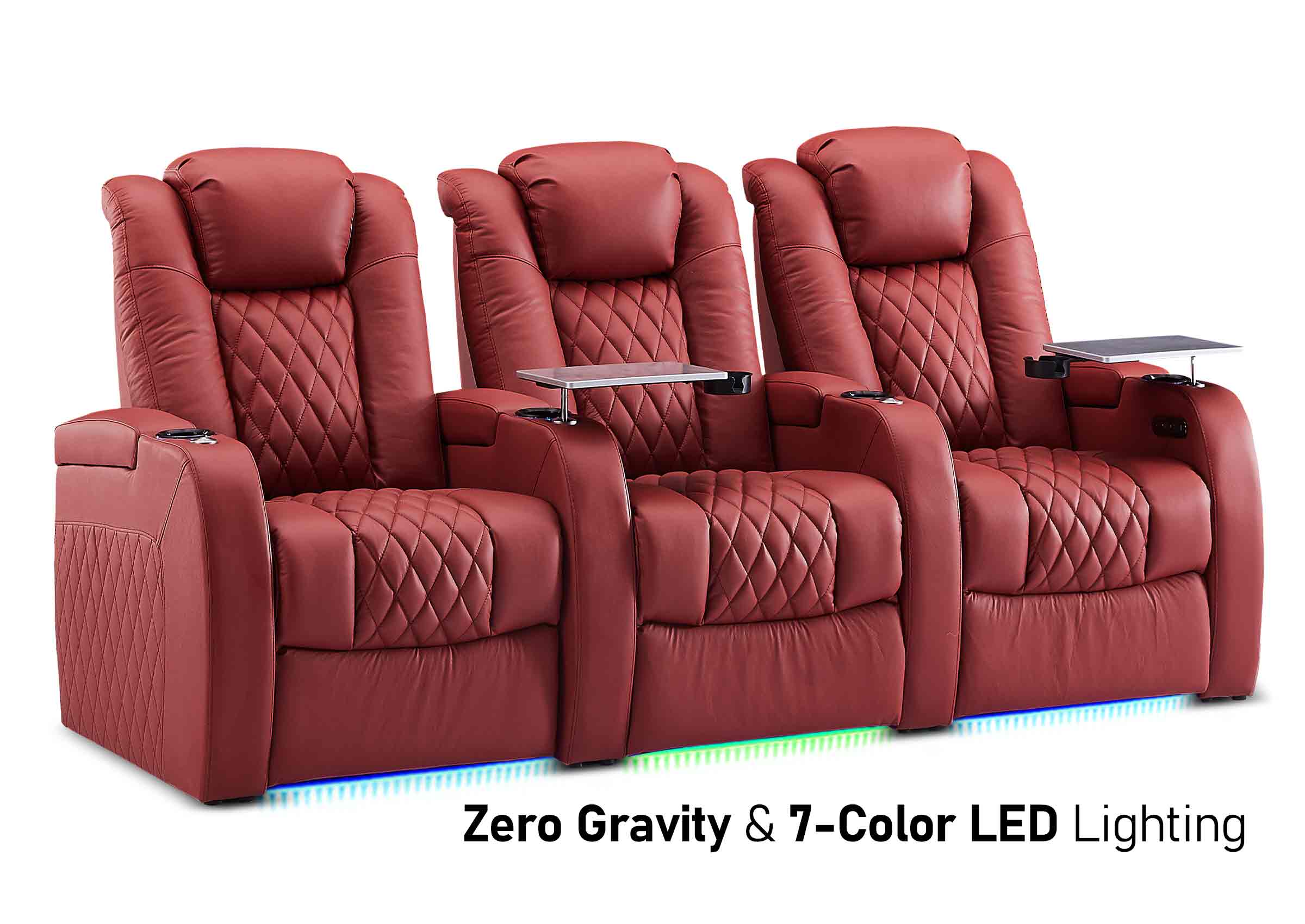
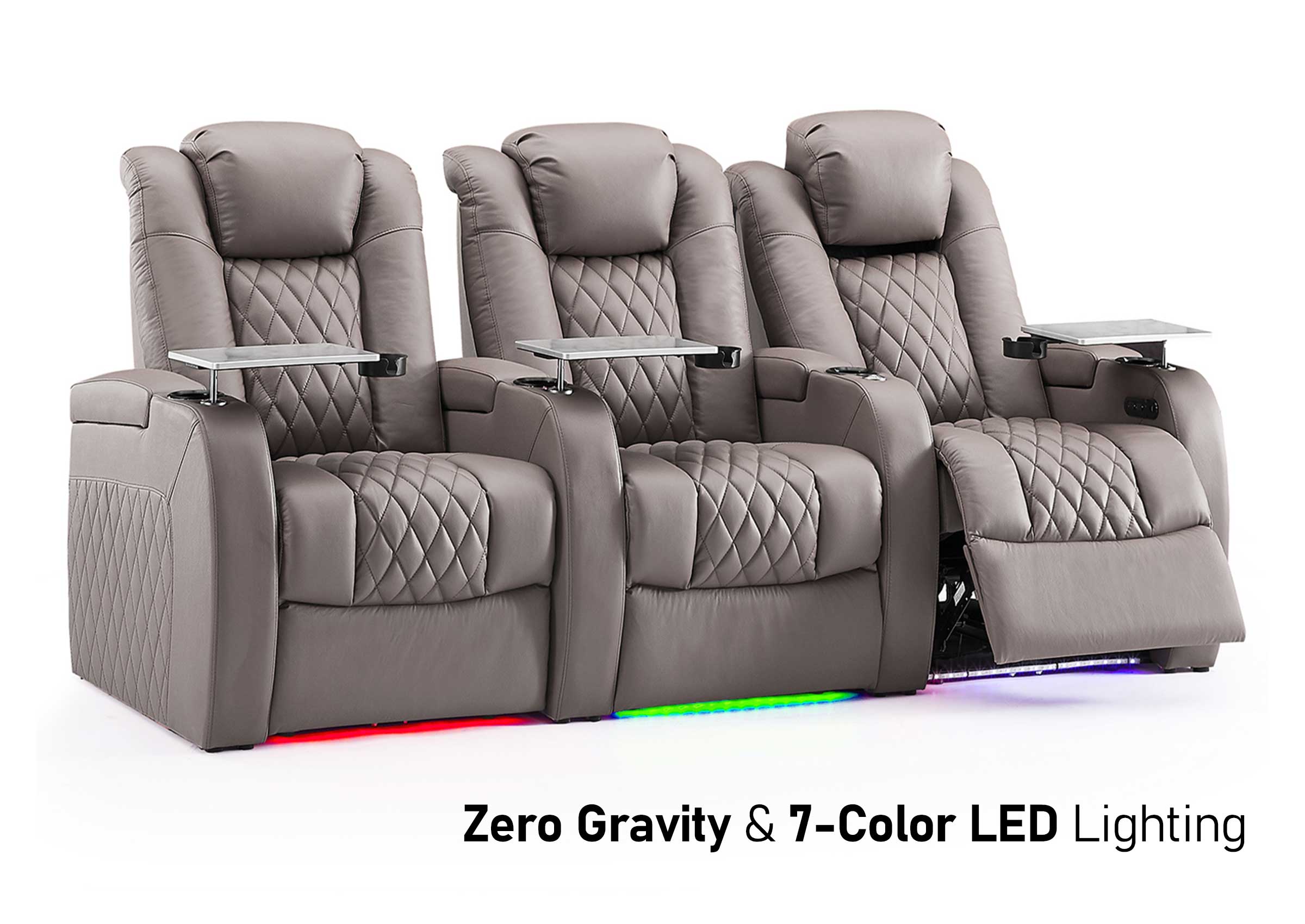
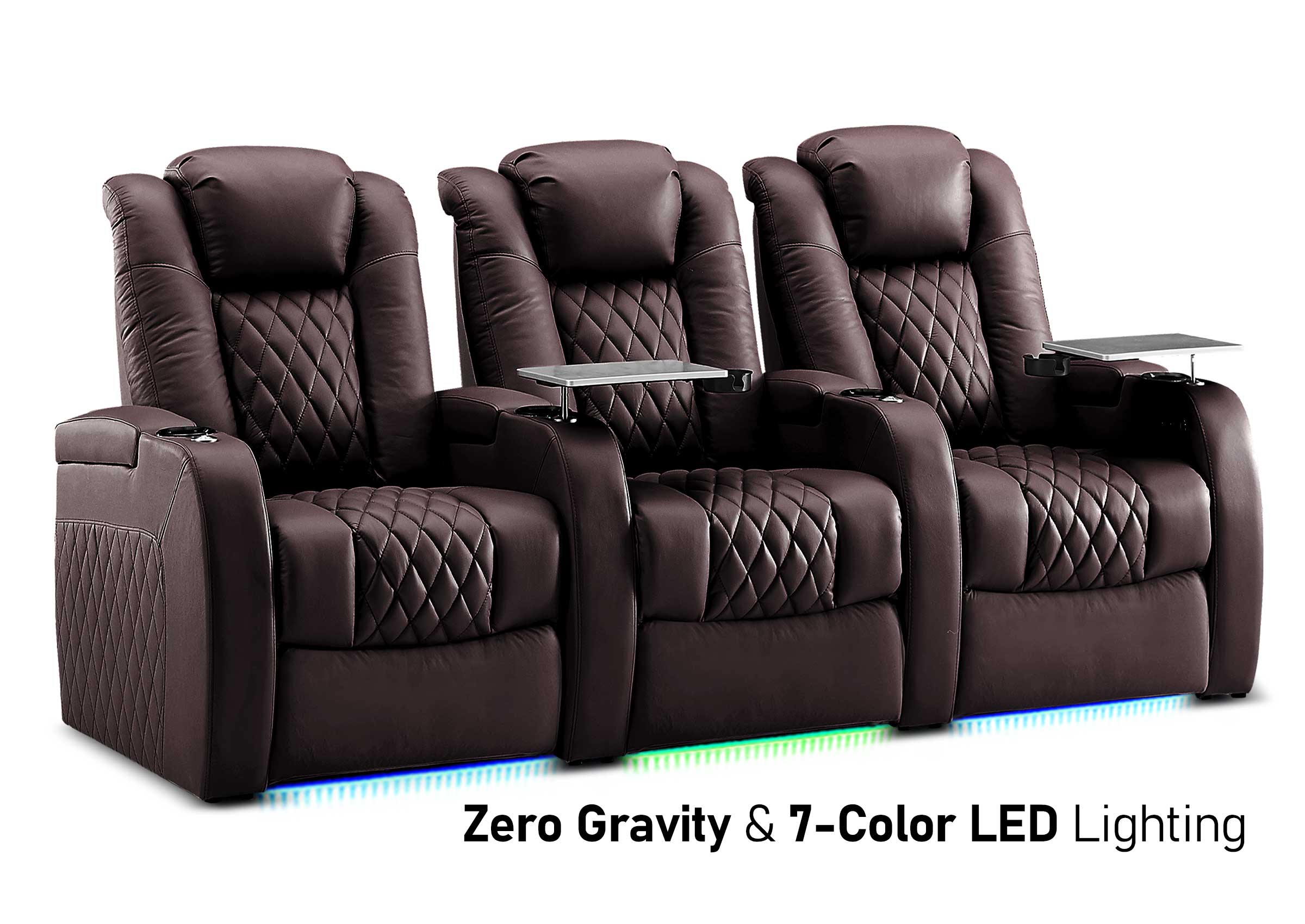

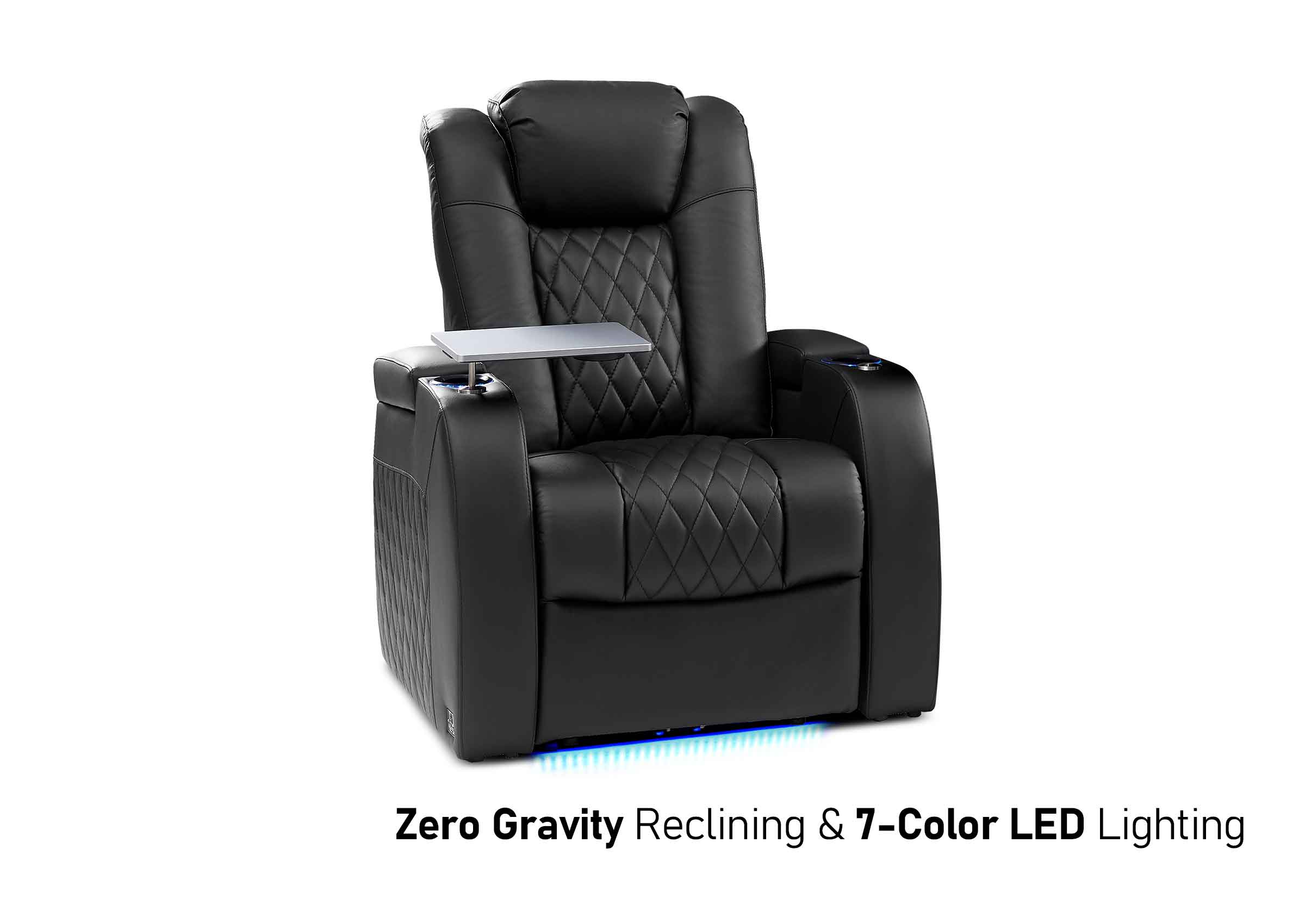
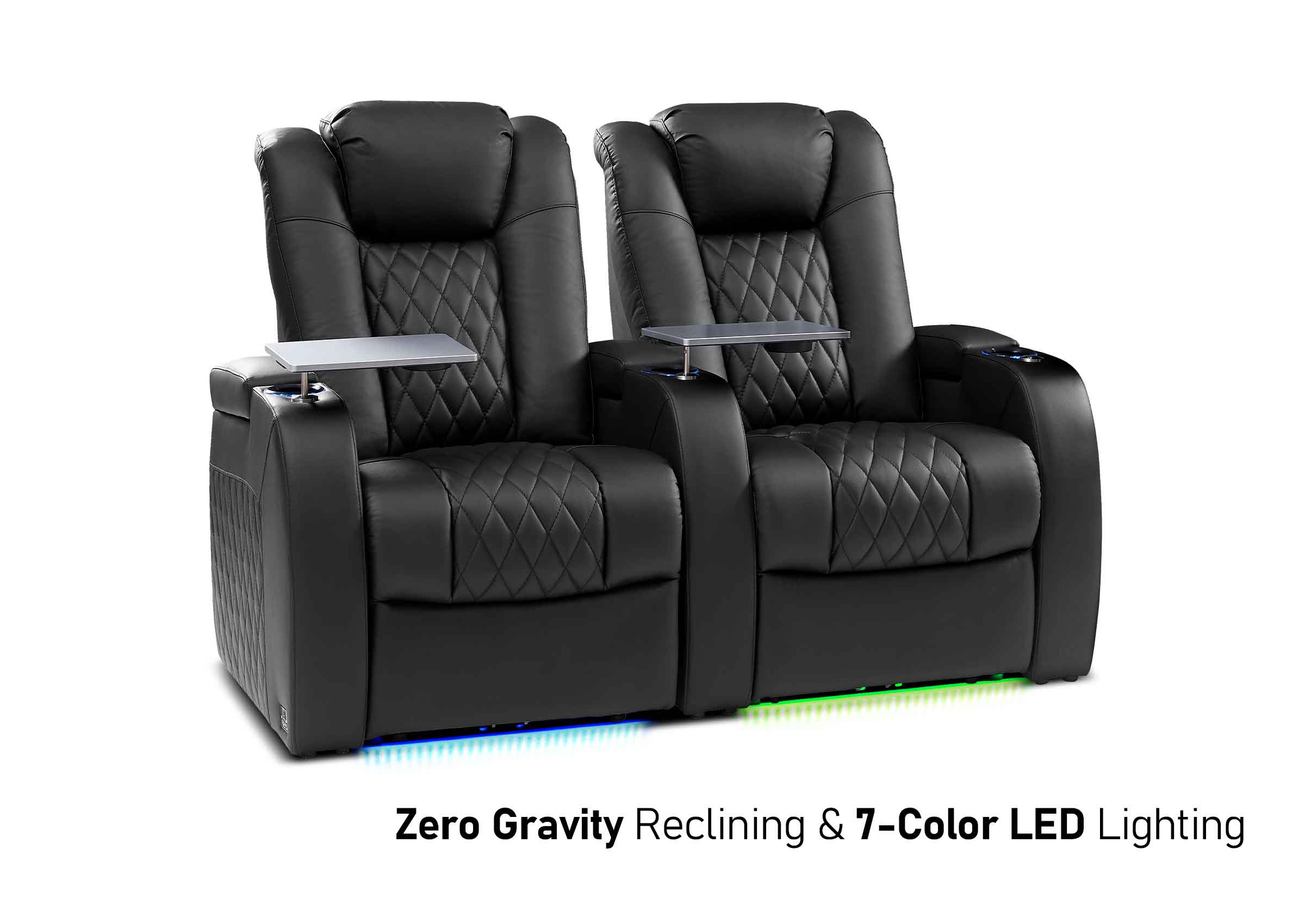
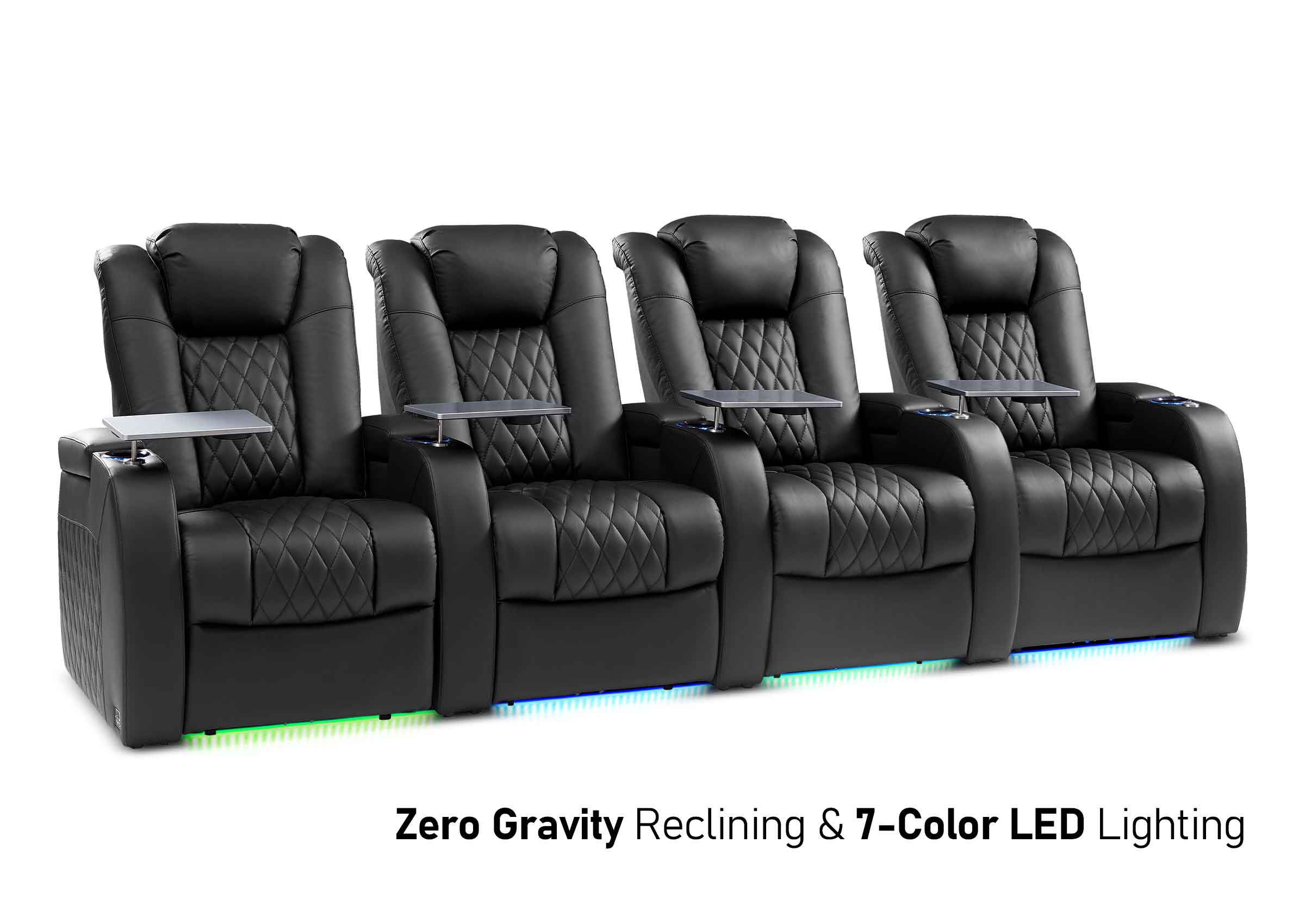
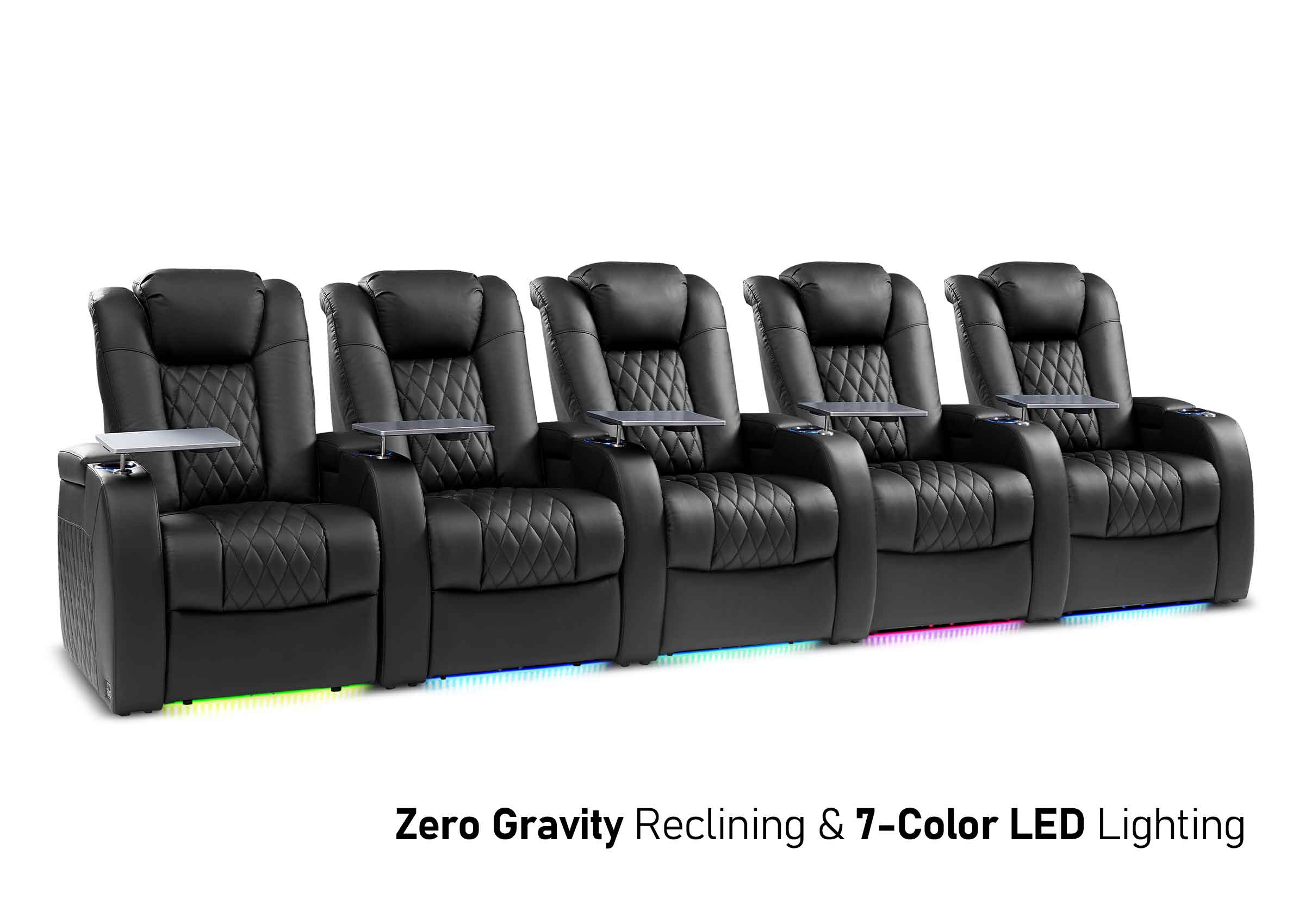
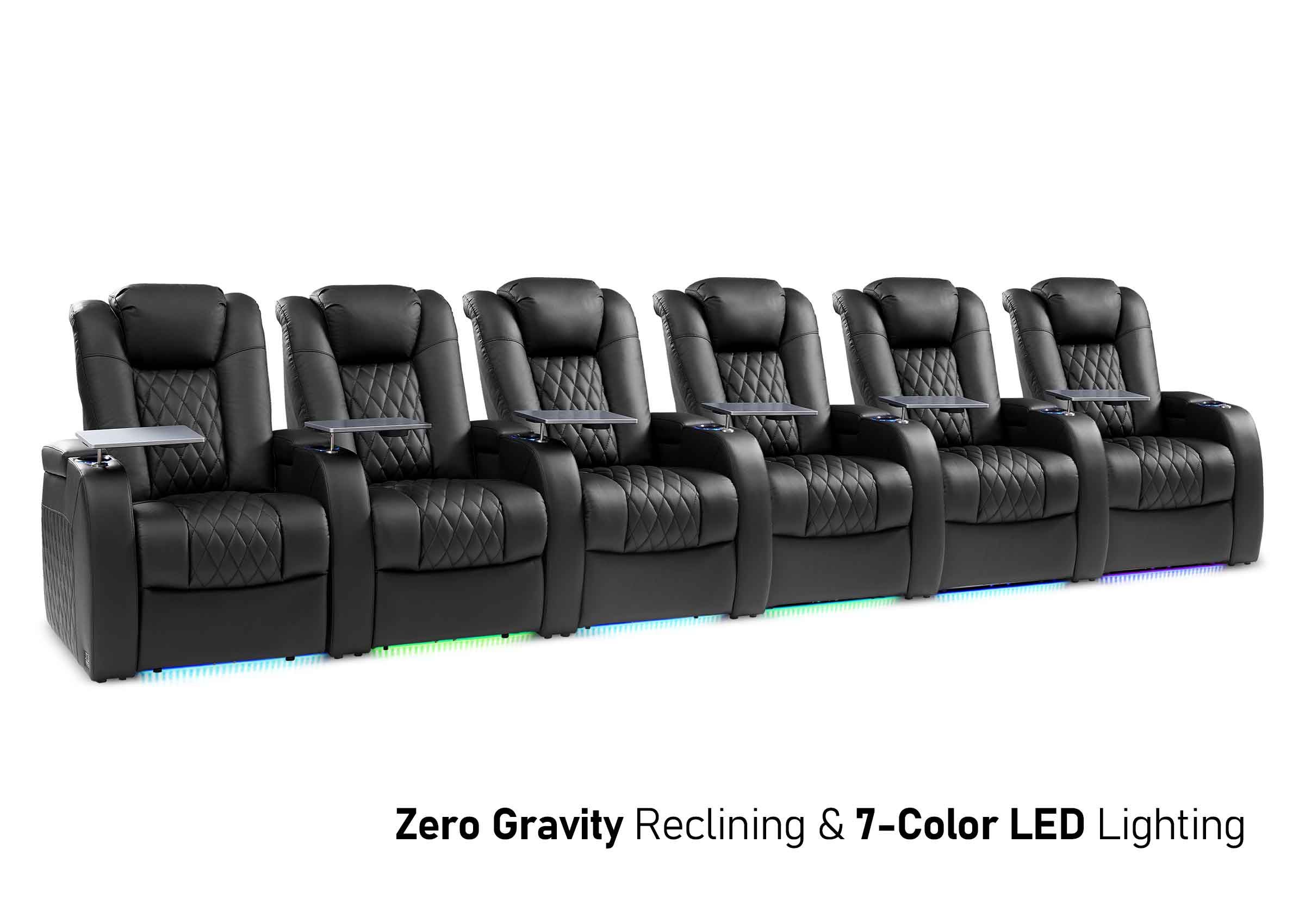
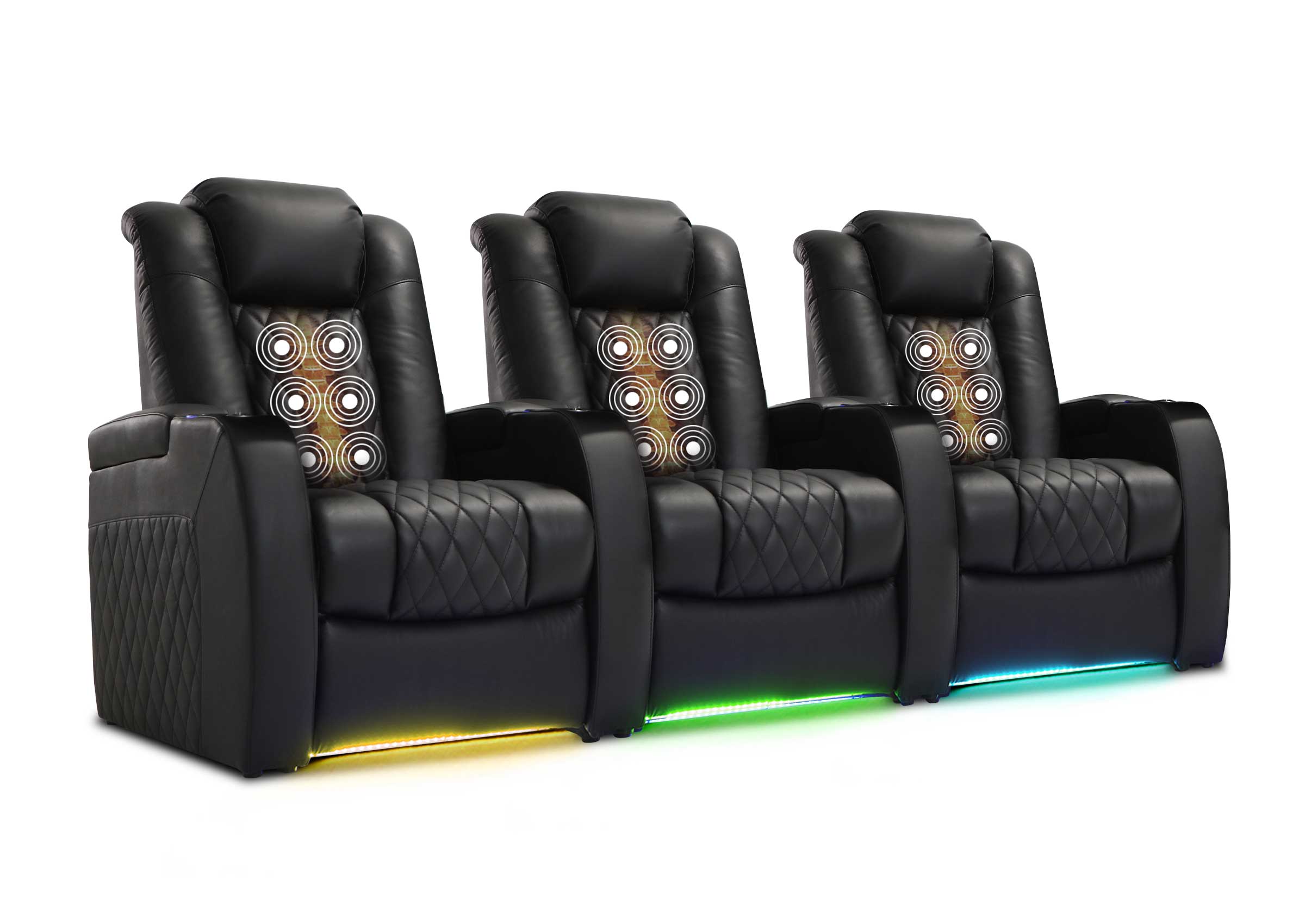
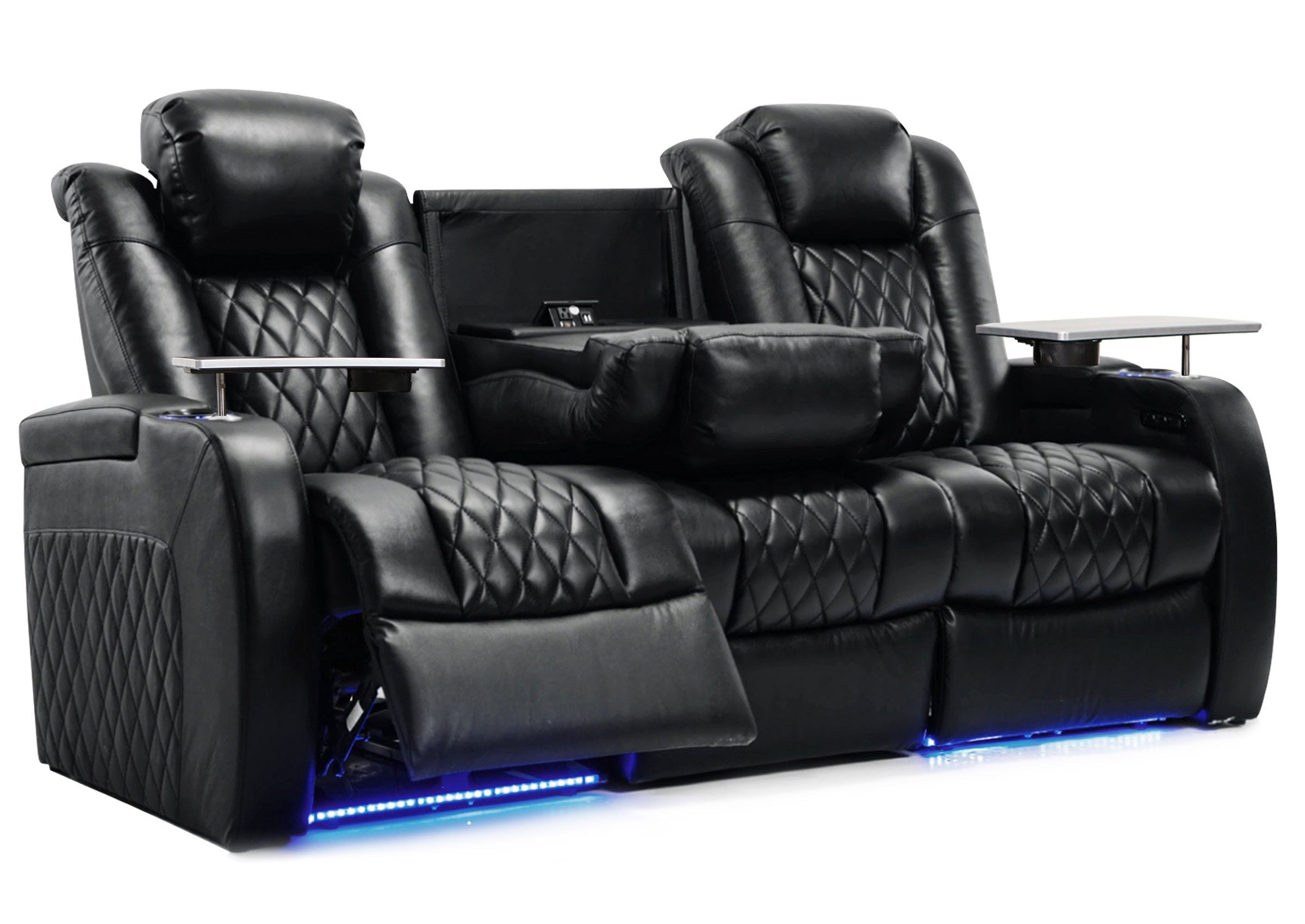
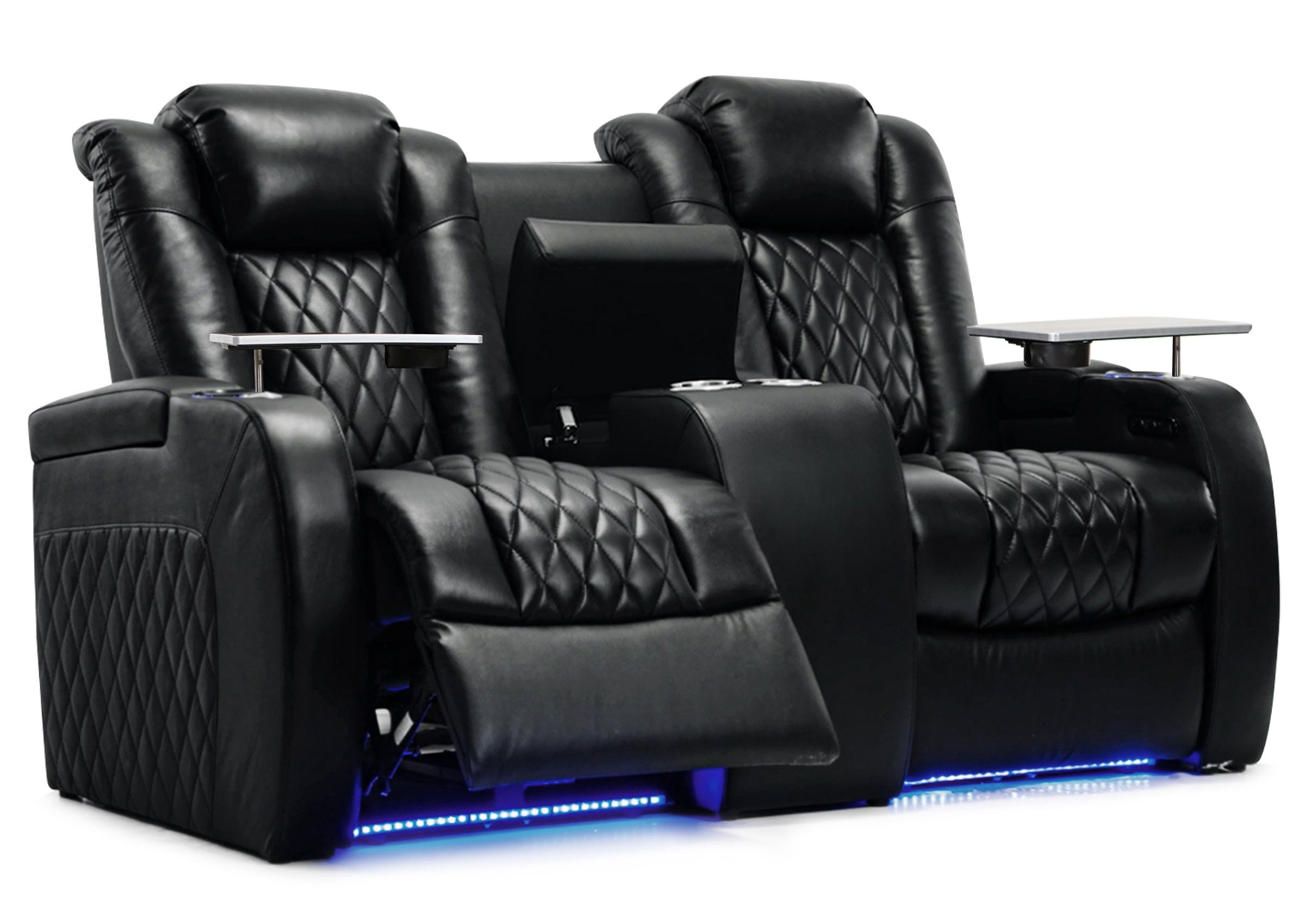


Choose a desk-style gaming chair if you play on a monitor at a desk. Start with a recliner if you play with a controller on a living room TV and have room to open the footrest. Either can work in the other setup if you can read the screen, hold the controller comfortably, and move the chair through the positions you’ll actually use.
Think about what you do during an ordinary session. If you keep sitting up to read the map, try a closer seat position before you shop. If you can already read the TV and want somewhere to rest your arms and legs, a recliner may give you what you’re missing.
Start With Where You Play
Here, a gaming chair means the desk-style seat with a raised base you can usually adjust and roll into position. A recliner is a lounge seat with a back and footrest that can move into a more relaxed position. Some products combine features of both, so check how the specific chair moves and fits your room.
| Where you play | Better starting point | What can change the choice |
|---|---|---|
| At a desk with a monitor | Desk-style gaming chair | Check that the armrests clear the desk and the seat height lets you see the screen and support your feet. |
| At a living room TV with a controller | Recliner | Check that you can read the game interface at the angle you play and that the footrest has space to open. |
| At a shared TV for local multiplayer | Chairs that work together in the room | Check the second player’s view and the walking route with both seats in use. |
If the desk also doubles as your work or study spot, an adjustable seat can serve both uses. If the TV seat also gets used to watch movies, try the angle you use when you’re actively playing as well as the one you’d choose to watch a film.
Hold the Controller the Way You Actually Play
Sit with the controller in both hands. Notice where your elbows land and whether your shoulders can drop. The armrests on a desk chair may let you bring the support closer to your body. A recliner can give your forearms a broad place to rest, but fixed arms may be too high or wide for the way you hold the controller. Arm placement matters more when you reach for the shoulder buttons or bring both hands together during a busy stretch of the game.
When trying a gaming chair at a desk, sit all the way back, check that your feet have support, and see whether the armrests fit under the desk at the height you need. OSHA’s desk chair guidance is a useful reference for that setup. In a recliner, try a slight recline and the position you’d use with the footrest up. Check whether you can see the screen with your head resting naturally. A headrest that pushes your chin forward in one position can change how that seat feels during play.

Check What You Can Read From the Seat
Open a game you already know. Look at the small inventory text, subtitles, or one corner of the on-screen display. Read it from the position you’d usually sit in. If you lean forward every time you need to read the screen, test the screen distance or the game’s text settings before you buy a chair. A seat that feels good while watching a cutscene can still make a map hard to read during play.
Try bringing your current seat a little closer or increasing the game’s subtitle or interface size if it offers that option. A console may have its own tools. For example, PlayStation documents display zoom on PS5. Check the actual game after making a change because its own display options can work differently from the console menus. If you still keep shifting forward, try a more upright seat or a closer screen position.
Measure the Space the Chair Uses in Motion
For a desk chair, measure the base at its widest point and leave space to roll back and turn. Check where the armrests meet the desk and whether you can get up without trapping yourself between the seat and the wall. A chair that fits under an empty desk may sit farther out once you set the seat and arms to your height.
For a recliner, use the manufacturer’s fully open dimensions and rear clearance for that model. Mark the front of the footrest on the floor and check the backrest’s path. Then look at the coffee table, nearby door, or route people use to cross the room. Some wall-hugging designs need less space behind them while still moving into the area in front. If you play with a charge cable plugged in, make sure it reaches the seat without running through the walkway or the chair’s moving parts.

Make Room for the Second Player
For co-op or split-screen games, put a second player in the other spot before you settle on the layout. Can they read their half of the screen? Can they enter or leave while the recliner is open? Depending on the room, the prime TV spot may work for one large seat and leave the other player looking around its backrest.
Try the arrangement with everyday furniture in its usual place. Two separate chairs may work well when the players can sit at a similar distance and still leave a route between them and the rest of the room. If you have to change the entire layout each time a friend comes over, decide whether that works for how often you play together.
Try the Same Game From Each Seat
Use a chair you already have to test the position you’re considering. If you can try both chair types in the same place, keep the game, display, and controller the same. If you’re deciding between a TV and a desk monitor as well, load the same scene on each and judge each setup as you’d use it.
- Read one busy screen. Open an inventory, map, or subtitle-heavy scene and read it from your normal position.
- Play a familiar section. Observe where your elbows rest and whether you keep lifting your shoulders or reaching toward the screen. Try the recline angle you’ll use during the game.
- Stand up and walk through. Check how much floor space the chair takes while you get out. In a shared room, have someone use the normal path while you’re seated, with the footrest open if there is one.
The first thing that fails gives you a useful next step. If the screen is hard to read, change the seat distance or interface setting first. If you can see everything but keep holding your arms in the air, try different arm placement. If the chair crowds the room, mark a smaller footprint and try a position that leaves the walkway open.
Before you order a seat
Check the Space Around Your Seat
Measure how far the chair opens and find a starting point for where to sit. Read the game’s smallest text from that spot before you decide.
Frequently Asked Questions
Is a recliner good for PS5 or Xbox gaming?
Yes, particularly for controller play on a TV. Try the recliner with the TV you use, at the angle you’ll use during an actual game. Check that the leg rest can open without taking over the path through the room.
Can I use a desk-style gaming chair in front of a TV?
Yes. Check the TV from the chair at your preferred seat height. If that puts your eyes higher than another person’s seat or changes where your head falls in front of the screen, try the layout with both seats occupied.
Which seat makes more sense for competitive console games?
If you prefer a monitor at a desk and frequently look across the whole display, start with an adjustable desk-style chair that puts you in a stable position near the screen. If you compete on a TV, try the same play position there and decide by what you can see and comfortably reach.
Should I play with the recliner fully open?
Choose the angle at which you can see the screen, rest your arms, and work the controller. A partial recline may be the better position for part of a game. Measure the full opening if you intend to use it for other activities.
What if the controller is wired?
Check the length from the console to the playing position with enough slack to hold the controller normally. Place the cable where people can pass and where an opening footrest or rolling chair won’t catch it.
Is a wall-hugger recliner a good option for a small gaming room?
It can help when space behind the seat is limited. Check that model’s rear clearance and fully open depth. A chair that clears the wall still needs space for the footrest and for people to pass.
Choose a Seat That Passes Your Own Game Test
Start with the position that lets you read the screen and hold the controller comfortably. Measure the space it needs before you order. If you’re planning a recliner setup, send your screen location, room dimensions, and the space you need for a walkway to Weilianda Support or email leon@weiliandahome.com.