
































If your AV receiver supports both Dolby Atmos and DTS:X, you usually do not need one physical speaker layout for Atmos and another for DTS:X.
That is the most useful place to start.
The two formats handle immersive audio differently, but the room does not change when the soundtrack changes. Your speakers stay where they are. Your seats stay where they are. The receiver renders the soundtrack through the speaker positions it has available.
The real planning question is therefore not “Which format should I build my room around?”
It is:
Can I create one speaker and seating layout that gives both formats good geometry to work with?
For most home theaters, the answer is yes.
Dolby Atmos and DTS:X Are Different Formats, Not Different Rooms
Both Dolby Atmos and DTS:X are designed to reproduce sound in three dimensions rather than limiting every effect to a fixed traditional channel.
Where they differ most for room planning is how prescriptive they are about the physical speaker layout.
Dolby publishes specific configurations such as 5.1.2, 5.1.4, 7.1.2, and 7.1.4, along with diagrams showing how those speakers relate to the listening position. Dolby's setup guidance begins by choosing a central seating point and positioning the speakers around that reference. See Dolby's speaker setup guidance.
DTS takes a more flexible approach. DTS says DTS:X can adapt to practically any symmetrical speaker layout and does not require one specific physical layout. The decoder renders the immersive mix using the speakers available in the system. See the official DTS:X overview.
That sounds like a major difference.
In practice, however, it does not mean a dual-format theater needs two competing installations.
A well-planned set of speakers can serve both.
Should You Change Your Speaker Layout When Switching Between Atmos and DTS:X?
Usually, no.
If you already have a sensible immersive layout—such as a properly arranged 5.1.2, 5.1.4, or 7.1.4 system—and your processor supports both formats, changing from an Atmos soundtrack to a DTS:X soundtrack is not by itself a reason to move speakers.
The physical speaker geometry remains the same.
What changes is how the processor maps the soundtrack to those speakers.
This is especially important for people who see DTS:X described as “layout flexible” and assume they should somehow create a separate DTS:X arrangement.
You generally should not.
DTS:X's flexibility is useful because it lets the renderer adapt to the system you actually have. It is not an instruction to ignore good speaker placement.
Atmos gives you a more defined physical roadmap. DTS:X gives the renderer more flexibility within the speaker layout that exists.

A Practical Rule for a Theater That Needs to Support Both
If you are building a room from scratch and expect to use both Dolby Atmos and DTS:X, there is a useful planning rule:
Build the physical speaker system around a disciplined immersive layout, then let the receiver adapt each format to it.
In many home theaters, that means using Dolby's published placement guidance as the physical planning baseline.
This is not an official Dolby-and-DTS joint installation rule. It is a practical design decision.
The reasoning is straightforward.
Dolby provides clearly defined layouts around a listening position, while DTS:X is intentionally designed to adapt to different symmetrical speaker arrangements.
So if one format gives you tighter physical placement guidance while the other is more adaptive, there is little benefit in making the physical room less disciplined simply because the second renderer can tolerate it.
Think of it as:
design the room once → define the listening area → place the speakers well → configure the AVR correctly → let the soundtrack format change
rather than:
Atmos room → DTS:X room → move things every time the codec changes
Does DTS:X Need Height Speakers?
This is where the word “flexible” can create confusion.
DTS:X does not require one specific speaker configuration. DTS states that its decoder adapts to the available speaker layout.
That does not mean physical height speakers are meaningless.
There is a difference between:
Can the system decode and render DTS:X?
and:
Does the room contain physical speakers capable of reproducing a convincing height layer?
A standard surround system can still give the renderer places to put sound around the listener. But if you want actual sound reproduced from above the listening area, a physical height or overhead layer gives the system something a conventional ear-level layout cannot: speakers located in that dimension.

So the better question is not:
“Does DTS:X force me to install ceiling speakers?”
It is:
“How important is a real height layer to the experience I want from this room?”
That decision should be based on the room, installation limits, equipment, and listening goals—not on trying to satisfy a DTS:X logo.
If you want the detailed placement logic for Atmos height and overhead speakers, use our Dolby Atmos home theater setup guide rather than treating this comparison as a second Atmos installation tutorial.
What If You Already Have a 5.1 or 7.1 System?
Do not rebuild it simply because your new receiver supports immersive audio.
Start by asking what result you want.
If you are happy with conventional surround and primarily want compatibility with different soundtrack formats, your existing speaker system may still be useful.
If you specifically want stronger overhead movement and a more complete three-dimensional sound field, then adding an appropriate height layer may be worthwhile.
Dolby itself explains that Atmos can build on traditional home theater layouts. If you already have a 5.1, 7.1, or larger surround system, you may be able to build on the existing system rather than redesigning the entire room. Review Dolby's home Atmos guidance.
That is a much better upgrade mindset than replacing good speaker positions just because the naming convention changes from 5.1 to 5.1.2.
Keep what already works. Add the dimension you are actually missing.
What If You Already Have an Atmos Layout?
This is one of the easiest cases.
Suppose the room already has:
- left, center, and right front speakers;
- surround speakers;
- one or two subwoofers;
- a properly positioned pair or pairs of height or overhead speakers;
- a receiver that supports both Atmos and DTS:X.
You normally do not need to move those speakers for DTS:X.
The same physical system can be used by the DTS:X renderer.
The more useful check is inside the AVR.
Confirm that:
- the receiver supports the format;
- the correct speakers are enabled;
- the height speakers are assigned to the correct physical positions;
- the number of amplified channels matches the configuration;
- the system has been calibrated after the final speaker and seating positions were set.
This is a recurring home-theater mistake: changing the room before checking the processor.
Software flexibility only helps if the AVR knows where the speakers actually are.
Check the AVR Before You Move a Speaker
Format specifications describe what is possible.
Your receiver determines what you can actually use.
A processor may support only certain combinations of:
- Front Height;
- Rear Height;
- Top Front;
- Top Middle;
- Top Rear;
- surround-back channels;
- specific numbers of simultaneously active height channels.
Another receiver may support a larger configuration.
That means two people can both own Atmos- and DTS:X-compatible equipment and still have different practical layout options.
Before drilling new ceiling holes or moving wall-mounted speakers, check the speaker-assignment menu and the current manual for your specific AVR or processor.
The question is not merely:
“Does DTS:X support this?”
It is:
“Does my processor support this physical speaker assignment while decoding DTS:X and Atmos?”
That distinction can prevent a lot of unnecessary work.
Does Switching From Dolby Atmos to DTS:X Mean You Should Move the Couch?
Almost never.
Your seating position should be determined by the acoustic geometry of the room and the way people actually use it—not by the codec printed on the movie case.
Dolby explicitly uses a seating position as the reference for its speaker layouts.
DTS:X can adapt its rendering to the available layout, but that does not make the listener's physical position irrelevant.
If a seat has poor geometry, switching formats will not repair it.
For example:
- an outside seat may still be much closer to one surround than another;
- a sofa against the rear wall still leaves little physical space behind the listener;
- a high headrest can still interrupt the direct path from a nearby speaker;
- a very wide row still gives outer listeners different speaker angles than the center seat;
- a poor listening position can still have uneven bass.
Those are room problems, not codec problems.

If a tall seat or headrest is interrupting the direct sound path, our guide to how a high-back couch can affect surround sound explains that physical problem separately.
A useful rule is:
Do not move the seat because the format changed. Move it only if the listening geometry needs to change.
PLAN THE ROOM ONCE
Planning a Layout That Works for Both Formats?
Start with the seats people actually use, build sensible speaker geometry around that listening area, and then confirm the AVR supports the configuration before fine-tuning the system.
DTS:X Flexibility Does Not Make Speaker Geometry Unimportant
This distinction deserves emphasis.
“DTS:X does not require a specific layout” can easily become:
“Speaker position does not really matter for DTS:X.”
That is the wrong conclusion.
A renderer can decide which speaker should reproduce a sound. It cannot make two physically different speaker locations acoustically identical.
If one surround speaker is beside your ear and another is several feet away, that asymmetry still exists.
If the height speakers are far outside the main listening area, their physical coverage still matters.
If a large seat blocks a speaker, the codec cannot remove the chair.
If the front soundstage is poorly arranged, object-based rendering does not move the loudspeakers into better positions.
Flexibility gives the system more ways to work with the room. It does not remove the need to build a sensible room.
What Should Matter More: Atmos vs DTS:X or Your Listening Position?
For most people planning a real theater, the listening position matters more.
Imagine two systems.
One supports every current immersive format but has a sofa pushed into a poor location with badly compromised speaker angles.
The other uses a simpler but well-planned layout centered around the seats people actually use.
The codec badge alone does not make the first room better.
That gives you a useful order of priorities:
- decide which seats matter;
- establish the main listening area;
- place the ear-level speakers;
- plan the height layer;
- confirm the AVR can drive and assign the layout;
- calibrate the completed system;
- let the processor decode whichever supported soundtrack you play.
The format comes surprisingly late in that list.
If you are still choosing speaker types, channel count, or the basic surround arrangement, the Home Theater Speakers Guide covers that broader system-planning task.
What If More Than One Seat Matters?
Changing between Atmos and DTS:X does not change which family members use the room.
A three- or four-seat row creates the same basic challenge with either format: the outer seats experience different speaker angles and distances from the center seats.
If one position is the clear priority, the system can be planned around that main listening position.
If several seats matter equally, the harder decision is how much single-seat precision you are willing to exchange for consistency across the wider listening area.
That is a calibration and seating-area decision, not an Atmos-versus-DTS:X decision.
The important point is not to use format flexibility as a reason to postpone that choice.
A renderer can adapt to speakers. It cannot decide which people in the room matter most.
When Does the Physical Layout Actually Need to Change?
Changing format alone is rarely a good reason.
A physical problem is.
| Situation | Change the physical layout? | Why |
|---|---|---|
| Switching from Atmos to DTS:X on compatible equipment | Usually no | The renderer uses the installed speakers |
| Existing 5.1 or 7.1 system | Maybe | Add height speakers only if the desired experience justifies them |
| Existing well-planned 5.1.2 or 7.1.4 system | Usually no | The immersive speaker geometry can serve both formats |
| Height speakers do not cover the listening area well | Possibly | This is a physical coverage problem |
| One outer seat is extremely close to a surround | Possibly | The problem is speaker-to-seat geometry |
| High seat backs obstruct nearby speakers | Possibly | A codec cannot remove a physical obstruction |
| AVR cannot use the intended speaker assignment | Possibly | Hardware may require a different configuration |
| Sofa or primary seats are badly positioned | Possibly | Fix the listening geometry, regardless of format |
The pattern is simple.
Change hardware or layout when the room gives you a reason—not when the codec name gives you one.
Should You Plan Around Dolby Atmos or DTS:X?
If the room needs to support both, there is little value in choosing one format as the absolute winner.
It is more useful to separate the physical-planning question from the playback question.
For physical planning, use a clear, repeatable immersive speaker geometry. Dolby's published layouts are particularly useful here because they define configurations and relate them directly to a seating position.
For playback, let compatible hardware render the soundtrack format that the source provides.
DTS:X's layout adaptability is an advantage at this stage because the renderer can work with the speakers available rather than demanding its own completely separate room.
That produces a practical dual-format strategy:
Use disciplined physical placement. Keep one coherent listening area. Confirm the AVR configuration. Then let Atmos or DTS:X use that system.
What About Sound Quality: Is Atmos or DTS:X Better?
This is where many comparisons become less useful.
A theoretical difference between two audio formats does not tell you how two different movies will sound in your room.
The final result also depends on:
- the original mix;
- mastering;
- source quality;
- speaker capability;
- speaker placement;
- room acoustics;
- seating position;
- bass behavior;
- calibration;
- processor settings.
That makes blanket claims such as “DTS:X always sounds better” or “Atmos is always more precise” poor room-planning advice.
A better test is practical.
Use well-produced content in both formats and ask:
- Is dialogue anchored clearly?
- Does movement around the room feel continuous?
- Is the height layer convincing?
- Do the important seats receive balanced surround coverage?
- Does one format reveal a setup problem, or is the problem present with both?
If the same seat sounds wrong with both Atmos and DTS:X, investigate the room before blaming the codec.
Do Content Differences Matter?
Yes—but mainly when choosing equipment or deciding which format support is valuable to you.
DTS currently describes DTS:X support across compatible streaming and optical-disc playback systems, while Dolby Atmos is also widely implemented across compatible home-entertainment hardware.
The exact movies, services, devices, and supported playback paths can change over time, so they should not be the foundation of a permanent speaker installation.
Choose equipment that supports the content you actually watch. Build the room around good geometry.
Those are related decisions, but they are not the same decision.
What If You Are Building the Theater From Scratch?
A blank room is where format comparison becomes most useful—but perhaps not in the way people expect.
Do not begin with:
“How many DTS:X speakers do I need?”
Begin with:
- How many people regularly use the theater?
- Which seat or seating area deserves priority?
- Can speakers be placed around that area symmetrically?
- Is there useful space behind or beside the seating?
- Can the ceiling accommodate a meaningful height layer?
- How many speaker channels can the AVR actually drive?
- Will the room use one row or multiple rows?
Once those questions are answered, the audio format becomes much easier to accommodate.
If the room width, depth, seat count, row spacing, or aisle still needs to be determined, use the home theater seating layout guide for those planning decisions.
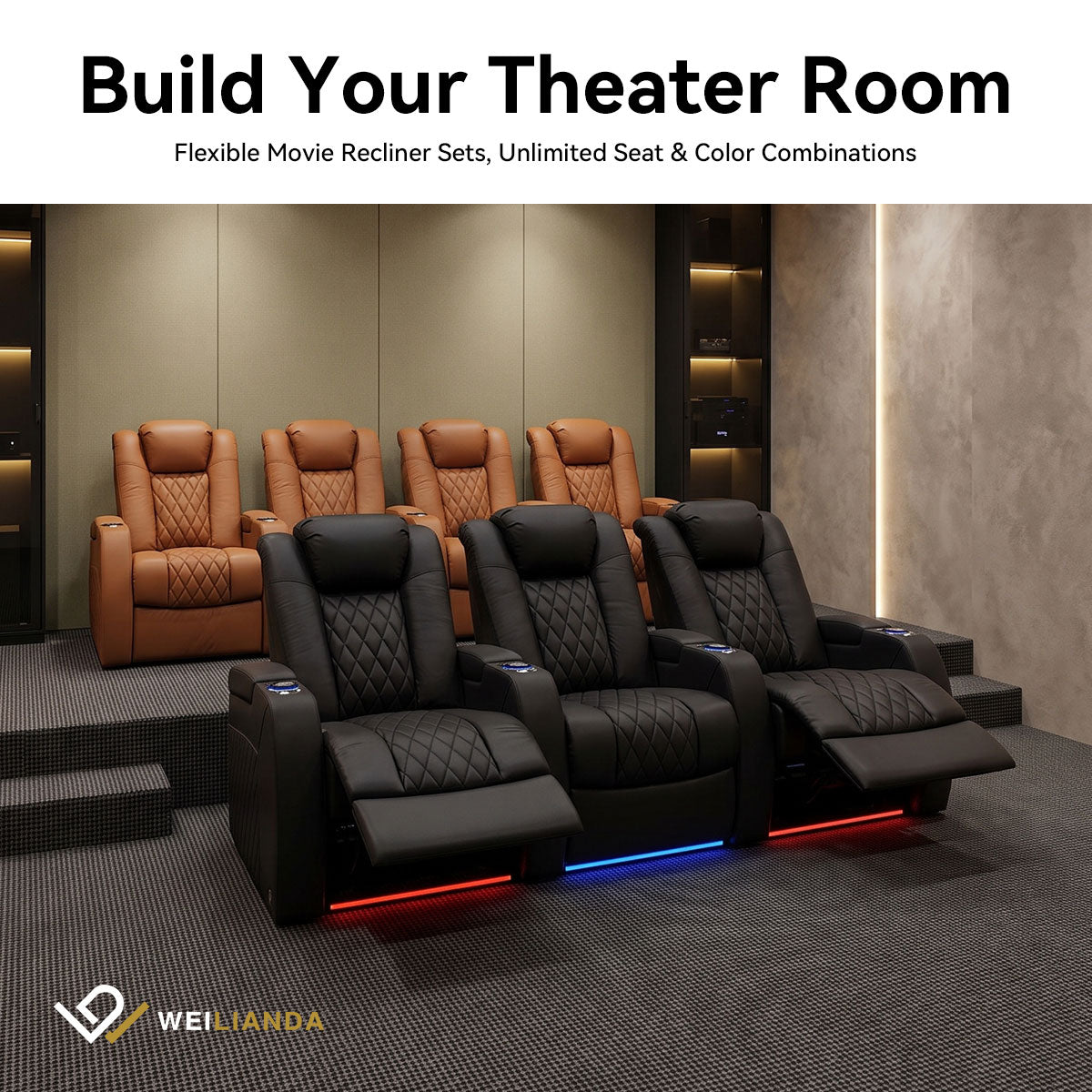
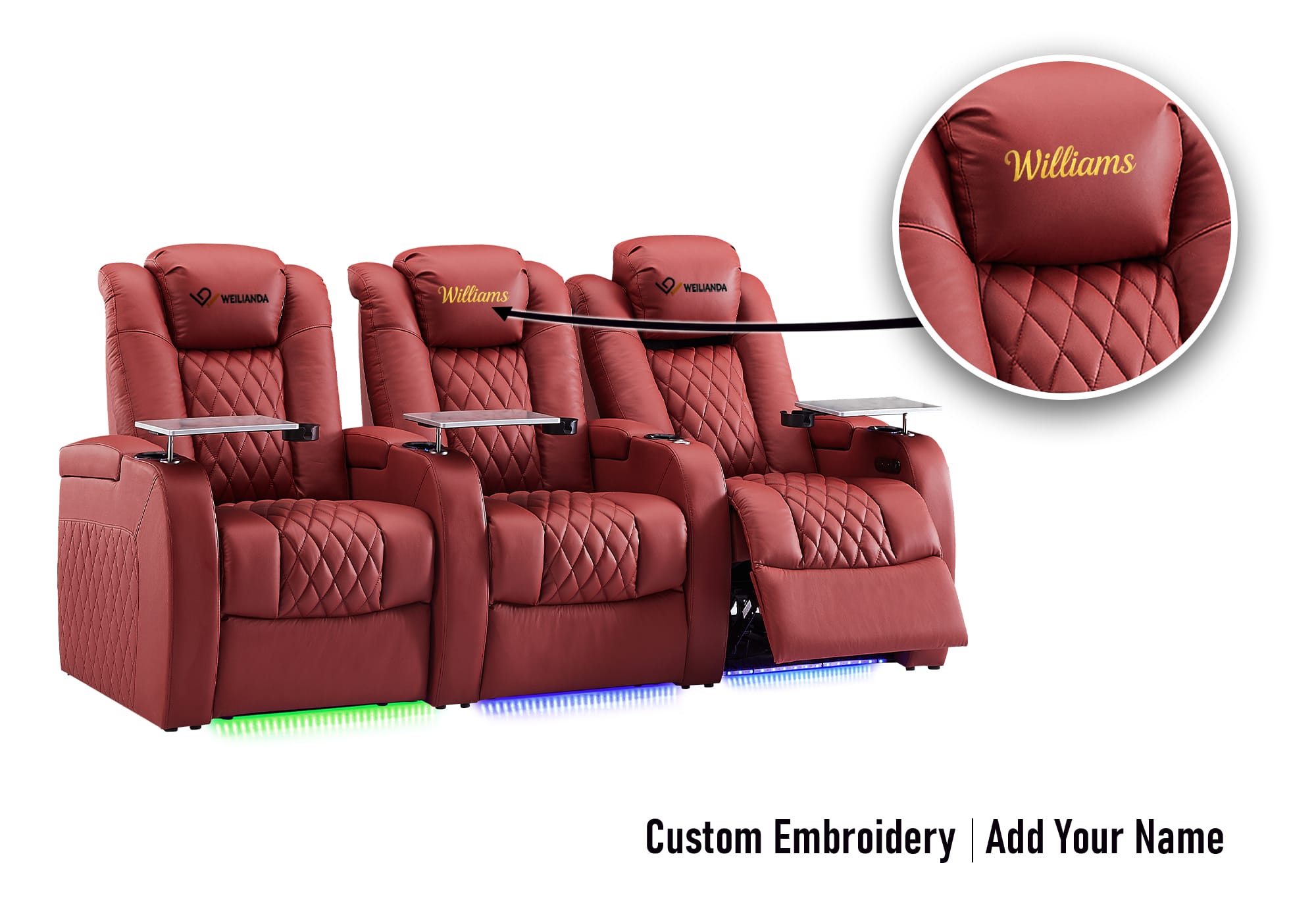
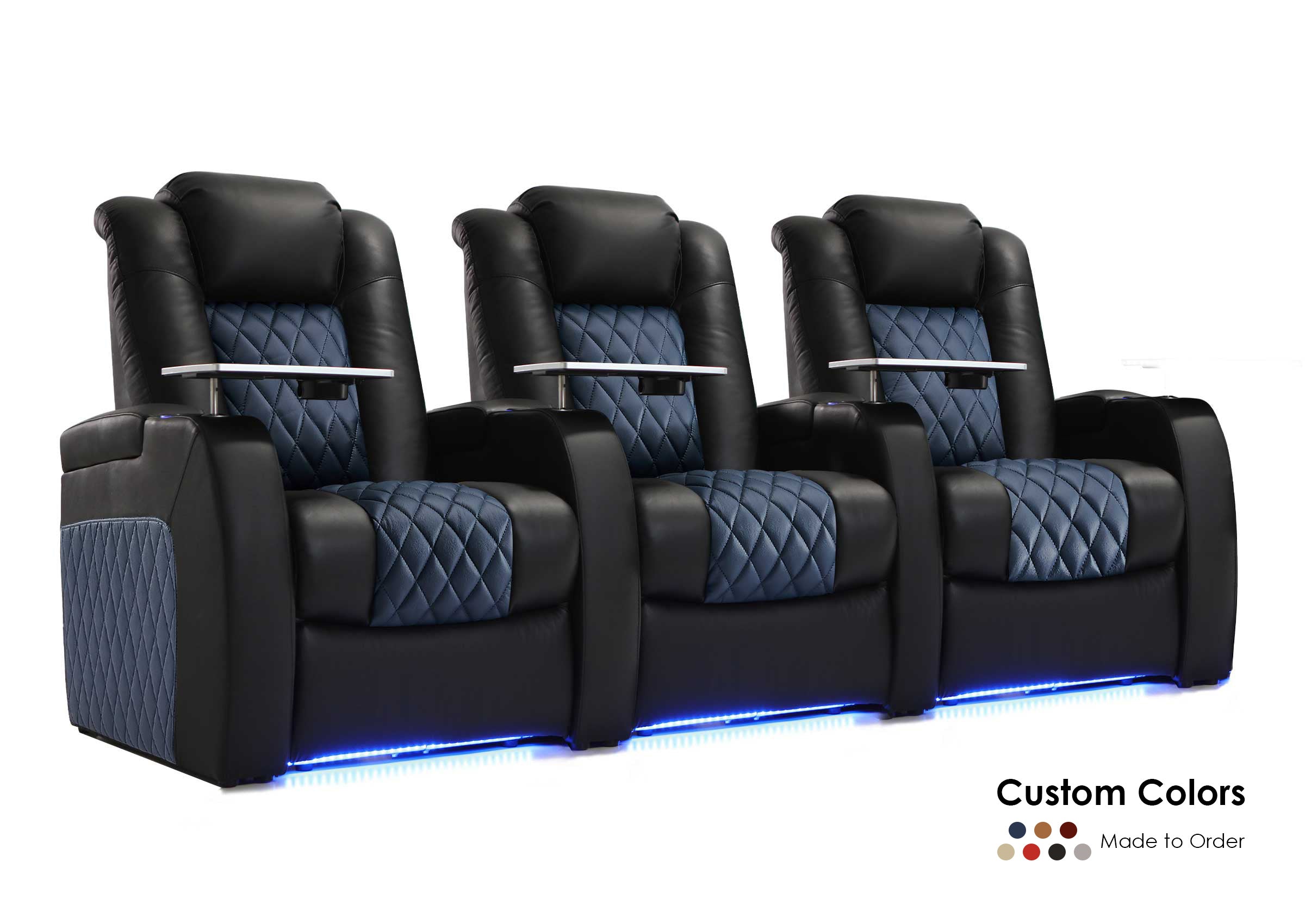
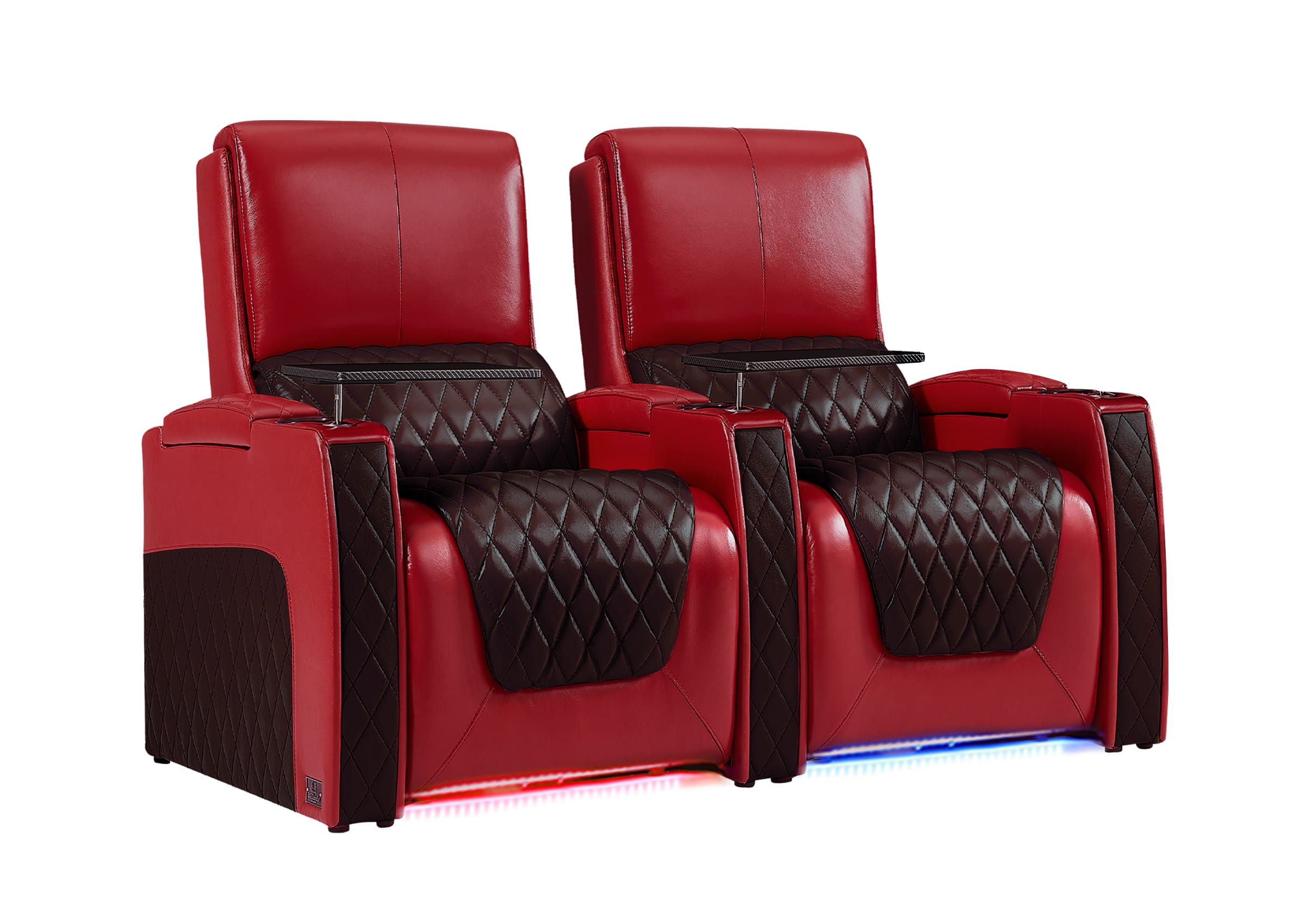
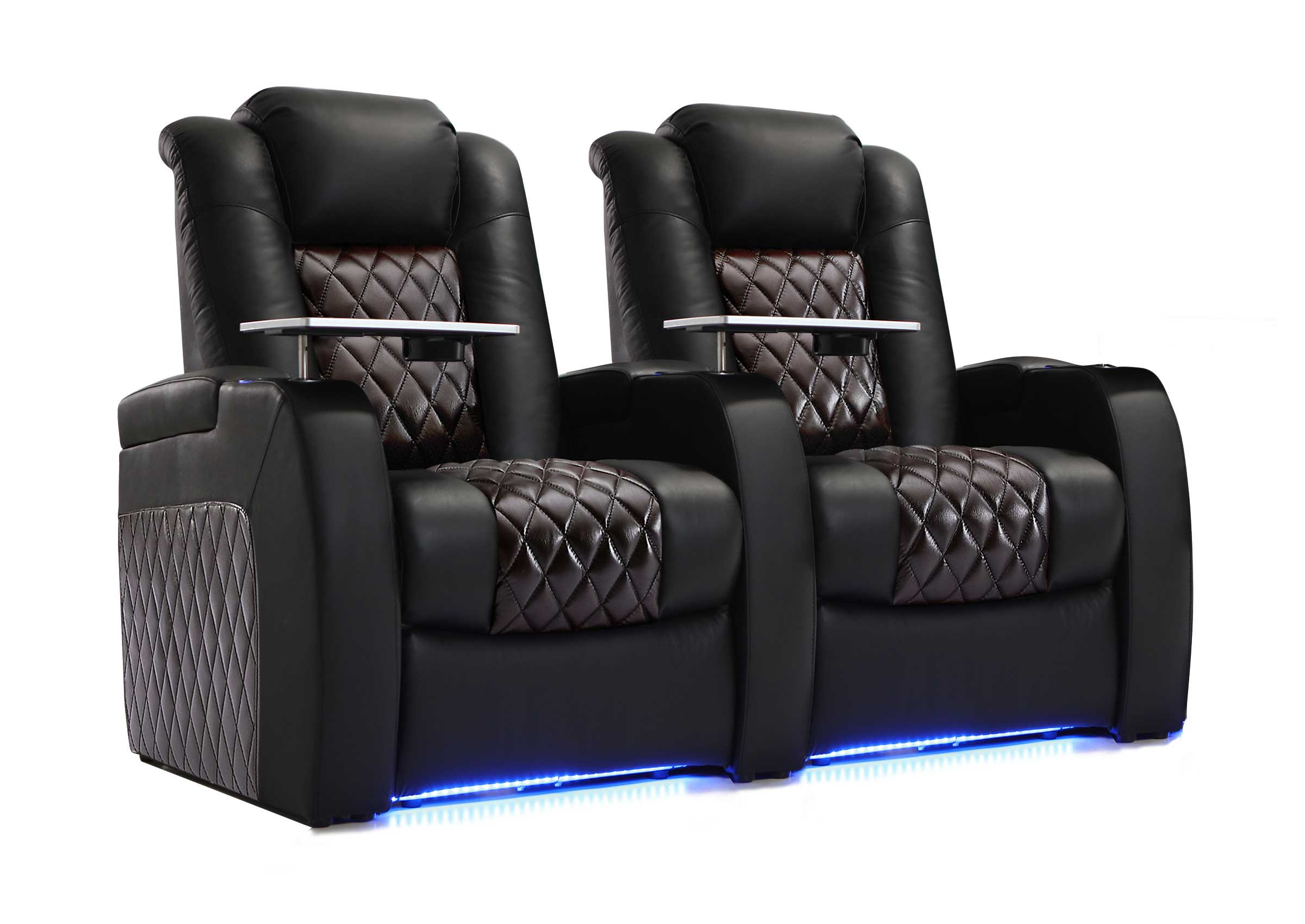
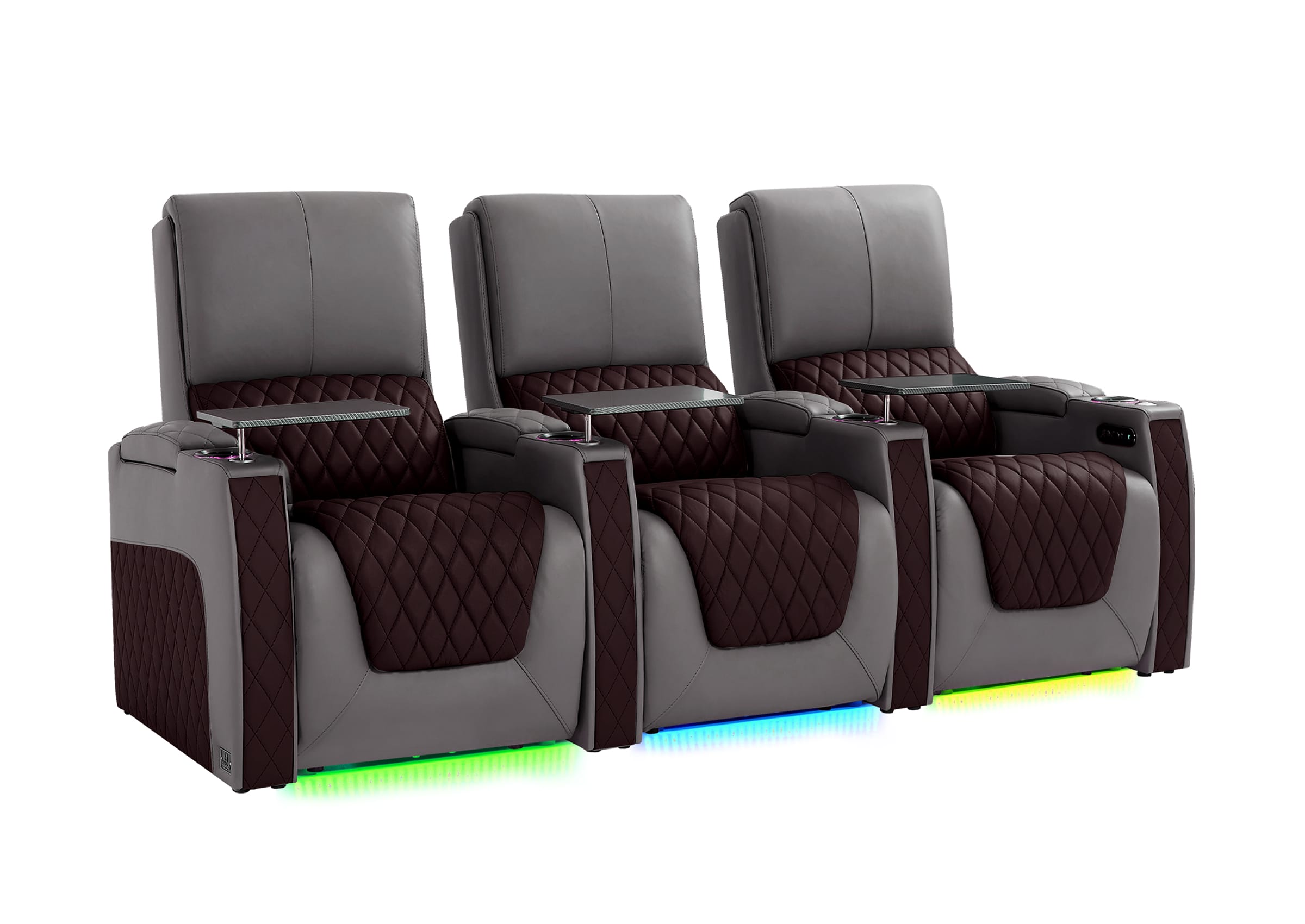
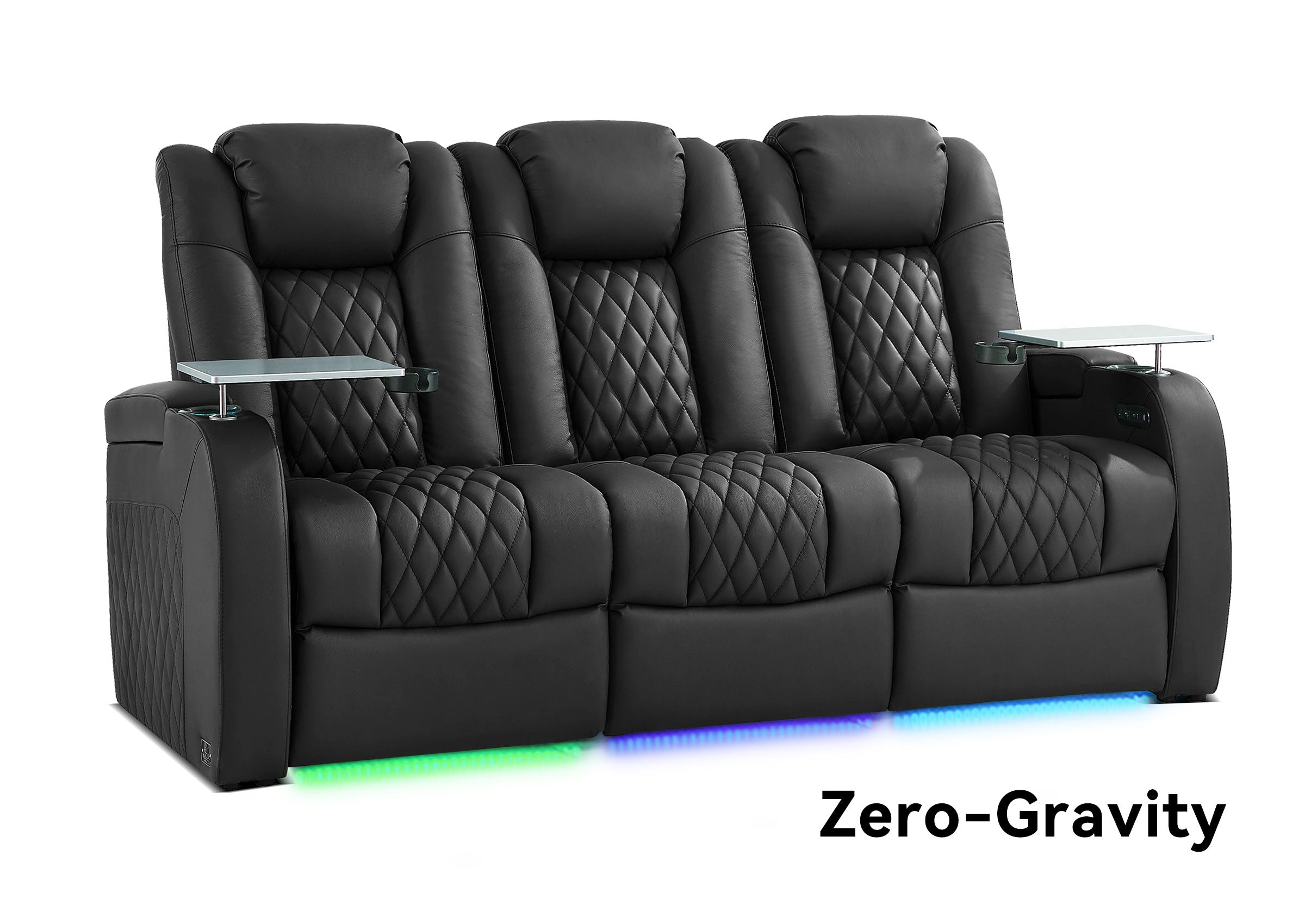
For a larger private theater, especially one with multiple seating rows, fixed architectural constraints, or a project-specific seating configuration, it can also be useful to coordinate seating geometry before speaker and room decisions become difficult to change. You can explore theater seating options for private theater projects when the seating plan is part of a broader project rather than a simple single-row setup.
Moving a chair is easy during planning.
Moving built-in speakers or changing ceiling locations after construction is not.
A Better Way to Think About Atmos and DTS:X
The most useful difference between these formats is not a scorecard.
It is how they fit into the design process.
Dolby Atmos gives homeowners a well-defined physical framework for constructing an immersive speaker field around a listening position.
DTS:X gives the playback system flexibility to render immersive audio across a range of symmetrical speaker arrangements.
Those ideas are complementary more often than they are contradictory.
That is why a good dual-format theater usually does not need two layouts.
It needs one well-planned room.
Before You Move Anything, Check These Seven Things
If you already own the system, work through this list before changing the room:
- Does your AVR or processor decode both Dolby Atmos and DTS:X?
- Does it recognize the speaker positions you actually installed?
- Are your height or overhead speakers positioned to cover the important listening area?
- Are any surround speakers unusually close to an important seat?
- Are seat backs or headrests blocking a direct speaker path?
- Is the main listening position reasonable for both the screen and speaker geometry?
- Have you recalibrated after the final speaker and seating positions were established?
If those seven items are in good shape, switching between Atmos and DTS:X should usually be a playback decision—not a furniture-moving event.
Frequently Asked Questions
Can Dolby Atmos and DTS:X use the same speakers?
Yes, in many home theater systems they can use the same installed speaker system, provided the AVR or processor supports both formats and the chosen speaker configuration is supported by the hardware. DTS:X is specifically designed to adapt to different symmetrical layouts.
Do I need separate ceiling speakers for DTS:X?
Not normally if you already have compatible height or overhead speakers as part of an immersive layout. Check how your AVR assigns those positions for DTS:X rather than assuming a separate set of speakers is required.
Can DTS:X work without height speakers?
DTS:X is more flexible about speaker layout and can render through the available system. However, having physically elevated speakers gives the system real speaker positions above the listener to reproduce the height dimension more directly.
Should I move my seating when switching from Atmos to DTS:X?
No, not simply because the format changed. Adjust seating only when the existing listening position creates a genuine geometry, coverage, obstruction, or bass problem.
Is a 7.1.4 Atmos system suitable for DTS:X?
If the processor supports DTS:X and the installed speaker positions are supported by the processor, an existing 7.1.4-style immersive system can generally be used without physically rearranging it for DTS:X.
Which format should I use to plan a new room?
For a theater intended to support both, use a disciplined immersive layout that works well with the room and listening position. Dolby's published placement guides provide a useful physical planning framework, while DTS:X is designed to adapt to different symmetrical layouts.
The Format Should Adapt to the Theater, Not the Other Way Around
Dolby Atmos and DTS:X are important technologies, but neither should become an excuse to design the room backward.
Start with the people.
Define the seats that matter.
Build sensible speaker geometry around them.
Add a height layer if it serves the experience you want.
Make sure the AVR can actually support the installed configuration.
Then calibrate the finished system.
Once those fundamentals are right, Atmos and DTS:X become what they should be: two ways for compatible hardware to bring immersive sound into the same well-designed theater.
If you are still deciding how seating should fit with your room and speaker plan, you can explore home theater seating configurations before locking in the final layout.
For questions about room fit, seating configuration, or the next step before ordering, visit Weilianda Support or email leon@weiliandahome.com.
