


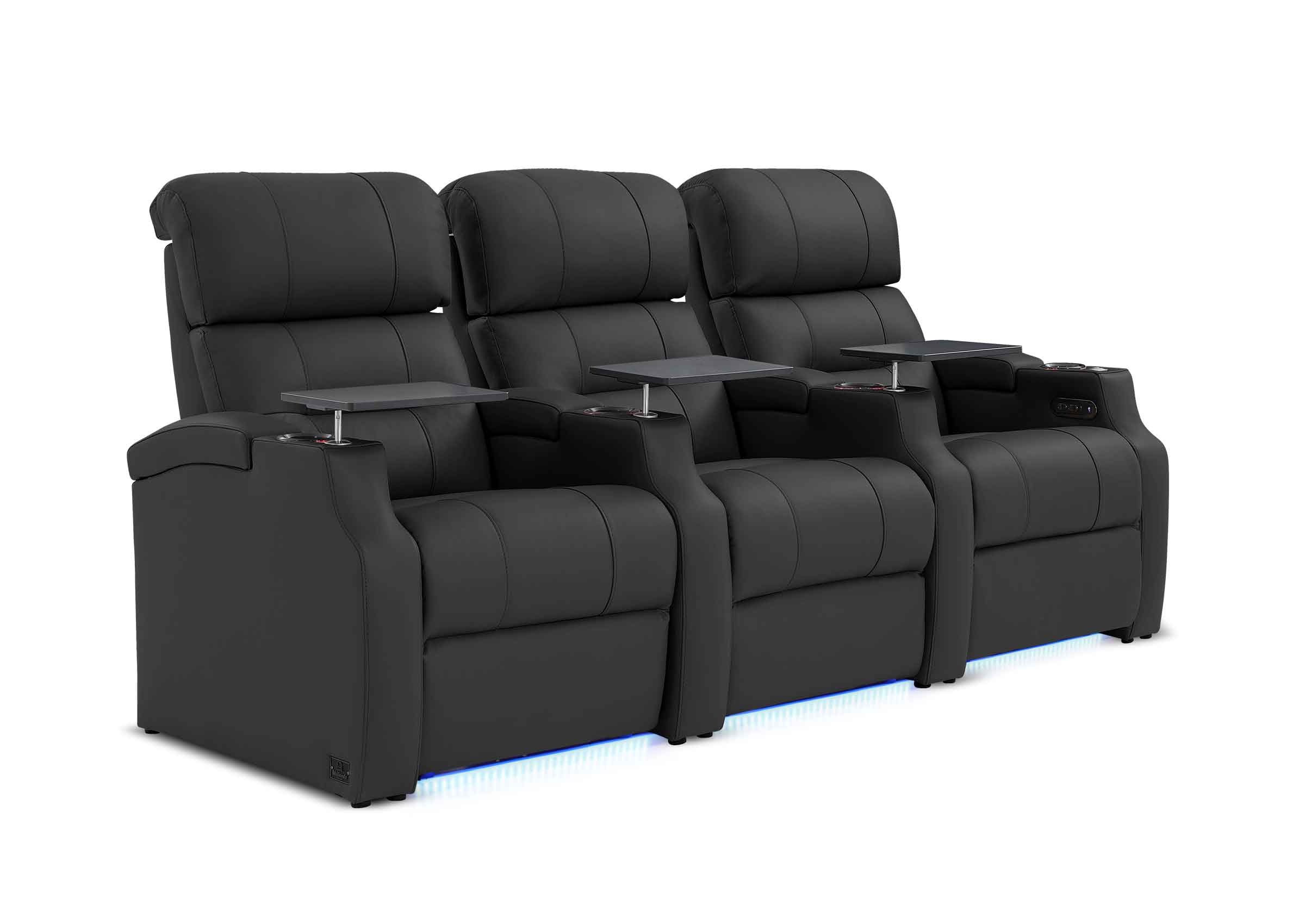
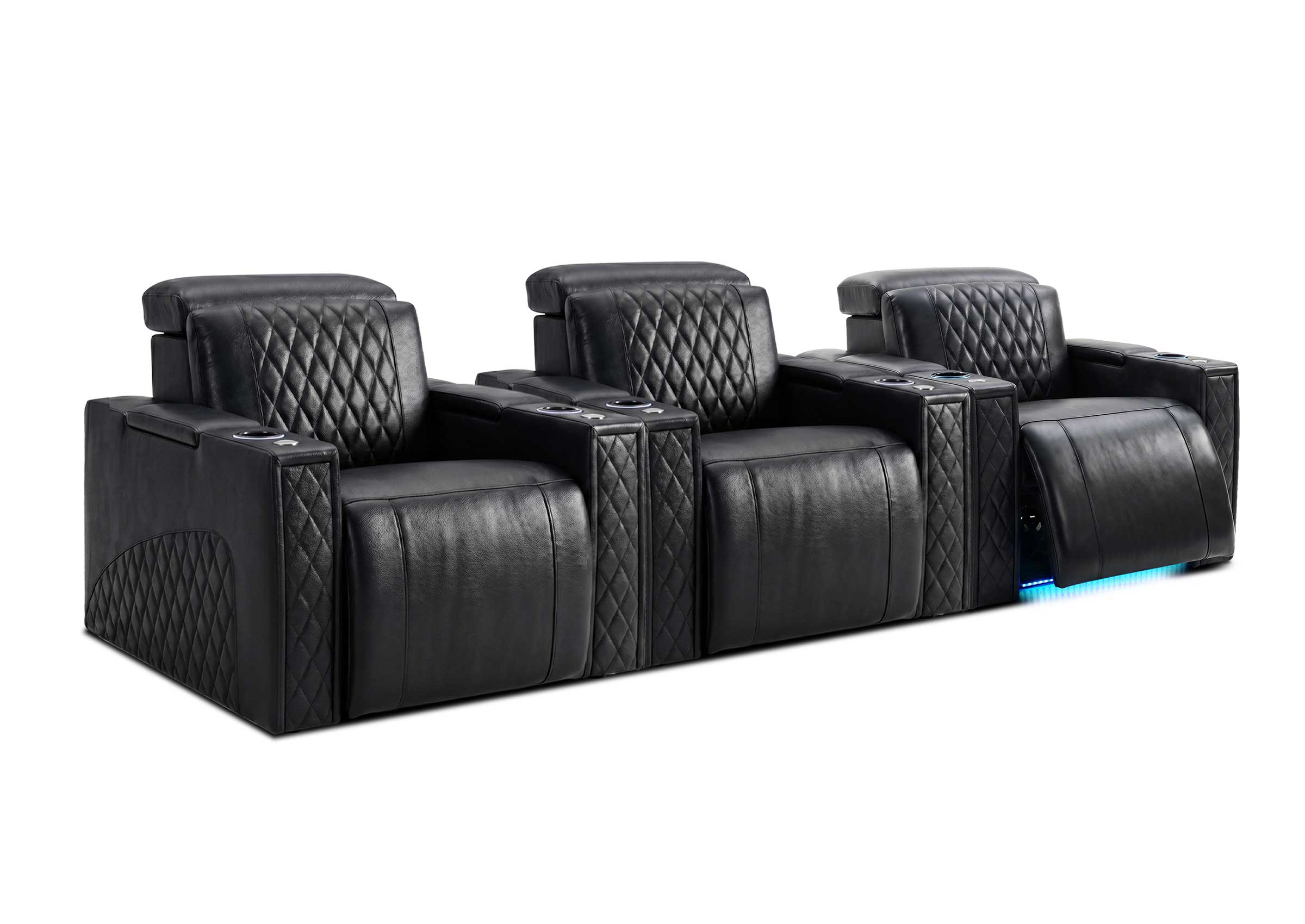

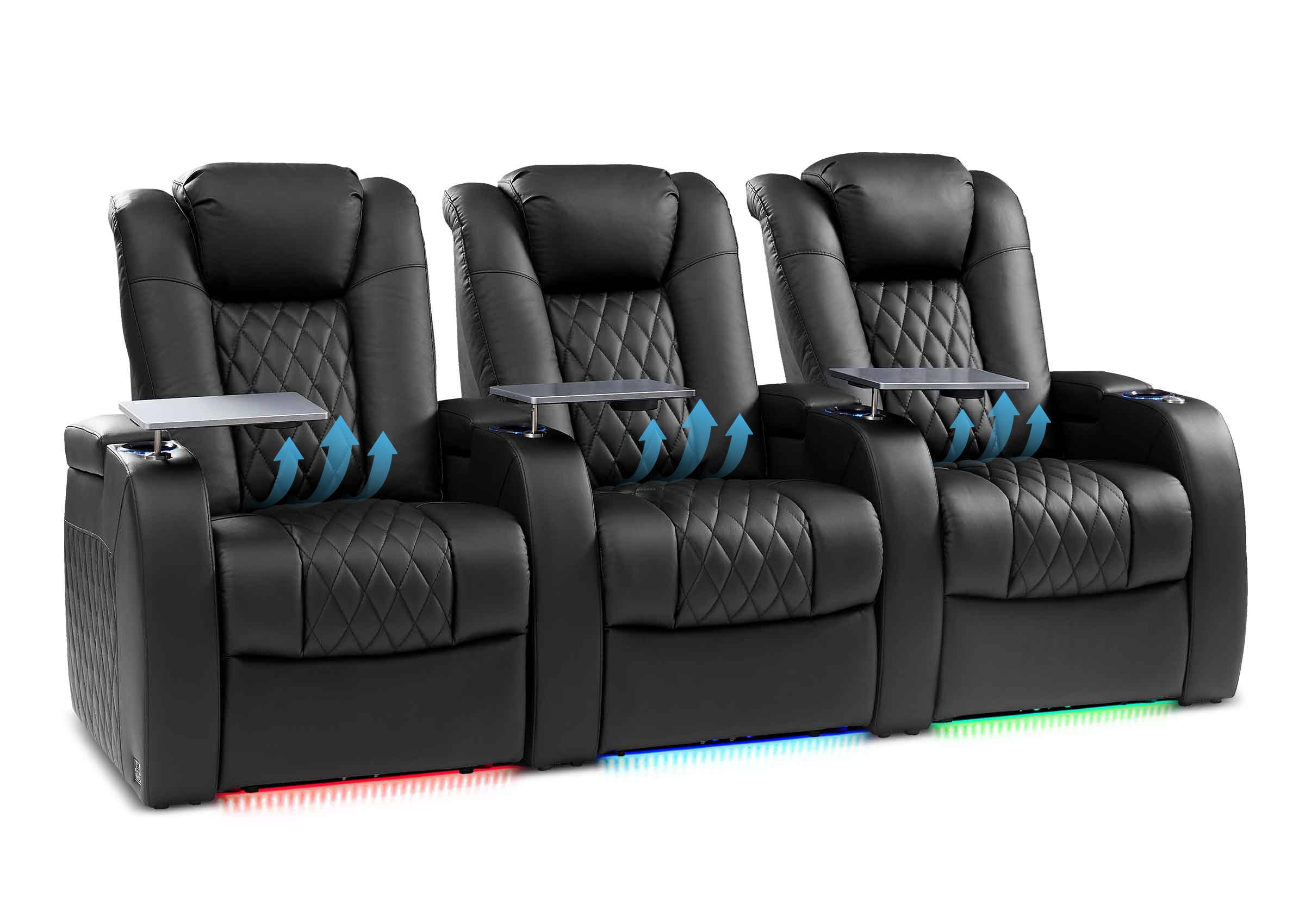
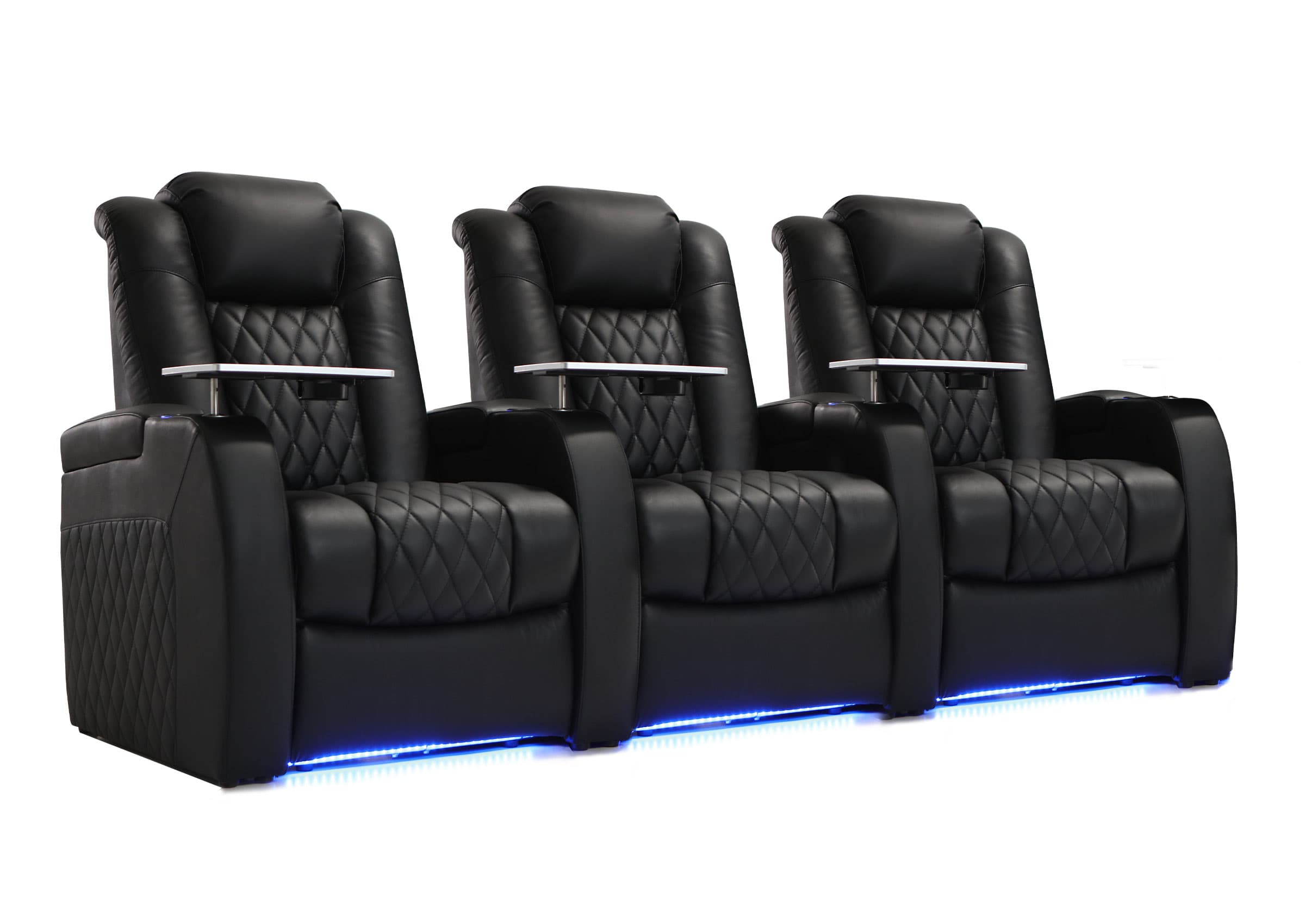
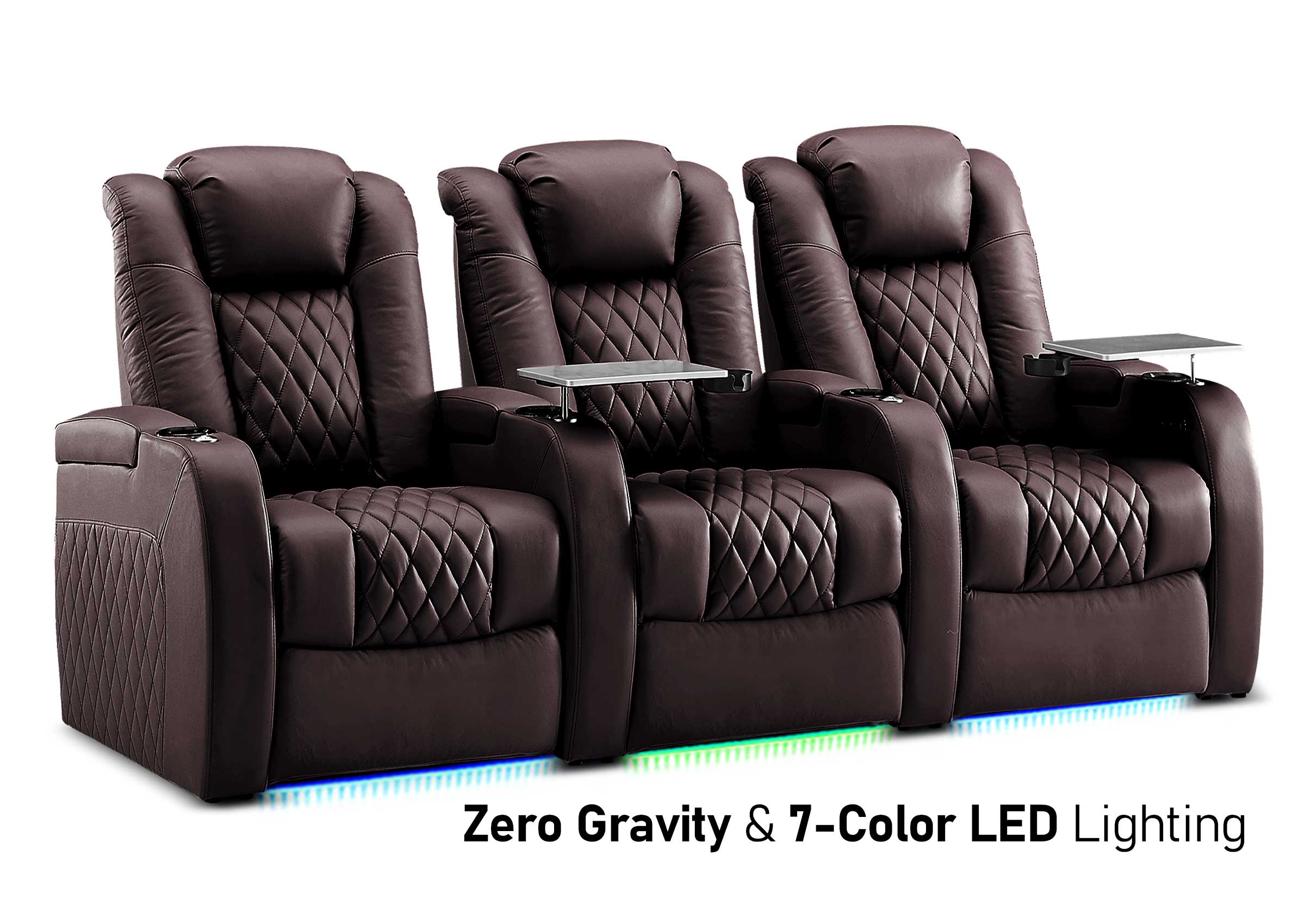

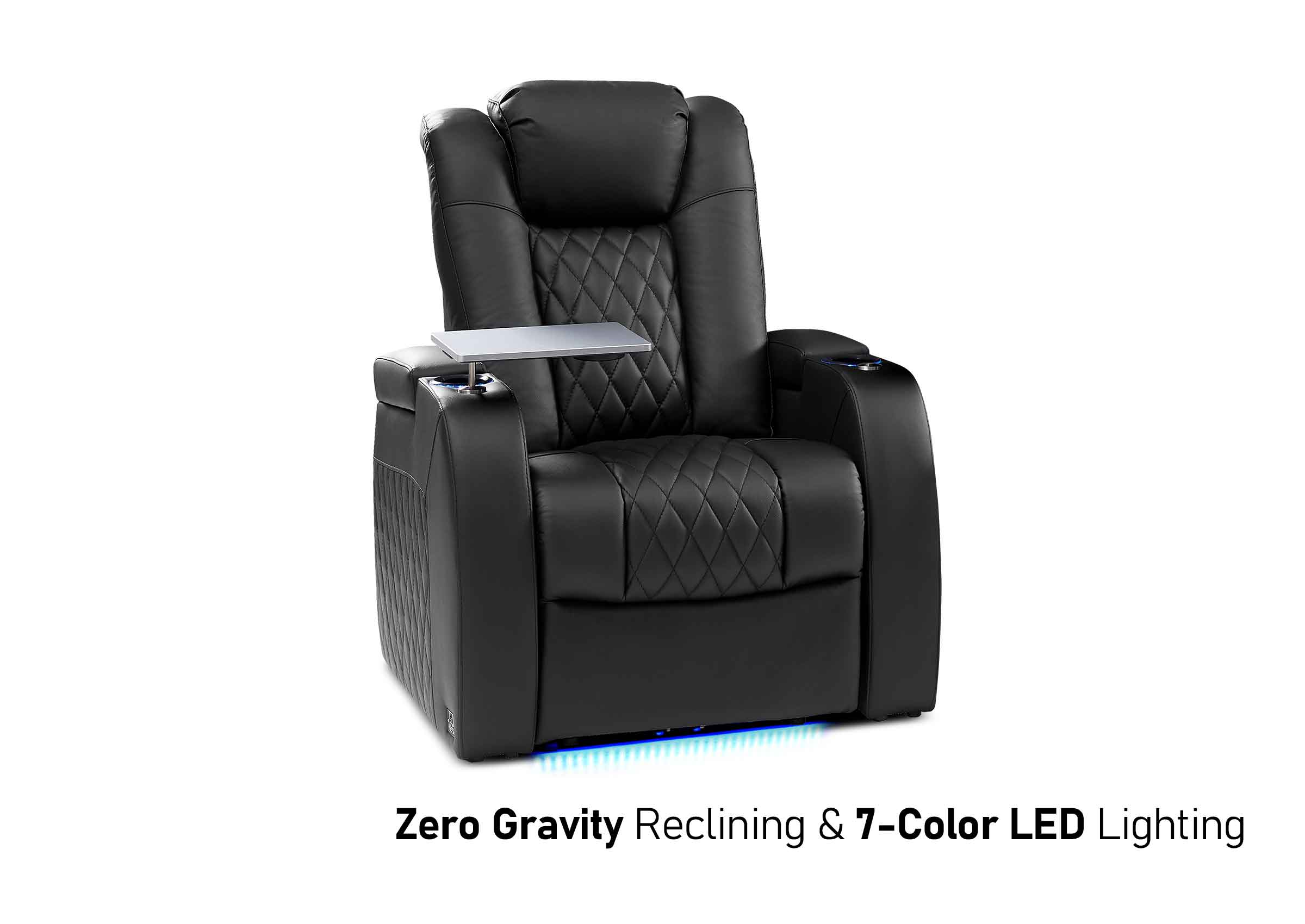
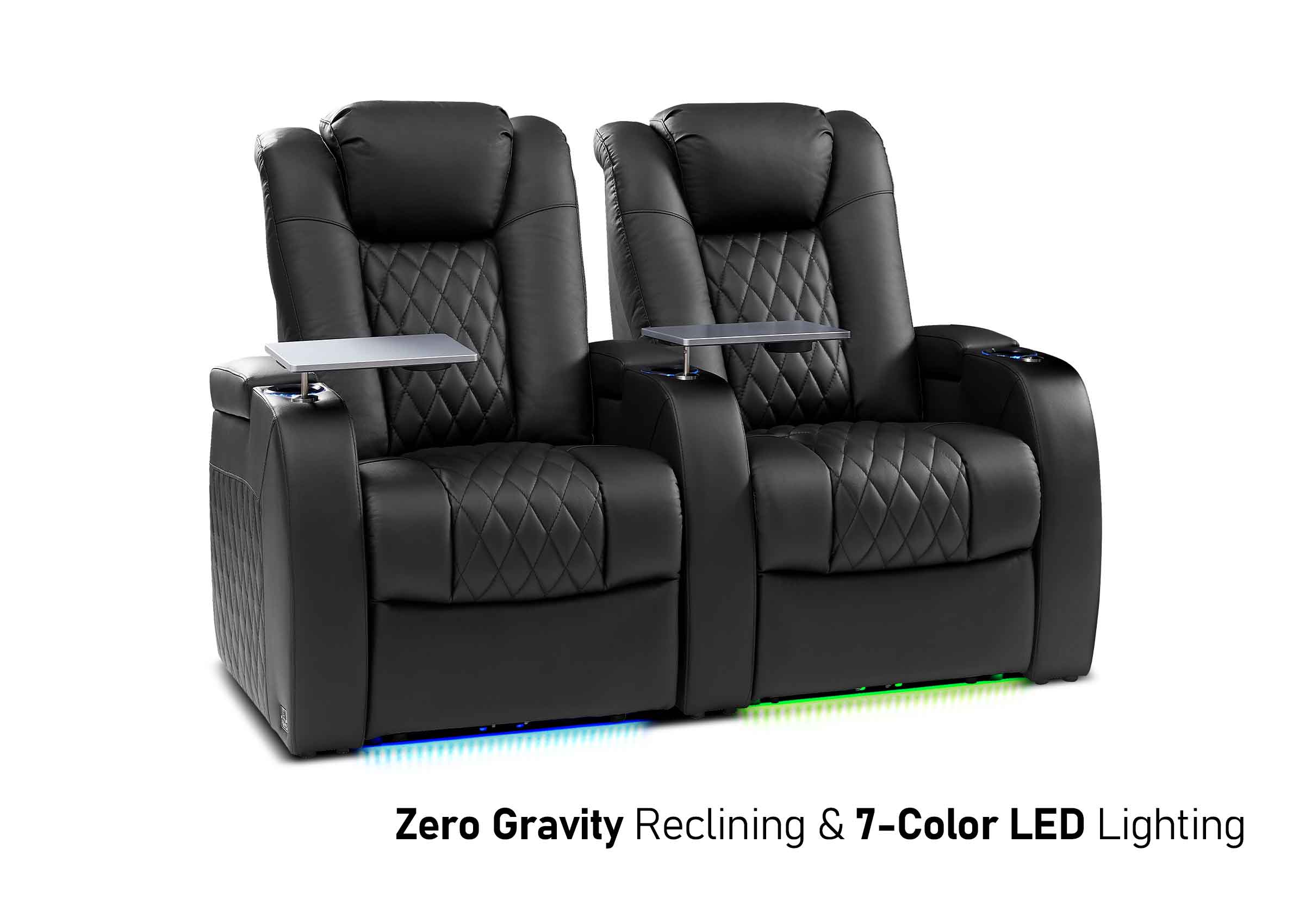
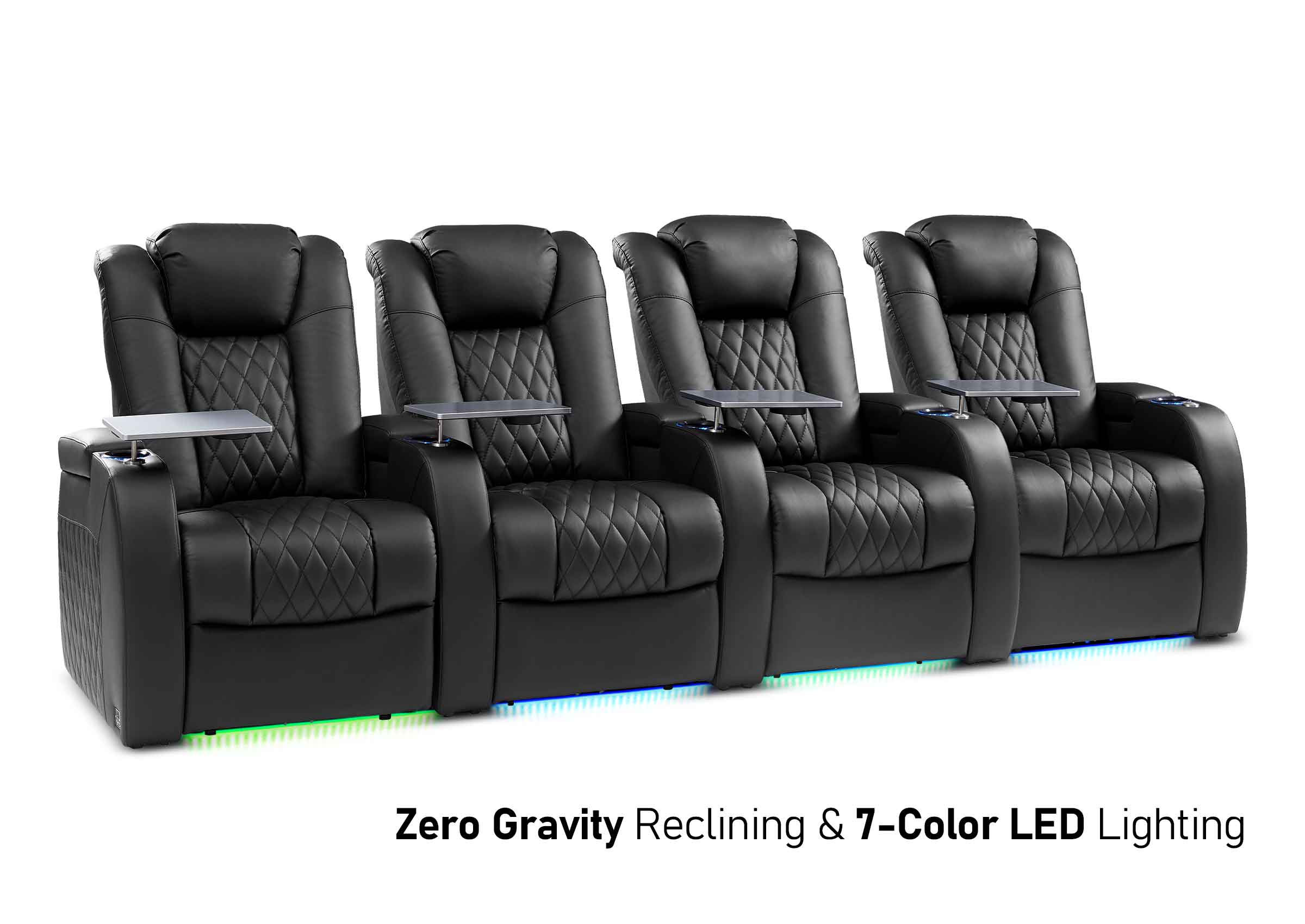
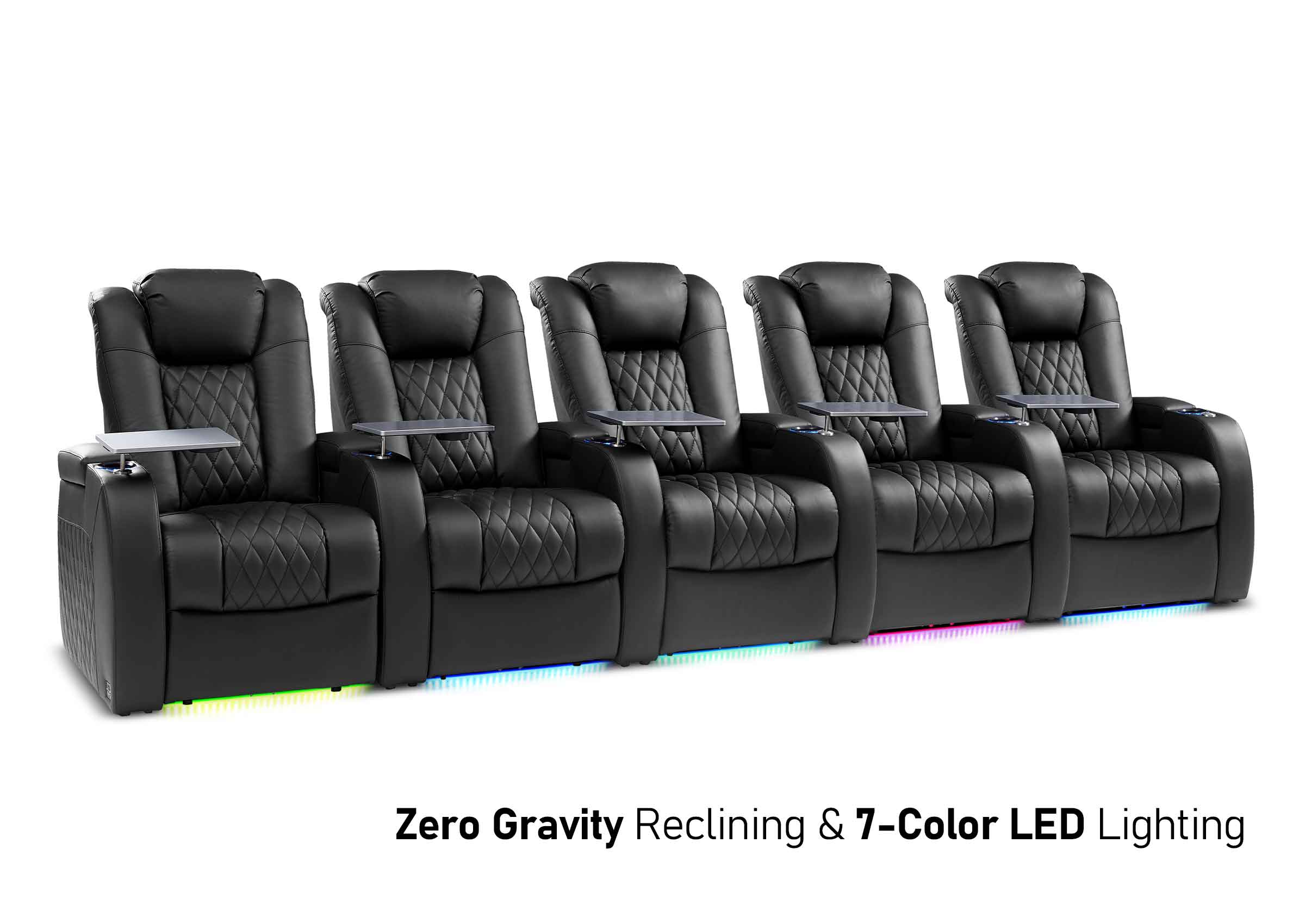
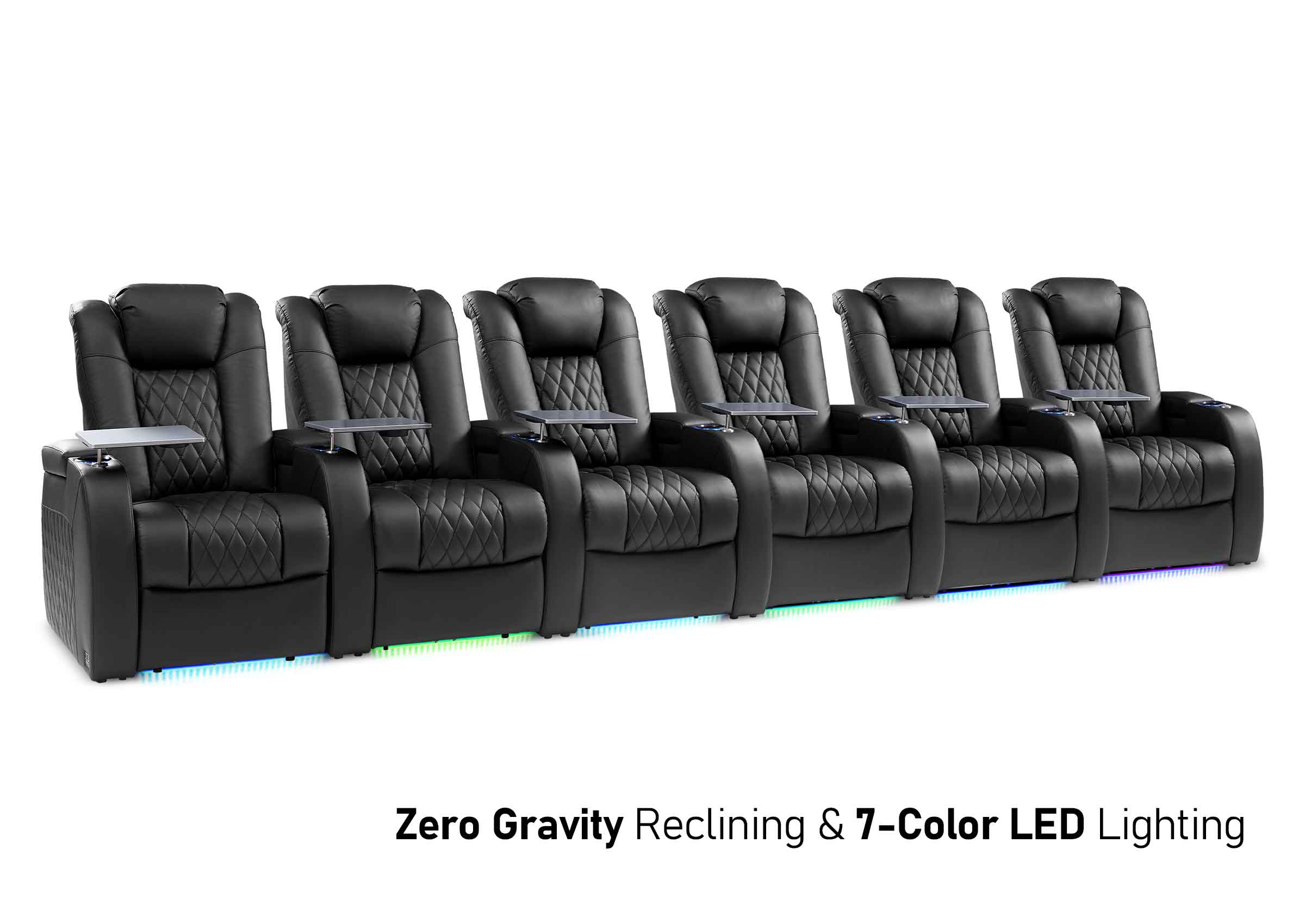
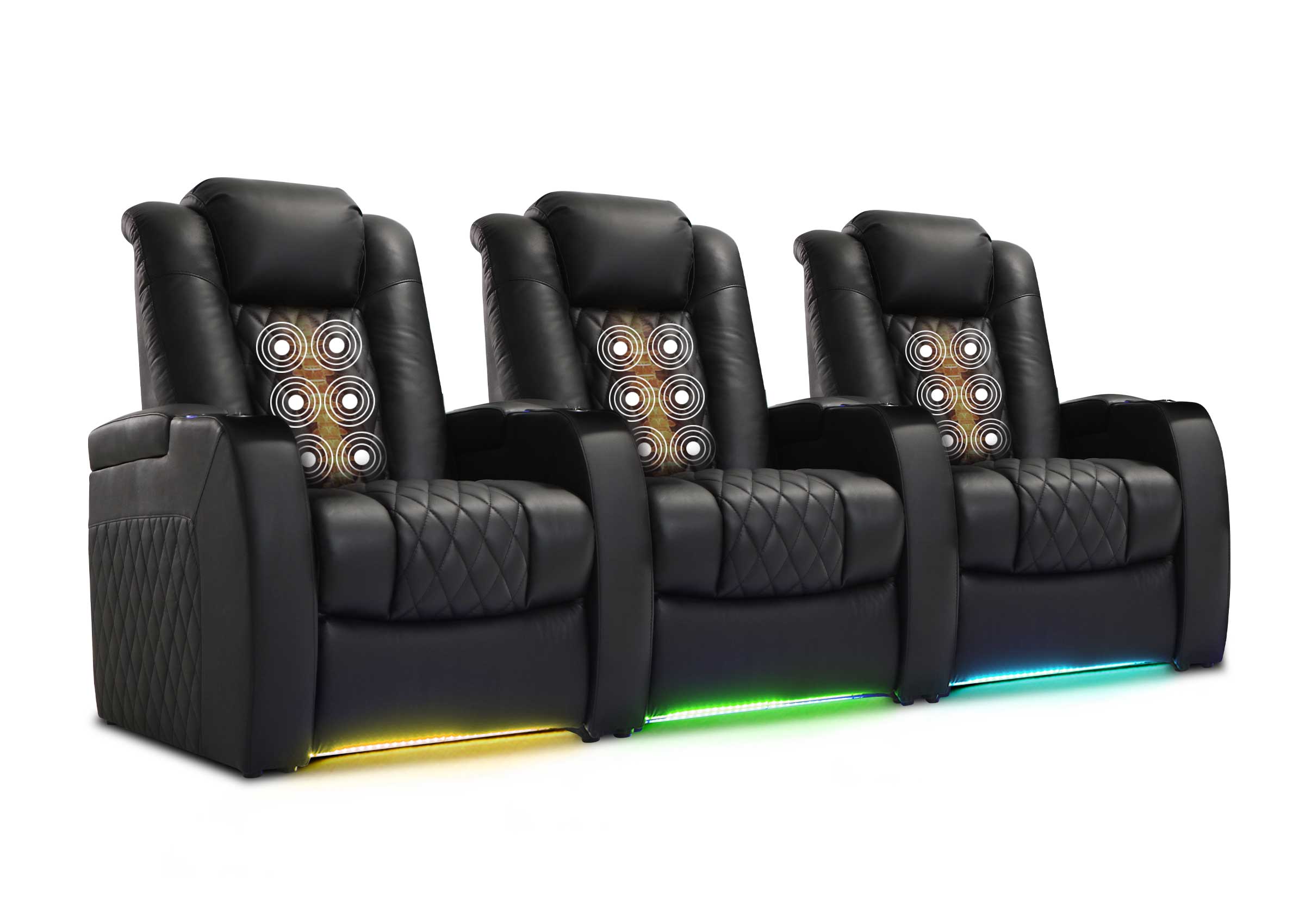

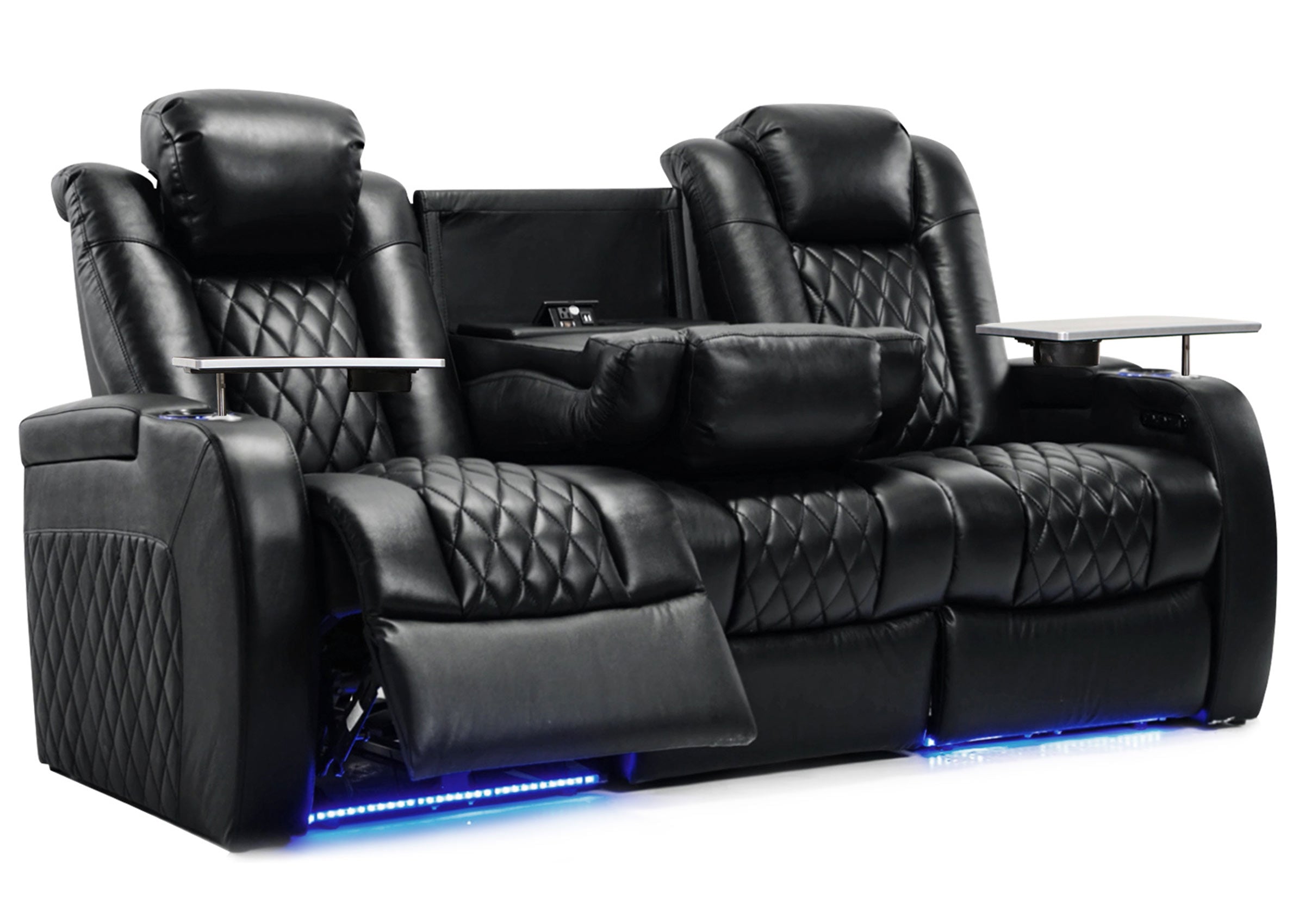



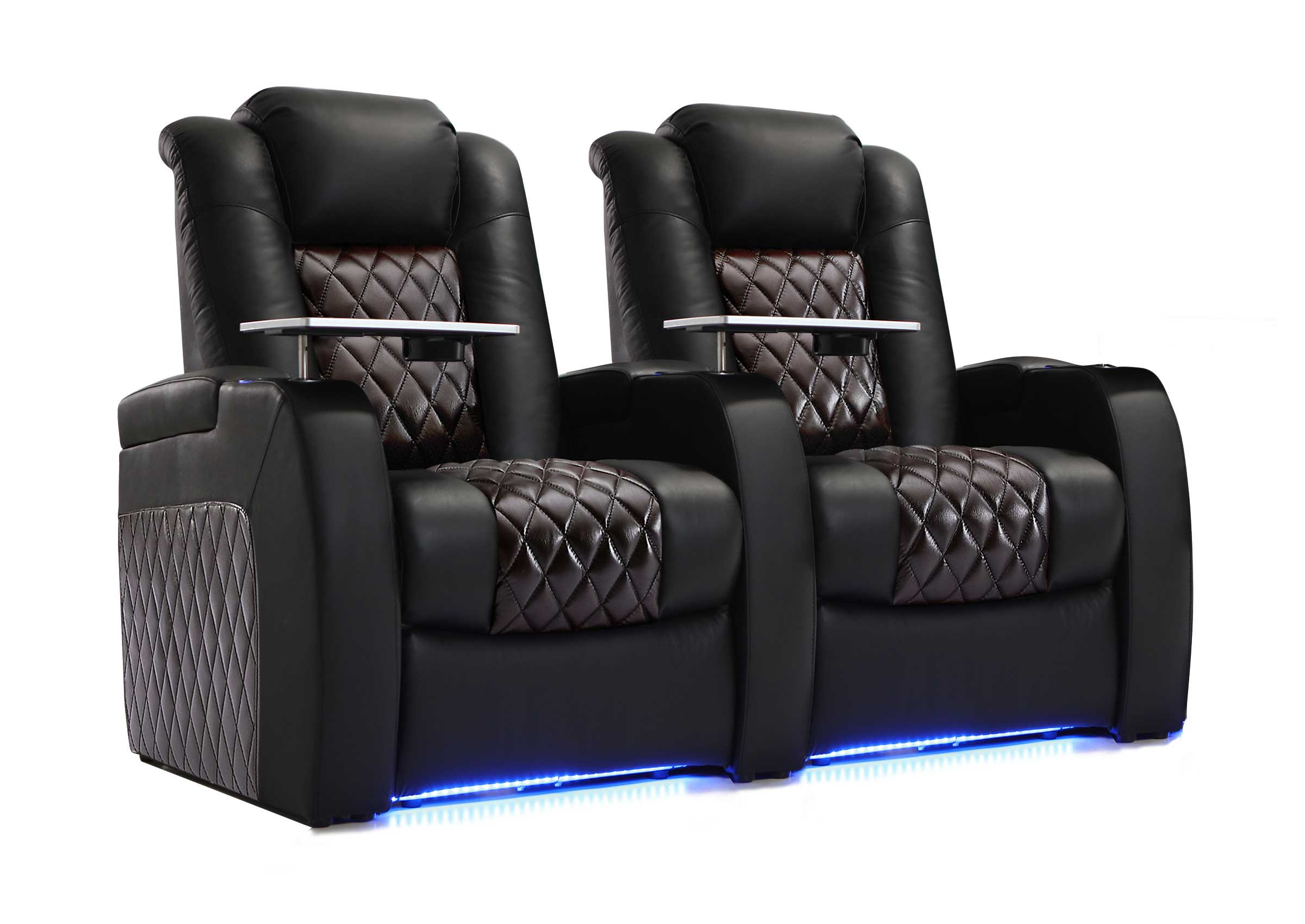
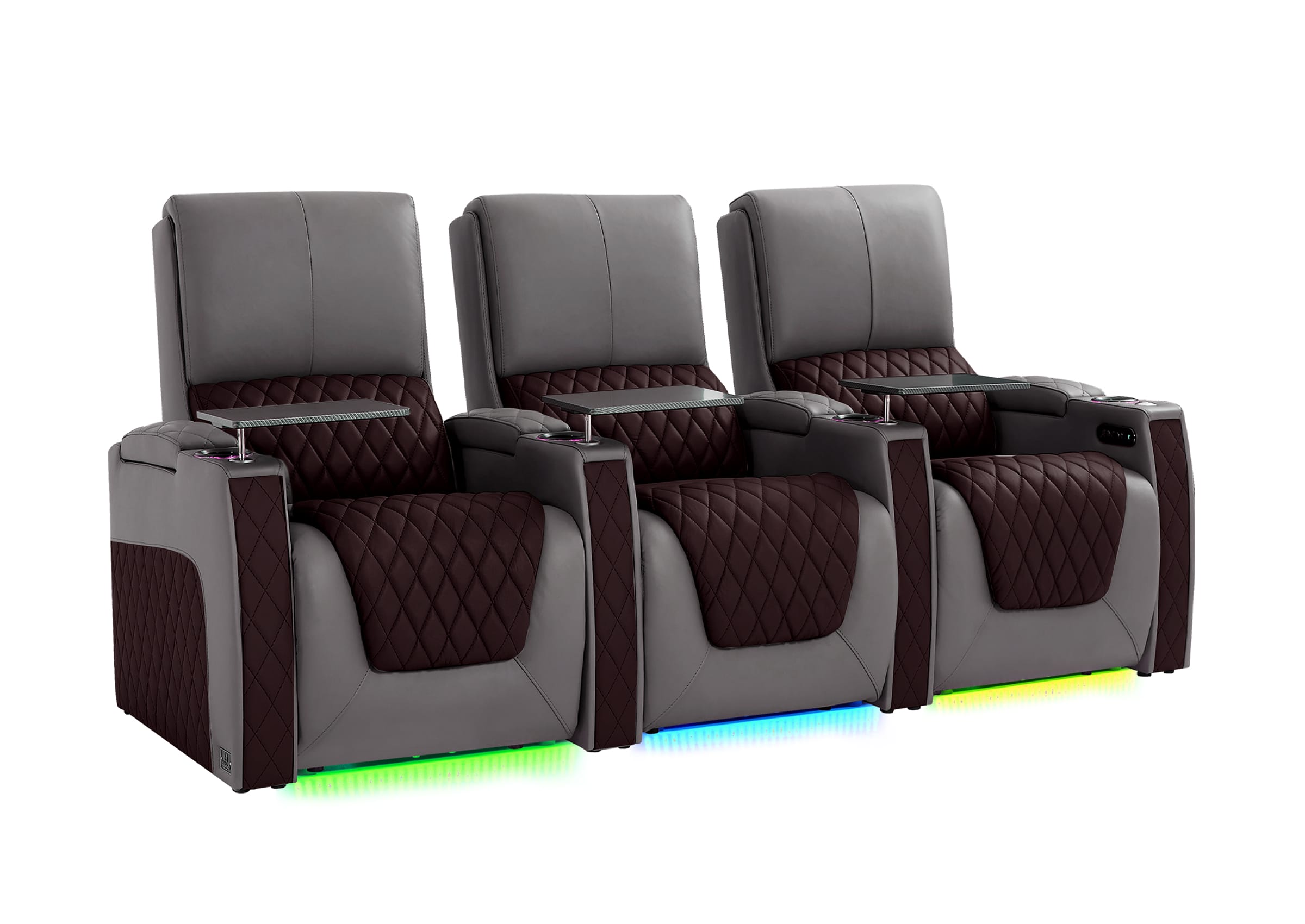
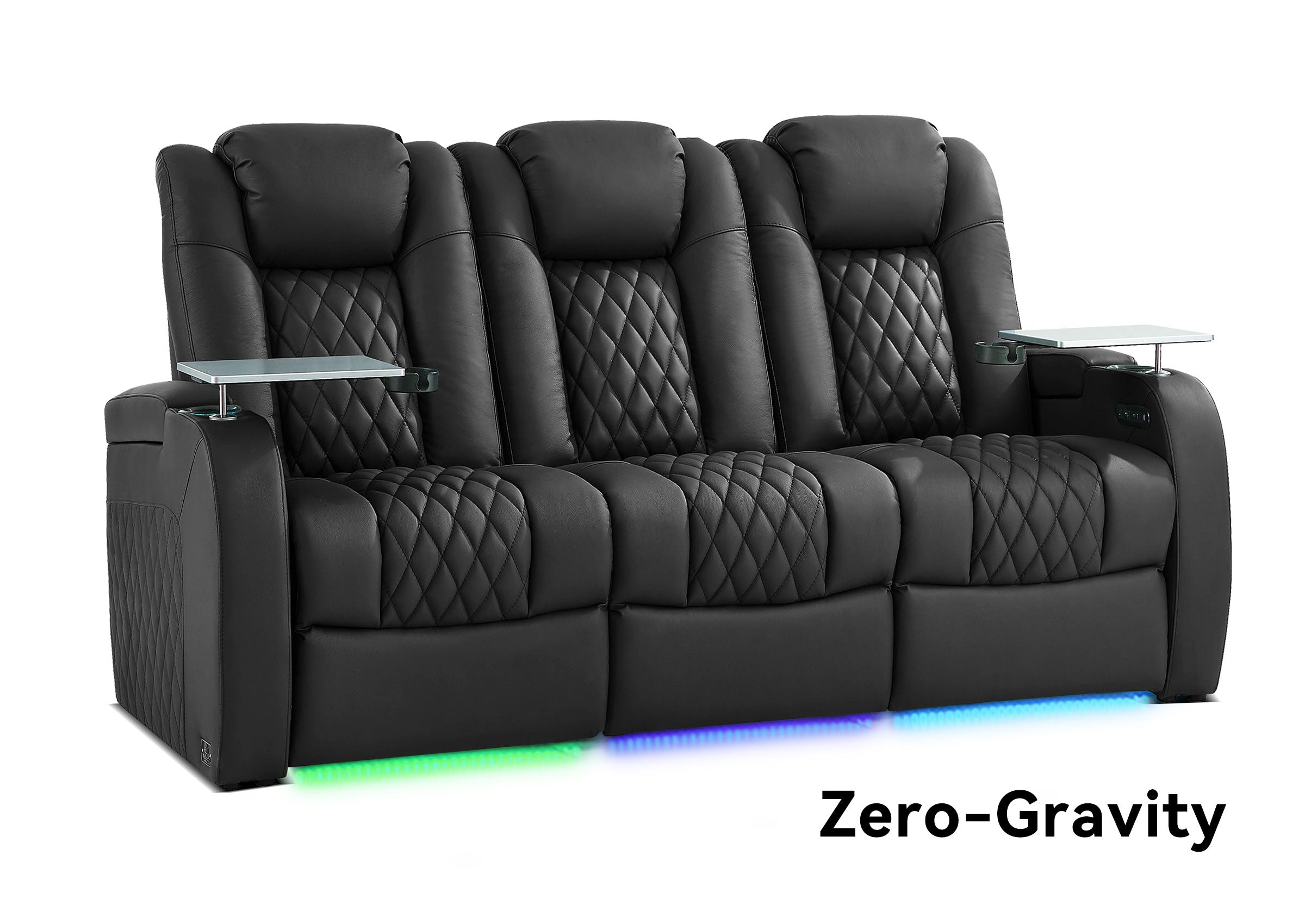


You've got the perfect basement space for a home theater room with pillars. There's only one problem: those steel support columns sitting right where you'd love to place your best seats. Before you abandon your plans or pay thousands to remove structural posts, you should know that plenty of amazing home theaters work beautifully around basement support beams. The key is understanding how to plan your layout so those poles become part of the design instead of obstacles that ruin your viewing experience.
Where Are Your Basement Support Beams and What Do They Block?
Your first step involves grabbing a tape measure and sketching your room dimensions on paper. Getting accurate measurements prevents costly furniture mistakes later.
Measure and Map Each Column
Start by recording these details:
- Distance from each wall to every support post
- Exact diameter of each column (most residential lally columns measure 3-4 inches across, while older homes may have larger posts)
- Height from floor to ceiling where posts are located
Identify Problem Zones
Stand where you imagine placing your screen and look back toward potential seating areas. Notice which zones get blocked by columns and which remain clear. Take photos from multiple angles. These visual references help you spot sightline problems that aren't obvious on paper.
Pro Tip: Pay special attention to the center viewing positions, typically the most desirable spots in any theater. Consider how any decorative treatments you add later might increase each column's footprint.

Where to Put Your Screen and Theater Seating Around Poles
Screen placement comes first because it determines everything else. The golden rule: position your screen on a wall where no columns fall between it and your primary seating area. Even a 4-inch post can block critical parts of the image for viewers sitting directly behind it.
Calculate Your Viewing Distance
For a 120-inch diagonal screen, seats should sit 12-20 feet away for comfortable viewing. If a column sits in that sweet spot, you have two choices:
- Move the screen to a different wall
- Shift your theater seating to one side of the room
Consider Side or Split Configurations
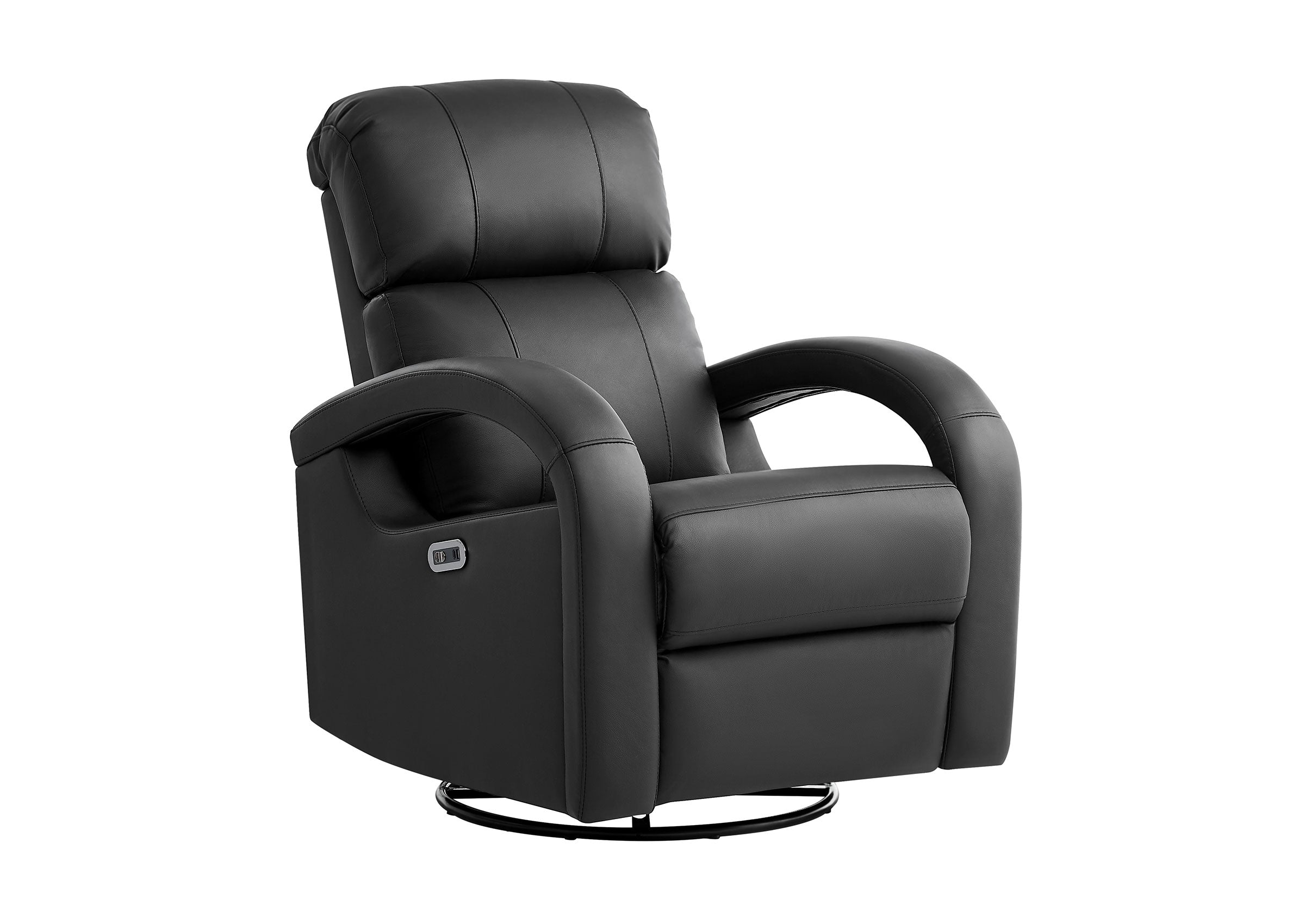
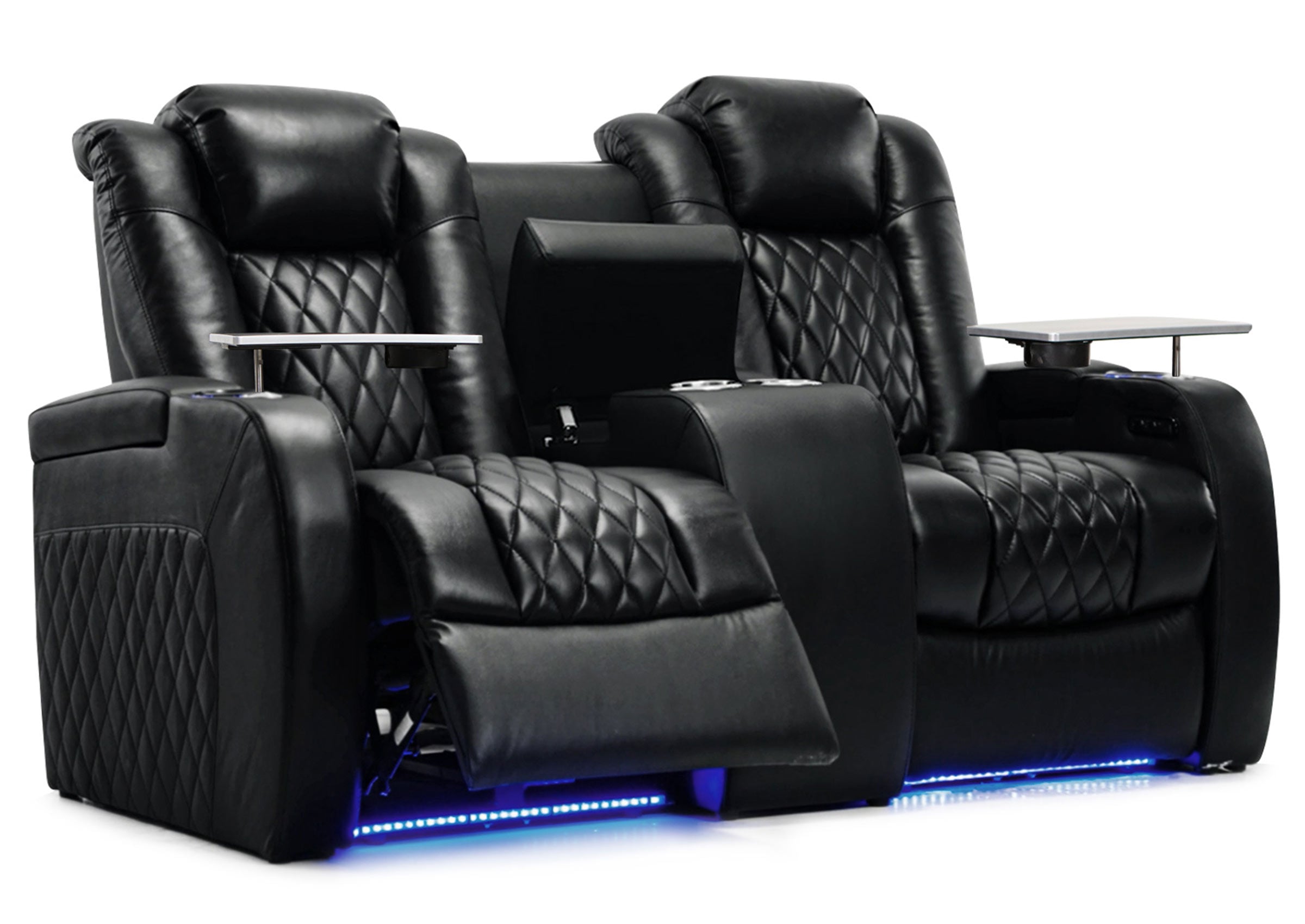
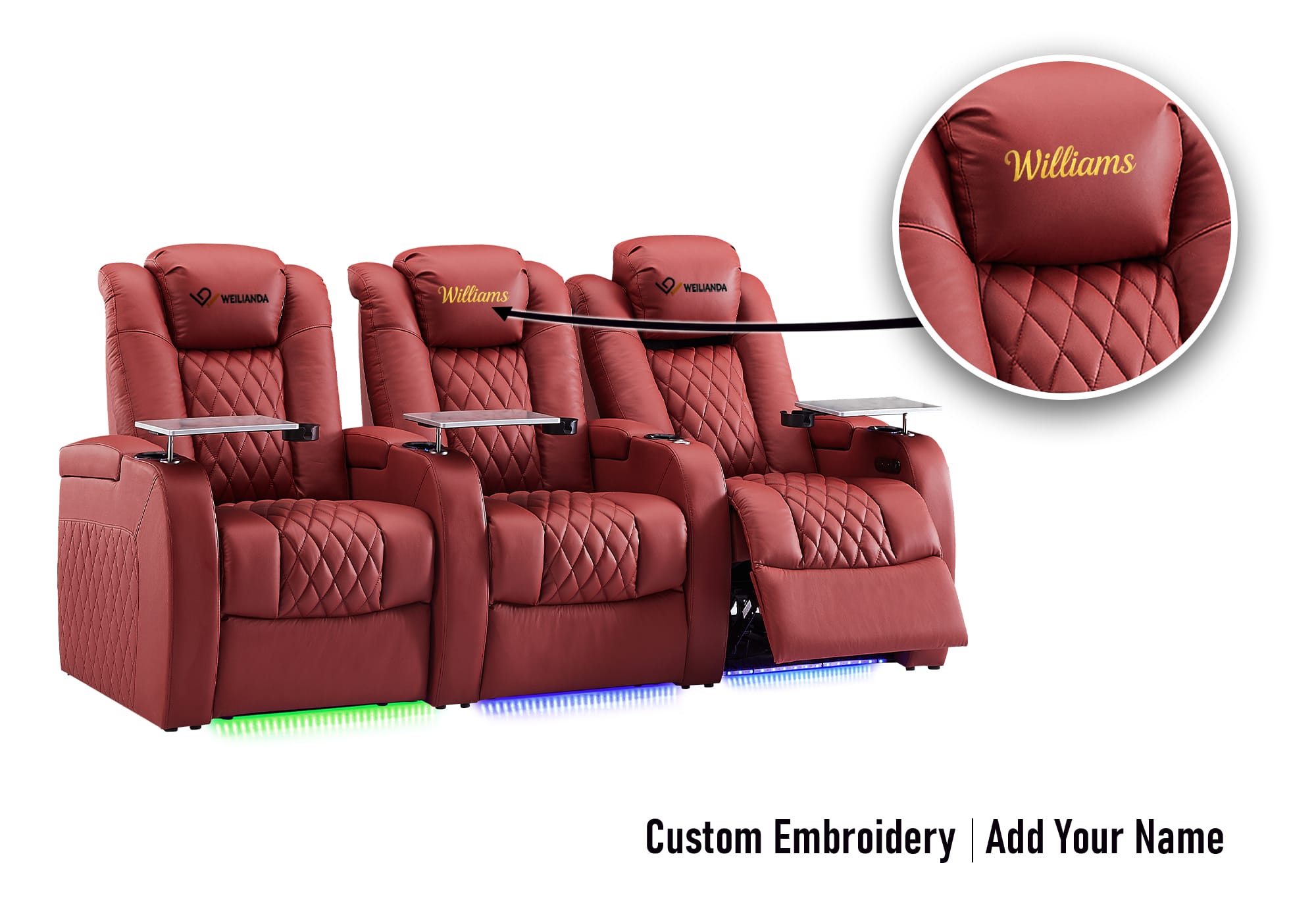
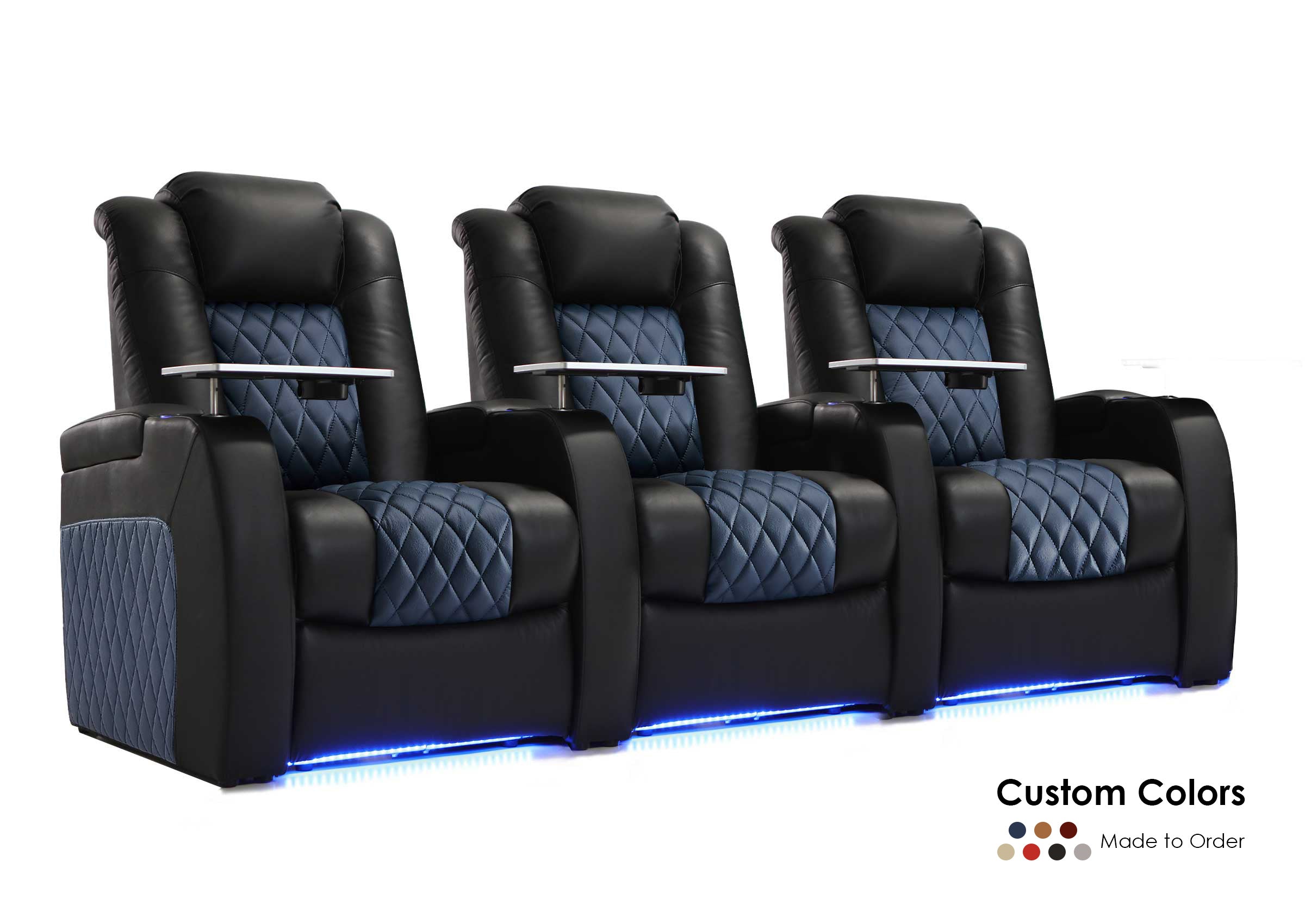
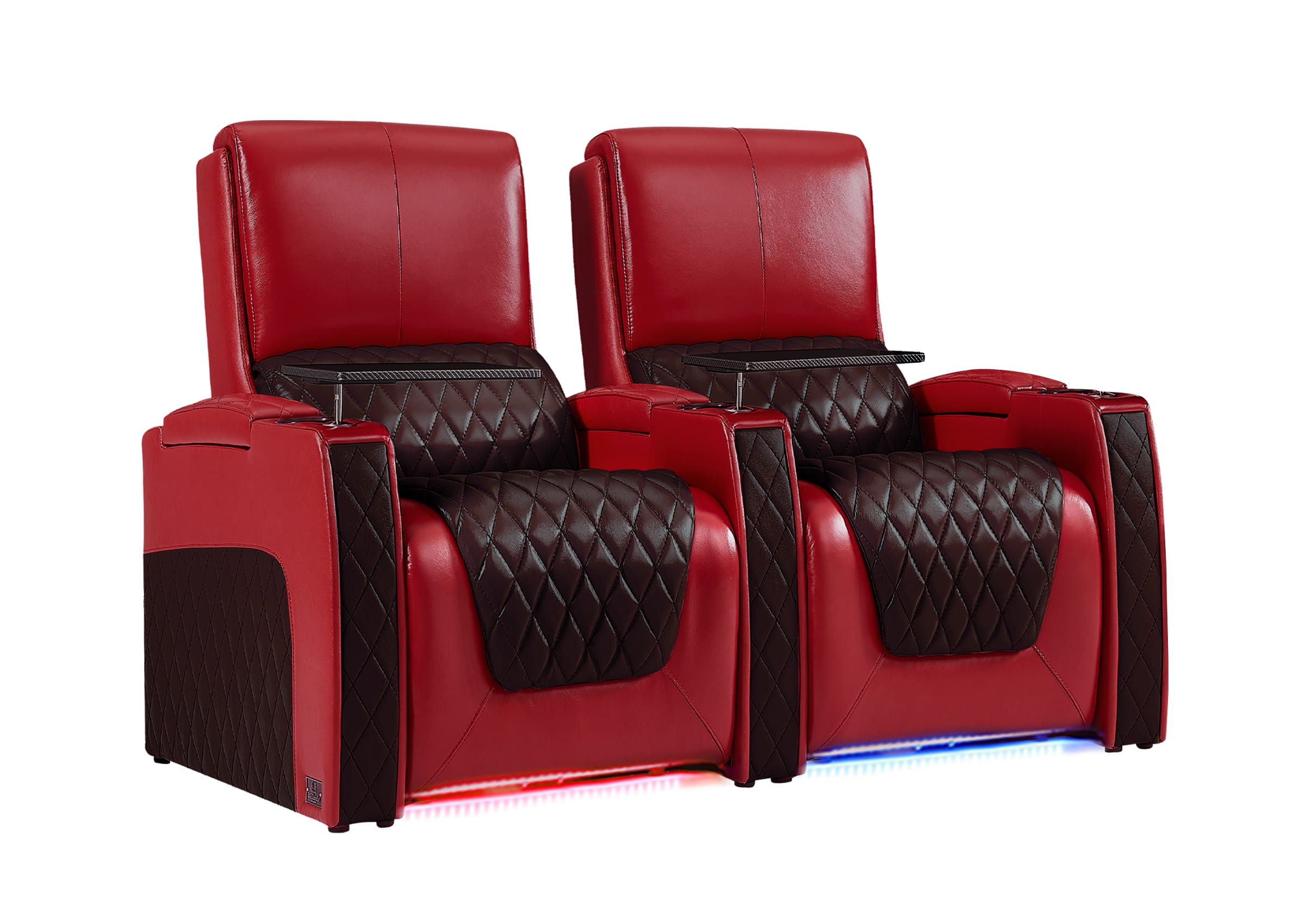
Side placement actually works better than you'd think. Arrange your theater seating in a curved or angled formation that wraps around the column rather than fighting against it. Picture a small movie theater where seats angle slightly toward the screen.
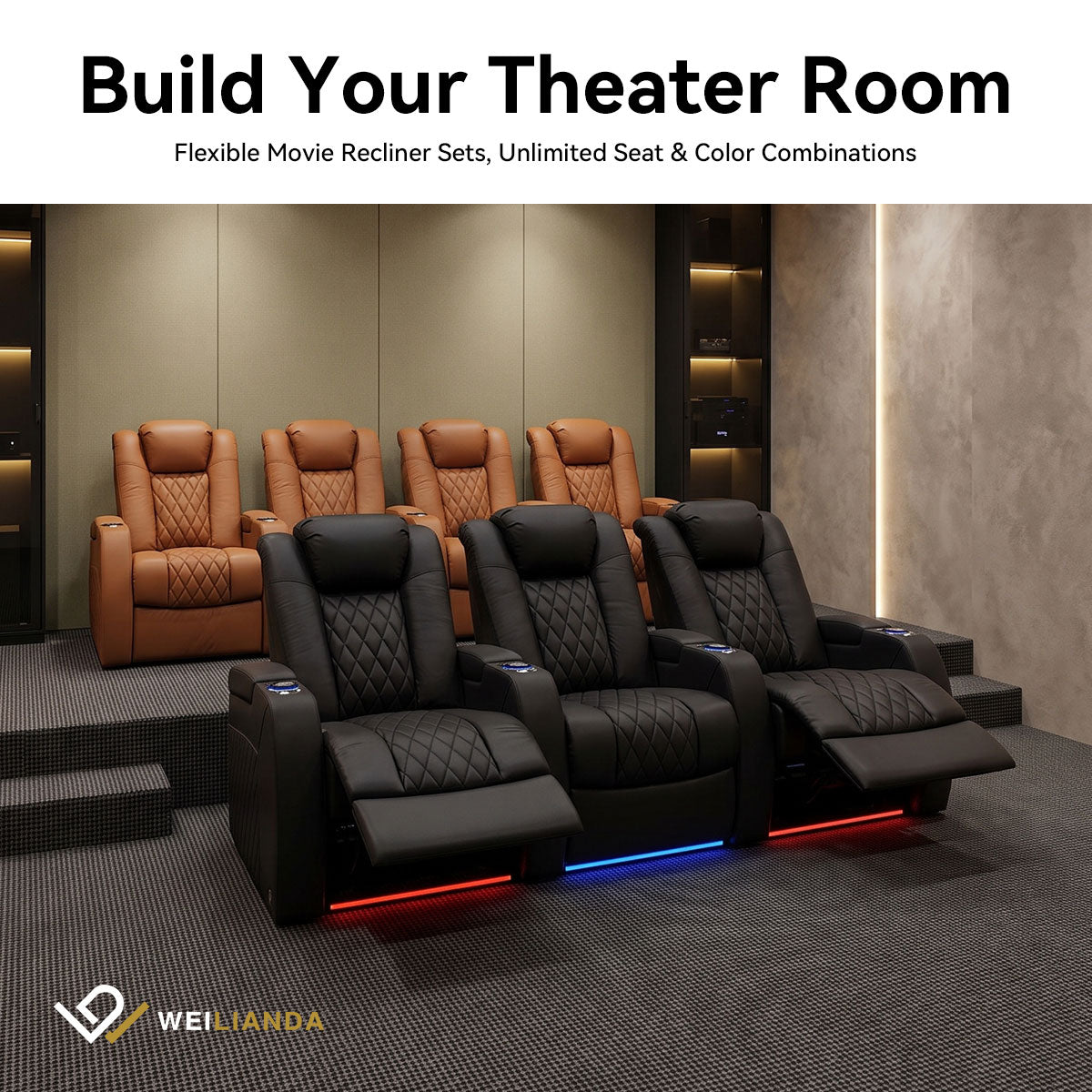
For rooms with center posts, consider a split configuration. Place two rows of two seats on either side of the column, leaving an aisle down the middle. Each viewer gets an unobstructed sightline, and the natural walking path between seat groups keeps traffic away from reclined footrests.
Remember that power recliners need 3-4 feet of clearance behind them when fully extended. Factor this spacing into your layout before committing to a seating arrangement.

Offset and Angled Theater Seating Arrangements That Work
Professional theaters rarely place seats in perfectly straight rows, and you shouldn't either when dealing with support posts. Staggered seating solves the dual problem of columns blocking views and tall viewers blocking shorter people behind them.
The Staggered Approach
Position your back row seats in the gaps between front row seats. Someone sitting in row two looks between the shoulders of people in row one instead of at the back of their heads. This offset pattern also helps viewers peek around columns that might otherwise obstruct their view.
Angle Your Seats for Better Sightlines
Angled configurations work particularly well for basement layouts:
- Face all seats toward the screen's center point rather than keeping them parallel to the wall
- Angle the side seats slightly to improve viewing angles and steer sightlines around posts
- Create a gentle curve in your row if space allows
Theater seating arranged in a gentle arc puts every viewer roughly the same distance from the screen and naturally routes sightlines around obstacles.
How to Cover Basement Poles with Lighting and Decor
Exposed steel columns don't have to look industrial. Three approaches can transform them from eyesores into intentional design elements.
Wood Wrapping
Build a square or rectangular box around each post using MDF boards or pine planks. Paint or stain the wood to match your wall color or create contrast with a darker finish. This approach creates a finished, built-in appearance that looks intentional.
LED Accent Lighting
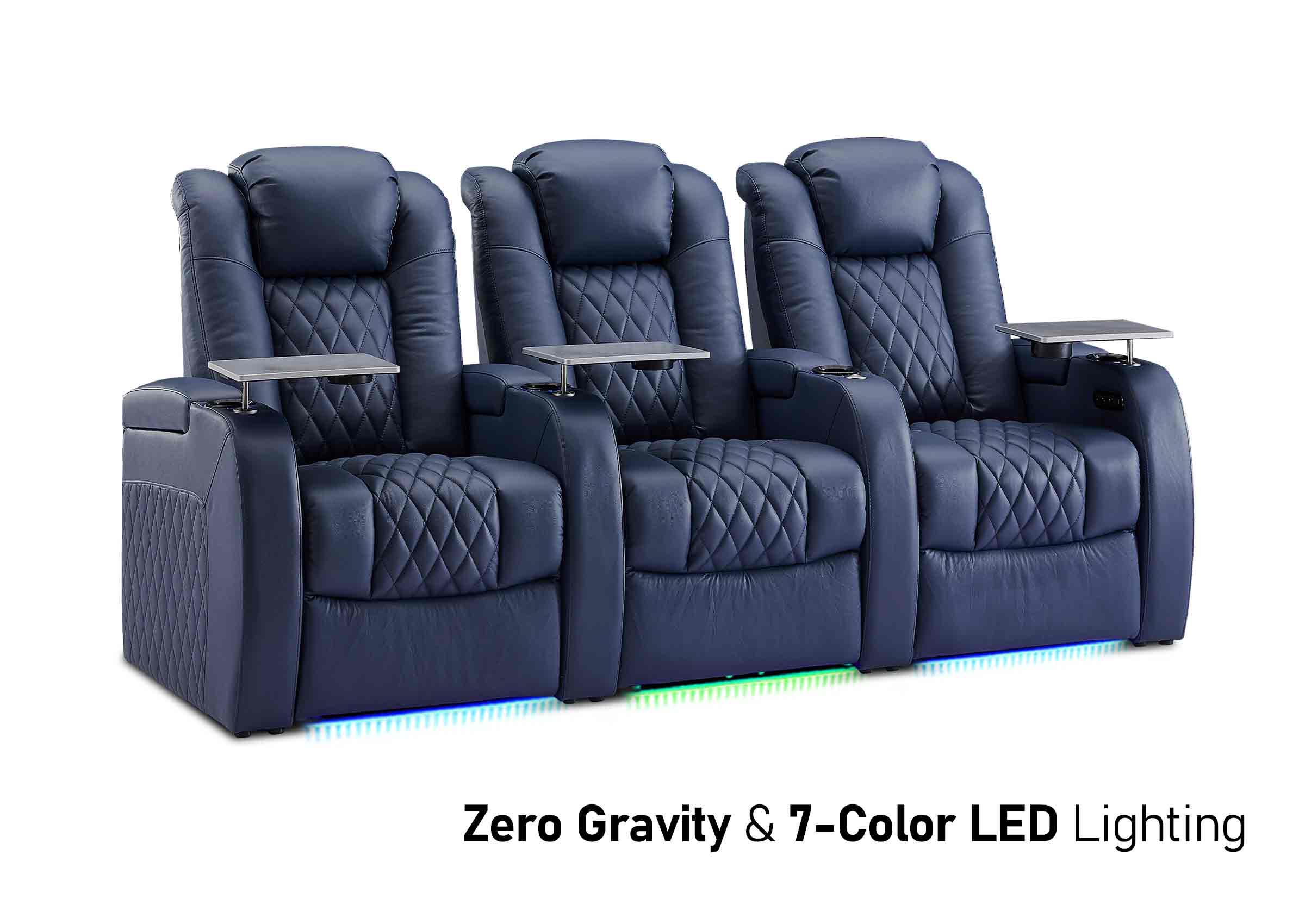
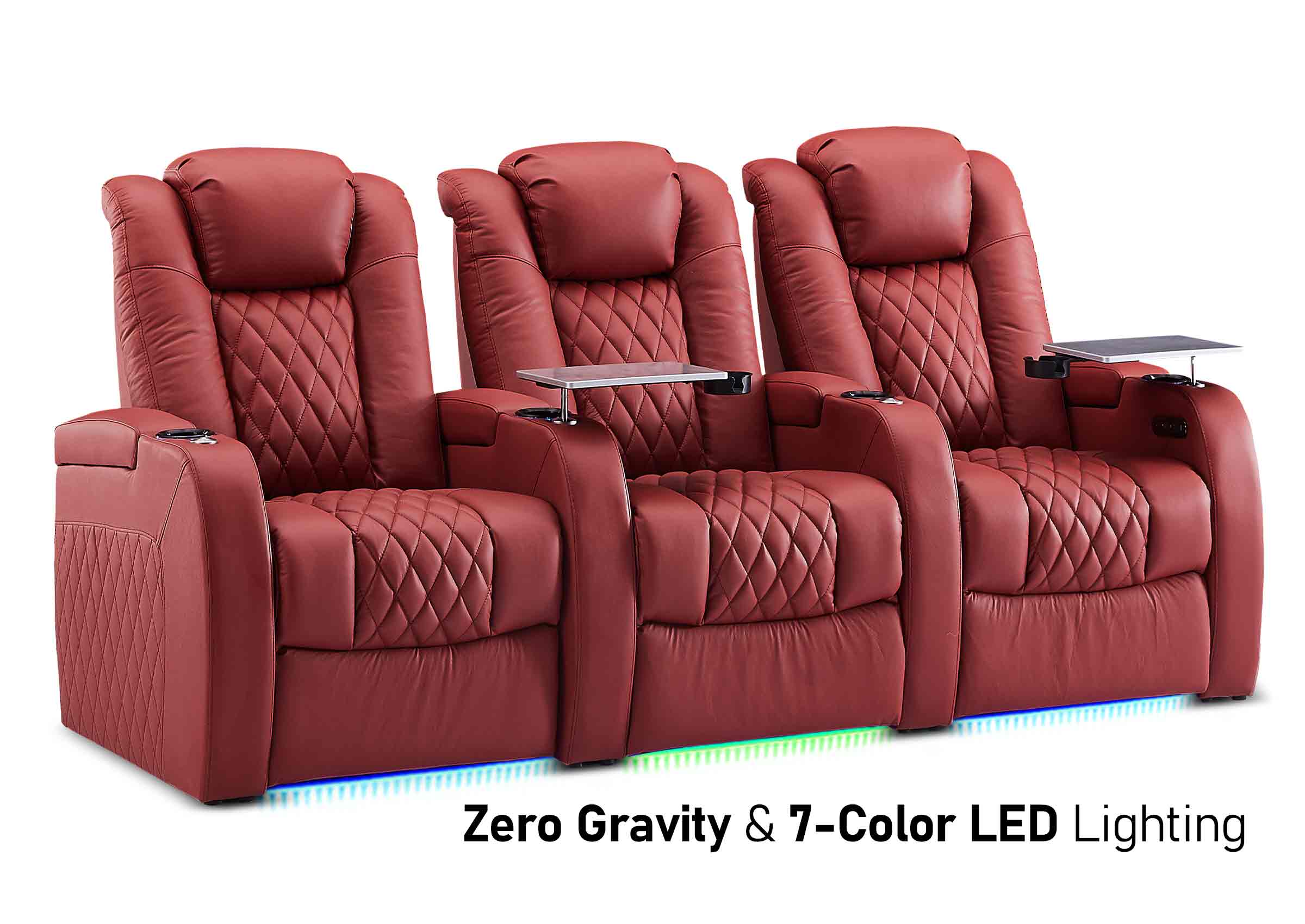
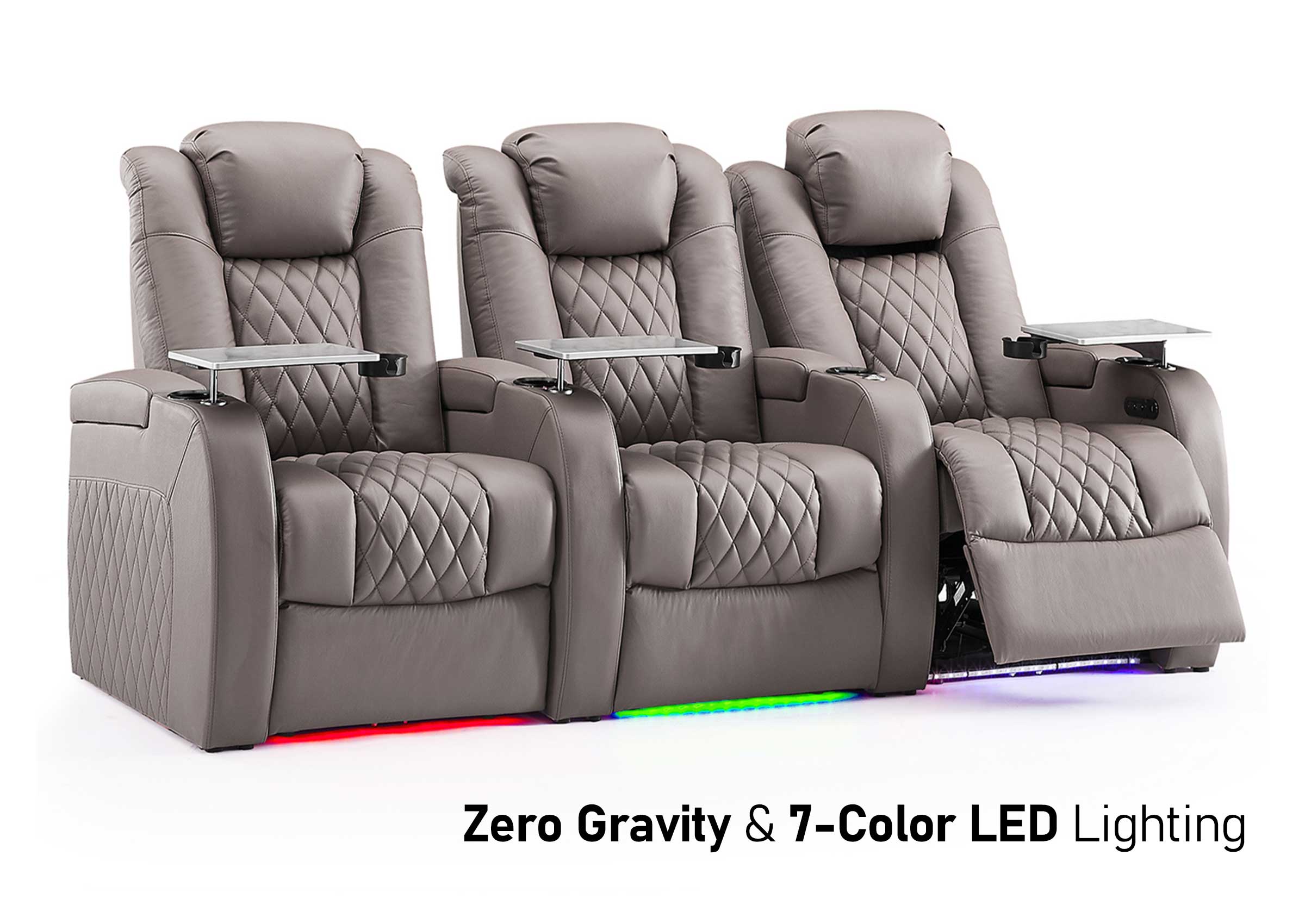
Install color-changing LED strips in vertical channels on opposite sides of each column. The uplighting creates an ambient glow that serves double duty as mood lighting during movies. This approach keeps the column slim while making it a deliberate part of your lighting design.
Decorative Column Wraps
Pre-made PVC column covers slip over support posts and come in styles from classical fluted designs to modern minimalist sleeves. These wraps typically cost less than custom carpentry and install in under an hour per column.
Keep column wrapping as slim as practical. Bulky treatments consume floor space and make obstructions more noticeable instead of disguising them.

How to Plan Walkways and Home Theater Layout with Multiple Posts
Accessible aisles matter as much as good sightlines. Building codes typically require 36 inches of clearway for main aisles and 24 inches minimum for side passages. These measurements ensure people can move safely without climbing over seats or squeezing past reclined furniture.
Use Columns to Define Traffic Zones
When you have two or more columns, use them to define natural traffic zones. Run your main aisle between posts instead of trying to navigate around them. The columns actually help create logical room divisions that guide people toward exits without cutting through the prime viewing area.
Embrace Multiple Posts as Room Dividers
For rooms with three or more support posts scattered throughout the space, consider a home theater layout that embraces the columns as room dividers. Position your main seating area in the clearest zone, then use spaces around other posts for secondary functions like a small wet bar, equipment rack, or storage cabinet.
Keep at least 42 inches between the back of any recliner and the nearest wall or obstacle. This clearance allows the seat to extend fully without hitting anything. Some recliners need up to 50 inches of total depth when open, so measure your specific furniture.

What Not to Do: Common Pillar Design Mistakes
Learning from others' errors saves you from expensive do-overs. These common mistakes appear in basement theaters again and again:
- Ignoring Recliner Depth: Buying theater seating before measuring spaces behind each row leads to seats that can't fully recline or footrests that crash into columns.
- Centering Seats on Columns: Placing your best viewing position directly behind a support post seems obvious to avoid, yet people do it surprisingly often when they focus only on room symmetry.
- Hallway-Width Aisles: Leaving only 18-20 inches between seats and posts creates bottlenecks. People carrying drinks or snacks will bump into columns and each other.
- Over-Building Column Covers: Adding excessive decorative material around a slim post makes the obstruction larger and wastes valuable floor space.
- Skipping the Mockup: Failing to test your layout with painters’ tape on the floor before buying furniture. Tape out screen size, seat positions, and column locations to visualize the actual space.
- Assuming All Columns Are Removable: Some support posts can be eliminated with structural modifications costing $3,000-10,000, but many cannot be removed at any price without compromising your home's integrity. Always consult a registered structural engineer before considering removal.
Start Building Your Dream Theater Around Those Pillars
You now have a practical framework for designing around support posts. Measure carefully, prioritize clear sightlines, and remember that offsetting your theater seating beats fighting the column locations. Those basement support beams don't have to limit your plans when you work with them instead of against them.
Begin with accurate measurements and a scaled drawing. Test your layout with tape on the floor. Commit to furniture only after you've confirmed that every home theater seating offers a good view and adequate walking space. Your basement might have structural obstacles, but it can still become the comfortable, functional viewing space you've been imagining.
FAQs about Basement Theater Pillars
Q1: Can I use a projector if a pillar blocks the throw distance?
Yes, you can use a short-throw or ultra-short-throw projector. Short-throw models project large images from just 4-6 feet away, while ultra-short-throw projectors sit inches from the screen. These solutions work well when columns interfere with standard projector placement, though they cost more than conventional models.
Q2: Do support columns affect sound quality in a home theater?
Yes, they can. Steel and concrete columns reflect sound waves differently than drywall, creating acoustic dead spots or echo points. Position surround speakers away from posts when possible, and consider adding acoustic panels to column surfaces. Bass frequencies bounce off dense columns more than mid-range sounds, potentially muddying your audio.
Q3: Should I insulate basement support beams before covering them?
No, insulation isn't necessary for interior basement columns. These posts don't conduct outside temperatures since they're fully enclosed within your home's thermal envelope. Focus your insulation efforts on exterior basement walls and rim joist insulation instead. Adding insulation around columns wastes money and increases their visual footprint unnecessarily.
Q4: Can I attach shelving or TV mounts directly to lally columns?
No, don't drill into or weld onto structural support posts. Penetrating the steel shell can compromise the column's load-bearing capacity and violate building codes. Instead, build a wooden frame around the post, then attach shelves or mounts to that decorative boxing. This approach keeps the structural element intact while adding functionality.
Q5: How do I run cables around basement support posts?
Run cables through the floor joists above or along baseboards around posts rather than across open floor space. Use cable raceways painted to match your walls, or create a channel in custom column wrapping to hide wires vertically. For HDMI or speaker cables crossing walking paths, use cord covers rated for foot traffic to prevent tripping hazards.