






























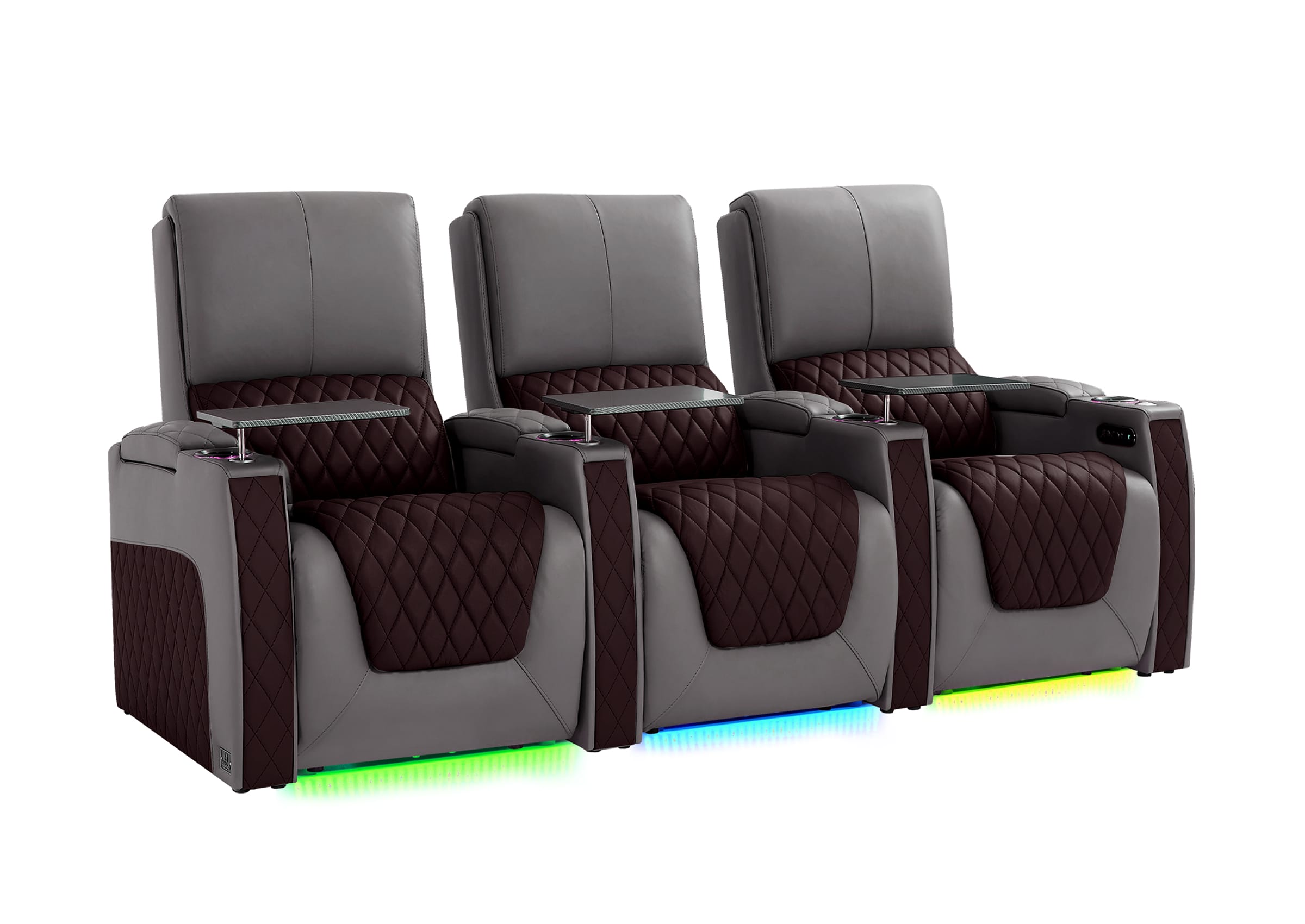
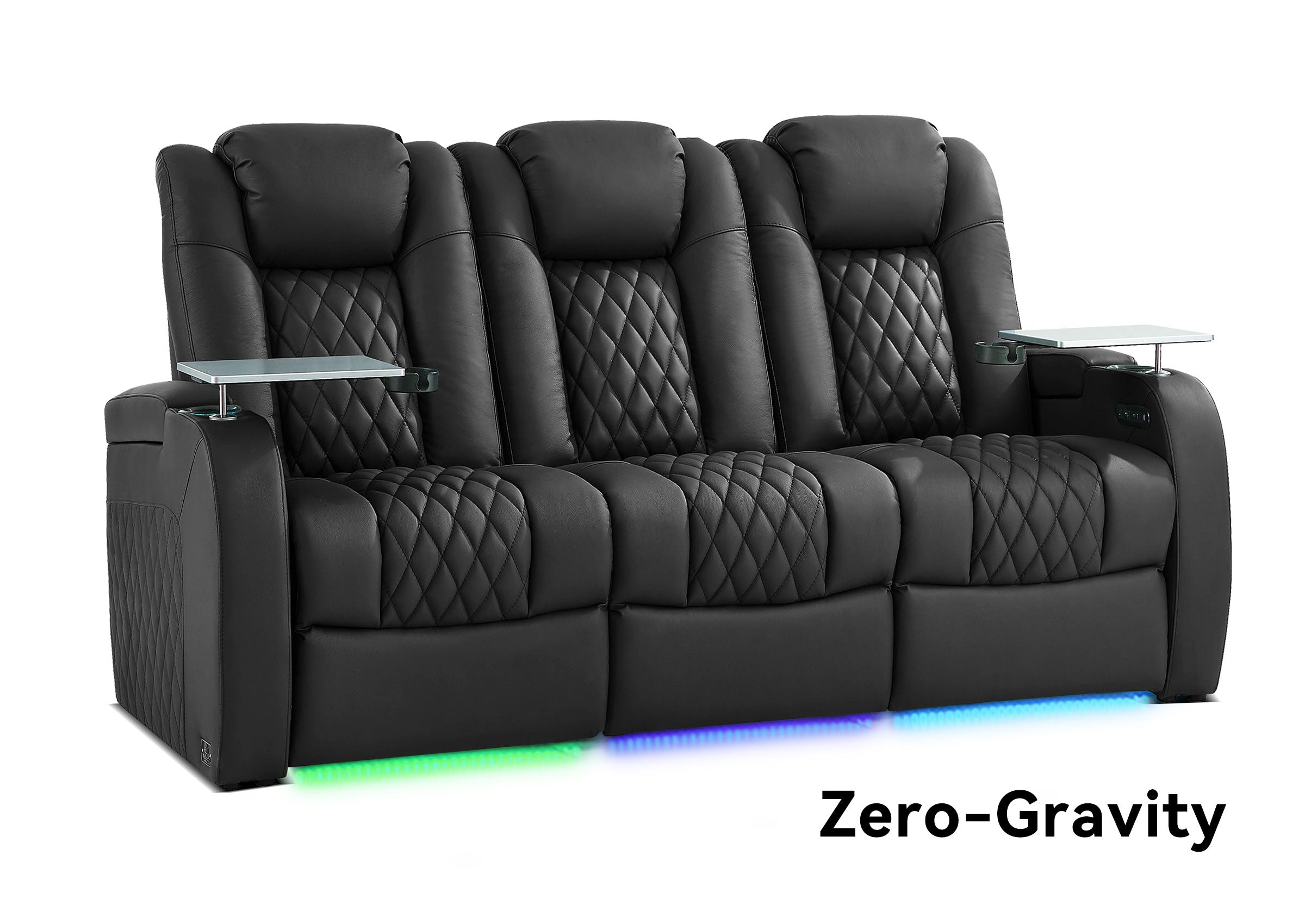


A home theater chair stays comfortable through a long movie when it supports more than one fixed sitting position. Seat height, usable seat depth, cushion response, head and lower-back support, leg support, heat buildup, and easy adjustment all affect how the chair feels after the first hour.
That is why the softest chair in a showroom is not automatically the most comfortable chair for a two- or three-hour film. Initial softness creates a quick impression. Lasting comfort depends on whether the chair continues to support your body as you recline, shift position, reach for a drink, and settle back into the movie.
Why Can a Comfortable Chair Start Feeling Uncomfortable During a Long Movie?
Small problems become more noticeable when you remain seated for a long time. A headrest that feels slightly prominent may gradually encourage you to tilt your chin down. A deep seat may seem spacious at first but make a shorter viewer slide forward to reach the floor or footrest. A very soft cushion may feel luxurious until it compresses enough to change the relationship between the seat, lumbar area, and armrests.
People also do not watch an entire movie in one perfectly still posture. You may begin upright, recline during the film, sit forward during an intense scene, or move one leg to relieve pressure. A chair that works in only one position can become restrictive even if that position initially feels good.
The useful question is therefore not simply, “Is this chair comfortable?” It is:
Does the chair keep the important parts of my body supported while allowing me to change position without repeatedly fighting the seat?
What Should a Home Theater Chair Support While You Watch?
Long-movie comfort works like a chain. The head, lower back, hips, thighs, and legs affect one another. If one area is poorly positioned, the viewer may compensate somewhere else.
Does the headrest support your viewing position?
A home theater chair should let you look toward the screen without continually lifting your head, lowering your chin, or leaning away from the backrest. This becomes especially important when the chair reclines because the relationship between your head, eyes, and screen changes.
A thick fixed headrest may feel supportive but push some viewers too far forward when upright. A low back may work for one person and leave another without useful head support. An adjustable headrest can help, but only if its adjustment range reaches the position the user actually needs.
Evaluate the chair while looking forward, not while staring down at a phone. Your normal screen position is the relevant test. If the screen relationship is still being planned, use this home theater screen size guide to evaluate viewing distance and screen placement alongside the occupied chair.
Does the lumbar area stay in contact with your lower back?
Useful lumbar support fills the space behind the lower back without feeling like a hard ridge or forcing the pelvis forward. More pronounced support is not automatically better.
Notice what happens after reclining. If the lower back loses contact with the chair, you may begin to slouch or keep readjusting. If a lumbar feature pushes too far forward, it may become more distracting over time. Adjustable lumbar support can be valuable for a shared chair, but it cannot fully correct a seat whose basic proportions do not fit the user.
Is the usable seat depth right for your body?
Usable seat depth matters more than the chair’s total exterior depth. The back cushion, upholstery shape, and reclining design all affect how much sitting space is actually available.
When the seat is too deep, a shorter viewer may be unable to use the backrest and bend the knees naturally at the same time. Sliding forward to reach a comfortable leg position then removes the intended lumbar and head support. When the seat is too shallow, a taller viewer may feel that the thighs are not supported well enough.
There is no single seat depth that fits every person. The practical goal is to sit against the backrest without strong pressure behind the knees and without needing a loose pillow simply to reach the support surfaces.
Does the footrest support the legs in the right place?
The footrest should support the legs without concentrating pressure at an awkward point on the calves or leaving the legs feeling unsupported. Its endpoint will feel different to users of different heights.
Also consider the transition between the seat and footrest. A large unsupported gap, an abrupt edge, or a footrest that does not rise far enough can become more noticeable during a long viewing session. If the chair offers independent adjustments, test whether the back and leg positions can be balanced rather than assuming the deepest recline will be the most comfortable.
How Does Chair Height Affect Long-Movie Comfort?
Chair height affects both body support and the viewing experience. A seat that is too high may leave a shorter person without comfortable floor contact when upright. A seat that is too low may create a more closed knee angle for a taller viewer or make standing up less convenient.
Overall back height matters as well. The back should relate to the viewer’s shoulder and head position without unnecessarily blocking sightlines or interfering with the intended speaker relationship. In a multi-row theater, a taller chair may also affect the view from the row behind it.
Do not choose height from one measurement alone. Check the complete relationship among:
- Seat height and the user’s feet when upright
- Seat depth and the bend of the knees
- Back height and headrest position
- Eye direction in the normal viewing position
- The occupied chair and the sightline from any rear row
A chair can fit the floor plan and still be the wrong height for the person or screen arrangement.

Why Does the Recline Button Position Matter?
Recline controls seem like a minor detail until you use them several times during a movie. If the button is difficult to locate, partly blocked by an armrest accessory, or positioned so that the user must twist or reach behind the body, changing position becomes an interruption rather than a convenience.
Good control placement should allow the user to adjust the chair while remaining naturally seated. The controls should be easy to distinguish by touch, but not so exposed that they are constantly activated by accident. If the chair has separate controls for the back, headrest, lumbar area, or footrest, their functions should be understandable without repeatedly turning on a room light.
Before choosing a chair, consider:
- Whether the primary user can reach every control without leaning or twisting
- Whether a cup, tray table, blanket, or neighboring seat could obstruct access
- Whether the buttons are easy to identify in a dark room
- Whether accidental activation is likely when resting an arm or shifting position
- Whether separate functions return to a comfortable position without a long sequence of corrections
Power adjustment is most useful when it makes small position changes easier. A long feature list adds little if the controls make those features inconvenient to use.

Is a Softer Cushion Better for Long Movies?
Not necessarily. Softness and support are related, but they are not the same quality.
A soft surface can reduce the initial feeling of pressure. However, if the cushion compresses too far or unevenly, the viewer may sink into a position that changes lumbar contact, knee height, or ease of movement. An extremely firm cushion can create its own pressure points and may never feel relaxed enough for the user.
The better test is how the cushion behaves over time:
- Does it distribute pressure without creating one obvious hard spot?
- Does the user remain supported rather than gradually sinking into a slouch?
- Can the viewer shift position without feeling trapped in a deep impression?
- Does the cushion recover after the user stands?
- Do the front edge and center of the seat feel consistent?
Foam labels alone do not answer these questions. This memory foam and high-density foam comparison explains how commonly discussed foam categories differ, but the complete seat construction still determines the final feel. Cushion construction, support beneath the cushion, upholstery tension, seat shape, and the user’s body all influence the result.
Can Upholstery Affect Comfort During a Long Movie?
Yes. Upholstery changes surface feel, friction, maintenance, and how warm the chair feels during extended contact.
Leather may provide a smooth, premium surface and practical cleaning advantages, but temperature and feel depend on the leather, room conditions, clothing, and chair construction. Synthetic upholstery can vary widely in breathability and surface feel. Fabric may feel warmer or softer to some users while requiring different cleaning considerations.
Instead of assuming one material is universally most comfortable, consider the room and routine. A cool basement theater, a warm living room, frequent snacks, pets, and daily household use create different priorities. When possible, evaluate a material sample and confirm the actual upholstery used on the selected model rather than judging from a category name alone.
Why Is Freedom to Change Position Part of Comfort?
The goal of a home theater chair is not to hold the body in one theoretically perfect pose. It should support the viewer while making small, natural changes possible.
During a long movie, one person may alternate between upright viewing and a moderate recline. Another may prefer the footrest raised while keeping the back more vertical. Someone else may need a slightly different head or lumbar position in the second hour than in the first.
Independent or finely adjustable movement can help, but only when the useful range matches the viewer. Even a simpler chair can remain comfortable if its basic shape is right and it permits easy repositioning. Conversely, multiple powered functions cannot compensate for an unsuitable seat depth or misplaced head support.
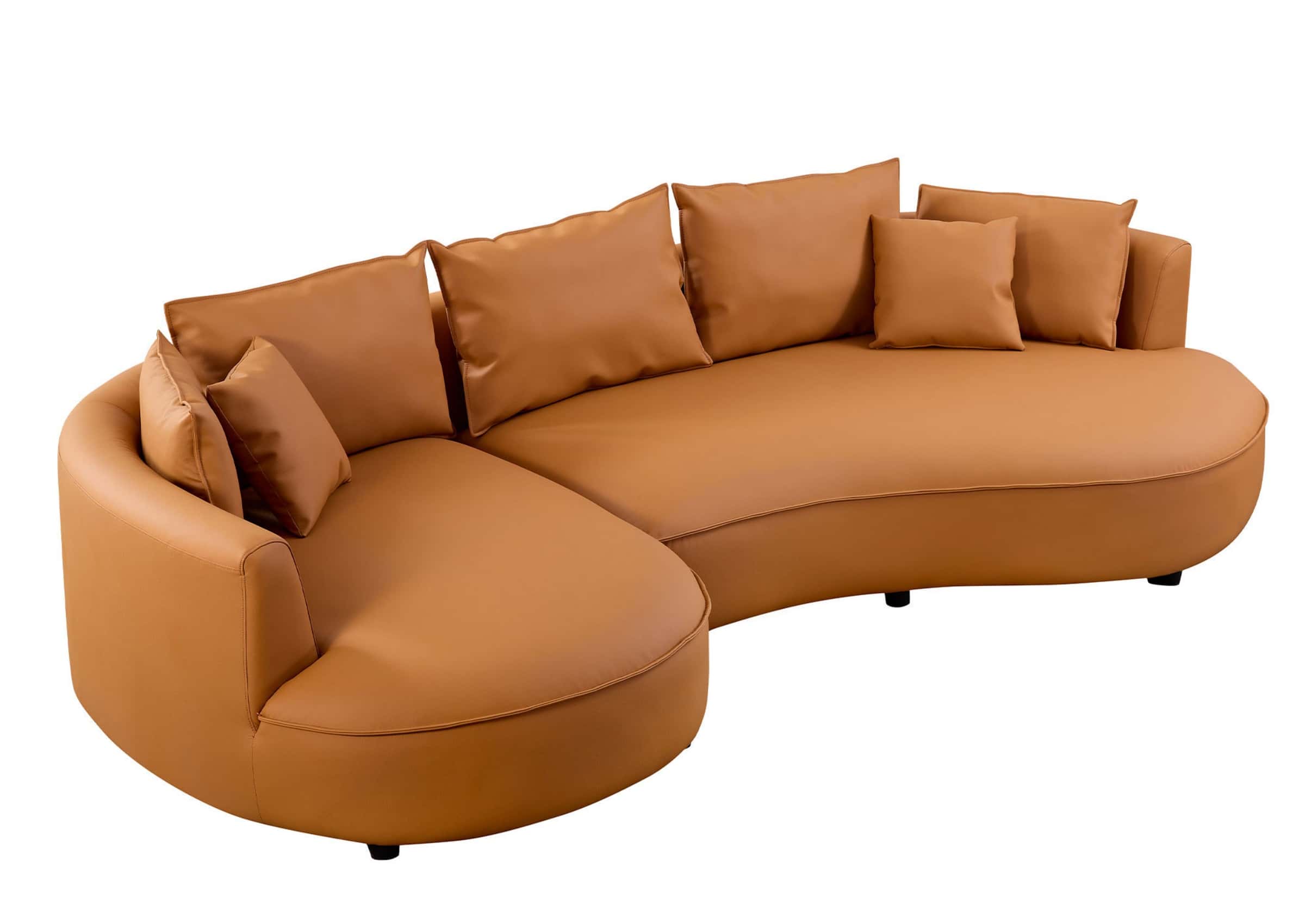
This is one reason dedicated theater recliners, reclining sofas, loveseats, and sectionals can feel very different during the same movie. Individual seats offer personal adjustment, while shared seating may allow more casual movement and closer interaction. The right choice depends on who uses the room and how formal or social the movie-night experience should feel.
What Changes When Theater Seating Is Used Every Day in a Living Room?
A chair used for one or two movie nights each week has a different wear pattern from seating used daily for streaming, gaming, naps, work breaks, and family time. In a living room, one favorite position often receives much more use than the others.
Frequent use can make several details more important:
- Whether the cushion maintains reasonably even support
- Whether the most-used armrest and control area are easy to clean
- Whether seams and high-contact surfaces are appropriate for the household
- Whether the reclining motion remains smooth through repeated adjustments
- Whether the upholstery suits food, pets, children, sunlight, or everyday clothing
- Whether a worn appearance can be distinguished from a meaningful loss of support
Some surface wrinkling or softening may be part of normal use, depending on the material and construction. The more important comfort warning is a change that makes one side feel substantially lower, less supportive, or harder to operate than before.
For high-frequency rooms, prioritize the chair’s core support, usable controls, maintenance needs, and serviceability before decorative lighting or accessories. Features that solve a repeated daily inconvenience can be valuable; features that are rarely used should not displace the fundamentals.
Is Budget Home Theater Seating Worth Buying for Long Movies?
Budget theater seating can be worthwhile when it gets the basic fit and support right. A lower price does not automatically mean the chair will be uncomfortable, just as a higher price does not guarantee that its proportions will suit a particular user.
The main risk is spending the budget on visible features while overlooking the parts that determine the experience after an hour. Cup holders, lighting, charging ports, and powered controls may be useful, but they should come after seat fit, cushion support, stable motion, and suitable upholstery.
When comparing a budget option, verify:
- The actual usable seat dimensions, not only overall chair dimensions
- The upright and reclined positions
- Head, lumbar, thigh, and leg support for the primary user
- Control accessibility and the functions included on that model
- Upholstery type and realistic maintenance needs
- Delivery, parts, warranty, and support terms
A simpler chair with sound proportions may deliver better long-movie comfort than a feature-heavy chair that does not fit. The best value is not the lowest initial price or the longest specification list. It is the chair that performs the functions the household will repeatedly use without creating an obvious comfort or room-fit problem.
How Can You Test a Chair for a Full Movie Rather Than Five Minutes?
A useful comfort test follows the way discomfort develops. If a showroom or extended trial is available, do not spend the entire test in one position. If you are buying online, use the same sequence to evaluate dimensions, adjustment range, product information, material samples, and return or support terms.
First 10 minutes: check basic fit
Sit fully against the backrest and look toward the expected screen height. Check whether the headrest, lower back, thighs, and arms feel naturally supported. Try the chair upright and in the reclined position you are most likely to use.
Do not immediately add a loose pillow to correct the fit. A pillow may be useful later, but during the test it can hide a seat-depth or back-shape mismatch.
After 30 minutes: notice pressure and heat
Pay attention to the front edge of the seat, lower back, shoulder area, calves, and heels. Notice whether the upholstery feels warmer than expected or whether you are already sliding forward.
The objective is not to remain perfectly still. It is to identify whether normal movement restores comfort or whether the chair repeatedly pushes you back into the same uncomfortable position.
After 60 minutes: use the controls as you would during a movie
Adjust the recline without looking directly at the controls. Change the head, back, lumbar, or leg position if the chair provides those functions. Reach for a drink or remote, then settle back.
Ask whether the controls make these changes easy. A comfortable mechanism should help you refine the position without turning every adjustment into a distraction.
At the end: evaluate what changed
Before standing, identify where you feel the greatest pressure or fatigue. After standing, look at how the cushion recovers and whether one area remains noticeably compressed. If you repeatedly wanted to add a pillow, lower your feet, lift your head, or move away from an edge, determine which chair dimension or support surface caused that response.
One test cannot predict years of ownership, but it reveals far more than a quick sit based on softness alone. Pay particular attention to a correction you make repeatedly. If you keep sliding forward, lifting your head, moving away from the seat edge, or searching for the same better position, the chair may be asking your body to compensate for a fit problem rather than simply needing more break-in time.
COMPARE LASTING COMFORT
Ready to Compare Seating for the Way You Actually Watch?
Use the full-movie test to identify the seat fit, support, adjustment, and control details that matter to your household, then compare configurations with those priorities in mind.
What Should You Check Before Choosing a Home Theater Chair?
Use this final checklist to keep comfort priorities ahead of extras:
- Can you see the screen naturally in both upright and preferred reclined positions?
- Does the headrest support you without pushing the head too far forward?
- Does the lower back remain supported without a pronounced pressure point?
- Can you use the backrest while bending the knees comfortably?
- Does the seat height work when upright?
- Does the footrest support the legs in a comfortable place?
- Can you reach and identify the recline controls without twisting?
- Can you make small position changes during a long movie?
- Does the cushion remain supportive after sustained sitting?
- Is the upholstery appropriate for the room temperature and cleaning routine?
- Will the chair still fit the room when fully in use?
- For daily living-room use, are the high-contact areas practical to maintain?
If several people will share the seating, each regular viewer should complete the most important fit checks. One person’s ideal seat depth, headrest position, or cushion feel may not work for everyone else.
Common Questions About Long-Movie Comfort
What is the most important feature in a comfortable home theater chair?
There is no single feature that guarantees comfort. Basic body fit and sustained support come first. Seat depth, seat height, head position, lumbar contact, leg support, and the ability to change position should work together before accessories are considered.
Are power recliners more comfortable for long movies?
Power adjustment can make it easier to fine-tune a position and change it during a movie. Its value depends on the adjustment range, control placement, and whether the chair fits the user. Power motion does not correct unsuitable proportions.
Should a theater chair be firm or soft?
It should provide comfortable pressure distribution without allowing the viewer to sink into an unsupported position. The right balance varies by person. Evaluate how the cushion feels after sustained sitting and how well it recovers, not just its initial softness.
Can a tall theater chair be uncomfortable?
Yes. A tall back or prominent headrest may not align with every viewer, and it can affect rear-row sightlines or the relationship to speakers. Back height should be evaluated with the person seated and facing the actual screen position.
Is a deeper seat always more comfortable for movies?
No. A deep seat can feel spacious to a taller user but prevent a shorter user from reaching the backrest while bending the knees comfortably. Usable seat depth should match the viewer rather than a general idea of luxury.
Are inexpensive home theater chairs uncomfortable?
Not necessarily. Price alone does not determine fit. A budget chair can be a sensible choice when its dimensions, support, motion, upholstery, and service terms meet the household’s needs. Prioritize those fundamentals before paying for extra features.
Lasting Comfort Is a System, Not a Single Feature
The home theater chairs that remain comfortable through long movies are not simply the softest, tallest, or most adjustable. They support the viewer in realistic positions, make small changes easy, and continue to feel balanced after the novelty of the first few minutes has passed.
Start with the relationship among the body, chair, and screen. Then examine cushion response, recline controls, upholstery, everyday wear, and the features your household will actually use. A chair that performs those fundamentals well is more likely to support an entire movie night—not just a brief showroom test.
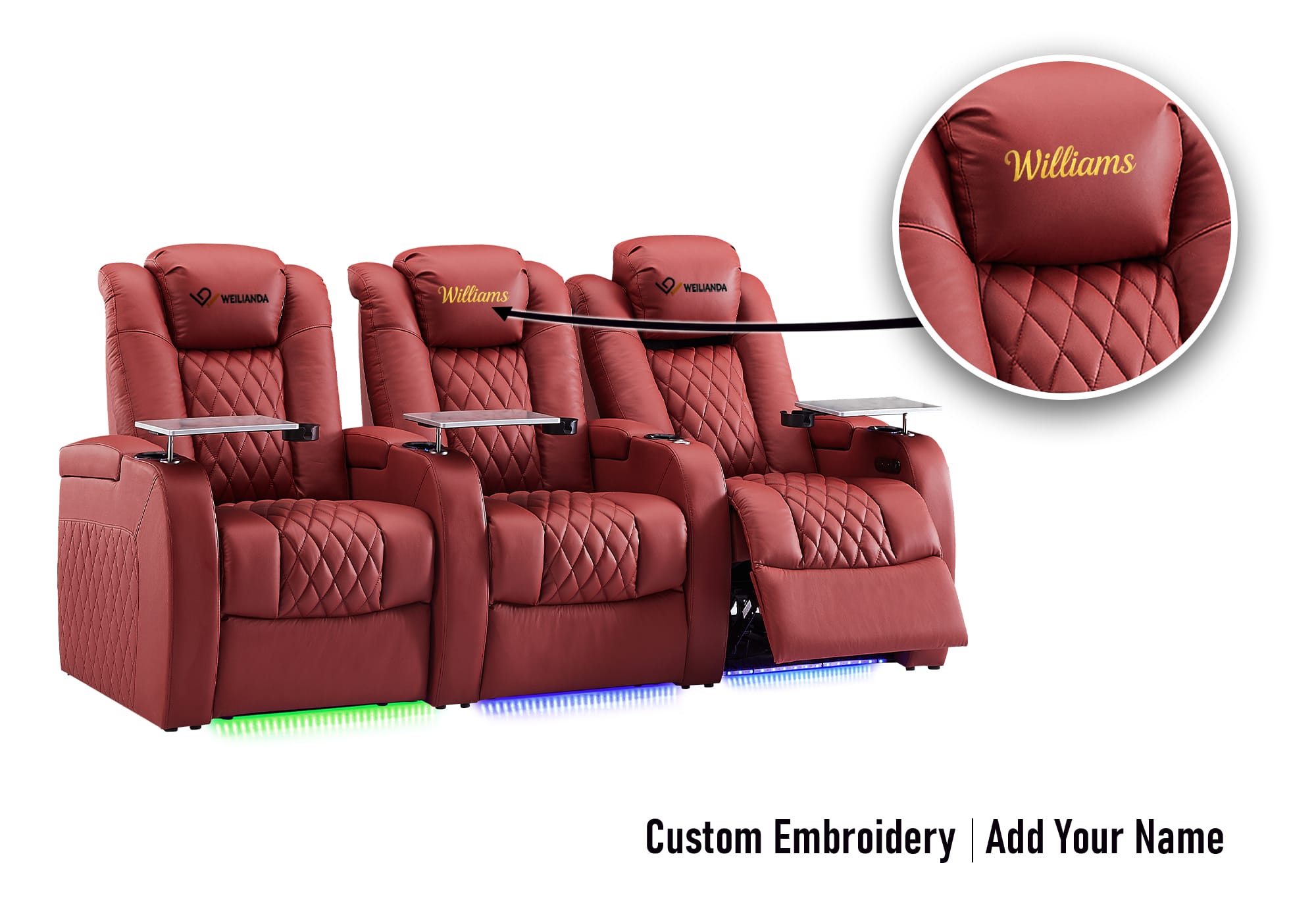
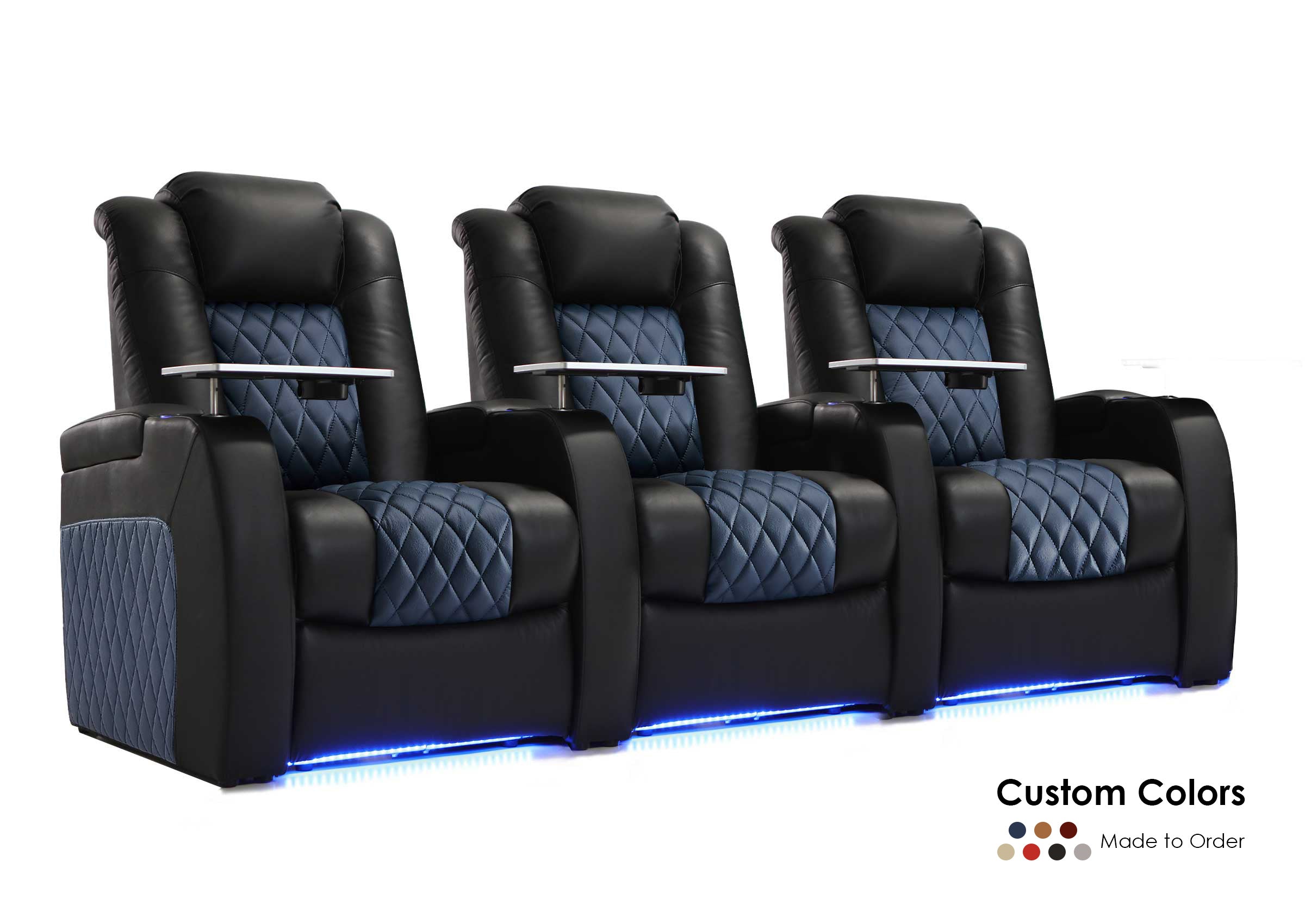
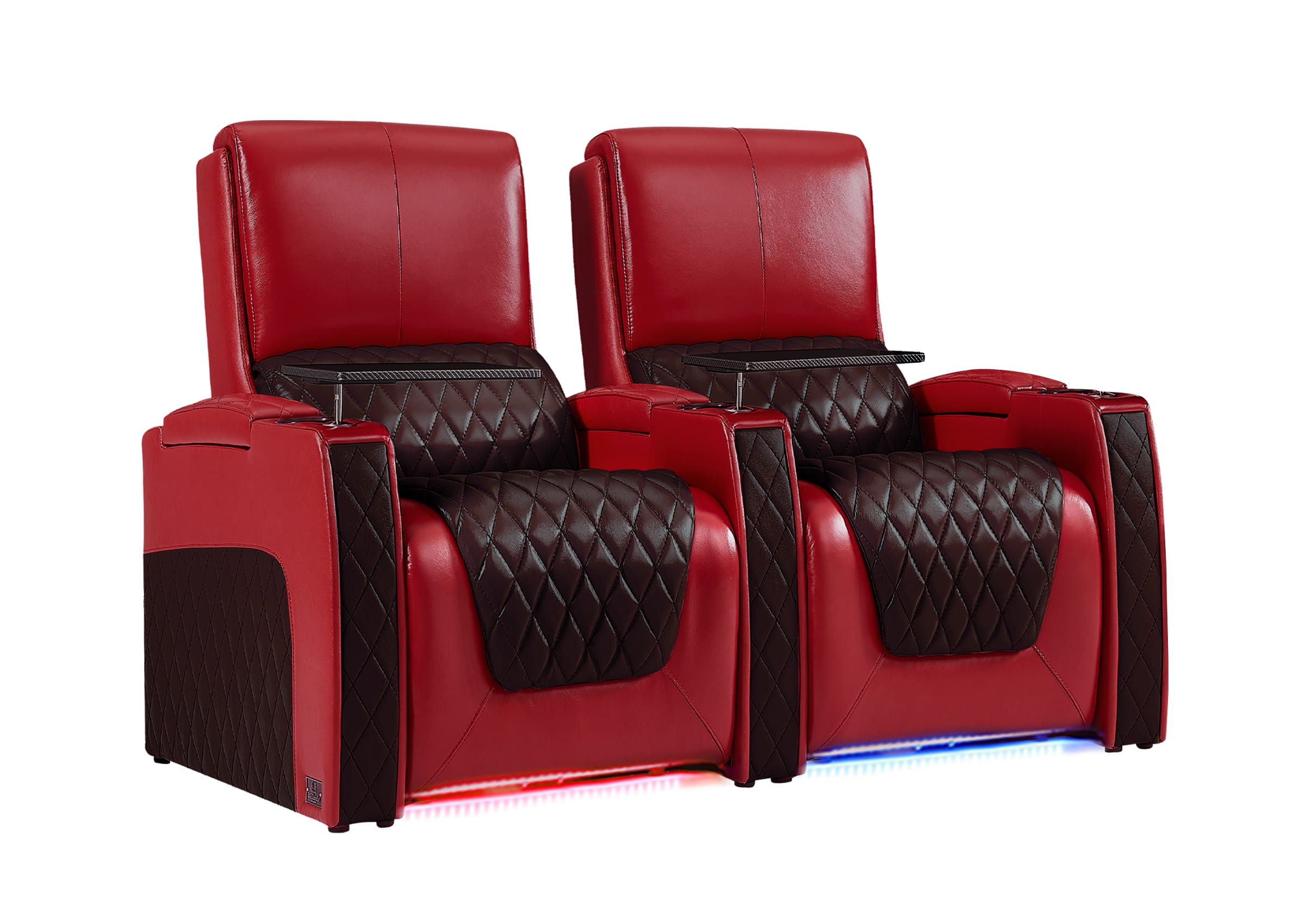
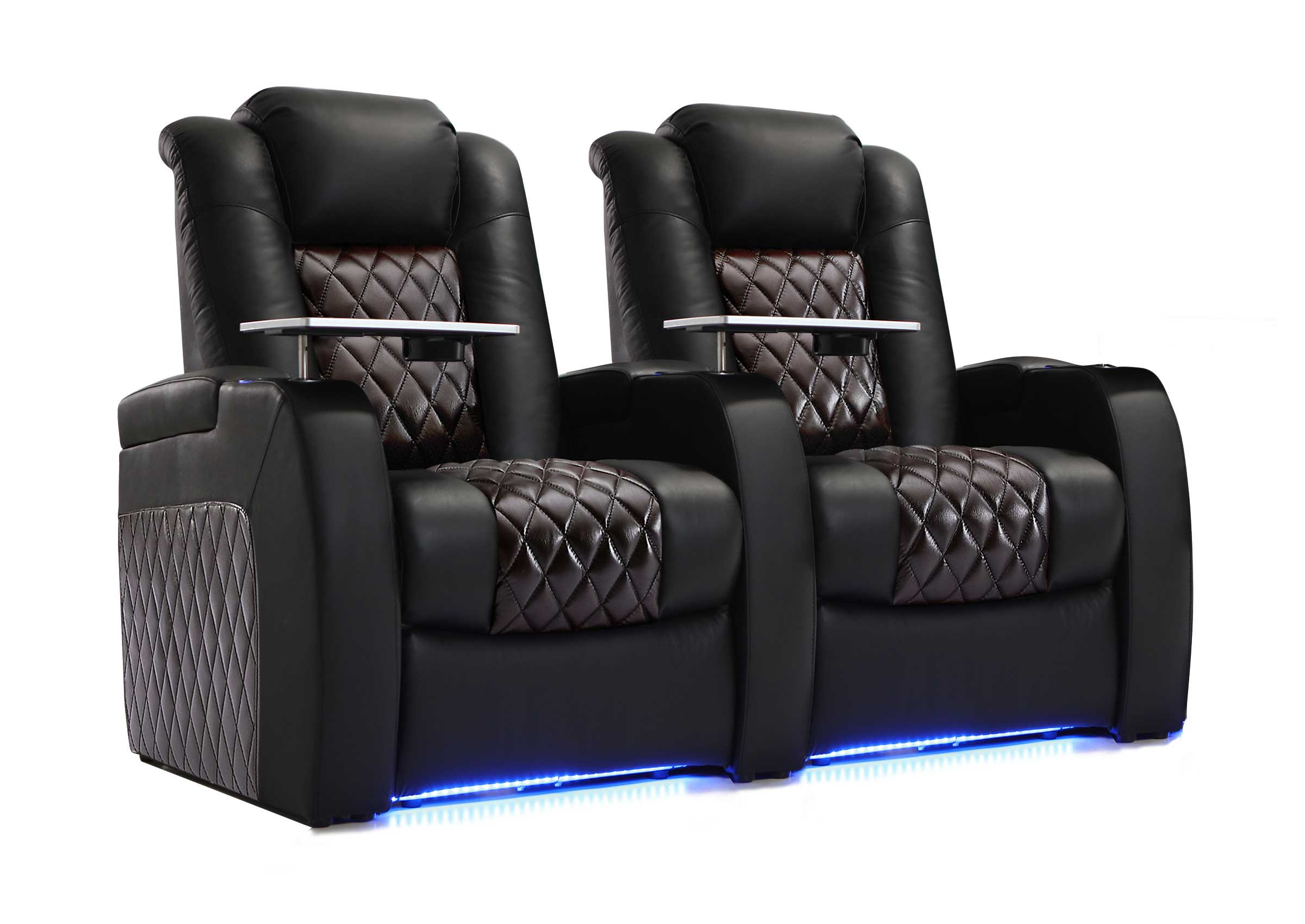
Ready to compare seating for the way you watch? If you are evaluating a specific model, confirm its usable seat dimensions, headrest and lumbar positions, recline controls, upholstery, and fully open footprint against the people and room that will use it. Depending on the selected Weilianda model, available features may include power recline, adjustable headrests, lumbar support, storage, charging functions, or ambient lighting; confirm the functions included with the exact configuration before ordering.
For help comparing seating features or confirming which details matter for your room, contact Weilianda Support or email leon@weiliandahome.com.
