




























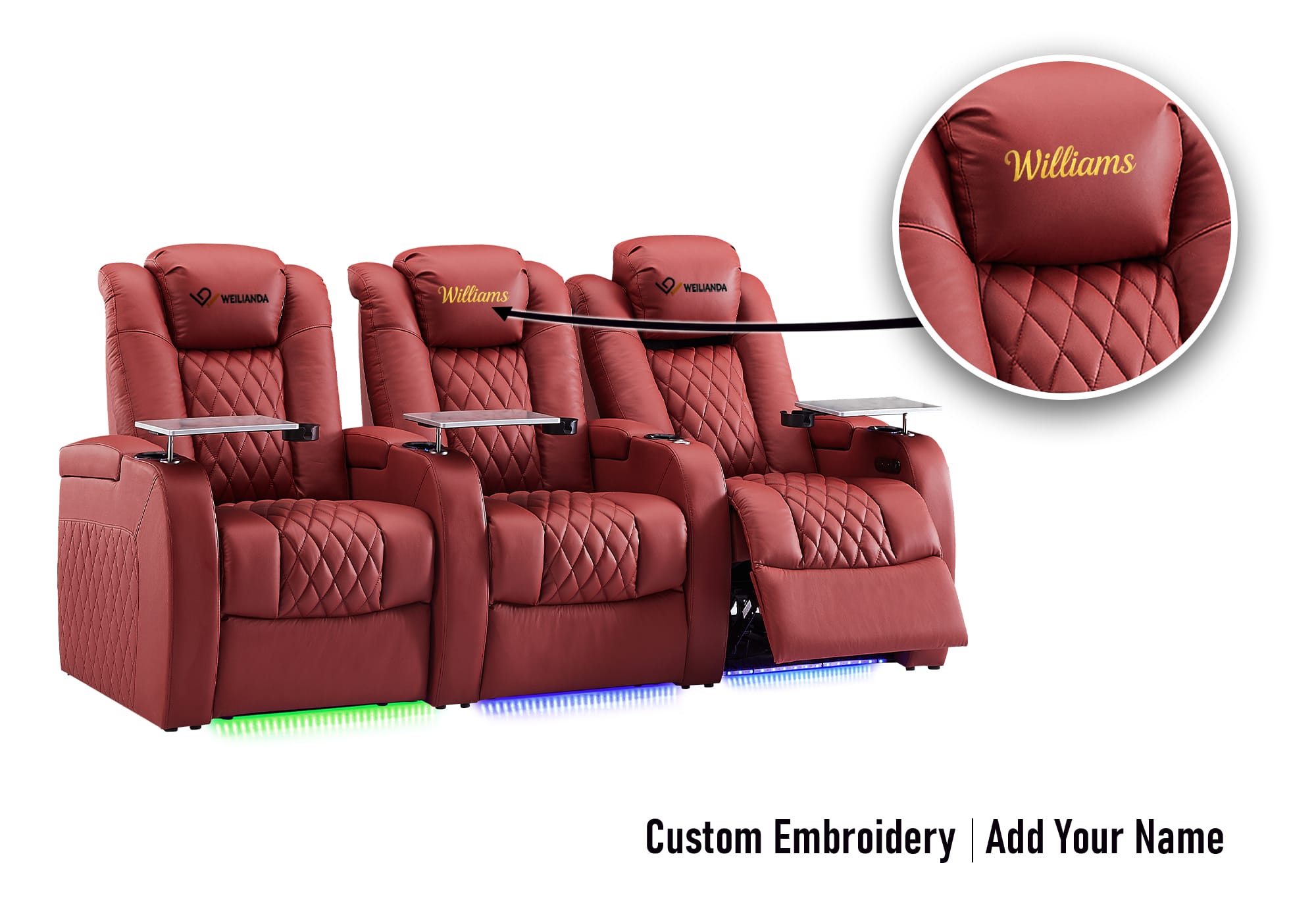

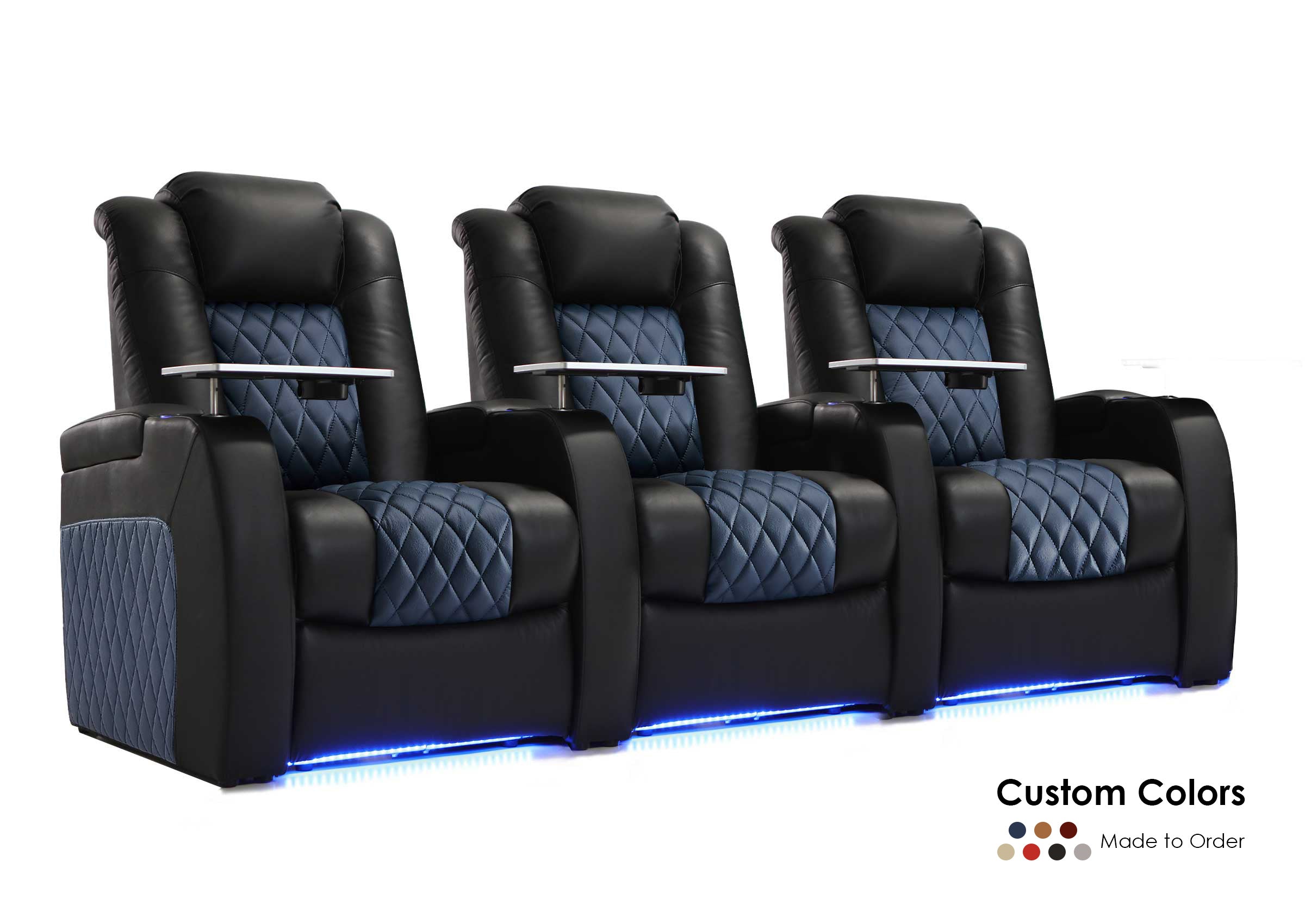

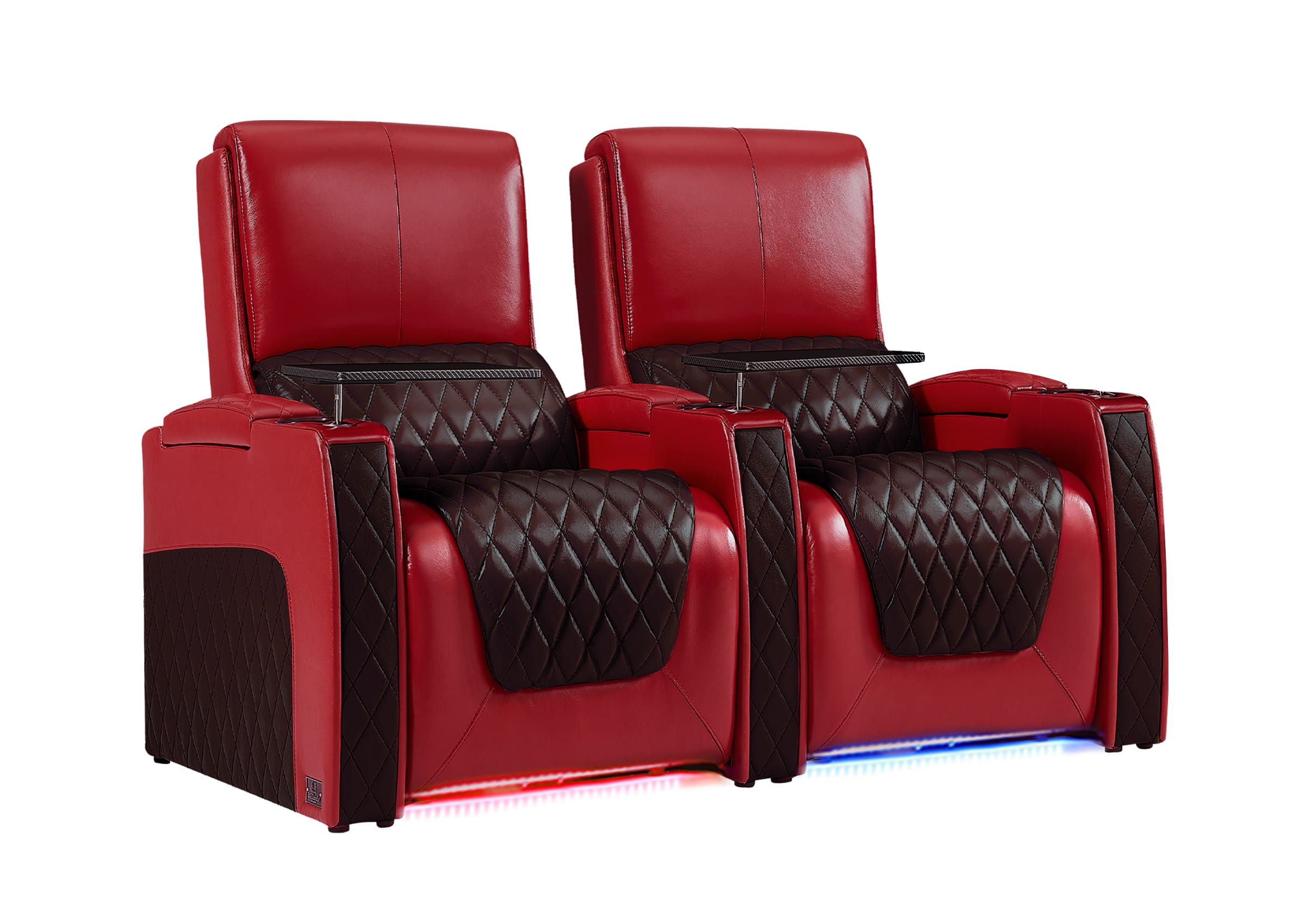
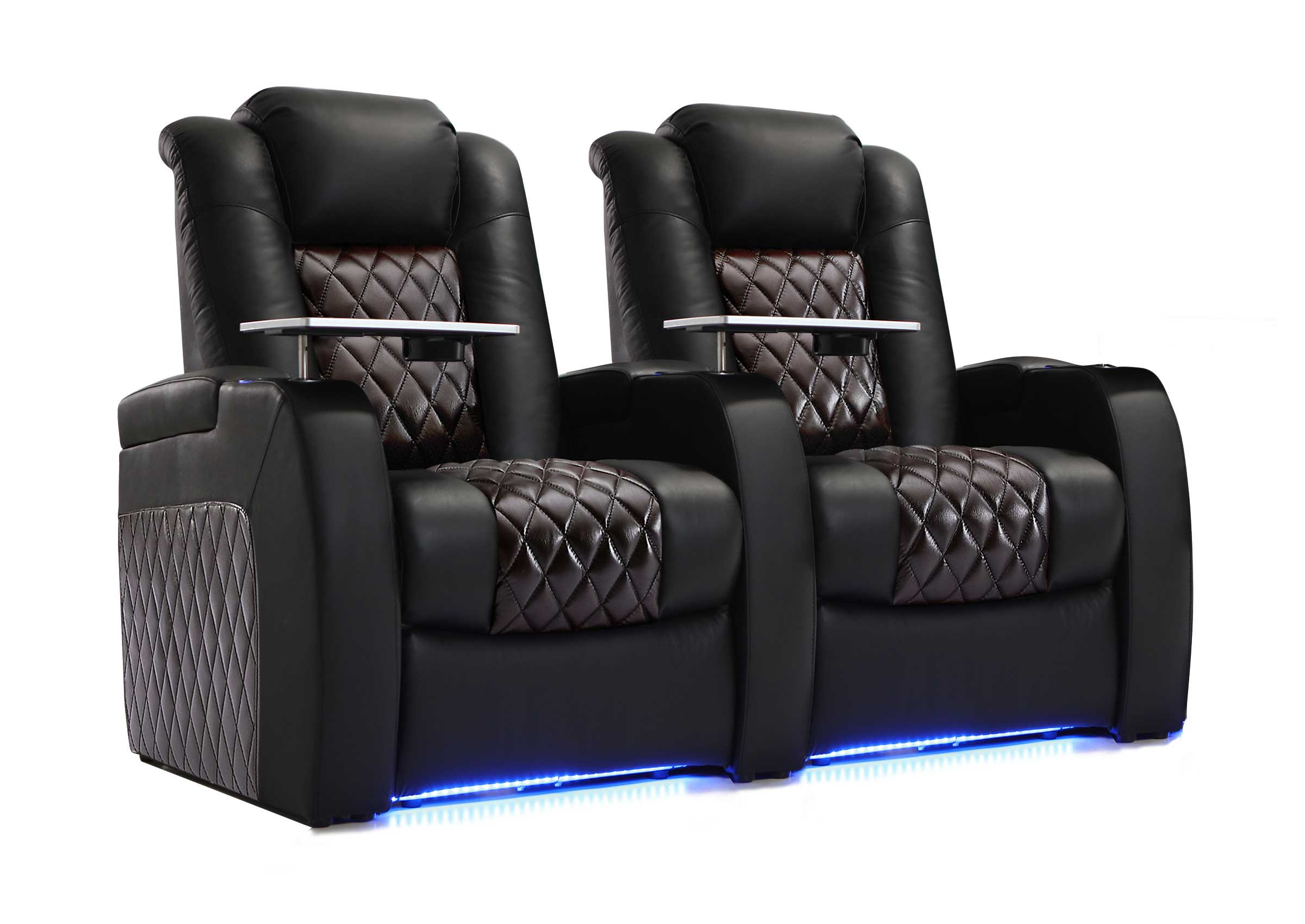
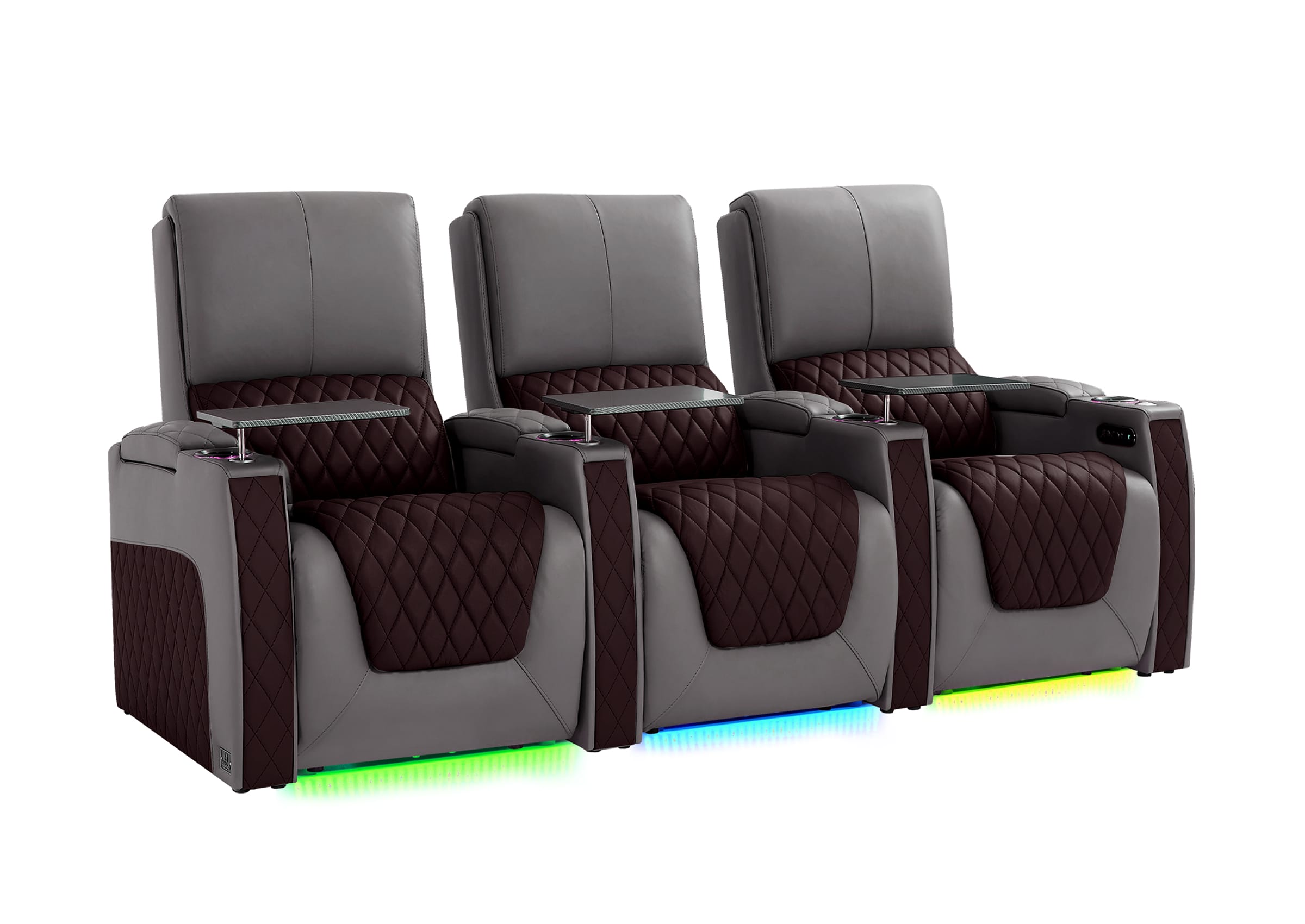
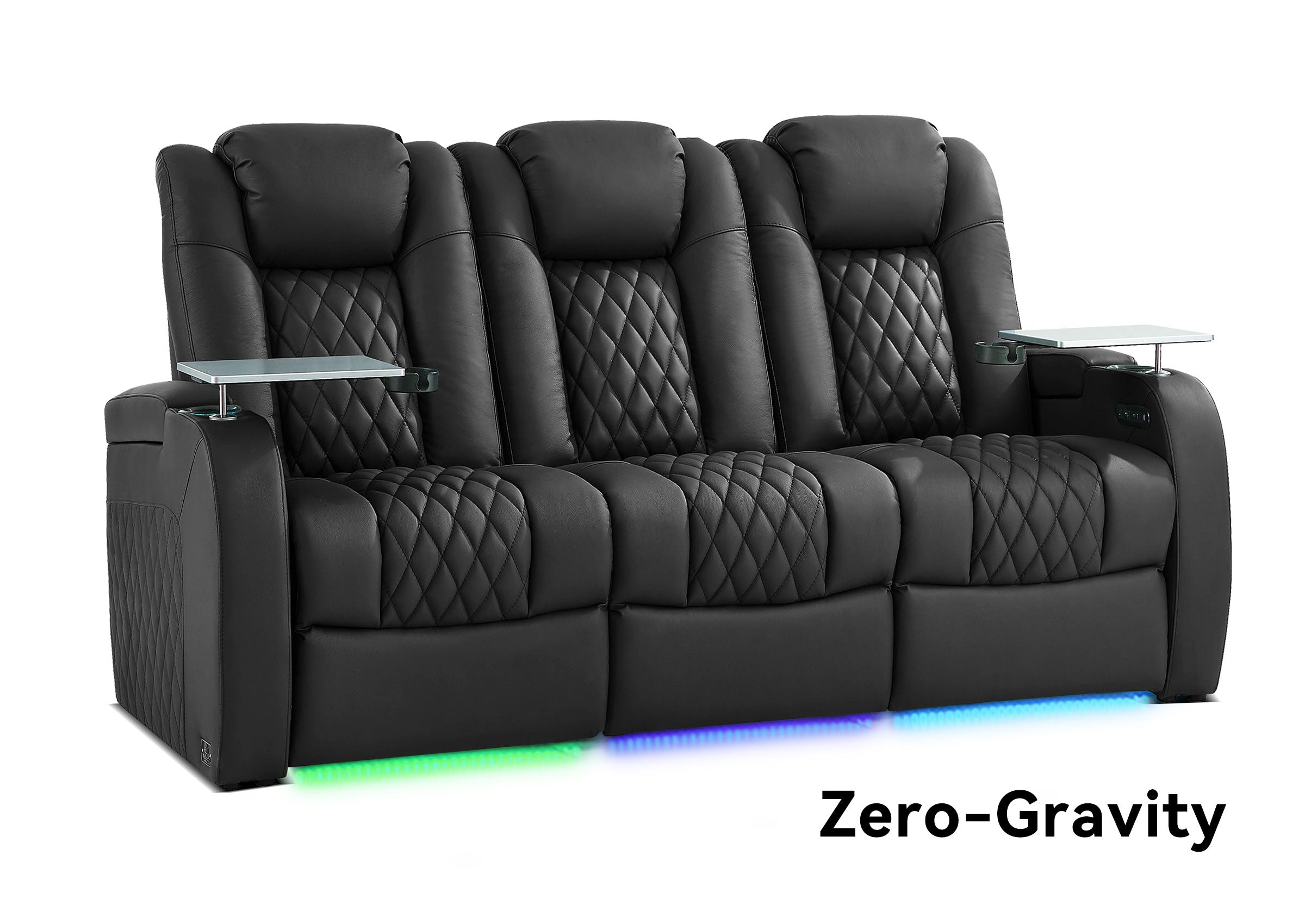
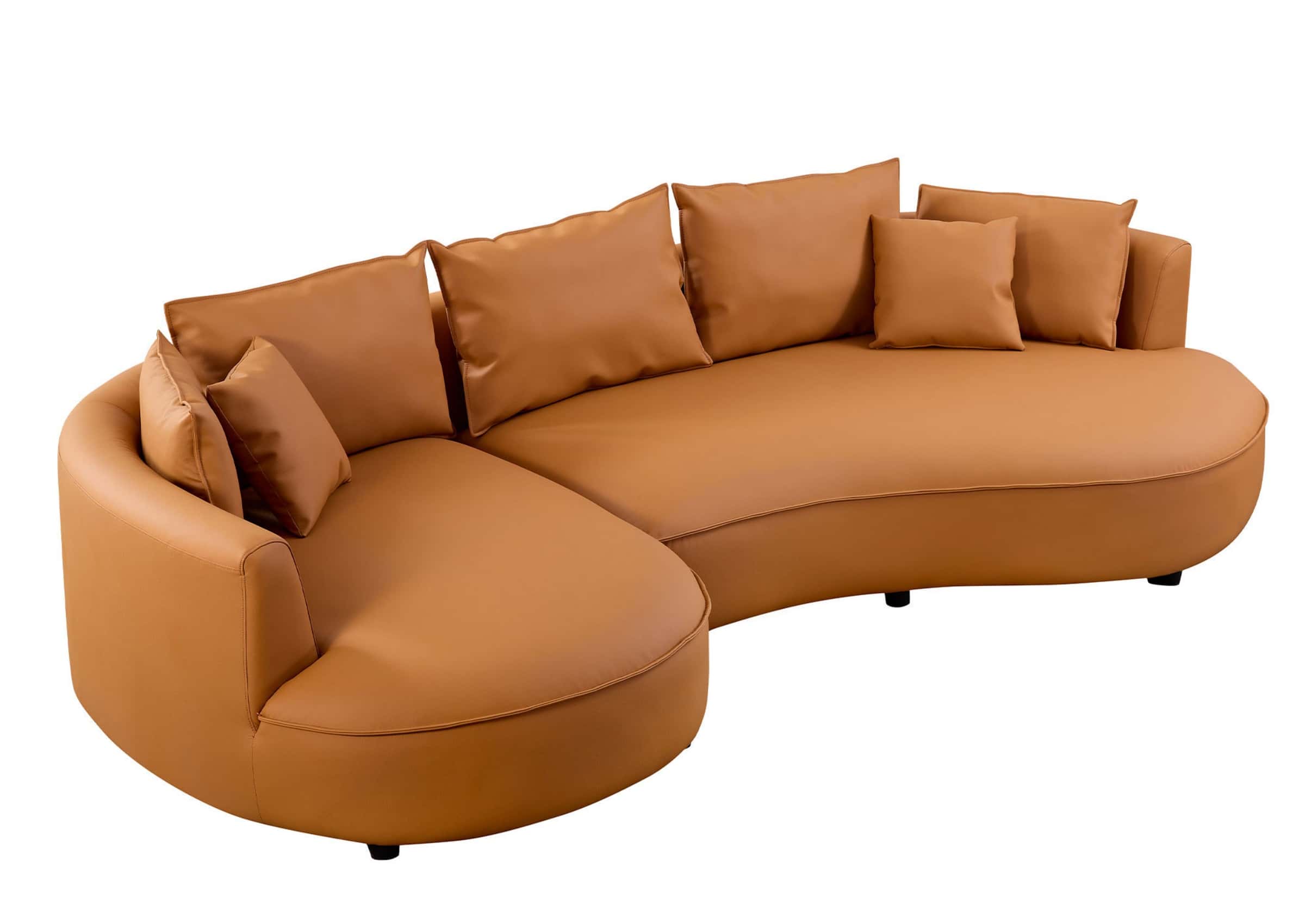


A high-back couch can affect surround sound when the occupied backrest or headrest sits between a listener-level speaker and the viewer’s ears. It does not automatically ruin a home theater, and a low-back sofa does not automatically produce better sound. The result depends on the speaker layout, couch position, seated ear height, back and headrest height, speaker aiming, and the positions people actually use while watching.
This distinction matters because the most comfortable couch in a showroom may be taller after its headrests are raised, while the “acoustically safe” low-profile sectional may offer too little support for a long movie. The better decision is not high back versus low back in isolation. It is whether the occupied seating and the surround system still work together.
Can a High-Back Couch Really Block Surround Sound?
It can obstruct the most direct path from a nearby surround or rear-surround speaker to a listener’s ears. The risk is greater when the speaker sits close to the couch, its main output is aimed into the backrest, or the top of the occupied headrest rises above the speaker-to-ear path.
“Block” should not be interpreted as making the speaker completely silent. Sound can still reach the listener by traveling around the furniture and reflecting from room surfaces. However, the direct sound and the balance between seats may change. A person sitting in one position may hear a clearer surround effect than someone whose ears are hidden behind a tall cushion or raised headrest.
The practical warning signs are usually comparative:
- A surround effect becomes noticeably duller or less distinct in one seat than another.
- Raising or lowering an adjustable headrest changes the perceived surround balance.
- Leaning forward briefly makes a rear or side effect clearer.
- One surround channel needs an unusually high level to feel present from the main seat.
- A listener close to one speaker hears it strongly while another listener behind the same couch hears much less definition.
These symptoms do not prove that the couch is the only cause. Speaker angle, room reflections, calibration, channel assignment, and source content also matter. They are reasons to inspect the seating and speaker relationship before replacing equipment or increasing levels.
Are Surround Speakers and Rear Speakers the Same Thing?
No. The terms are often mixed together in casual discussion, but the distinction helps when planning around furniture.
A conventional 5.1 system has five main listener-level channels: left, center, right, and one pair of surrounds, plus a subwoofer. It does not have a separate pair of rear-surround channels. In many layouts, the surround pair sits beside or somewhat behind the main listening position.
A 7.1 system adds a separate pair of rear surrounds behind the listener. Dolby’s speaker-layout materials distinguish the side surrounds from the rear surrounds and plan both around a central seating position. Atmos configurations then add overhead or Atmos-enabled channels as a separate height layer.
The difference changes the furniture problem:
- In a 5.1 layout, a tall couch may interfere most with speakers positioned to the sides or slightly behind the main seats.
- In a 7.1 layout, both the side-surround path and the rear-surround path need to be checked.
- In an Atmos layout, raising every listener-level speaker without considering the overhead layer may reduce the intended vertical separation between sounds around the listener and sounds above the listener.
Before changing the couch or speaker height, use this home theater speakers guide to identify the actual system configuration and channel roles. “Put the rears higher” is not specific enough when the room may have side surrounds, rear surrounds, overheads, or a soundbar system with wireless surround modules.
What Do Dolby’s Placement Guidelines Tell Us?
Dolby’s published home-theater guidance begins with the seating position. Its setup diagrams use the listener as the reference point for speaker angles, and its general instructions recommend keeping listener-level speakers around seated ear height unless a specific layout calls for something different.
The Dolby Atmos Home Theater Installation Guidelines describe listener-level speakers as typically being about 3.9 feet, or 1.2 meters, high—the document’s reference for the ear level of an average seated listener. The same guide says that rear speakers may be positioned higher when the room makes equal-height placement impractical, while recommending that the rear-speaker height not exceed 1.25 times the front-speaker height.
Dolby’s more detailed layout diagrams also show why couch position matters horizontally. As a technical reference, Dolby’s 5.1.4 mix-room appendix uses 110 degrees as the ideal side-surround angle, with a recommended range of 90 to 120 degrees. That document is written for mix-room design rather than ordinary living-room furniture placement, so it should not replace the instructions for a consumer’s actual speakers. Dolby’s consumer 7.1 Atmos diagrams likewise illustrate the geometry by placing side surrounds in the 90-to-110-degree region and rear surrounds farther behind, around 135 to 150 degrees from the screen-center reference.
These numbers are useful planning references, not universal furniture measurements. They do not mean every home must place every speaker at exactly one angle or exactly 3.9 feet from the floor. Speaker design, manufacturer instructions, room shape, number of rows, and installation constraints still matter.
The key lesson for couch selection is simpler:
Speaker placement is defined in relation to the listener, so the height and position of the occupied couch must be part of the speaker plan.
When Is a High Back Most Likely to Cause a Problem?
Back height alone cannot predict the result. Risk rises when several conditions occur together.
The speaker is very close to the couch
When a surround speaker is immediately beside or behind a tall backrest, a small difference in height or angle can change which part of the seat receives the clearest direct sound. A greater distance may allow the speaker’s coverage to reach the listening area more evenly, although distance alone does not correct poor placement.
The couch is pushed against the rear wall
A couch against the back wall limits the space available for rear-surround placement. It can also place listeners very close to rear speakers or make it difficult to create the intended rear angle. This is a different issue from back height, but the two often appear together in small rooms.
If the room cannot support useful rear-surround positions, a well-executed 5.1 layout may be more sensible than forcing a 7.1 configuration into an unsuitable space. The appropriate choice depends on the equipment, room, and installation plan.
The headrest changes height
An adjustable headrest may be low when the couch is photographed and much higher during actual use. That can be excellent for neck and head support, yet it changes the acoustic geometry.
Measure and test the headrest in the viewing position, not only when folded down. If different viewers use different settings, check more than one occupied height.
The couch reclines forward or backward through the room
Reclining changes more than comfort. The ears may move lower, farther back, or closer to one speaker. The headrest may rise as the mechanism opens. A speaker path that is clear when the couch is upright may become partly obstructed in a movie position.
This is why the fully used couch matters more than its showroom silhouette.
The sectional creates different listening zones
A large L- or U-shaped sectional can place some viewers near the central listening position and others far off-axis. Corner seats may turn the body away from the screen, while tall side cushions or neighboring headrests can change the path to one surround speaker.
That does not make sectionals unsuitable for home theaters. It means the room should distinguish between primary viewing seats and casual secondary seats instead of pretending every cushion will deliver the same audio image.
Is a Low-Back Couch Always Better for Surround Sound?
No. A lower back can reduce one potential obstruction, but it can create a comfort trade-off.
During a long movie, viewers may want support behind the shoulders, neck, or head. If the couch is too low, people may add tall loose pillows, slouch downward, or shift into positions that change their ear height anyway. A pillow added later can become a larger and less predictable obstruction than the original backrest.
The right back profile depends on how the room is used:
| Seating profile | Possible advantage | What still needs checking |
|---|---|---|
| Low fixed back | Keeps more of the speaker-to-ear path open | Head and neck comfort during long viewing |
| Moderate-height back | Can balance shoulder support and acoustic clearance | Actual seated ear height and speaker aiming |
| High fixed back | Provides consistent upper-body support | Whether it sits in front of listener-level speakers |
| Adjustable headrest | Lets users choose support when needed | Raised height in upright and reclined positions |
| Loose back cushions | Can be repositioned for different users | Whether cushions migrate upward or change between sessions |
A couch should not be rejected simply because its back reaches the head. It should be evaluated with the speaker layout, listening posture, and comfort needs that will exist in the finished room.
Can You Just Raise the Surround Speakers Above the Couch?
Sometimes speaker height or aiming can be adjusted, but “raise them until they clear the couch” is not a complete design rule.
The speaker still needs to serve its intended channel and listening area. Raising it changes the vertical arrival angle. In an Atmos room, an excessive change can also narrow the perceived separation between the listener-level layer and overhead effects.
Use this order of decisions:
- Confirm whether the speaker is a side surround, rear surround, height speaker, or wireless surround module.
- Check the angle and height guidance for that exact system and speaker model.
- Measure the occupied couch and seated ear positions.
- Determine whether a modest height or aiming adjustment can clear the obstruction while preserving the intended layout.
- Test all important seats, not only the center position.
- Recalibrate the system after the final furniture and speaker positions are established.
Dolby allows practical compromises when ideal placement is impossible, but that does not make every compromise acoustically equivalent. A speaker mounted higher and aimed toward the listening area may work well in one room and create uneven coverage in another.
Room correction and AVR calibration are also not substitutes for placement. Calibration can account for factors such as speaker distance, level, and room response within the capabilities of the system. It cannot remove a physical backrest from the sound path. Increasing a channel level to help one obstructed seat may make that speaker too prominent for a listener sitting closer to it.
How Should You Measure a Couch Against the Speaker Plan?

Do not rely on overall couch height alone. Product specifications may measure from the floor to the highest point, but that number does not reveal where the viewer’s ears sit or how the back changes under load.
Use the following occupied-seat check.
Record the normal seated ear height
Have the primary viewer sit in a normal movie posture. Measure from the floor to the approximate center of the ear. Do not force an unnaturally upright pose just to make the number look favorable.
Repeat the measurement in the preferred reclined position if the couch reclines. The ears may move both vertically and horizontally.
Measure the occupied back and headrest
Measure the couch while someone is sitting in it. Cushions compress, and adjustable headrests may move. Record:
- Floor to the top of the occupied back cushion
- Floor to the top of the raised headrest
- The horizontal distance between the headrest and the listener’s ears
- The height in the most-used upright and reclined positions
Identify the speaker’s acoustic reference point
For many conventional speakers, the tweeter or the manufacturer’s stated acoustic axis is the useful aiming reference. The correct reference can vary by speaker design, so use the product manual rather than assuming the center of the cabinet is the target.
Record the speaker height, distance from the main listening position, and its horizontal and vertical aiming.
Check the path with the couch occupied
With a helper, view the listening position from the speaker’s main axis. A photo taken from that location can help document whether the viewer’s ear area is visibly hidden by the couch or headrest.
This is a useful screening test, not a complete acoustic measurement. Speaker dispersion and room behavior cannot be judged from a photograph alone. However, an obviously blocked path is worth resolving before final installation.
Repeat the check for every important seat
The central seat may be clear while an outside seat is hidden behind a neighboring headrest. A sectional may create a strong primary position and weaker casual positions. Decide which seats need the most accurate surround presentation and which are acceptable as secondary viewing locations.
PLAN SEATING WITH SOUND IN MIND
Ready to Compare Seating Against Your Speaker Plan?
Choose seating only after you know the occupied back height, preferred recline position, and main listening seats. That makes it easier to protect both long-movie comfort and the speaker-to-ear path.
What Should You Check When Buying a Couch for a Finished Theater?
When the screen and speakers are already installed, start with fixed room conditions rather than choosing a couch by appearance alone.
Confirm:
- The main listening position and the seats used most often
- Side-surround and rear-surround locations
- Seated ear height in realistic viewing positions
- Couch-back and raised-headrest height
- Upright and fully reclined footprint
- Distance from the couch to side and rear speakers
- Whether speaker stands, wall mounts, doors, or walkways limit adjustment
- Whether every important seat faces the screen comfortably
- Whether cup holders, consoles, chaise sections, or wide arms reduce usable viewing capacity
- Whether power cords and controls can be placed without crossing walkways
If the room is still being designed, choose the couch and speaker plan together, using a home theater seating layout guide to coordinate the seats, screen, walkways, and speaker locations. If the room is already complete, the couch must work with the existing screen, speakers, access paths, and listening positions.
Is a Sectional or Reclining Couch Better Than Theater Recliners?
The answer depends on the room’s social and performance priorities.
A sectional can create a relaxed lounge atmosphere, allow family members to sit closer together, and support casual sports viewing or conversation. For a room-first comparison of its strengths and limitations, see when a sectional works in a home theater. It may also offer flexible modules for a basement or multi-use media room. Its challenges can include deep corner seats, inconsistent viewing direction, large footprints, and different acoustic conditions across the cushions.
Individual theater recliners give each viewer a defined forward-facing position and may offer independent recline, headrest, or lumbar adjustment depending on the model. Rows can simplify sightline planning, but tall headrests and backs still need to be considered in the speaker plan. Individual armrests and consoles may also reduce the shared, informal feeling some households want.
The couch-versus-recliner decision should therefore be made after answering two questions:
- Which seats need the best screen and surround relationship?
- How important are lounging, closeness, and flexible social use compared with individually controlled viewing positions?
The best home theater seating is not always the configuration that creates the largest number of cushions. It is the one that gives the household enough genuinely usable seats without undermining the room’s main purpose.
Can Upholstered Furniture Improve Room Acoustics?
An upholstered couch interacts differently with sound than a bare hard surface, but that does not mean a larger or softer sectional automatically improves the theater.
The result depends on material, thickness, placement, frequency, exposed wall and floor area, and the rest of the room. A couch may change reflections or the perceived character of the space, yet it should not be treated as a substitute for an acoustic plan or as proof that the room is now properly treated.
Use furniture first for seating, comfort, and layout. If the room has dialog-clarity, bass, reflection, or decay problems, evaluate those issues as part of the complete audio system rather than assigning them to upholstery alone.
How Can You Test the Couch and Surround System Together?
The most useful test uses the final furniture position and the positions viewers actually prefer.
Test the upright position
Sit in the main seat with the headrest in its normal upright setting. Use the AVR’s channel test or setup routine to confirm that each speaker is assigned correctly and clearly audible.
Test the movie position
Recline or raise the headrest as it would be used during a film. Replay the same test. Notice whether one side or rear channel becomes less distinct or changes more than the others.
Compare nearby seats
Move to the other frequently used positions. Do not expect every seat to reproduce the exact same image, but look for a large, repeatable loss associated with a particular backrest, headrest, or sectional corner.
Make one change at a time
Temporarily lower a headrest, move a loose cushion, shift the couch slightly, or adjust an approved speaker angle. Then repeat the same material. Changing several variables at once makes the result harder to interpret.
Calibrate only after the layout is settled
Complete the receiver or speaker-system calibration with the couch, speakers, and listening positions in their intended locations. If you are still coordinating channels, equipment, placement, and calibration, use this guide to plan a complete home theater sound system as a broader next step. Follow the equipment manufacturer’s microphone placement and setup instructions. If the couch or speakers move substantially later, rerun the applicable calibration.

What Is the Best Decision Rule?
Use this sequence before buying or repositioning seating:
- Choose the primary listening seats.
- Identify the actual side-surround, rear-surround, and height channels.
- Map the manufacturer’s or Dolby’s recommended angles from the seated listener.
- Measure ear, backrest, and headrest height in occupied positions.
- Check the speaker-to-ear relationship upright and reclined.
- Protect long-movie comfort as well as the audio path.
- Make the smallest practical furniture or speaker adjustment.
- Test multiple seats and recalibrate after final placement.
The final choice may be a low-profile sectional, a reclining couch with adjustable headrests, a row of theater recliners, or a mixed layout. The decision is successful when the important seats remain comfortable and the listener-level speakers can still serve their intended positions.
Frequently Asked Questions
Can a high-back couch completely block surround sound?
It is unlikely to make the channel completely inaudible, but it can obstruct the direct speaker-to-ear path and change clarity or balance at a seat. The result depends on the couch, speaker design, distance, angle, aiming, and room.
Should surround speakers always be higher than the couch?
Not as a universal rule. Speaker height should follow the relevant system and manufacturer guidance while accounting for occupied seating. A modest height or aiming adjustment may help, but listener-level surrounds should not be raised arbitrarily without considering the complete layout.
Is a low-back sofa best for Dolby Atmos?
It can reduce obstruction around the listener-level speakers, but Atmos performance also depends on the horizontal speaker layout and the separation between listener-level and overhead channels. Comfort, normal posture, and adjustable-headrest position still matter.
Can an adjustable headrest affect rear speakers?
Yes. A headrest that rises behind the listener can change the speaker-to-ear path. Check it in every position regularly used during movies rather than relying on its folded product-photo height.
Can room correction fix a speaker blocked by a couch?
Calibration can adjust supported parameters such as level, distance, timing, and equalization, depending on the system. It cannot physically clear an obstructed path. Placement and aiming should be addressed before relying on calibration.
How far should a couch be from the back wall?
There is no single distance that works for every room. The couch needs enough separation to support the required rear-speaker angles, access, recline motion, and room behavior. Use the actual speaker layout and fully occupied seating dimensions rather than a universal number.
Is a sectional good for a home theater?
It can be, especially when lounging and family interaction are priorities. Confirm that it provides enough forward-facing viewing positions, does not obstruct important speakers or walkways, and fits in both normal and fully used configurations.
Plan the Couch and Speakers as One System
A high-back couch is not automatically an acoustic mistake, and a low-back couch is not automatically the best home theater seat. Problems arise when furniture is selected without checking how people sit, how the couch changes when occupied or reclined, and where the listener-level speakers need to operate.
Begin with the main listening positions. Measure the couch with real people in it. Check both upright and movie-night postures, use the correct speaker roles and layout guidance, and preserve enough comfort that viewers do not spend the film fighting the furniture.
When the couch, listeners, screen, and speakers are treated as one room system, it becomes much easier to balance immersive sound with the relaxed lounge experience that made a home theater appealing in the first place.
Weilianda home theater seating is available in configurations that may include power recline, adjustable headrests, lumbar support, storage, and charging features, depending on the model. The useful question is not how many features a seat has, but whether its occupied dimensions and adjustments work with your listeners, room, and speaker plan.
For help comparing seating dimensions and features with your intended layout, contact Weilianda or email leon@weiliandahome.com.
