

































A wireless home theater can make your entertainment space cleaner, easier to install, and more flexible for everyday use. However, creating a great setup is not simply about replacing wired speakers with wireless ones. You still need to think about room layout, speaker placement, power locations, and viewing comfort.
This guide explains how to set up a wireless home theater, what wireless really means, the steps to build a reliable system, and the common mistakes that can affect your final experience.
A successful wireless home theater reduces installation complexity while keeping the room comfortable, organized, and enjoyable for movies, gaming, and everyday entertainment.
What Does a Wireless Home Theater Actually Mean?
Many people assume a wireless home theater means there are no cables at all.
In reality, wireless usually means reducing the need for traditional connection cables between devices, especially speaker wires running across the room.
A wireless home theater system may include:
-
Wireless rear speakers
-
Wireless subwoofers
-
WiFi-connected audio systems
-
Bluetooth-enabled devices
-
Wireless streaming solutions
However, most wireless components still need power.
You may still need:
-
Power outlets
-
HDMI or optical connections
-
Internet connection for WiFi-based systems
Wireless does not mean completely cable-free—it means fewer visible cables and a simpler installation process.
Understanding this difference helps avoid one of the most common setup mistakes: buying a wireless system and then discovering that power planning is still necessary.
How to Set Up a Wireless Home Theater Step by Step
A good wireless home theater setup starts with planning the room before connecting equipment.
Many homeowners make the mistake of choosing speakers first and trying to fit the room around them later. A better approach is to decide how the space will be used, where people will sit, and how the equipment will work together.

Step 1: Decide How You Will Use the Room
Before choosing your wireless system, think about your main entertainment habits.
Different rooms have different priorities.
| Room Type | Main Considerations |
|---|---|
| Living Room | Clean appearance, simple setup, family use |
| Basement Theater | Immersion, speaker placement, comfortable viewing |
| Gaming Room | Low delay, long-session comfort, flexible layout |
| Multi-Purpose Room | Easy changes between movies, games, and daily use |
A living room setup often needs to blend with existing furniture, while a dedicated theater room allows more control over speaker placement and seating position.
Step 2: Plan Your Seating Position First
Your seating location affects the entire home theater experience.
Before placing speakers, decide:
-
Where viewers will sit
-
How far they are from the screen
-
Whether the seating will recline
-
Where people will move through the room
The listening position is the center of a home theater—not the equipment shelf.
This is especially important with recliners and theater seating because your viewing position changes when you lean back.
A comfortable reclined position can affect:
-
Eye level
-
Screen viewing angle
-
Speaker alignment
-
Surround sound experience
Planning the seating area first makes it easier to place speakers correctly.
Step 3: Choose the Right Wireless Audio Setup
Different wireless home theater systems solve different problems.
Soundbar With Wireless Rear Speakers
Best for:
-
Apartments
-
Living rooms
-
Simple upgrades
Advantages:
-
Easy installation
-
Cleaner appearance
-
Less equipment
Limitations:
-
Less flexibility for advanced room layouts
-
Smaller sound field compared with larger systems
Wireless Surround Sound System
Best for:
-
Movie-focused rooms
-
Gaming spaces
-
Media rooms
Advantages:
-
More immersive surround effects
-
Better separation between front and rear audio
Consider:
-
Speaker placement
-
Wireless connection stability
-
Distance between devices
Hybrid Home Theater Setup
Some users combine wired and wireless components.
For example:
-
Wired front speakers
-
Wireless rear speakers
-
Wireless subwoofer
This approach can balance installation convenience with performance.
The best choice depends on your room, installation limitations, and how much control you want over the system.
Step 4: Plan Power and Connection Locations
Wireless systems reduce some cable problems, but power planning is still important.
Before installation, check:
-
Where power outlets are located
-
Whether speakers can reach power sources
-
Where cables can be hidden
-
Whether furniture will block access
A common mistake is placing furniture first and discovering that speakers or devices have no convenient power location.
A cleaner setup usually comes from planning:
-
Equipment location
-
Furniture position
-
Cable paths
together.
Step 5: Connect and Calibrate Your System
Once your equipment placement is decided:
-
Connect your display device
-
Pair wireless speakers
-
Check WiFi or Bluetooth connection
-
Adjust speaker levels
-
Test different seating positions
Do not only test your system while sitting upright.
Most people enjoy movies, sports, and gaming while relaxing.
A setup that sounds good from one position may feel different when viewers are:
-
Sitting farther back
-
Reclining
-
Sharing the room with others
Testing the system from your normal viewing position gives a more realistic result.
Wireless Home Theater Setup Mistakes to Avoid
Mistake 1: Thinking Wireless Removes the Need for Planning
Wireless technology makes installation easier, but it does not replace good room design.
Poor placement can affect:
-
Sound balance
-
Viewing comfort
-
Daily usability
A simple wireless system in a well-planned room often performs better than expensive equipment placed incorrectly.
Mistake 2: Ignoring Room Layout Before Buying Equipment
A common mistake is purchasing equipment based only on specifications.
Before choosing a system, consider:
-
Room size
-
Seating position
-
Screen location
-
Speaker distance
-
Walking paths
Your home theater should work as a room, not just as a collection of devices.
Mistake 3: Forgetting About Bass and Sound Reflection
Wireless setups are convenient, but room conditions still matter.
Things that can affect sound include:
-
Hard floors
-
Empty walls
-
Furniture placement
-
Room shape
Soft materials such as rugs, curtains, and upholstered furniture can help create a more balanced entertainment space.
Mistake 4: Choosing Technology Over Everyday Comfort
A home theater is used for hours, not just displayed as a finished project.
Think about daily experiences:
-
Are seats comfortable during long movies?
-
Is there enough space for snacks and drinks?
-
Can family members easily use the room?
-
Are devices easy to charge and store?
The best entertainment spaces combine technology with comfort.
Wireless Home Theater Setup Ideas for Different Rooms
Different rooms require different approaches. Here are some practical setup considerations for common home entertainment spaces.
Wireless Home Theater in a Living Room
Living rooms usually need a balance between entertainment and everyday living.
Helpful considerations:
-
Keep the setup visually clean
-
Avoid blocking walkways
-
Choose flexible equipment placement
-
Consider furniture arrangement before installation
Wireless systems are popular here because they reduce visible cables without requiring major changes to the room.
Wireless Home Theater in a Basement
Basements often provide more space for entertainment setups.
Consider:
-
Speaker placement
-
Seating rows
-
Screen distance
-
Lighting control
A basement theater can benefit from a more planned layout because furniture and equipment usually have a dedicated space.
Wireless Home Theater in an Apartment
Apartments often benefit from wireless solutions because they can reduce the need for wall modifications or complicated cable installation.
Consider:
-
Compact equipment placement
-
Neighbor-friendly bass settings
-
Flexible furniture layouts
-
Easy cable management
A wireless setup can be a practical choice when you want a better entertainment experience without making permanent changes.
Wireless Home Theater in a Gaming Room
Gaming rooms need both immersion and comfort.
Important factors include:
-
Stable connections
-
Comfortable seating for long sessions
-
Easy access to charging
-
Flexible screen positioning
A well-designed gaming space should support both performance and relaxation.
Wireless vs Wired Home Theater: Which Is Better?
Neither option is perfect for every room.
| Wireless Home Theater | Wired Home Theater | |
|---|---|---|
| Installation | Easier and cleaner | More complex |
| Cable management | Less visible wiring | Requires more planning |
| Flexibility | Easier to adjust | More permanent |
| Performance control | Suitable for many homes | Maximum customization |
| Best for | Living rooms and flexible spaces | Dedicated theater rooms |
For many homeowners, wireless is a practical choice because it simplifies installation.
For advanced dedicated theaters, wired systems may still provide more control.
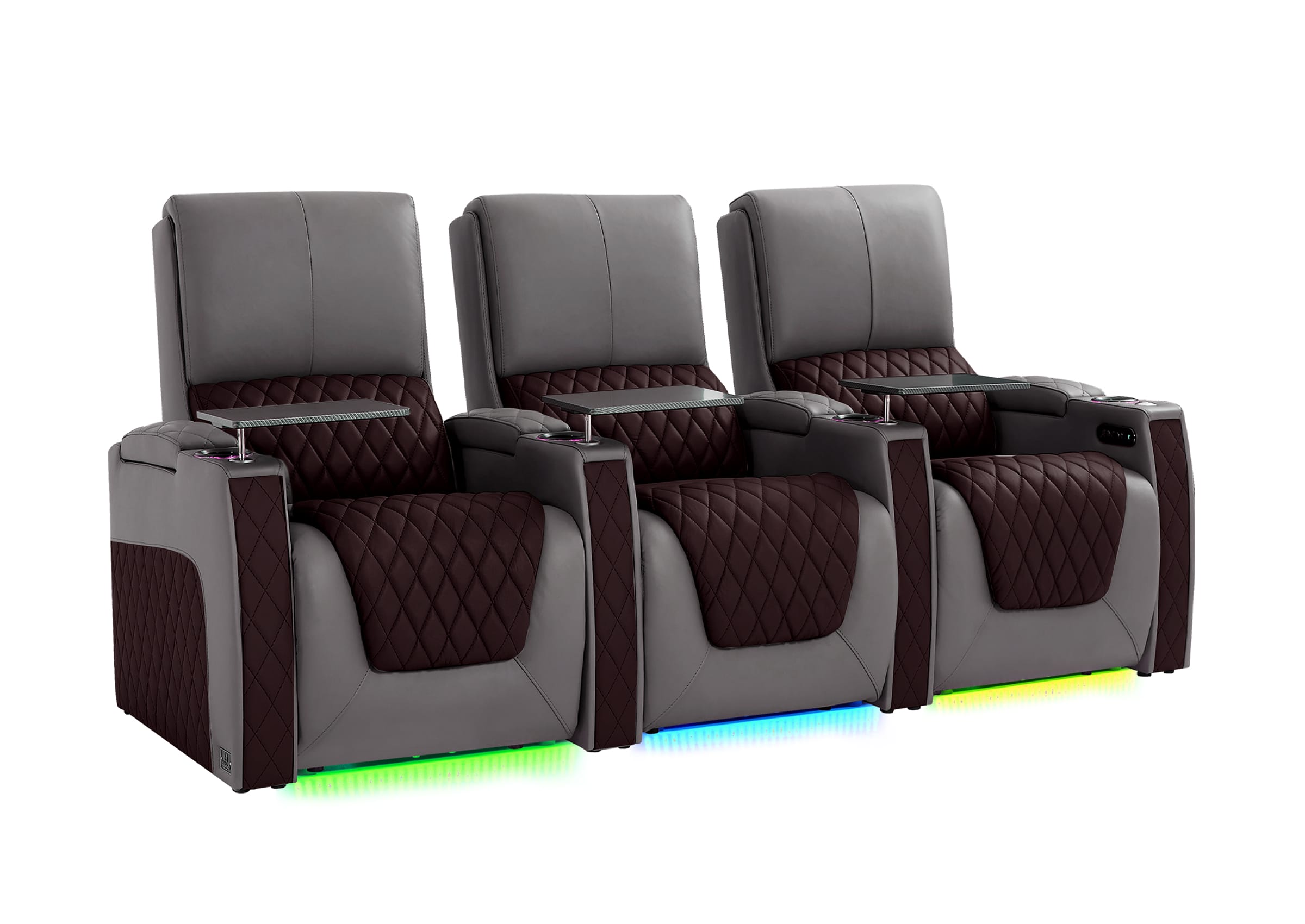
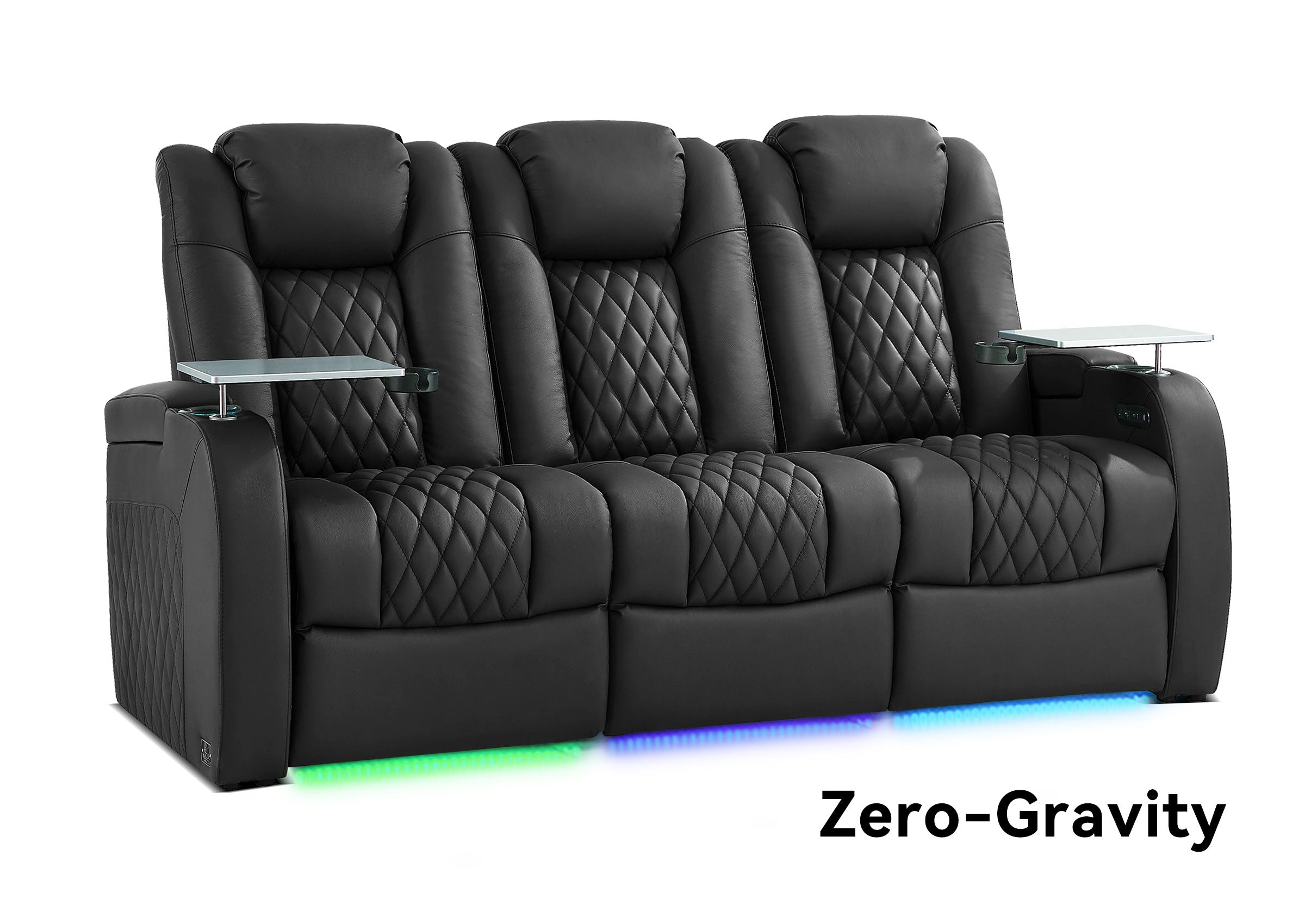
Does Wireless Home Theater Need Special Seating?
A complete home theater experience depends on more than sound equipment.
The screen, audio system, lighting, and seating all work together.
Your seating affects:
-
Viewing position
-
Comfort during long sessions
-
Room layout
-
Overall atmosphere
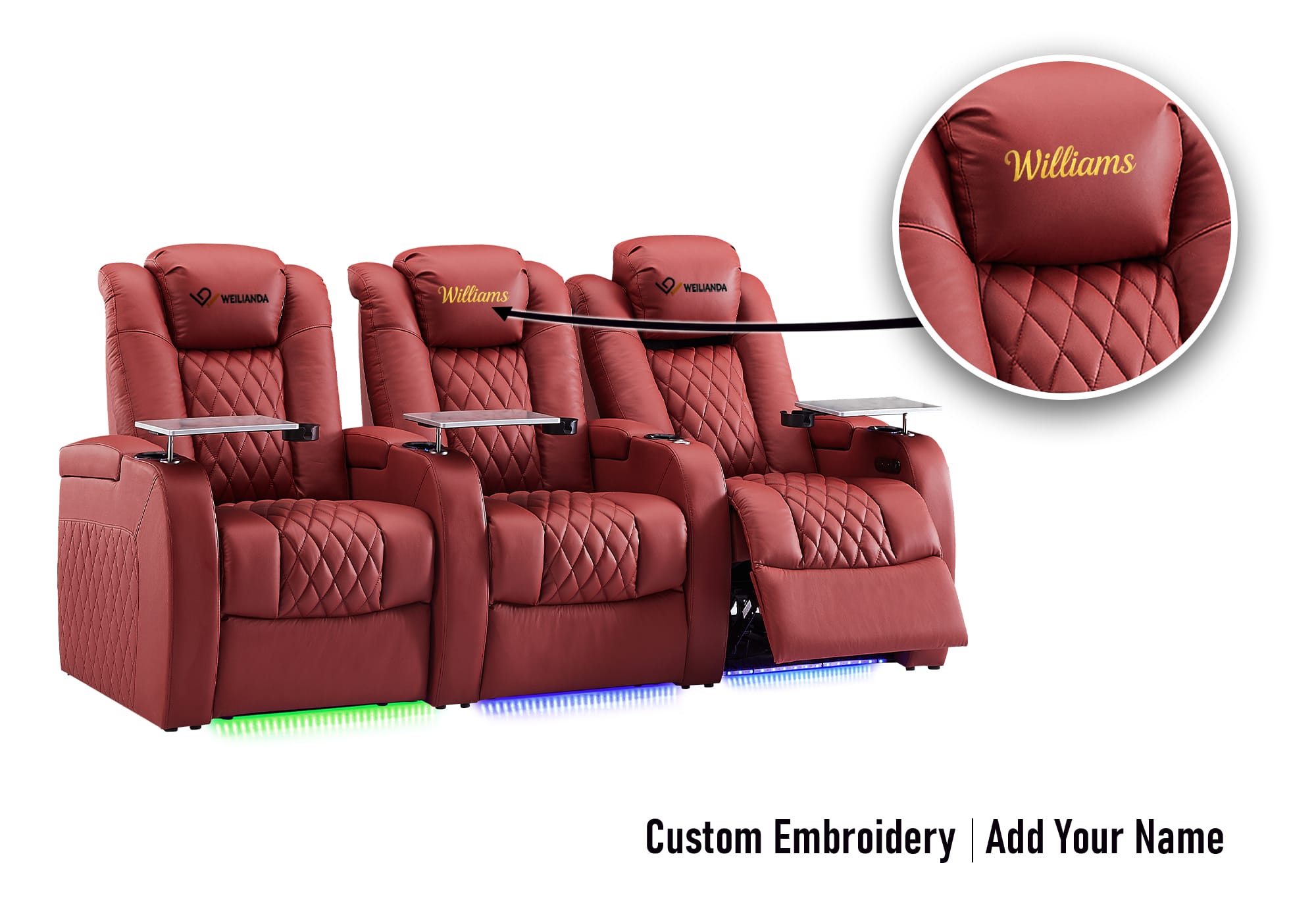
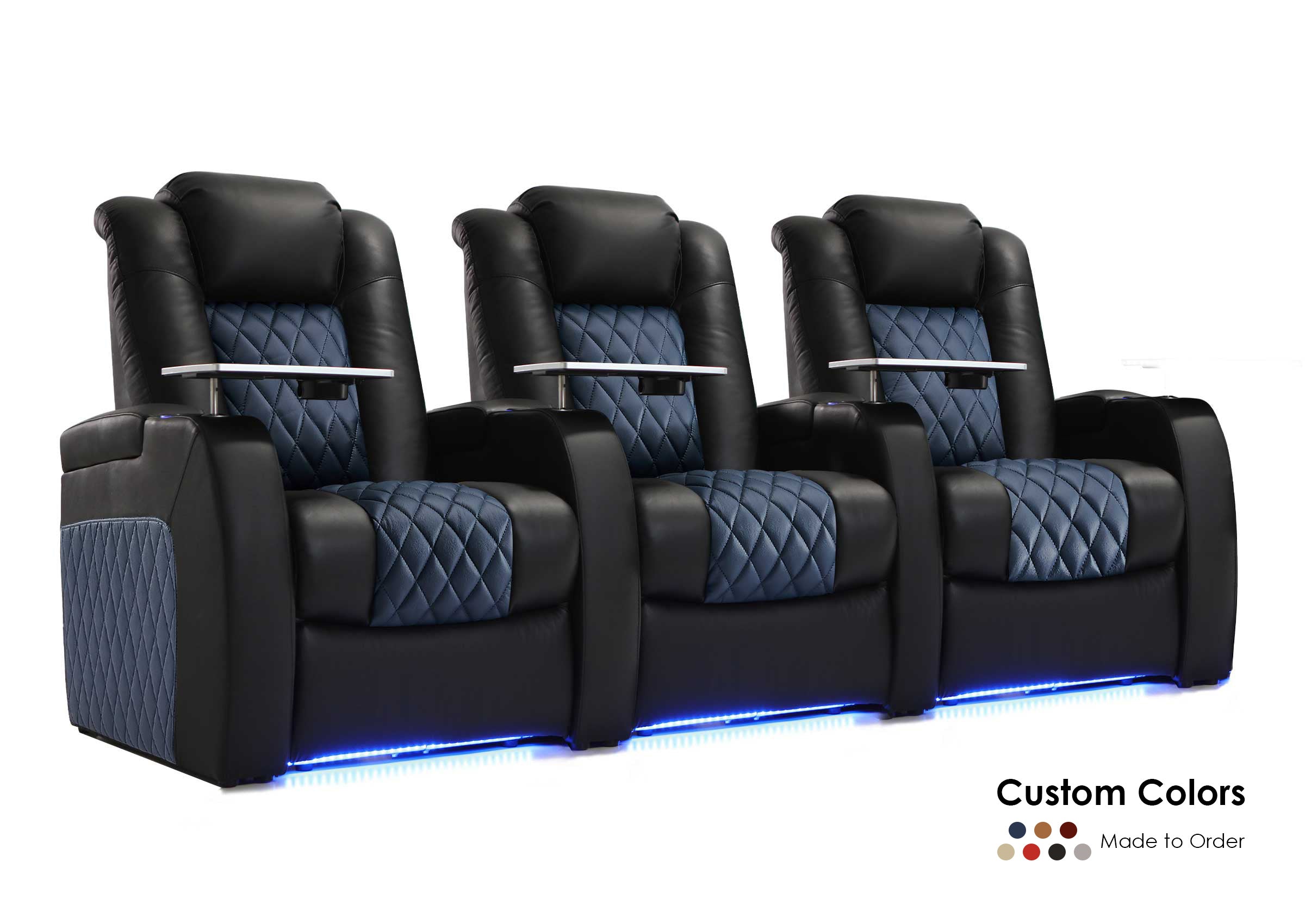
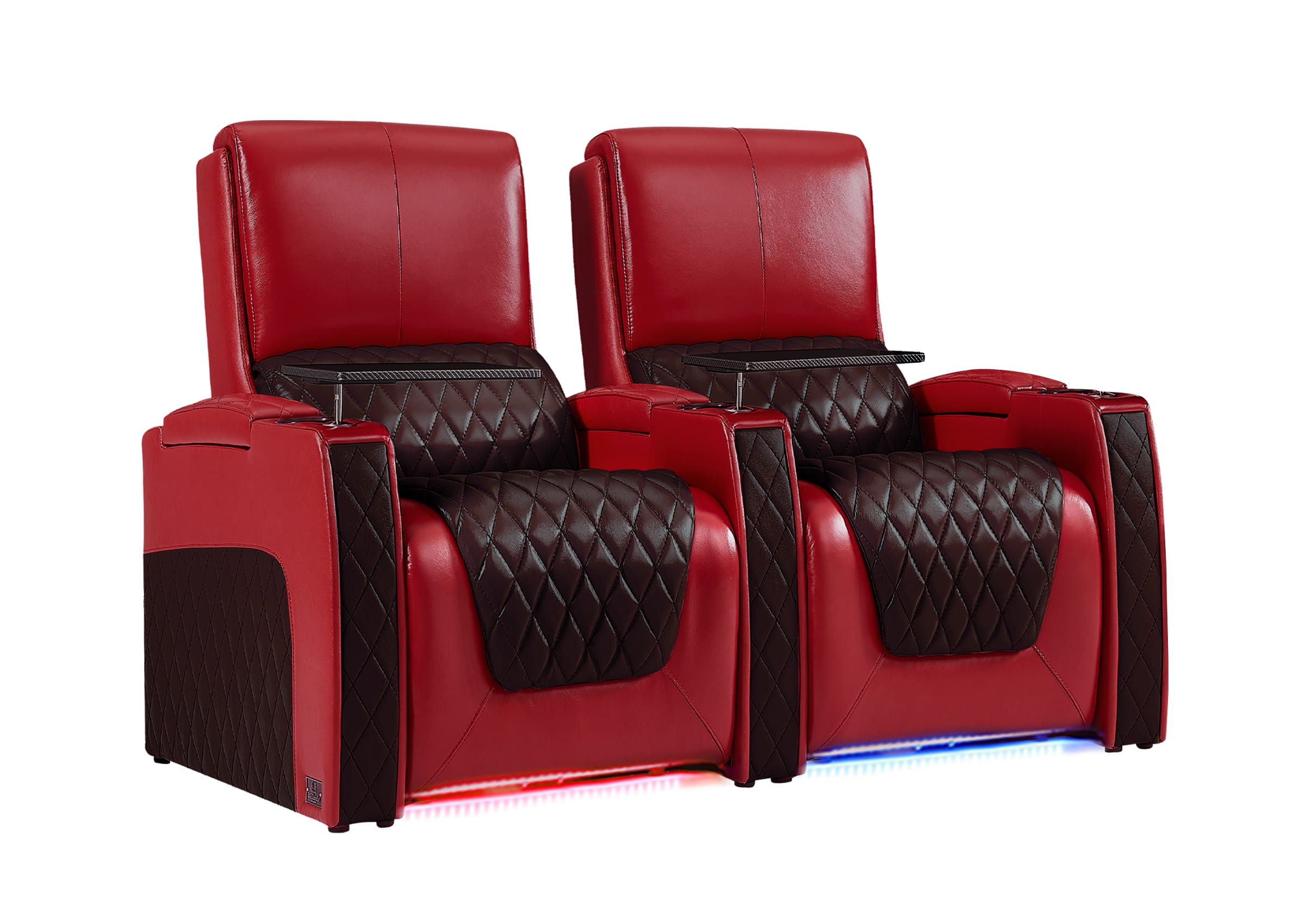
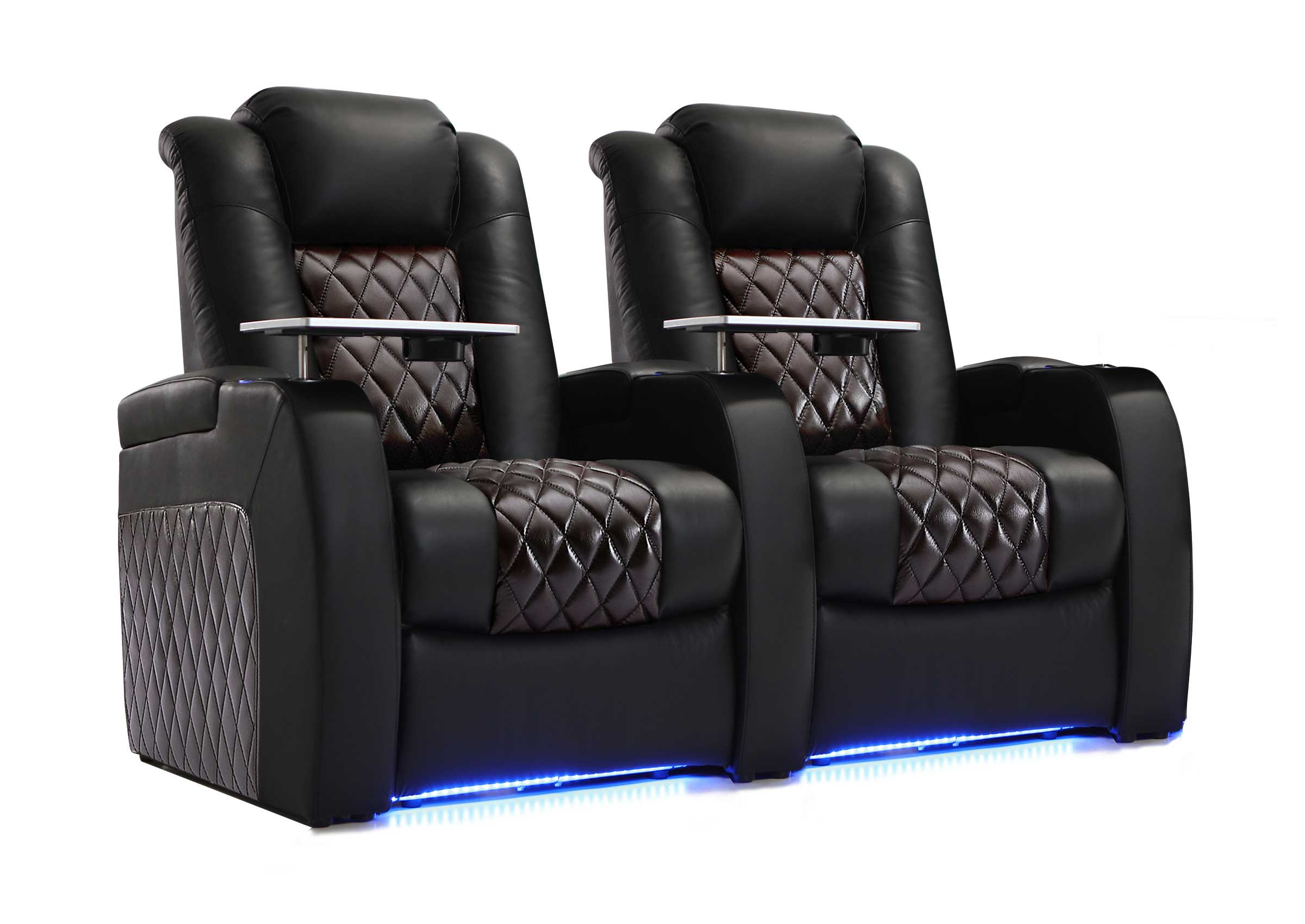
Features such as power reclining, adjustable headrests, storage, cup holders, and charging options can improve everyday use when watching movies, gaming, or spending time with family.
A well-planned room considers both technology and the way people actually use the space.

A Simple Wireless Home Theater Setup Checklist
Before finishing your setup, check:
✓ Your room size matches your equipment choice
✓ Seating position is planned before speaker placement
✓ Power locations are available
✓ Speakers are positioned around the viewing area
✓ Cables are hidden and organized
✓ The system works from your normal viewing position
✓ The room is comfortable for long entertainment sessions
FAQ
Is a wireless home theater completely cable-free?
No. Wireless home theater systems reduce connection cables, but most devices still require power. The goal is usually a cleaner installation with fewer visible wires, not removing every cable.
Is wireless home theater good for movies?
Yes. A properly planned wireless system can create an immersive movie experience. The final result depends on speaker placement, room layout, and seating position.
Does wireless surround sound have delay?
Some wireless systems may experience latency depending on the connection and equipment. Choosing reliable components and properly calibrating the system can help create a smoother experience.
Can I build a wireless home theater in a small room?
Yes. Wireless systems are often useful for smaller rooms because they reduce installation challenges. The key is choosing equipment and furniture that fit the available space.
Do wireless speakers need power?
Yes. Most wireless speakers still need a power source even though they do not require traditional speaker cables.
Is wired better than wireless home theater?
It depends on your goals. Wired systems offer more control for dedicated theaters, while wireless systems provide easier installation and cleaner appearance for many homes.
What equipment do I need for a wireless home theater?
A basic setup may include a display, wireless audio system, streaming device, and comfortable seating. Larger rooms may add surround speakers, subwoofers, and additional components.
What is the most important part of a wireless home theater setup?
The best results come from balancing equipment, room layout, and comfort. A good system should fit the way you actually watch movies, play games, and spend time in the room.
Build a Wireless Home Theater That Fits Your Space
A wireless home theater is not only about removing cables. It is about creating a cleaner and more enjoyable entertainment space.
The best setups start with planning: understand your room, choose the right equipment, place everything carefully, and create a comfortable environment for everyday use.
Whether you are upgrading a living room, building a basement theater, or creating a gaming space, the goal is the same: a home theater that feels simple to use and enjoyable to return to.
