





























A media room is a flexible home entertainment space designed for watching movies and television, playing games, listening to music, following sports, and spending time together. It usually combines a TV or projector, suitable audio, comfortable seating, adjustable lighting, and convenient access to entertainment devices.
What makes it a media room is not a particular screen size, speaker count, or furniture style. It is the way the space balances a better entertainment experience with everyday living.
A well-planned media room can feel immersive when the screen is on and remain comfortable, social, and useful when it is off.
What Is a Media Room Used For?
A media room brings several forms of entertainment into one practical space. A household might use it for streaming during the week, gaming after school, watching sports with friends, and holding a movie night on the weekend.
Common uses include:
- Movies and streaming shows
- Sports and live events
- Console, PC, or virtual reality gaming
- Music and casual listening
- Family movie nights
- Everyday relaxation
- Entertaining guests
- Interactive exercise or karaoke
The room does not need to serve every activity equally. In fact, the strongest media rooms usually have one primary purpose and a few secondary uses.
A space planned mainly for family movies can still support gaming and conversation, but those additional activities should not make its main function uncomfortable or complicated.
What Makes a Room a Media Room?
There is no single piece of equipment that automatically turns a room into a media room. Instead, the screen, sound, seating, lighting, storage, and everyday use should work together around entertainment.
Entertainment Is One of the Room’s Main Purposes
A media room is more intentional than a general room where a television happens to be present.
Movies, gaming, sports, streaming, music, or another form of media should be part of the room’s regular use. The layout should make those activities easier rather than treating them as an afterthought.
The Screen Has a Clear Role
The television or projection screen is usually an important focal point, but it does not need to control every design decision.
The primary seats should offer a comfortable view, while the room may still preserve conversation areas, windows, storage, and other everyday functions.
The Seating Supports More Than One Activity
Media-room seating may need to support several behaviors:
- Sitting upright for sports or gaming
- Reclining during a long movie
- Lounging with family
- Talking with guests
- Sharing space with a partner, child, or pet
- Eating snacks or using devices
- Changing the arrangement when the activity changes
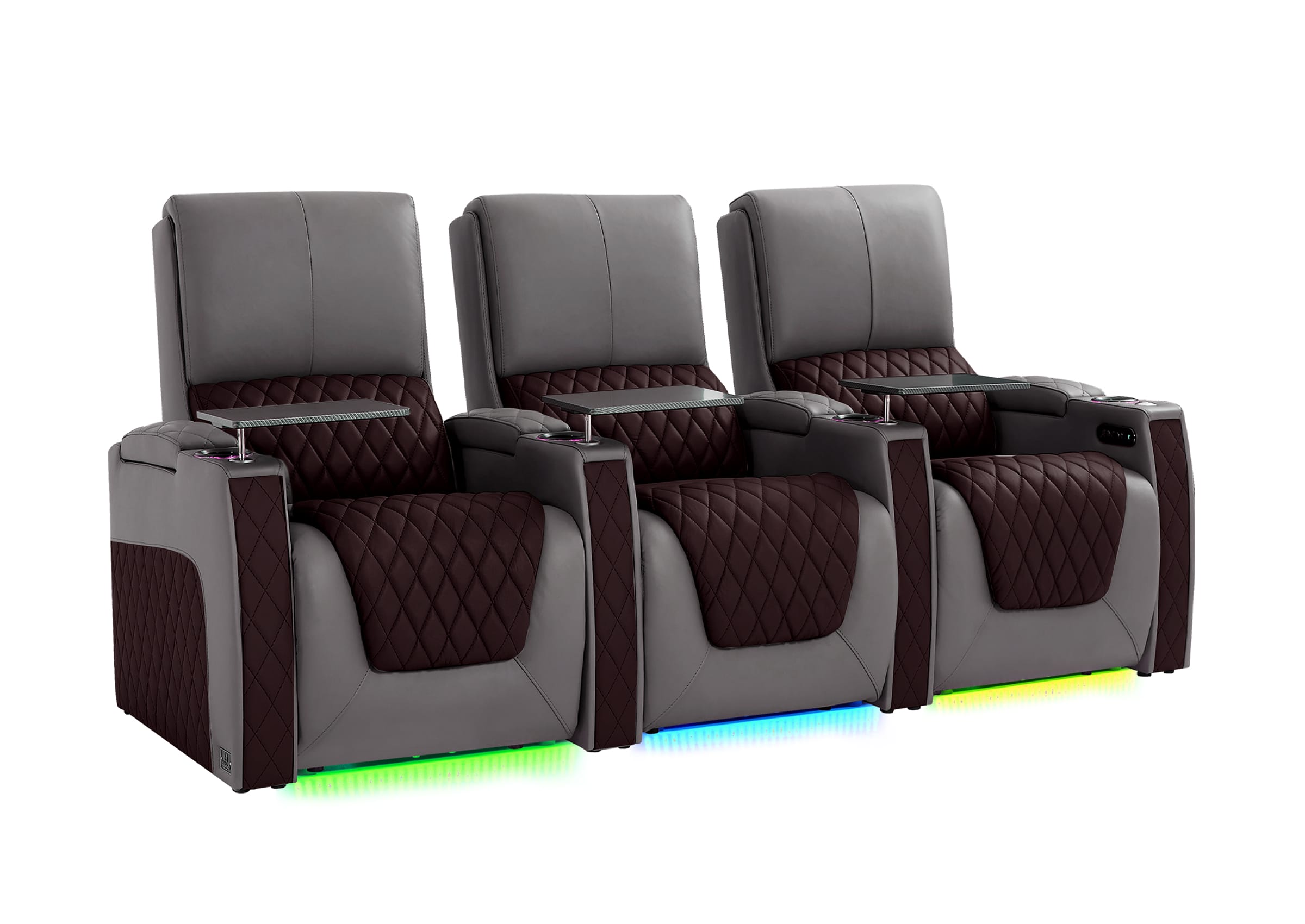
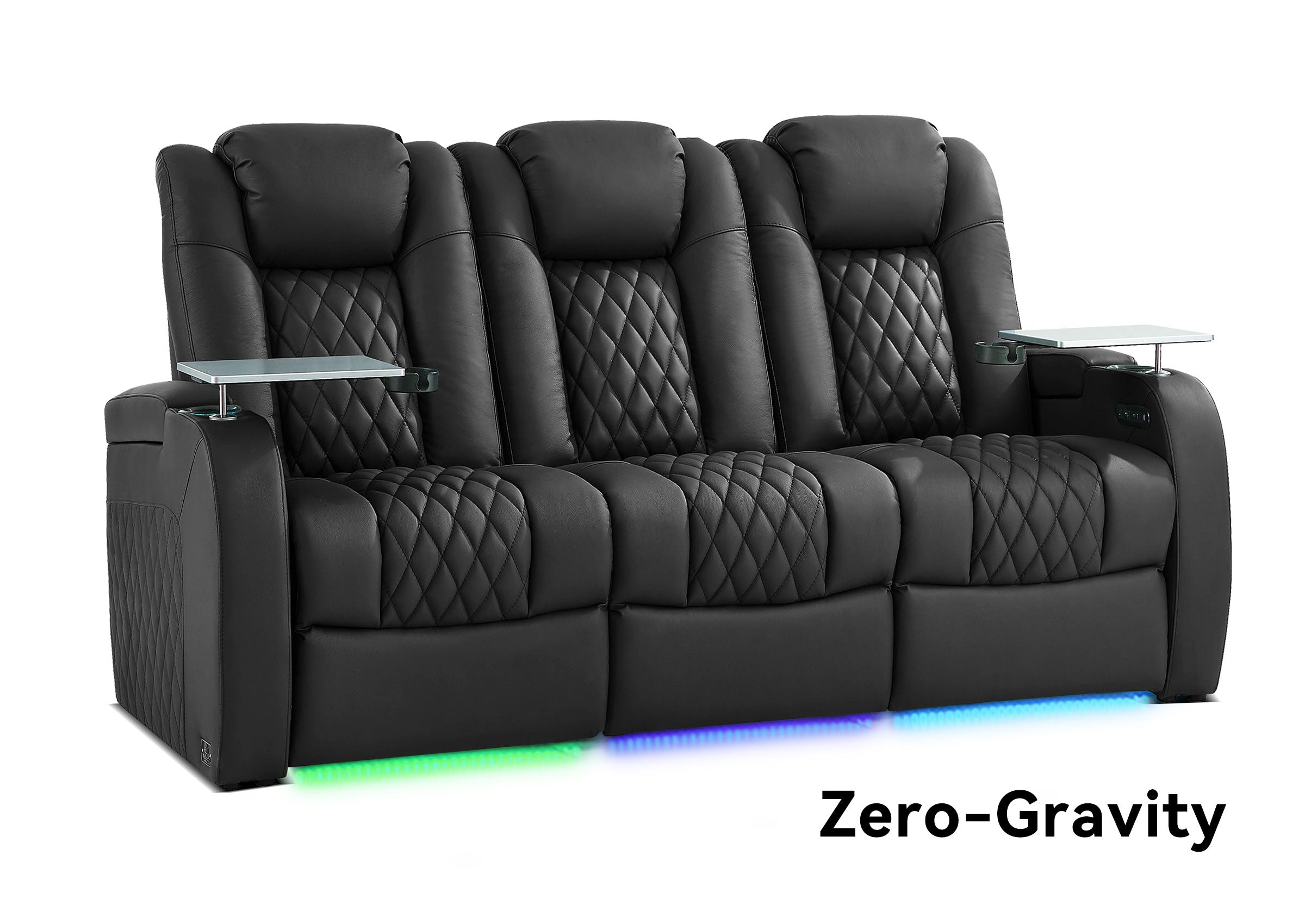
This is why a media room may use a sofa, sectional, reclining loveseat, individual recliners, modular seating, or a combination rather than one fixed theater-style row.
The Lighting Can Change With the Activity
A media room should normally work with the lights on as well as dimmed.
Daytime family use may require natural or general household lighting. Movie night may benefit from blackout curtains, dimmable fixtures, or lower-level ambient lighting.
The goal is not necessarily complete darkness. It is enough control to reduce glare and make the screen comfortable to watch when needed.
The Room Accepts Practical Compromises
A media room may need to work around:
- Windows and daylight
- Doors and everyday traffic
- Existing décor
- Children and pets
- Storage
- Open-plan living
- Several seating directions
- Activities that do not involve the screen
These conditions do not make it a poor entertainment space. They are part of what allows the room to remain useful throughout an ordinary week.
What Does Not Automatically Make a Room a Media Room?
A large television, projector, soundbar, or row of recliners does not define the room by itself.
A space may contain expensive entertainment equipment and still function mainly as a living room, spare bedroom, or general basement if the rest of the room has not been planned around regular media use.
Three assumptions commonly cause confusion:
- A large screen alone is enough. The seating, sound, lighting, device access, and room use still matter.
- Multipurpose means the room needs no main priority. A useful media room still needs one activity to guide its most important decisions.
- Occasional movie nights define the room. The room should support the way the household uses it during a normal week.
Where Is a Media Room Usually Located in a House?
A media room can be located almost anywhere that provides suitable space, power, screen visibility, seating, and everyday access.
Common locations include:
- Basements
- Bonus rooms
- Dens
- Family rooms
- Lofts
- Spare bedrooms
- Finished attics
- Open-plan living areas
- Dedicated entertainment rooms
“Media room” describes the function of the space more than its location in the house.
A basement is not automatically a media room because it contains a television. A living room can function as a media room when screen visibility, audio, seating, lighting, device storage, and everyday entertainment have been deliberately coordinated.
What Does a Media Room Usually Include?
A media room can be simple or highly equipped. It does not need every component associated with a dedicated home theater.
| Element | Its Role in a Media Room |
|---|---|
| Display | A television or projector provides the main viewing surface. |
| Audio | TV speakers, a soundbar, stereo speakers, or surround sound improve clarity and involvement. |
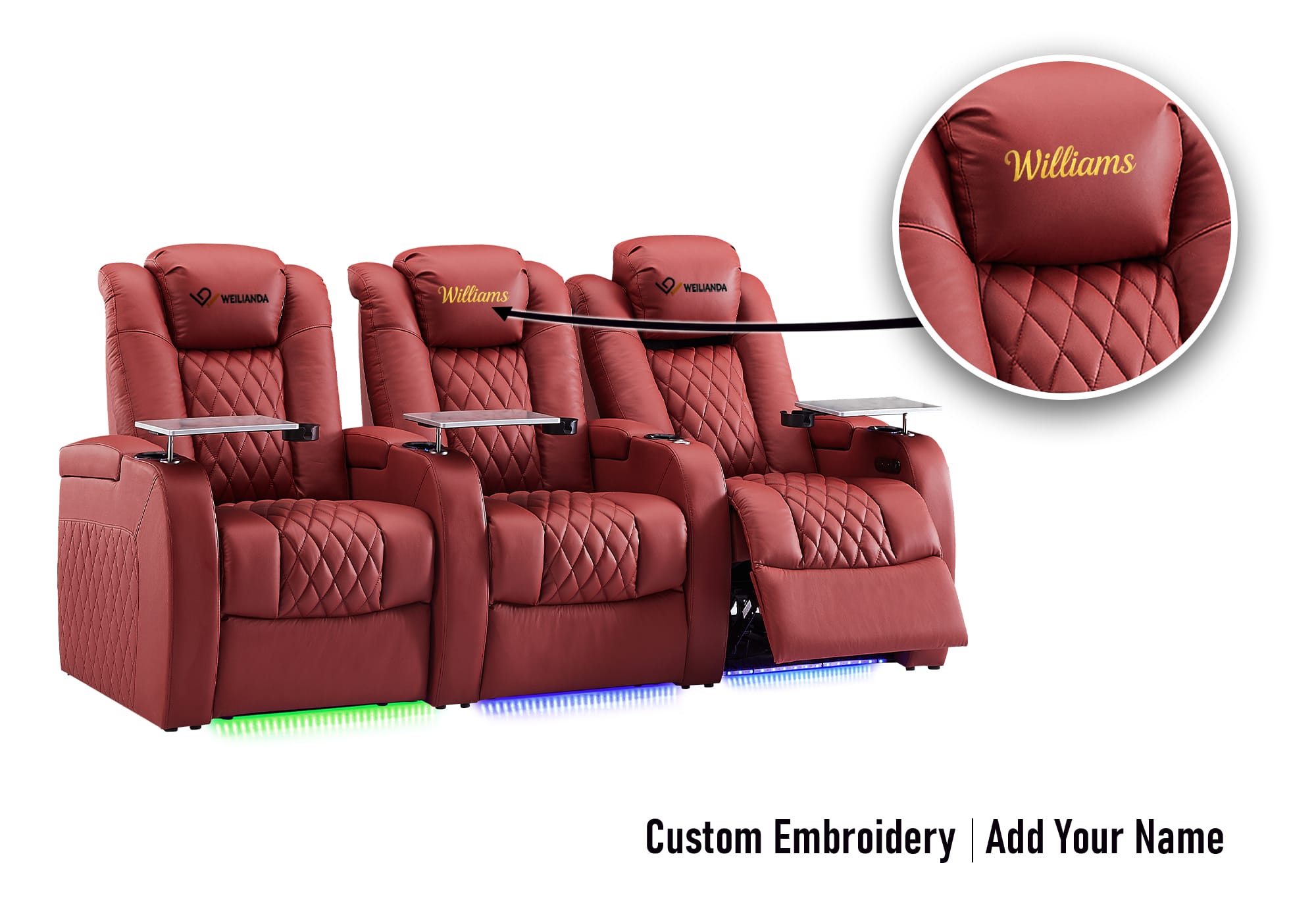
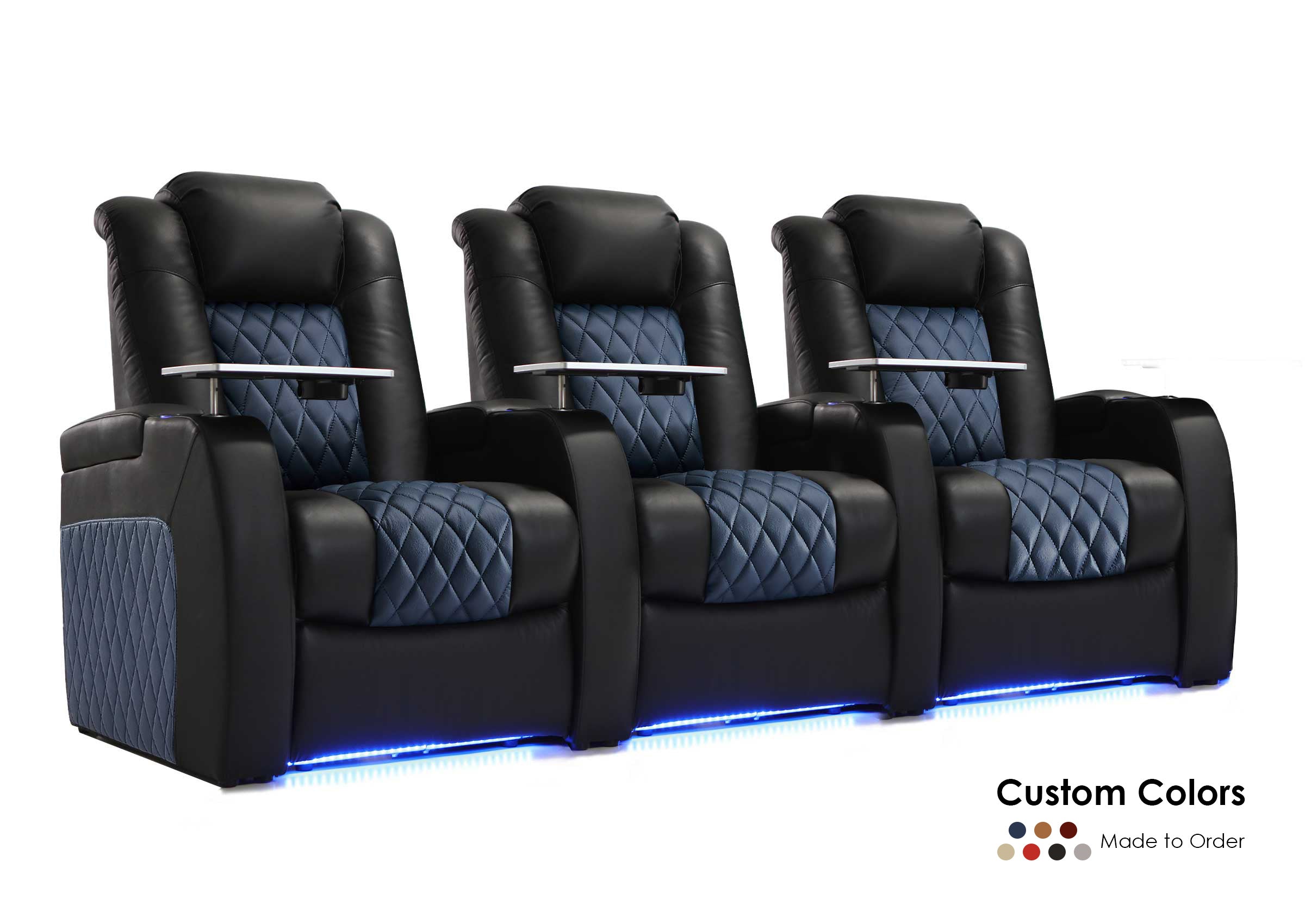
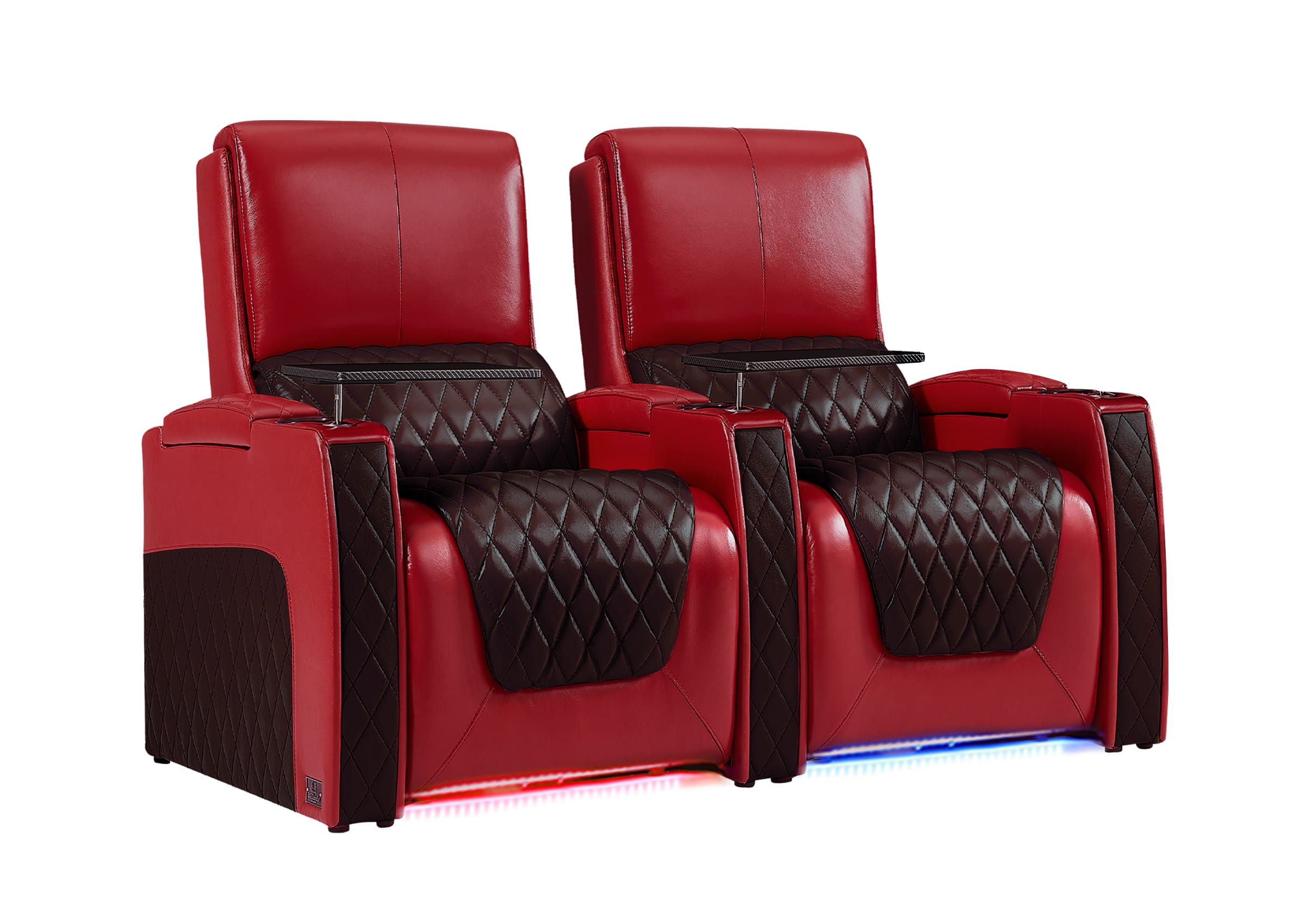
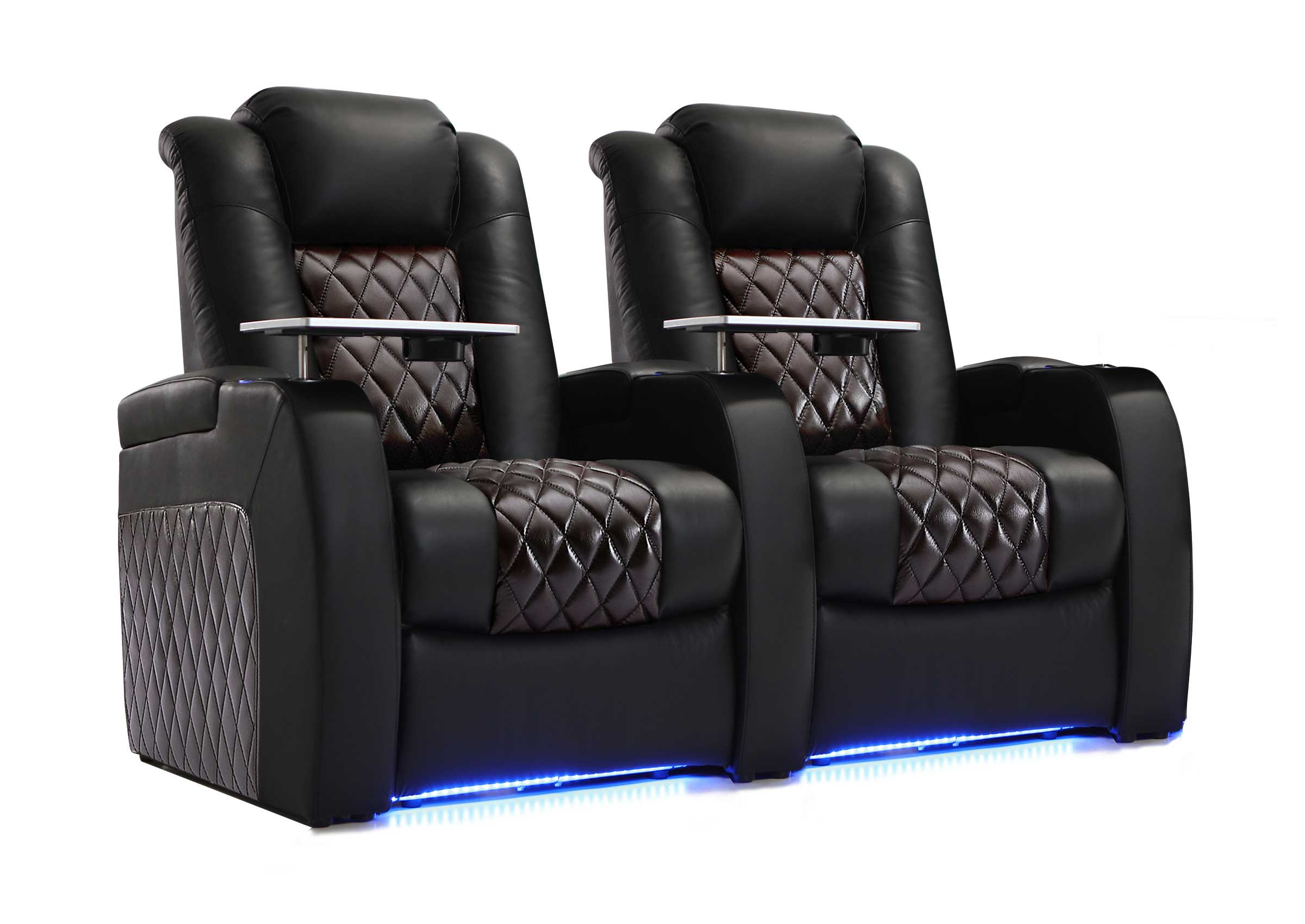
| Seating | Sofas, sectionals, recliners, or modular seating support the room’s regular mix of viewing, lounging, and social use. |
| Lighting | Adjustable lighting helps the room shift between daytime use, gaming, conversation, and movies. |
| Power and connectivity | Outlets, network access, charging, and cable routes support the devices and powered furniture used in the room. |
| Storage | Defined places for remotes, controllers, cables, headphones, games, and blankets keep the room easier to use. |
A television may be more practical in a room with daylight and frequent casual use. A projector may suit a household that values a larger image and can control more of the room’s light.
If the display is still undecided, compare a TV and projector for a media room.
The same principle applies to audio and seating: the best choice is the one that supports the room’s actual use, not the option with the longest feature list.
For a more detailed room-planning process, see how to organize a media room around the screen, furniture, lighting, storage, and walking paths.
How Is a Media Room Different From a Living Room or Dedicated Home Theater?
A media room sits between an ordinary living room and a dedicated home theater. The distinction comes from the room’s priorities rather than one product or device.
| Decision Point | Living Room | Media Room | Dedicated Home Theater |
|---|---|---|---|
| Primary purpose | Everyday living and conversation | Entertainment and everyday use | Focused screen viewing |
| Role of the screen | One feature among several | An important focal point | The dominant focal point |
| Typical activities | Conversation, relaxing, and occasional viewing | Movies, gaming, sports, music, and social use | Movies and focused viewing |
| Lighting | Designed mainly for normal household use | Adjustable for viewing and other activities | Highly controlled during use |
| Seating | Often arranged around conversation | Balances viewing, lounging, and flexibility | Usually arranged in screen-facing positions or rows |
| Other uses | Many everyday activities | Several entertainment and social uses | Usually limited |

A living room moves closer to a media room when entertainment becomes one of its primary functions and the screen, sound, seating, lighting, and device access are planned accordingly.
A media room moves closer to a dedicated home theater when nearly every decision prioritizes one screen, controlled light, focused sound, and fixed viewing positions.
Does a Media Room Have to Be a Separate Room?
No. A media room can be an enclosed basement, den, bonus room, loft, spare bedroom, family room, or a clearly planned part of an open living area.
An enclosed room usually makes light, sound, and distractions easier to control. An open media room may be easier to access and more naturally connected to family life, but sound can travel farther and daylight may be harder to manage.
The label on a floor plan matters less than whether the space works.
Even a compact area can function as a media room if people can see the screen comfortably, hear clearly, sit without blocking normal movement, and use the equipment without repeatedly rearranging the room.
How Can You Tell Whether a Media Room Will Work in Real Life?
An equipment list shows what a room contains. It does not show whether people will enjoy using it. Three simple tests provide a more practical answer.

The Normal-Week Test
Plan for the people and activities that occur every week, not the largest gathering you may host once a year.
Ask:
- Who uses the room most often?
- How many people normally watch together?
- Is it used mainly for movies, sports, gaming, or casual television?
- Will people use it during the day as well as at night?
- What else must happen in the room when nobody is watching?
Designing around regular use prevents a common mistake: filling the room with extra seats or specialized features that reduce comfort during the rest of its life.
The Five-Minute Test
Could another member of the household enter the room and start watching within five minutes without asking for help?
That means being able to:
- Find the remote or controller
- Select the correct input
- Adjust the lighting
- Use the audio system
- Reach a comfortable seat
- Connect or charge a device
A technically impressive system that feels difficult to operate can discourage everyday use.
The Screen-Off Test
What value does the room have when the screen is off?
If it remains comfortable for conversation, reading, music, games, or relaxation, it is functioning as a true multipurpose media room.
If the furniture, lighting, and circulation make sense only during a movie, the space is closer to a dedicated home theater—even if the household calls it a media room.
PLAN FOR REAL LIFE
Explore Ideas for a Media Room You Will Actually Use
Start with the way your household watches, relaxes, plays, and spends time together. Then explore room ideas and seating options that support those everyday habits.
What Kind of Seating Works in a Media Room?
The best seating depends on how the room is used most often.
- Movie-focused use: Reclining seats may provide more personal adjustment and clearer screen-facing positions.
- Family lounging: A sofa or sectional may support shared seating, casual relaxation, and conversation.
- Movies, gaming, sports, and social use: Modular or reclining sectional arrangements may provide more flexibility.
- A more theater-focused media room: Individual theater-style seats or structured rows may make sense when screen viewing is the clear priority.
The important question is not which seating type looks most cinematic. It is whether the seating supports the way people actually watch, relax, move, and share the room.
For a complete comparison, see how to choose seating for a media room.
Can a Media Room Become a Dedicated Home Theater Later?
Yes, depending on the room and the changes the household is willing to make.
A media room can gradually become more theater-focused by adding:
- Stronger light control
- A larger screen
- Upgraded audio
- Acoustic treatment
- More screen-facing seating
- Dedicated wiring
- Fixed equipment locations
- A more controlled room layout
However, the more completely the space is redesigned around one screen, one viewing direction, controlled lighting, and limited alternative uses, the more it begins to function like a dedicated home theater.
The deciding factor is not whether the room contains premium equipment. It is whether everyday flexibility or focused viewing has become the stronger priority.
Is Your Room Really a Media Room?
Your room is probably functioning as a media room if most of these statements are true:
- Entertainment is one of the room’s main purposes.
- The screen is an important part of the layout.
- The room supports more than one entertainment activity.
- The seating works for both viewing and relaxation.
- The lighting can be adjusted without making the room impractical during the day.
- Power, device access, and storage have been deliberately planned.
- The room remains useful for family or social activities.
- You accept some performance compromises in exchange for flexibility.
If the room is used almost exclusively for focused movie viewing and nearly every design decision is organized around that experience, it may be closer to a dedicated home theater.
Frequently Asked Questions About Media Rooms
What is a media room in a house?
A media room is a home entertainment space designed for activities such as movies, television, streaming, gaming, sports, music, and family relaxation. It may be a separate room or part of an existing family room, living area, basement, den, or bonus space.
What is the main purpose of a media room?
Its main purpose is to provide a comfortable and organized place for several forms of home entertainment while remaining flexible enough for everyday and social use.
What qualifies as a media room?
A media room is deliberately planned around entertainment. The screen, sound, seating, lighting, power, storage, and device access should support regular media use, but no specific screen size, speaker count, or room dimension is required.
Is a media room just a room with a television?
Not necessarily. A television alone does not make a room a media room. The space becomes one when entertainment is a major function and the room has been intentionally arranged to support viewing, listening, gaming, or related activities.
Is a media room the same as a TV room?
The terms can overlap. A TV room may simply be a room where the household watches television, while a media room usually supports a wider range of entertainment activities and has more deliberate planning around sound, lighting, seating, storage, and devices.
Is a media room the same as a living room?
No, although one room can serve both purposes. A living room primarily supports everyday living and conversation. A media room gives audiovisual entertainment a more central role while preserving flexibility.
Is a media room the same as a home theater?
No. A media room is generally more flexible and multipurpose. A dedicated home theater is more completely designed around focused screen viewing, controlled lighting, sound, and screen-facing seating.
Does a media room need a projector?
No. A television may be more practical for a bright, compact, or frequently used multipurpose room. A projector is an option when a larger image and greater light control are priorities.
Does a media room need surround sound?
No. A media room can use television speakers, a soundbar, stereo speakers, or a multichannel system. The appropriate choice depends on the room and the household’s listening priorities.
Can a media room also be a game room?
Yes. Gaming works naturally in a media room because it uses the same display, audio, seating, connectivity, and storage. Decide whether gaming or passive viewing is the primary activity because each may favor a different seating distance and amount of open floor space.
Can a media room have theater seating?
Yes. Theater seating can work when screen-focused viewing is a strong priority. Sofas, sectionals, reclining loveseats, individual recliners, and modular seating may be more appropriate when the room also supports lounging, conversation, gaming, or family use.
A Media Room Is Defined by How the Space Works
A media room is not defined by a projector, a certain number of speakers, dark paint, or theater-style furniture.
It is a space where entertainment has been intentionally planned into the room while everyday flexibility remains important.
The most successful media rooms balance:
- Screen visibility
- Comfortable seating
- Clear sound
- Adjustable lighting
- Organized technology
- Storage
- Movement
- Normal household use
The goal is not to copy a commercial cinema. It is to create an entertainment space people will actually use for movies, sports, gaming, music, and time together.
Need Help Choosing Seating for the Way Your Media Room Is Used?
Share your room dimensions, screen location, regular number of users, and whether movies, gaming, sports, or everyday lounging is the main priority.
Drawing on home theater seating manufacturing experience since 2008, Weilianda can help you compare product-specific dimensions, reclining functions, seating configurations, and room-fit details before you make a final choice.
Visit Weilianda Support or email leon@weiliandahome.com.
A media room is a flexible home entertainment space designed for watching movies and television, playing games, listening to music, following sports, and spending time together. It usually combines a TV or projector, suitable audio, comfortable seating, adjustable lighting, and convenient access to entertainment devices.
What makes it a media room is not a particular screen size, speaker count, or furniture style. It is the way the space balances a better entertainment experience with everyday living.
A well-planned media room can feel immersive when the screen is on and remain comfortable, social, and useful when it is off.
What Is a Media Room Used For?
A media room brings several forms of entertainment into one practical space. A family might use it for streaming during the week, gaming after school, watching sports with friends, and holding a movie night on the weekend.
Common uses include:
- Movies and streaming shows
- Sports and live events
- Console, PC, or virtual reality gaming
- Music and casual listening
- Family movie nights
- Everyday relaxation
- Entertaining guests
The room does not need to serve every activity equally. The most useful media rooms usually have one primary purpose and a few secondary uses.
A room planned mainly for family movies can still support gaming and conversation, but those additional activities should not make its main function uncomfortable or complicated.
What Makes a Room a Media Room?
There is no single television size, speaker count, sofa type, or room dimension that automatically creates a media room. Instead, most media rooms share several functional characteristics.
Entertainment Is One of the Room’s Main Purposes
A media room is more intentional than a general room where a television happens to be present.
Movies, gaming, sports, streaming, music, or another form of media should be part of the room’s regular use. The layout should make those activities easier rather than treating them as an afterthought.
The Screen Has a Clear Role
The television or projection screen is usually an important focal point, but it does not need to control every design decision.
The main seating positions should provide a comfortable view, while the room may still preserve windows, storage, conversation space, and other everyday functions.
The Seating Supports More Than One Activity
Media-room seating often needs to support several behaviors:
- Sitting upright for sports or gaming
- Reclining during a long movie
- Lounging with family
- Talking with guests
- Sharing space with a partner, child, or pet
- Using devices or eating snacks
This is why a media room may use a sofa, sectional, reclining loveseat, individual recliners, modular seating, or a combination rather than one fixed theater-style row.
The Lighting Can Change With the Activity
A media room should normally work with the lights on as well as dimmed.
Daytime family use may require natural or general household lighting. Movie night may benefit from blackout curtains, dimmable fixtures, or lower-level ambient lighting.
The goal is not necessarily complete darkness. It is enough control to reduce glare and create a comfortable viewing environment when needed.
The Room Accepts Practical Compromises
A media room may need to work around:
- Windows and daylight
- Doors and everyday traffic
- Existing décor
- Children and pets
- Storage
- Open-plan living
- Several seating directions
- Activities that do not involve the screen
These conditions do not make it a poor entertainment space. They are part of what allows the room to remain useful throughout an ordinary week.
Where Is a Media Room Usually Located in a House?
A media room can be located almost anywhere that provides suitable screen visibility, seating, power, sound, and everyday access.
Common locations include:
- Basements
- Bonus rooms
- Dens
- Family rooms
- Lofts
- Spare bedrooms
- Finished attics
- Open-plan living areas
- Dedicated entertainment rooms
“Media room” describes the function of the space more than its location in the house.
A basement is not automatically a media room because it contains a television. A living room can function as a media room when the screen, audio, seating, lighting, storage, and everyday use have been intentionally organized around entertainment.
What Does a Media Room Usually Include?
A media room can be simple or highly equipped. It does not need every component associated with a dedicated home theater.
| Media Room Element | Its Basic Role |
|---|---|
| Display | A TV or projector provides the main viewing surface. |
| Audio | TV speakers, a soundbar, stereo speakers, or surround sound improve clarity and immersion. |
| Seating | Sofas, sectionals, recliners, loveseats, or modular seating support viewing and relaxation. |
| Lighting | Adjustable lighting helps the room move between everyday use and focused viewing. |
| Power and connectivity | Outlets, network access, and device connections support screens, consoles, streaming devices, audio, and powered furniture. |
| Storage | Cabinets, consoles, shelves, and tables organize remotes, controllers, cables, games, and accessories. |
The correct combination depends on the room’s primary use. A family gaming room may need different seating, storage, and connectivity than a space used mainly for movies.
For a deeper planning process, use the media room organization guide to coordinate the screen, furniture, lighting, storage, power, and walking paths.
How Is a Media Room Different From a Living Room or Dedicated Home Theater?
A media room sits between an ordinary living room and a dedicated home theater. The difference comes from the room’s priorities rather than one particular device.
| Decision Point | Living Room | Media Room | Dedicated Home Theater |
|---|---|---|---|
| Primary purpose | Everyday living and conversation | Entertainment and everyday use | Focused screen viewing |
| Role of the screen | One feature among several | An important focal point | The dominant focal point |
| Seating priority | Conversation and general comfort | Viewing, lounging, and flexibility | Screen-facing viewing positions |
| Lighting | Normal household use | Adjustable for different activities | Highly controlled during viewing |
| Other uses | Many everyday activities | Several entertainment and social uses | Usually limited |
| Layout flexibility | High | Usually high | Usually lower |
A living room moves closer to a media room when entertainment becomes a major function and the screen, sound, seating, lighting, and storage are deliberately coordinated around it.
A media room moves closer to a dedicated home theater when nearly every choice prioritizes one screen, controlled light, focused sound, and fixed viewing positions.
This distinction explains what each room is. Choosing which one better fits a household requires a separate comparison of lifestyle, flexibility, viewing habits, and renovation commitment.
Does a Media Room Have to Be a Separate Room?
No. A media room does not have to be fully enclosed or separated from the rest of the house.
It can be part of:
- A family room
- A basement
- A den
- A loft
- A bonus room
- An open-plan living space
A separate room usually makes light, sound, and distractions easier to control. An open media room may be easier to access and more naturally connected to family life, but sound can travel farther and daylight may be harder to manage.
The label on a floor plan matters less than whether the space works. Even a compact area can function as a media room when people can see the screen comfortably, hear clearly, sit without blocking circulation, and use the equipment without repeatedly rearranging the room.
How Can You Tell Whether a Media Room Will Work in Real Life?
An equipment list shows what a room contains. It does not show whether people will enjoy using it. Three simple tests provide a more practical answer.
The Normal-Week Test
Plan for the people and activities that occur every week, not the largest gathering you may host once a year.
Ask:
- Who uses the room most often?
- How many people normally watch together?
- Is it used mainly for movies, sports, gaming, or casual television?
- Will people use it during the day as well as at night?
- What else must happen in the room when nobody is watching?
Designing around regular use prevents a common mistake: filling the room with extra seats or specialized features that reduce comfort during the rest of its life.
The Five-Minute Test
Could another member of the household enter the room and start watching within five minutes without asking for help?
That means being able to:
- Find the remote or controller
- Select the correct input
- Adjust the lighting
- Use the audio system
- Reach a comfortable seat
- Connect or charge a device
A technically impressive system that feels difficult to operate can discourage everyday use. Clear controls, reliable connections, and defined storage often improve the experience more than another feature nobody understands.
The Screen-Off Test
What value does the room have when the screen is off?
If it remains comfortable for conversation, reading, music, games, or relaxation, it is functioning as a true multi-use media room.
If the furniture, lighting, and circulation make sense only during a movie, the space is closer to a dedicated home theater—even if the household calls it a media room.
PLAN FOR REAL LIFE
Ready to Shape a Media Room Around Everyday Use?
Start with the way your household watches, plays, relaxes, and spends time together. Then explore practical room ideas or compare seating options that support those habits.
What Kind of Seating Works in a Media Room?
There is no single seating type that defines a media room. The better choice depends on how people regularly use the space.
- Sofas and sectionals can support shared lounging, conversation, children, pets, and casual television.
- Reclining sofas and loveseats add adjustable comfort while preserving a familiar living-room feel.
- Individual recliners or theater seats can provide more personal support and clearer forward-facing positions.
- Modular seating may suit a room that changes between movies, gaming, sports, and social use.
The important question is not which option looks most cinematic. It is whether the seating supports the way people actually watch, relax, move, and share the room.
For a complete comparison, see how to choose seating for a media room.
Can a Media Room Become a Dedicated Home Theater Later?
Yes, depending on the room and the household’s priorities.
A media room can gradually become more theater-focused by adding:
- Stronger light control
- A larger or more prominent screen
- Upgraded audio
- Acoustic treatment
- More screen-facing seating
- Dedicated wiring
- Fixed equipment locations
However, the more completely the room is redesigned around one screen, controlled lighting, focused sound, and fixed viewing positions, the more it begins to function like a dedicated home theater.
The transition is not defined by one purchase. It happens when the room’s priorities change.
Is Your Room Really a Media Room?
Your space is probably functioning as a media room if most of these statements are true:
- Entertainment is one of the room’s main purposes.
- The screen is an important part of the layout.
- The room supports more than one entertainment activity.
- The seating works for both viewing and relaxation.
- The lighting can be adjusted without making the room impractical during the day.
- Power, device access, and storage have been deliberately planned.
- The room remains useful for family or social activities.
- You accept some performance compromises in exchange for flexibility.
If the room is used almost exclusively for focused movie viewing and every design decision is organized around that experience, it may be closer to a dedicated home theater.
Frequently Asked Questions About Media Rooms
What is a media room in a house?
A media room is a home entertainment space designed for activities such as movies, television, streaming, gaming, sports, music, and family relaxation. It may be a separate room or part of an existing family room, living area, basement, den, or bonus space.
What is the main purpose of a media room?
Its main purpose is to provide a comfortable and organized place for several forms of home entertainment while remaining flexible enough for everyday or social use.
What qualifies as a media room?
A room qualifies as a media room when entertainment is one of its main purposes and the screen, sound, seating, lighting, power, storage, and device access have been intentionally coordinated around that use.
Is a media room the same as a TV room?
The terms can overlap. A TV room may simply be a place where people watch television, while a media room usually supports a wider mix of entertainment such as streaming, gaming, sports, music, and improved audio.
Is a media room the same as a living room?
No, although one room can serve both purposes. A living room primarily supports everyday living and conversation. A media room gives audiovisual entertainment a more central role while preserving flexibility.
Does a media room need a projector or surround sound?
No. A television and soundbar may be the most practical setup for a bright, compact, or frequently used room. A projector and surround sound are options rather than requirements.
Does a media room need special seating?
No specific seating type is required. The seating should fit the space and support its normal mix of viewing, lounging, gaming, and social use.
Can a media room also be a game room?
Yes. Gaming works naturally in a media room because it uses the same screen, audio, seating, connectivity, and storage. The room should still have a clear primary purpose so different activities do not create conflicting layout requirements.
Can a media room become a dedicated home theater later?
Yes. Better light control, audio, acoustic treatment, wiring, screen-focused seating, and fixed equipment can make the room increasingly theater-oriented. The room becomes more like a dedicated theater as flexibility gives way to focused viewing.
A Media Room Is Defined by How the Space Works
A media room is not defined by a projector, a certain number of speakers, dark paint, or theater-style furniture.
It is a space where entertainment has been intentionally planned into the room while daily flexibility remains important.
The strongest media rooms balance:
- Screen visibility
- Comfortable seating
- Clear sound
- Adjustable lighting
- Organized technology
- Storage
- Movement
- Everyday household use
The goal is not to copy a commercial cinema. It is to create an entertainment space that people will actually use for movies, sports, gaming, music, and time together.
Need Help Matching Seating to Your Media Room?
If seating is the next part of your plan, share your room dimensions, screen location, regular number of users, and whether movies, gaming, sports, or everyday lounging is the main priority.
Drawing on home theater seating manufacturing experience since 2008 and factory-direct communication, Weilianda can help you compare product-specific dimensions, configurations, and available reclining features for the models you are considering.
Visit Weilianda Support or email leon@weiliandahome.com to discuss your room and seating priorities.
