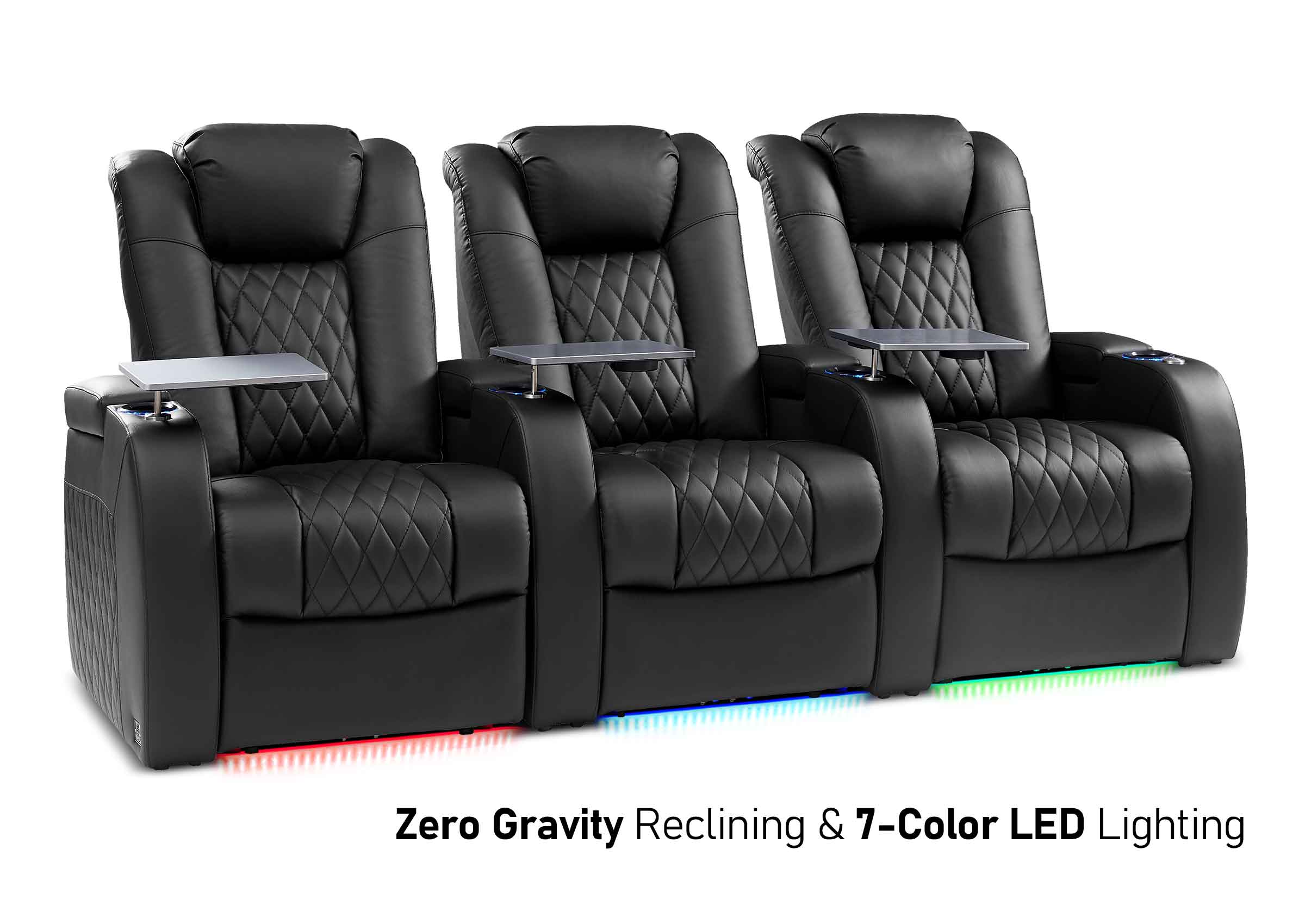
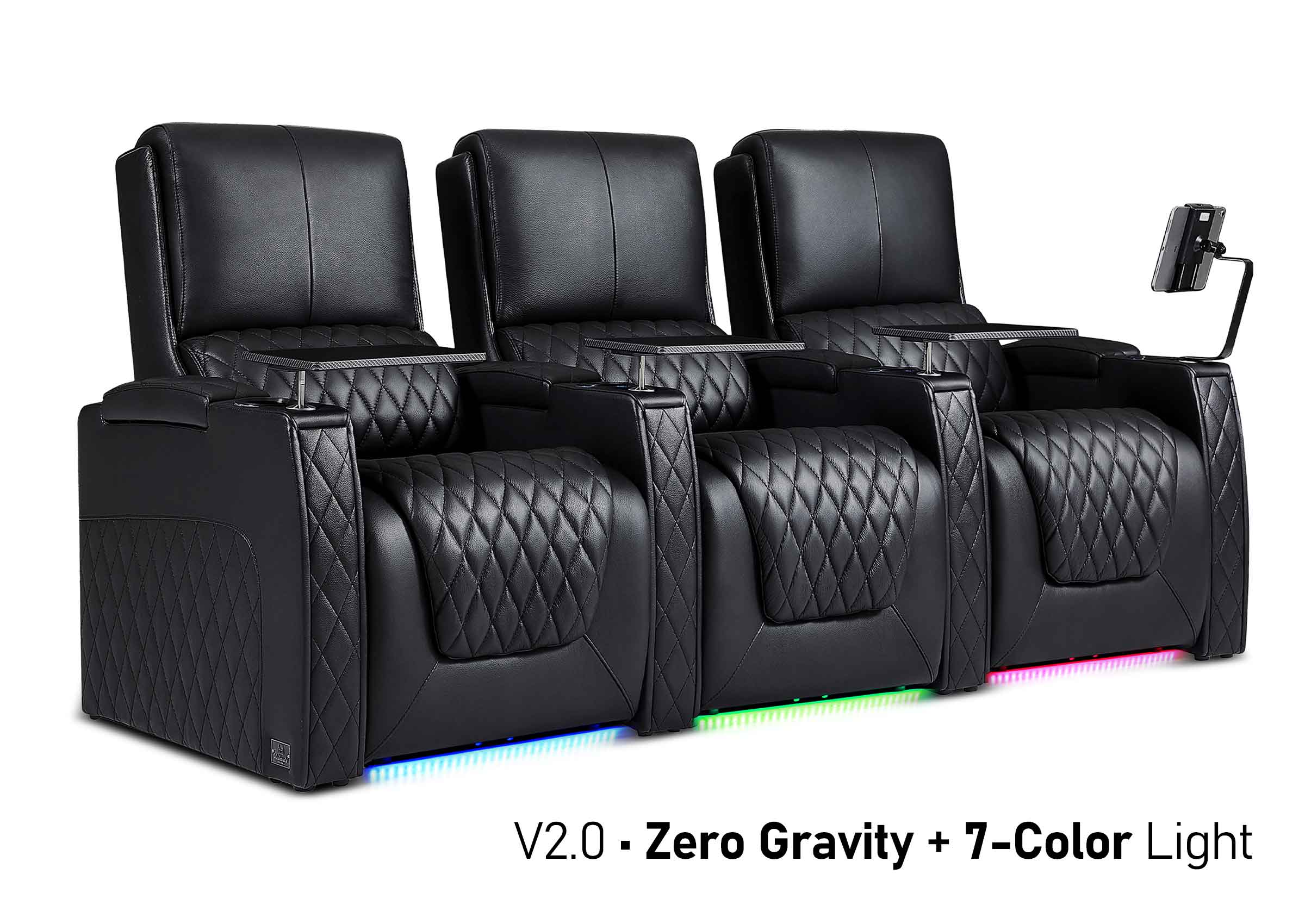
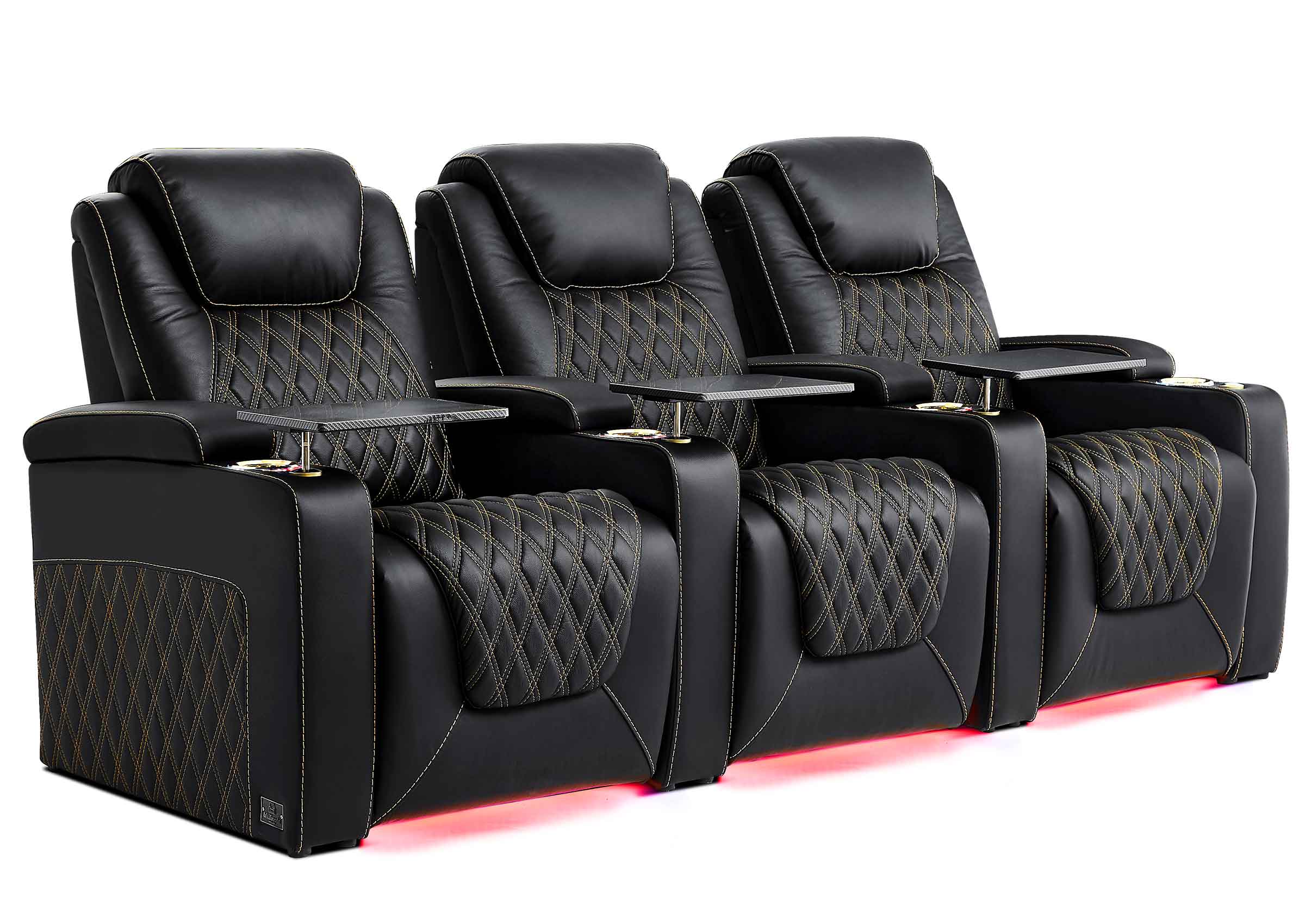
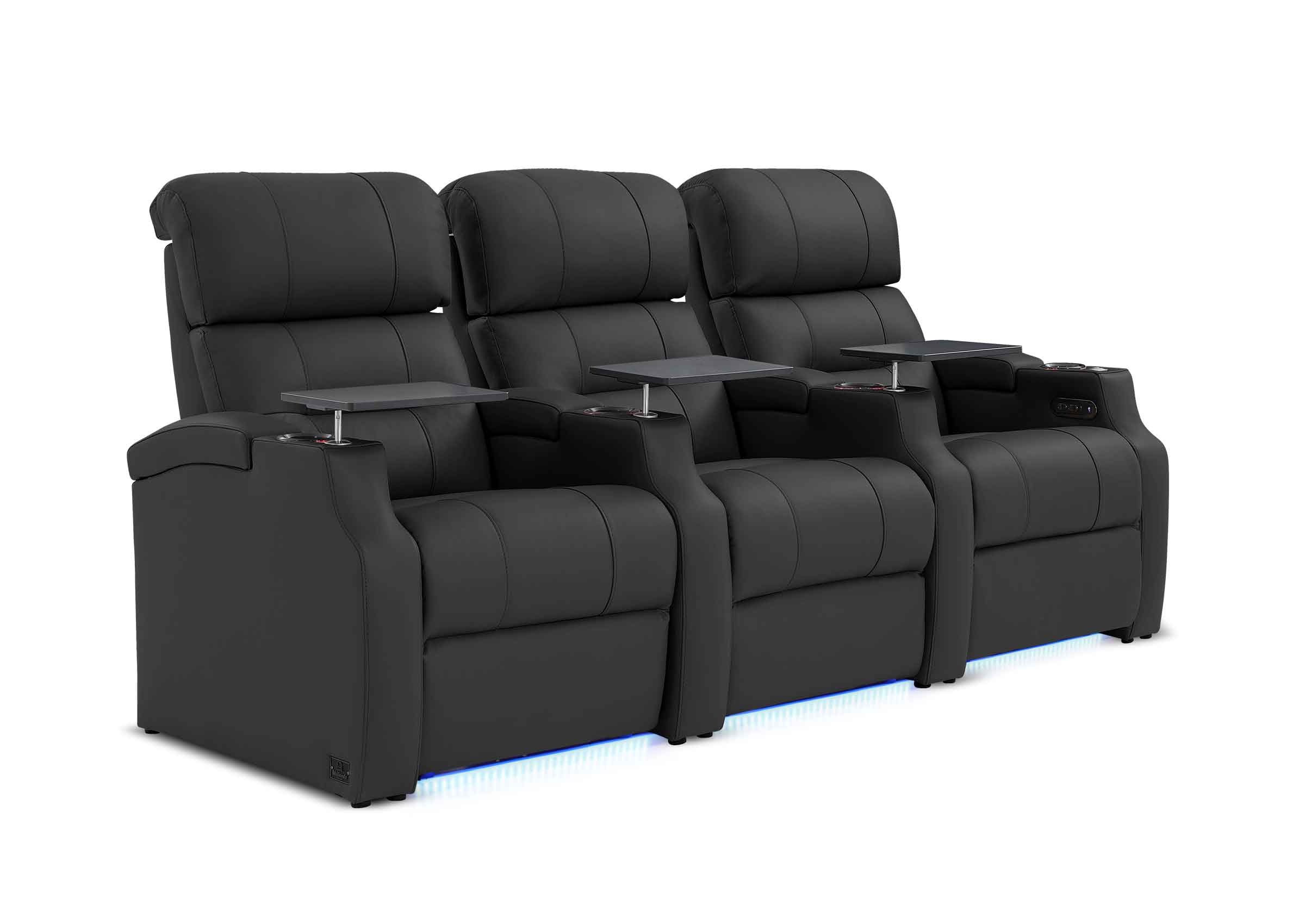
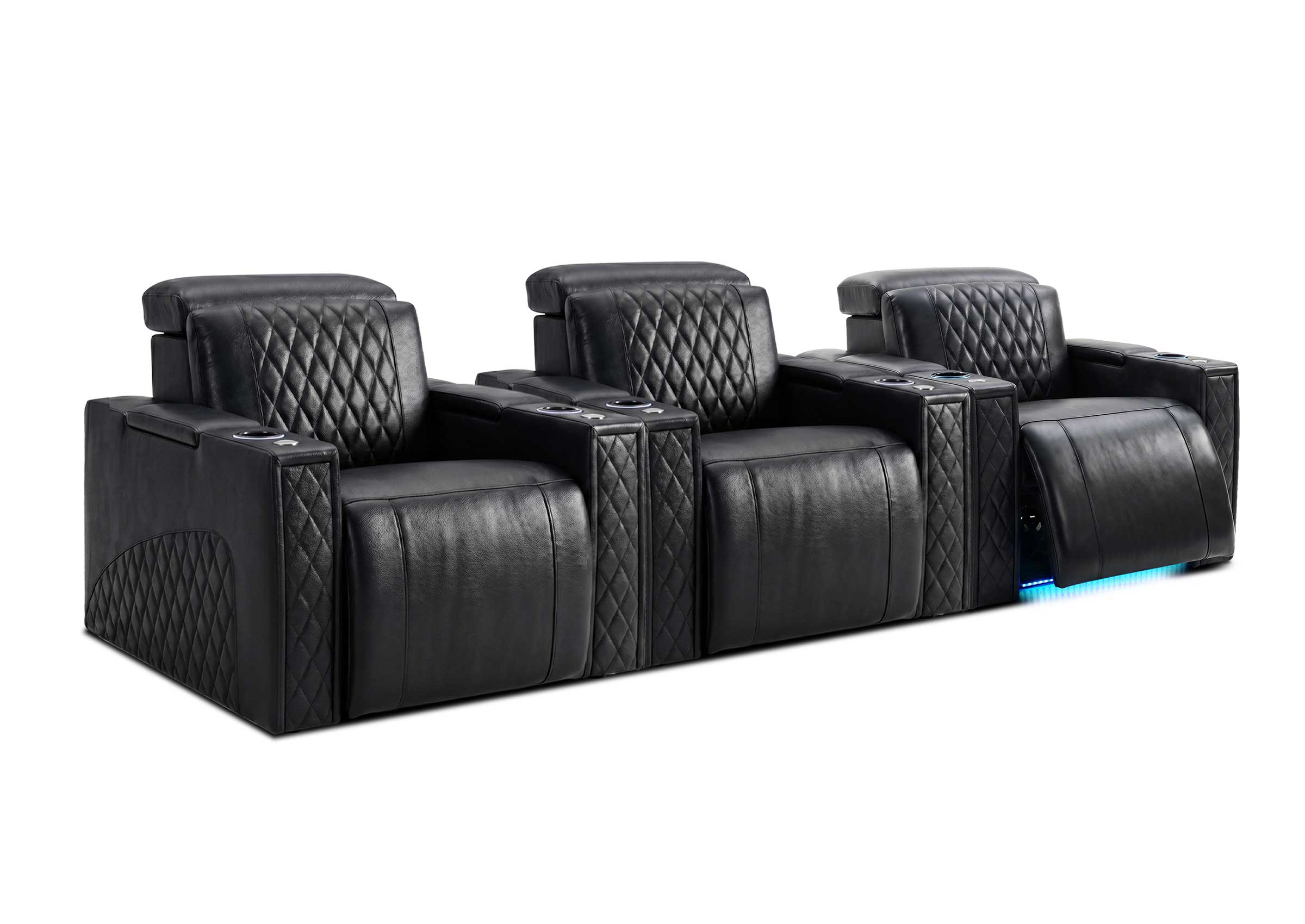

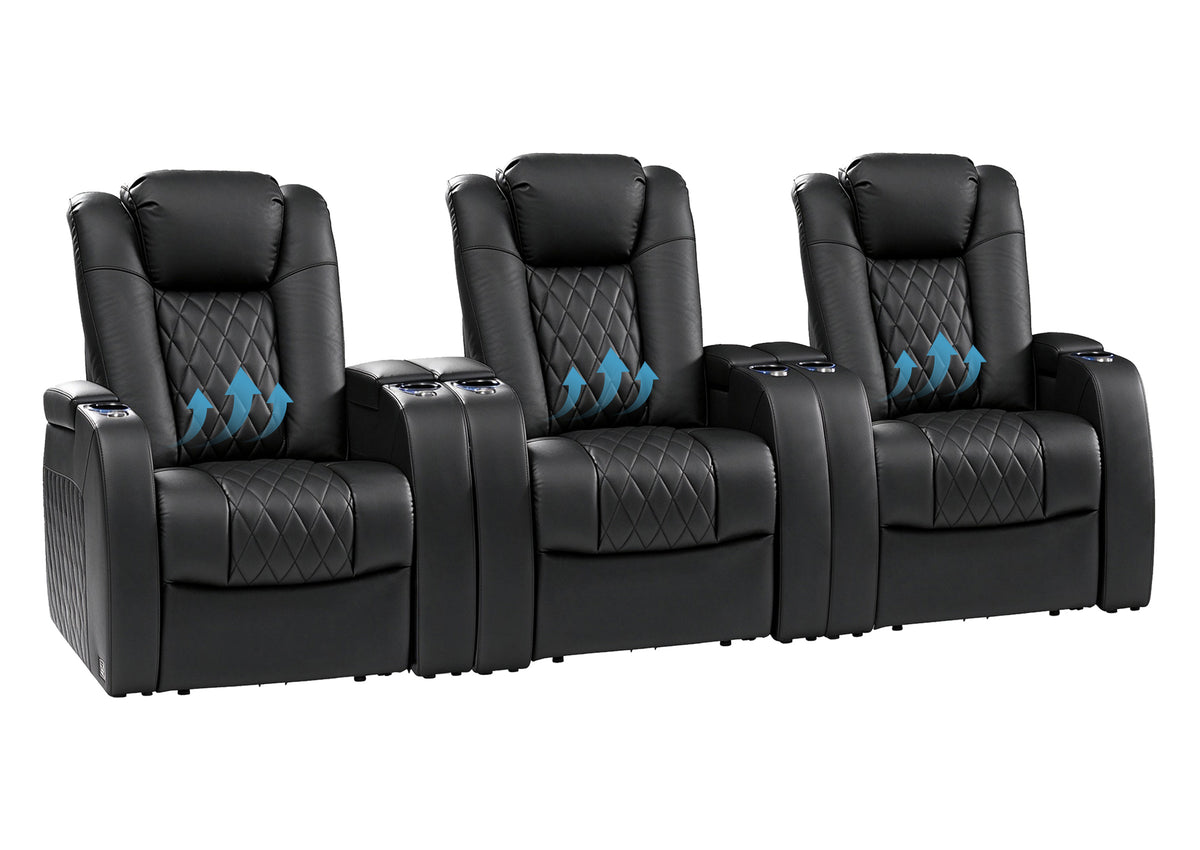
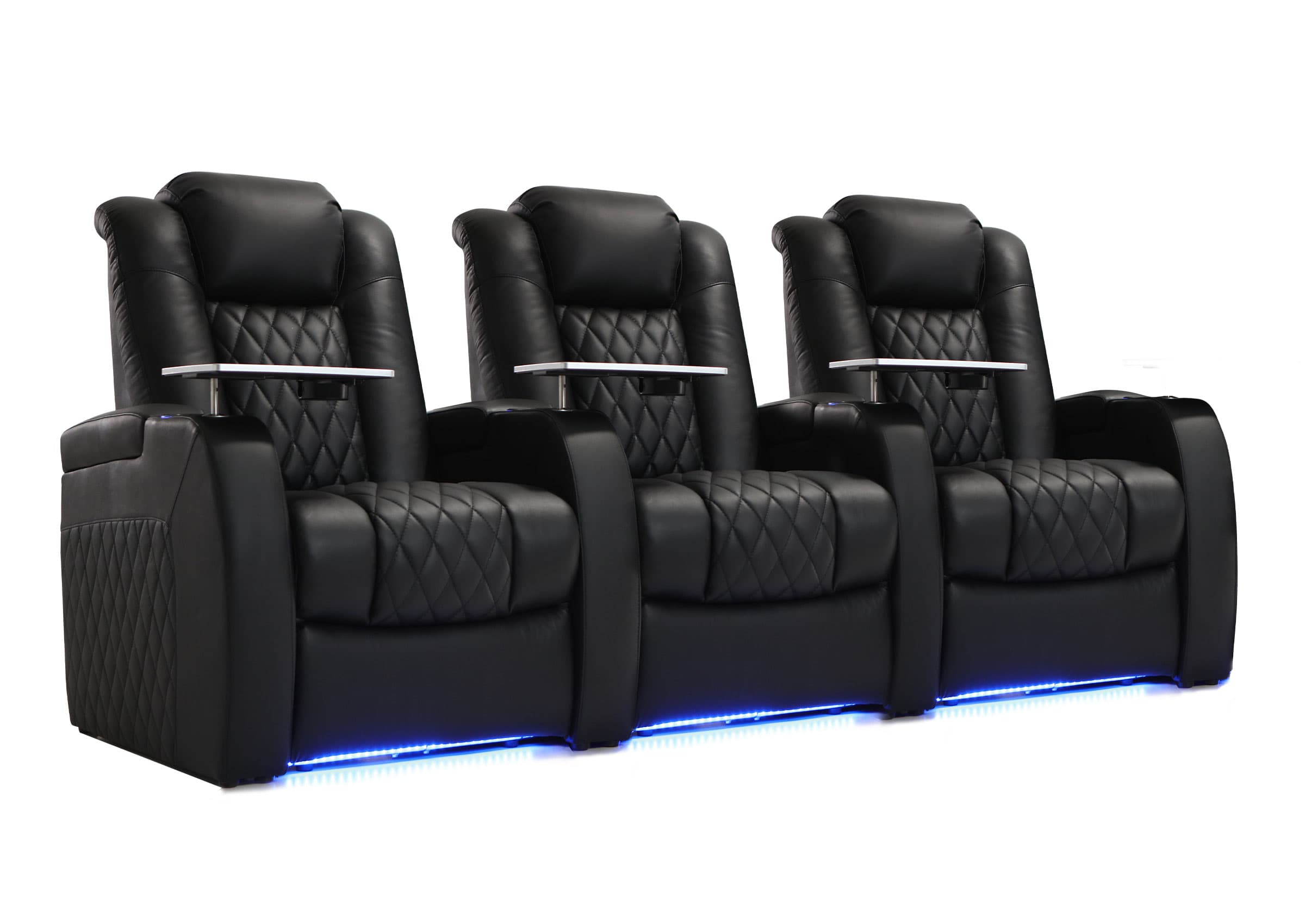
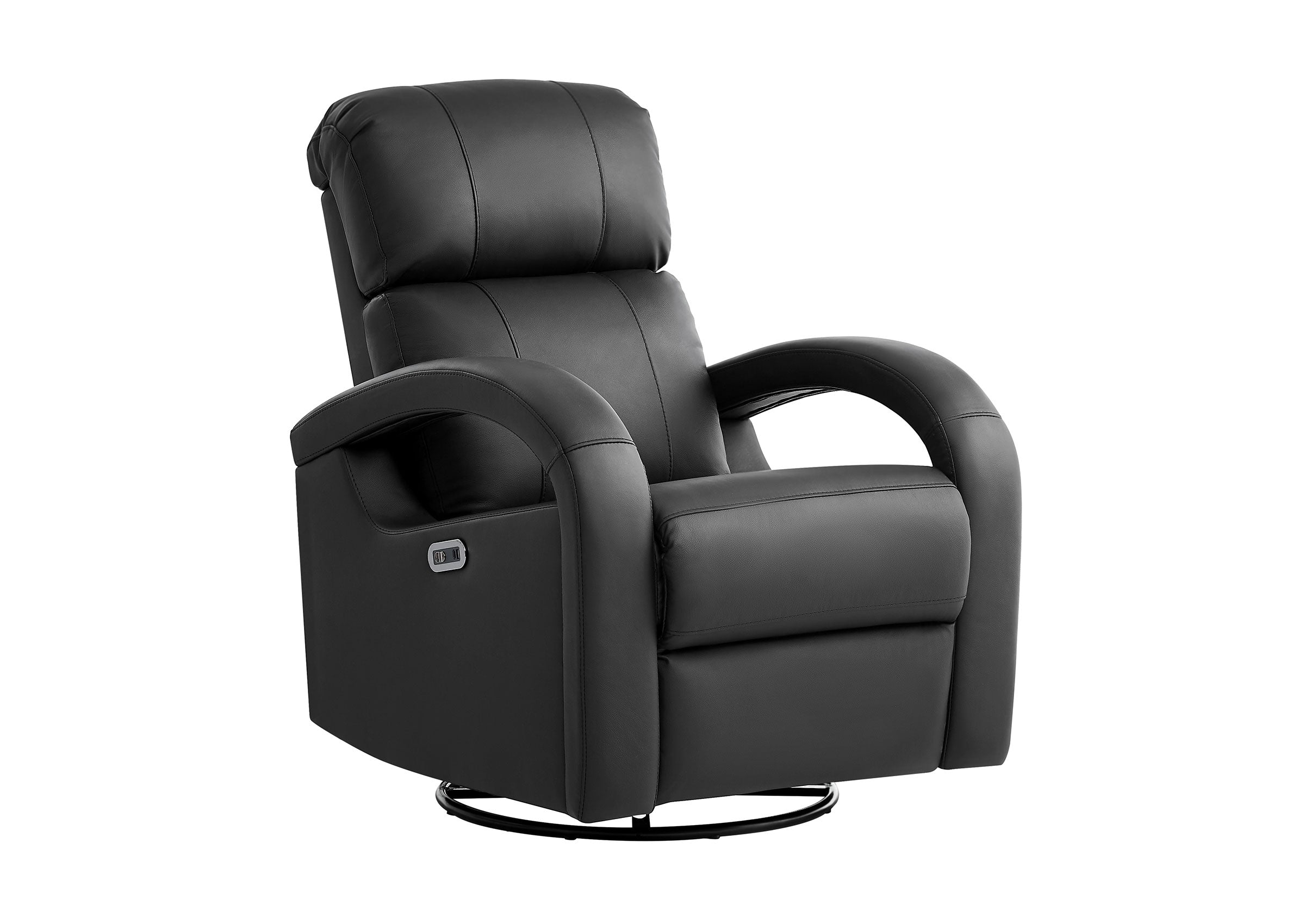
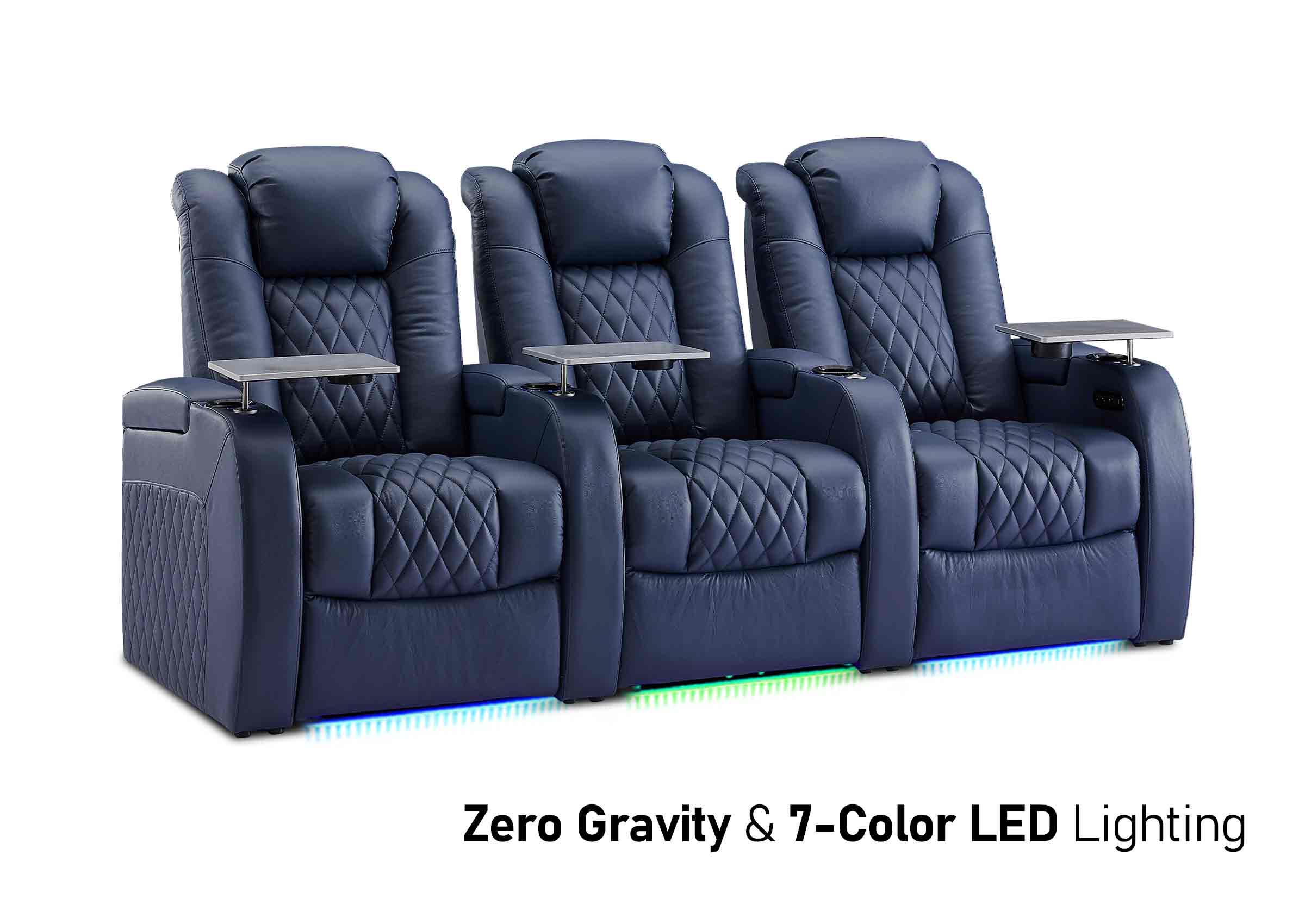
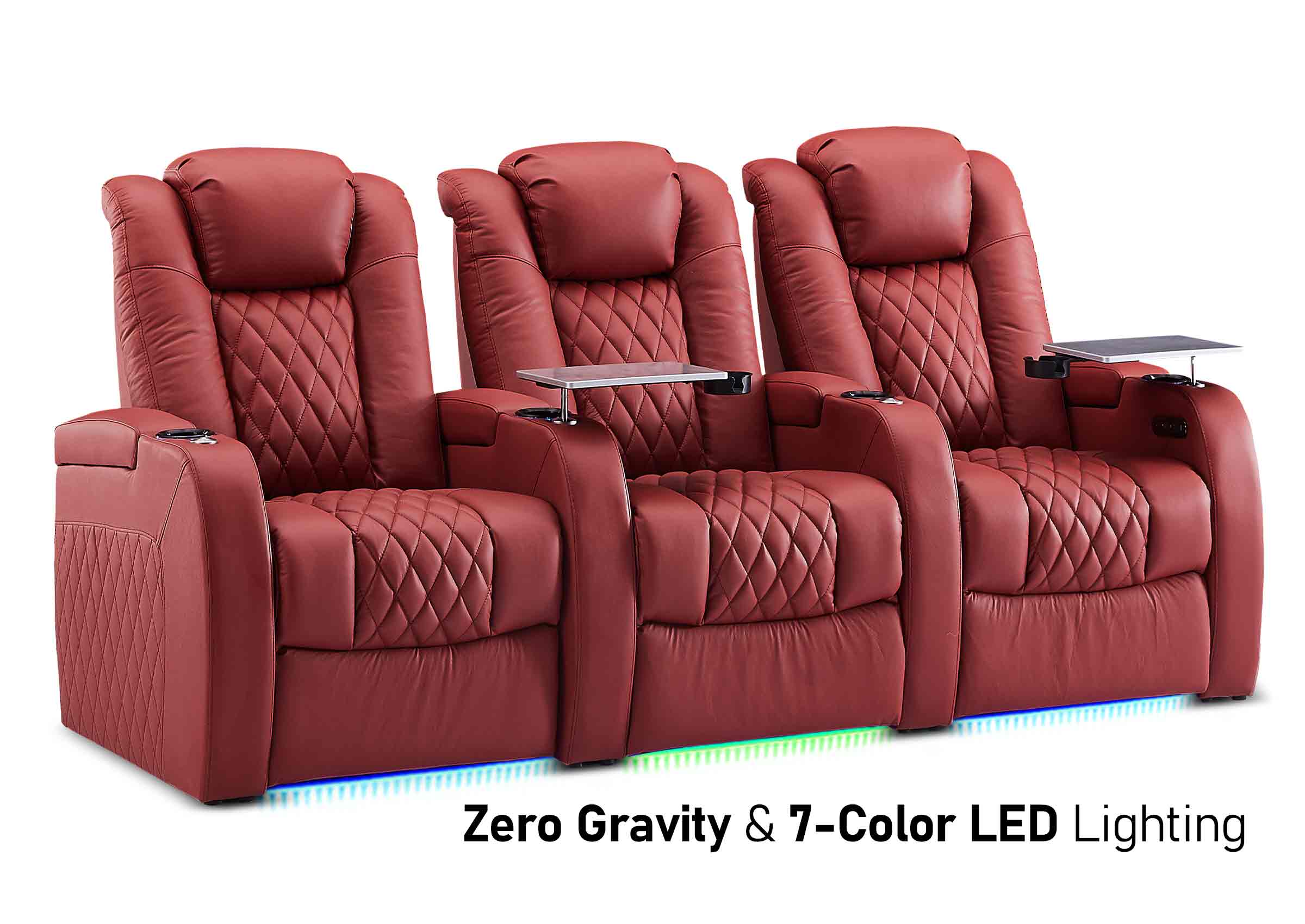
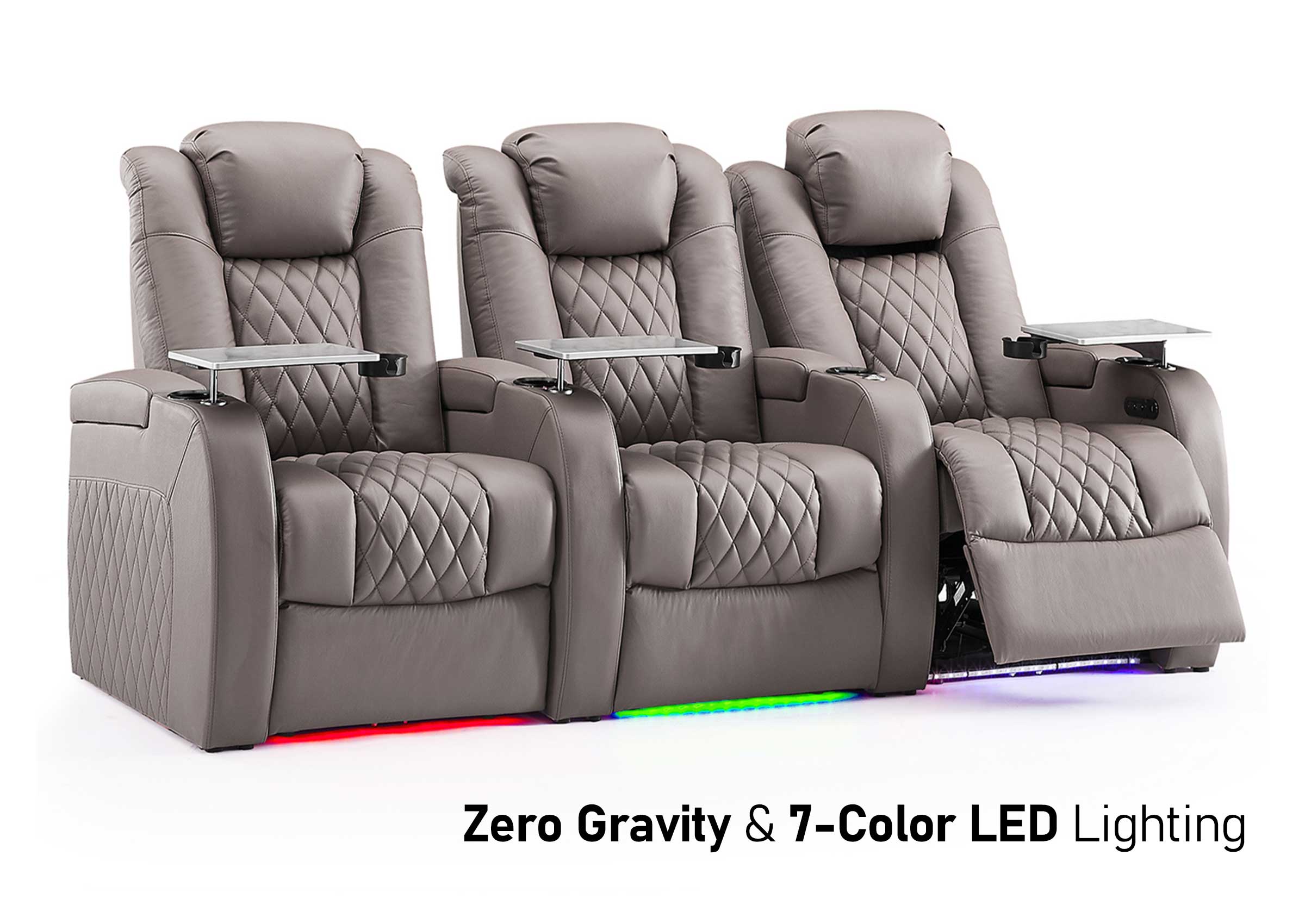
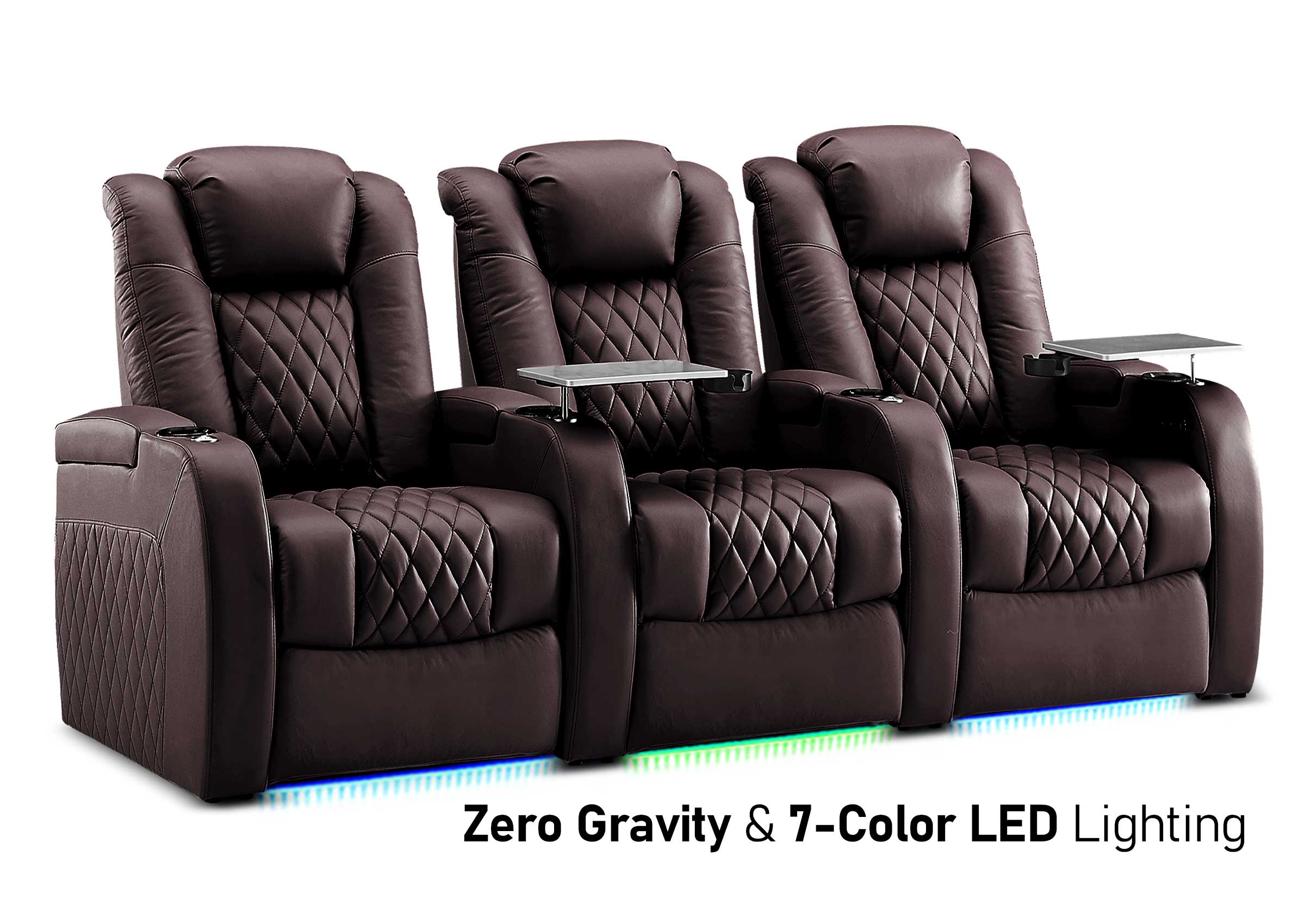

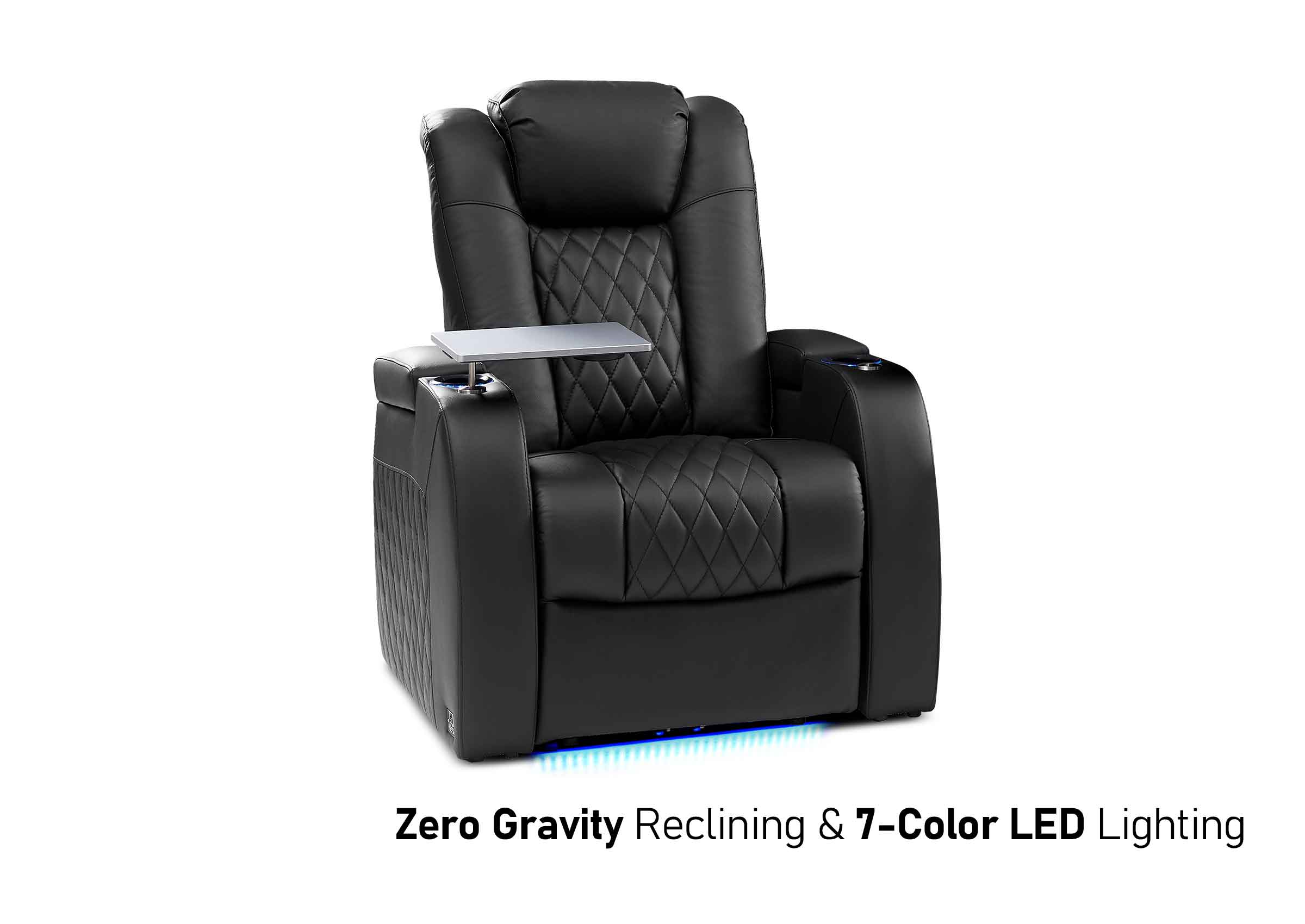
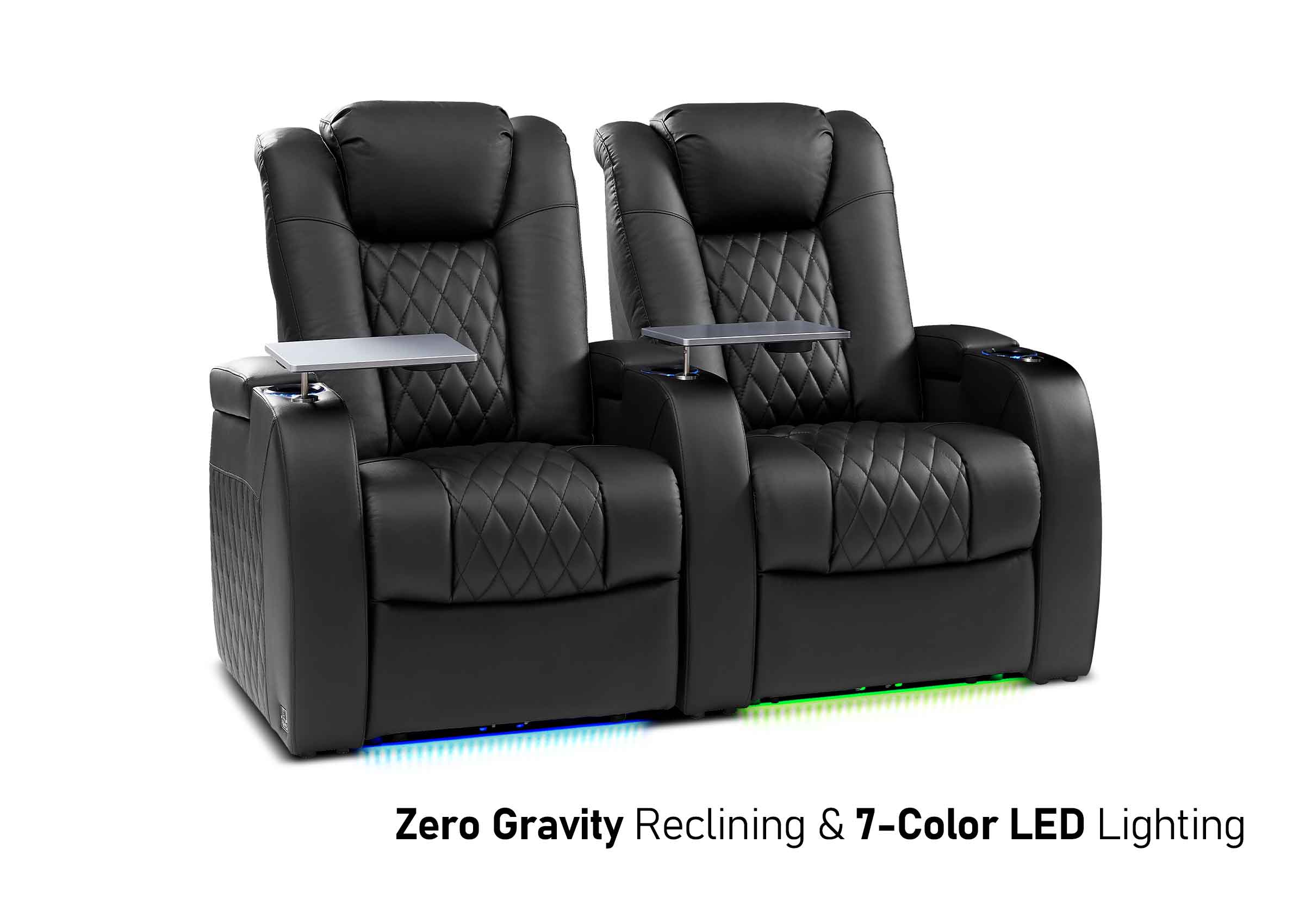
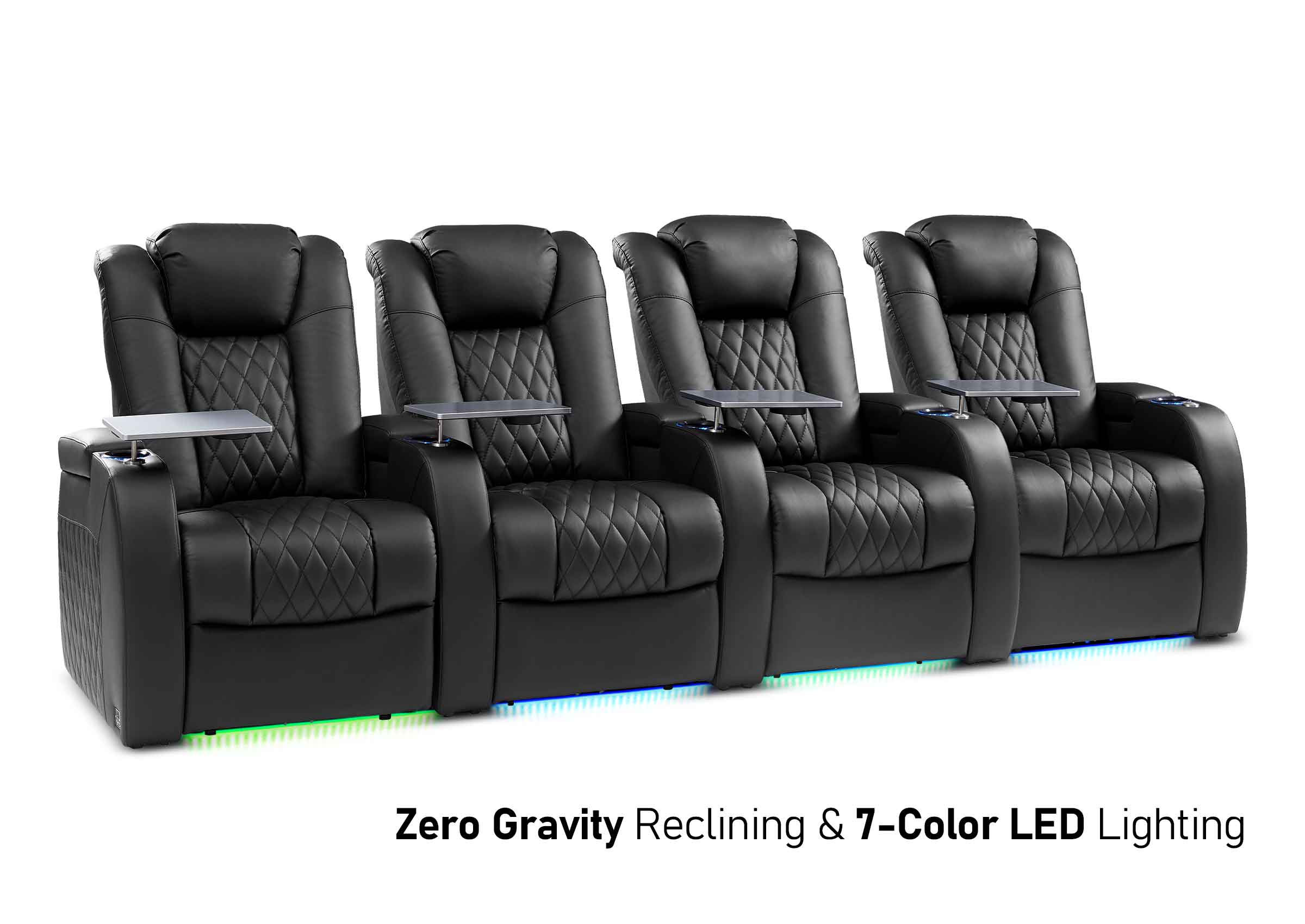
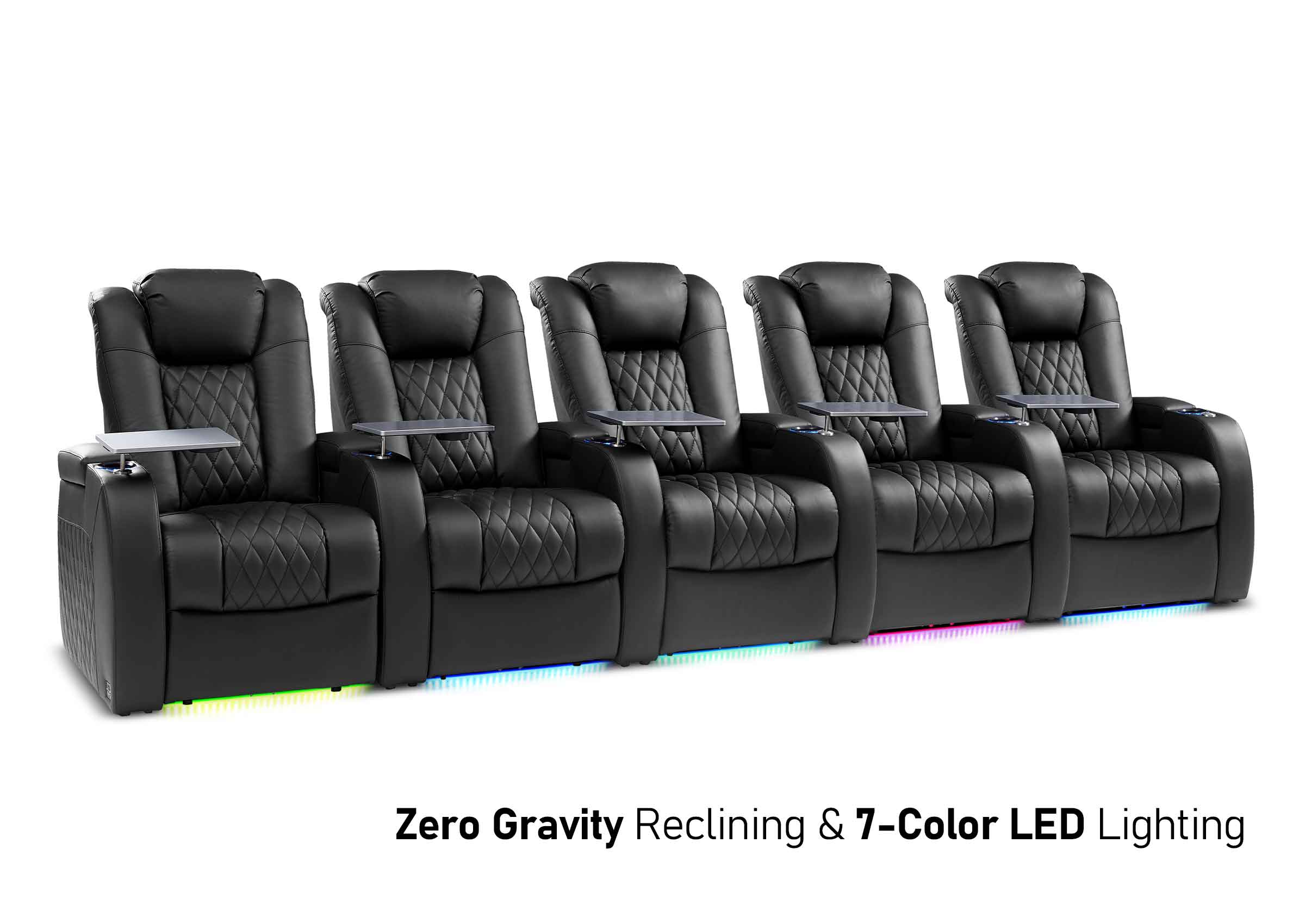
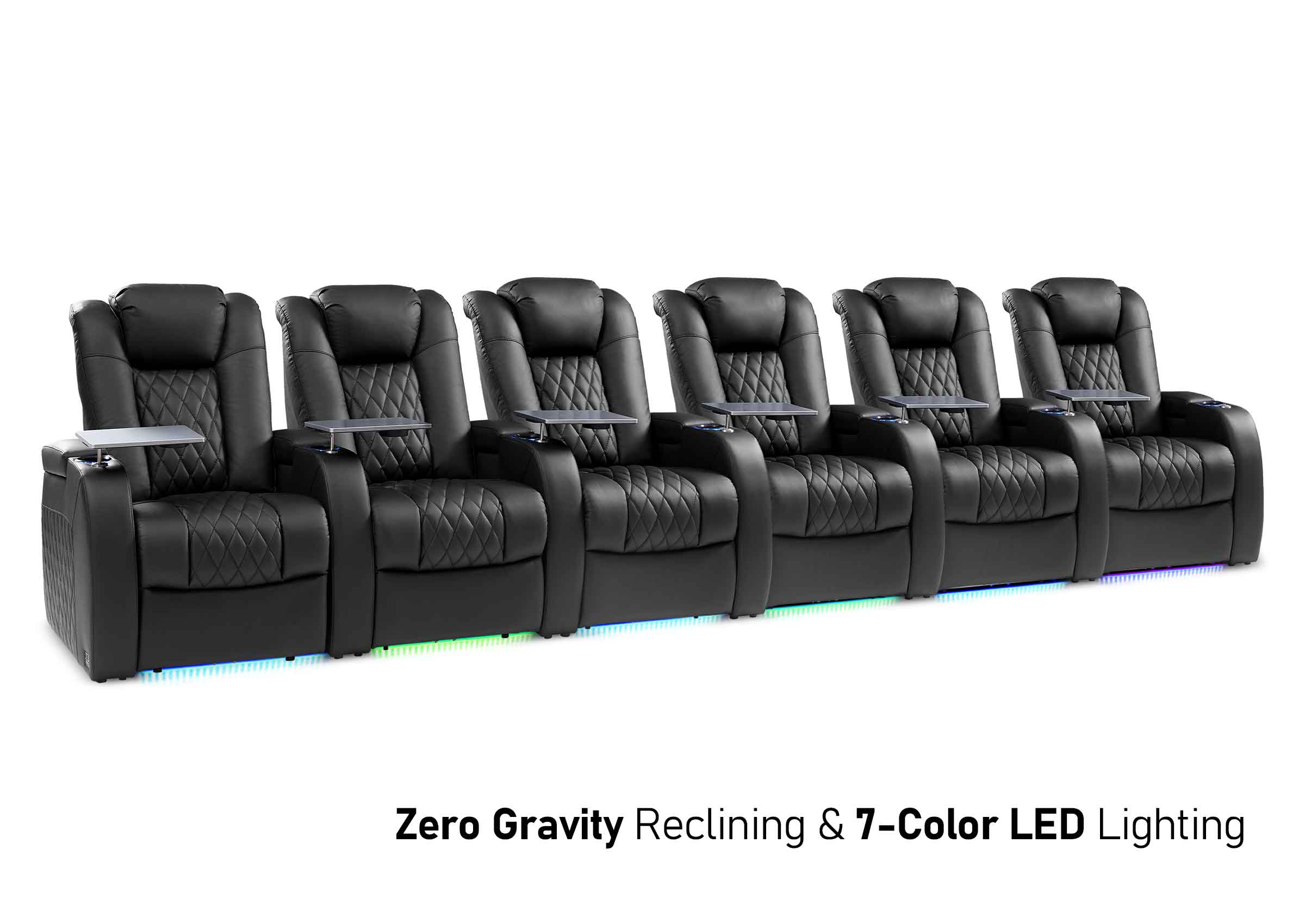
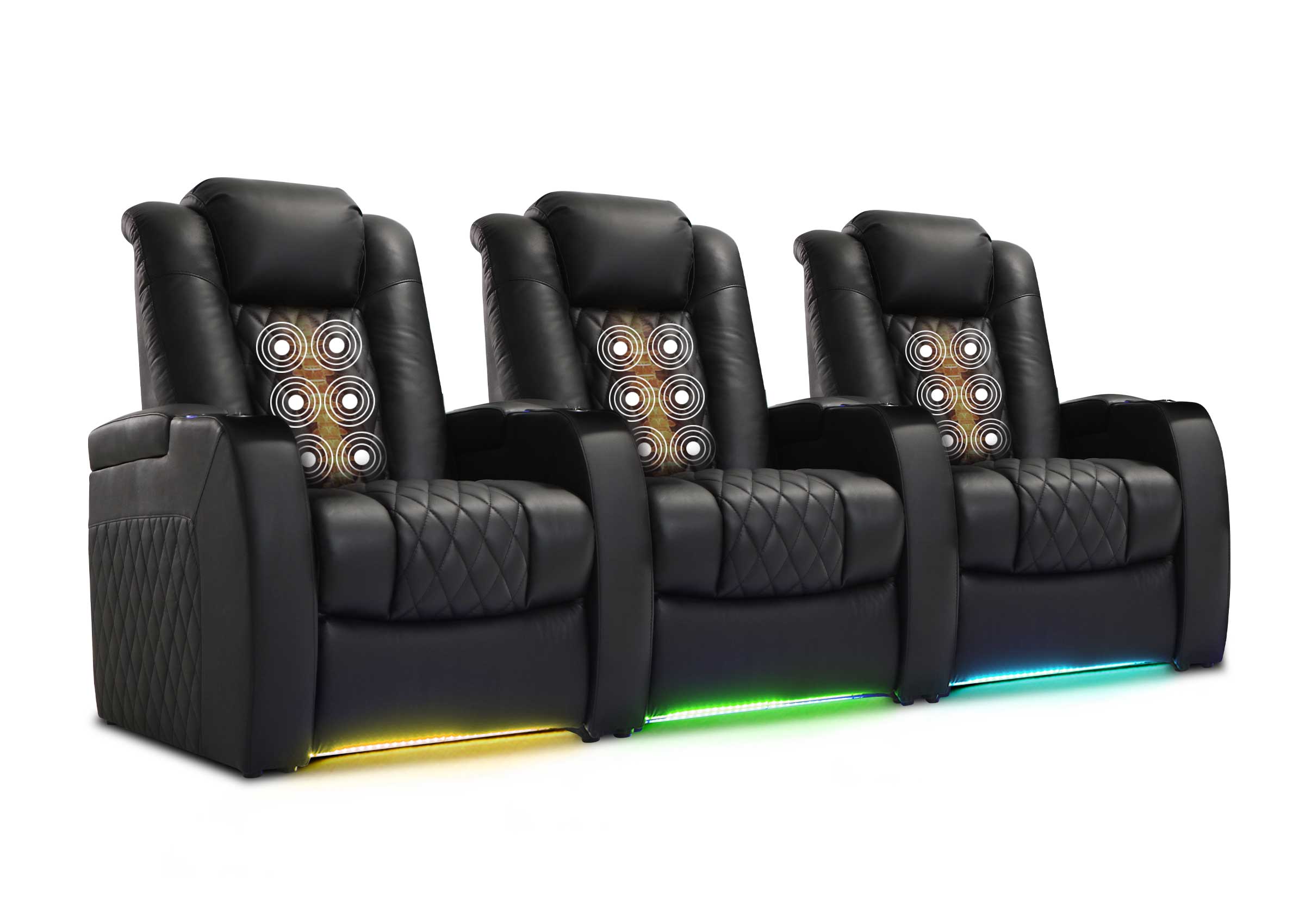

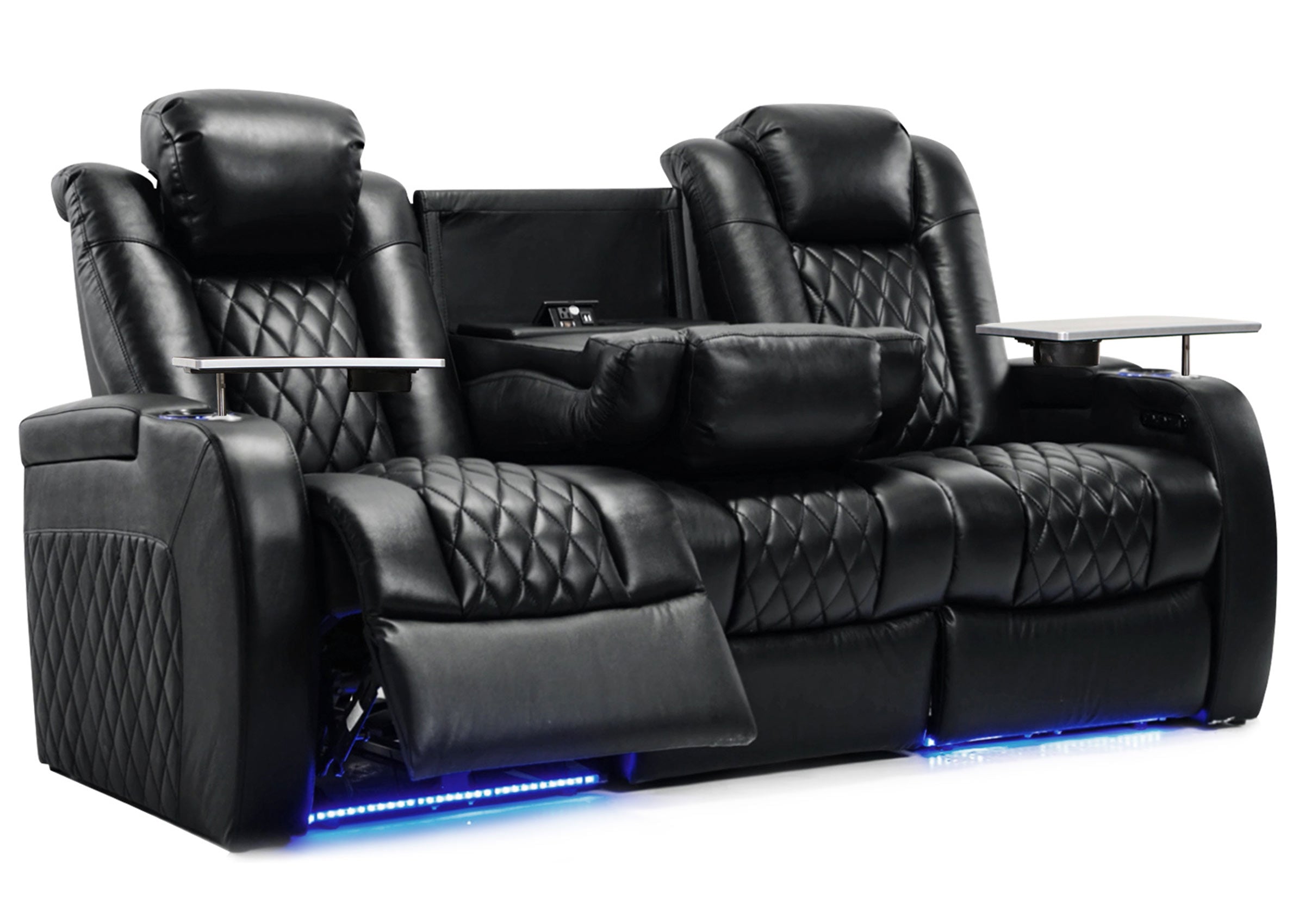
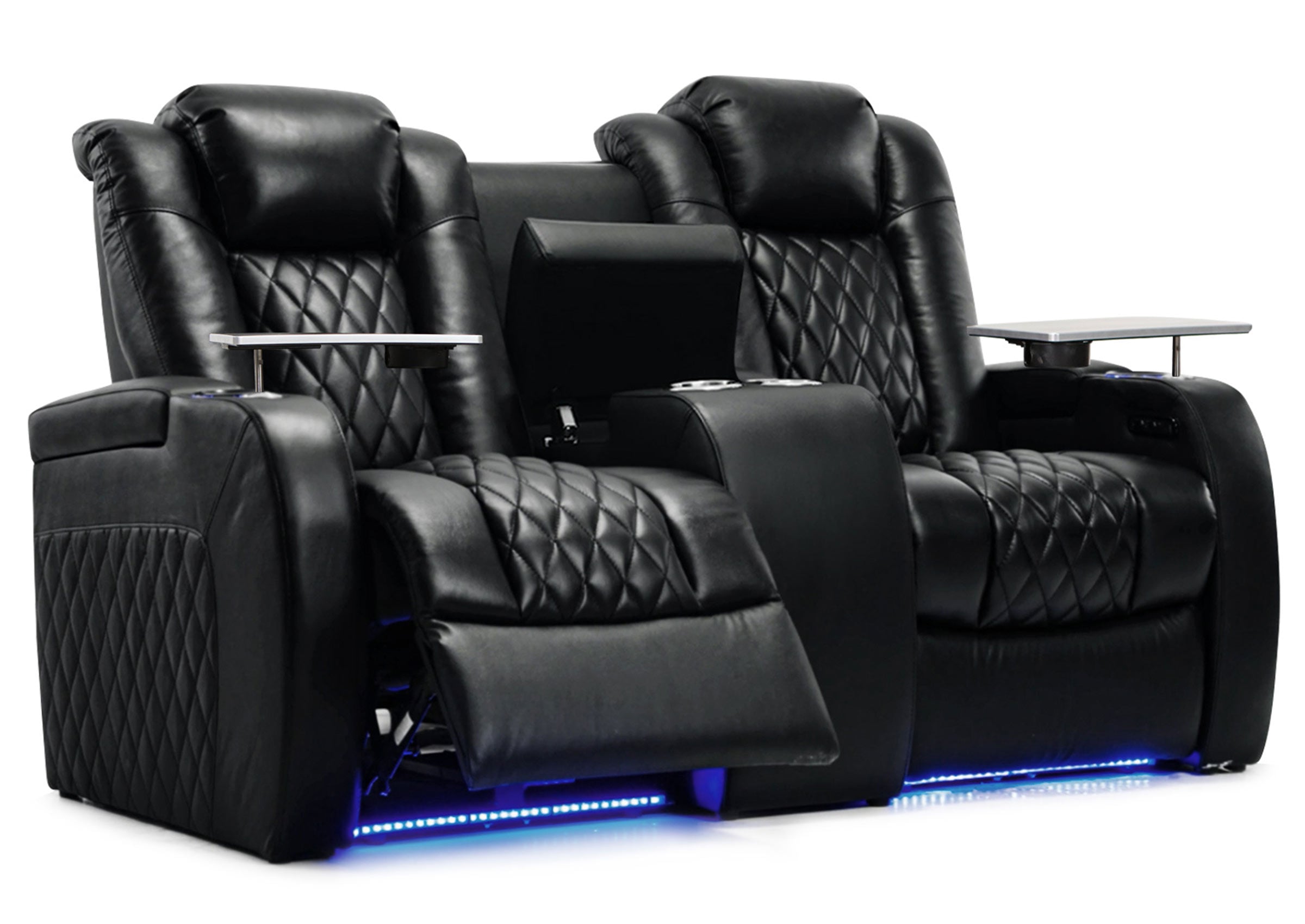

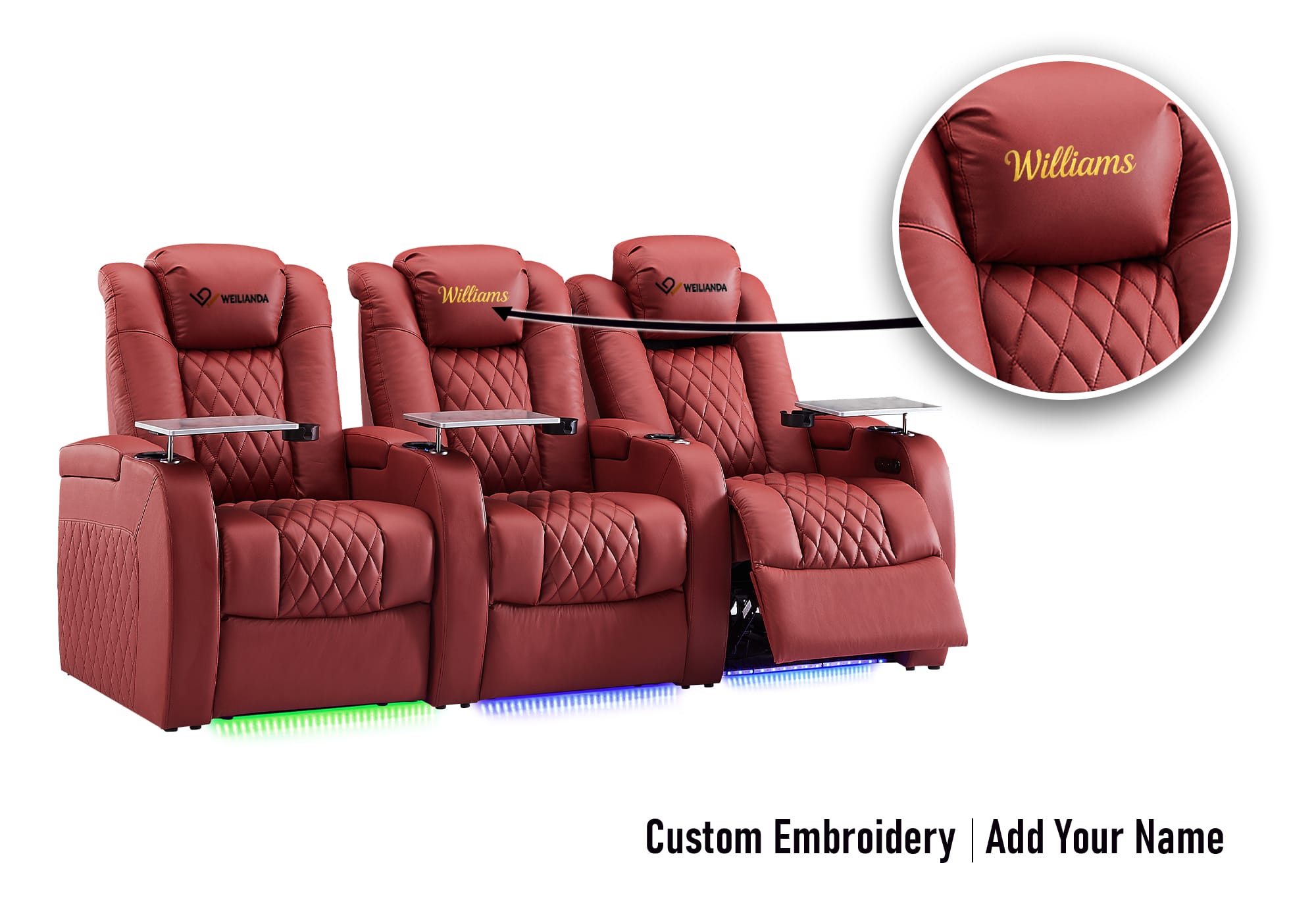

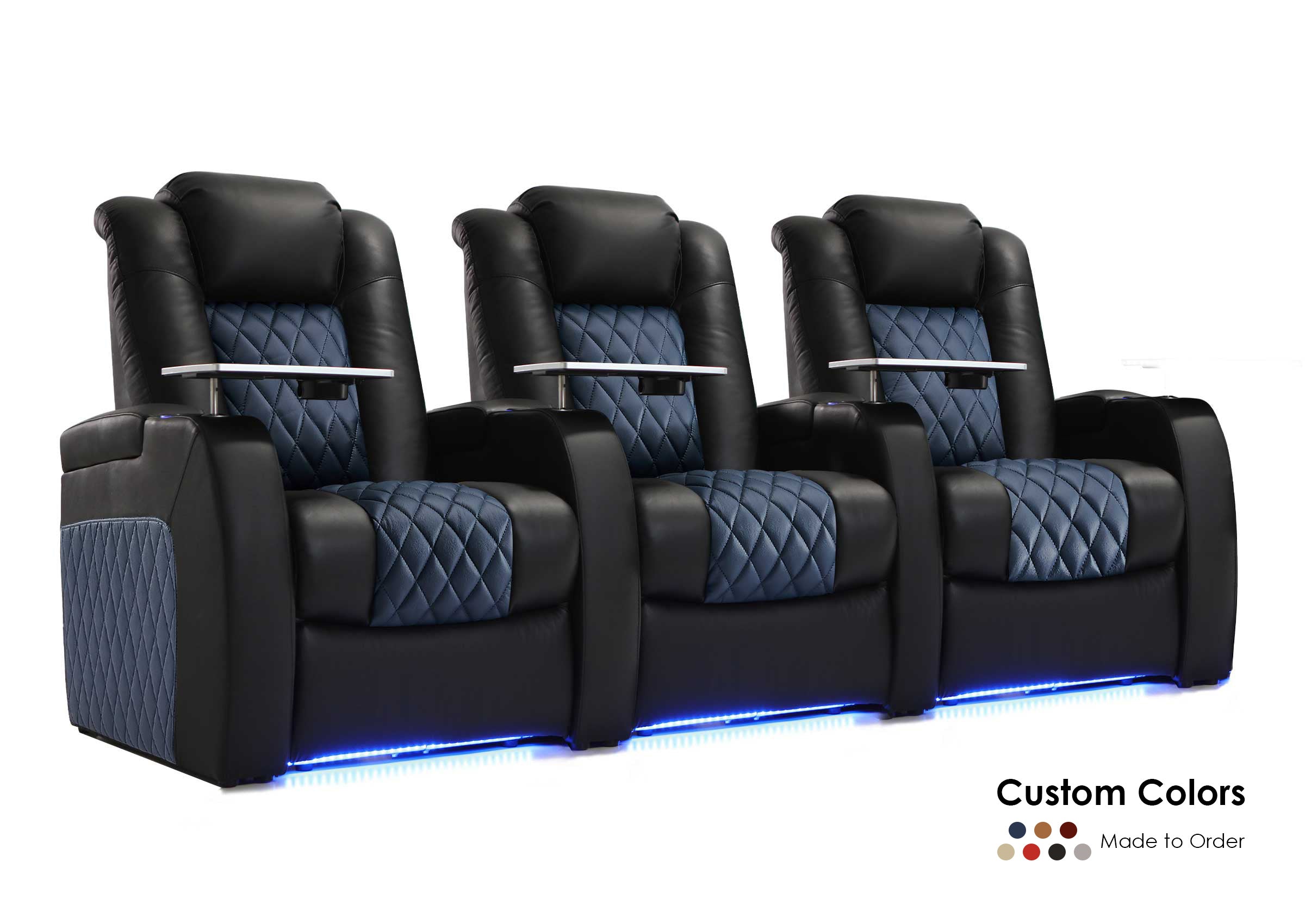

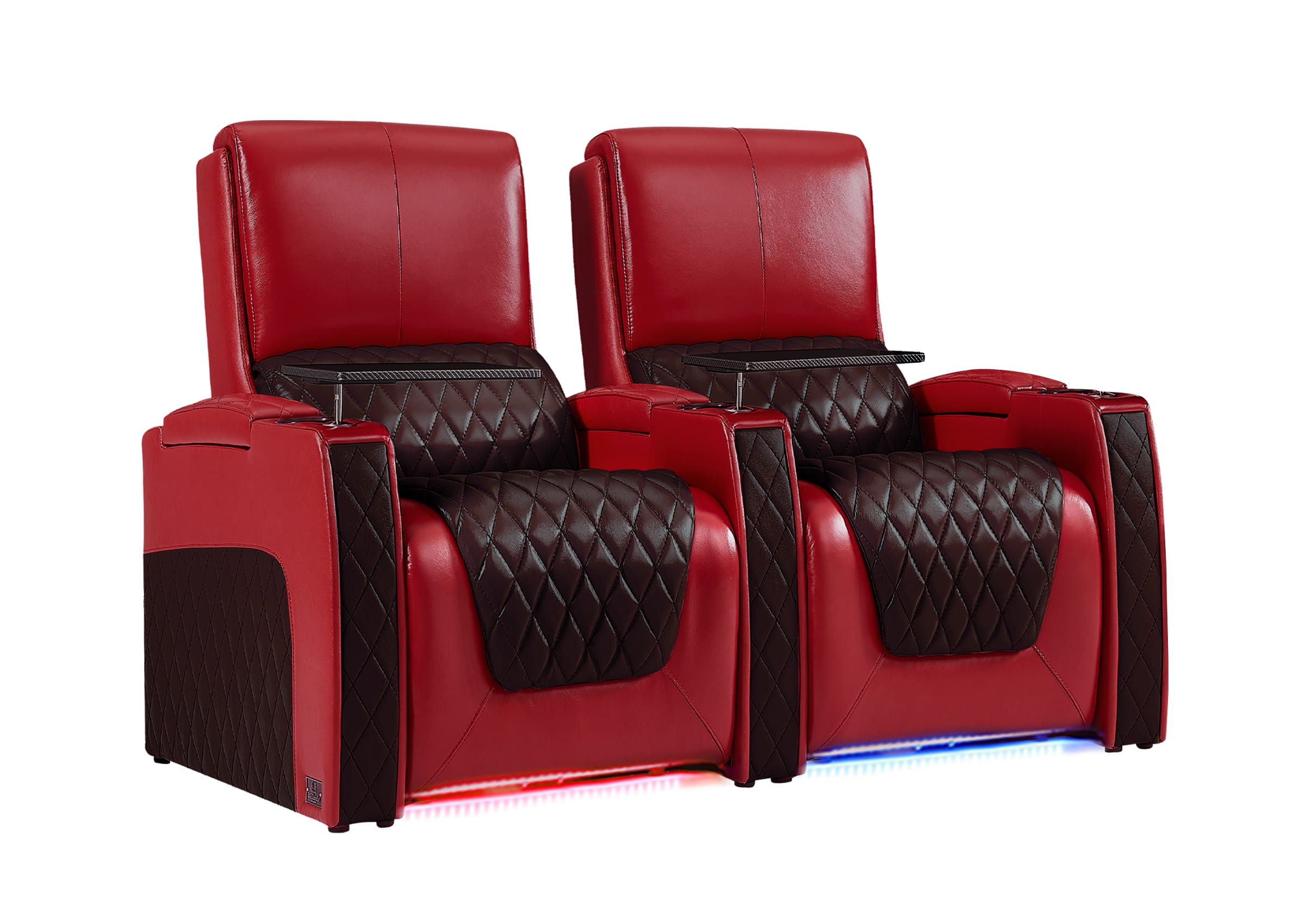
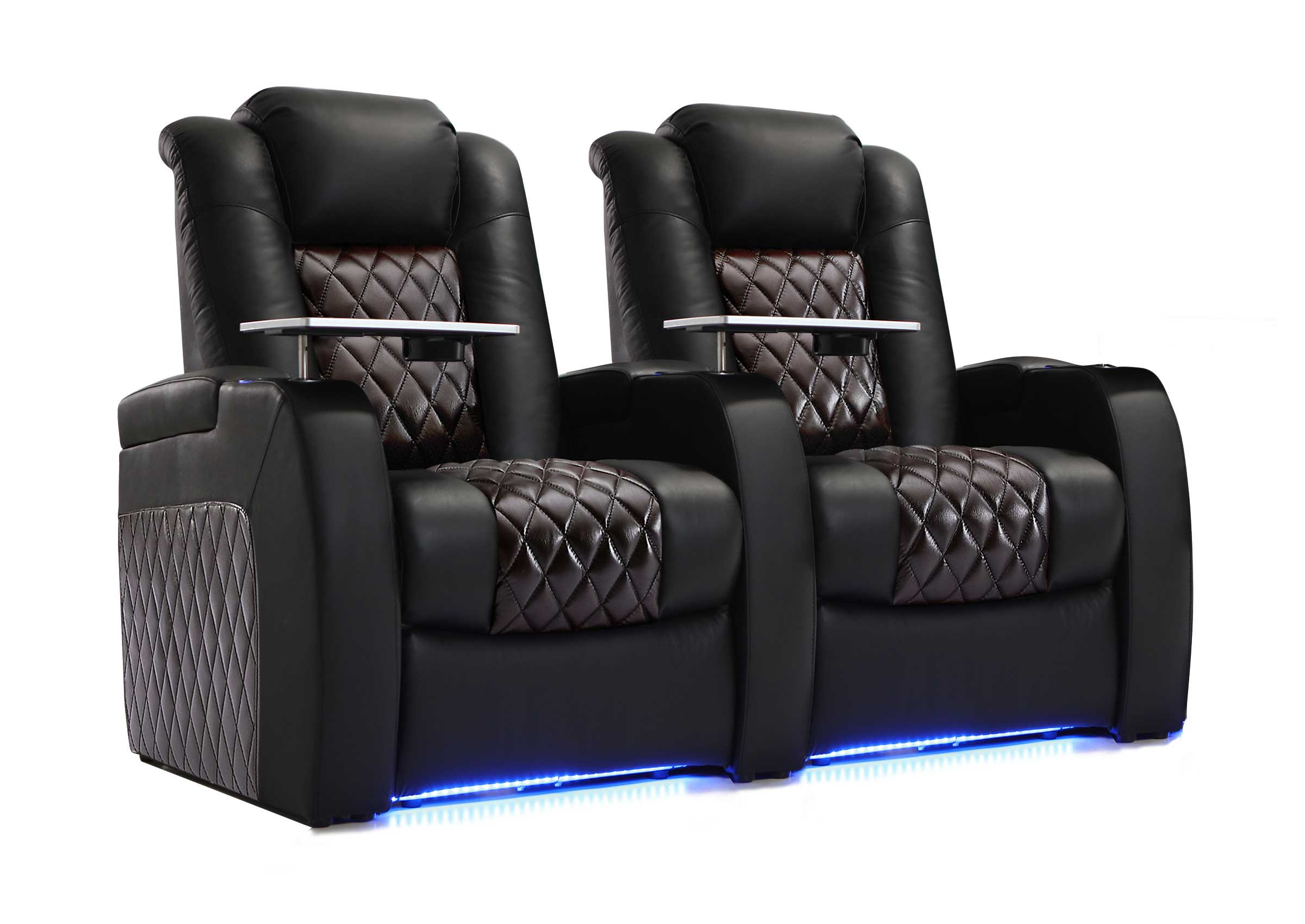
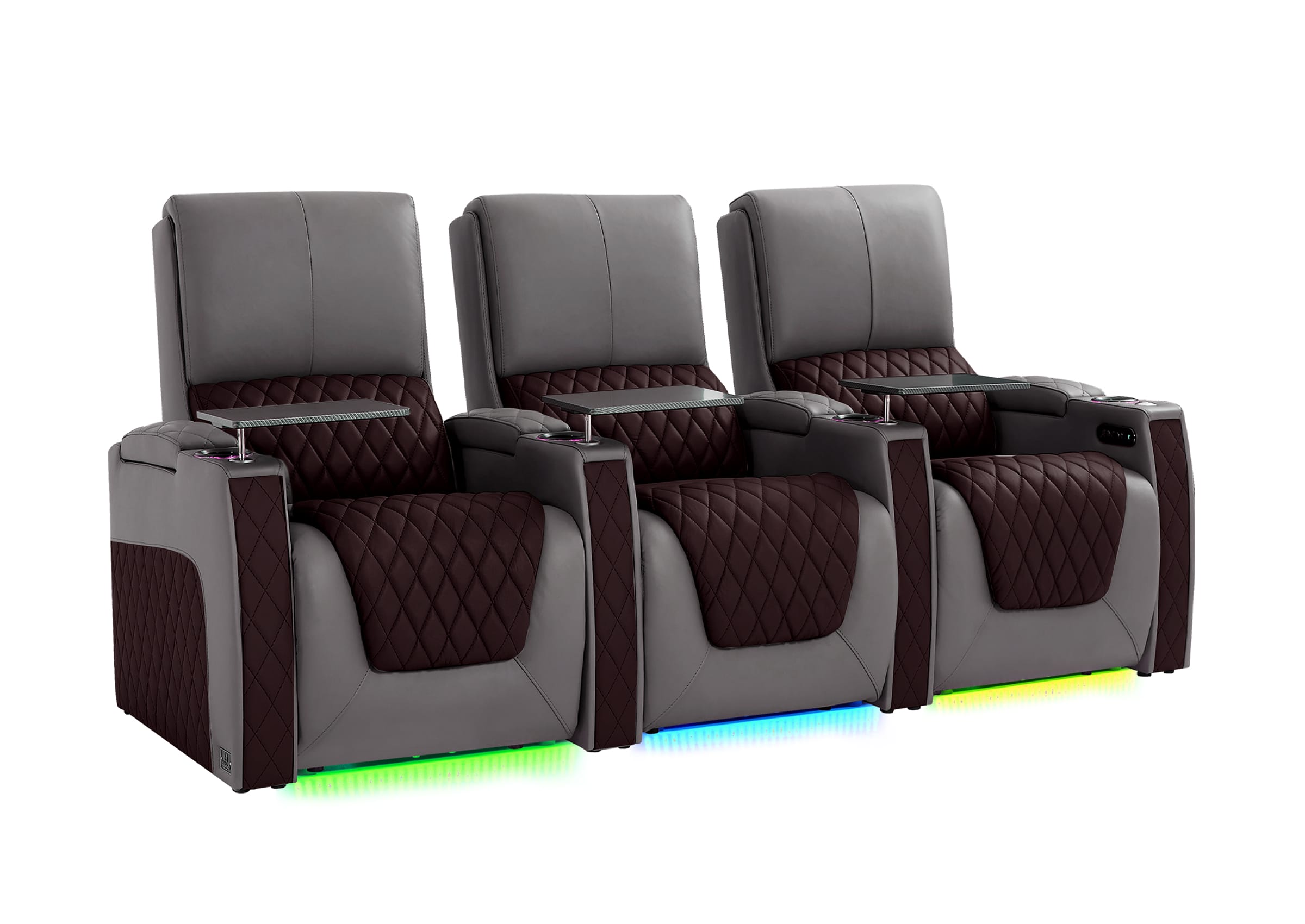


Stadium seating can completely change how a home theater, media room, or entertainment basement feels. The main advantage is simple: every seat should have a clear view of the screen without forcing people to raise their necks, lean sideways, or sit too close.
For most homes, the best setup is not just “two rows of chairs.” It is a planned seating layout that balances screen height, viewing distance, recliner clearance, walking space, comfort, and delivery access. A beautiful home theater can still feel uncomfortable if the layout is wrong.
If you are planning a serious media room, family movie space, gaming room, or basement theater, the right layout should answer three questions first:
Can everyone see comfortably?
Can every seat recline and function properly?
Will the seating still feel comfortable after years of real use?
This guide will help you compare seating options, avoid common layout mistakes, and choose a setup that fits your room, your family, and your long-term comfort expectations.

What Stadium Seating Means in a Home Theater
In a commercial cinema, stadium seating usually means each row is raised higher than the row in front. In a home theater, the idea is the same, but the execution is more personal.
A home theater layout like this usually includes:
A front row of recliners or theater seats
A second row placed on a riser platform
Sometimes a third row in larger rooms
Reclining seats designed for long movie sessions
Cup holders, storage arms, USB or Type-C charging, and power features
A layout planned around the screen, sound system, and walking paths
The goal is not simply to copy a movie theater. The goal is to make your room easier to enjoy.
For smaller rooms, one row of premium home theater recliners may be better than forcing two cramped rows. For larger basements or dedicated cinema rooms, a raised-row layout can make the space feel more immersive and organized.
The best choice depends on room depth, ceiling height, screen size, seat count, and how people actually use the room.
Start With the Room, Not the Seats
Many buyers start by choosing the sofa or recliner style first. That is understandable, but with a multi-row theater setup, the room should guide the decision.
Before choosing seats, measure:
Room width
Room depth
Ceiling height
Screen wall width
Doorways, stairs, and elevator access
Distance from the screen to each seating row
Space behind each row for reclining
Walking space on the sides or center aisle
For a home theater, depth is especially important. A two-row layout needs enough room for the front row, back row, riser, reclining clearance, and comfortable viewing distance. If the room is too shallow, the back row may feel squeezed, while the front row may sit too close to the screen.
Do not sacrifice comfort just to add more seats.
If a room only comfortably fits four premium recliners, that will usually feel better than six cramped seats that are hard to recline, clean, or walk around.
One Row vs. Two Rows vs. Three Rows
The right number of rows depends on how many people regularly use the space and how much room you have.
| Layout | Best For | Watch Out For |
|---|---|---|
| One row | Small media rooms, apartments, gaming rooms, couples, compact basements | Limited guest seating |
| Two rows | Family theaters, dedicated media rooms, larger basements | Needs proper riser height and room depth |
| Three rows | Large custom home theaters or entertainment rooms | Requires careful screen, sound, and aisle planning |
For most homeowners, two rows are the practical sweet spot if the room supports it. The front row can be used for daily watching, while the second row gives guests or family members a proper view during movie nights.
Three rows can look impressive, but they are not always better. They require more planning, more walking space, higher back-row visibility, and enough ceiling height so the rear row does not feel tight or boxed in.
Choose fewer seats with better comfort rather than more seats with weak visibility.
Why Riser Height Matters So Much

The riser is the raised platform under the second or third row. It is what creates the elevated viewing effect.
Without the right riser height, the second row may still look directly into the heads of the people in front. This is one of the most common mistakes in home theater seating planning.
A riser should be designed around:
Screen height
Seat back height
Viewer eye level
Distance between rows
Ceiling height
Recliner position when fully extended
The back row does not always need to be dramatically higher. It just needs enough elevation to create a clean sightline to the screen.
If your screen is mounted too low, you may need a higher riser. If the ceiling is low, a very tall riser may make the back row feel uncomfortable. That is why screen placement and seat planning should be considered together.
Plan the seating and screen together instead of solving visibility later.
Recliner Seating Is Usually the Best Match for Theater Rows
A raised-row theater layout works best when the seats are comfortable enough for long viewing sessions. Standard sofas can work in casual media rooms, but dedicated recliner seating usually gives a better home theater experience.
Power recliners are especially useful because each person can adjust their position without disturbing others. This matters during long movies, sports nights, gaming sessions, or family weekends.
Look for seating features based on real use, not just appearance:
Power reclining for smooth position adjustment
Power headrest for different heights and viewing angles
Supportive seat depth for long sitting comfort
Storage arms for remotes, controllers, and snacks
Cup holders for cleaner movie nights
USB or Type-C charging for phones and devices
Wall-hugger design if the room is not very deep
Easy-clean leather or leather-like surfaces for family use
A power headrest is especially helpful in this type of theater setup because people often recline while still needing to look forward at the screen. Without head support adjustment, some users may feel their neck angled poorly after a long session.
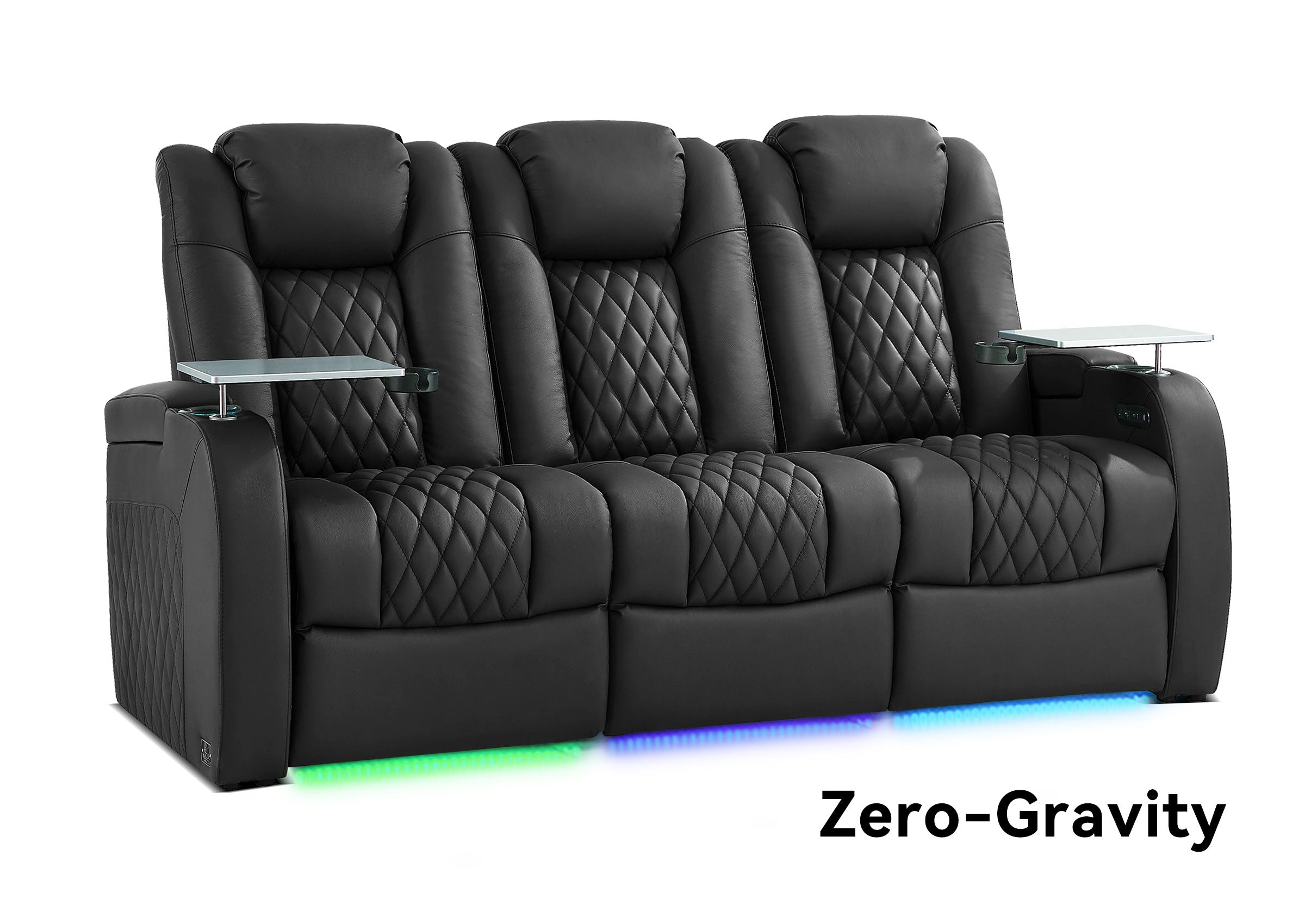
Zero-gravity-style reclining can also improve comfort by helping distribute body pressure more evenly. It should not be treated as a medical feature, but for long movie watching, many buyers appreciate a position that feels more relaxed than a standard upright seat.
Straight Row, Curved Row, or Modular Layout?
The shape of your seating layout affects both comfort and room flow.
A straight row is the most common choice. It works well for rectangular rooms, dedicated theater spaces, and layouts where the screen is centered.
A curved row can make the seating feel more cinema-like. It helps side seats angle slightly toward the screen, which can be useful in wider rooms. However, curved rows may take up more width, so they are not ideal for every space.
A modular layout gives more flexibility. It can work well in multipurpose rooms, basements, or homes where the seating may need to adapt over time.
| Layout Type | Best Use | Recommendation |
|---|---|---|
| Straight row | Most home theaters and media rooms | Best all-around choice |
| Curved row | Wider rooms and cinema-style spaces | Good if side viewing angles matter |
| Modular layout | Family rooms, basements, flexible spaces | Best for changing needs |
For serious screen viewing, avoid layouts that place seats too far to the side. An L-shaped sectional may be comfortable for casual lounging, but it is not always the best choice for a true theater experience because some seats may face away from the screen.
If your main goal is movie watching, choose seats that face the screen directly.
How Much Space Do Recliners Need?

Clearance is one of the most important details in home theater seating planning. Recliners need space behind them, in front of them, and sometimes beside them depending on the design.
A common mistake is measuring the seat only in its upright position. That can create problems after installation when the footrest extends or the back moves into the wall.
Before buying, check:
Overall seat width: Make sure the full row fits without blocking walking paths.
Depth when upright: Check how much floor space the seats use before reclining.
Depth when fully reclined: Confirm the recliner can open comfortably in the planned position.
Wall clearance requirements: Especially important for back rows and smaller rooms.
Space between rows: Leave enough room for movement and reclining.
Aisle width: Keep the room easy to enter, exit, and clean.
Distance from front row to screen: Avoid placing the front row too close.
Storage and cup holder access: Make sure daily-use features remain easy to reach.
Wall-hugger recliners can be useful in tighter rooms because they are designed to recline while needing less space behind the seat. This can make a major difference in basements, apartments, and media rooms where every inch matters.
For a two-row setup, also remember that the back row needs enough room to recline without feeling trapped against a wall or railing. Comfort is not only about the seat itself. It is also about whether people can move naturally around the room.
Material Choice: Leather, Easy Cleaning, and Long-Term Appearance
For theater seating, material choice should be based on how the room will be used.
If the room is mainly for adults and formal entertaining, a refined leather theater sofa may create a more premium look. If the room is used by children, pets, guests, snacks, and frequent movie nights, easy cleaning becomes just as important as appearance.
First-layer genuine cowhide leather, when properly cared for, can feel comfortable, look refined, and develop a richer natural character over time. It is also easier to wipe down than many fabric options, which is useful in a home theater where drinks, popcorn, and snacks are common.
Fabric can feel softer and warmer at first touch, but it may absorb spills and odors more easily. Leather-like materials may be easier to maintain, but quality can vary widely.
| Material | Best For | Consider Before Choosing |
|---|---|---|
| Genuine leather | Premium look, long-term use, easier surface cleaning | Requires proper care |
| Fabric | Softer casual feel, cozy rooms | Can be harder to clean |
| Leather-like upholstery | Easy-clean needs and practical family use | Quality and durability vary |
For family media rooms, the best material balances comfort, cleaning, and long-term appearance.
Do not choose based on showroom looks alone. Think about drinks, pets, children, body oils, sunlight, and how often the room will be used.
Comfort Details That Matter More Than They Seem
In a dedicated media room, small comfort details become more noticeable because people sit for longer periods.
Seat depth matters. A seat that is too shallow may feel less supportive for taller users. A seat that is too deep may be uncomfortable for shorter users unless there is good back and head support.
Seat height also matters. If the seat is too high, shorter users may feel their feet do not rest naturally. If it is too low, standing up can feel harder, especially for older family members.
Back support is another key factor. A theater seat should support relaxed viewing without forcing the body into a stiff posture.
Pay attention to:
Head and neck support
Lower back comfort
Armrest height
Seat cushion firmness
Reclining smoothness
Noise during adjustment
Footrest support
Ease of getting in and out
Comfort for different body sizes
A seat may feel good for five minutes but uncomfortable after two hours. If you are buying online, look for clear product information and choose a supplier that can help explain dimensions, reclining space, and layout suitability before you commit.
Features Worth Paying Attention To
Not every feature is necessary for every buyer. The best features are the ones that solve real problems in your room.
Power reclining is valuable if multiple people will use the seats regularly. It allows smoother adjustment than manual reclining and is especially useful for long sessions.
Power headrest adjustment is useful when different family members have different heights or when users recline but still want a comfortable screen view.
Storage arms are helpful for remotes, glasses, gaming controllers, cables, and small accessories.
Cup holders reduce spills and keep the room cleaner.
USB or Type-C charging is useful if people use phones, tablets, or gaming devices while sitting.
LED lighting can look attractive in a dark theater room, but it should not distract from the screen. It is best treated as a secondary feature, not the main reason to buy.
Wall-hugger design is important in smaller rooms where standard recliners may take up too much depth.
Choose features based on your habits, not on a longer feature list.
A family that watches movies every weekend may value storage, cup holders, and easy cleaning. A gaming household may care more about charging access, seat support, and adjustable reclining. A dedicated cinema room may prioritize layout symmetry, viewing angles, and premium materials.
Common Layout Mistakes to Avoid
The biggest planning mistakes usually happen before the furniture arrives.
The first mistake is buying too many seats. More seats may sound better, but overcrowding makes the room harder to use. It can reduce aisle space, block recliner movement, and make cleaning more difficult.
The second mistake is ignoring riser planning. A second row without proper elevation may not give the expected theater effect.
The third mistake is placing the front row too close to the screen. This can cause eye strain and uncomfortable neck movement, especially with larger screens.
The fourth mistake is forgetting delivery access. Large recliner sofas and theater seats may need to pass through doorways, stairs, corners, elevators, or basement entries. Always check access before ordering.
The fifth mistake is choosing appearance over support. A sleek seat may look good in photos but still feel uncomfortable during long viewing sessions.
The sixth mistake is not checking after-sales support. A multi-seat theater setup is a larger purchase than a simple accent chair. Warranty, return policy, delivery support, and responsive communication matter.
Before buying, ask yourself:
Will every seat have a good view?
Can each seat recline properly?
Is there enough walking space?
Can the furniture be delivered into the room?
Is the material practical for the household?
Does the seller provide clear support if something goes wrong?
These questions prevent expensive regrets before the seating arrives.
When Weilianda Seating Makes Sense
Weilianda is a practical option for buyers who want home theater seating that feels comfortable, looks refined, and supports real room planning decisions.
It is especially suitable if you are building a family media room, basement theater, gaming space, or custom entertainment area where seating layout matters as much as seat style.
Depending on the selected model, Weilianda seating may include comfort-focused features such as power reclining, power headrest adjustment, zero-gravity-style reclining, easy-clean leather options, and modular layout flexibility. These features are useful when different family members need different sitting positions or when the room is used for long movie nights.
For buyers concerned about online furniture purchase risk, practical support also matters. Weilianda offers free home delivery, a one-year warranty, and a 30-day worry-free return or exchange policy. Those details can make the buying decision easier, especially when planning a larger seating setup.
The key is to choose seating around your actual room. A good seating plan should feel natural when people walk in, sit down, recline, watch, talk, and clean up afterward.
FAQ About Stadium Seating for Home Theaters
Is stadium seating worth it for a home theater?
Yes, it is worth it if you have enough room depth and want more than one row of seats. It improves visibility for the second row and gives the room a more organized theater feel. However, if your room is small, one row of high-quality recliners may be a better choice than a cramped two-row setup.
How many rows should a home theater have?
Most home theaters work best with one or two rows. One row is ideal for compact rooms, while two rows are better for families or regular guests. Three rows should only be used in larger rooms with enough ceiling height, screen distance, aisle space, and riser planning.
Do I need a riser for stadium seating?
If you want a true second row, usually yes. A riser helps the back row see over the front row. Without it, the second row may have blocked sightlines, especially when the front seats have tall backs or people are sitting upright.
Are recliners better than regular sofas for this type of layout?
For dedicated home theaters, recliners are usually better. They offer individual comfort, better long-session support, and useful features such as cup holders, storage, power reclining, and adjustable headrests. Regular sofas can work in casual media rooms but may not deliver the same theater experience.
What is the best material for home theater seating?
For many buyers, leather or easy-clean upholstery is the most practical choice because home theaters often involve snacks, drinks, kids, and frequent use. Genuine leather can offer a refined appearance and easier surface maintenance with proper care. Fabric may feel cozy but usually needs more attention when spills happen.
Can a raised-row seating layout work in a basement?
Yes, basements are one of the most common places for this type of setup. The main things to check are ceiling height, stair access, room depth, moisture control, delivery path, and riser height. Wall-hugger recliners and modular seating can be especially useful in basement theaters.
What should I check before ordering home theater seating online?
Measure the room, doorways, stairs, and reclining clearance. Confirm seat dimensions, material choice, feature needs, warranty, delivery terms, and return options. For larger layouts, it is also smart to discuss your room size and seating goals before ordering.
Build a Seating Setup That Fits Real Life
The best home theater setup is about comfort, visibility, space, and real daily use.
Start with your room measurements. Decide how many seats you truly need. Plan the riser carefully. Choose recliners that support long sitting, easy cleaning, and different body types. Then select features that make daily use easier instead of choosing options only because they look impressive.
If you are planning a home theater, media room, basement cinema, or custom seating layout, Weilianda can help you think through comfort, materials, reclining features, and room fit. For seating questions or layout support, you can contact Weilianda at leon@weiliandahome.com.