




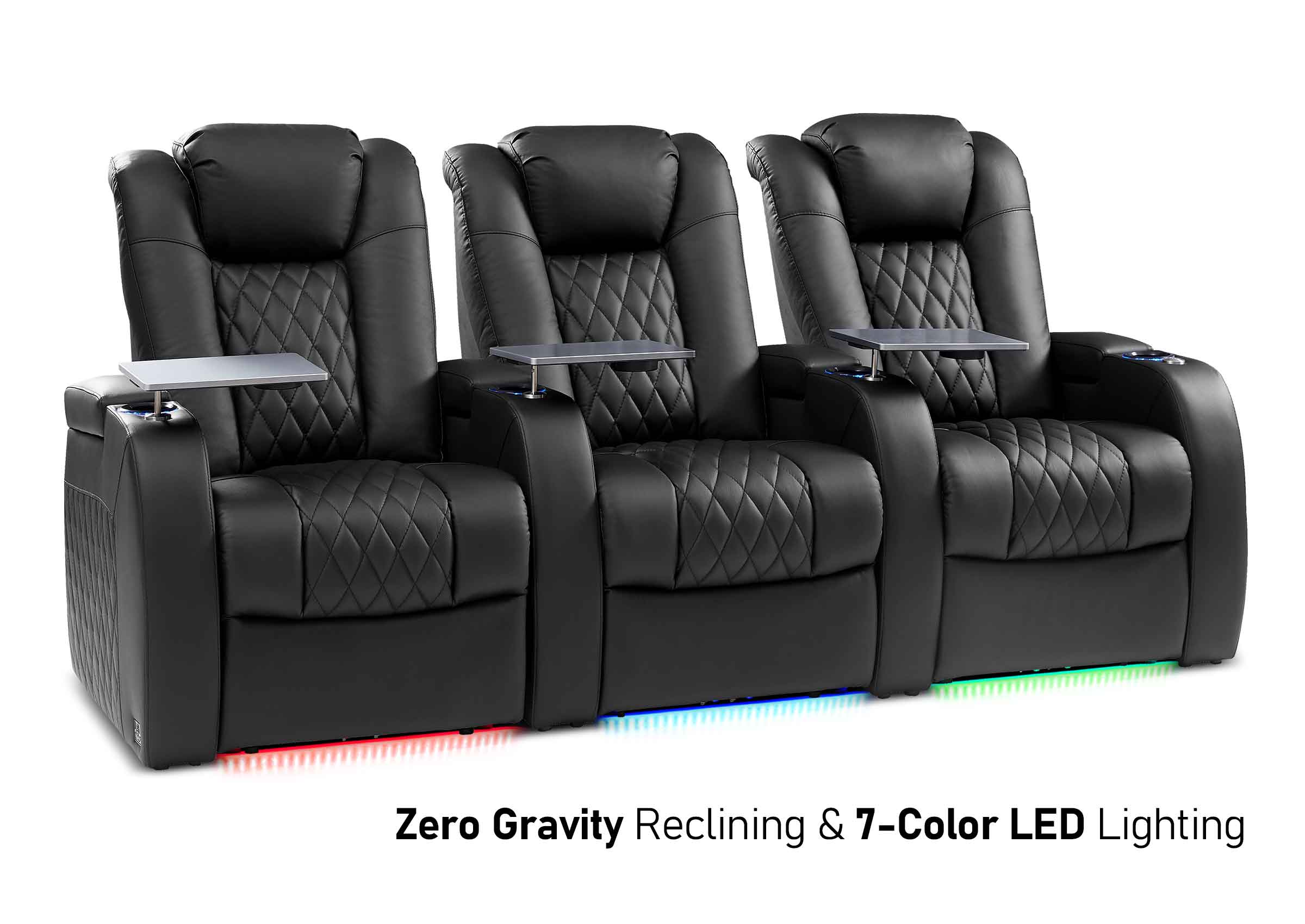
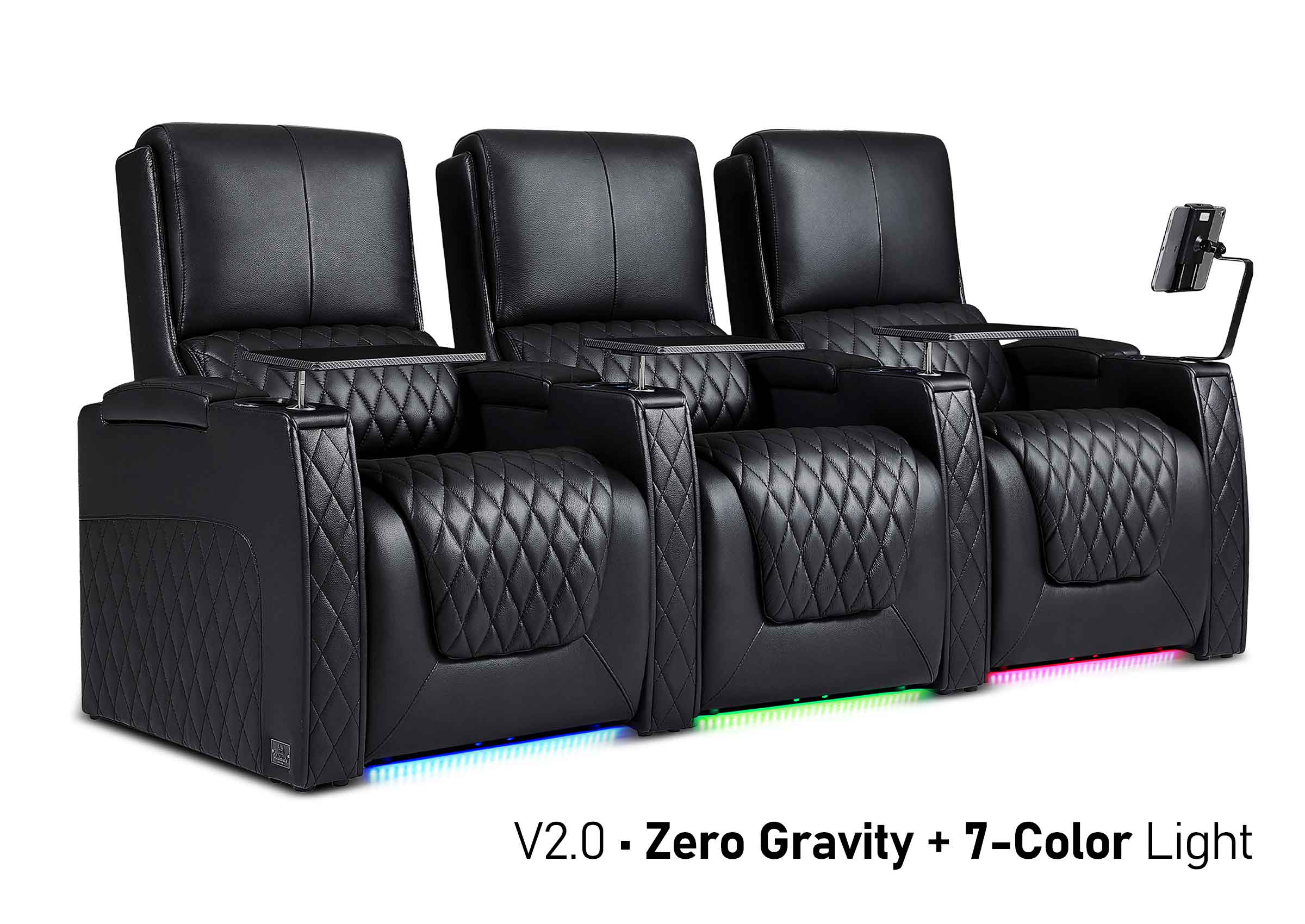
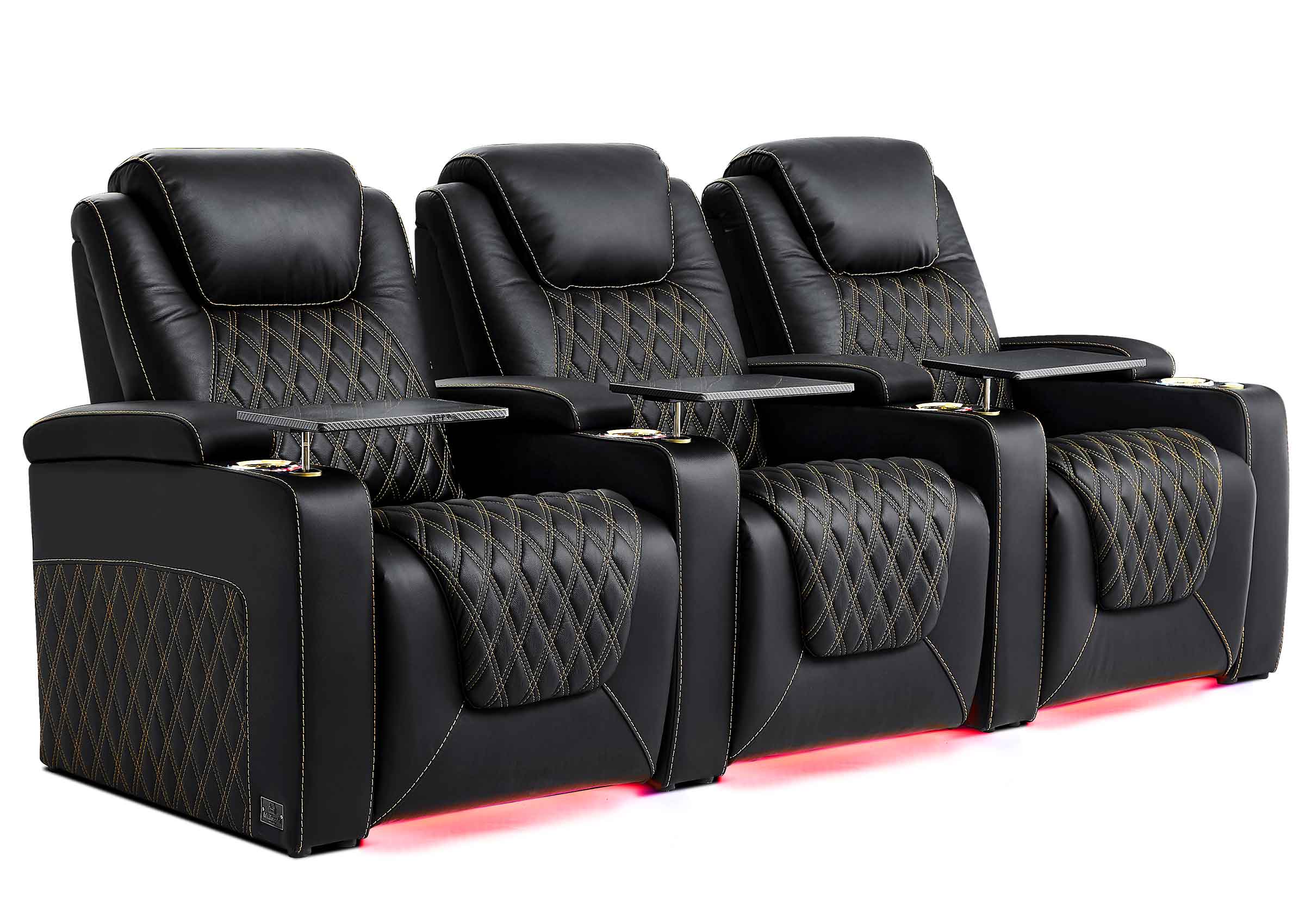
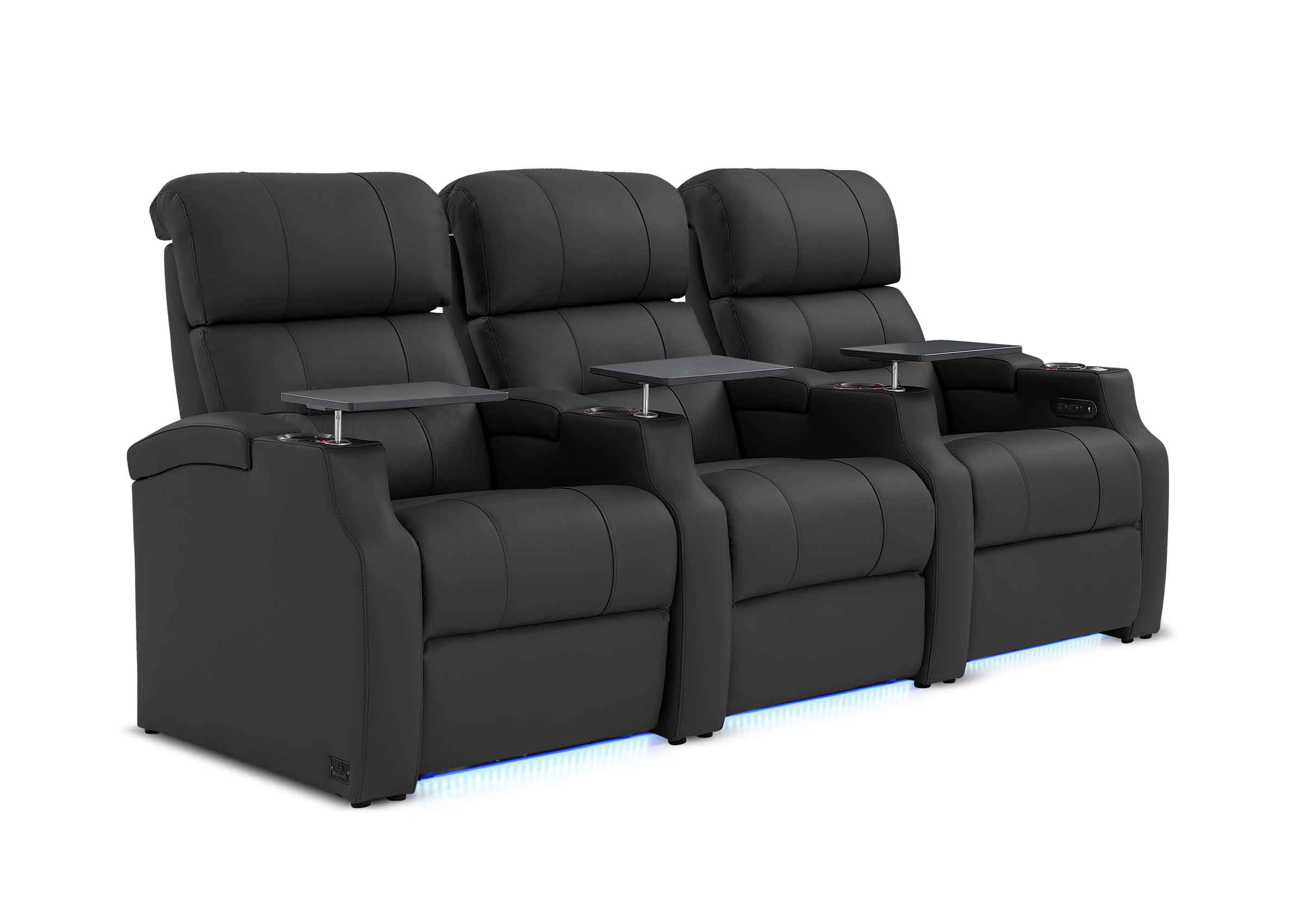
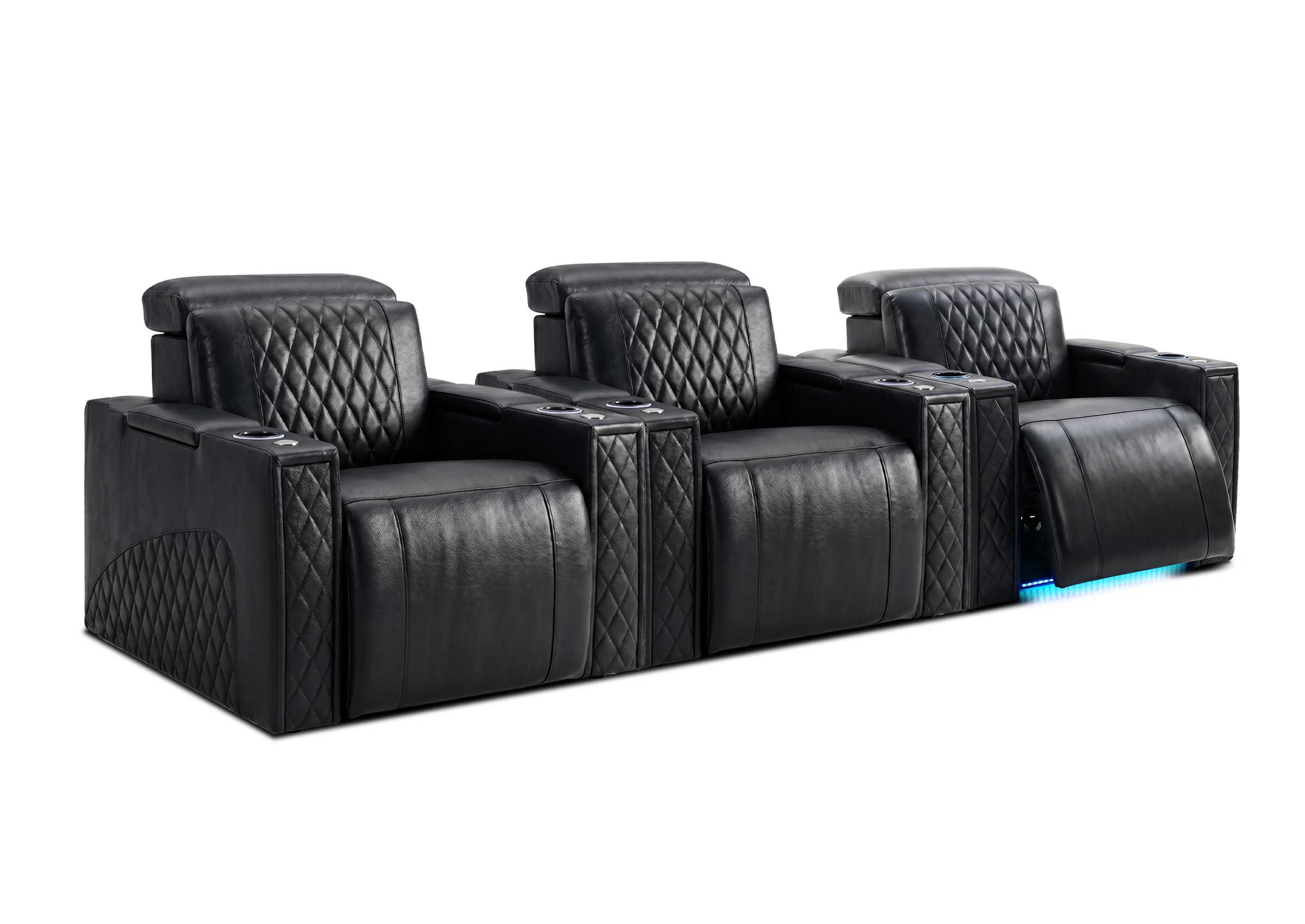

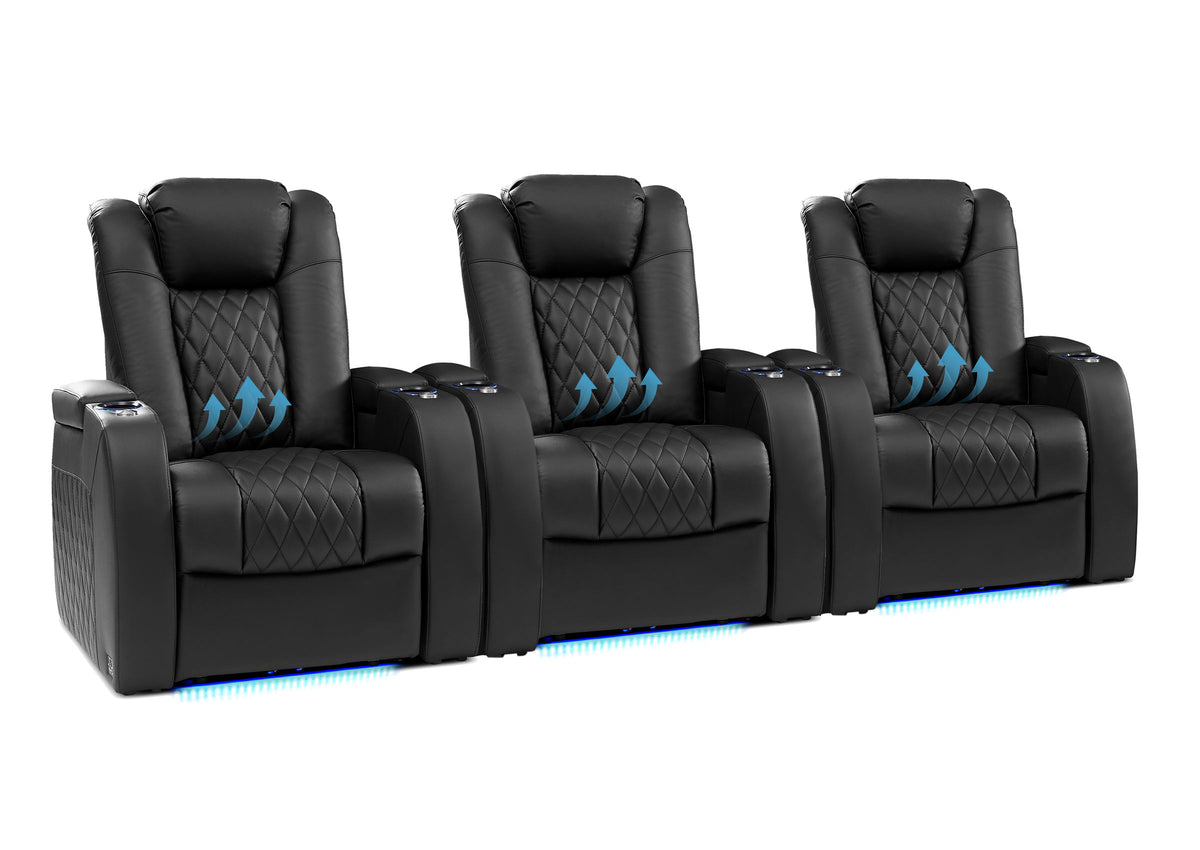
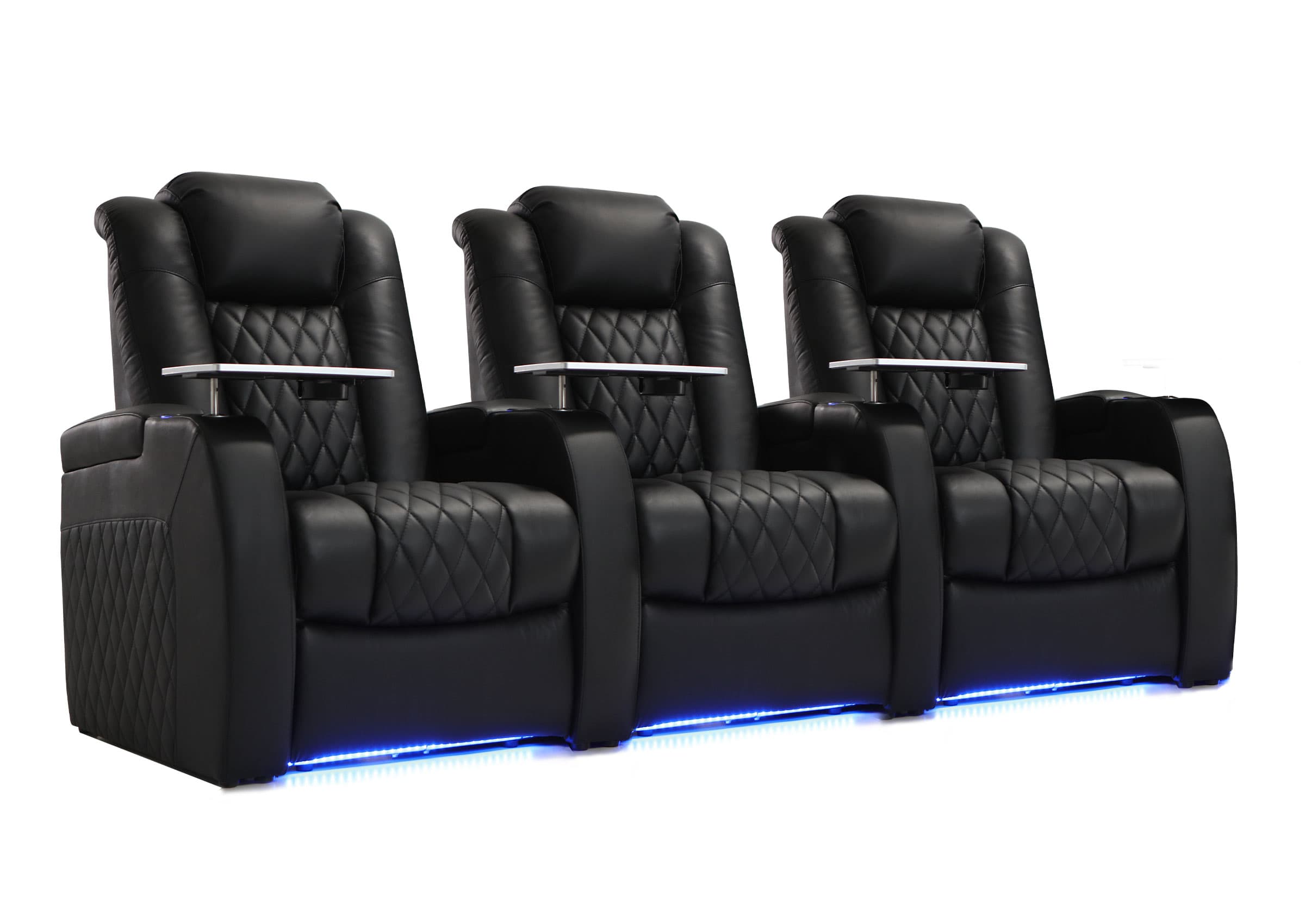
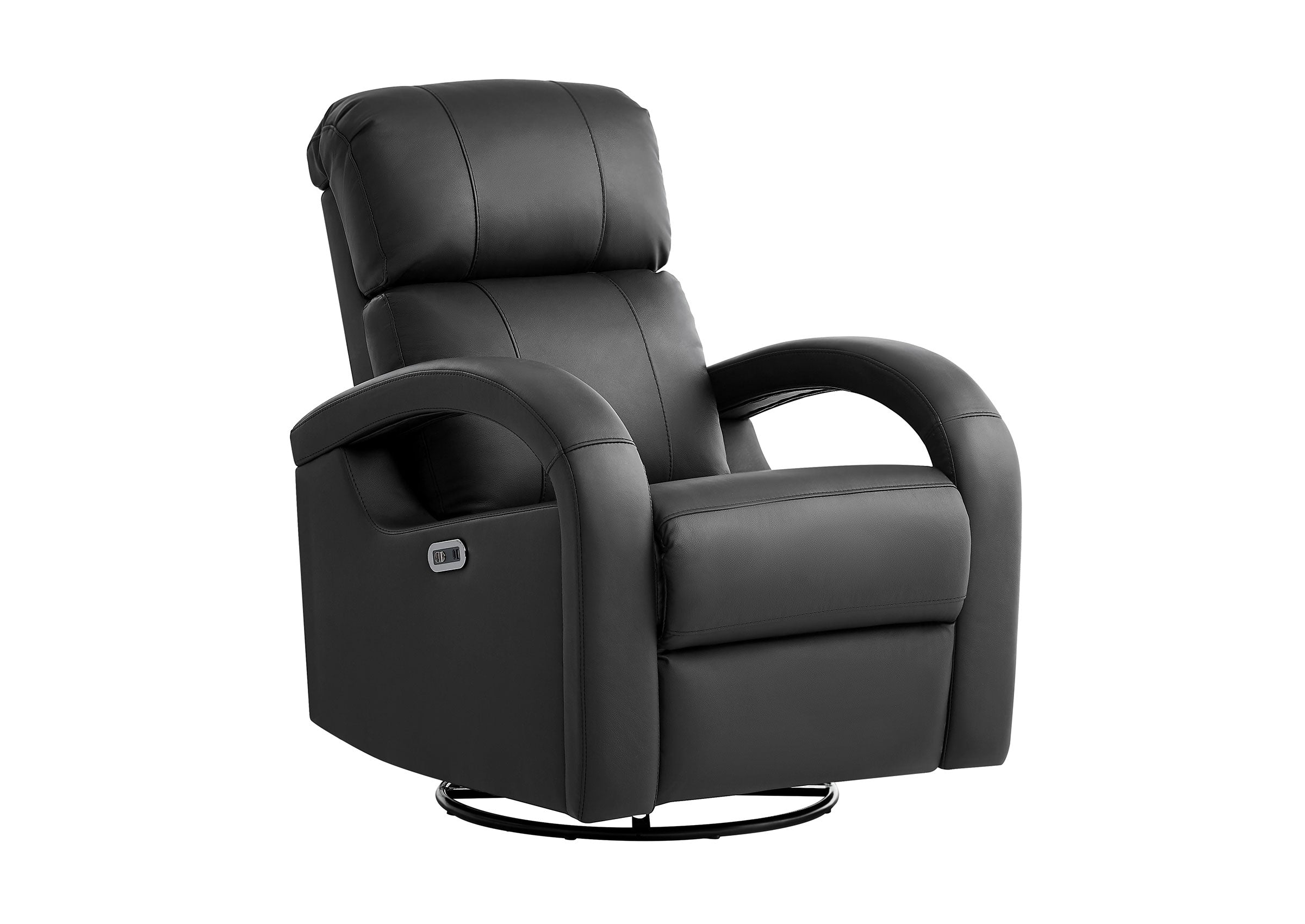
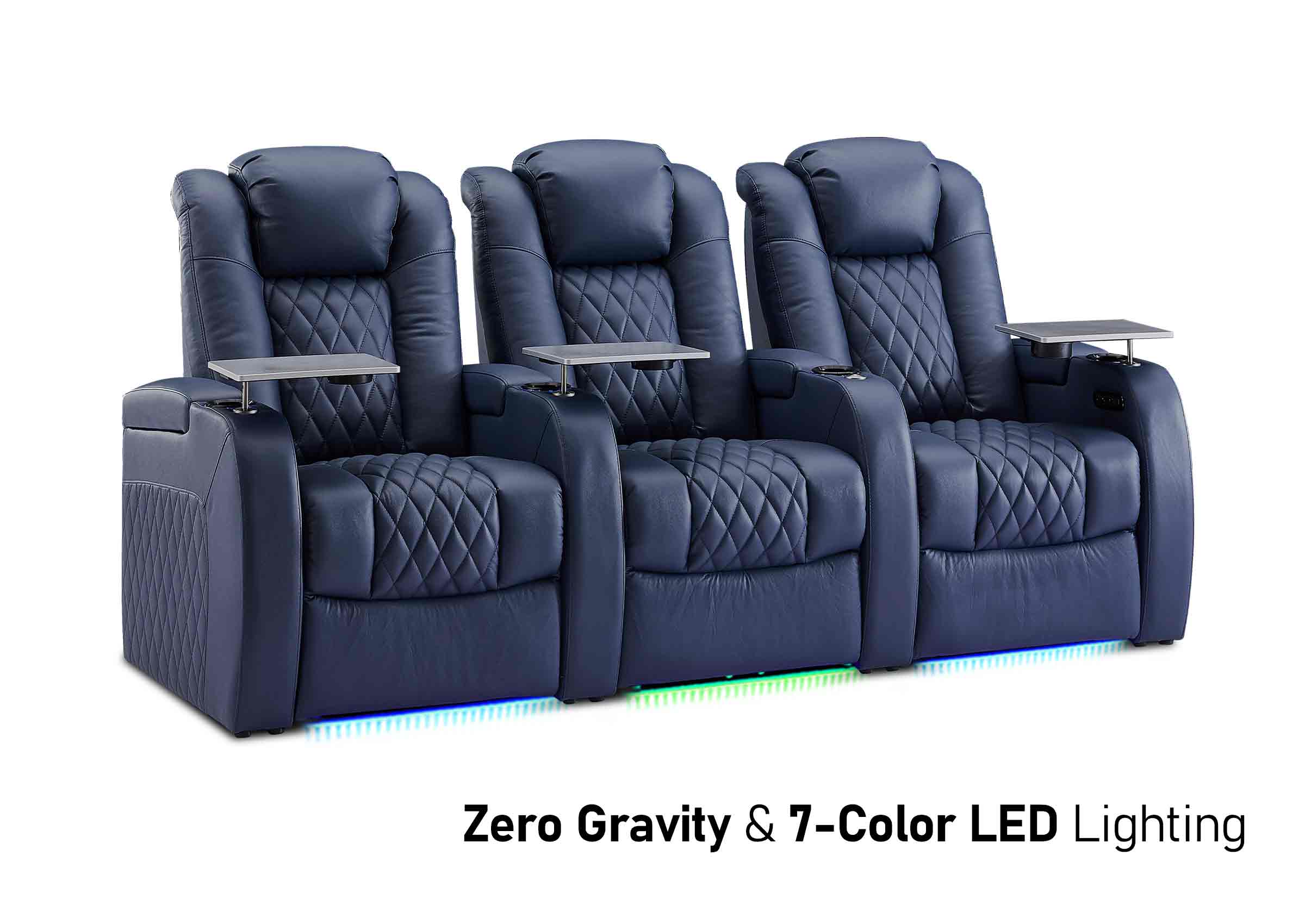
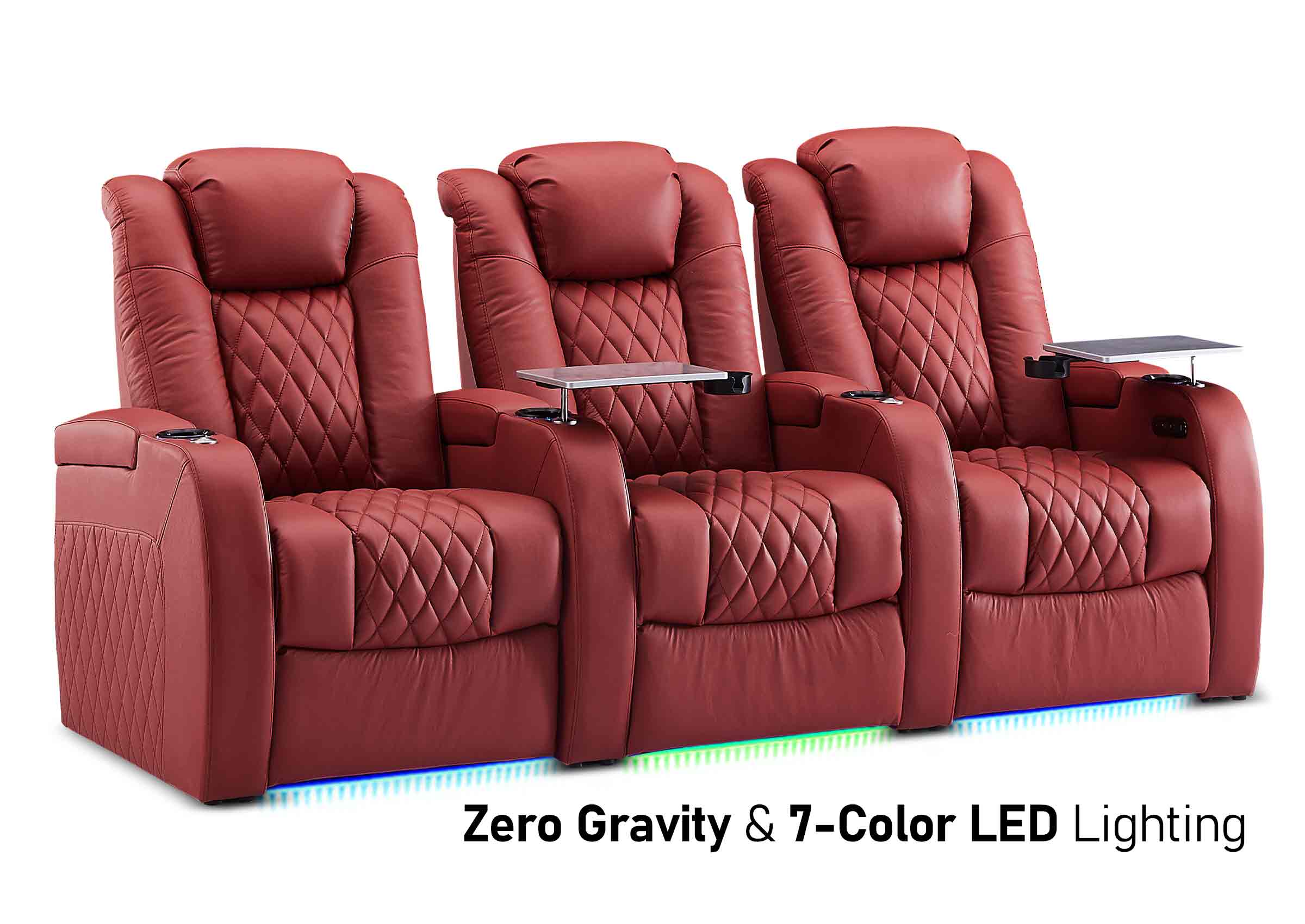
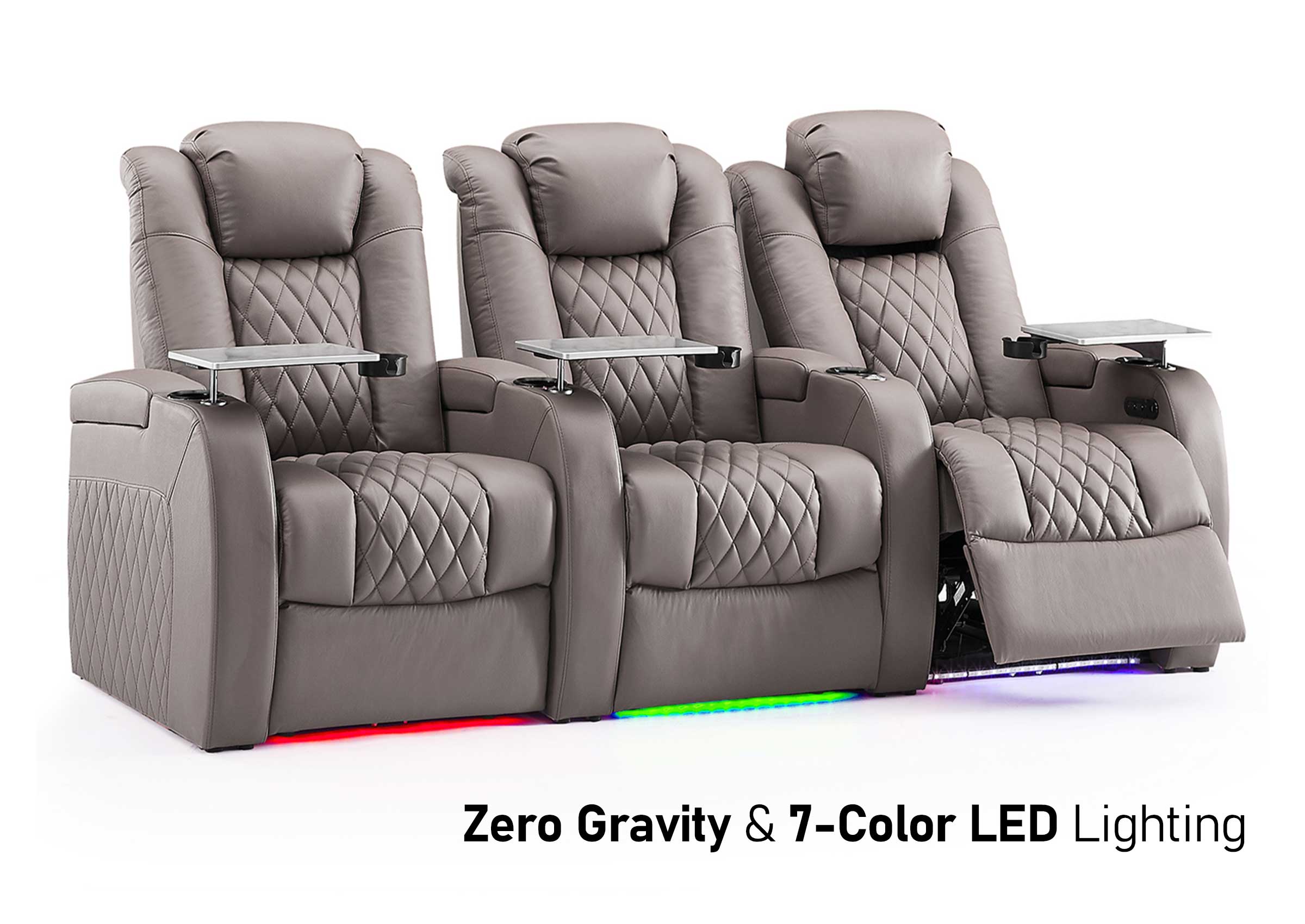
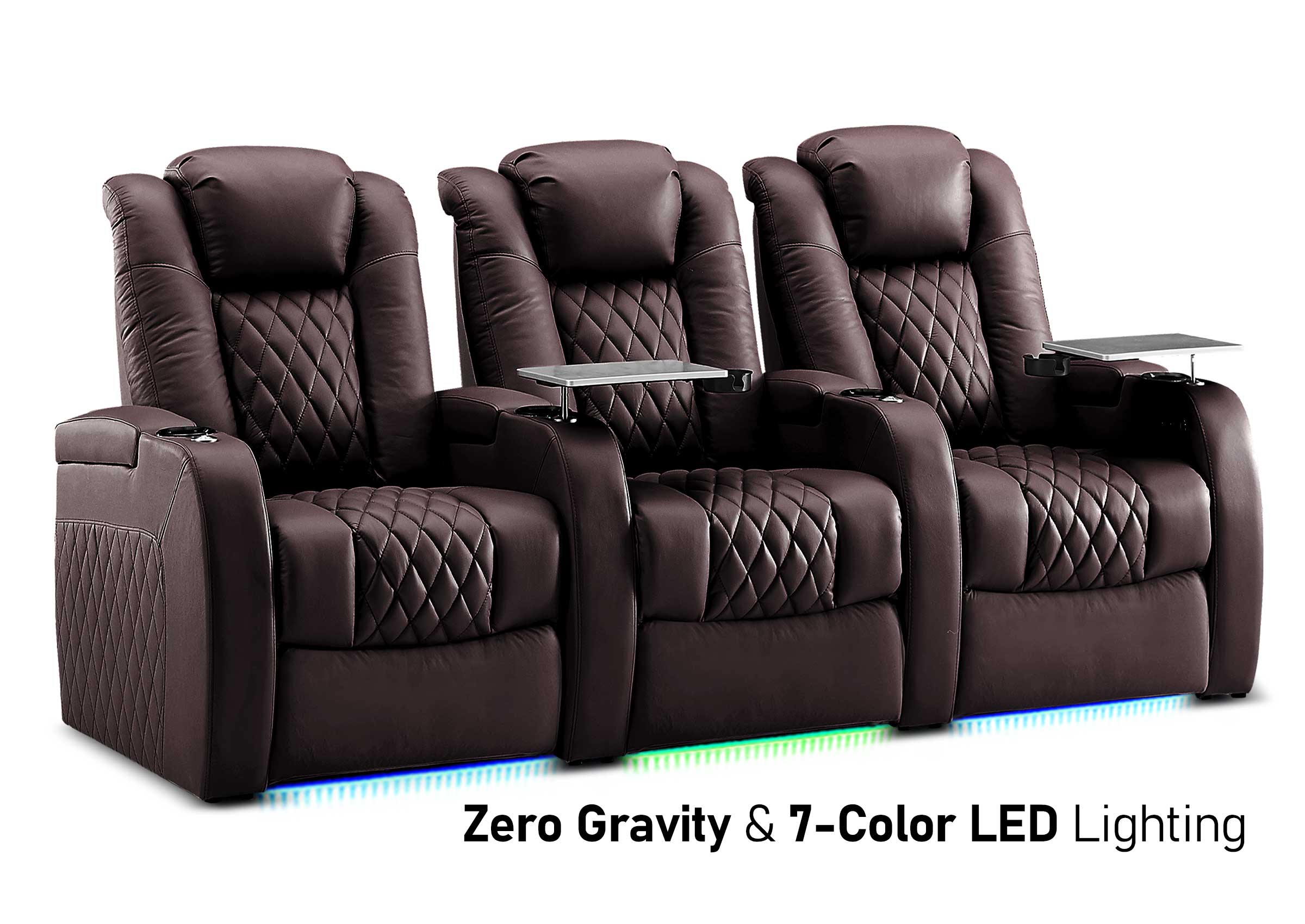

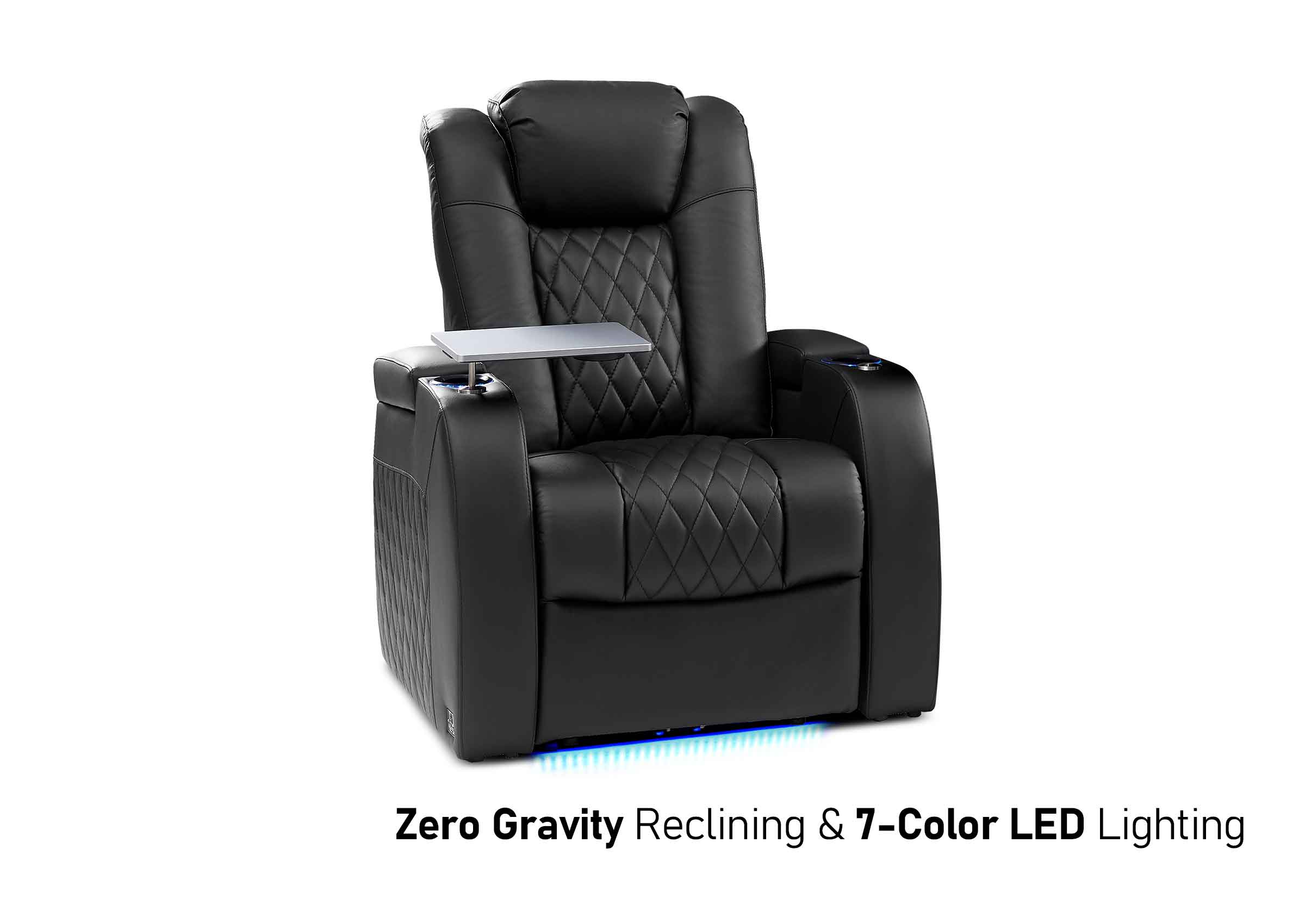
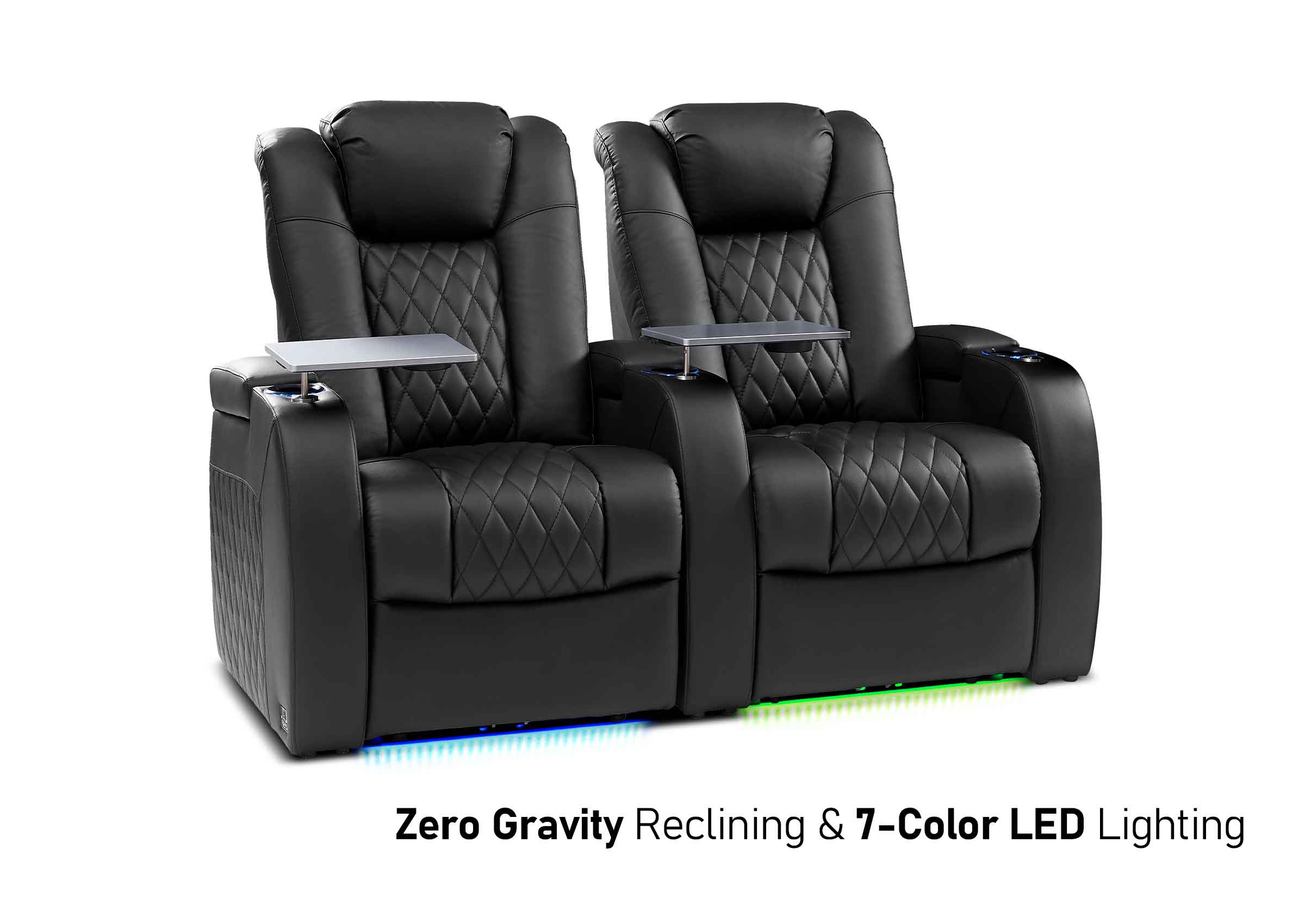
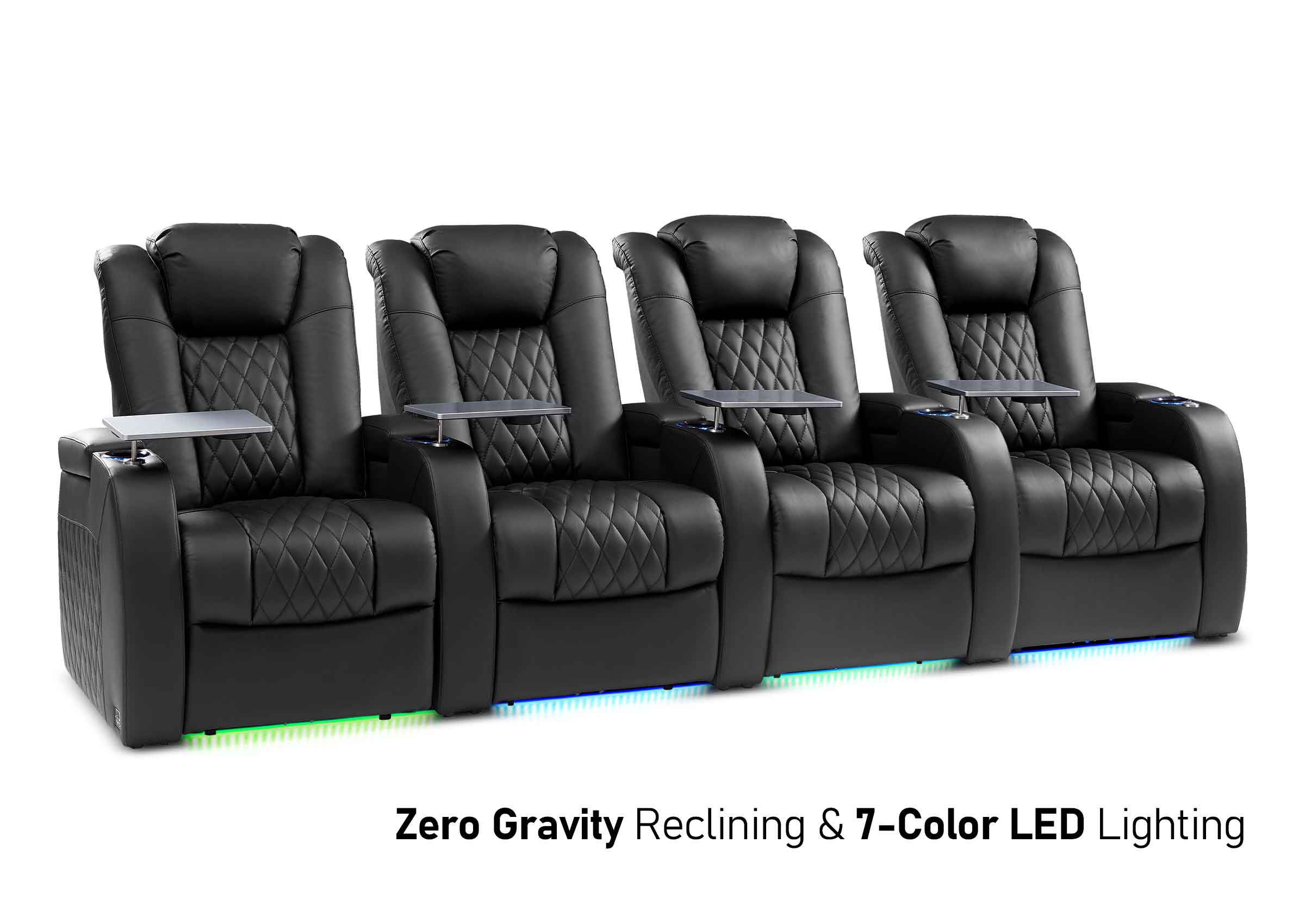
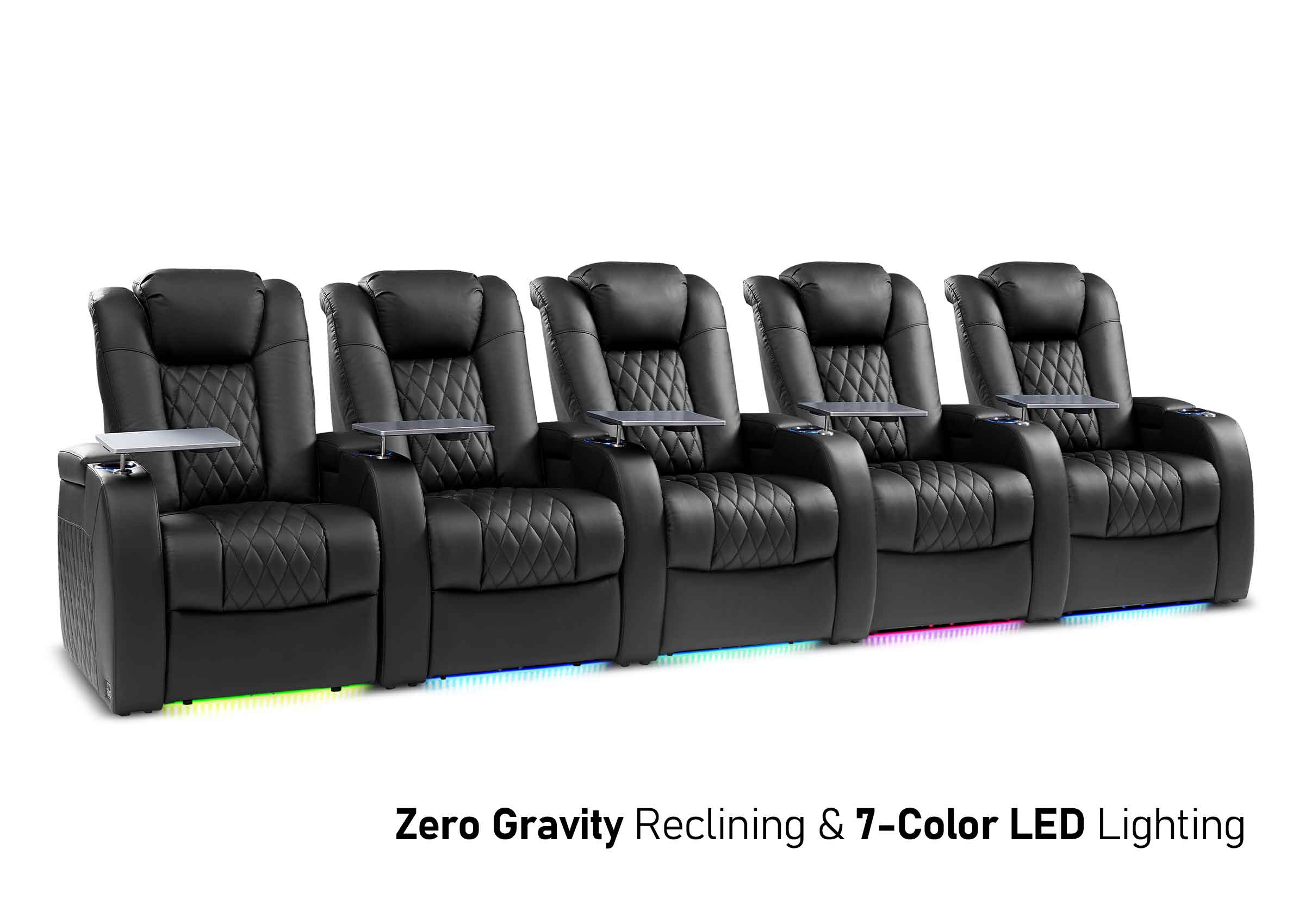
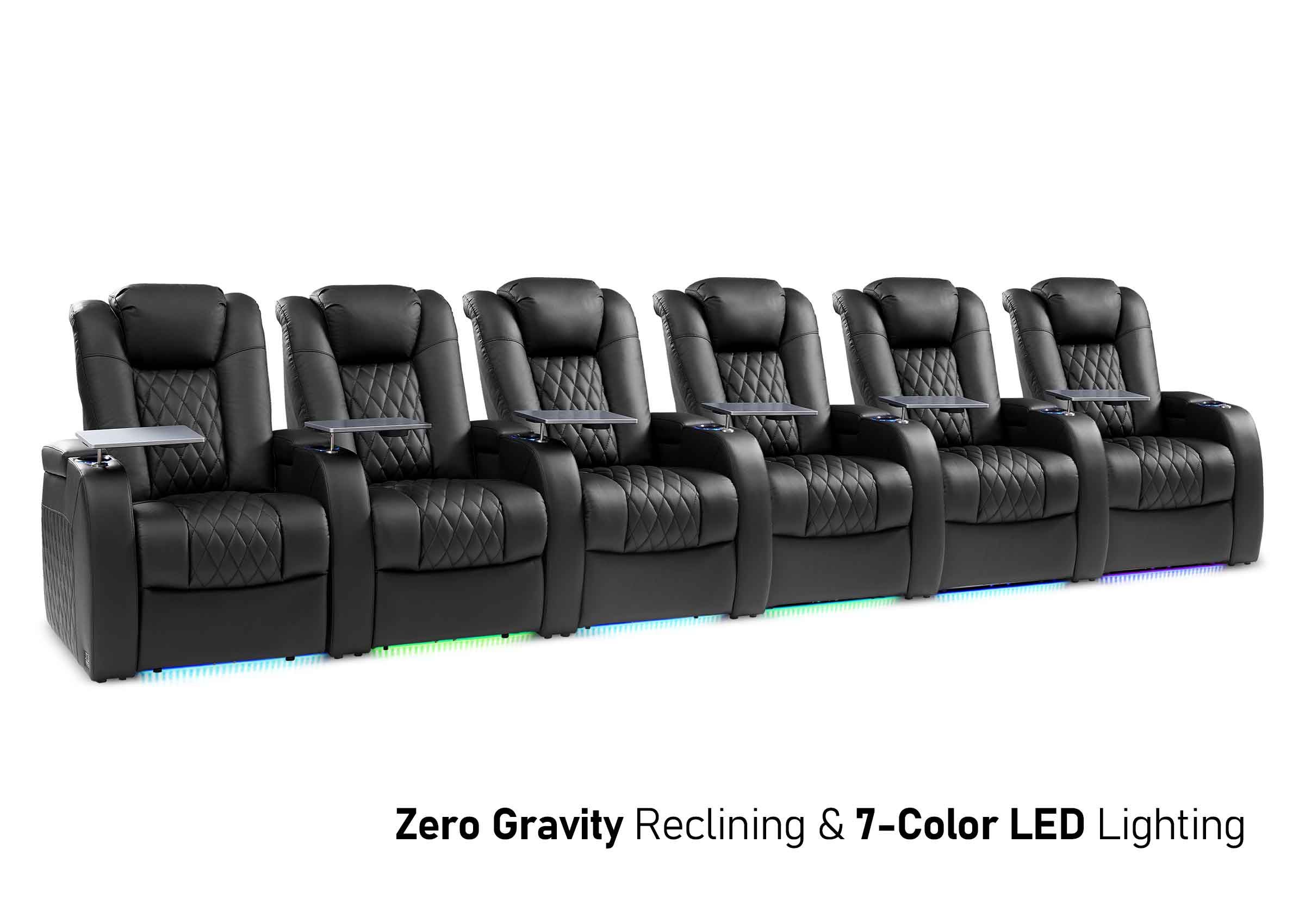
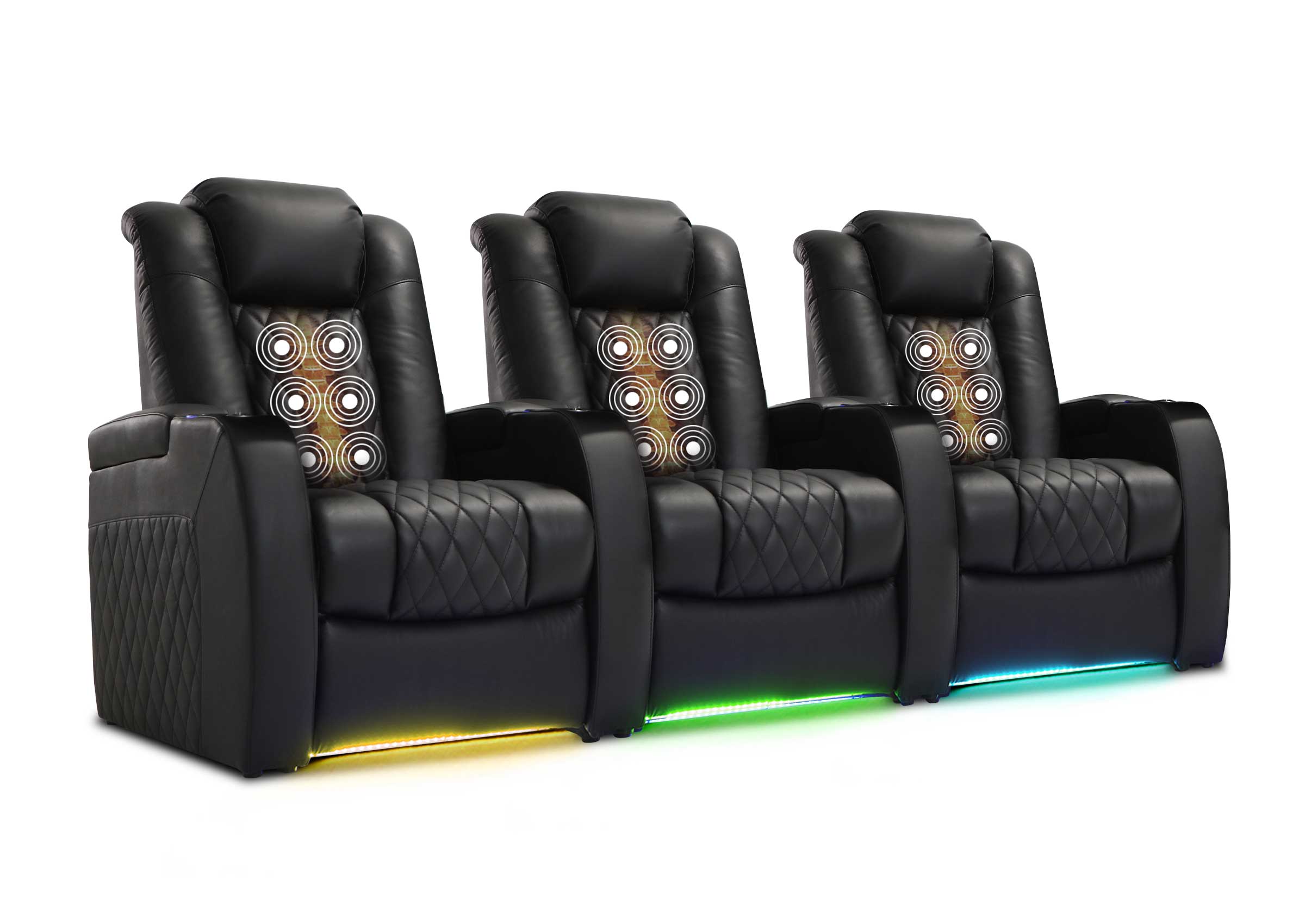
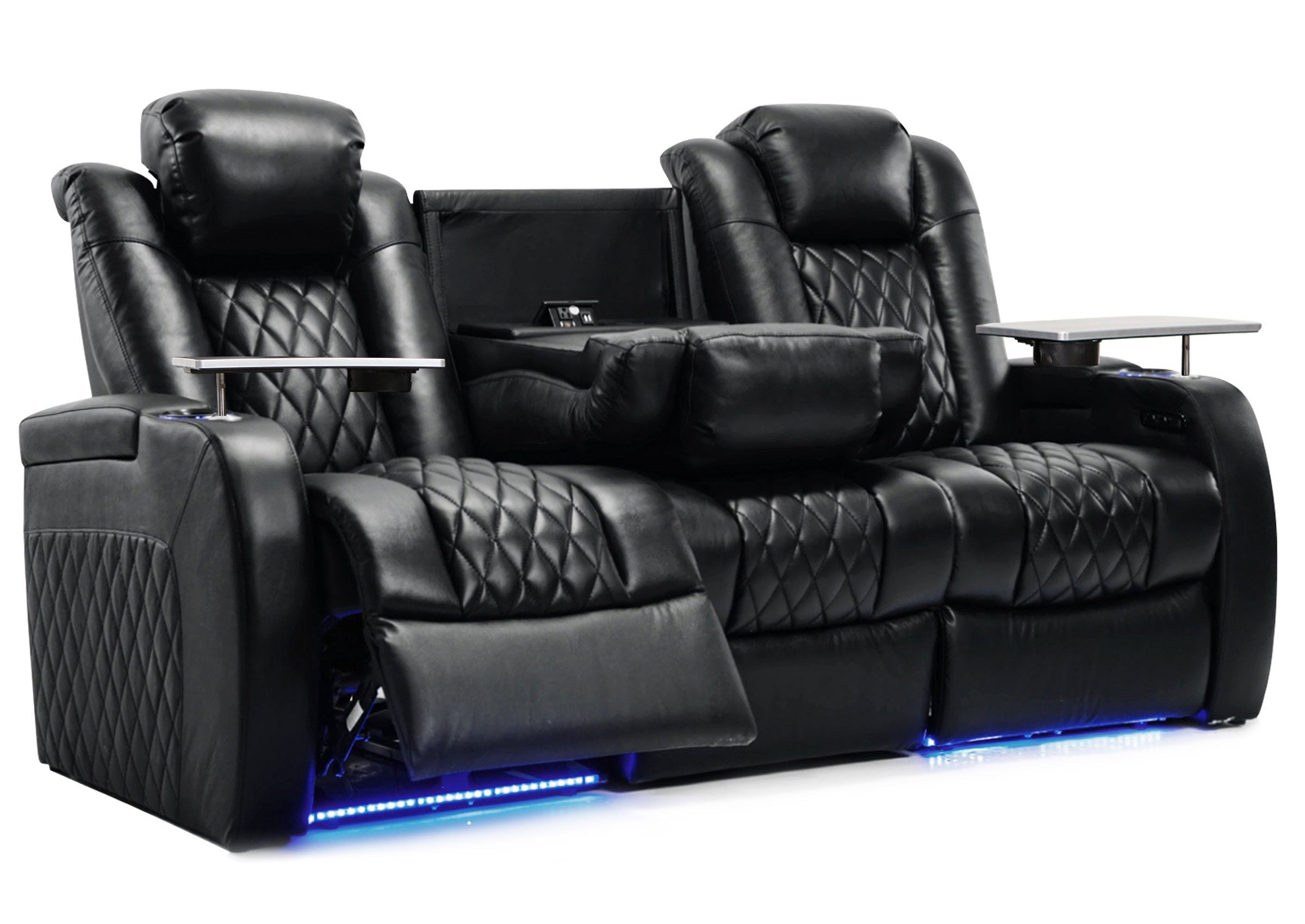
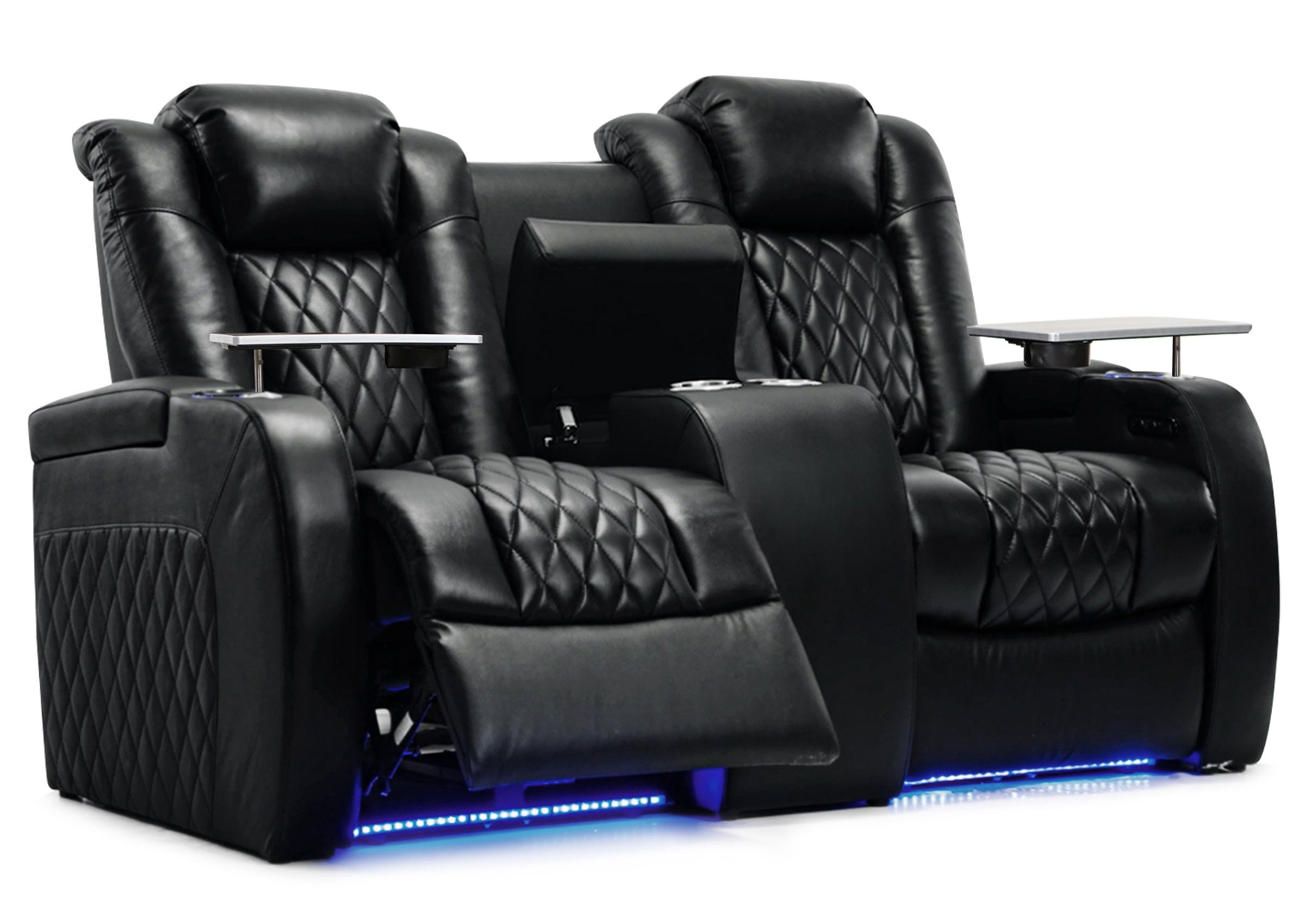


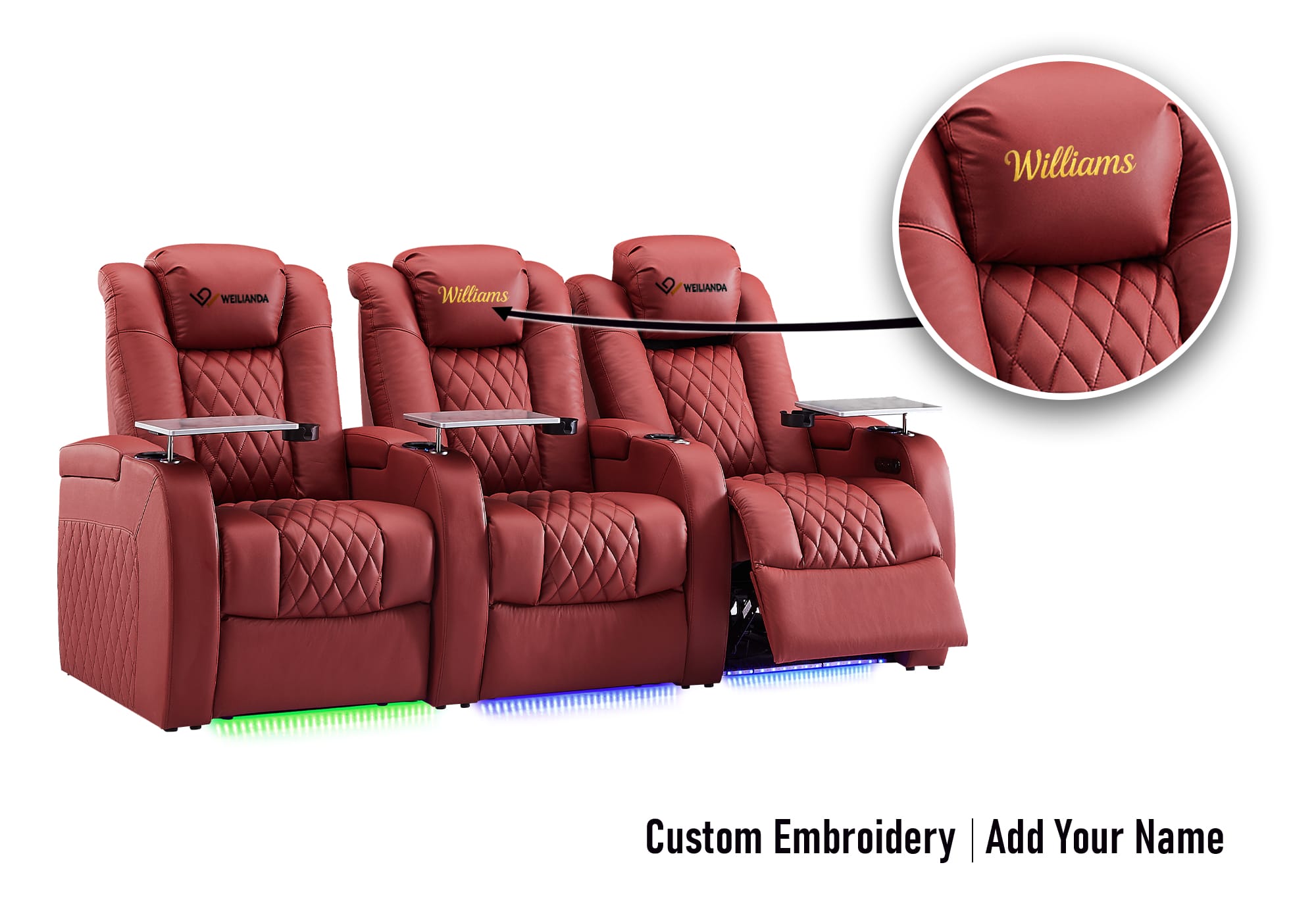

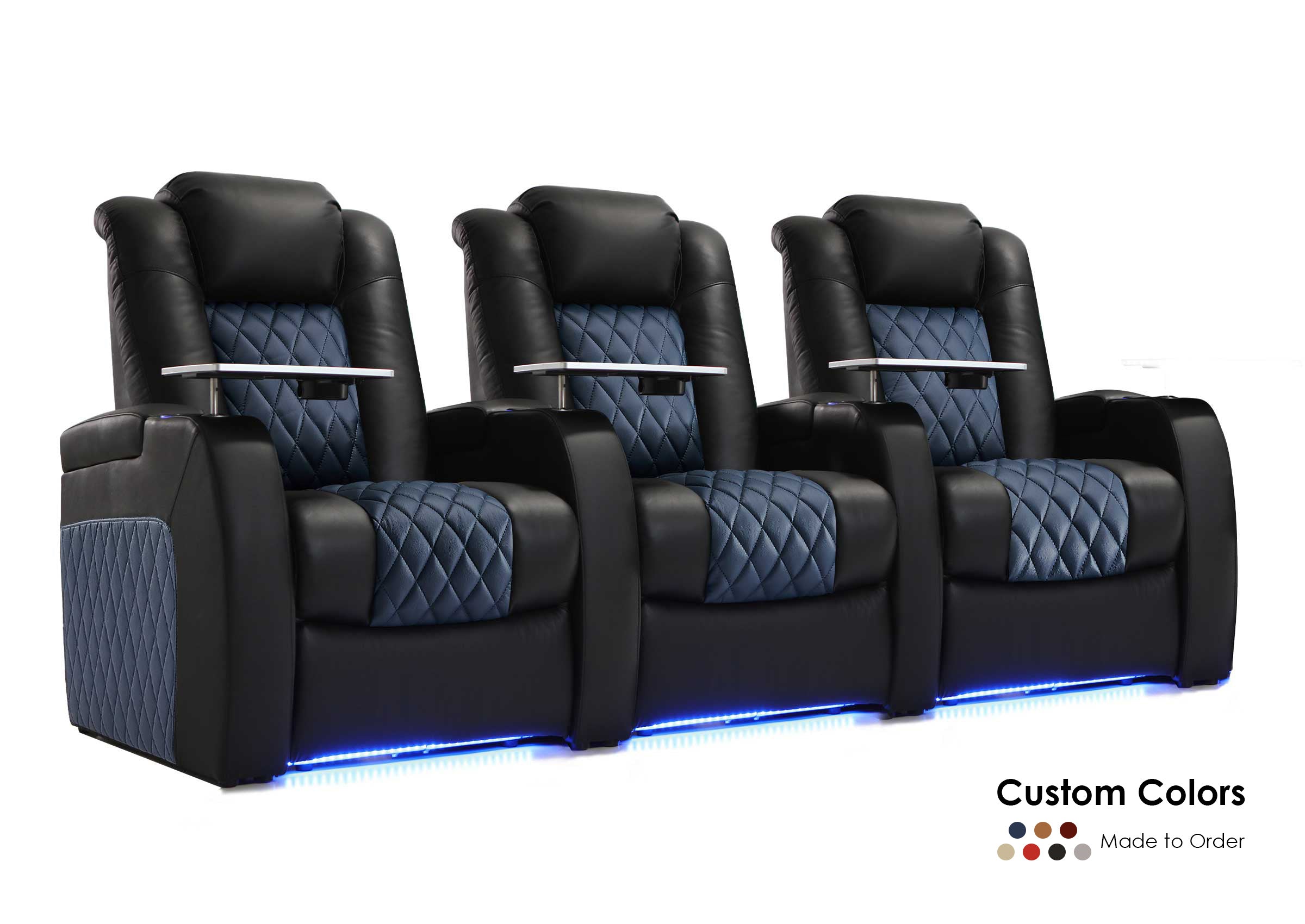

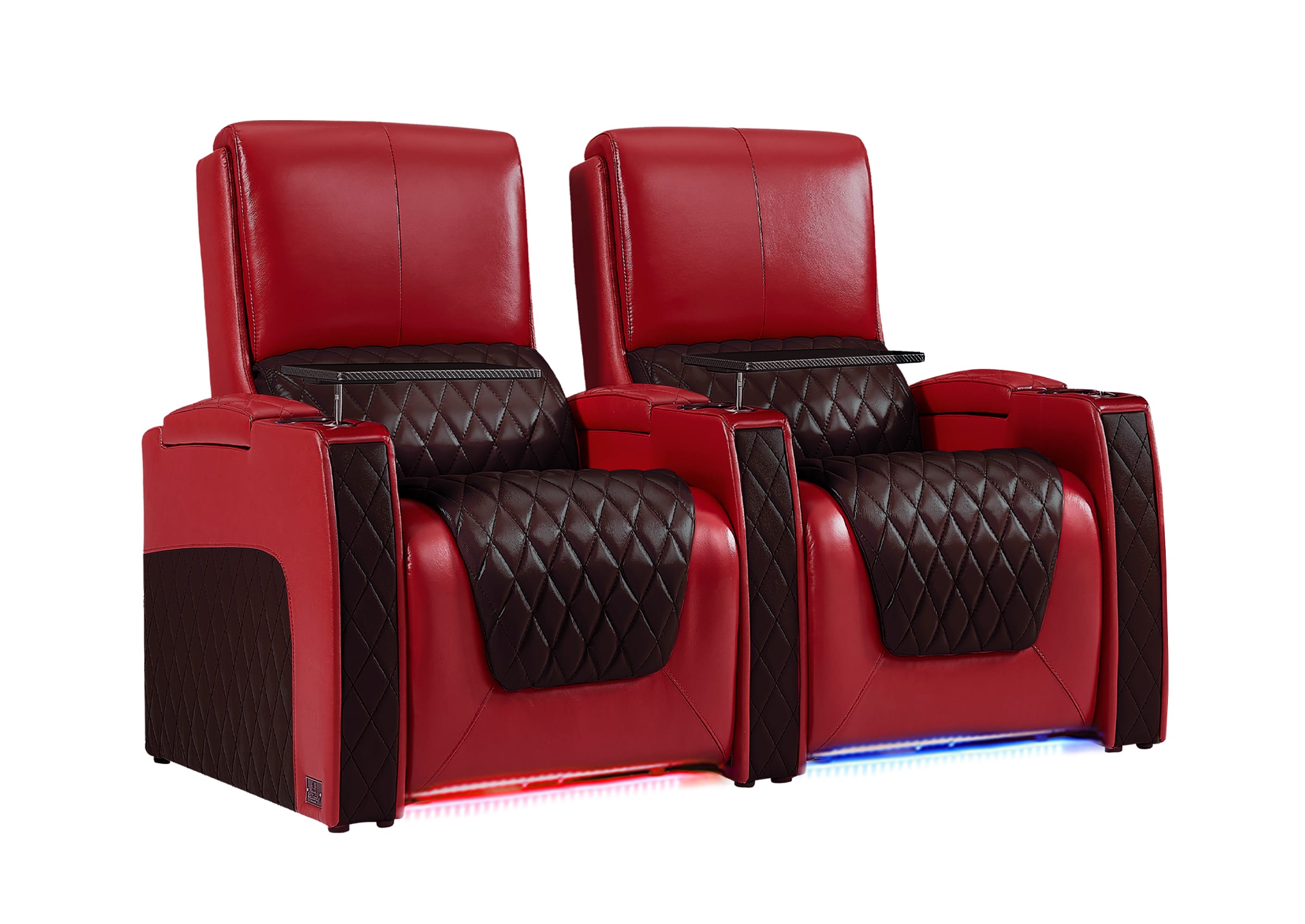
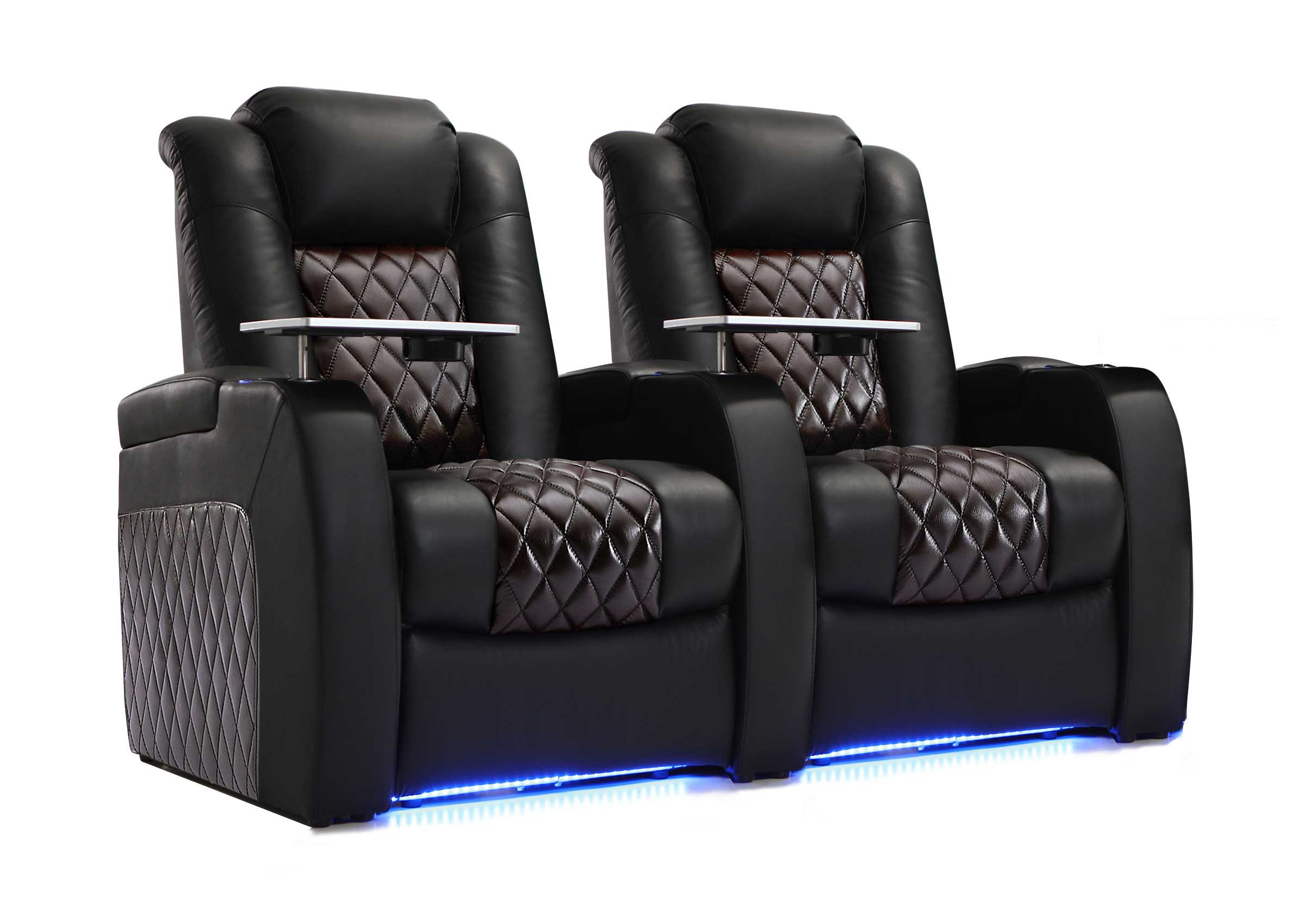
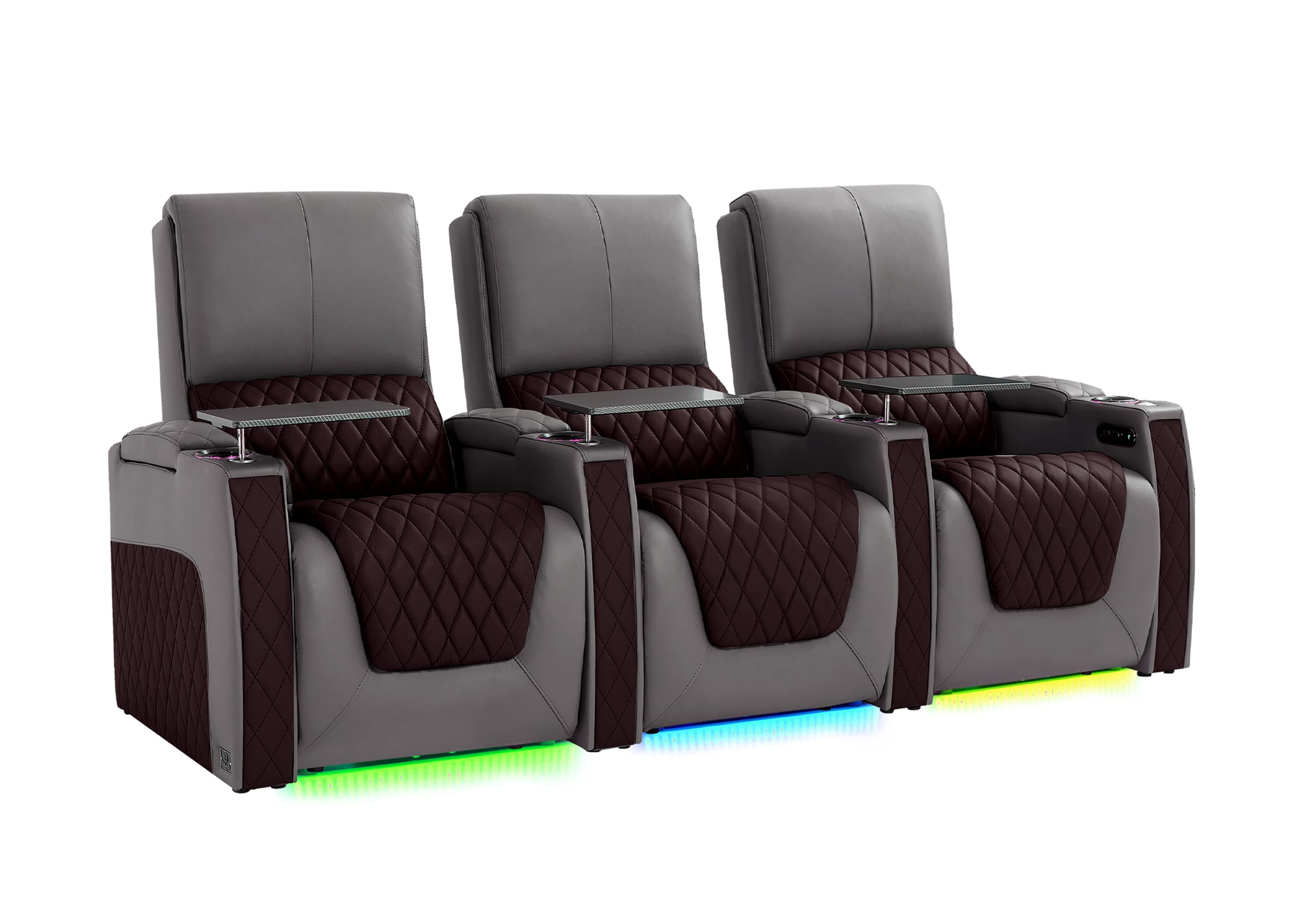
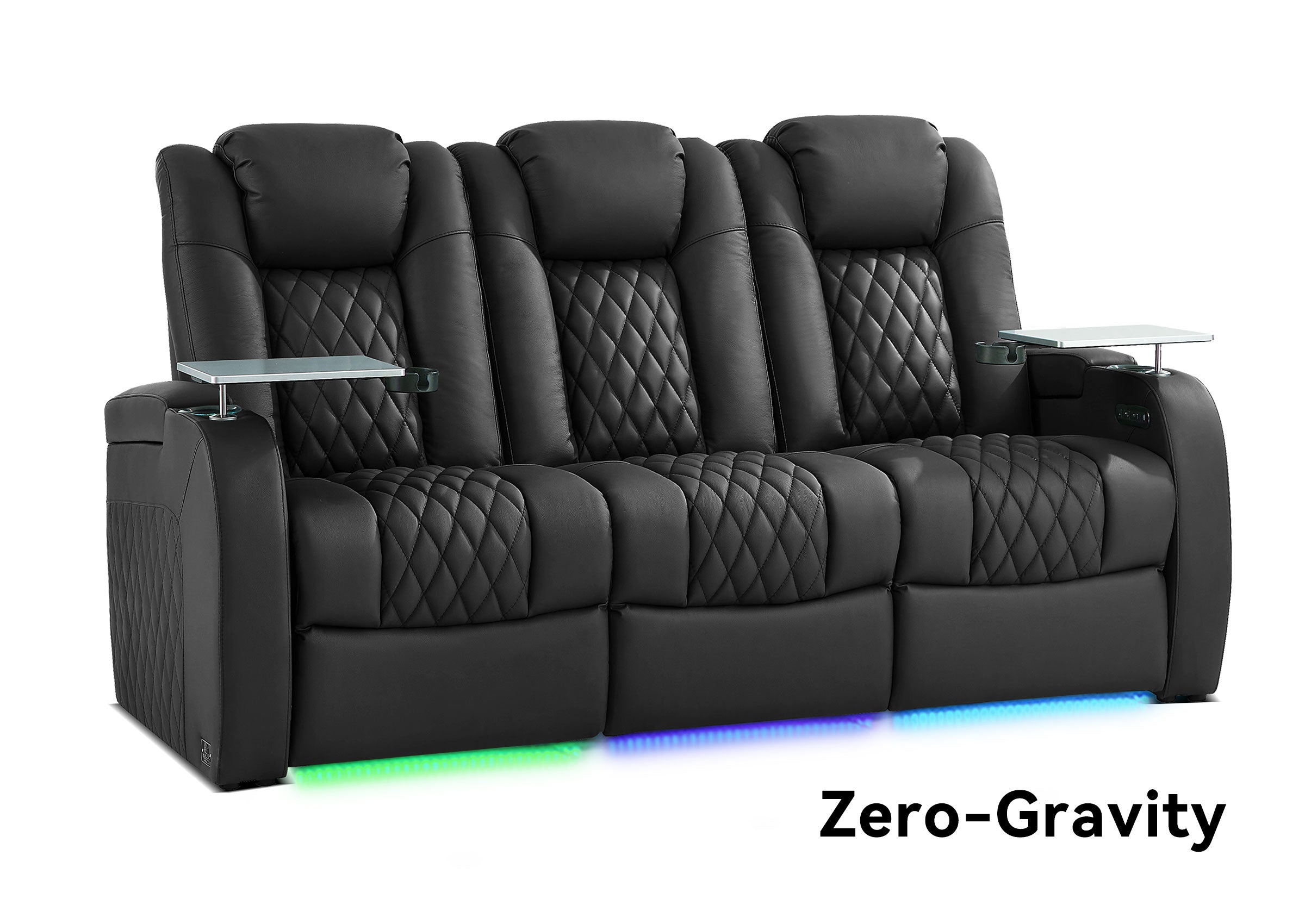
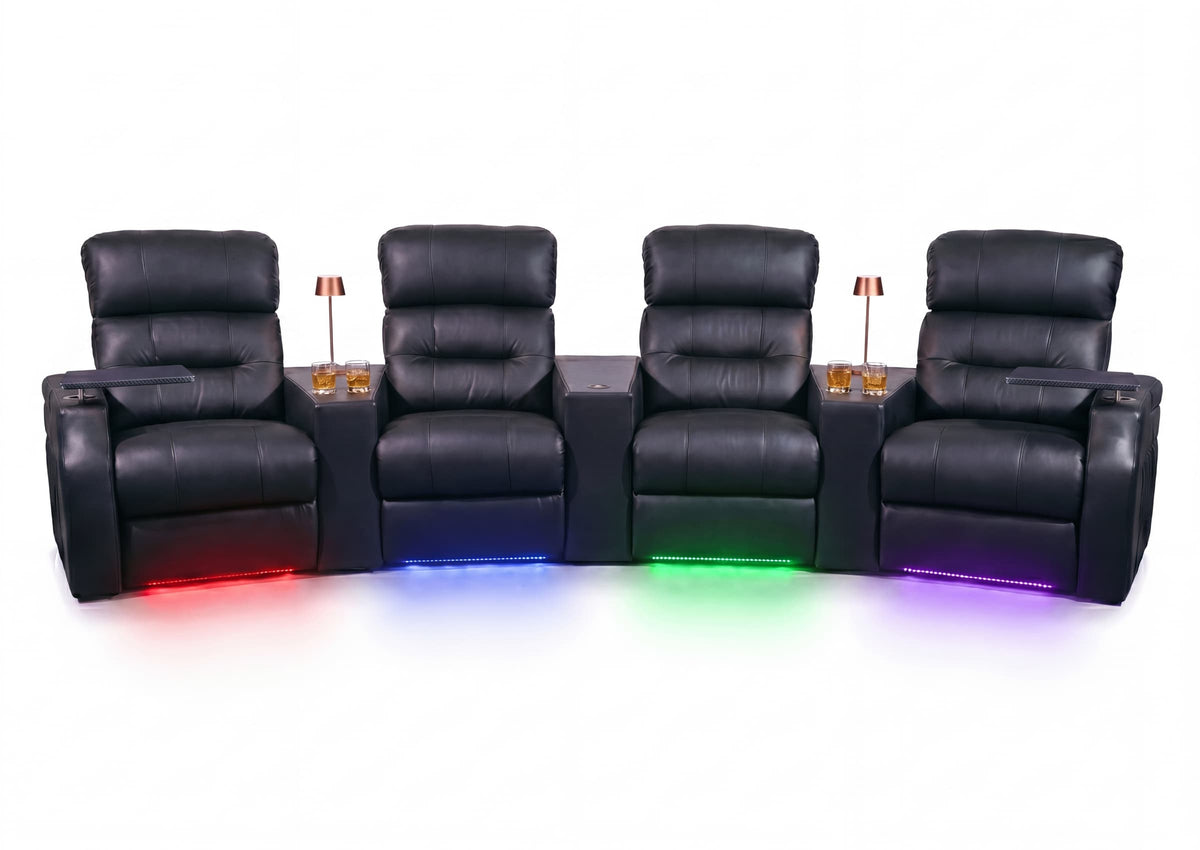
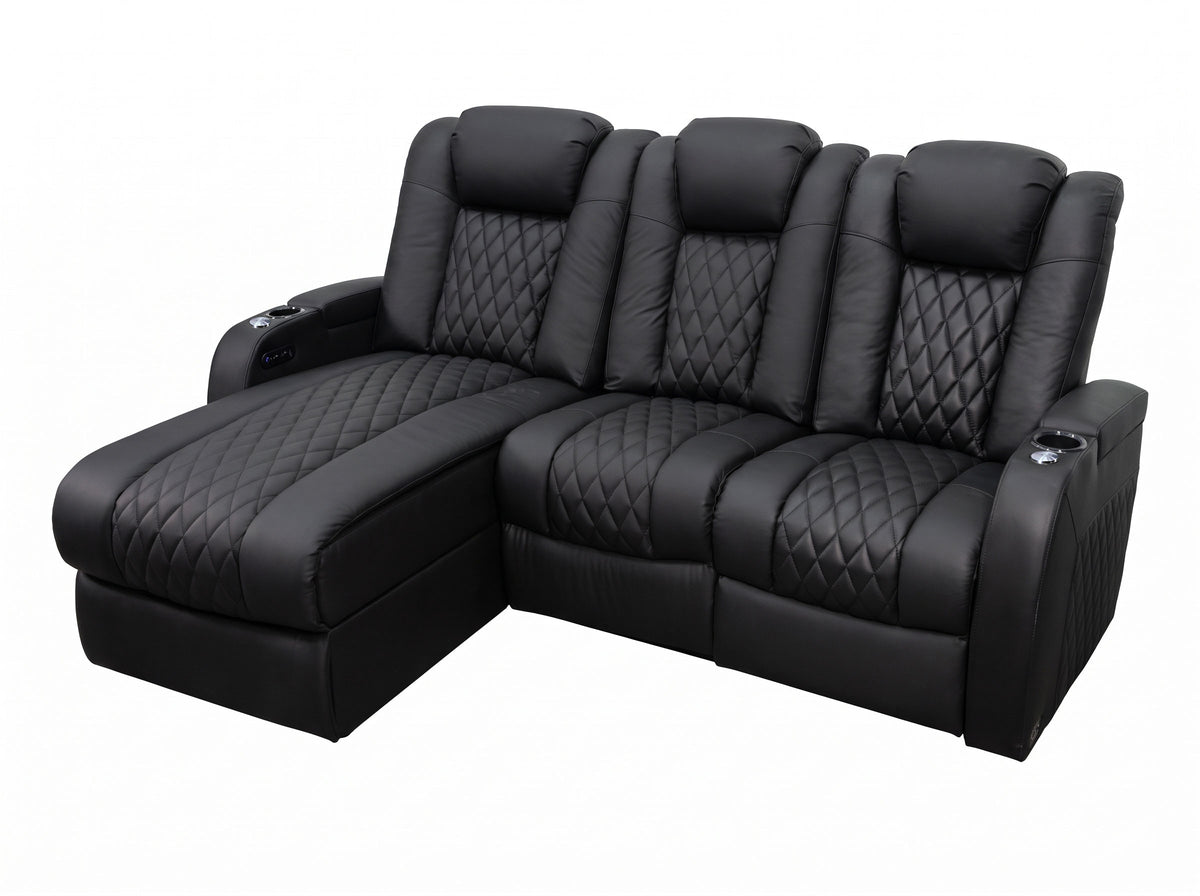
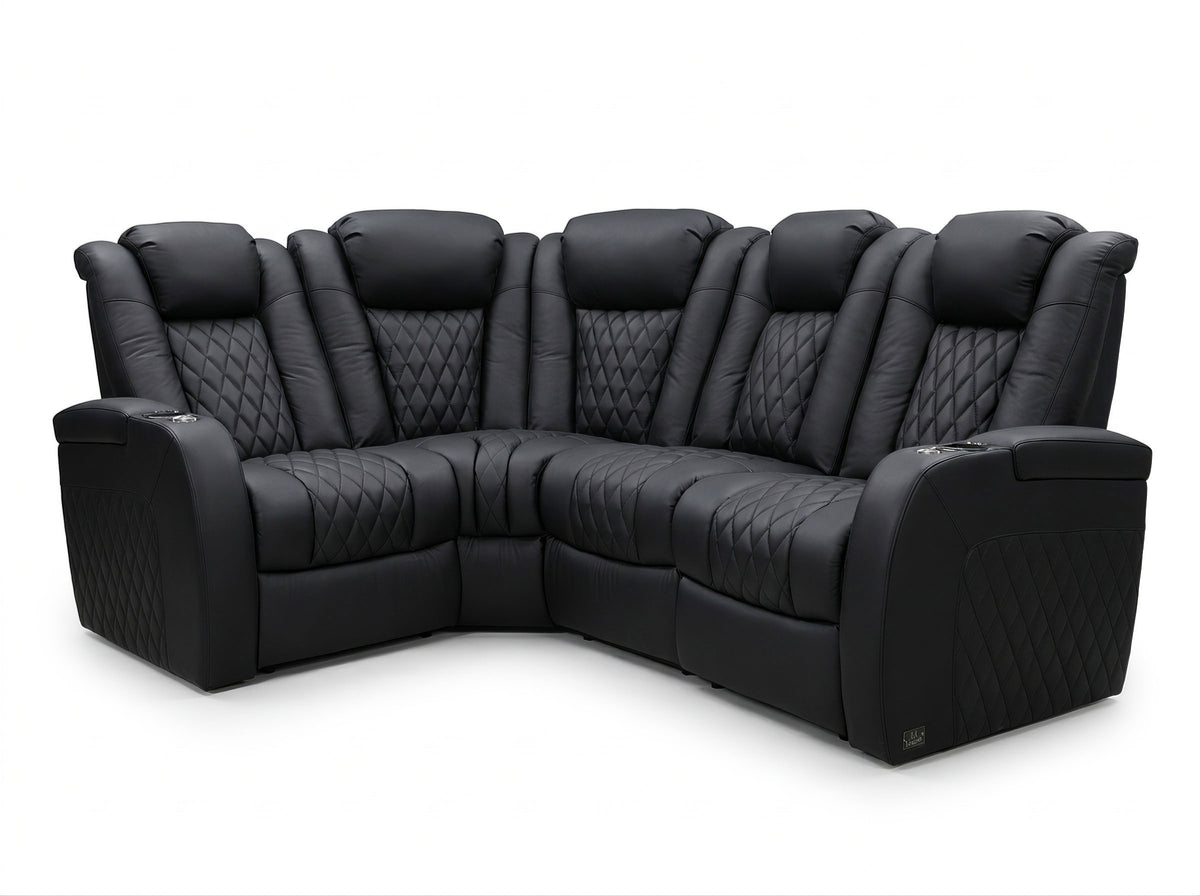


A smart recliner is generally a power recliner with added controls or technology, but the label does not identify a consistent set of features. It might mean an app, voice commands, saved positions, or a bundle of conveniences. A standard power recliner can already have several of those conveniences, including memory buttons and phone charging.
The useful comparison is between the actual configurations: what each chair moves, how you operate it, and what the extra controls require. If two chairs offer the same adjustments, a smarter interface may make one easier to use without making it a better physical fit.
Start With the Feature List Behind the Label
A power recliner uses an electric mechanism to change its position. Some configurations move the back and footrest together; others provide separate adjustments or add a powered headrest or lumbar support. Those differences matter whether the seller calls the chair smart or simply power reclining.
“Smart” adds another question: what technology is included, and what does it actually do? Use the description to build a comparison rather than treating the word as a higher specification.
| Feature | What it changes | What to verify |
|---|---|---|
| Powered back, footrest, headrest, or lumbar adjustment | The positions and support the chair can provide | Which parts adjust independently on this configuration |
| Memory and home buttons | How easily you recall a position or return upright | What is saved and how recall works |
| Wireless handheld remote | Where you hold the controls | Which functions it operates and how it is powered |
| Phone app | Whether your phone can act as a controller | Supported chair, phone, connection, and available commands |
| Voice control | Whether speech can initiate supported actions | Commands, languages, setup, and any network requirements |
| USB, wireless charging, lighting, or speakers | Convenience around the seat | The actual charging, lighting, or audio functions included |
Memory is a useful example of the overlap. La-Z-Boy’s power-furniture operating instructions describe Memory I and II controls on specified power configurations. A saved seating position does not inherently require an app or an internet connection.
Read a claim such as “smart comfort” as an invitation to identify the function. It is not, by itself, evidence of automatic posture adjustment, occupancy sensing, or compatibility with a home voice assistant.
Compare the Chair’s Adjustments Before Its Interface
Imagine two recliners with the same back, footrest, and headrest adjustments. One uses an arm-mounted panel; the other also accepts phone commands. If the movement options are otherwise identical, the app changes access to those adjustments. It does not add another motor or increase the range of motion.
Now compare an app-controlled chair without independent headrest adjustment to a button-controlled chair that has it. For someone who wants to recline while keeping the screen in view, the headrest function may be the more useful difference. The right answer comes from sitting in both positions, rather than counting electronic features.
Manufacturers may offer several mechanisms under one model name. For example, himolla’s S-LOUNGER 7582 page lists multiple motor configurations and describes app control as an available option. Confirm the exact version on the quote instead of assuming every pictured feature is included.
Sit fully back, adjust the chair for the activity you have in mind, and notice where your head, legs, and arms rest. Check that the controls remain reachable in that position. The chair also needs its specified operating space, a suitable power arrangement, and a workable route into the room. Use the recliner clearance guide when checking the room, then confirm the selected model’s dimensions. A convenient interface cannot compensate for a seat that does not fit you or the space.

Understand What Memory, a Remote, and an App Each Add
Memory is most useful when you repeatedly return to a position that takes several adjustments to find. If supported, you might save a movie position rather than resetting the back, footrest, and headrest every evening. Check which adjustments the memory includes; “two presets” does not necessarily mean two complete user profiles.
A home button serves a different purpose: returning to the chair’s defined starting position. Ask how each control operates. Some movements require you to hold a button; some memory functions can continue after a brief press. Releasing a button is therefore not a universal stopping method. Learn the manufacturer’s stopping procedure before trying an automatic return, and keep the movement area clear.
A wireless remote can be worthwhile when the side panel is awkward to reach. Try holding it while seated, reading the buttons in your normal lighting, and putting it somewhere you can find it again. That may solve the problem without introducing a phone into the routine.
An app is useful when it offers an easier interface for the person using the chair. But unlocking a phone, finding the app, and selecting a seat can also take more effort than pressing a nearby button.
As one specific example, himolla’s official S-LOUNGER app listing describes Bluetooth pairing, execution of the radio handset’s commands, and selection of a chair from a connected-chair list. That is evidence for that system, not a promise that every smart recliner uses Bluetooth or supports the same phones.
Choose the control that removes a real step from your routine. Someone who regularly uses a phone beside the seat may like app control. Someone who puts the phone away for a movie may prefer a familiar physical button.
Check What Voice Control Actually Connects To
Voice control can be a meaningful convenience when reaching for a controller interrupts what you are doing. Its usefulness depends on recognizing the commands you need and performing the intended movement reliably in your room.
It does not automatically mean Alexa, Google Home, or another smart-home platform. A chair may have its own voice system, use a separate device, or require an app or account. Bluetooth connectivity alone does not establish voice-assistant compatibility either.
Son&Bear’s explanation of its Smart option provides a concrete example: on specified electric sofas, voice control operates the existing electric functions. Its description should not be extended into a claim about another brand, an unlisted home assistant, or offline operation.
For a voice-equipped model, establish the supported commands and languages, whether a wake phrase is needed, and what happens when a command is not recognized. Try the intended commands with ordinary television sound at a normal listening level. Ask how to stop a movement and how to operate the seat without speaking.
If a seller advertises sensors, learning, or automatic adjustments, request a demonstration of that particular function. Find out what the system detects, what it changes, and which actions remain under your control. A preset called “relax” is not evidence that the chair senses your posture or provides a medical benefit.
Decide Which Extras You Would Use Often
The most useful upgrade is usually tied to a recurring inconvenience. Think through an ordinary evening rather than an impressive showroom demonstration.
If you adjust several powered sections every time you sit down, a memory function may save repeated button presses. If a side panel is hard to reach, a well-placed handheld remote may be enough. If you enjoy using a phone interface, app control may fit naturally into your routine. Voice control may appeal when you prefer speaking to finding a controller, provided the supported commands work well for you.
By contrast, if you make one simple adjustment and leave the chair there, accessible buttons may already handle the task comfortably. Extra controls can still be enjoyable, but you can recognize them as a preference rather than a missing essential.
Separate those decisions from entertainment features. A Bluetooth speaker plays audio; it does not necessarily control the reclining mechanism. A wireless phone charger charges a compatible phone through its designated surface; it does not make the chair cordless. Heating and massage are separate functions to assess on their own terms.
When comparing prices, ask for two itemized configurations with the same underlying seating features wherever possible. Otherwise, an apparent “smart upgrade” may also include a different mechanism, upholstery, or accessory package. For example, compare back, footrest, headrest, and lumbar functions first, then identify the extra controller or connected features on each quote. If the mechanisms differ, keep that difference visible rather than attributing the entire price gap to smart control. There is no useful universal premium to assign to the word smart.
Start with the seat and its adjustments
Choose the Seating Features You Will Actually Use
Explore seating configurations or look more closely at headrest adjustment. Confirm the physical functions and included controls on the exact model before choosing connected extras.
Plan for Days When You Do Not Use the App
Before choosing connected controls, confirm how you will operate the chair without your phone. Ask for a demonstration of the physical panel or supplied remote, including the ordinary adjustments, return function, and approved stopping method. Do not assume a backup controller exists just because the chair has an app.
For an app-equipped configuration, identify the official app and supported phone requirements. Determine whether operation uses a local connection, your home network, or an online service; whether an account is required; and whether several household members can use it. These are product questions, not properties shared by everything called smart.
The distinction matters later. A replacement phone may require pairing again. A control module or remote may need model-specific replacement parts. Ask who provides software and control-system support, what update information is available, and where the operating instructions can be found. Avoid treating a general furniture warranty statement as an answer about every electronic component or service.
Privacy questions should follow the actual feature. If voice or connected services are involved, check whether speech or other information is processed locally or sent elsewhere, what permissions are needed, and which published policy applies. A product label cannot answer those questions, and an app-store privacy declaration is not an independent audit.
You do not need to diagnose the electronics yourself. You need a clear account of the required setup and a supported way to keep using the chair when your preferred controller is unavailable.
Try the Controls in Your Normal Sitting Position
A useful demonstration lets you operate the exact configuration instead of watching someone else run through its features. Follow the manufacturer’s instructions and ask the demonstrator to explain any unfamiliar automatic movement first.
- Find a position that works for you. Adjust the seat for reading or watching a screen. Check the support and reach to the controls before exploring extra interfaces.
- Try the everyday controls. Make a small adjustment, return as instructed, and learn how to stop movement. Notice whether you must hold the button or whether a brief press starts an automatic action.
- Test memory if it is included. Save a suitable position, move away from it, and recall it. Confirm which parts return and whether another user would overwrite that setting.
- Try the proposed upgrade. For an app, use your own compatible phone where a demonstration setup permits it and confirm the selected chair. For voice, use the supported commands in the way you would normally speak.
- Put the phone aside and use the supplied controls again. Ask the seller to explain any connection-dependent functions and demonstrate supported fallback operation. Do not alter wiring or simulate failures by disconnecting equipment during movement.
Record the model and configuration, included controllers, functions you successfully tried, and anything still awaiting confirmation. Separate initial setup from repeat use: after pairing or saving a setting, put the controller down and try the task again as you would the next evening. If setup fails, record the phone, app, and message shown; leave compatibility unconfirmed until the specific issue is resolved. A feature shown on a different display chair should remain an open item on your quote.
If the upgrade consistently makes your usual adjustments easier, you have a practical reason to choose it. If you keep returning to the physical buttons, prioritize the fit, mechanism, and control placement you already know you like.

Frequently Asked Questions
Does a smart recliner need Wi-Fi?
Not necessarily. Some control systems use Bluetooth, while others may involve a home network or online service. Local buttons and stored positions can also exist without an app. Check the exact system’s requirements and distinguish internet-dependent features from ordinary reclining operation; neither “smart” nor “wireless” settles that question.
Does Bluetooth mean I can control the chair from my phone?
No. Bluetooth may be included for audio rather than movement. To establish phone control, find a manufacturer-supported app that explicitly lists the chair or control system and describes the reclining commands. Pairing a phone to a speaker does not prove that it can operate the motors.
Can I add smart control to a standard power recliner later?
Only treat that as an option when the manufacturer confirms a compatible upgrade for the exact model and control system. A USB port or ordinary power connection does not establish upgrade compatibility. A smart plug switches power; it does not provide the chair’s movement commands. Avoid improvised wiring or controller substitutions.
Will smart features make the chair work during a power outage?
No feature label establishes backup power. The reclining mechanism needs a supported power source, and a battery in a handheld remote is not a battery for the chair’s motors. If outage operation matters, ask about the exact manufacturer-approved backup arrangement, what functions it supports, and its operating instructions.
Can everyone in the household save a separate position?
That depends on the control system. A pair of memory buttons may provide two shared settings rather than named profiles for individual people. An app that controls several chairs does not necessarily provide several user profiles or move all chairs together. Check saving, overwriting, seat selection, and access with the people who will share the furniture.
Does “smart” mean the chair adjusts itself to my body?
No. App control, voice commands, and presets can all work without sensing your body. If automatic sensing is advertised, verify what the sensors detect and what the chair actually changes. Treat comfort or health claims separately from the presence of electronics, and try the physical support yourself.
Match the Controls to Your Everyday Routine
Choose the adjustments and fit first, then decide which control method makes those adjustments easier to use. A short list—such as independent headrest movement, a reachable controller, or a saved movie position—is more useful than asking for the “smartest” chair.
For a Weilianda seating configuration, bring that list and your room requirements to Weilianda Support or email leon@weiliandahome.com. Ask for the exact powered functions, included controls, operating information, and any feature that still needs confirmation. Keep app, voice, and smart-home compatibility as explicit questions until they are confirmed for the configuration you intend to order.