




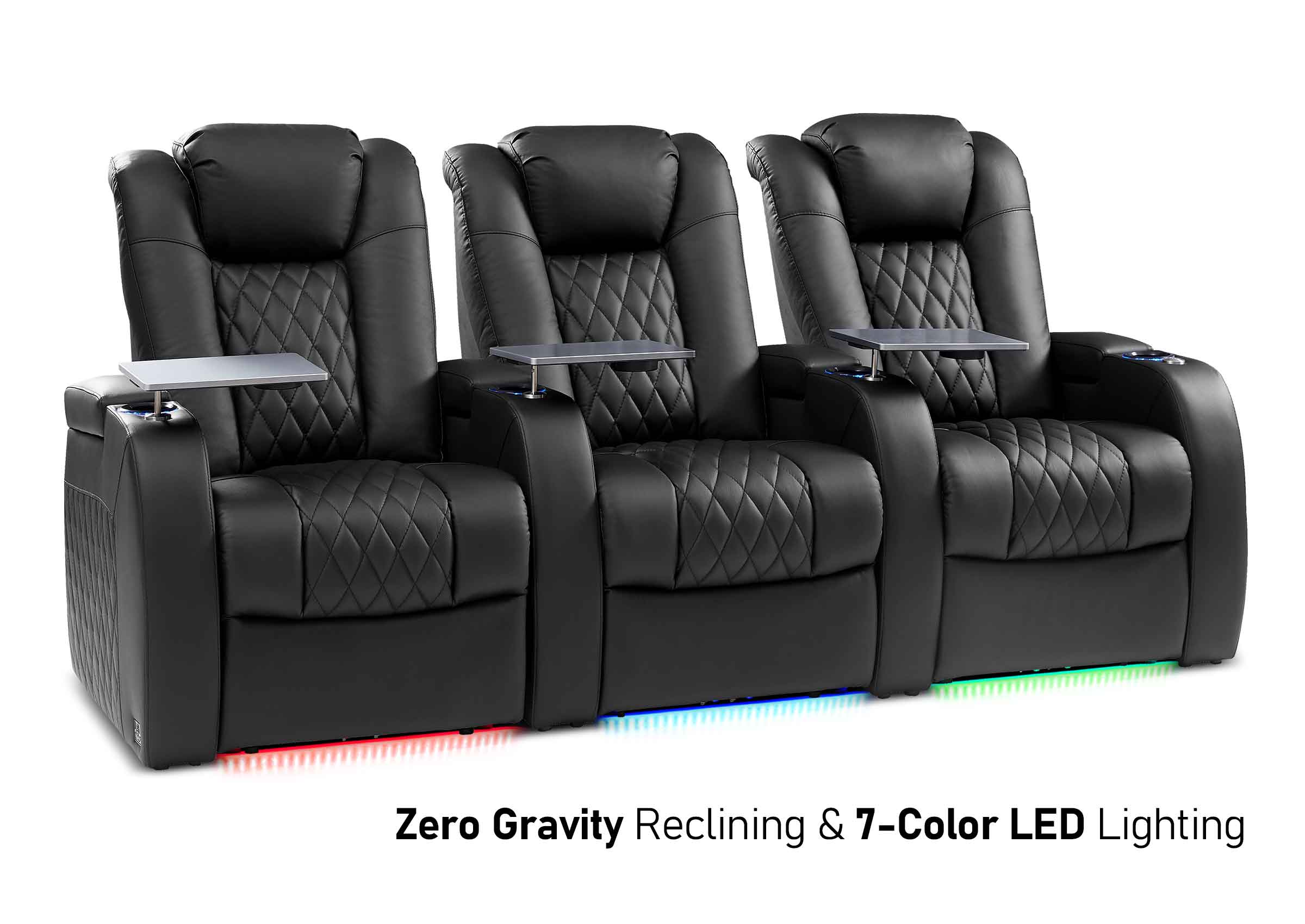
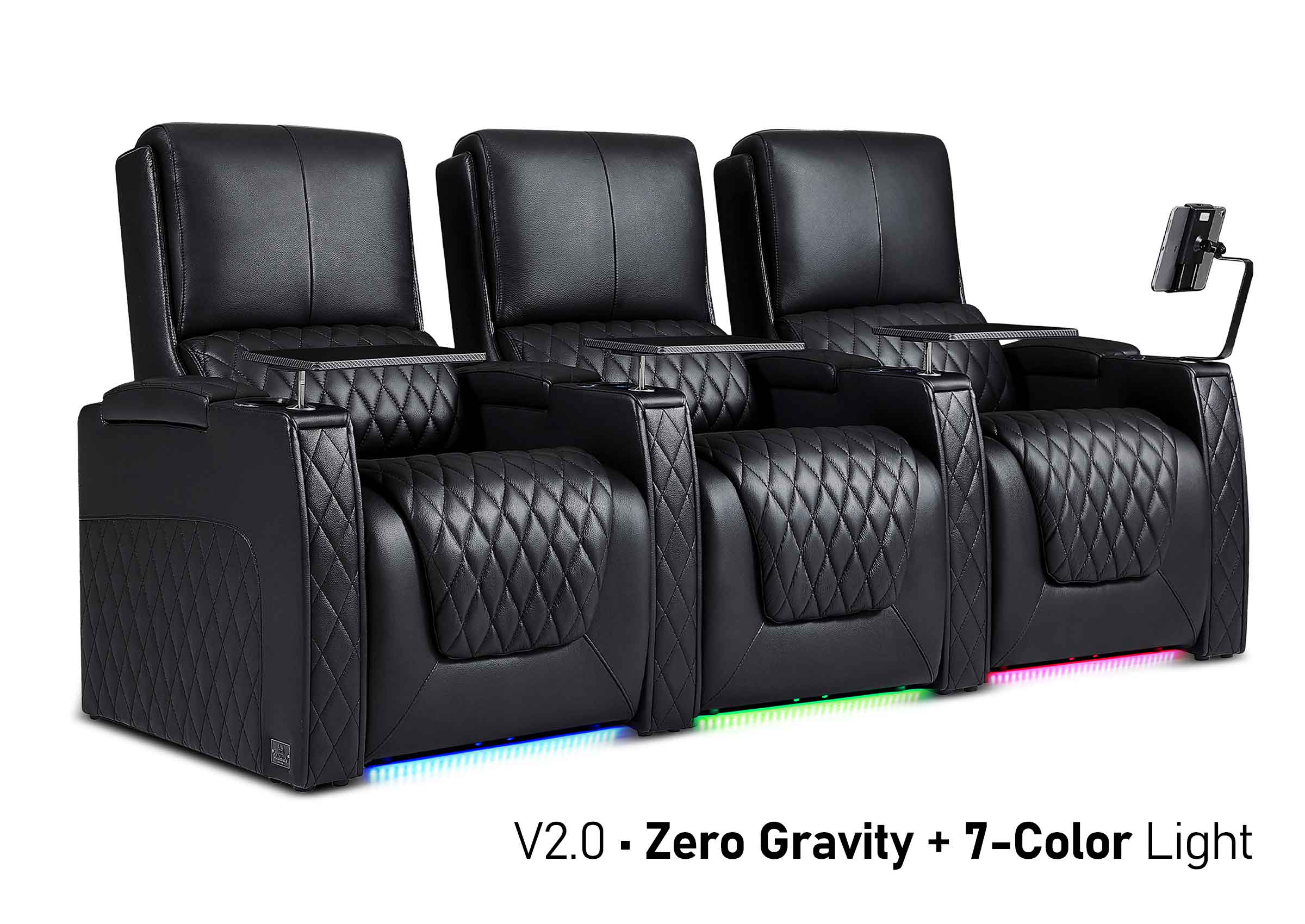
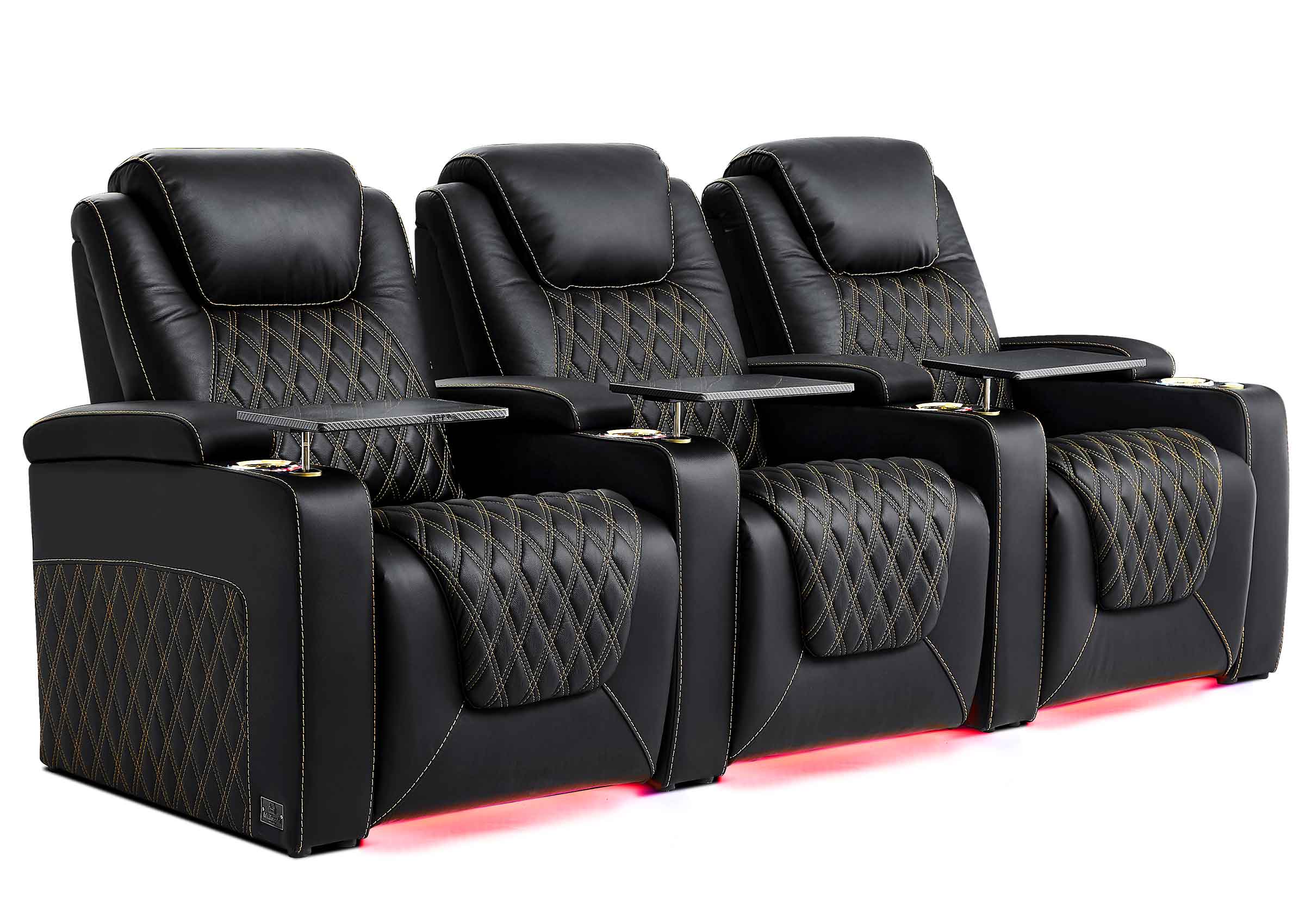
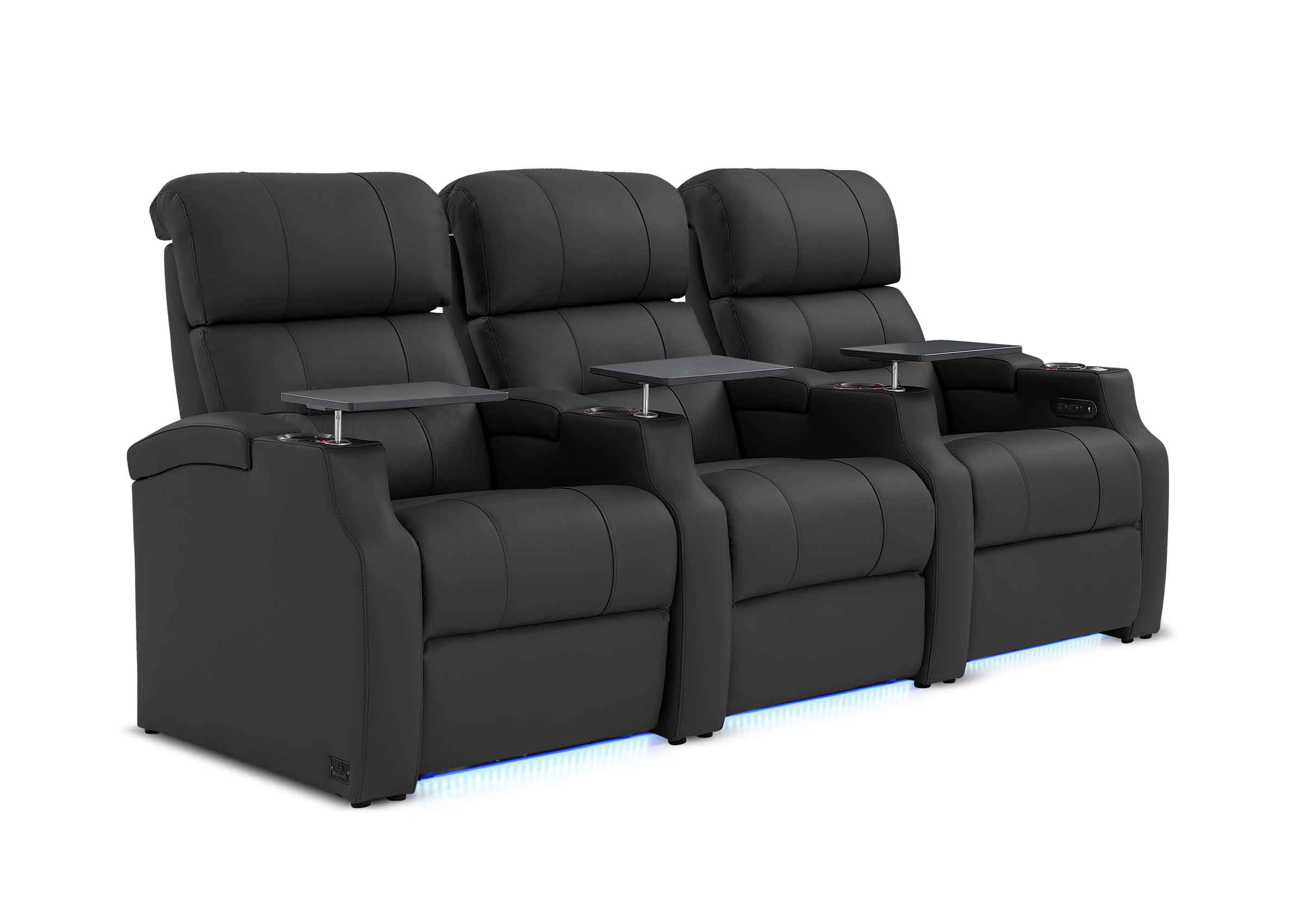


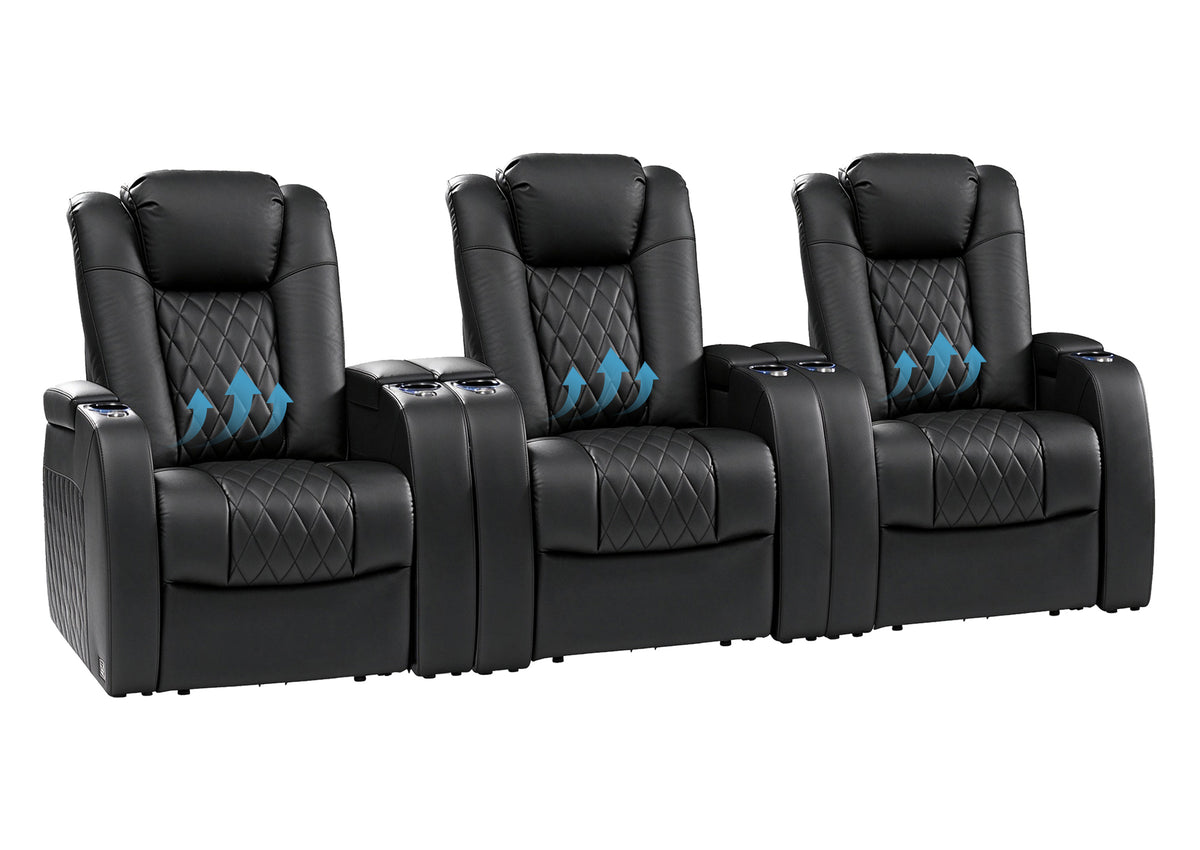
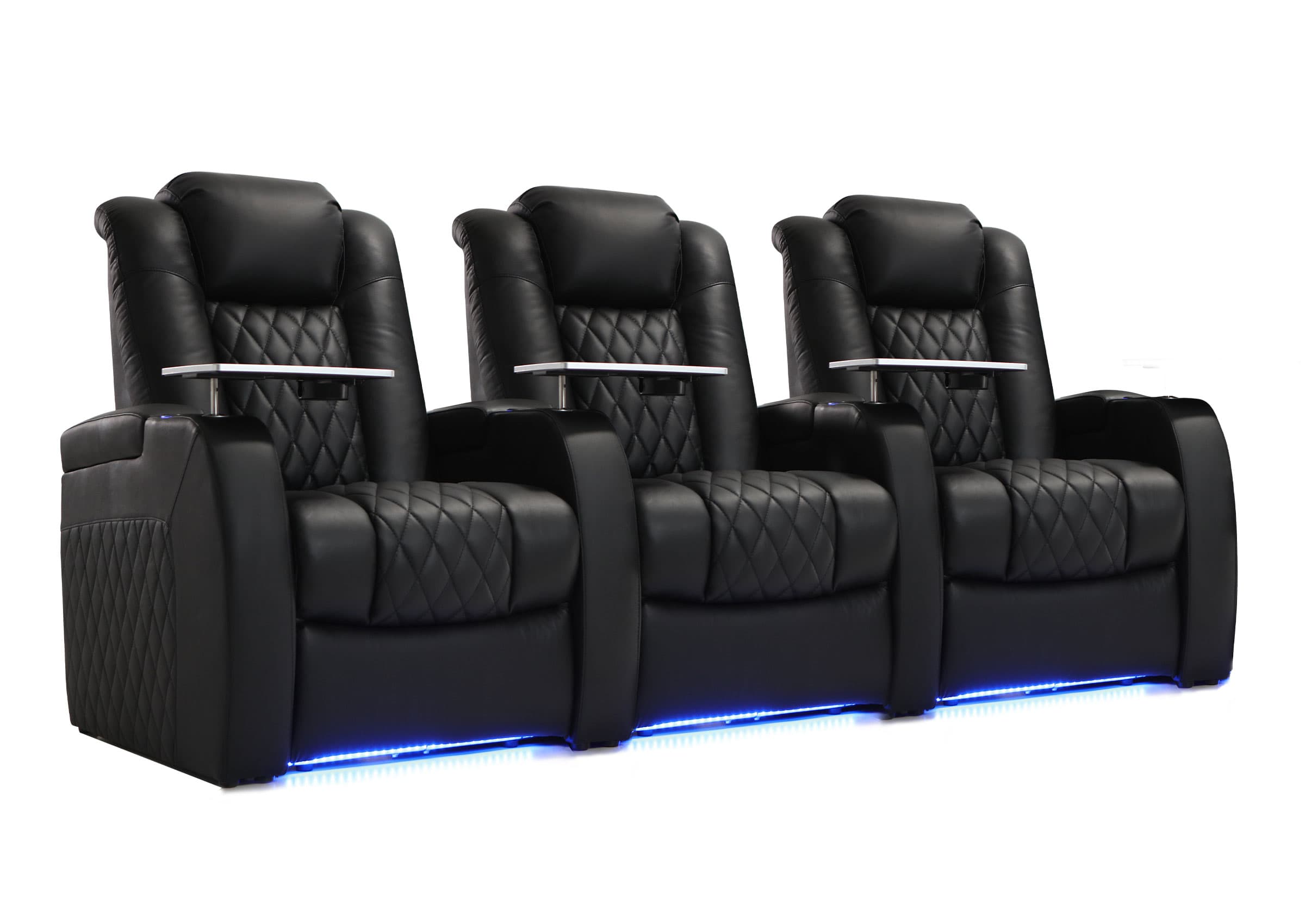
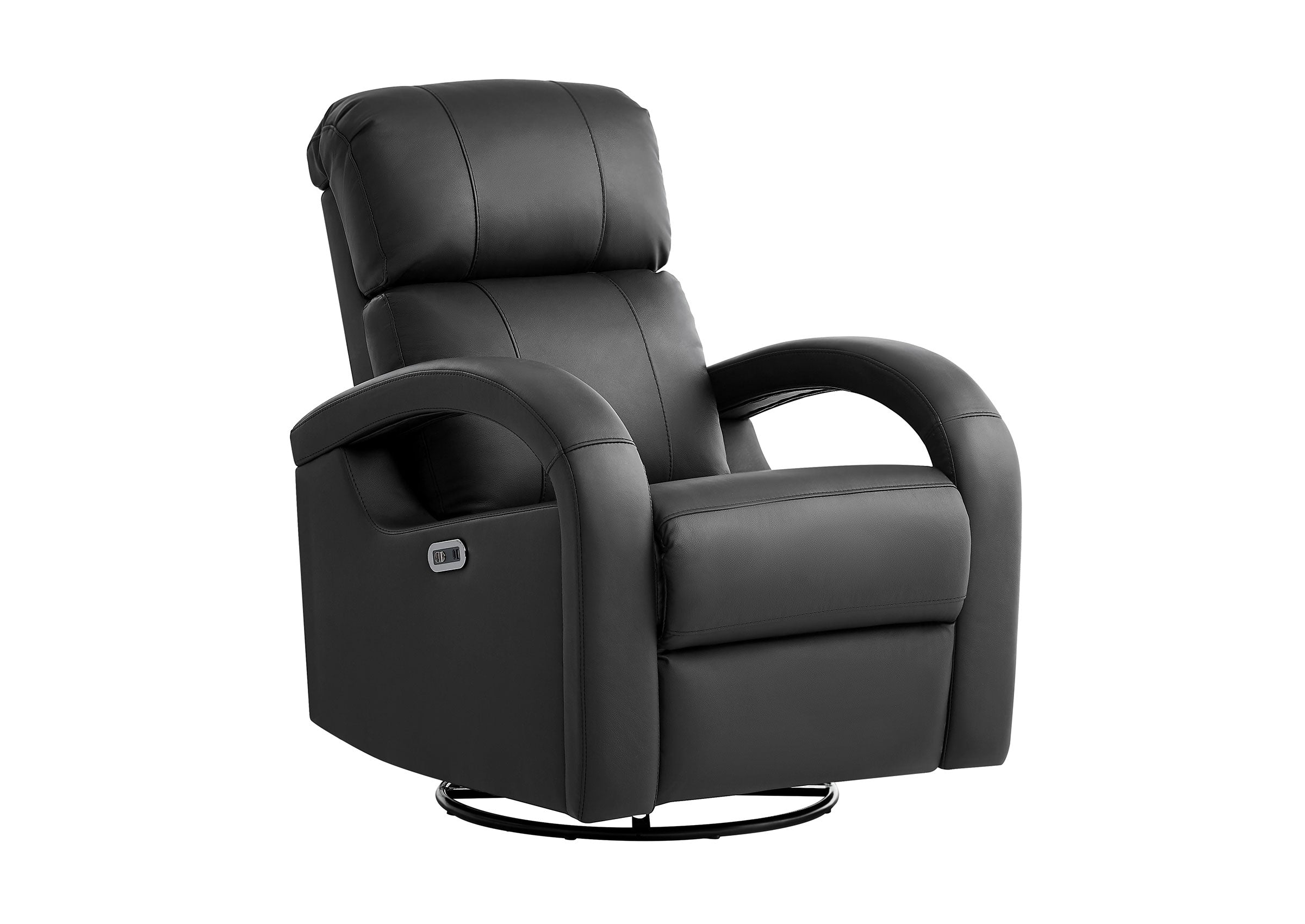

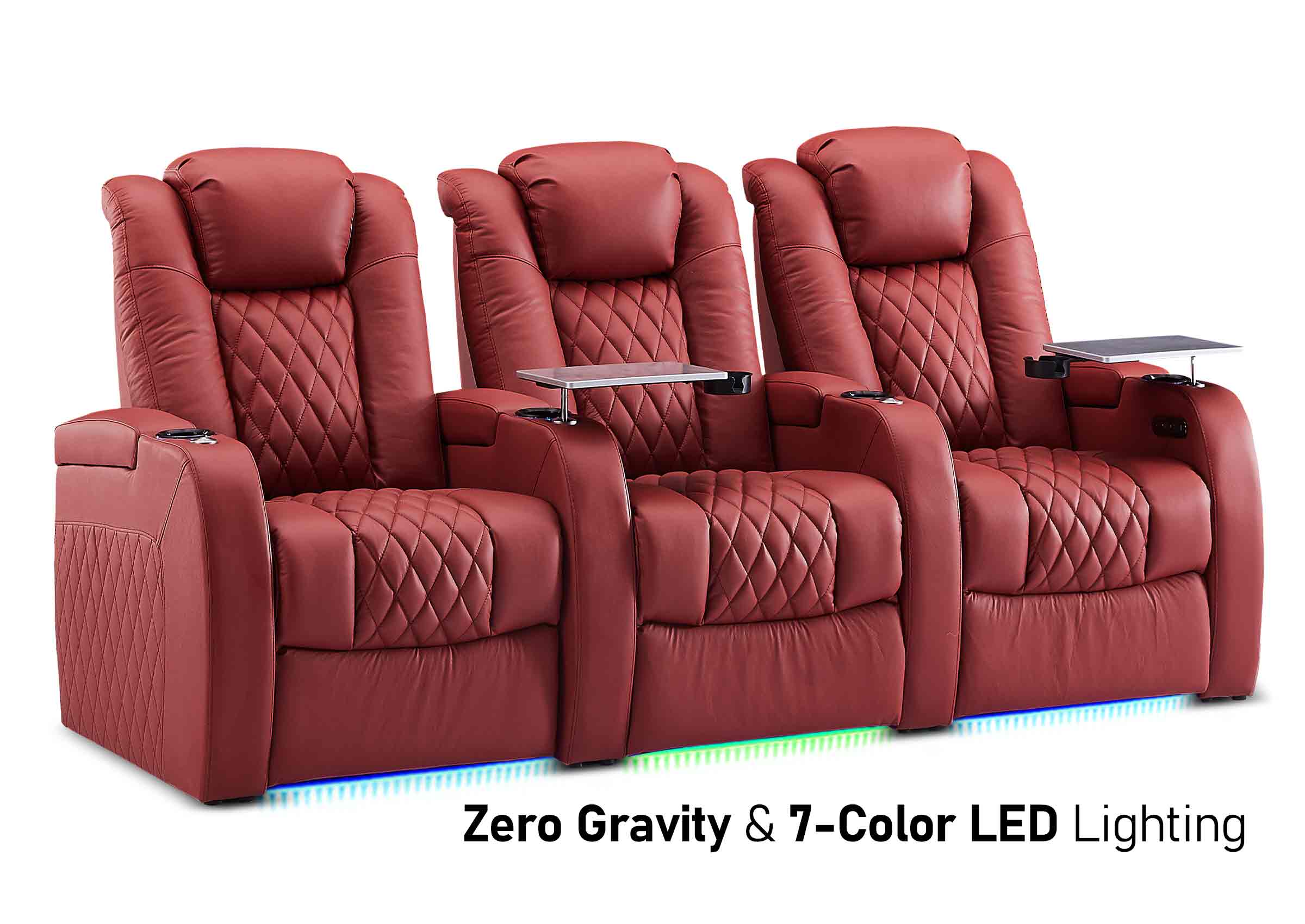

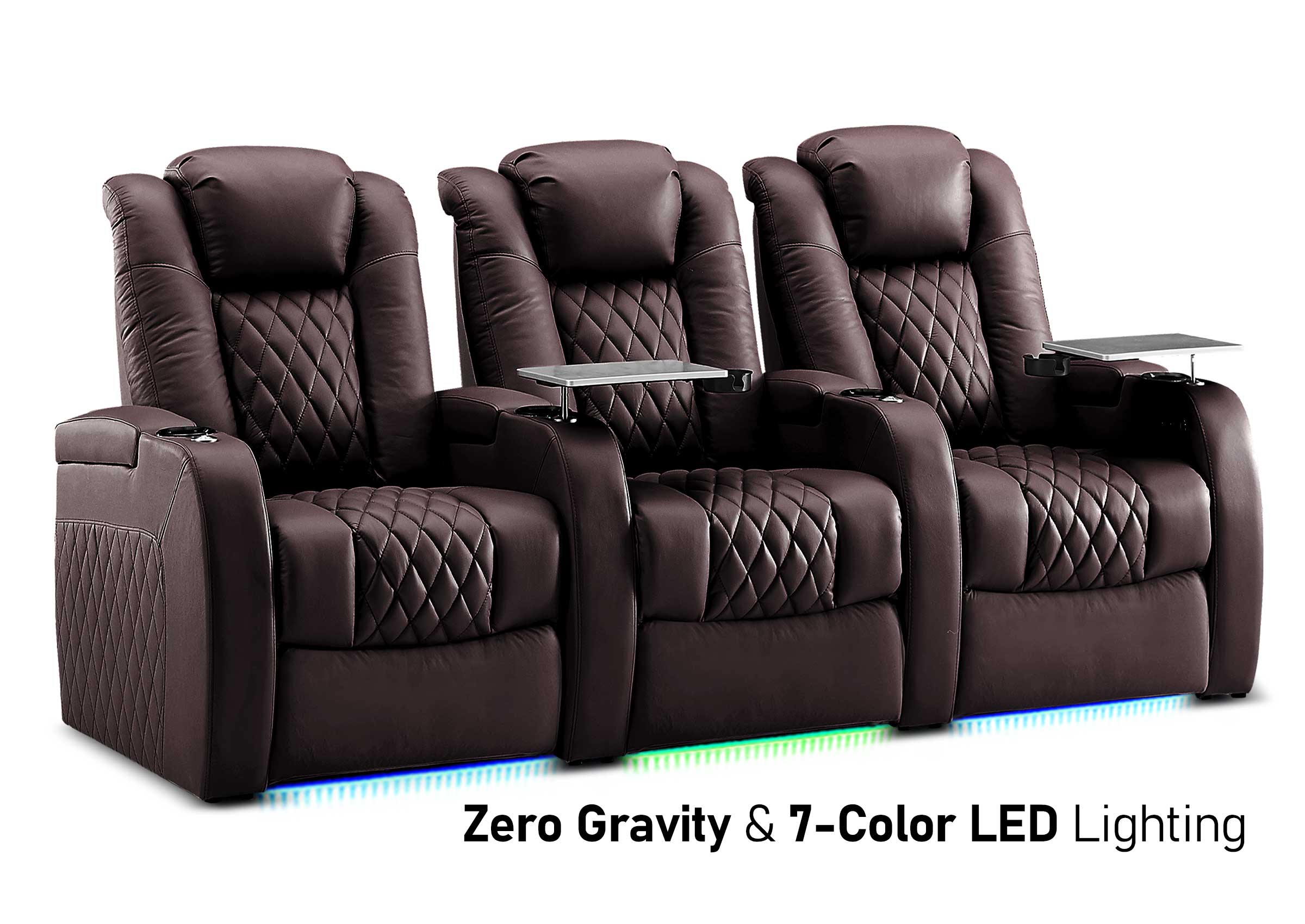

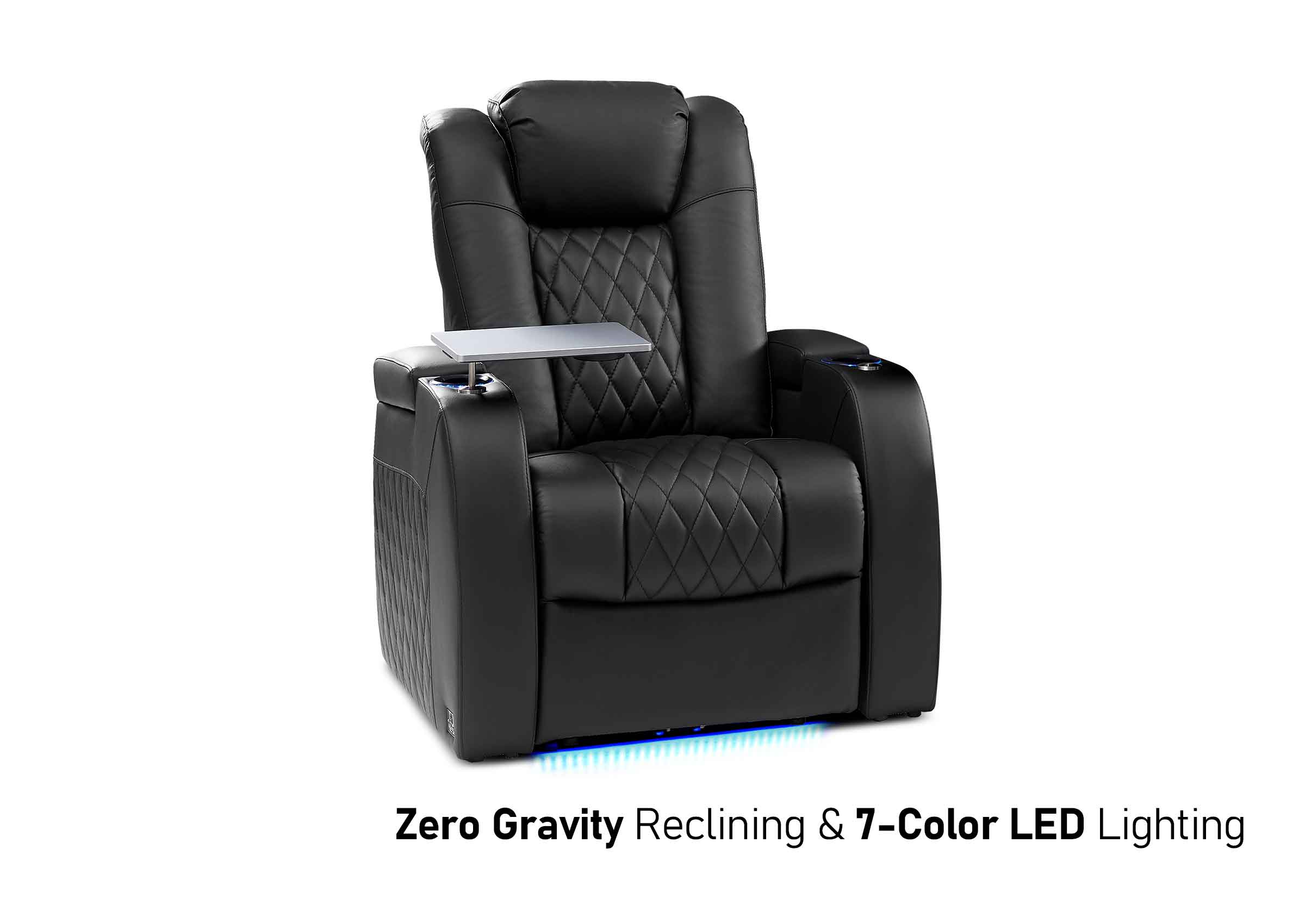
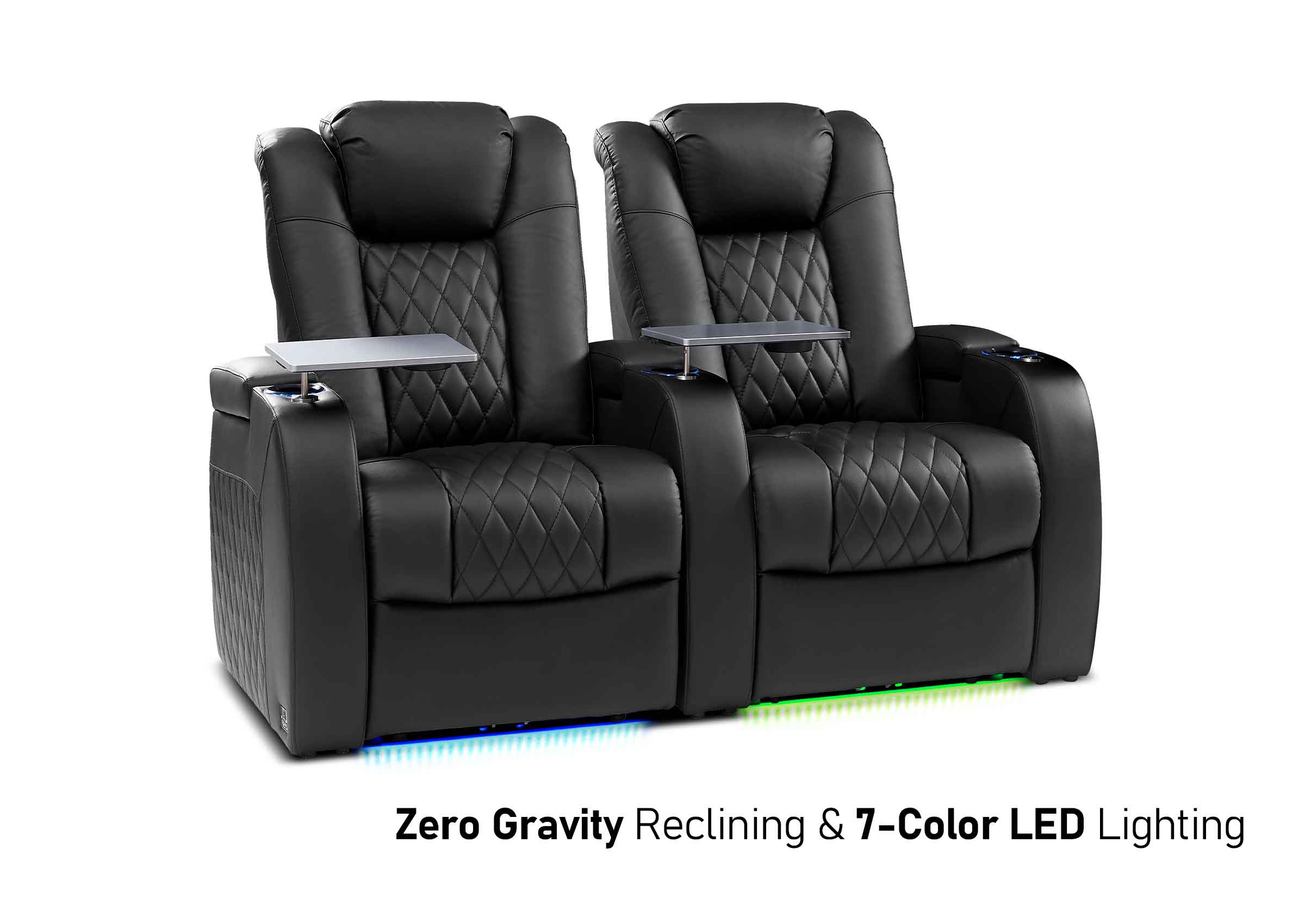
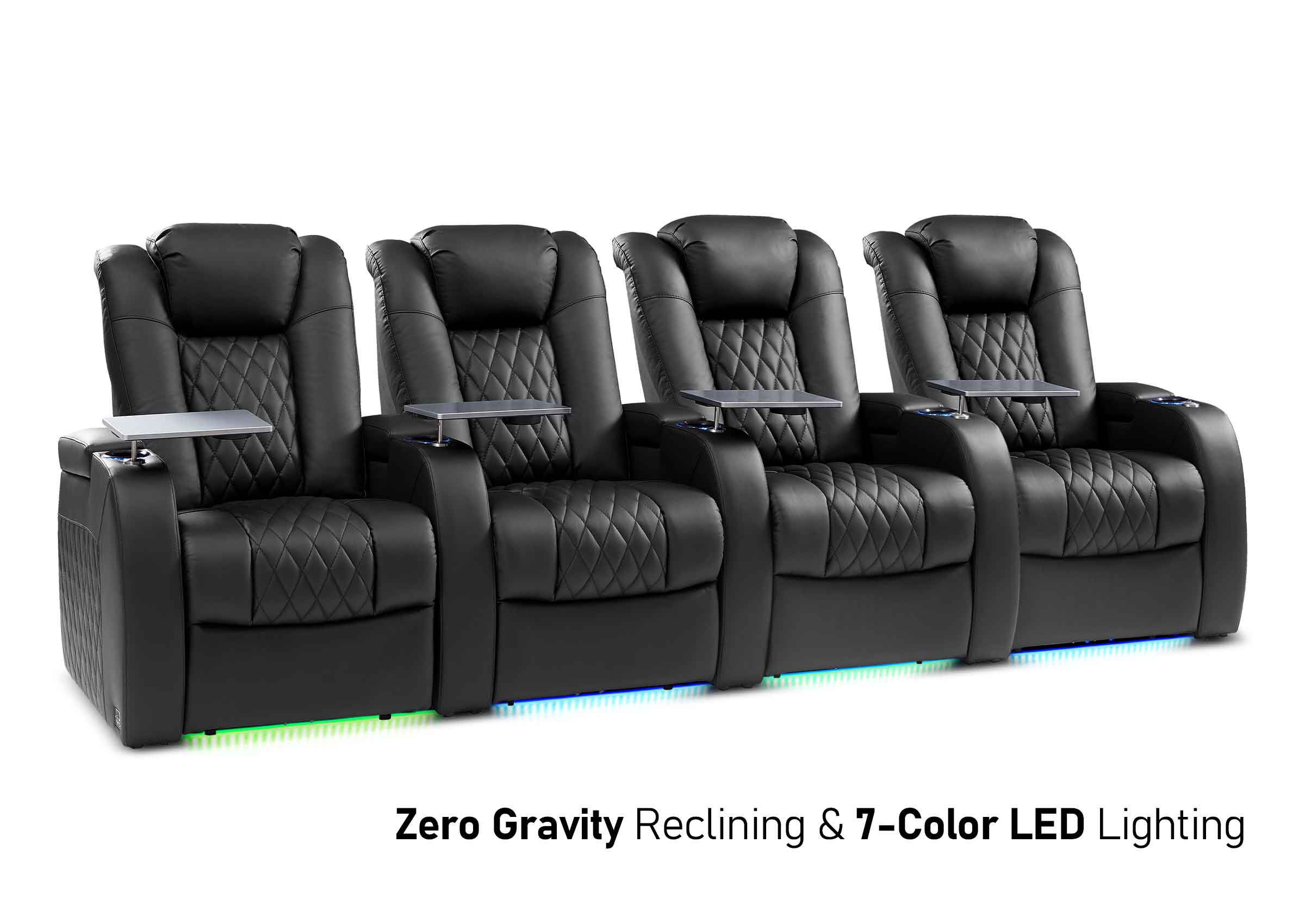
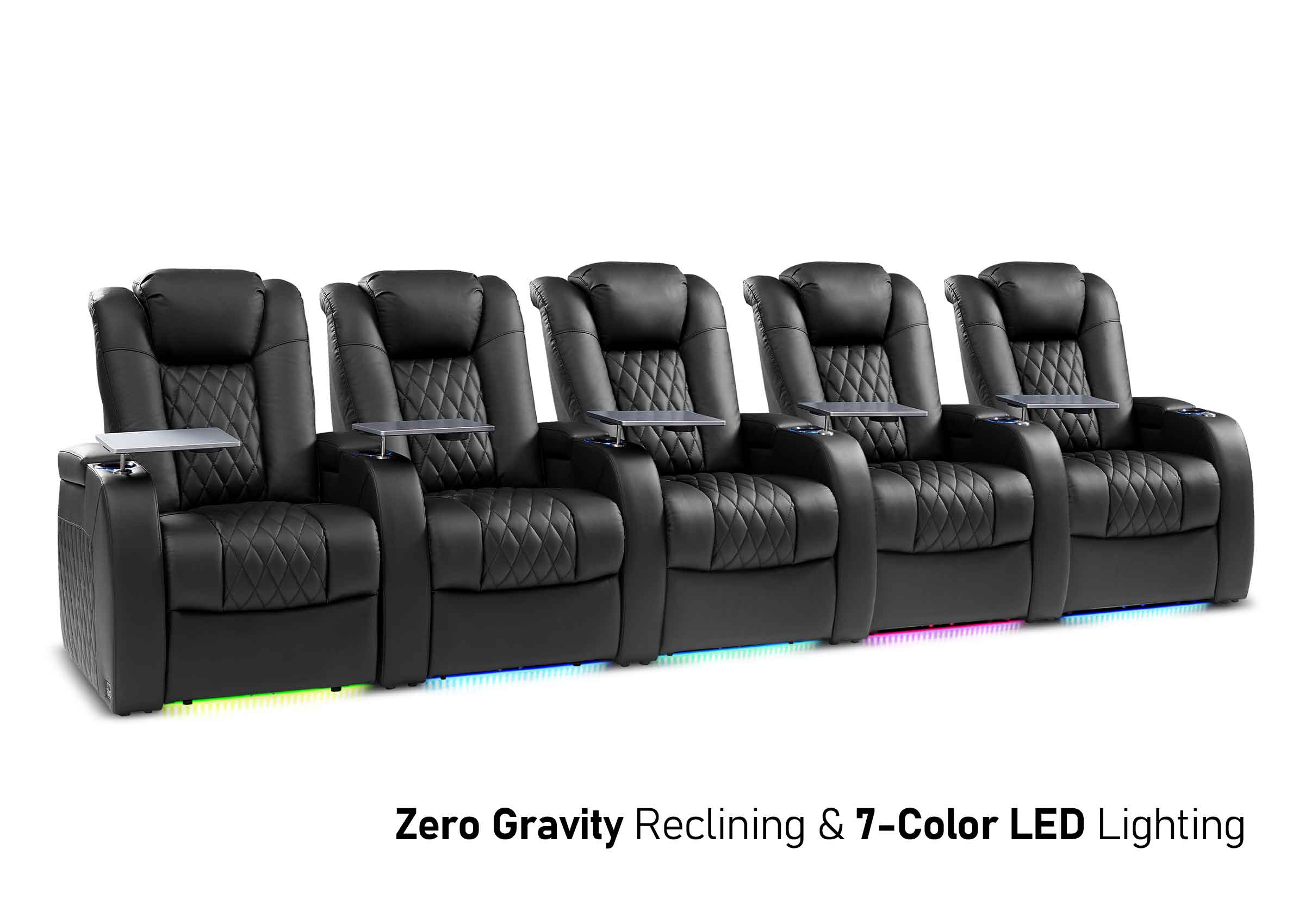
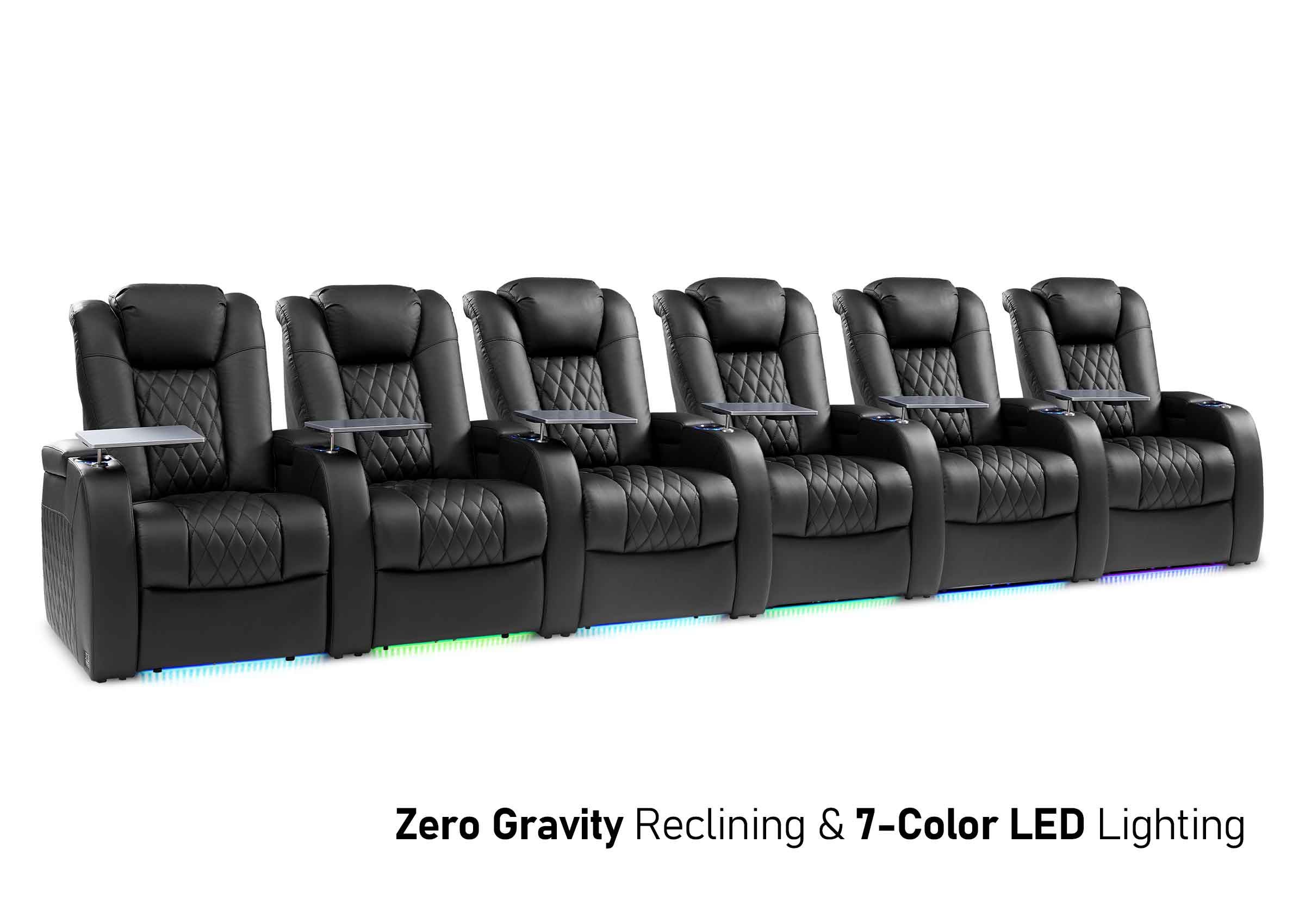
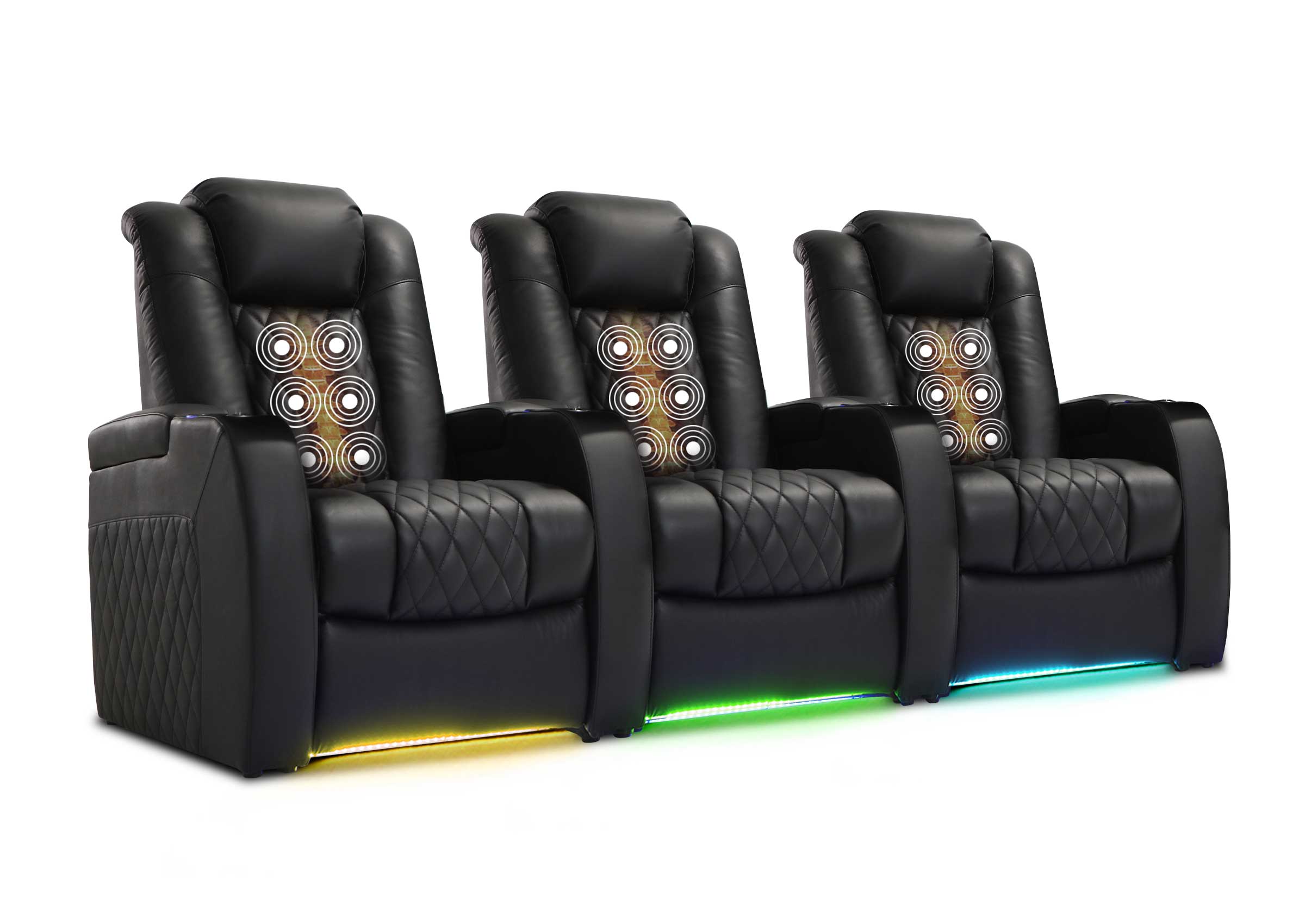
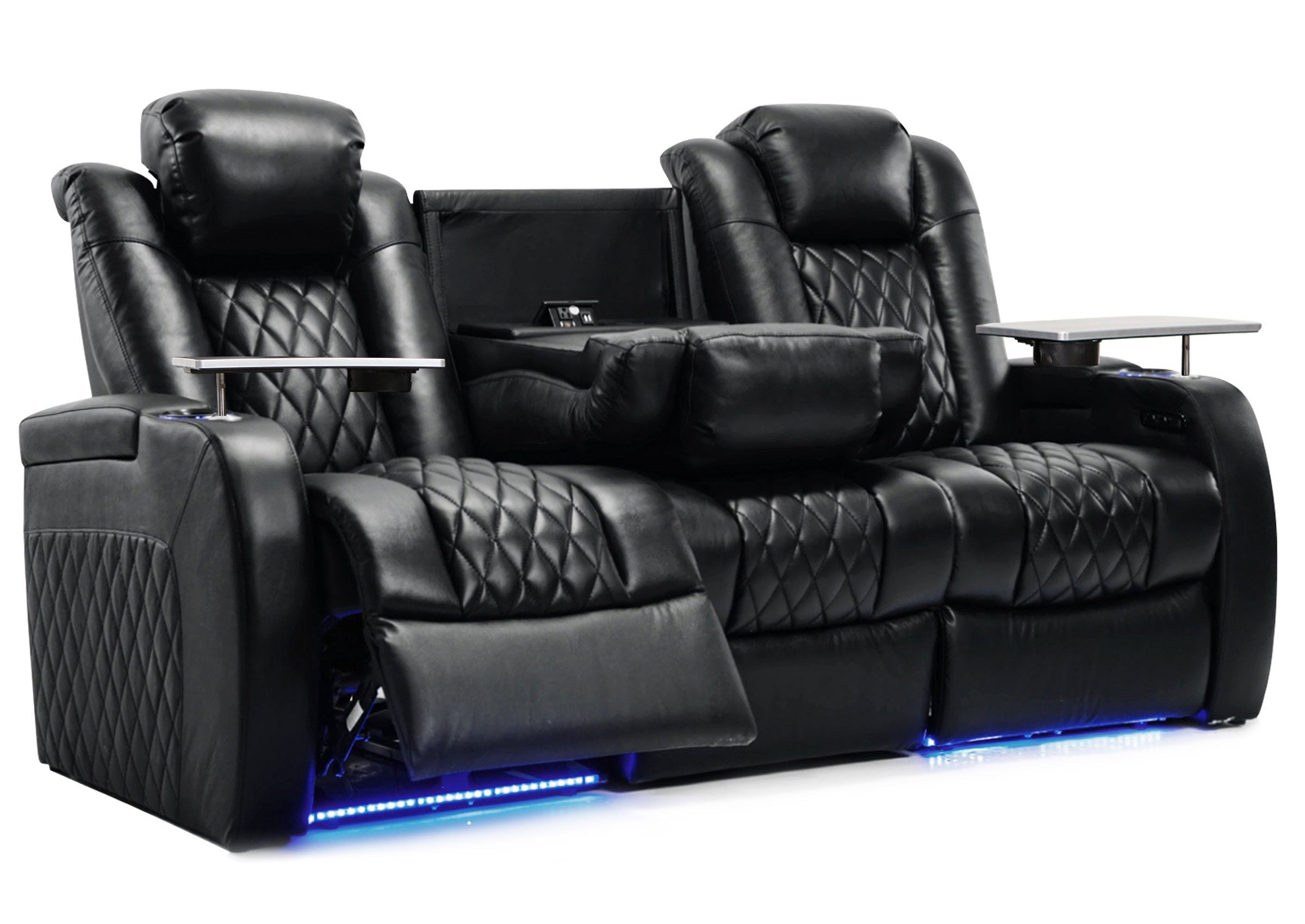
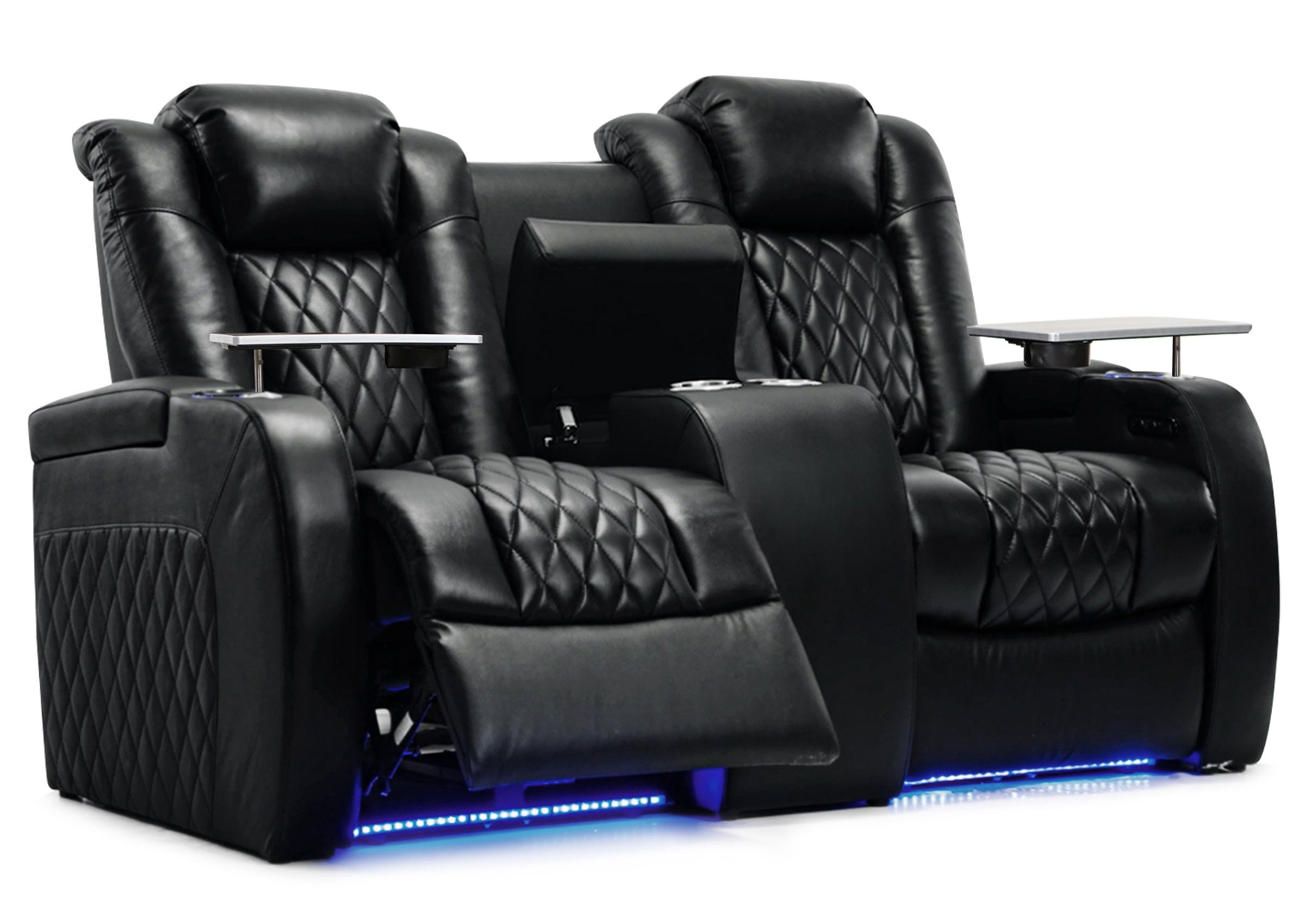


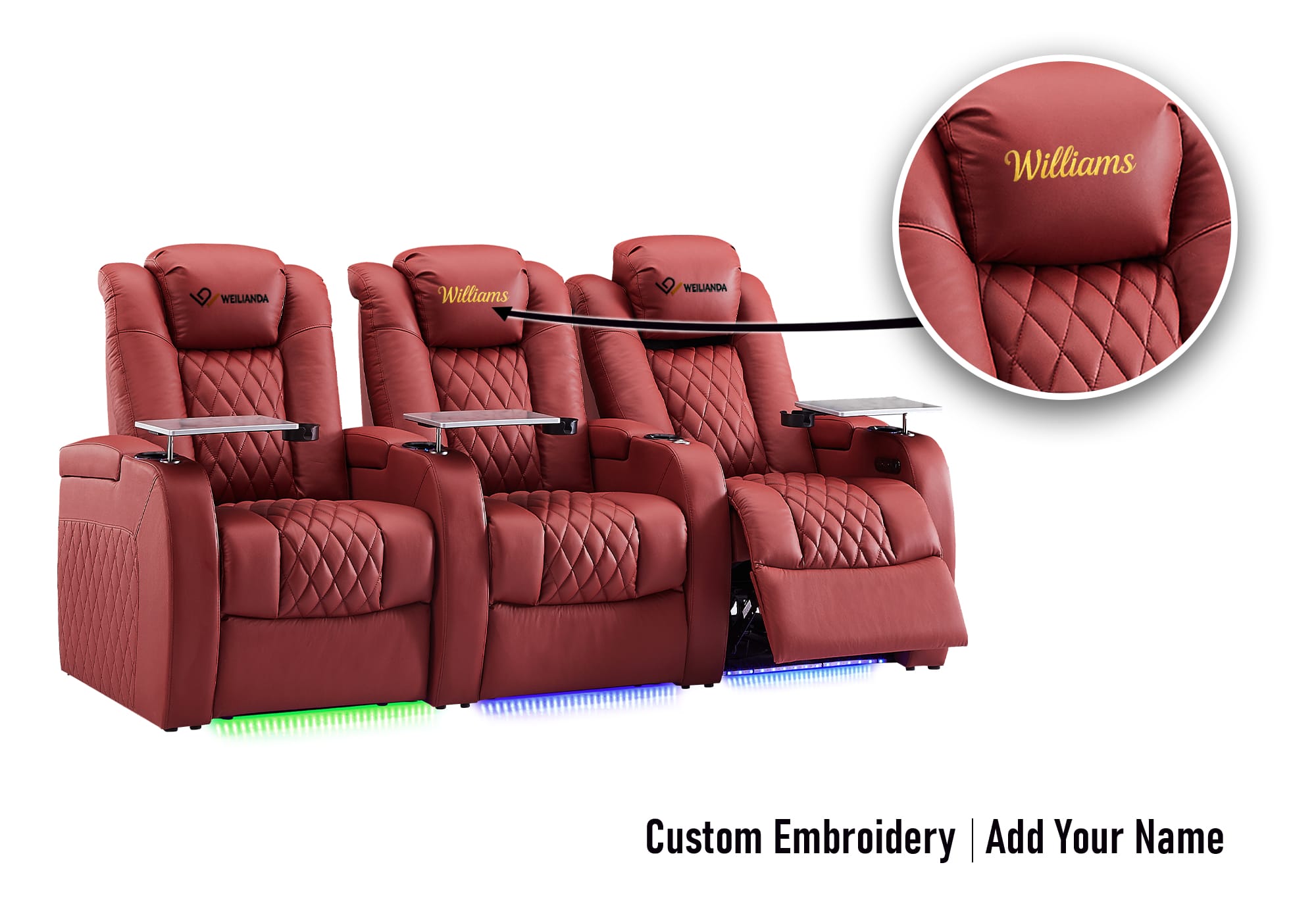

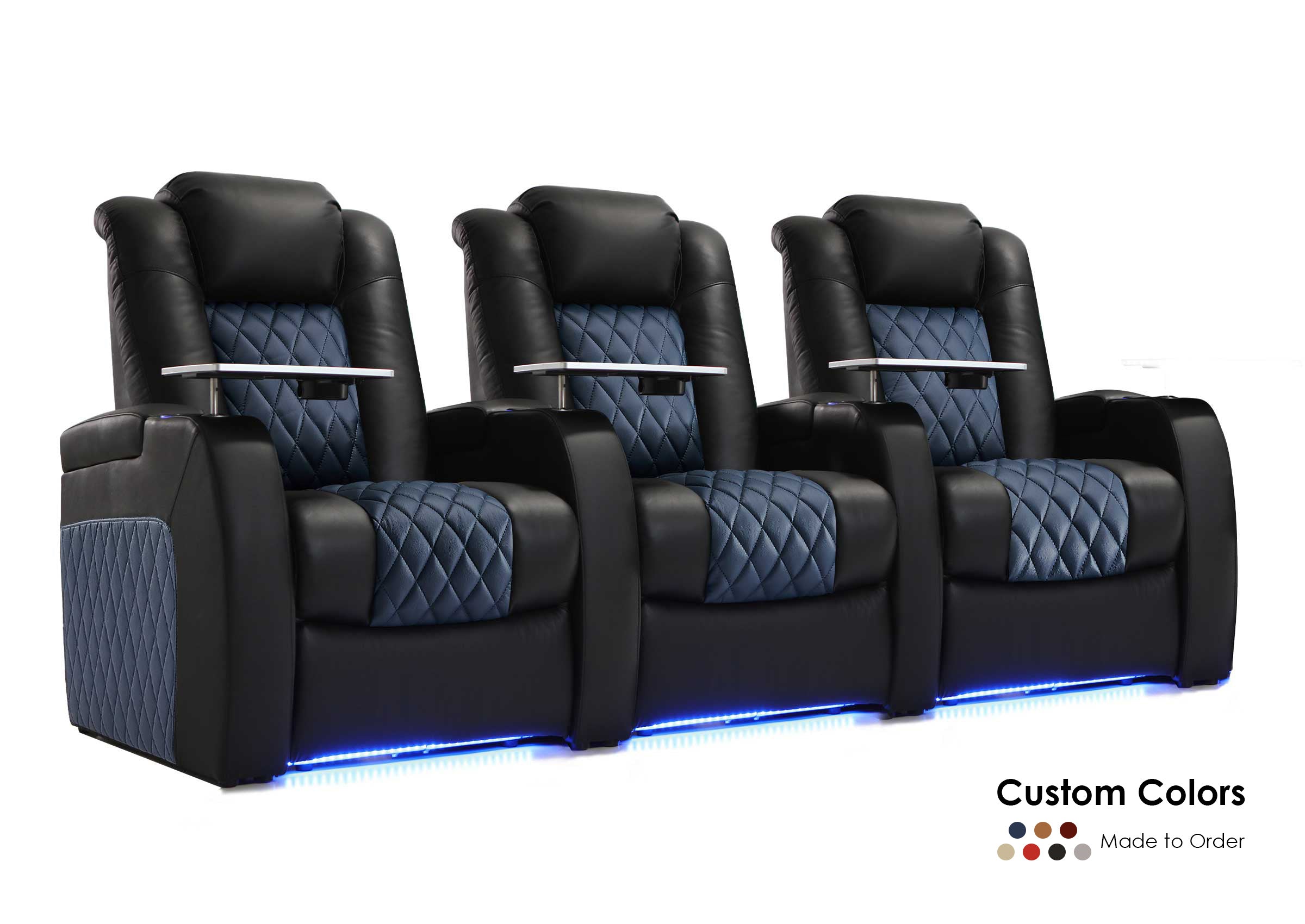

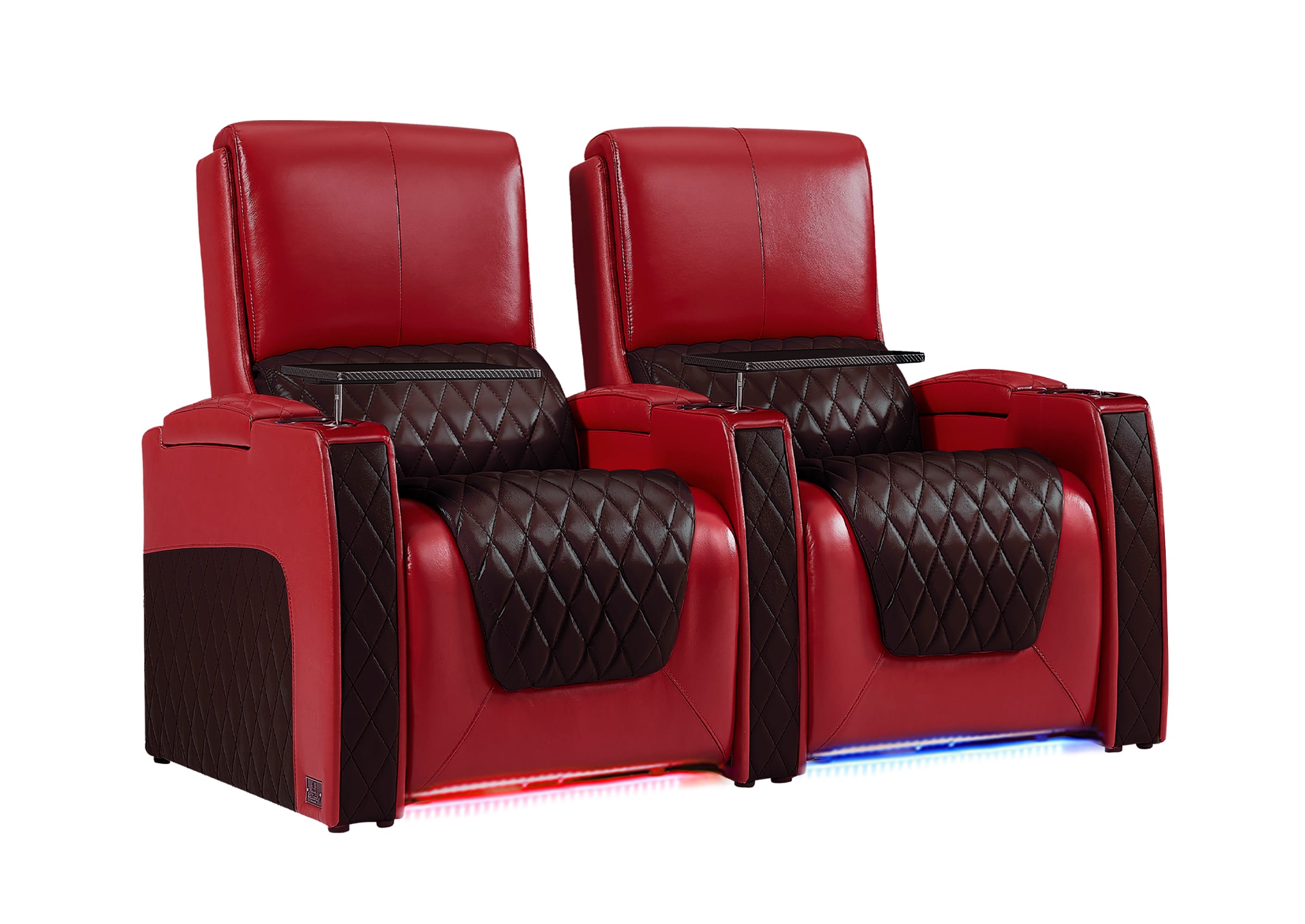
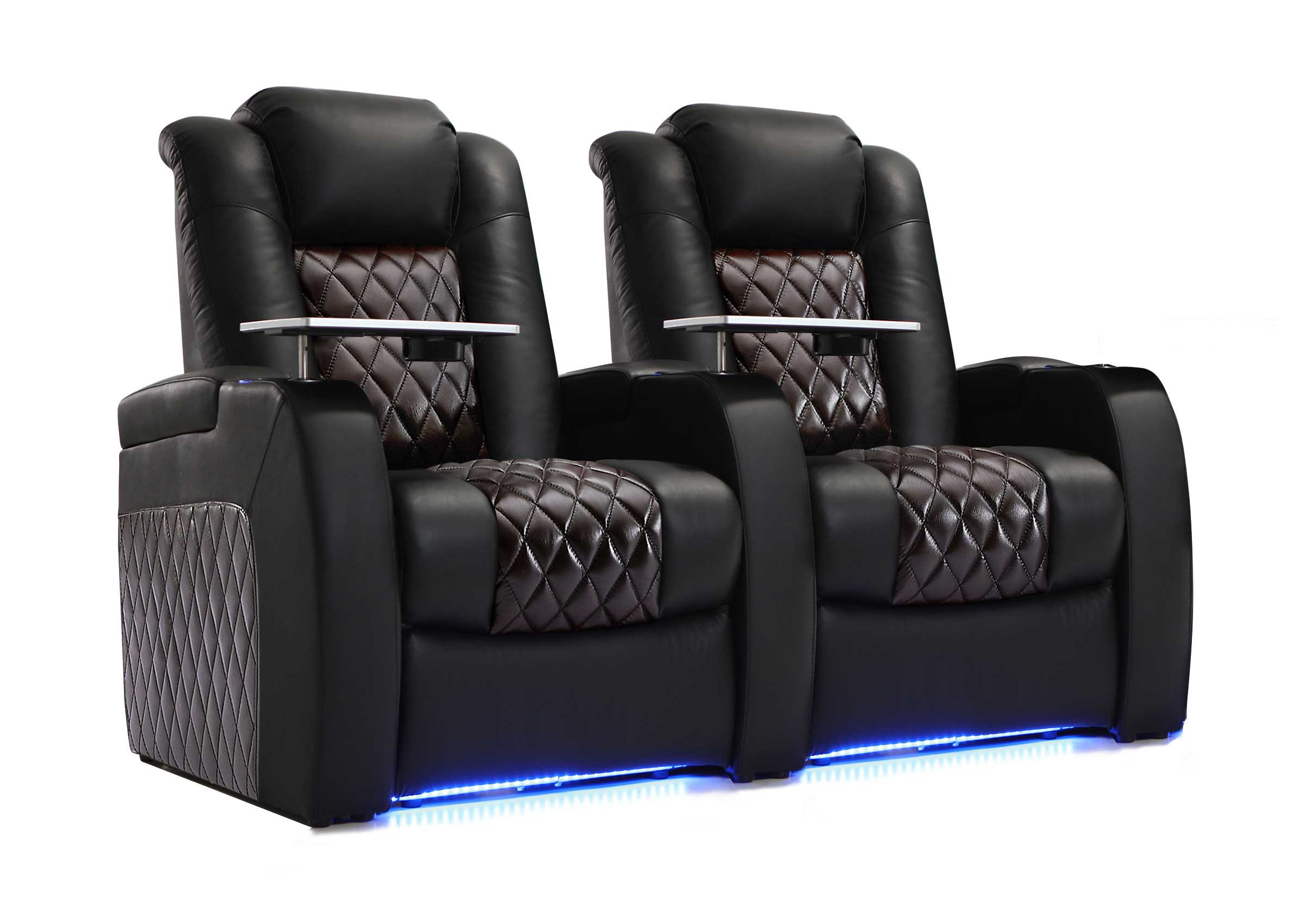
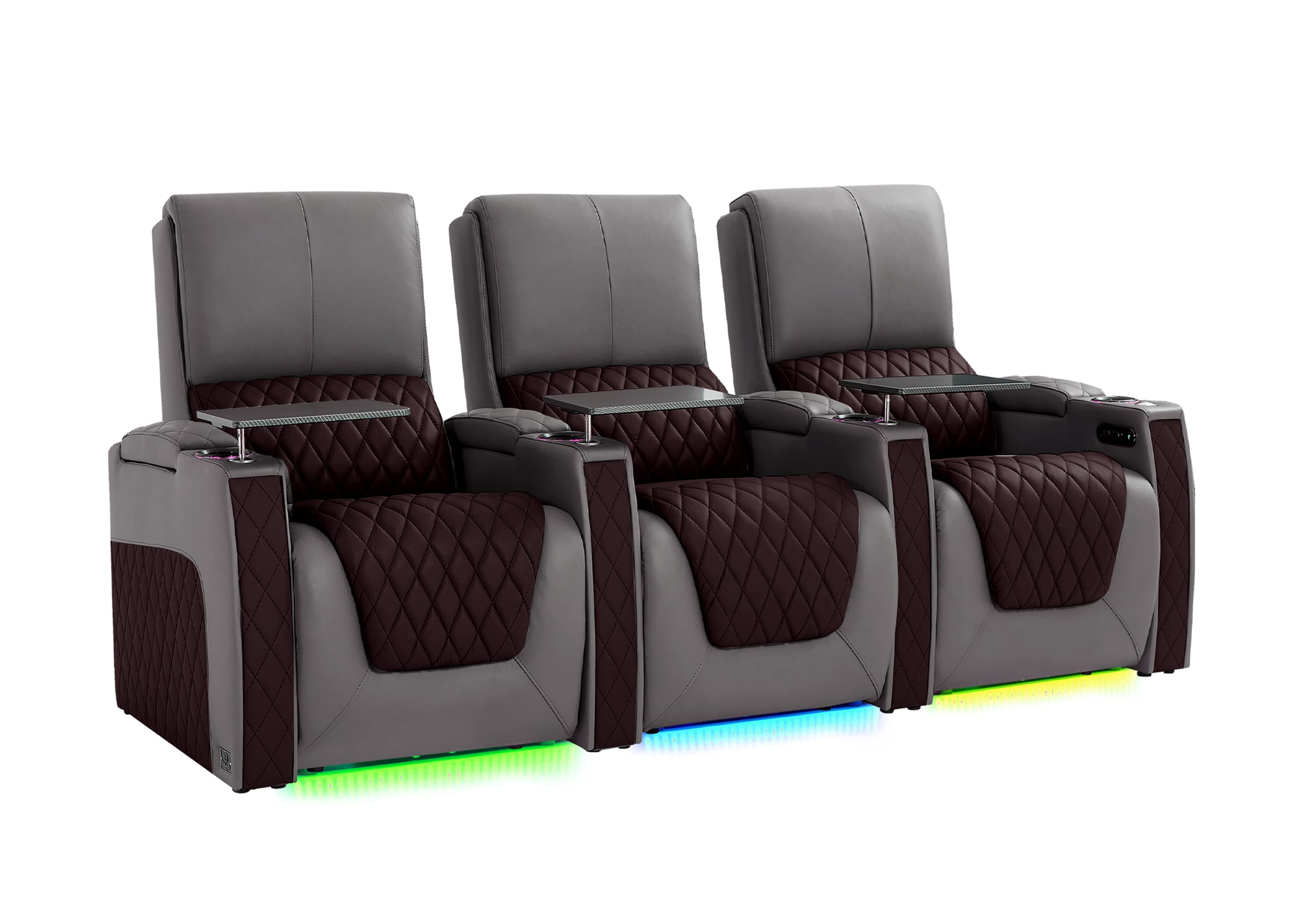
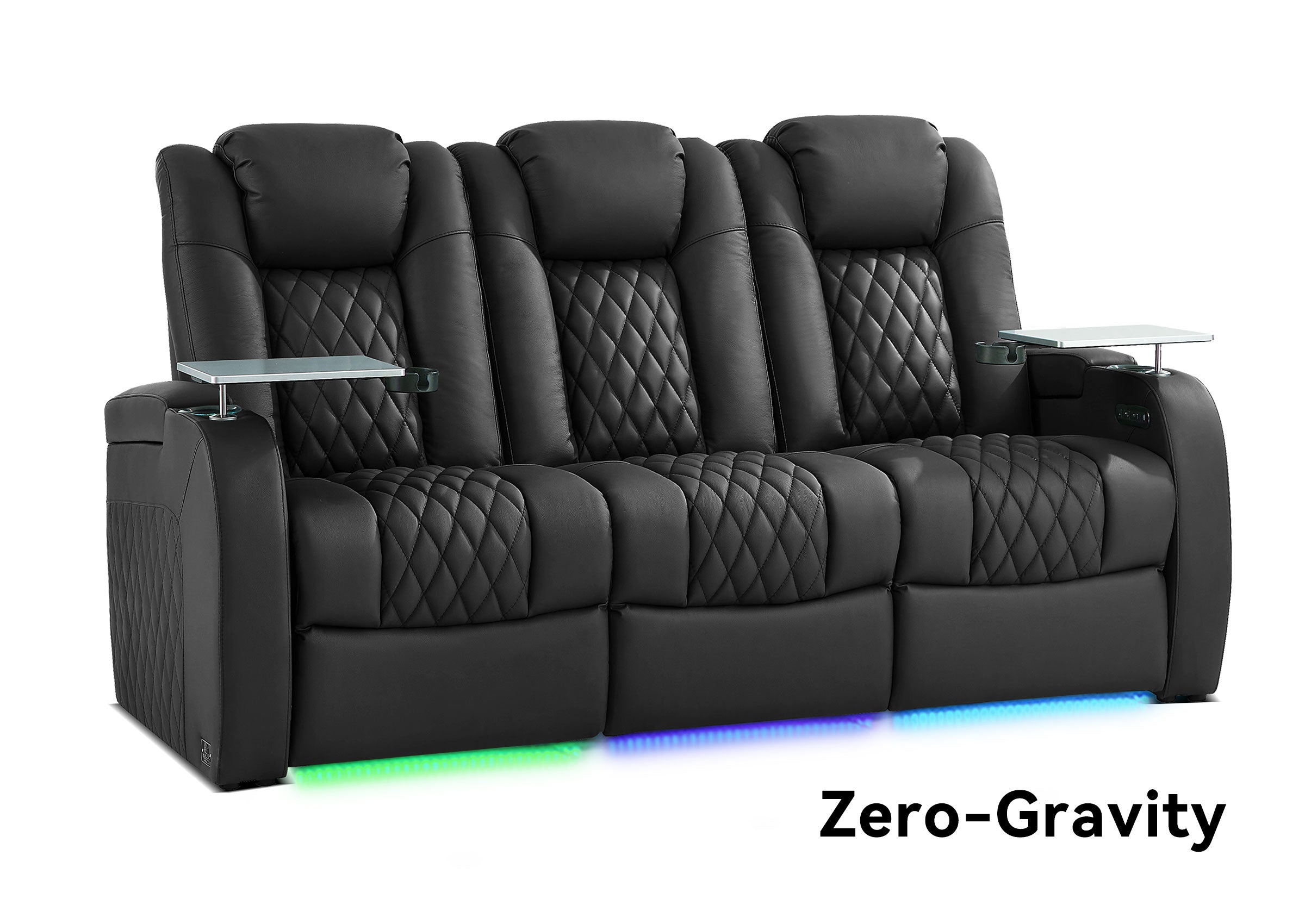
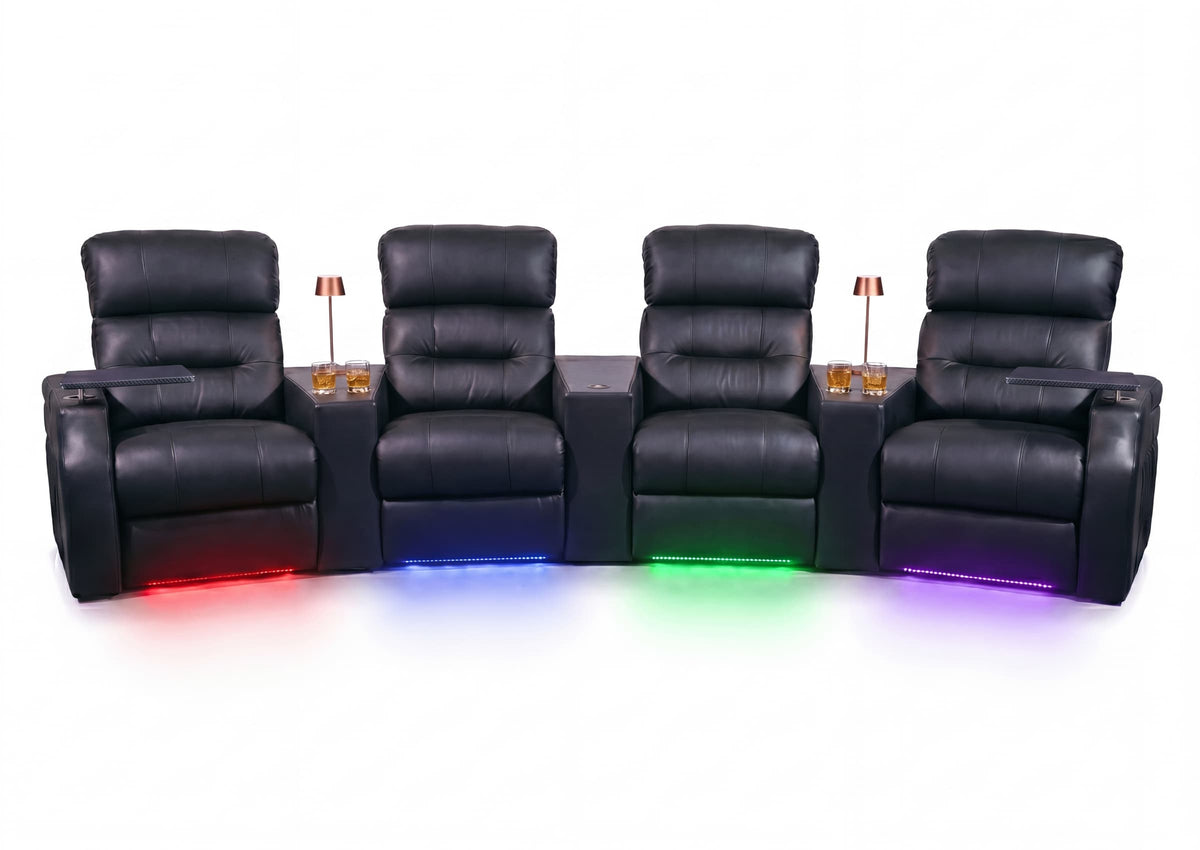
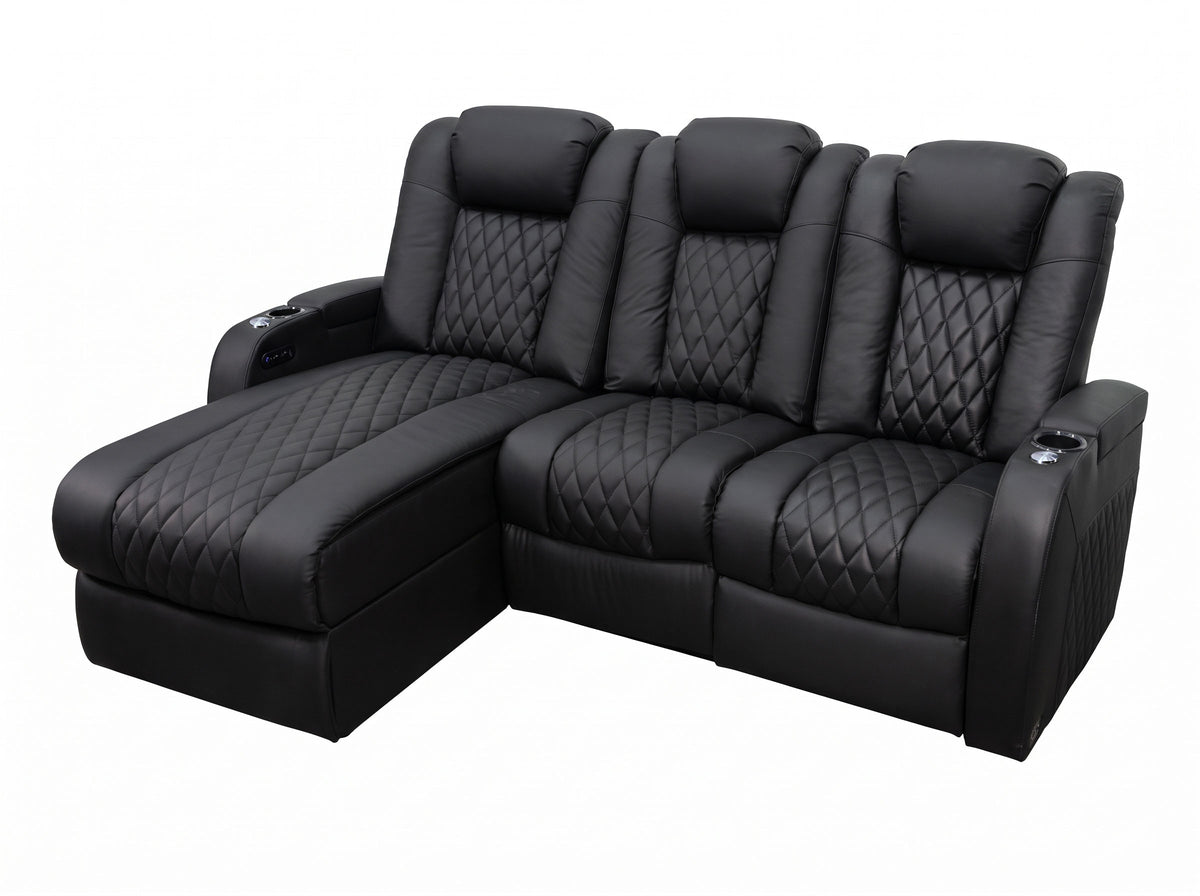
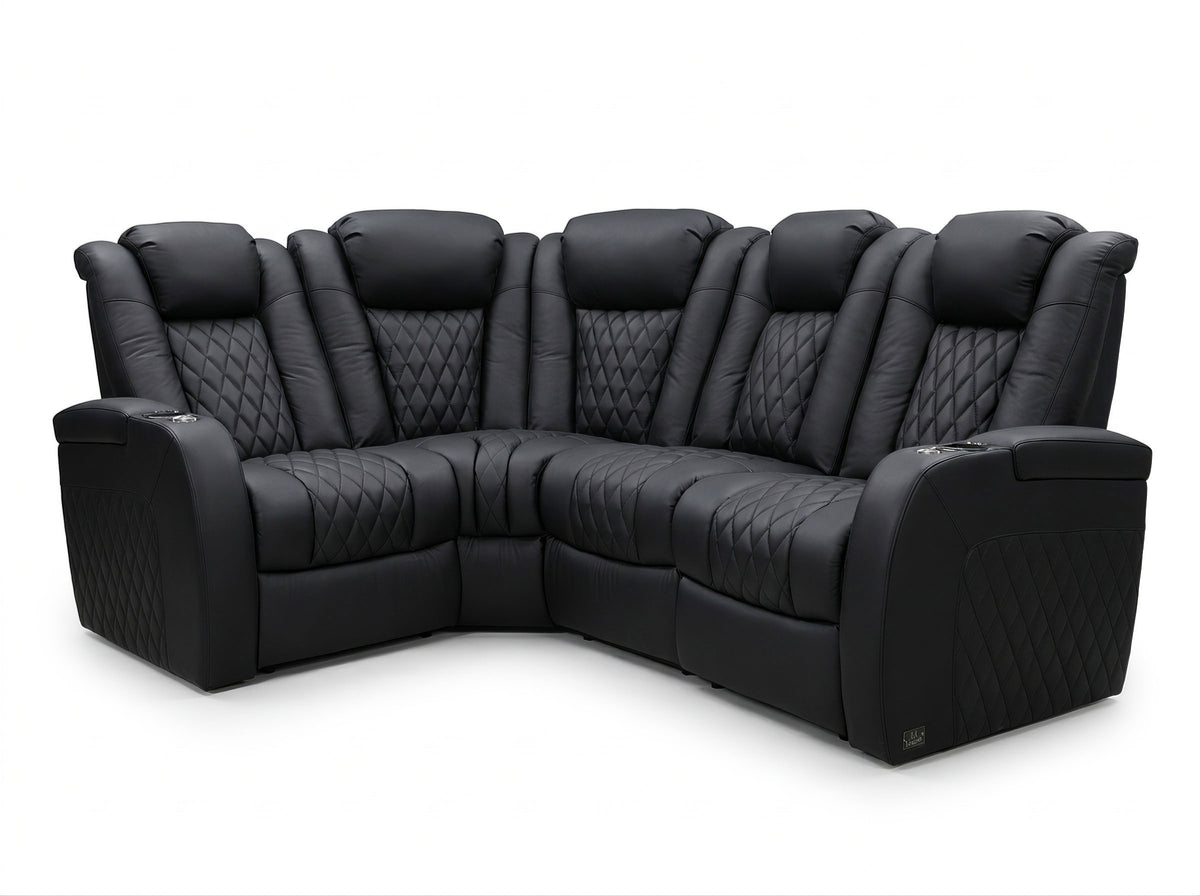



A recliner with built-in speakers can be handy for a podcast, a game, or a movie you watch alone. A chair can play music from your phone even if your TV can’t send audio to it. Before paying for the feature, check the connection from the device you actually watch, then test whether dialogue is in sync, what controls the volume, and what other seats can hear.
Check What the Chair Actually Plays
Ask where the speakers are, which seats have them, and which inputs they can play. Speakers near the headrest put sound close to the person sitting there. A bass shaker, like the seat transducer described by SoundShaker, is meant to make the seat vibrate with low frequencies. It adds a sensation to the movie, but a shaker on its own won’t play the dialogue. A product can have one, the other, or both.
Also check what the listing means by Bluetooth. A Bluetooth connection for a phone app to adjust the chair doesn’t establish that the chair can play music. A USB port for charging doesn’t establish that it can play audio, either. Look for an explicit speaker or audio input description. For a loveseat or a row, ask whether the audio is in each seat, shared through a console, or available on only one configuration.
Start With Phone Audio If That’s What You’ll Use
If the chair accepts Bluetooth media audio, put its audio unit into pairing mode as shown in the manual. Select it in your phone’s Bluetooth settings and start a familiar track at a low volume. Check whether you can pause playback and adjust it without getting up. If the phone says it’s connected and the sound still comes from the phone or earbuds, check the playback output on the phone before resetting the chair.
If two people use the chair, try switching between their phones. A previously paired phone may reconnect before the one you want. Disconnect that phone from the chair and try again; save a factory reset for when the instructions actually call for it. A good phone test tells you about phone playback. Use the TV you actually watch to check TV sound.
Match the TV’s Audio Output to the Chair’s Input
Think in one direction: the TV or player sends sound, and the chair receives it. Bluetooth on the TV might be there for a remote, so look specifically for Bluetooth audio output in the exact TV manual or its Sound Out menu. For example, Sony’s Bluetooth audio compatibility notes explain how to look for the A2DP audio profile and note that support doesn’t guarantee every speaker will work.
| Connection to check | What has to match |
|---|---|
| TV Bluetooth audio output → chair Bluetooth audio input | The TV can send speaker audio and the chair can receive it. Pair from the TV’s sound output menu, then select the chair as the output. |
| TV or player analog audio out → chair analog audio in | Both ends support the signal and the connections have the right direction. Start low, then find out whether the source or chair adjusts the volume. |
| TV optical out → chair optical in or a compatible receiver or converter | The receiving equipment needs to accept the TV’s digital audio format. Use the manual to check whether it requires two-channel PCM; an optical cable alone won’t turn a digital signal into analog. |
| TV HDMI ARC/eARC → chair system or interface supporting that connection | Use the marked ports and check both ends. HDMI’s audio return explanation describes the TV sending audio back to compatible equipment. An ordinary HDMI jack or a USB charging port is no substitute. |

If the TV can’t send Bluetooth audio but the chair receives it, a transmitter is one option. For example, if you want to use an optical output, the transmitter must accept both that connection and the format the TV is sending. Check how it gets power and whether using that output turns off the room speakers. Try the whole chain before committing; a transmitter is another place for delay to enter.
A streaming box might pair directly with the chair, but that only tests what plays through that box. Try a built-in TV app as well if you use one. It may follow a different audio route.
Check Timing, Volume, and Who Can Hear
Play a scene with one person speaking. If the voice seems late only through the chair, try the same clip through the TV speakers or your usual room system. Then return to the chair by itself. A delay on the chair path points you to that path first. Sony’s Bluetooth lip-sync notes show why sync settings can depend on the TV and even its viewing mode. Check your model’s instructions before changing a delay setting. If sound is already late, a control that only adds audio delay can make it worse.
Try the TV remote and the chair’s volume control while sitting down. If the TV remote won’t change the level, see whether the selected TV output has a fixed level and whether the chair control is easy to reach. When your room speakers also play, sit in the next seat and listen for a doubled voice. LG’s guide to simultaneous speaker output documents how two paths can play at slightly different times. If you hear an echo, try one output at a time instead of turning either one up.
Run a Short Test Before You Commit
Use the actual chair and TV if you can. Ask for a demonstration of the same configuration if you’re buying remotely.
- Play a short dialogue clip on your normal room audio. Use a scene you know and note which app or device is playing it.
- Switch to the chair only, start low, and replay the same clip. Check whether mouths and voices match, and which control changes volume.
- Try a second source you use regularly, such as a game console after a built-in streaming app. If you need simultaneous output, test it now and have someone listen from the next seat.
- Turn the equipment off and back on and try the clip again. Then switch back to room audio. Note whether either step needs extra pairing or a menu change.

A seller’s video can show the menu, the controls, and which seats play sound. It can’t prove how loud the chair will sound in your room or how it will behave with a different TV. Ask for the manuals and the exact model numbers shown, and compare them with yours.
After you try the same scene
Choose Audio for the People Who Watch With You
If the chair works for one listener but not the rest of the room, compare room audio options. If speech is hard to follow even when it’s in sync, check what might be getting in the way of the dialogue.
Decide When the Chair Is the Right Speaker
For solo listening, speakers near you can be convenient. For a shared movie night, check that a guest hears clearly where they actually sit. A seat that sounds good to you can still leave the rest of the room better served by the TV speakers or a room system. If you already like your soundbar, decide what seat audio would add before paying for both.
If you want to listen late without waking someone, test from the hallway or nearby room. A headrest speaker still sends sound into the room. Headphones are the more direct option if you need the sound kept to yourself and your setup supports them.
Confirm the Exact Seat Before Ordering
Ask for a written list of which seats have speakers, how the audio unit is powered, what’s included in the box, and what you’d need to buy separately. If the setup uses a cord, check the full recline zone so the cord can stay clear of the moving mechanism and walking path. Ask if you can leave the audio off while using the chair normally, what service covers the audio module, and whether the return terms differ for your configuration.
Compare the speaker-equipped seat with the one you’d buy without speakers. If you’d have to change the fit of the chair or rebuild the room’s audio just to use its speakers, that’s part of the price, too.
Frequently Asked Questions
Can I use the chair if my TV doesn’t have Bluetooth audio output?
Possibly. Look for a matching wired route first. If the chair accepts only Bluetooth audio, a transmitter needs a usable TV or player output and a suitable power source. Confirm that switchovers, volume and timing still work with the exact setup before buying extras.
Can two recliners play from one TV at the same time?
Only if the source and seating system support a way to do it together. That could be a supported multi-output setup or a shared audio system. Two chairs that pair separately don’t prove the TV can send audio to both together. Ask for a demo using both seats at once.
Is the chair’s 3.5 mm port an input?
Check the label or manual. A line input receives audio; a headphone or line output sends it elsewhere. Ports that look alike can point in opposite directions. Don’t buy an adapter until you know which way the signal is meant to go.
Why does the chair show as connected but make no sound?
Check that the source selected the chair as the active audio output and that the chair is on the right input with the level up. Try a known track. If the route is optical instead, check the required TV audio format. If an app connected only to the chair controls, look for a separate audio pairing mode.
Does a newer Bluetooth version guarantee good lip sync?
No. Timing depends on the TV or player, the audio device and any processing between them. The number on the box can’t replace playing actual dialogue through the intended route.
Can built-in recliner speakers replace headphones at night?
Only if the sound level works for everyone nearby. Try a quiet scene while someone listens from outside the room. If hearing the audio elsewhere is a problem, use headphones rather than relying on the speaker’s position.
Bring the TV Model and Your Listening Plan
Write down your TV model, the sources you use, and whether the chair is for one listener or must work alongside room audio. Ask to see that route on the exact seat configuration, including how you return to the room speakers. If you’re comparing Weilianda seating, share those details with Weilianda Support or email leon@weiliandahome.com to confirm which options are available for your order.