


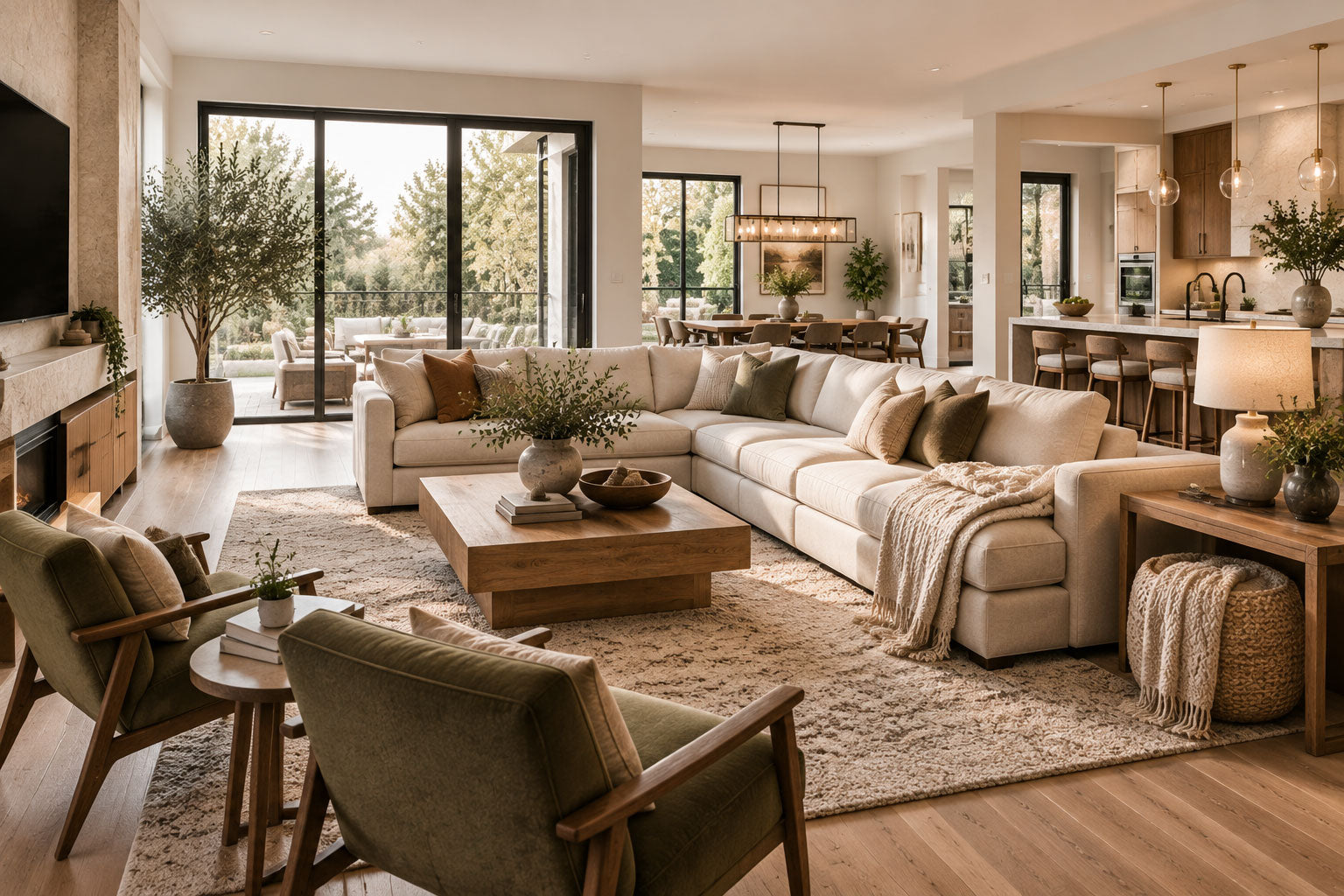









A good media room should feel comfortable, flexible, and easy to use—not just impressive in photos. Whether you use the space for movies, gaming, sports, streaming, or family time, the best media room ideas focus on how the room works in everyday life.
You do not need to copy a luxury theater exactly. A successful media room should match your space, support your habits, and create a more enjoyable place to relax, watch, and spend time together.
This guide explores practical media room ideas for different homes, including small rooms, basements, family spaces, gaming areas, and multi-use entertainment rooms.
Comfort-First Media Room Idea: Plan Seating Before Decor
Many homeowners start with wall colors, lighting, or decorations before thinking about seating. However, seating often determines how comfortable and functional the entire media room will become.
The right seating affects:
- Viewing comfort
- Walking space
- Room flow
- Storage needs
- How people use the space every day
Start with seating and room layout first, then build the design around comfort, screen position, and your daily activities.
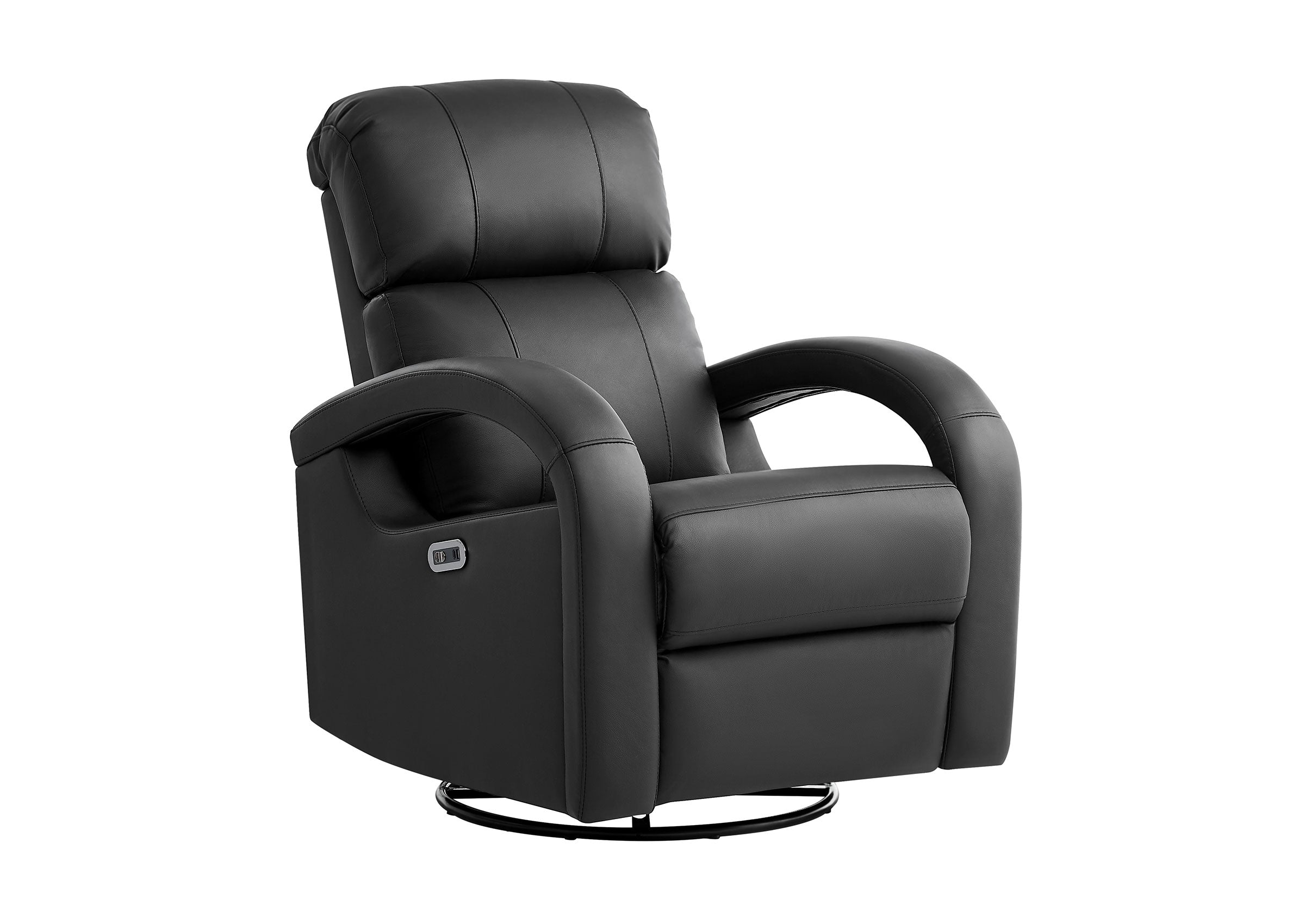
Popular media room seating options include:
| Seating Type | Best For | What to Consider |
|---|---|---|
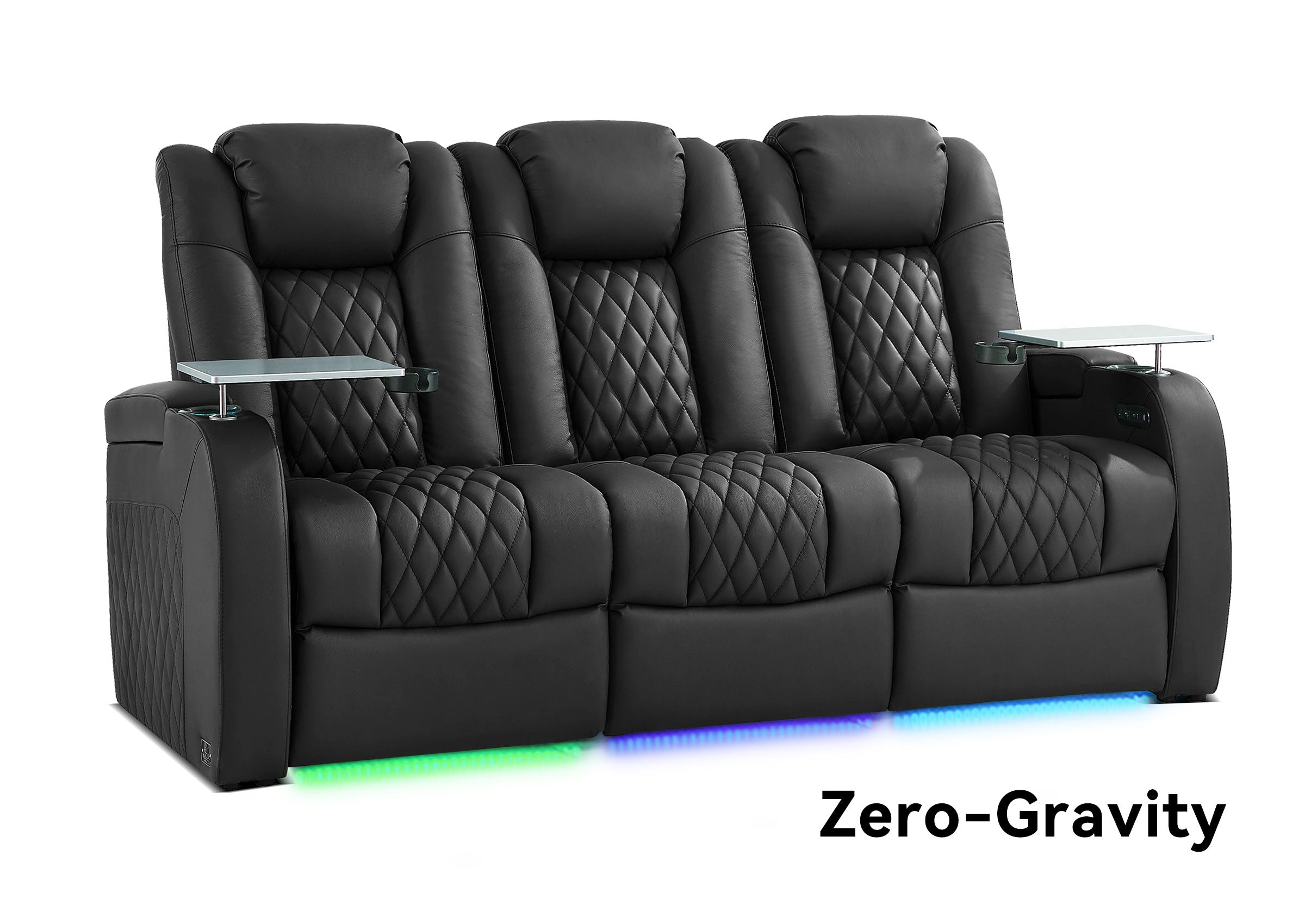
| Reclining sofa | Family movie nights and everyday lounging | Check room size and recline space |
| Home theater seating row | Dedicated movie spaces | Consider room layout and viewing direction |
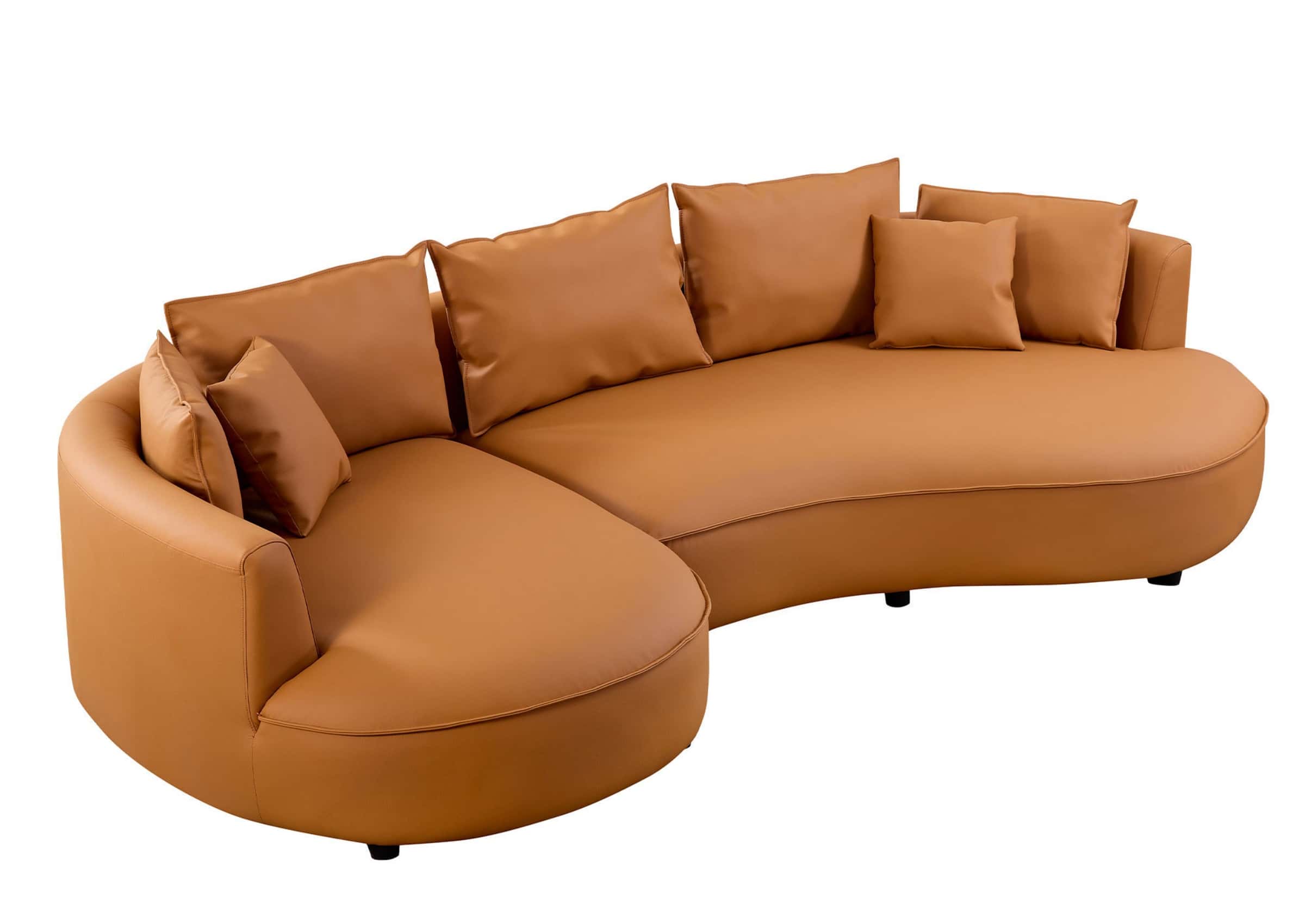
| Sectional sofa | Large family rooms and casual use | Make sure it does not block walkways |
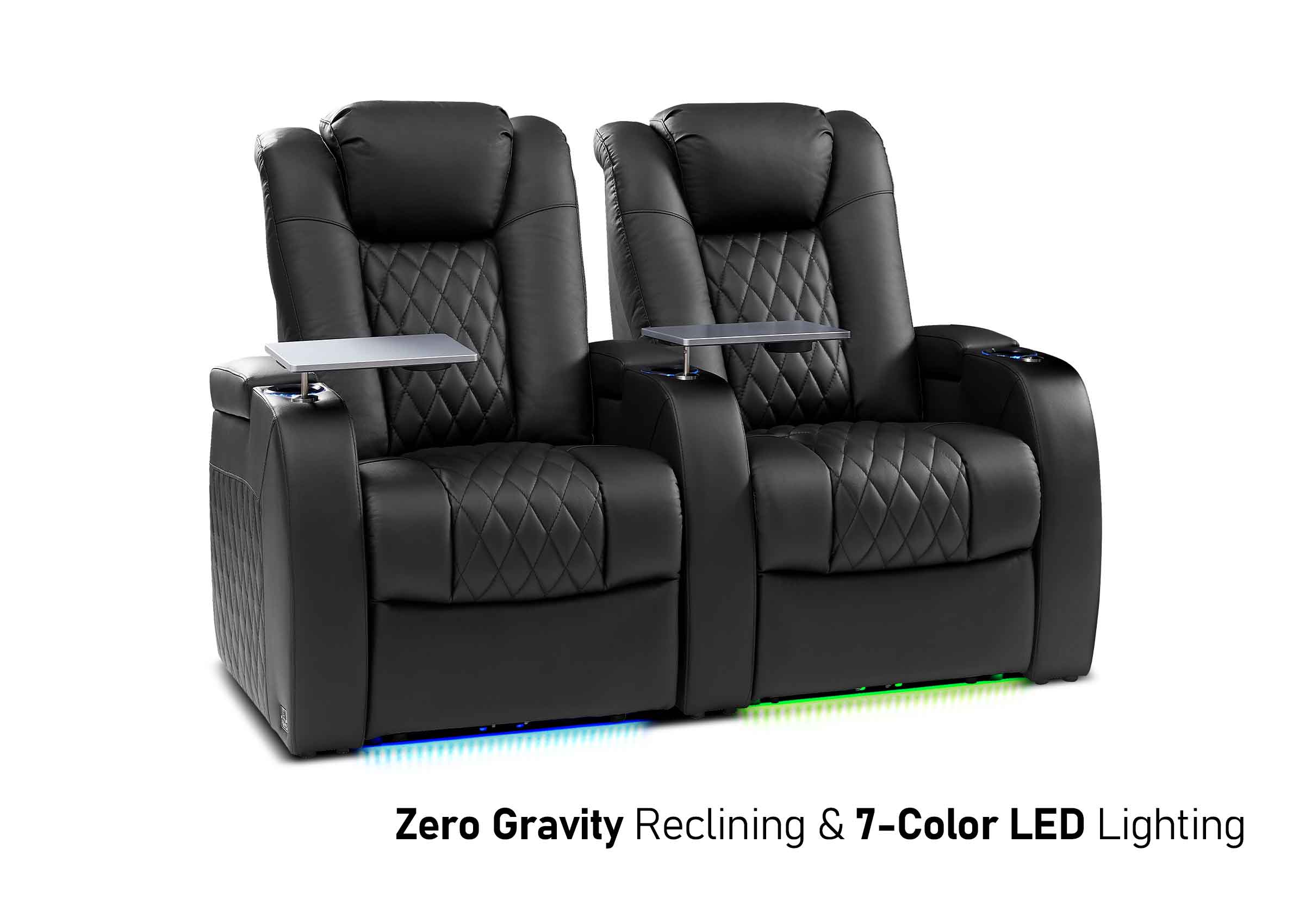
| Loveseat recliner | Small rooms or couples | Good for compact entertainment areas |
| Accent chairs | Flexible guest seating | Best for occasional use |
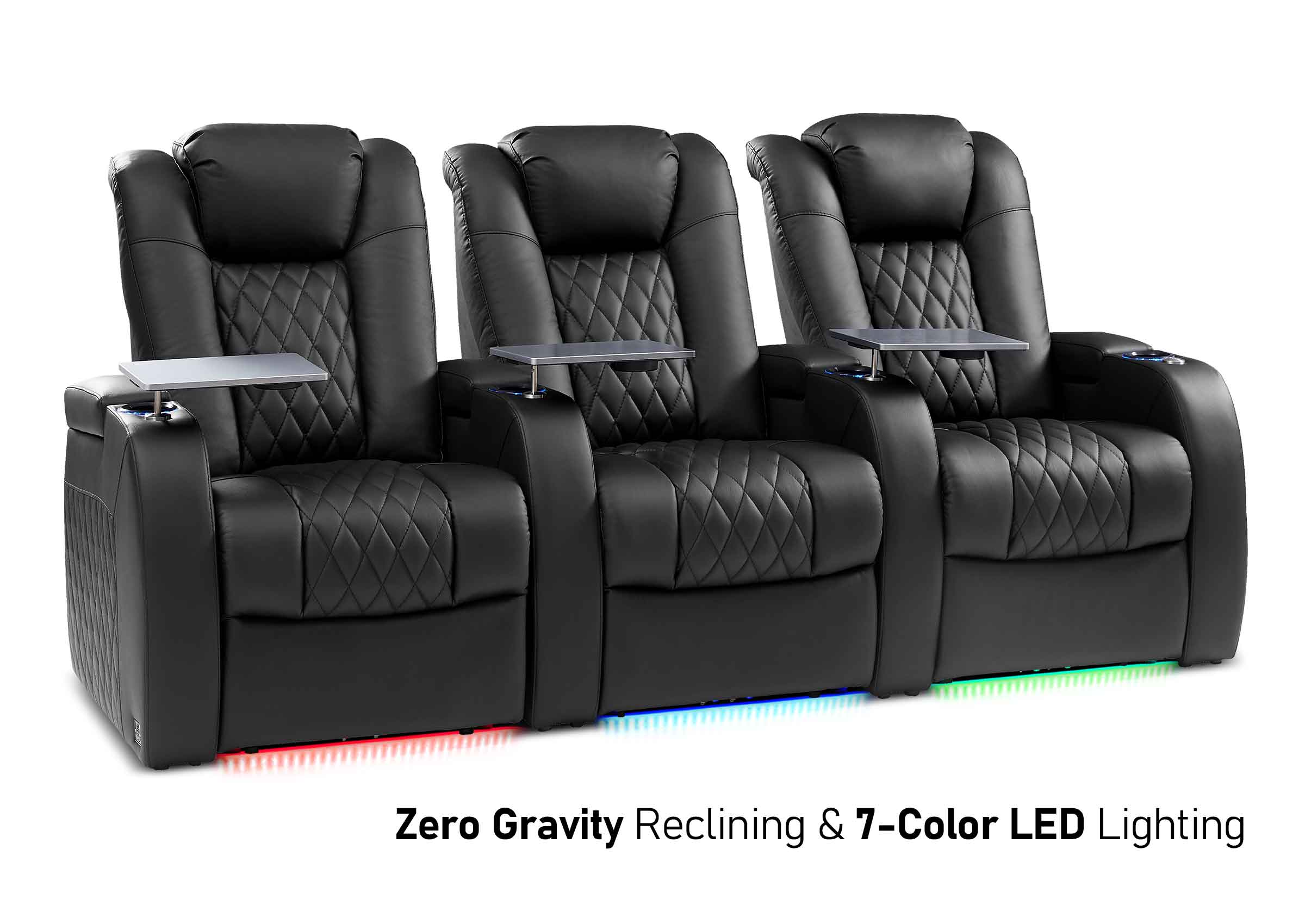
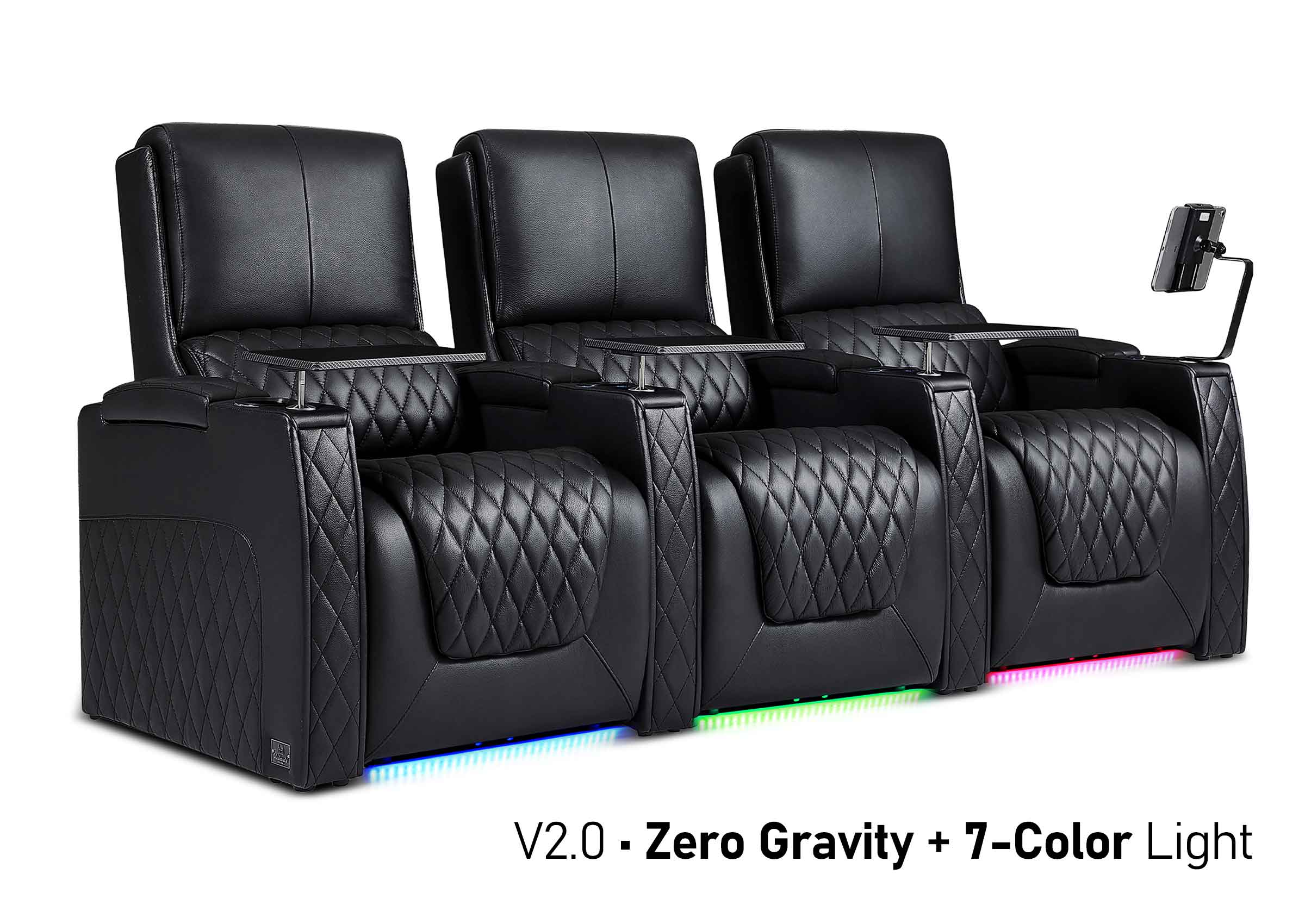
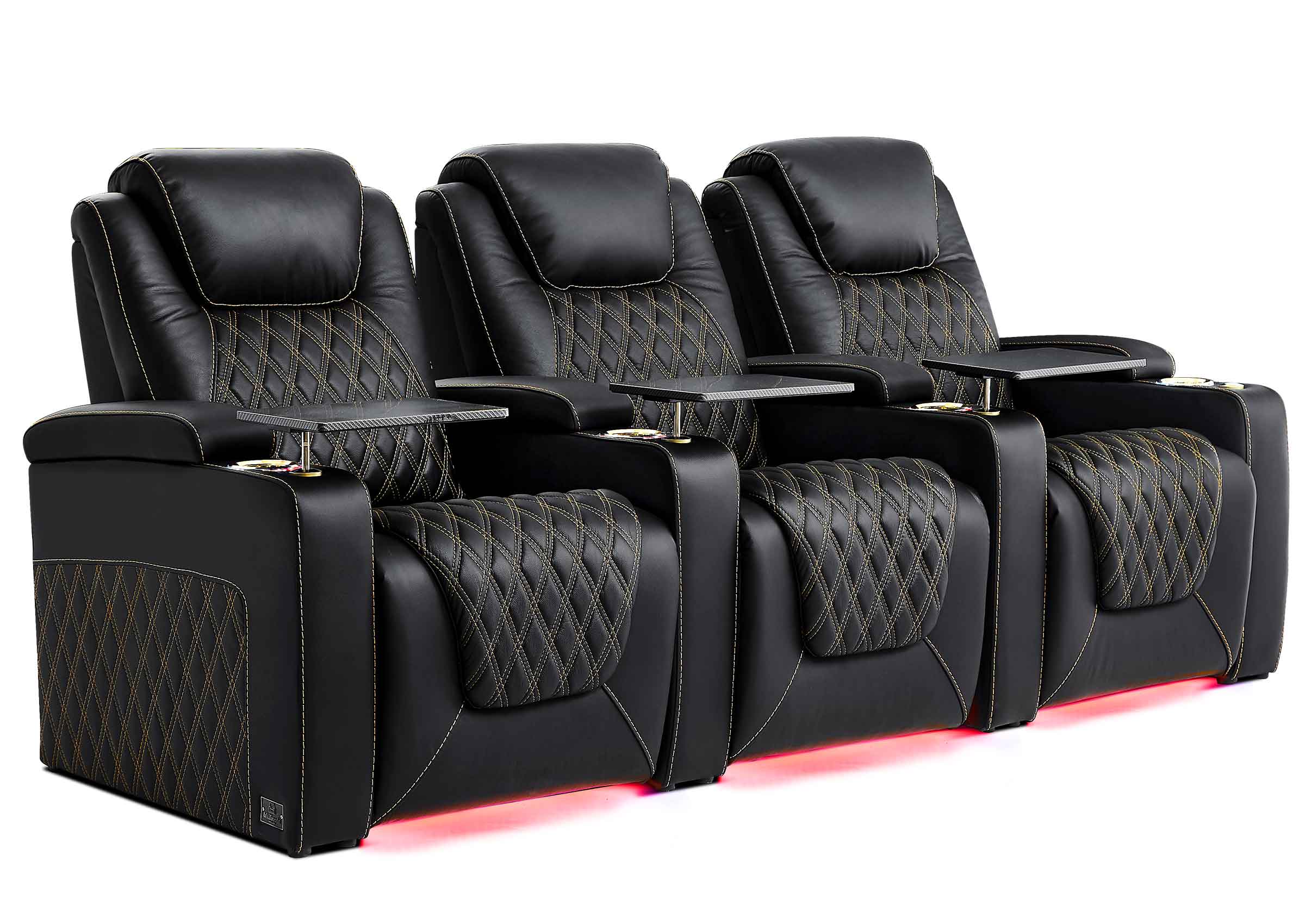
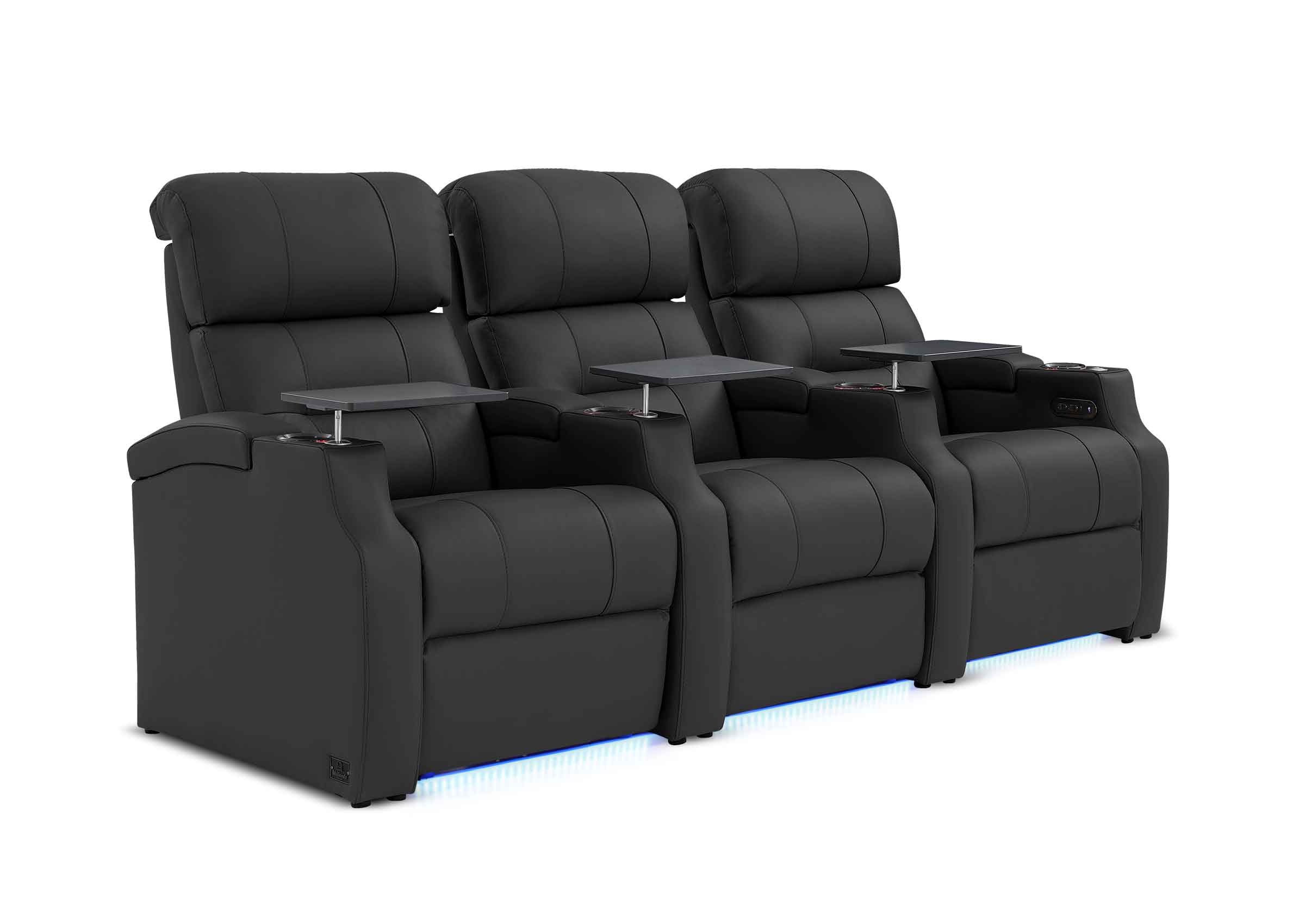
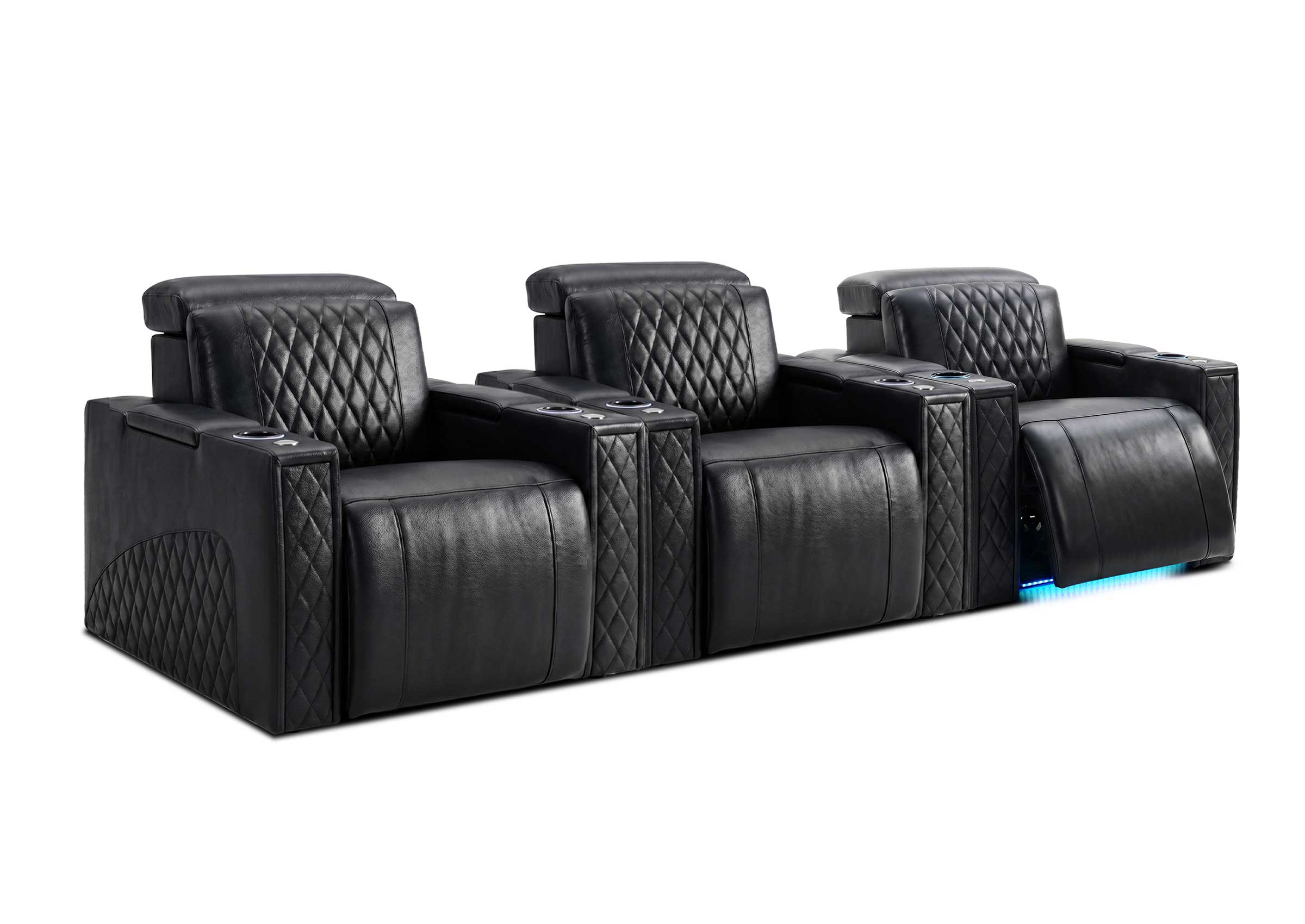
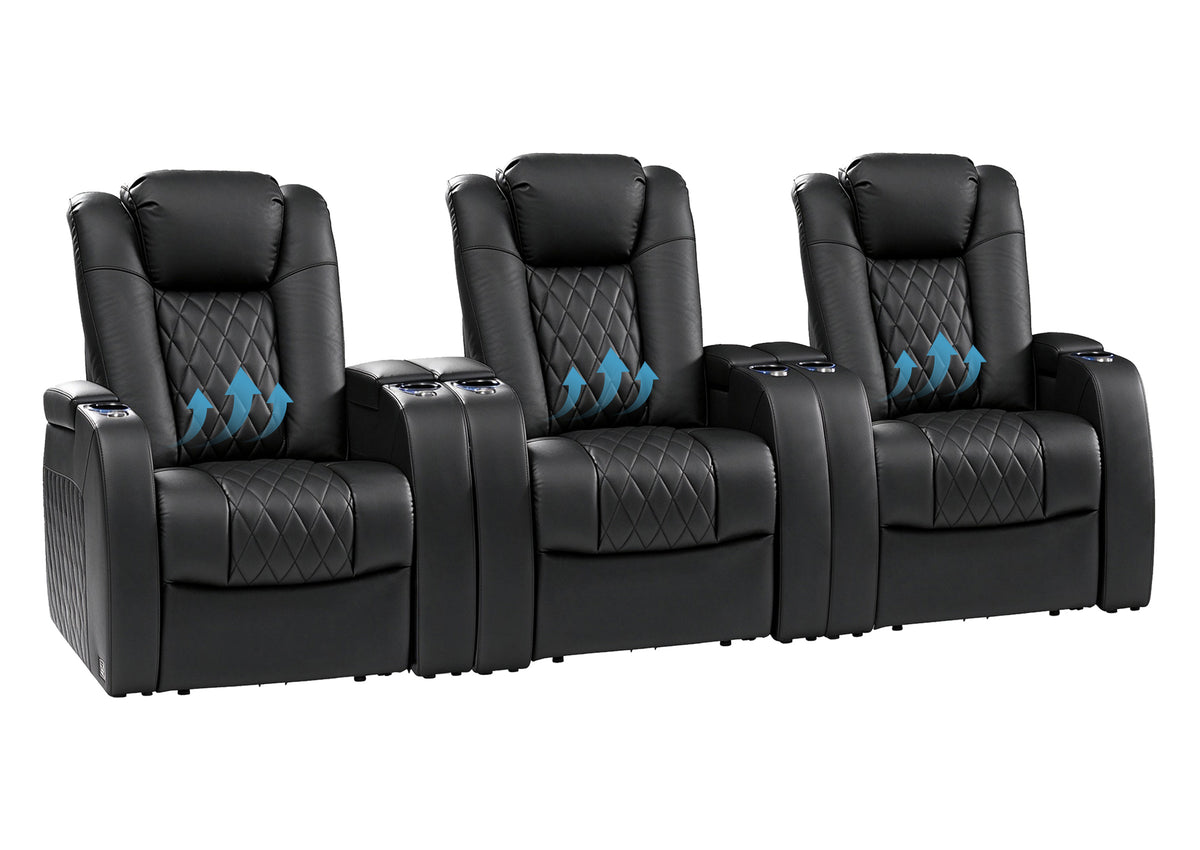
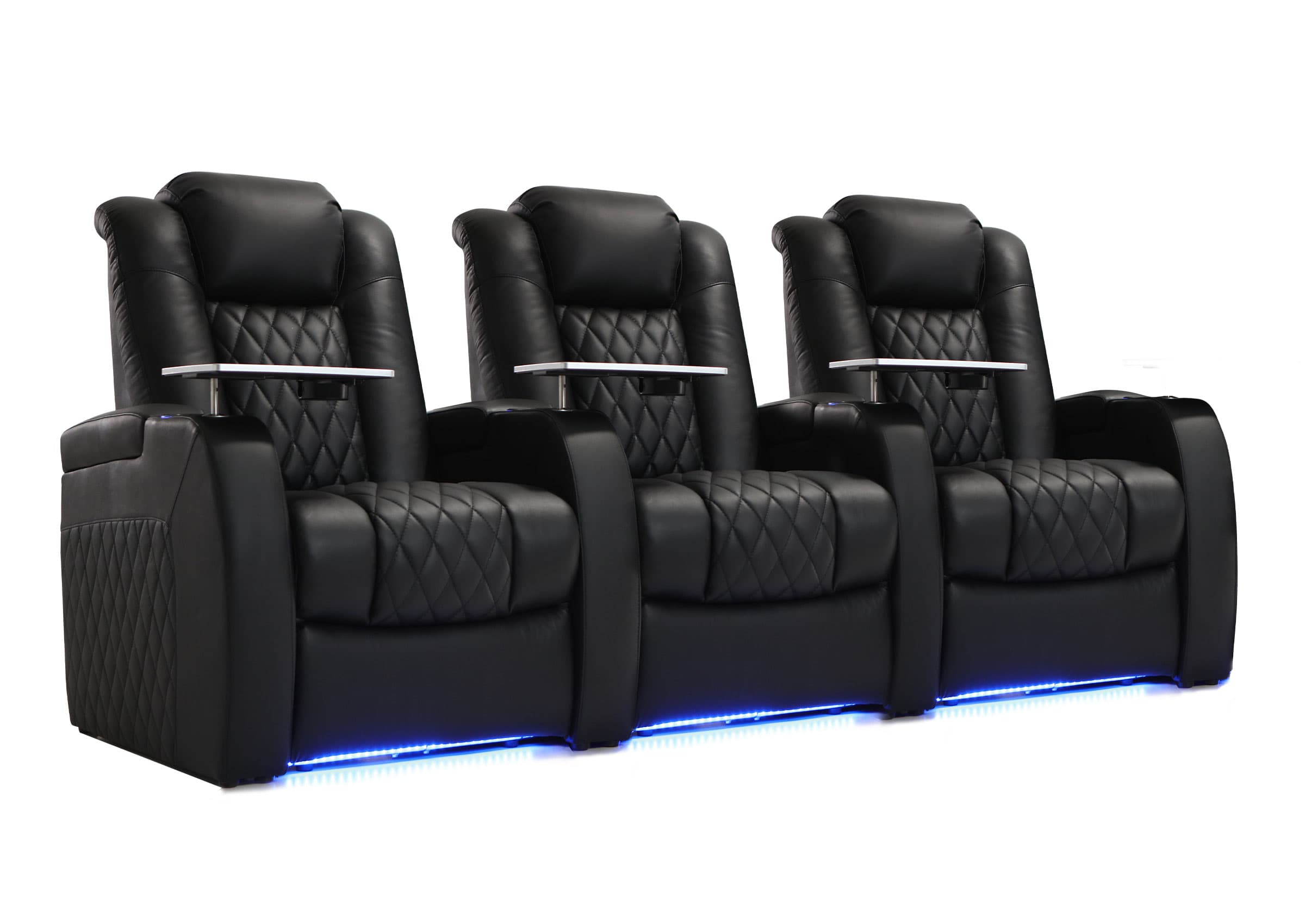
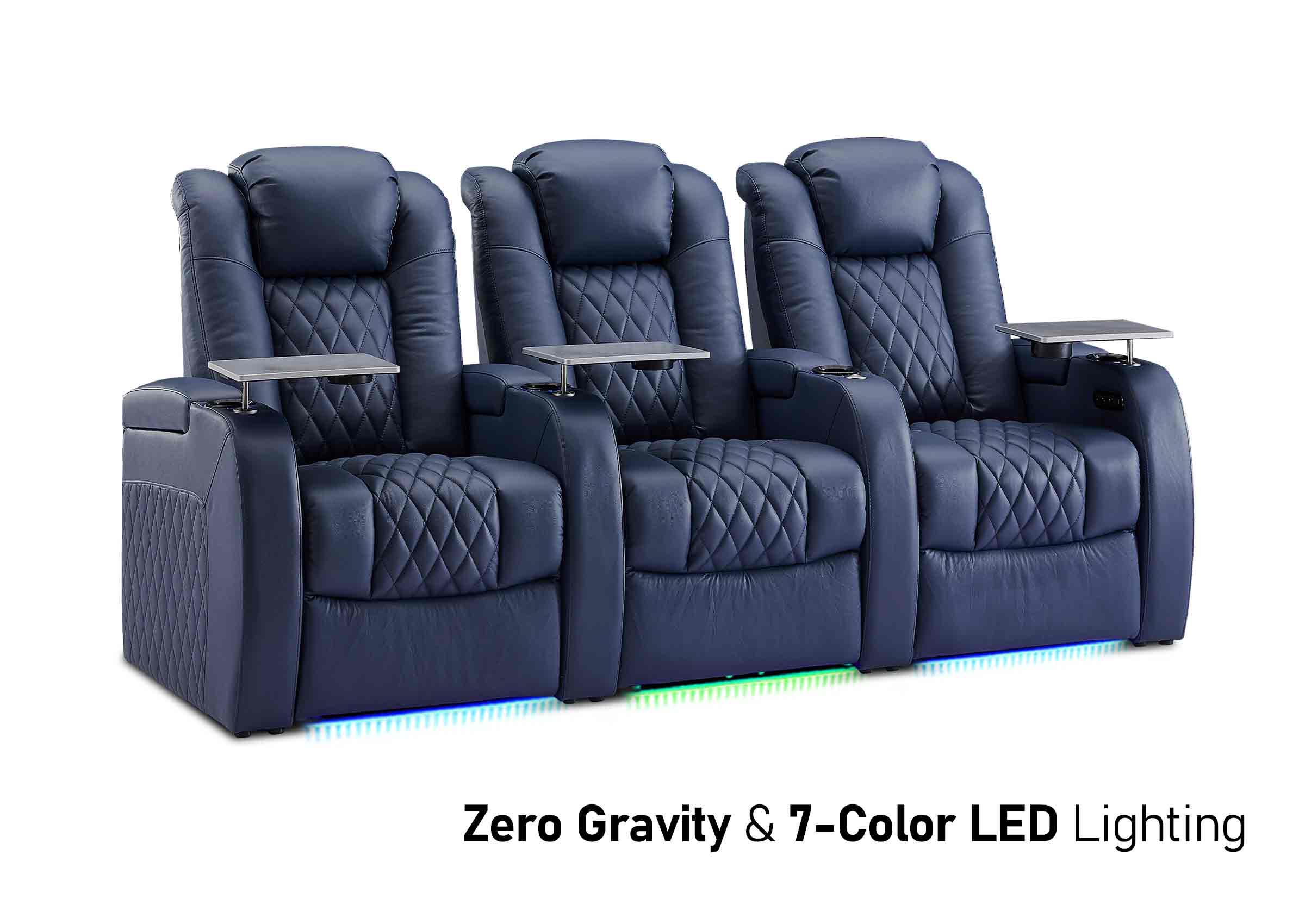
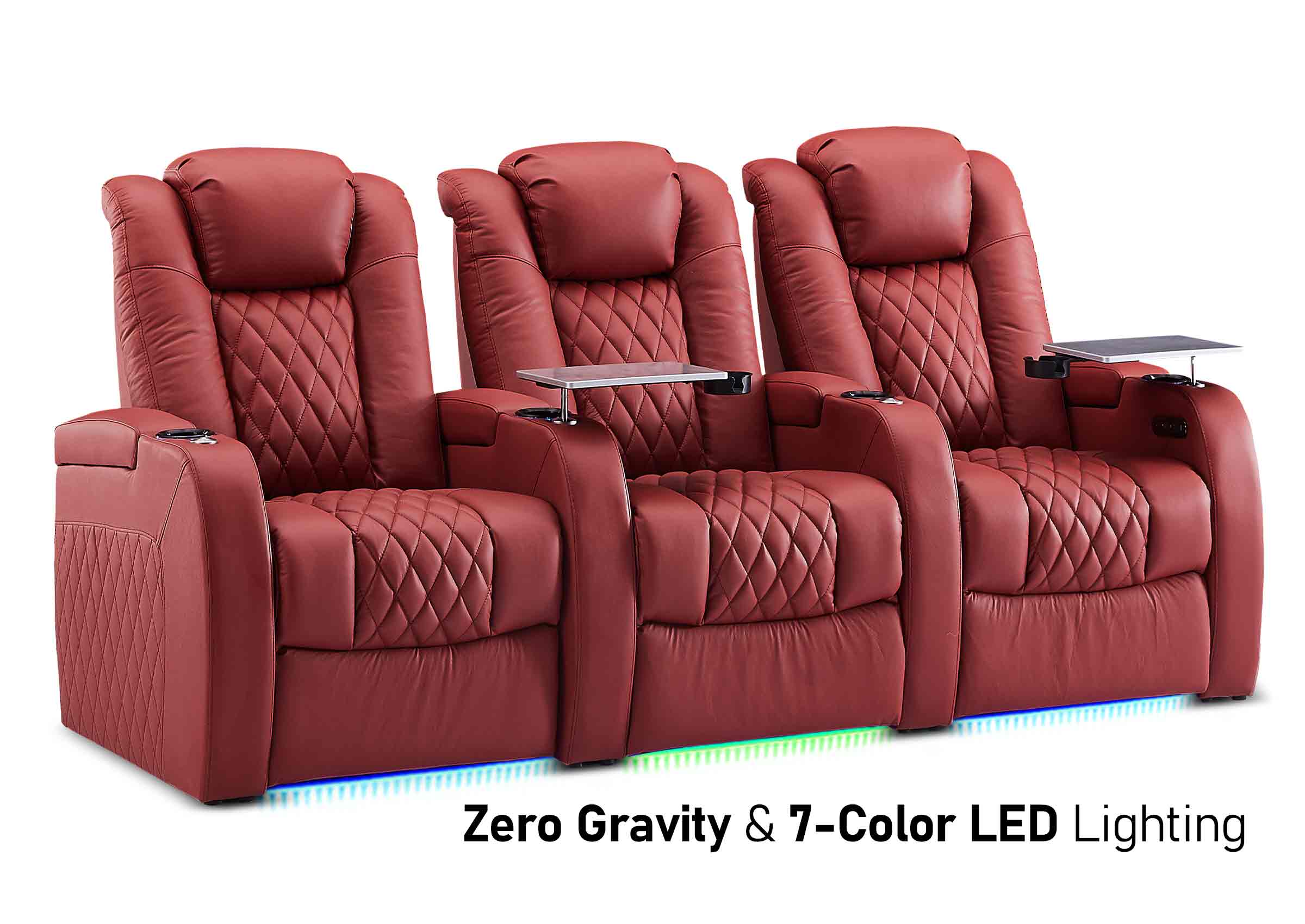
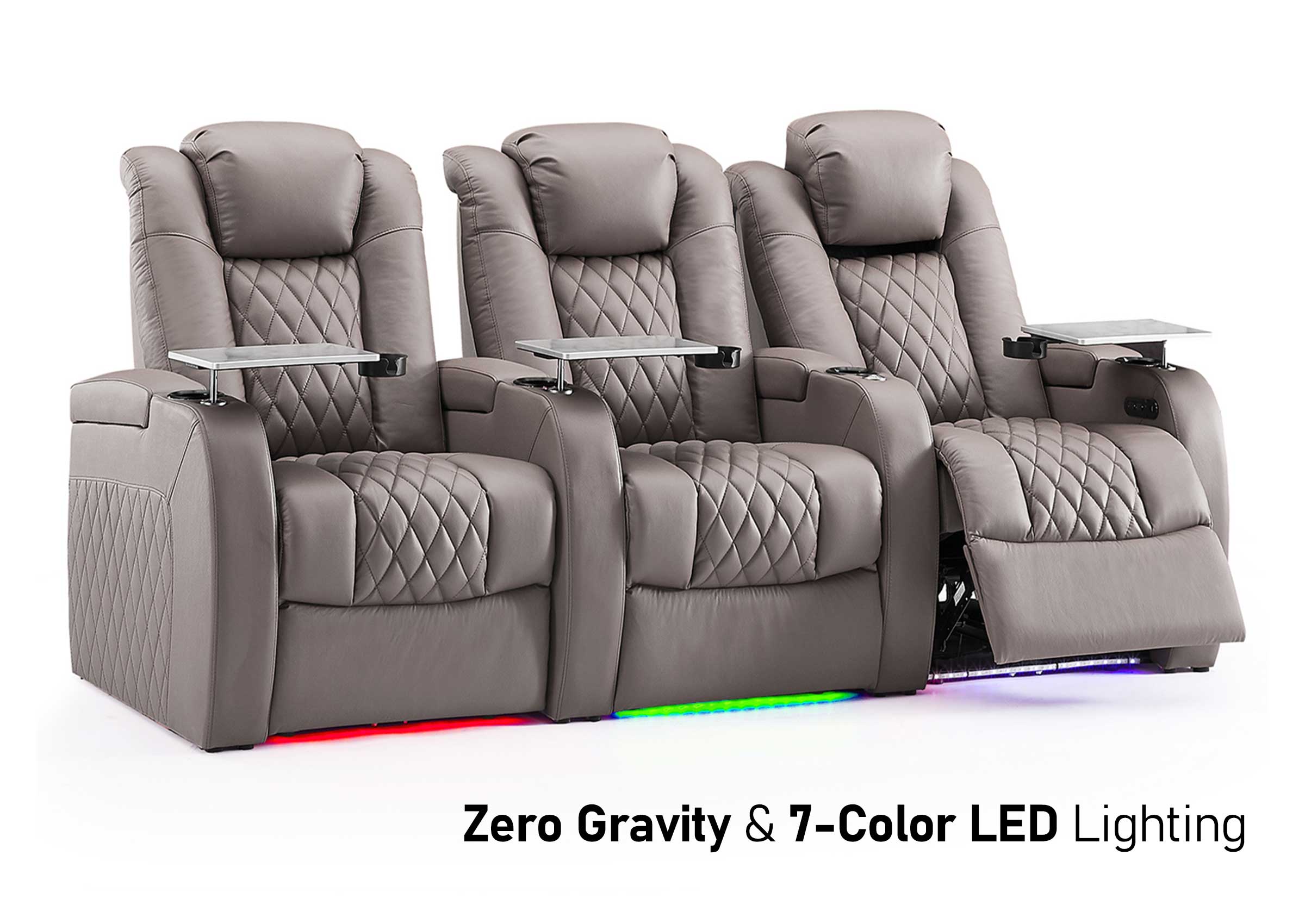
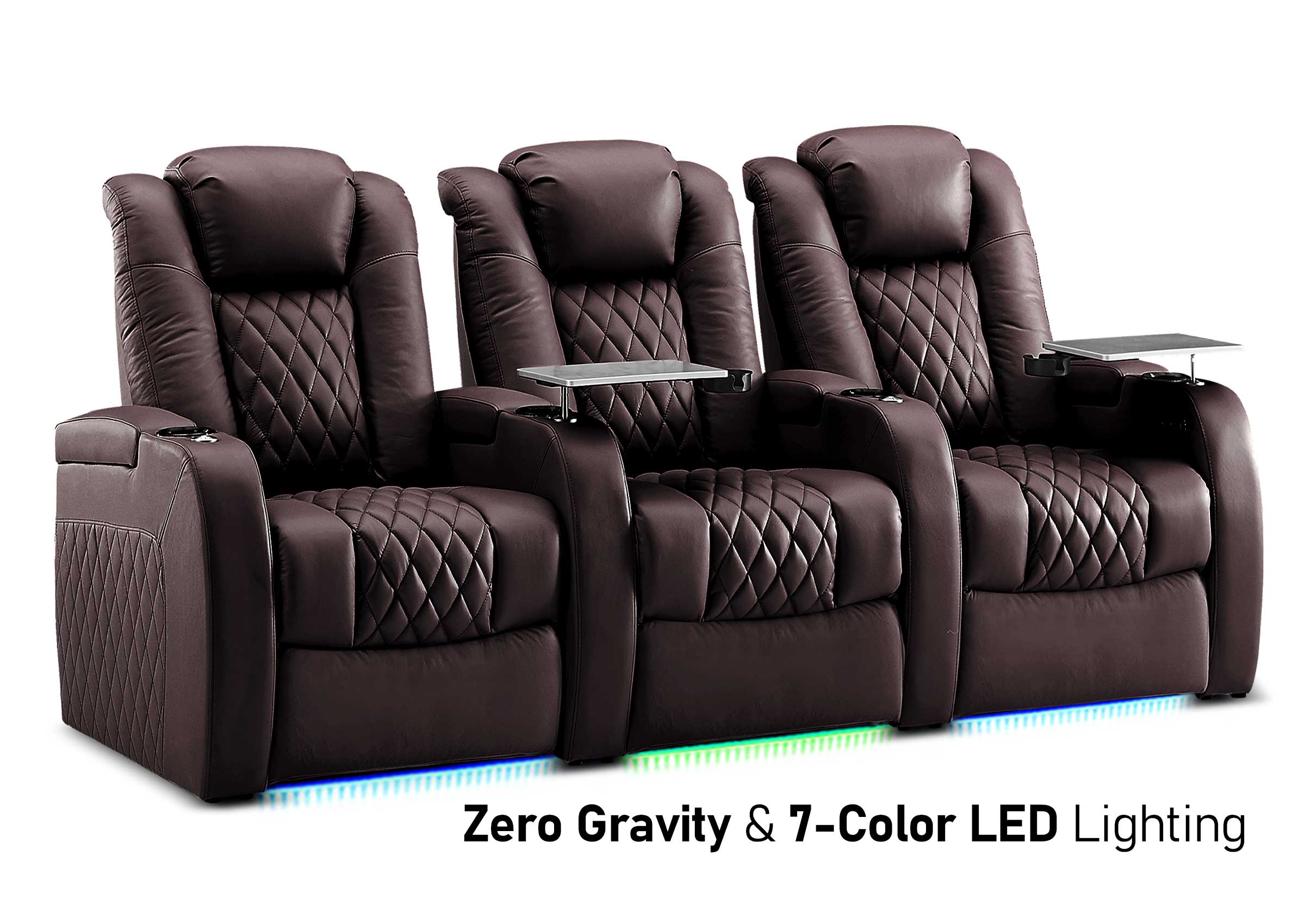
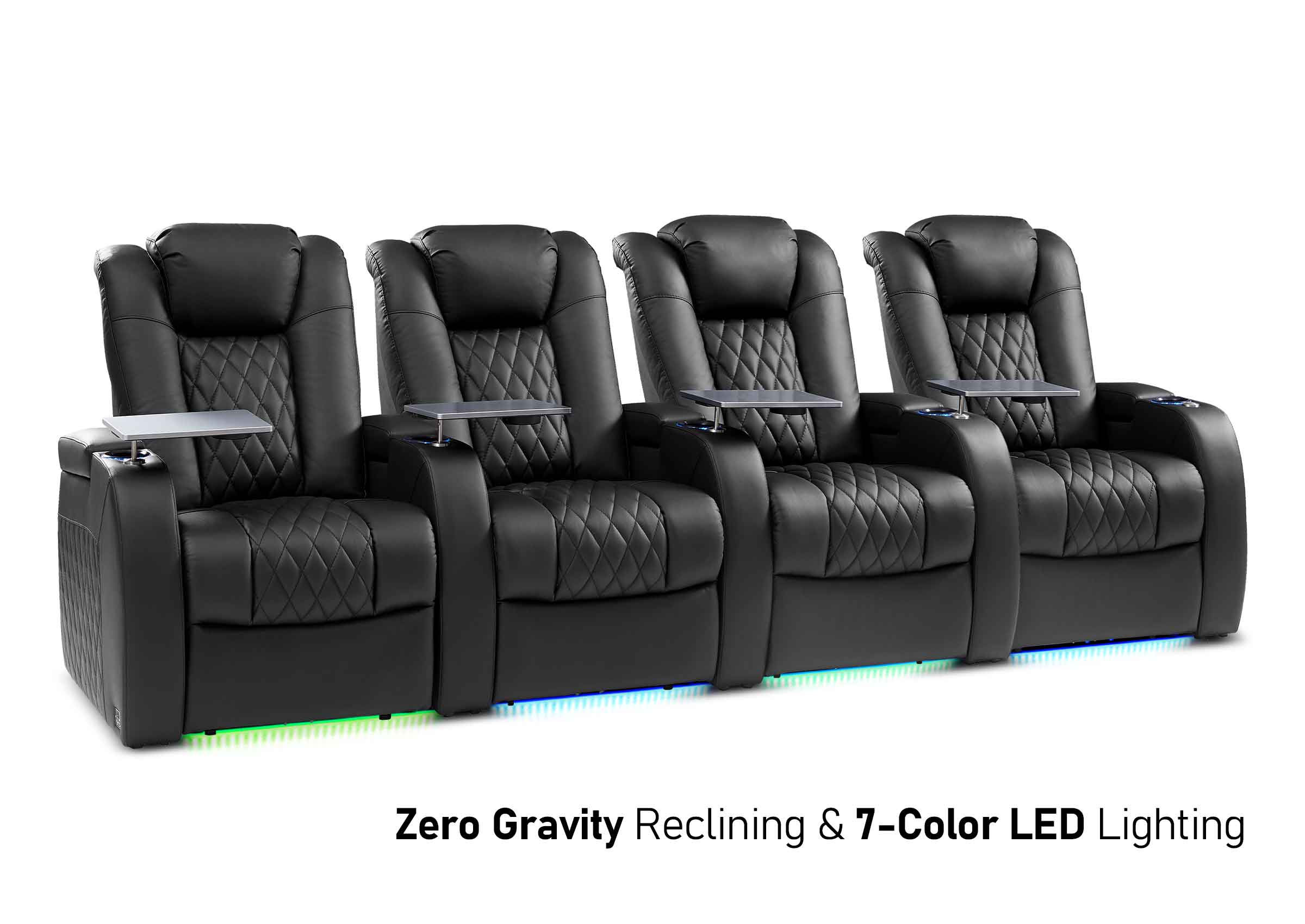
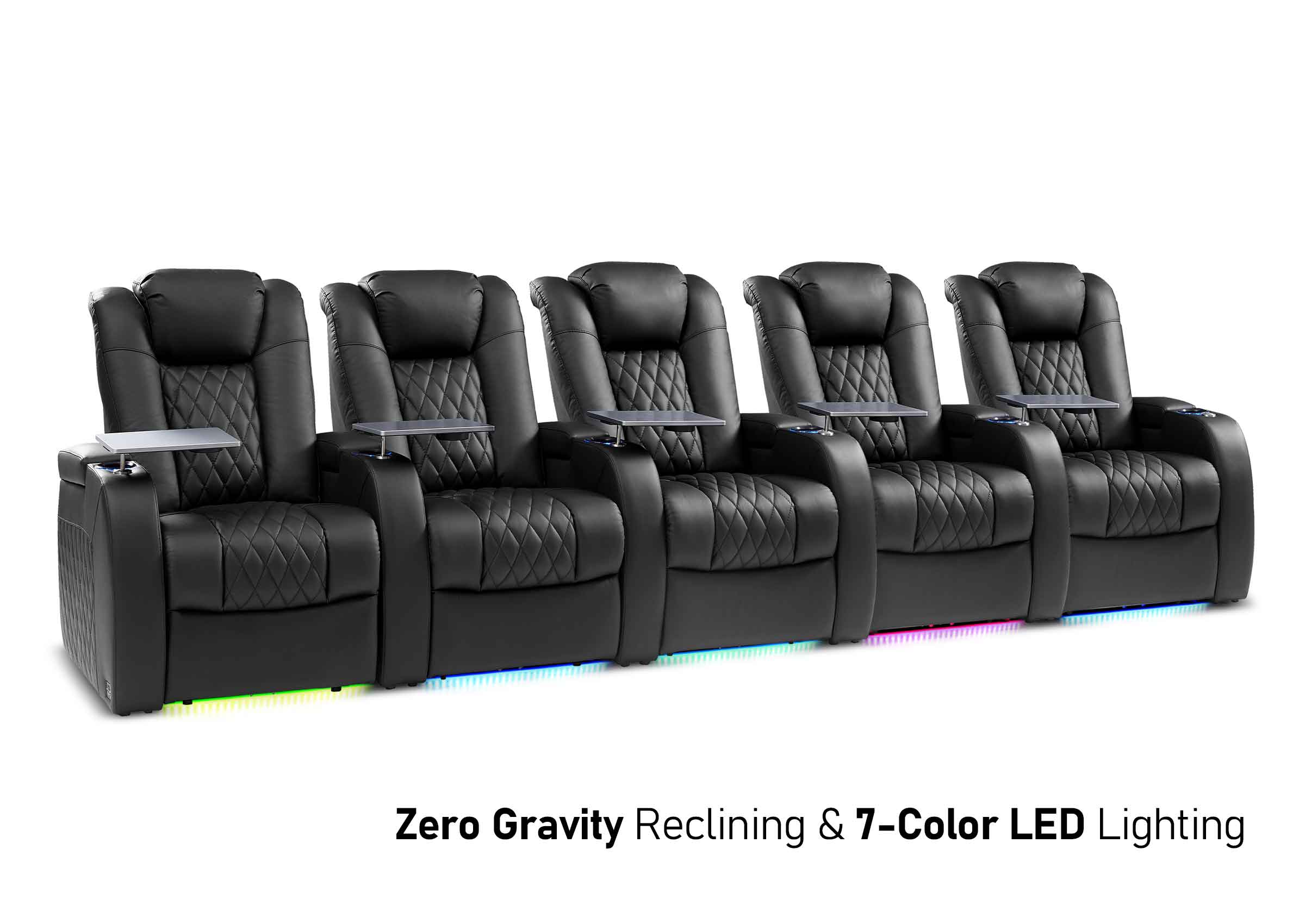
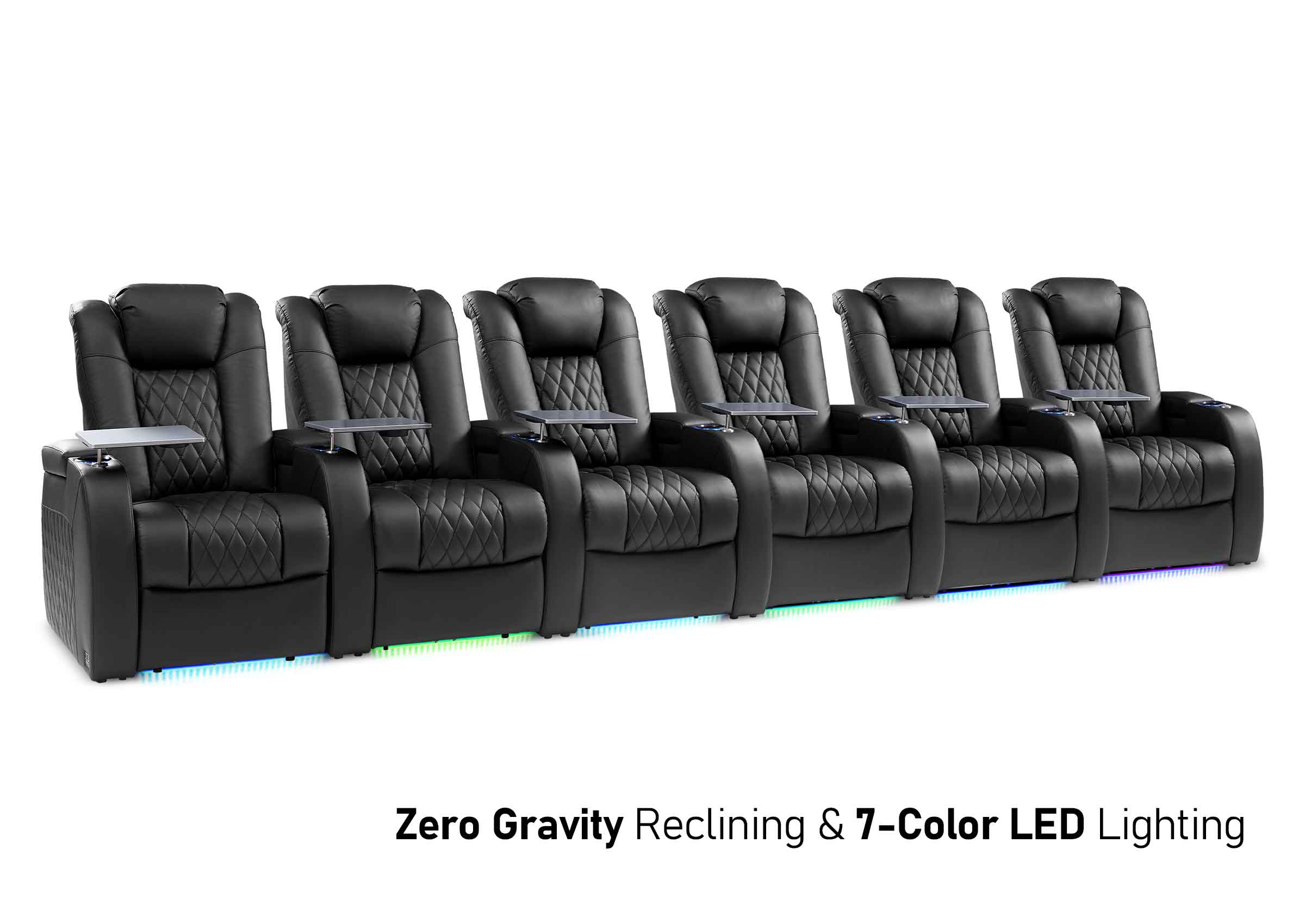
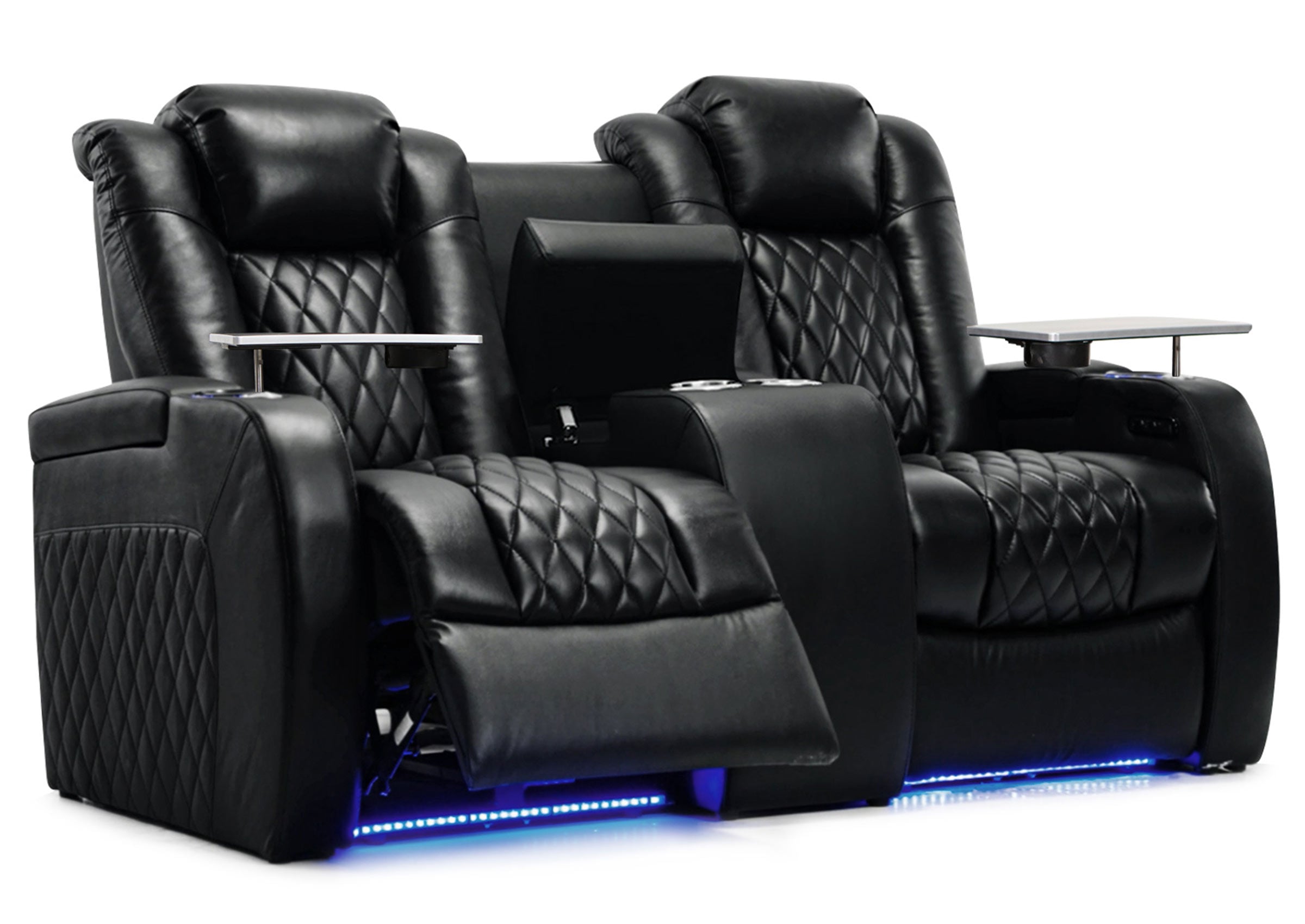
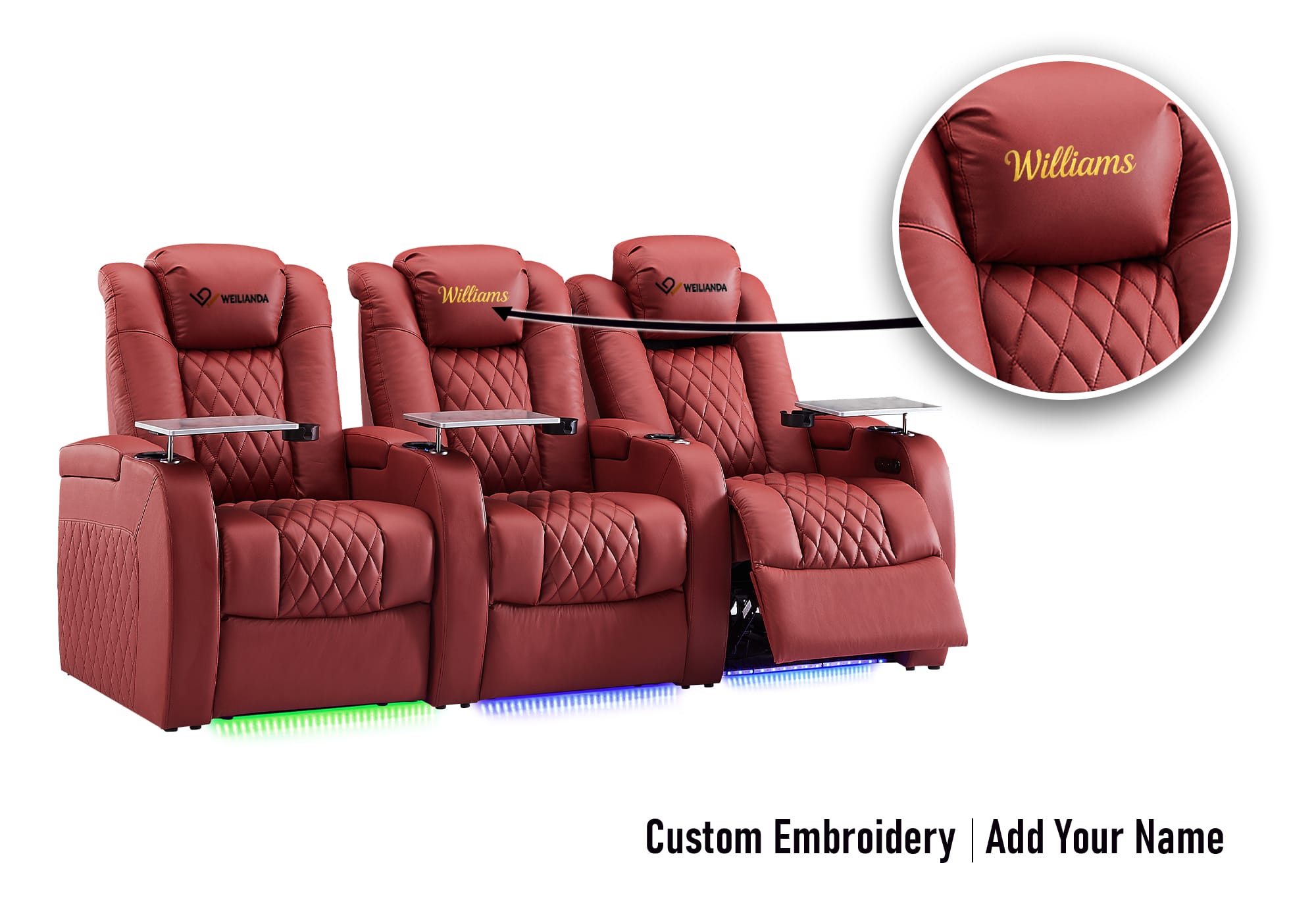
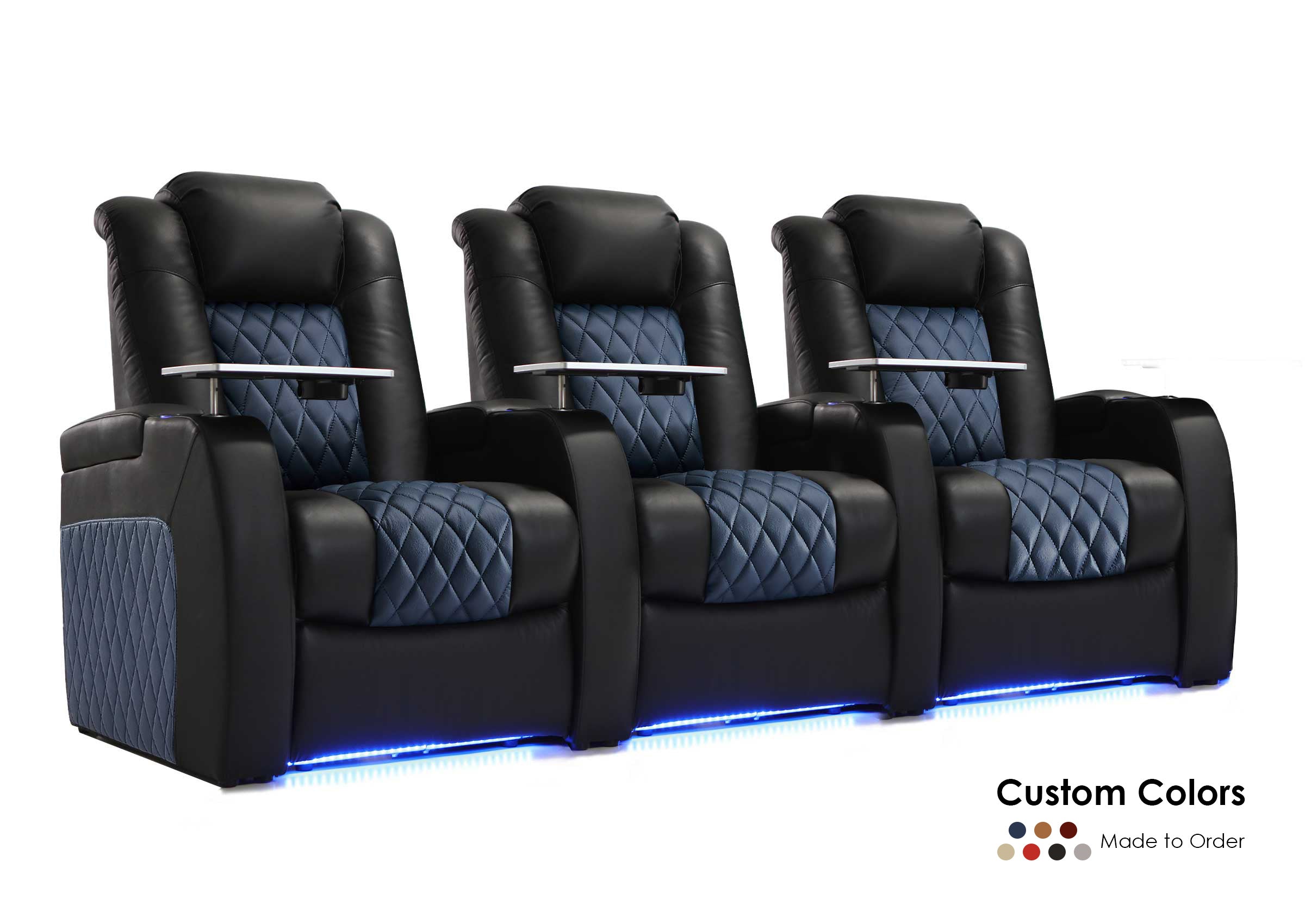
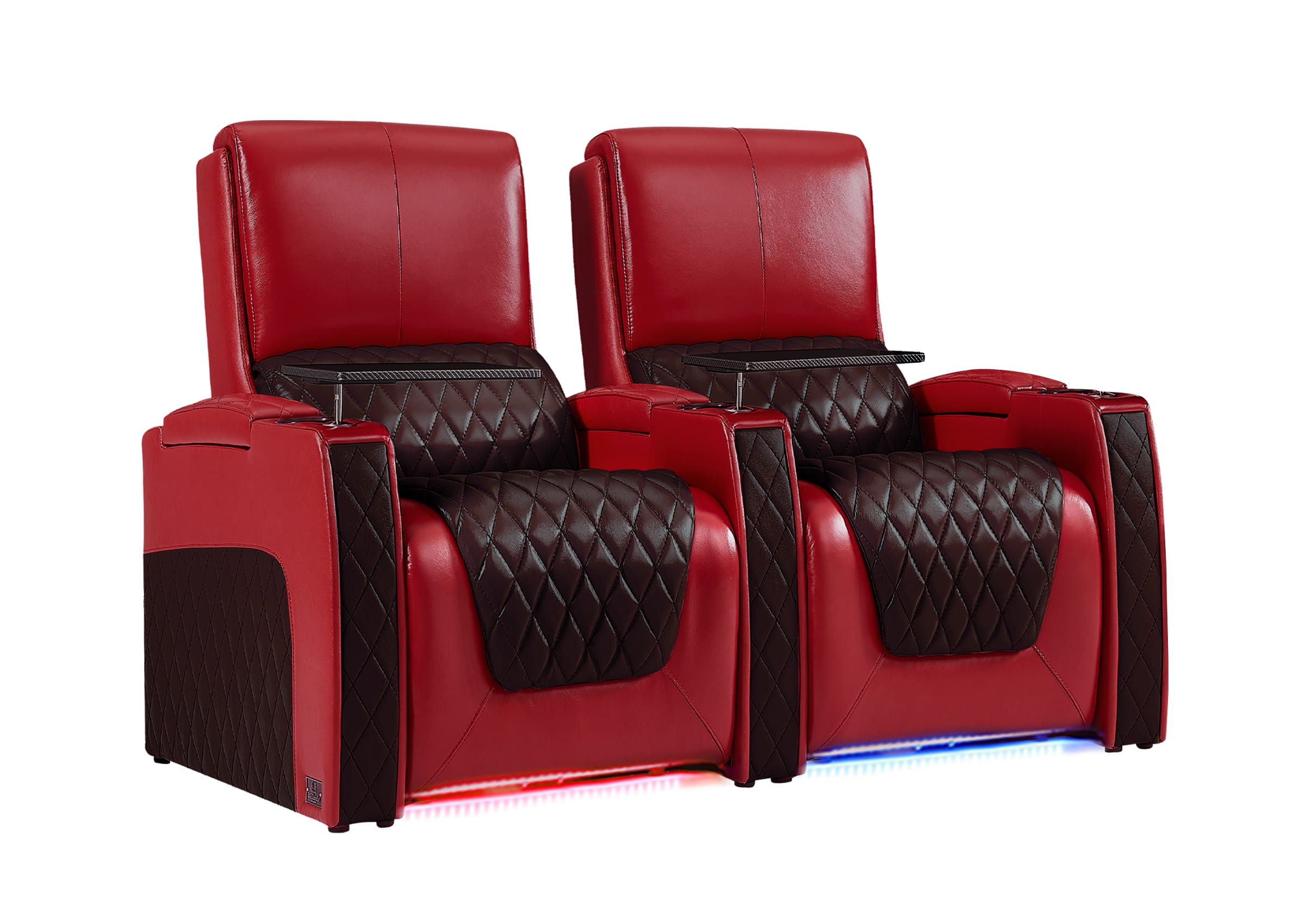
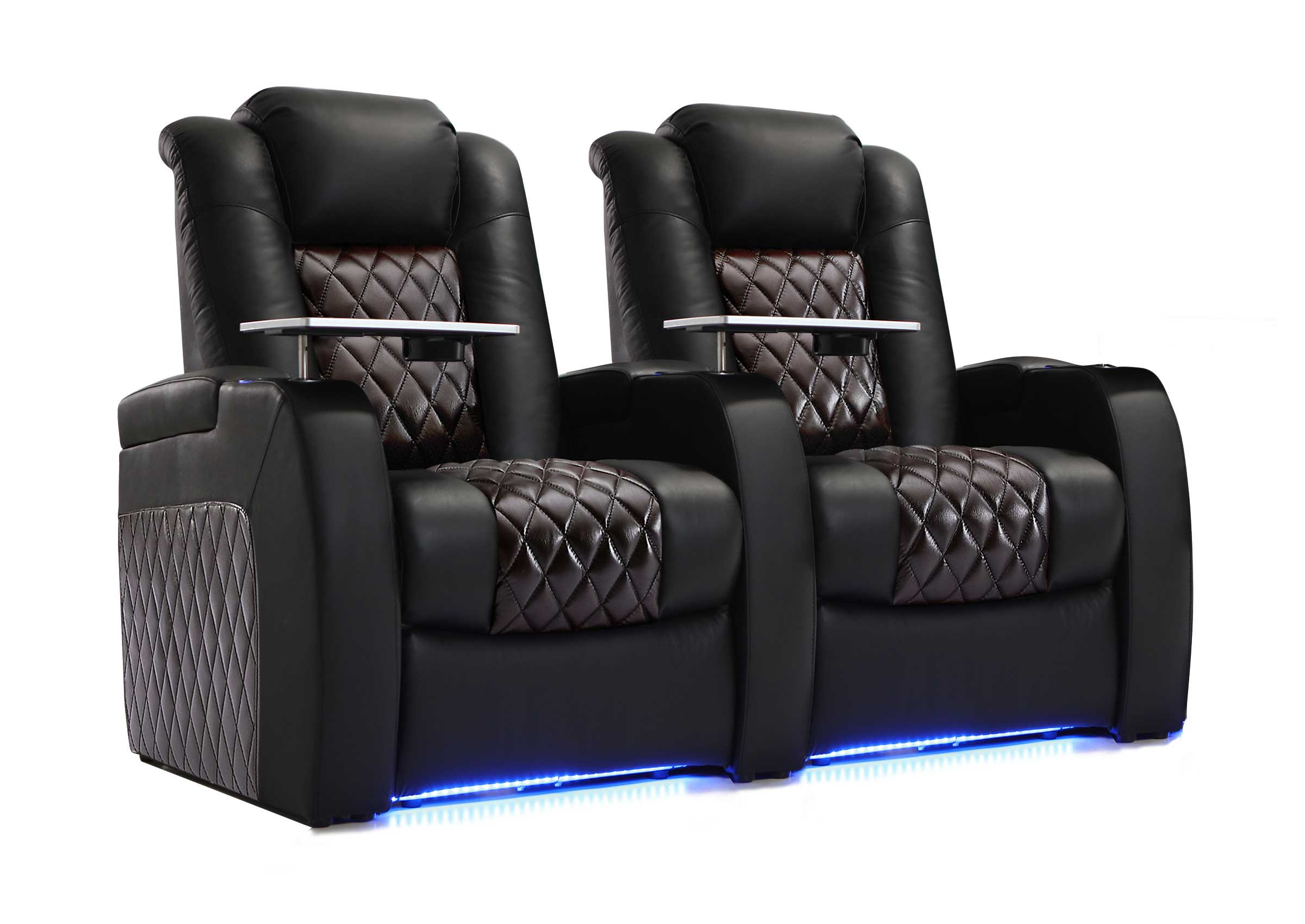
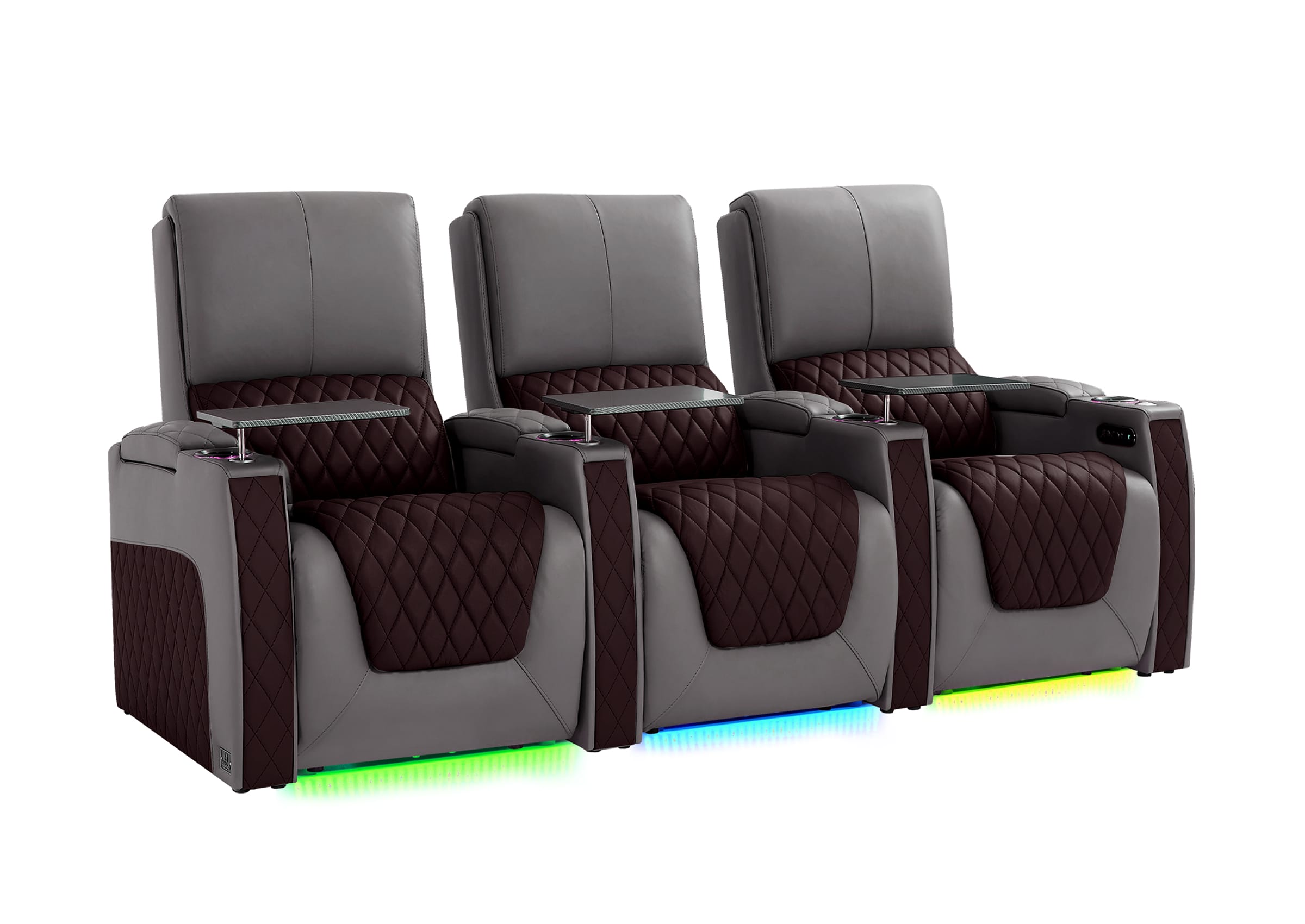
For homeowners who want a more structured entertainment space, home theater seating can provide individual comfort while keeping the room organized and intentional.
Small Media Room Idea: Keep the Layout Open and Functional
A small media room does not need more furniture to feel comfortable. In many cases, the best approach is choosing fewer pieces that solve multiple problems.
Compact seating, wall-hugger recliners, reclining loveseats, and flexible furniture layouts can help smaller spaces feel open while still providing comfort.
When planning a small media room, focus on:
- Keeping walkways clear
- Avoiding oversized furniture
- Choosing seating that fits the room
- Using storage efficiently
- Keeping the screen easy to view
A smaller media room often feels better when every piece of furniture has a clear purpose.
Basement Media Room Idea: Make the Space Feel Warmer
Basements can become excellent media rooms, but they often need extra attention to lighting, texture, and comfort.
Because many basements have limited natural light and harder surfaces, adding softer materials can make the room feel more inviting.
Consider adding:
- Area rugs
- Comfortable upholstered seating
- Curtains
- Soft wall accents
- Warm dimmable lighting
- Blankets and cushions

Leather seating can create a premium appearance in a basement media room, but balancing leather with rugs, curtains, or other soft materials can help the room feel more comfortable and less visually hard.
Family Media Room Idea: Choose Practical Comfort for Everyday Use
A family media room needs to handle real-life situations: snacks, drinks, kids, guests, gaming, and long movie sessions.
Instead of focusing only on appearance, choose materials and features that support daily use.
Useful features include:
- Easy-clean upholstery
- Cup holders
- Storage consoles
- USB charging ports
- Tray tables
- Comfortable reclining positions
Genuine leather seating can be a practical choice for family media rooms because it offers a premium appearance, comfortable feel, and durable performance for everyday entertainment. Compared with many fabric options, leather can also be easier to maintain when properly cared for, especially in rooms where snacks, drinks, and frequent use are common.
The best family media room is not the one with the most features. It is the one that stays comfortable and easy to use over time.
Movie Night Media Room Idea: Create a More Immersive Experience
A media room does not need to become a dedicated theater to feel immersive. Small improvements in seating, lighting, and room arrangement can make movie nights more enjoyable.
Consider:
- Facing seating toward the main screen
- Reducing screen glare
- Adding comfortable reclining positions
- Keeping drinks and remotes within reach
- Creating a relaxed viewing atmosphere
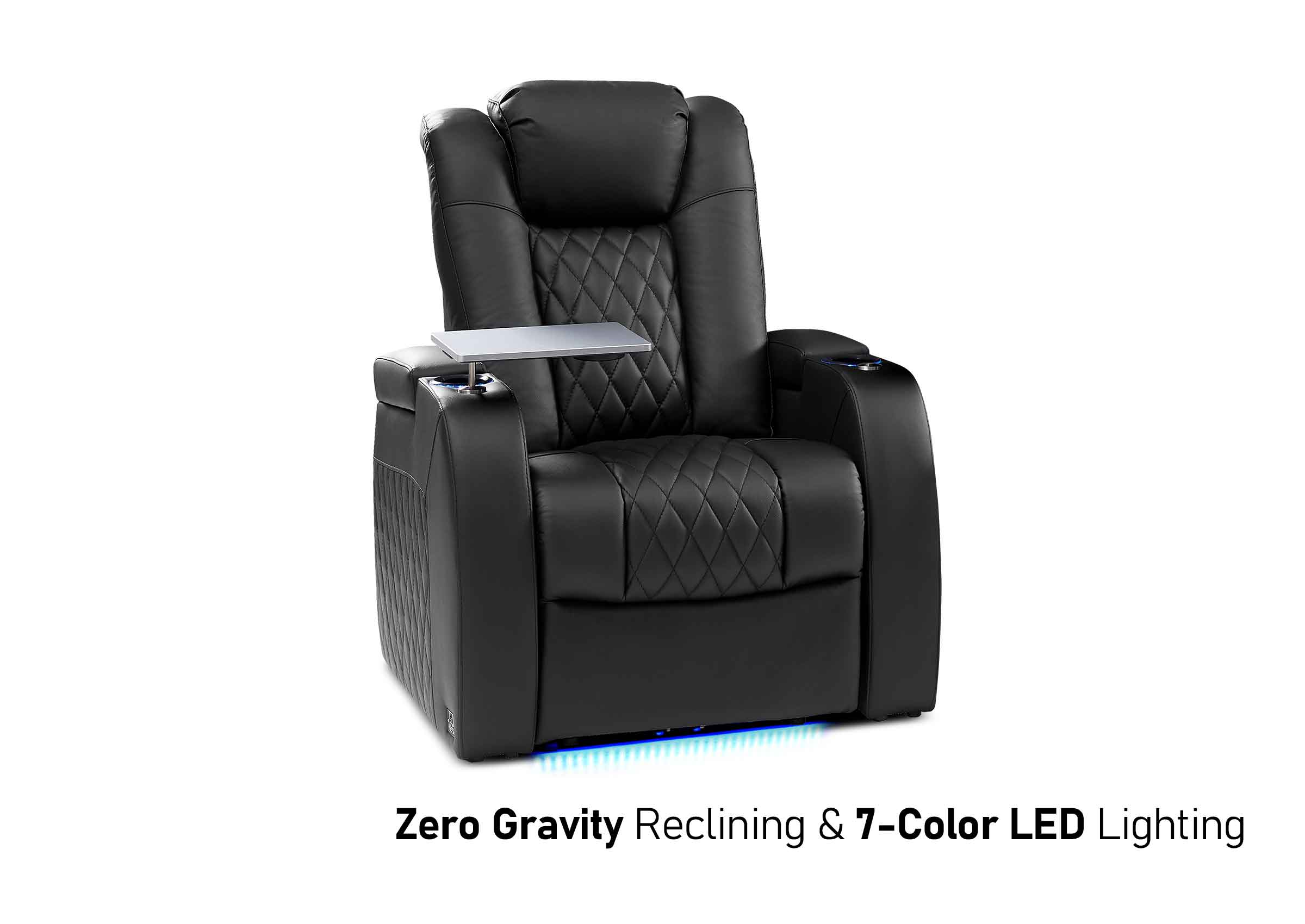
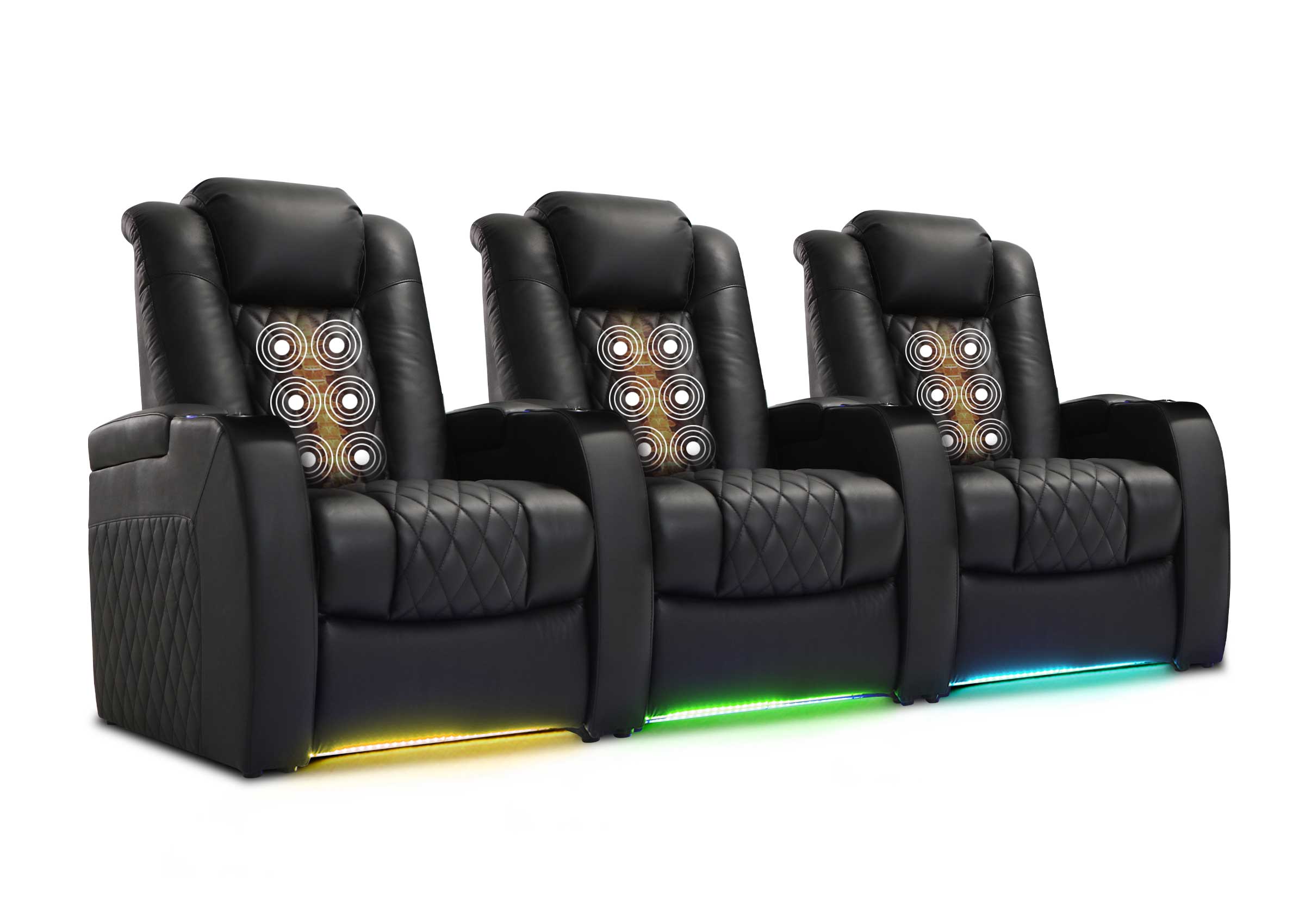
Power reclining seating can be useful for rooms used frequently because it allows users to adjust their position more easily during movies, sports, and streaming sessions.
Useful comfort features may include:
- Power recline
- Power headrests
- Lumbar support
- Cup holders
- Storage consoles
- USB charging
- Tray tables
The goal is not to add every possible feature. Choose the features that improve the way your household actually uses the room.
Gaming Media Room Idea: Add Flexible Seating and Device Storage
Many media rooms are now used for more than movies. Gaming, streaming, sports, and online entertainment are all part of modern home entertainment.
A gaming-friendly media room should consider:
- Comfortable seating for long sessions
- Charging access for devices
- Storage for controllers and accessories
- Flexible seating arrangements
- Clear screen visibility from different positions
Recliners, modular seating, and reclining sofas can work well because they allow the room to support different activities without feeling too formal.
Storage-Focused Media Room Idea: Reduce Everyday Clutter
A media room can quickly become cluttered with remotes, controllers, chargers, blankets, headphones, and snacks. Good storage makes the room easier to enjoy every day.
Useful storage solutions include:
- Media consoles with closed cabinets
- Wall shelves
- Storage ottomans
- Side tables with drawers
- Center storage consoles
- Cup holders and tray tables
- Cable management solutions
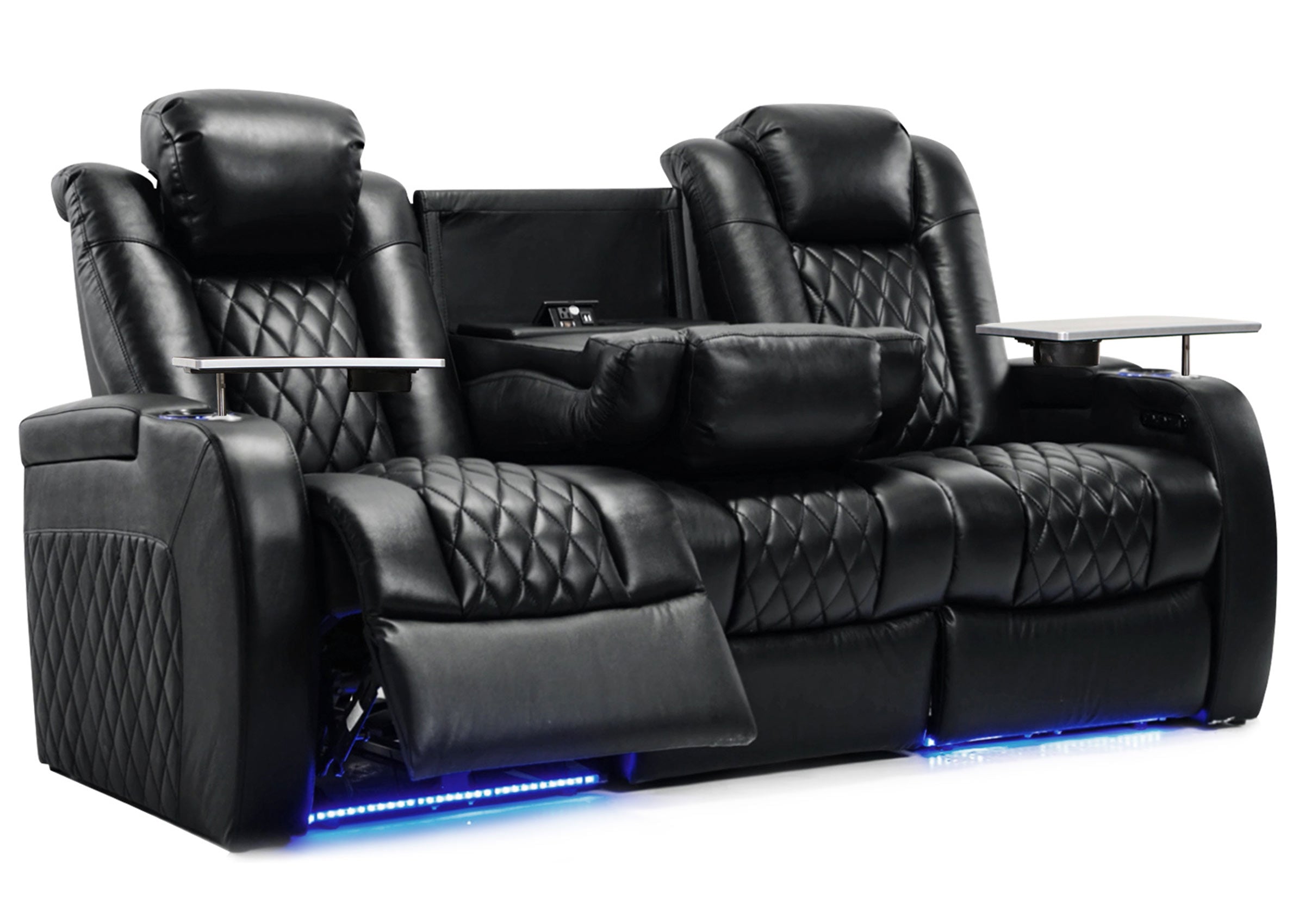
Recliners with center storage consoles can help reduce the need for extra furniture while keeping commonly used items within reach.

Ambient Lighting Idea: Create Atmosphere Without Distractions
Lighting has a major impact on the feeling of a media room. The best setups usually combine different lighting layers instead of relying on one bright ceiling light.
Good media room lighting ideas include:
- Dimmable ceiling lights
- Wall sconces
- Soft floor lamps
- LED accent lighting
- Low-level pathway lighting
- Blackout curtains for daytime viewing
LED ambient lighting can add atmosphere around seating, but it should remain subtle. Bright lighting near the screen can distract from the viewing experience.

Multi-Use Media Room Idea: Design for More Than Movies
Not every media room is a dedicated movie space. Many homeowners need one room that supports multiple activities throughout the week.
A flexible media room may include:
- A comfortable sofa or recliner setup
- Space for gaming
- Storage for entertainment devices
- Flexible guest seating
- Lighting suitable for both daytime and evening use
This approach works especially well for:
- Family rooms
- Dens
- Bonus rooms
- Basements
- Apartment entertainment corners
If you already have a media room and want to improve the layout, storage, and daily usability, see our guide on how to organize a media room.
Luxury Media Room Idea: Focus on Space, Comfort, and Balance
A premium media room does not always need more seats or more decorations. In many cases, a cleaner layout with better comfort creates a more elevated experience.
Focus on:
- Well-spaced seating
- Comfortable recliners
- Clean cable management
- Balanced lighting
- Quality materials
- A calm room atmosphere
A smaller number of supportive seats often feels more premium than a crowded room with limited comfort.
Simple Media Room Ideas by Room Type
Different spaces require different solutions. A spare room, basement, family room, or apartment corner can all become a comfortable media room when the layout matches the space.
| Room Type | Best Media Room Approach |
|---|---|
| Small spare room | Use compact seating and smart storage |
| Basement | Add soft materials and layered lighting |
| Family room | Choose practical seating and hidden storage |
| Den | Create a comfortable personal entertainment area |
| Bonus room | Combine movies, gaming, and relaxation zones |
| Apartment space | Use compact furniture and flexible layouts |
Common Media Room Mistakes to Avoid
A media room should look good, but it also needs to work well in daily life.
Avoid:
- Choosing furniture before measuring the room
- Adding too much seating
- Ignoring walking space
- Choosing style over comfort
- Forgetting storage needs
- Using lighting that creates screen glare
The best media rooms balance appearance, comfort, and everyday practicality.
FAQ
What should every media room have?
A good media room should have comfortable seating, a well-positioned screen, practical storage, controlled lighting, and enough space to move around. The goal is to create a room that feels easy to use for movies, gaming, sports, and daily entertainment.
What is the best seating for a media room?
The best seating depends on how the room is used. Reclining sofas work well for family spaces, while theater seating is better for more focused movie viewing. Sectionals can work for casual lounging when the room has enough space.
How do I make a small media room comfortable?
Choose compact furniture, keep walkways open, use smart storage, and avoid overcrowding the room. A smaller number of comfortable seats usually works better than trying to maximize seating capacity.
Are recliners good for media rooms?
Yes. Recliners can improve comfort during long movies, sports, gaming, and streaming sessions. Features such as power recline, storage consoles, cup holders, and USB charging can make daily use easier.
Should a media room have theater seating?
Theater seating can work well in a dedicated media room, but it is not the only option. The best choice depends on whether the room is mainly for movies or needs to support multiple activities.
Create a Media Room That Fits Your Lifestyle
The best media room ideas are not only about decoration. They are about creating a space where people can relax, watch, play, and spend time together comfortably.
Start with seating, room layout, storage, and lighting. Then add colors, decorations, and personal style around those practical choices.
If your media room plan depends on better seating, Weilianda offers practical home entertainment seating options designed for real spaces, including power reclining comfort, storage features, cup holders, USB charging, and leather options depending on the model.
For product guidance or help choosing a seating solution that fits your room, contact Weilianda at leon@weiliandahome.com.