




























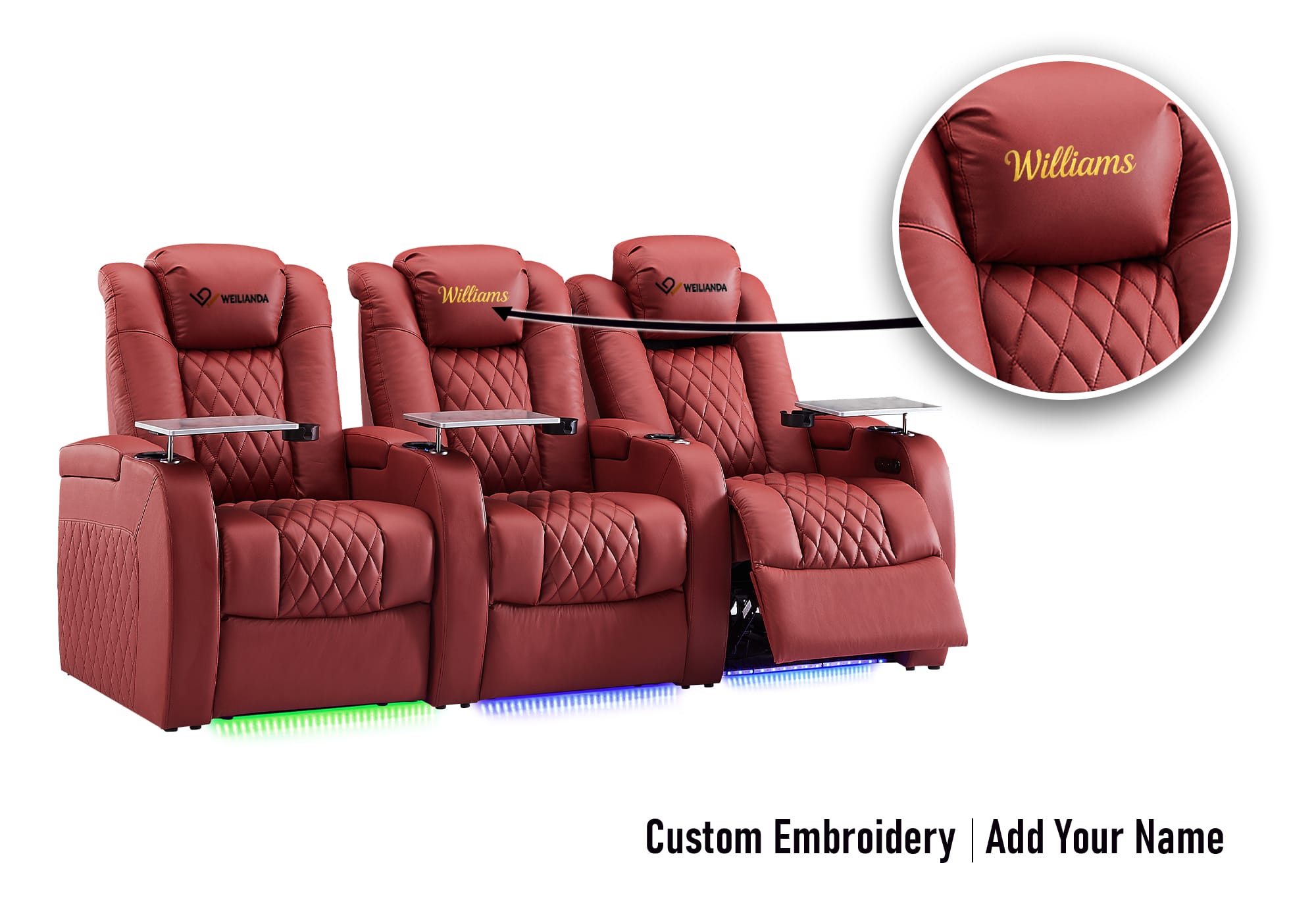

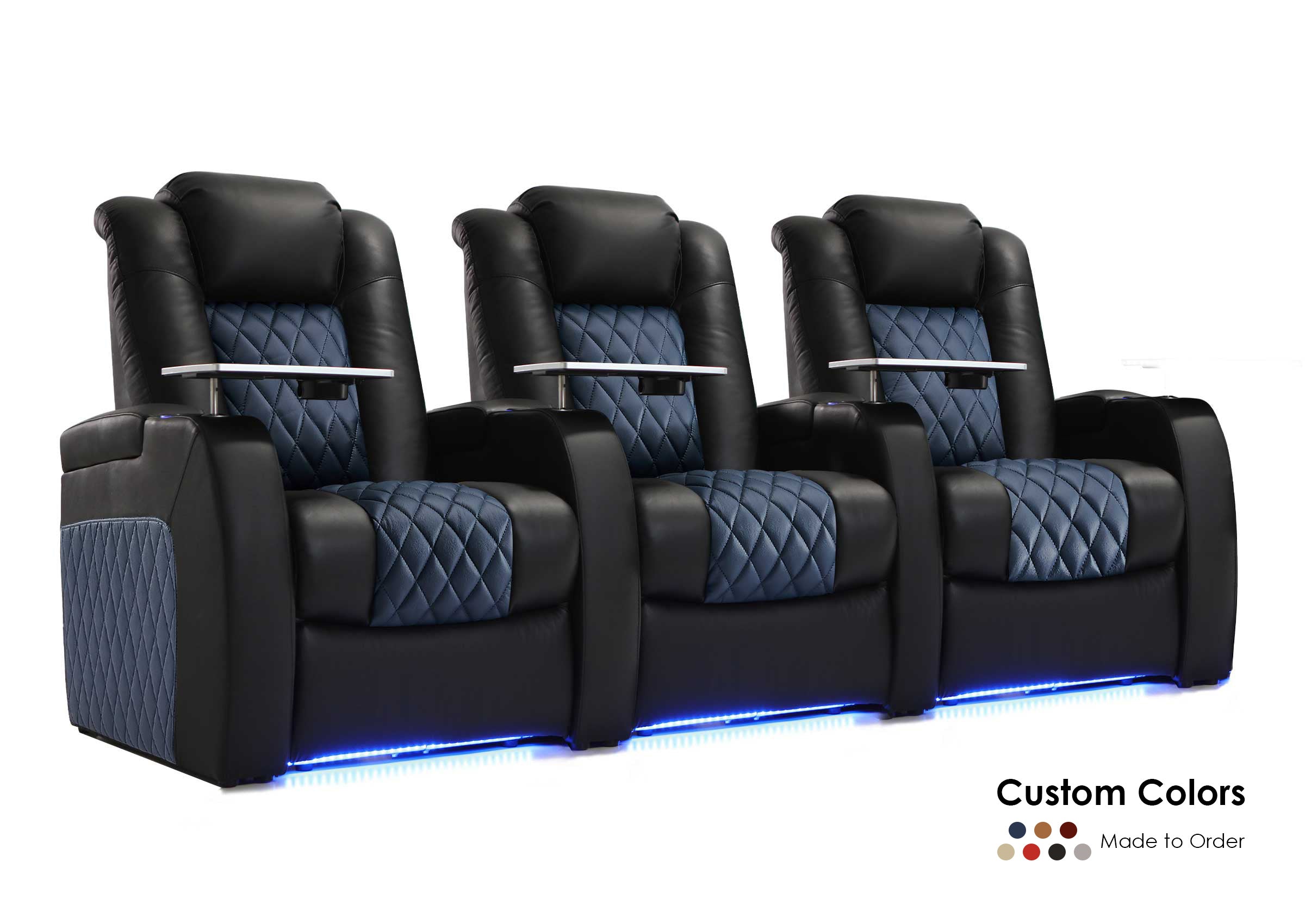

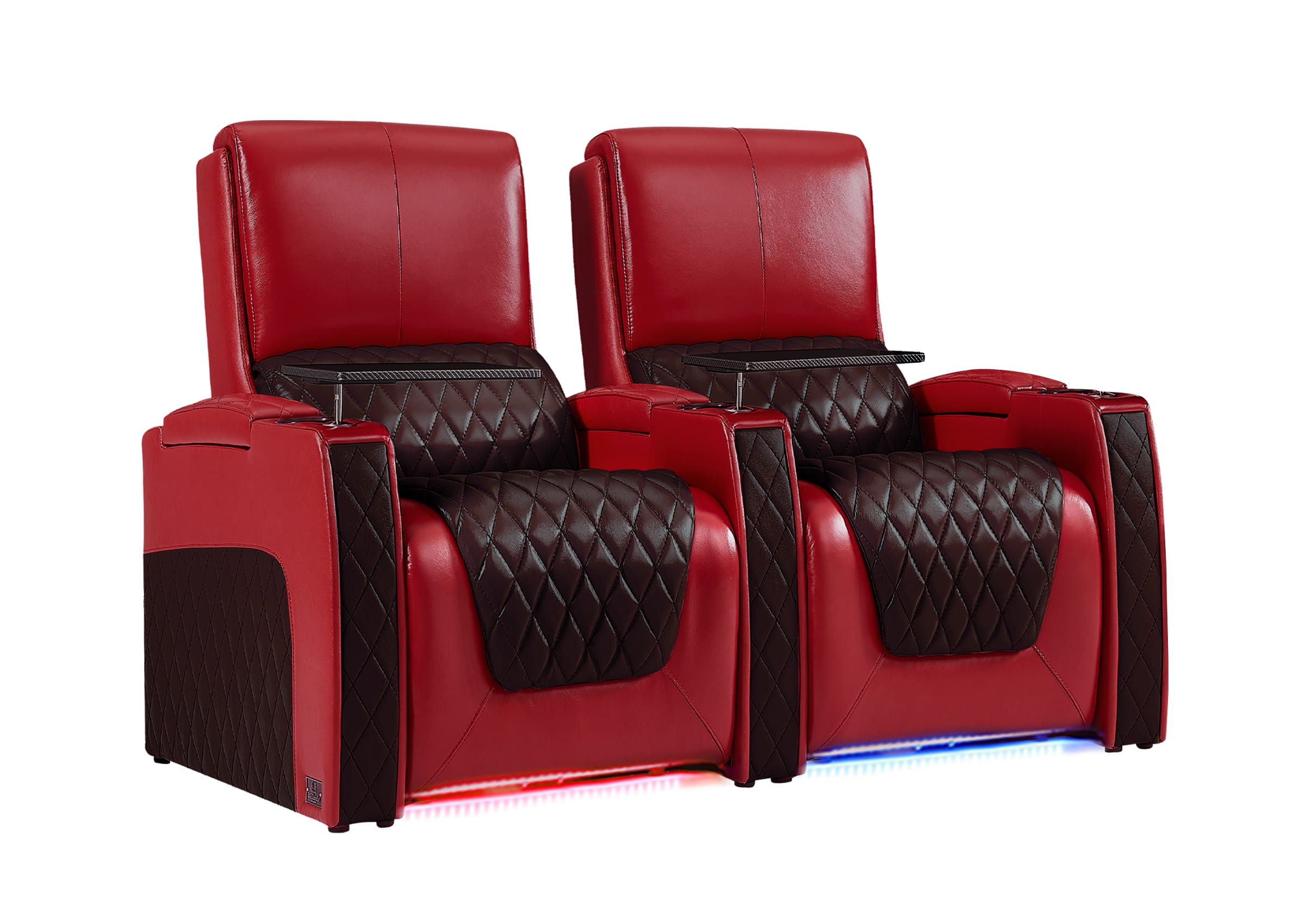
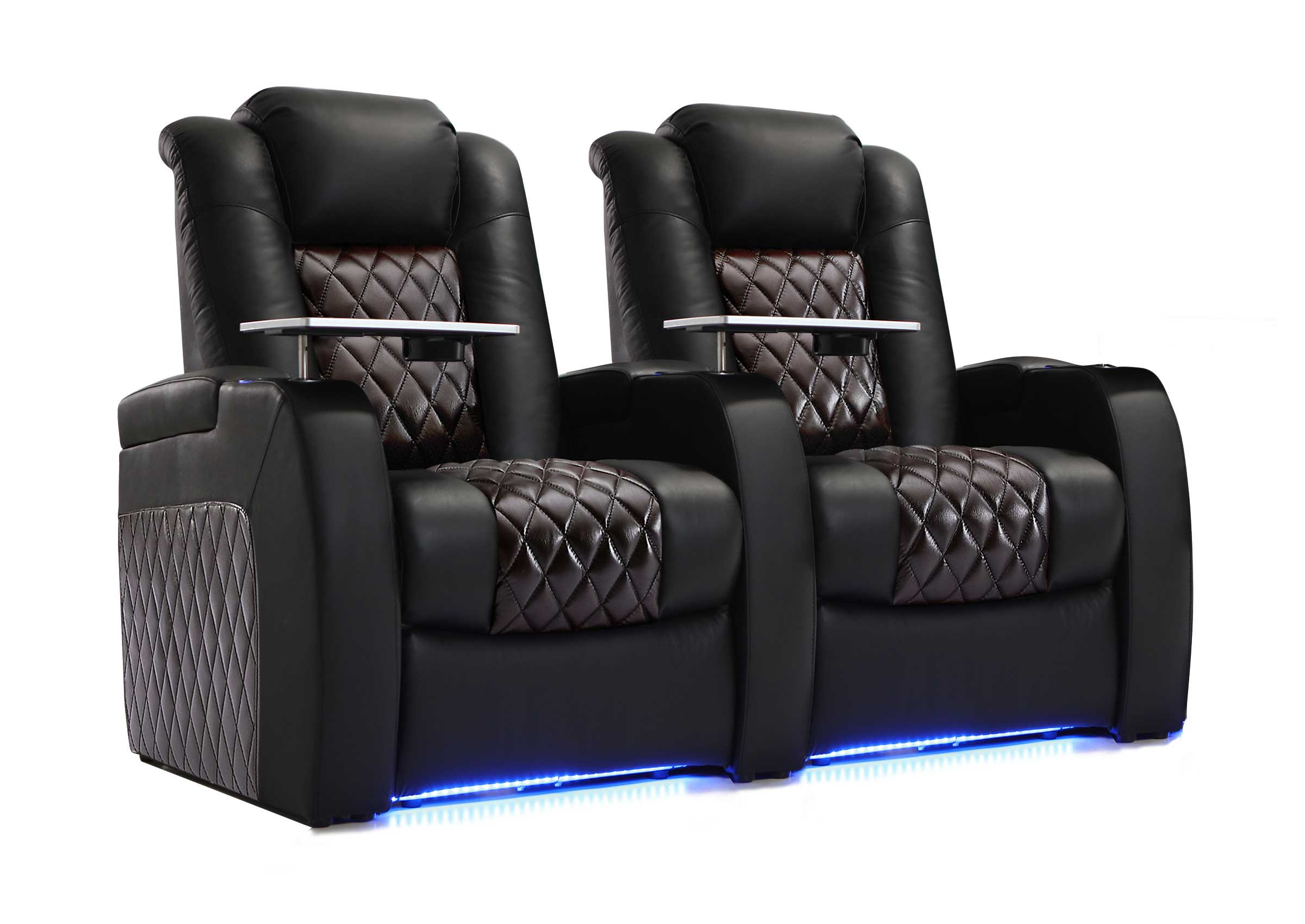
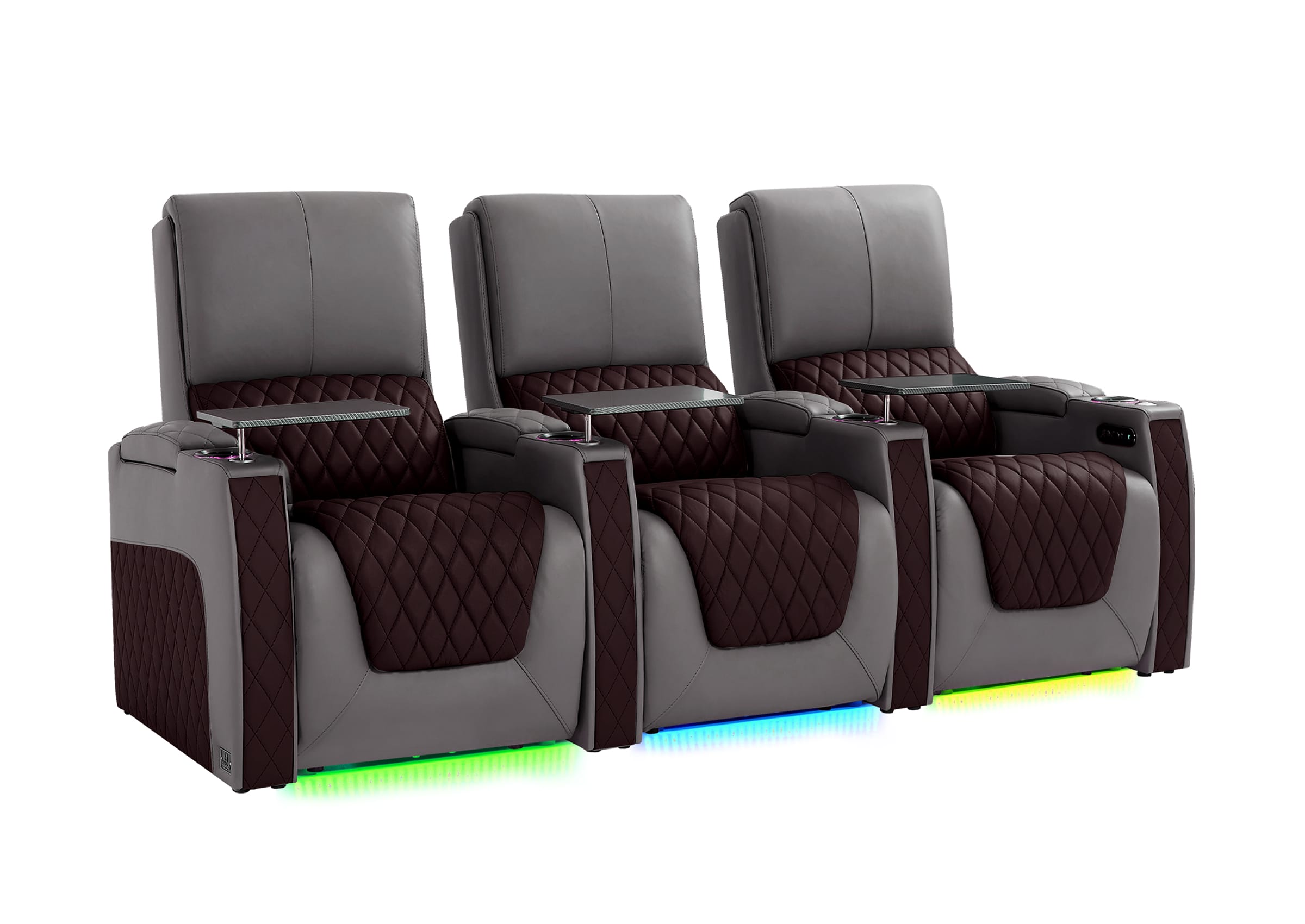
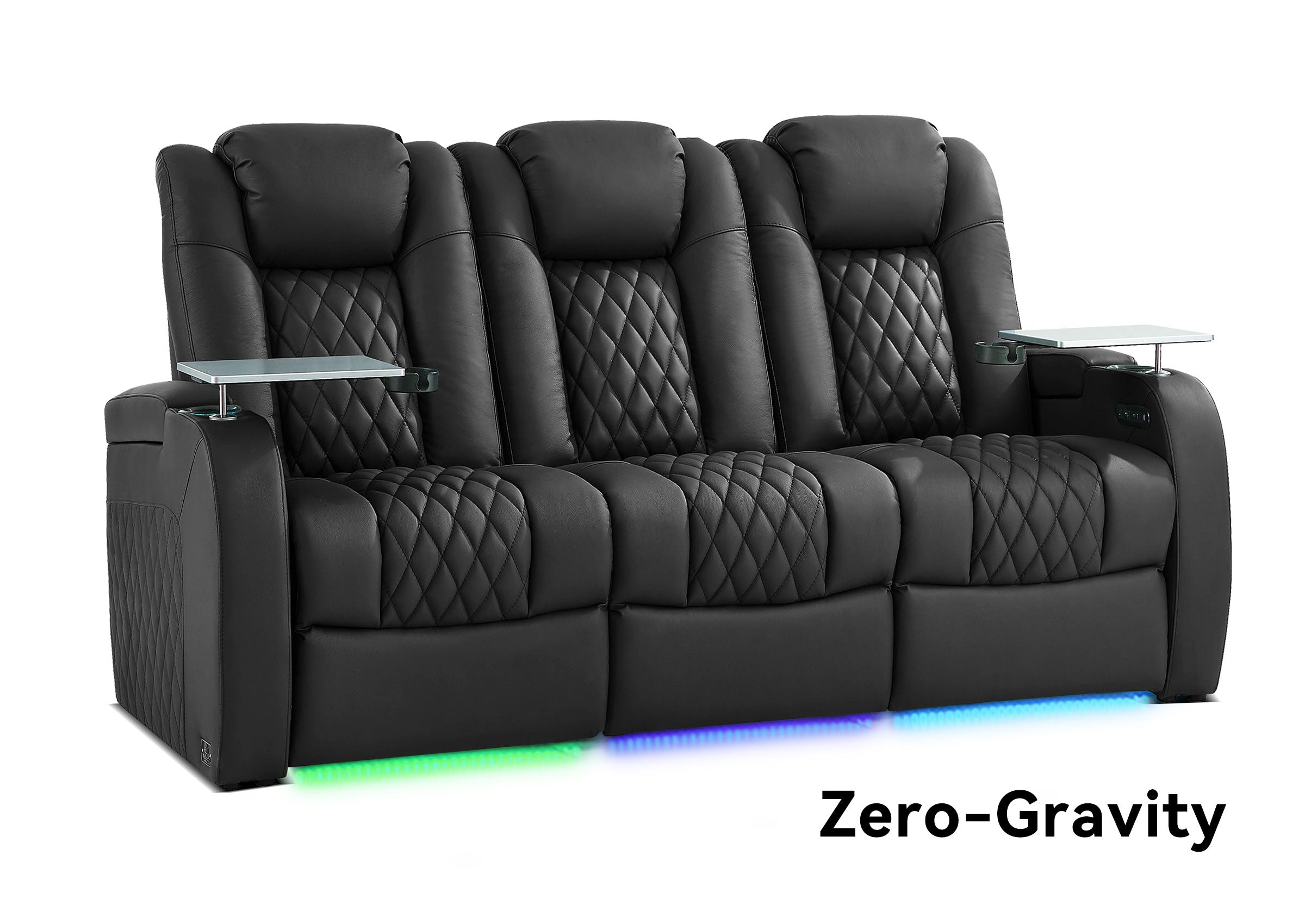


Built-in seating storage can solve one of the most practical problems in a media room: keeping the items people use during movies, gaming, sports, and everyday lounging close at hand without covering tables, floors, or seat cushions.
This page focuses specifically on using seating storage for remotes, controllers, blankets, charging accessories, and other small media-room essentials. If you are still working out the broader room layout—screen position, seating placement, traffic flow, power, storage zones, and lighting—start with our complete guide to how to organize a media room.
Once the overall layout works, built-in storage can make the room easier to use and much easier to reset after a movie night.
Why Does Clutter Build Up Around Media Room Seating?
Media-room clutter is different from ordinary household clutter because many of the items causing the mess are things people actually use every day.
Common examples include:
- TV and streaming remotes
- Game controllers
- Headphones
- Charging cables
- Small device accessories
- Blankets
- 3D glasses or other viewing accessories
- Snacks and drink-related items
The problem is usually not that the room lacks storage somewhere. It is that the storage is too far from where these items are used.
If the remote belongs in a cabinet across the room or the controller charger is behind another piece of furniture, people naturally leave those items on the coffee table, armrest, or sofa instead.
The most useful media room storage reduces the distance between using an item and putting it away.

When Does Built-In Seating Storage Make Sense?
Built-in seating storage is especially useful when you want more organization without adding another cabinet, side table, or storage ottoman to the room.
It tends to work best when:
- The room has limited floor space.
- Remotes and controllers are used from the same seats every day.
- You want frequently used accessories within arm's reach.
- A coffee table would interfere with reclining footrests or walkways.
- The room needs to return to a tidy everyday state quickly.
- You prefer to keep small electronics and accessories out of sight when they are not being used.
However, built-in storage should support a good room layout rather than compensate for a bad one. A large storage console is not useful if it makes the seating too wide for the room or interferes with circulation.
Choose the seating footprint first, then decide how much integrated storage the room can comfortably support.
What Should You Store in a Seating Console or Armrest?
The best items for seating storage are things that are small, frequently used, and normally handled while someone is sitting down.
| Item | Good Fit for Seating Storage? | Why |
|---|---|---|
| Remote controls | Yes | Used frequently and easy to misplace |
| Game controllers | Usually | Convenient to keep near the gaming position |
| Charging cables | Yes | Small and easy to organize with simple ties |
| Headphones | Sometimes | Works if the compartment has enough space and prevents crushing |
| Blankets | Only in larger compartments | Bulky items need more volume than a standard armrest |
| Food waste | No | Should be removed rather than stored inside furniture |
| Heat-generating electronics | Usually no | Electronics may require ventilation and accessible connections |
This last point matters. Hidden storage should not automatically become hidden equipment storage. Streaming boxes, consoles, receivers, routers, and other electronics may need airflow and service access.
How Can Built-In Storage Help With Remote Controls?
Remotes are ideal candidates for armrest or center-console storage because they are frequently used, small, and easy to lose between cushions.
Create One Consistent Home for Every Remote
Instead of leaving remotes in different places depending on who last used them, choose one compartment as the permanent control zone.
That gives everyone in the household a simple rule:
When the screen is off, the remotes go back into the same storage compartment.
If you have several similar remotes, a small removable organizer or divider can make it easier to distinguish them without turning the compartment into another junk drawer.

How Should You Store Game Controllers and Accessories?
Gaming creates a different storage problem because controllers often come with charging cables, headsets, adapters, batteries, and other small accessories.
A useful approach is to separate them into two groups:
- Session items: controllers, headset, and charging cable used regularly.
- Backup items: spare cables, batteries, adapters, and less frequently used accessories.
Keep session items close to the main gaming seats. Backup accessories can go in a deeper console, cabinet, or another less accessible storage area.
This prevents the most convenient storage compartment from filling up with items that are rarely used.
Can Seating Storage Work for Blankets and Pillows?
Yes, but the compartment has to match the size of the item.
Small armrest compartments are better for remotes and accessories. Larger center consoles, ottomans, or compatible seating-storage modules are more practical for folded blankets.

Before assuming a blanket will fit, consider:
- How large the blanket is when folded
- Whether the lid can close without compressing it excessively
- Whether other frequently used items still need space
- Whether the compartment is easy to clean
A large compartment can quickly become overloaded if blankets, remotes, controllers, cables, snacks, and miscellaneous items all compete for the same space.
Give each storage area one primary job whenever possible.
How Should You Manage Charging Cables Near the Seating?
Charging access is useful in a media room, but poor cable management can create exactly the clutter you are trying to remove.
Start by keeping only the cables that are regularly used at the seats. Bundle excess cable length with reusable ties and remove obsolete chargers instead of storing them indefinitely.
If your seating includes built-in power or charging features, confirm how the specific model is designed to be used. Avoid placing loose power strips, chargers, or heat-generating equipment inside enclosed furniture compartments unless the furniture and electrical setup are specifically designed for that use.

For cables that run between powered seating, walls, displays, or equipment, keep them away from normal walking paths and moving recliner mechanisms.
Should You Choose Built-In Storage or Separate Storage Furniture?
Built-in seating storage is convenient, but it is not automatically the best solution for every item.
| Storage Type | Best For | Main Advantage | Main Limitation |
|---|---|---|---|
| Armrest storage | Remotes, cables, small accessories | Within immediate reach | Limited capacity |
| Center console storage | Controllers, accessories, some larger items | More capacity between seats | May increase overall seating width |
| Storage ottoman | Blankets and larger soft items | Large usable volume | Uses additional floor space |
| Media cabinet | Games, equipment, larger collections | Separates equipment from seating | Requires wall or floor space |
| Wall storage | Collections and less frequently used items | Keeps the seating area open | Not within immediate reach |
For most rooms, the best solution is a combination rather than forcing every item into the seating.
Keep frequently used controls and small accessories close to the seats. Store larger collections and less frequently used items elsewhere.
What Should You Check Before Choosing Seating With Storage?
Storage capacity is only one part of the decision. The seating still has to work as seating.
Before choosing a configuration, check:
- Overall width: Does adding a storage console reduce the available walkway or make the row too wide?
- Reclined footprint: Can the seats fully recline without creating a circulation problem?
- Storage access: Can the compartment open comfortably when neighboring seats are occupied?
- What you actually plan to store: Do not assume an armrest will hold a blanket or large gaming headset without checking the compartment.
- Power and cable routing: Make sure powered seating does not introduce cords into the main walking path.
- Compatibility: Confirm that the storage console or accessory is supported by the specific seating configuration you are considering.
If you are considering an add-on console, review the center storage console for home theater seating and confirm compatibility with the seating model and configuration before ordering.
Use the Reach Test Before Adding More Storage
One of the easiest ways to decide where an item belongs is to sit in the room and think about when you actually use it.
Ask:
- Do I normally need this while seated?
- How often do I use it during a movie or gaming session?
- Would I realistically put it back if storage were across the room?
- Does storing it beside the seat create any safety, ventilation, or space problem?
If an item is used frequently while seated and can be stored safely nearby, integrated storage makes sense.
If it is rarely used, bulky, heat-generating, or unrelated to the viewing session, it probably belongs somewhere else.
This prevents built-in storage from becoming another catch-all junk drawer.
How Do You Keep Seating Storage Organized Over Time?
The biggest advantage of built-in storage is convenience, but convenience only works if the system stays simple.
Use the Five-Minute Reset
At the end of a normal movie or gaming session, the room should be easy to return to its everyday state.
A simple reset might look like this:
- Remotes return to the control compartment.
- Controllers return to their designated storage area.
- Charging cables are coiled or secured.
- Blankets are folded into larger storage.
- Trash and dishes leave the room.
If this takes only a few minutes, the organization system is probably practical enough to maintain.
Do Not Let Every Compartment Become a Junk Drawer
Storage hides clutter, but it can also hide the fact that clutter is building up.
Every few months, check for:
- Old charging cables
- Dead batteries
- Unused adapters
- Broken accessories
- Items that belong somewhere else
The goal is not to maximize how much you can fit inside the furniture. It is to keep the things you actually use easy to find.
Built-In Storage Should Support the Room, Not Define It
Built-in seating storage works best as one part of a larger organization system.
It can keep remotes, controllers, cables, and selected comfort items close to the people using them, but it should not determine the entire room layout or replace appropriate storage for electronics and larger collections.
If your bigger problem is scattered accessories, discs, cables, and general media-room clutter, our guide to decluttering a media room covers those items in more detail.
If the seating itself is taking up too much space or you are still deciding where everything should go, return to the broader media room organization guide before adding more furniture or storage.
Keep What You Use Close—and Everything Else Out of the Way
The most effective seating storage is not the compartment that holds the most. It is the one that gives frequently used items a predictable home without making the seating configuration larger, harder to access, or more complicated than the room requires.
Use armrest and center-console storage for the items you repeatedly reach for while seated. Give bulky or less frequently used items another home. Keep electronics ventilated, keep cords away from moving furniture and walkways, and make sure the storage solution fits the way the room is actually used.
When storage follows those habits, resetting the room becomes easier—and the media room stays ready for the next movie, game, or everyday evening without constant reorganizing.
