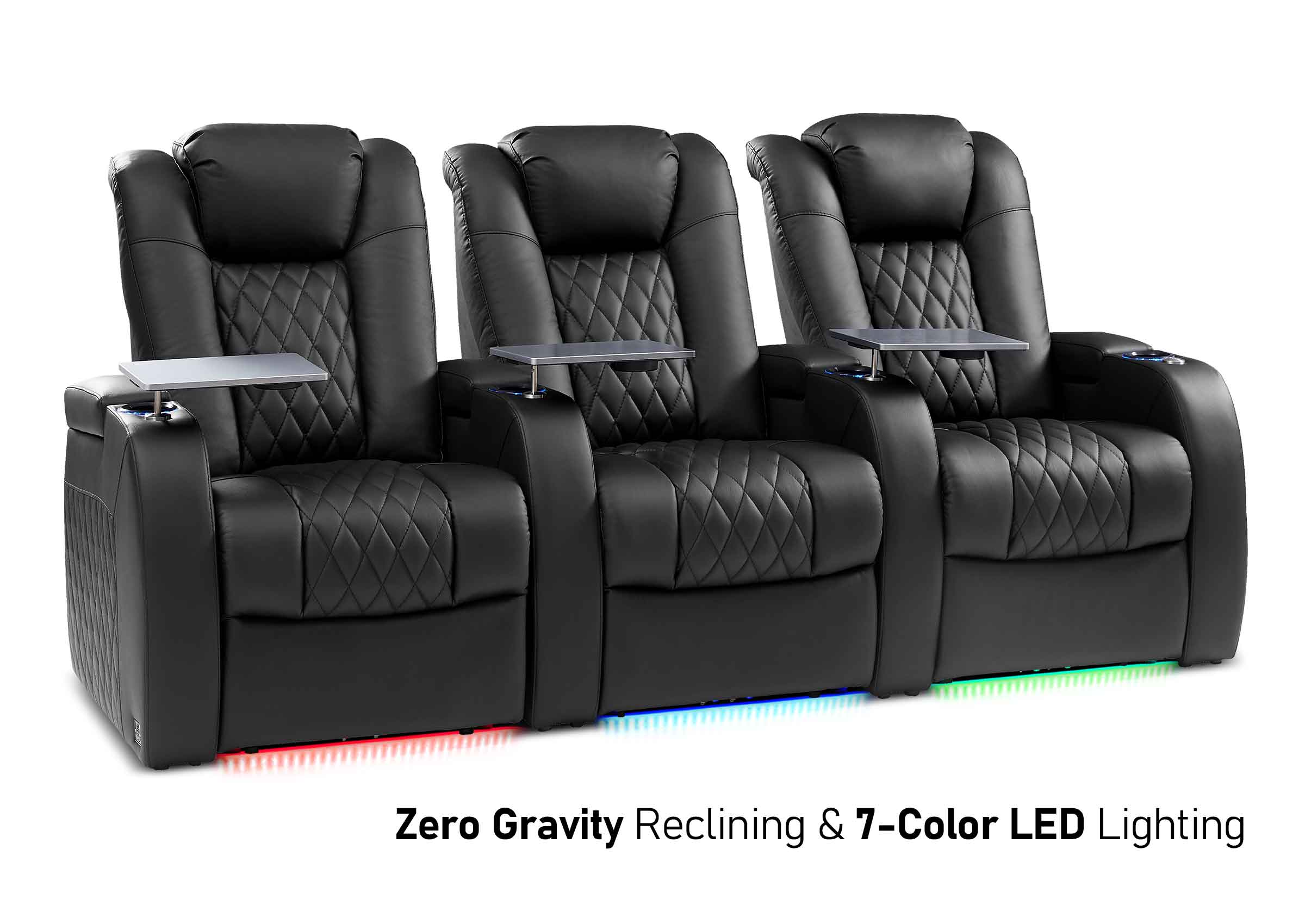
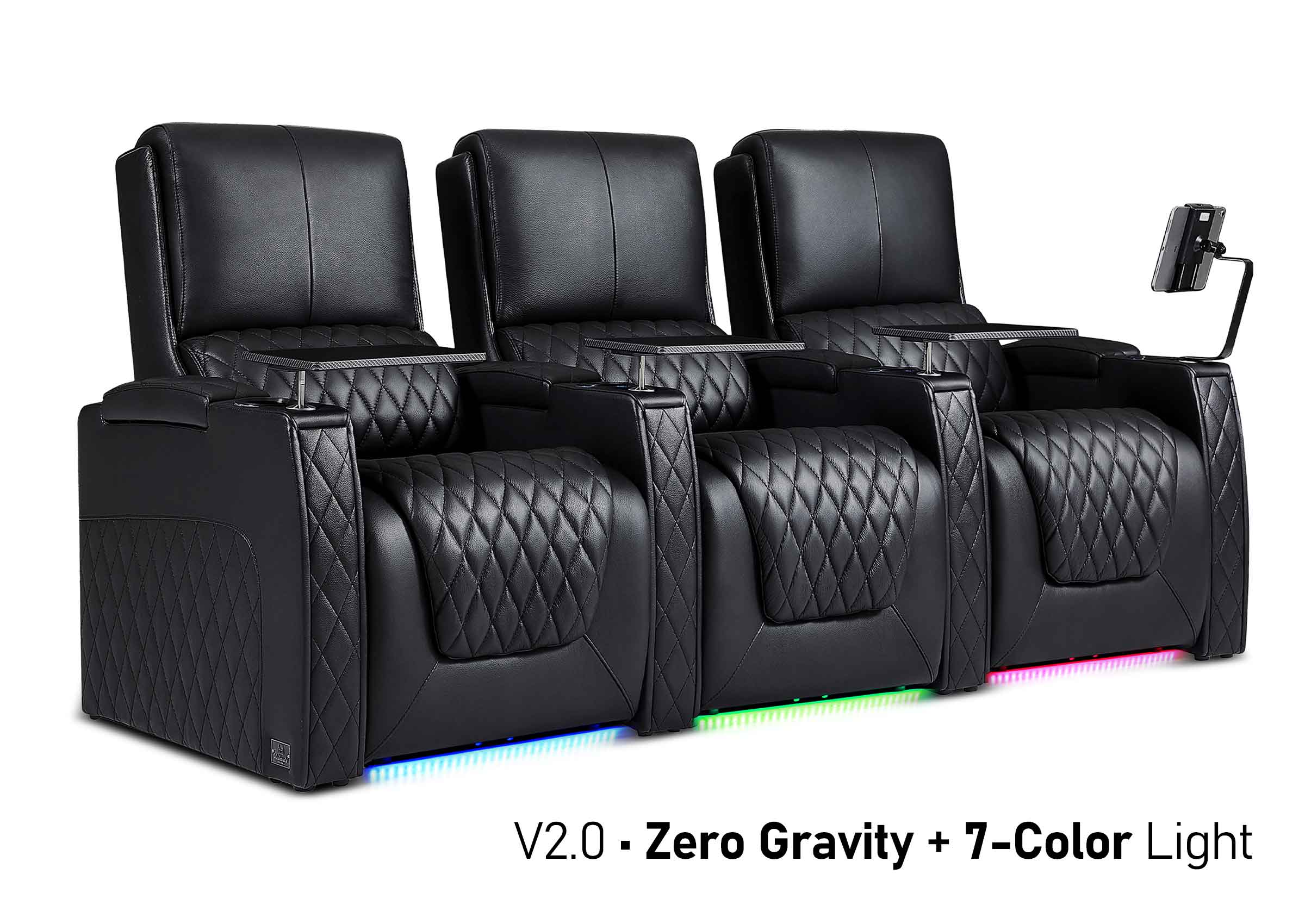
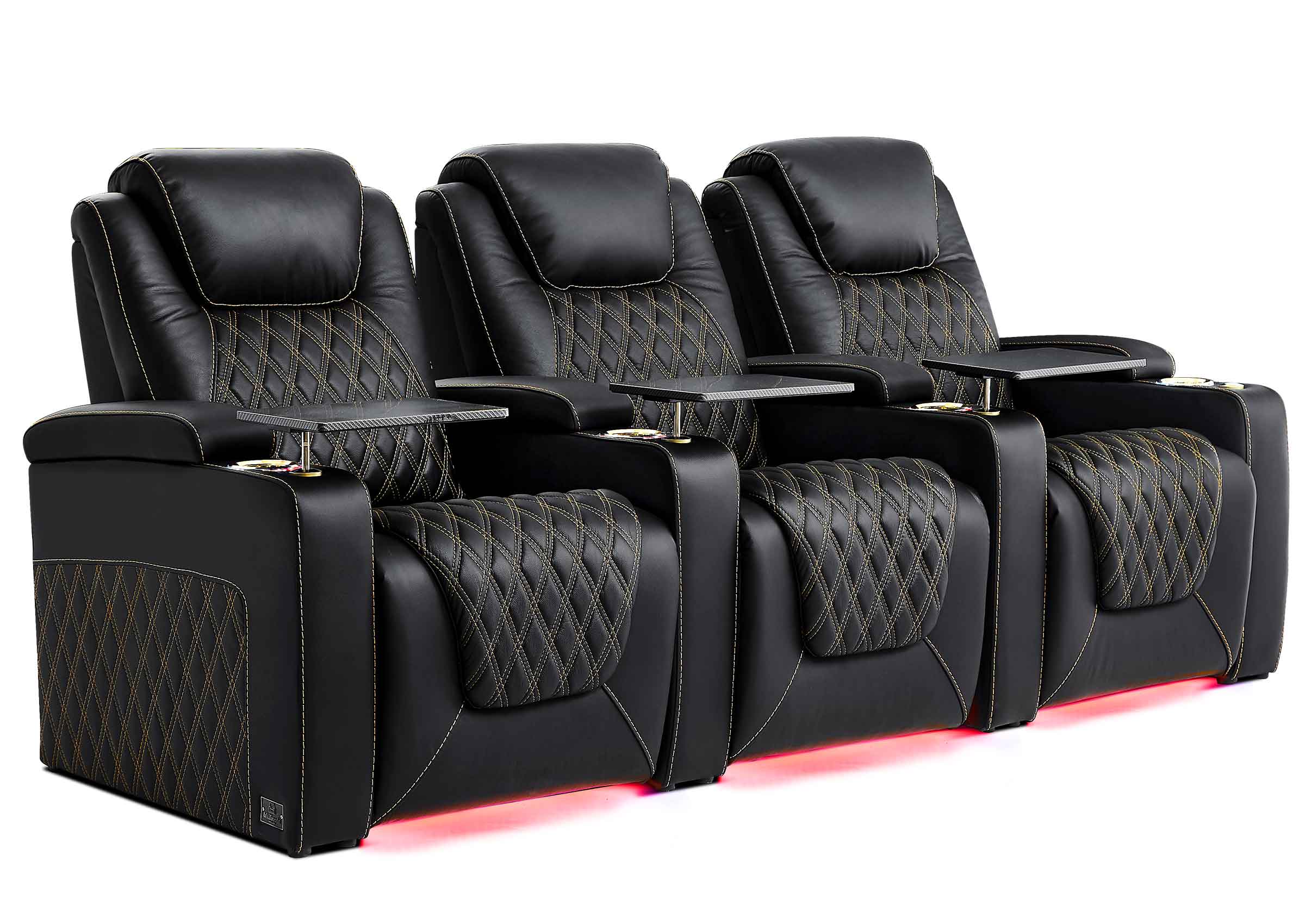
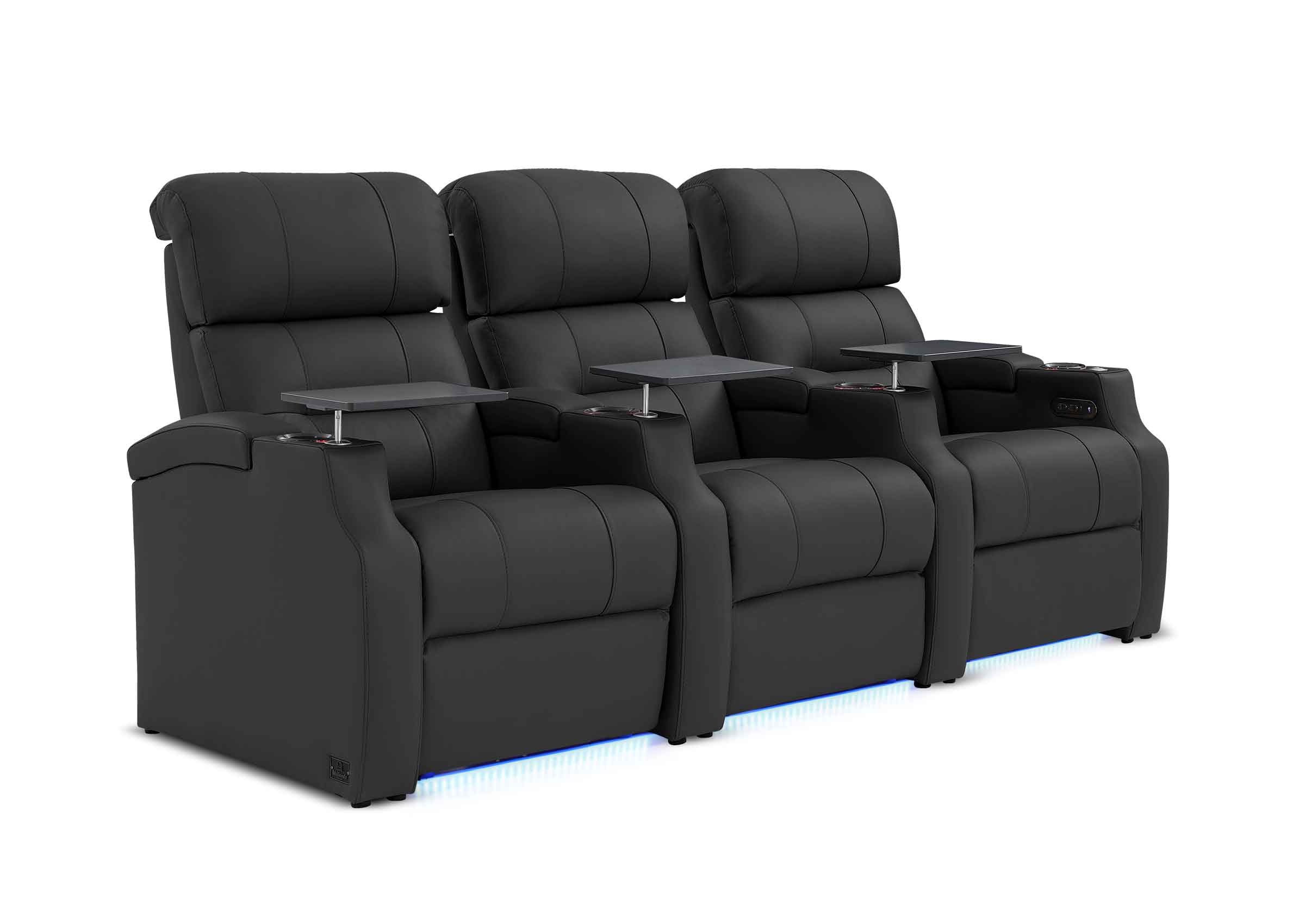
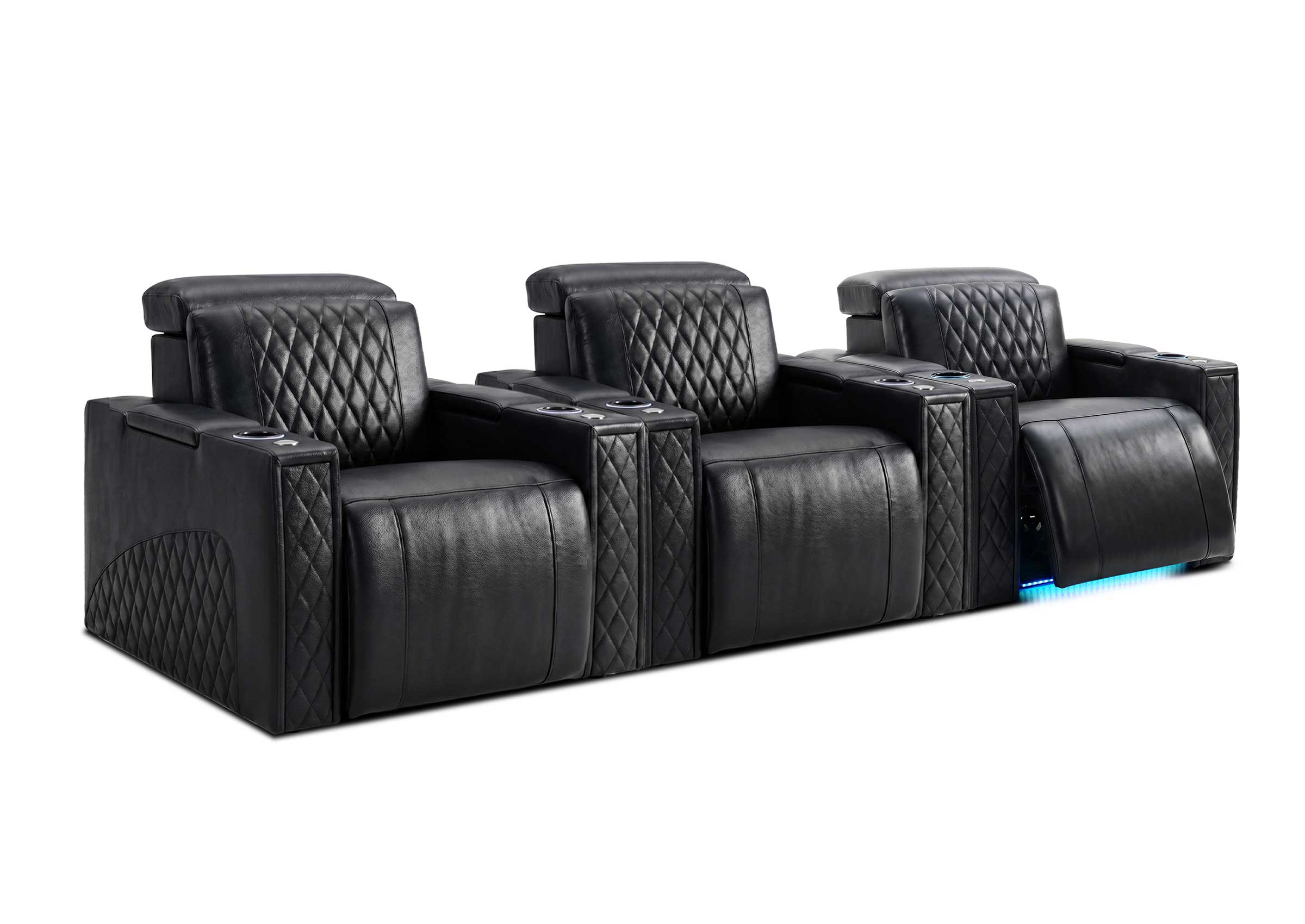

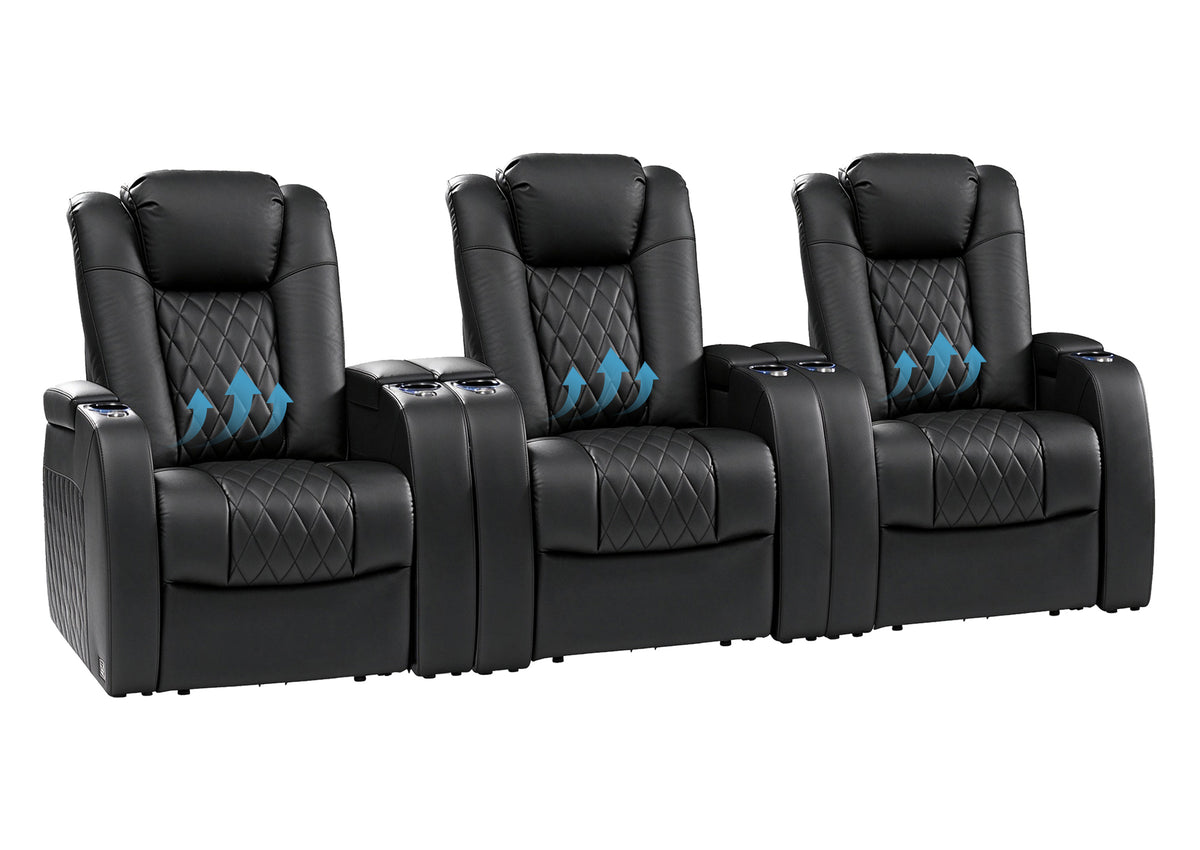
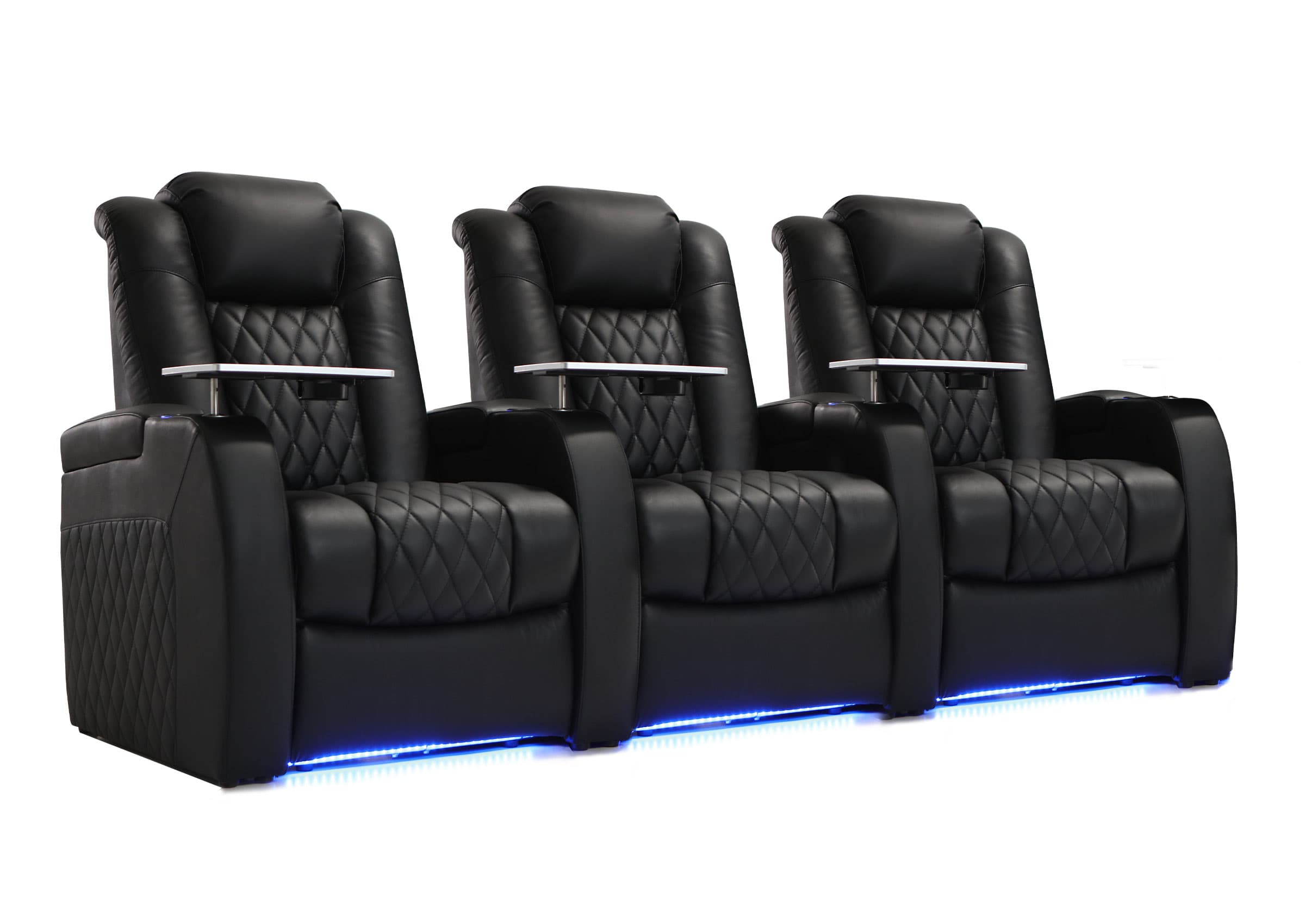
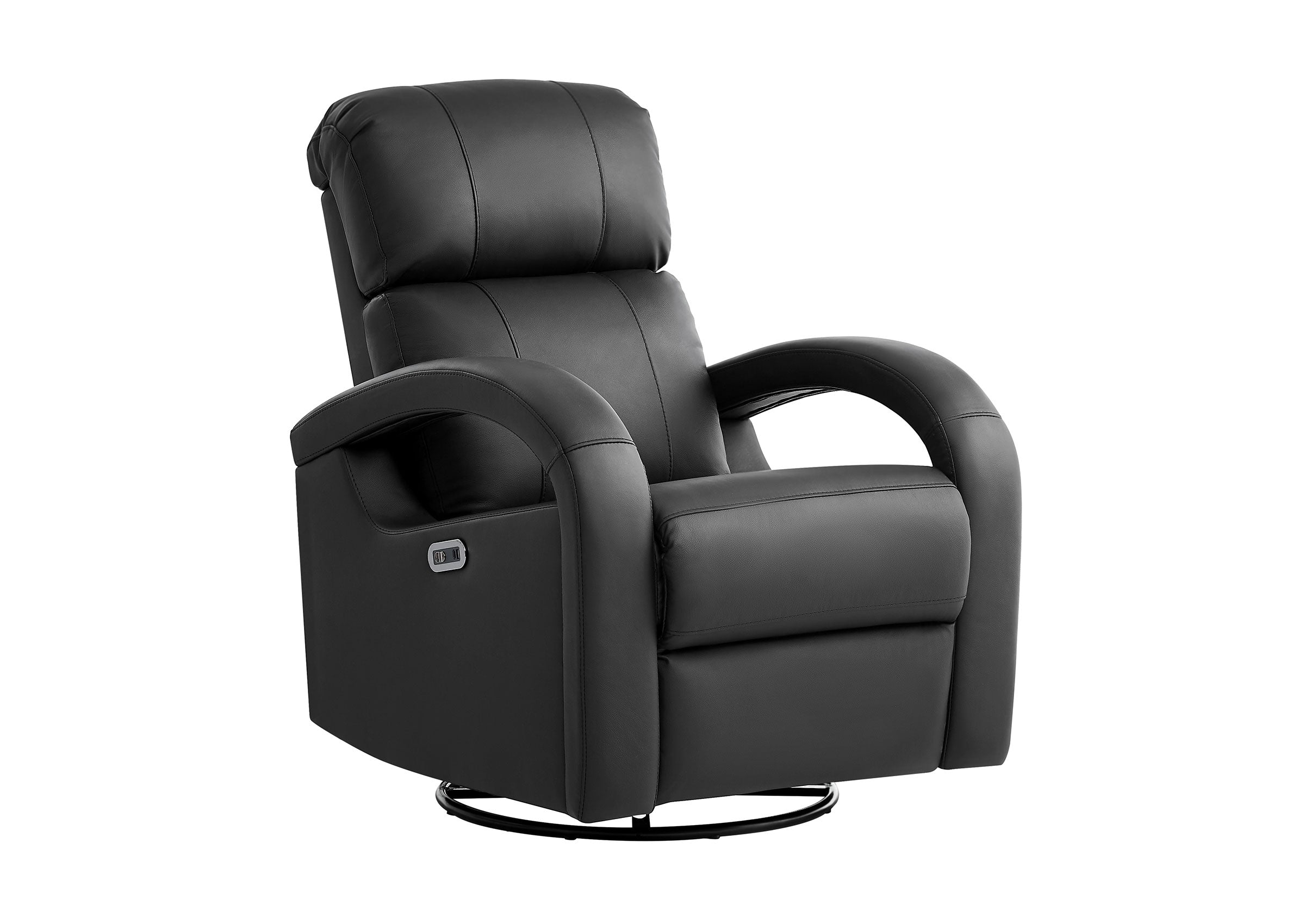





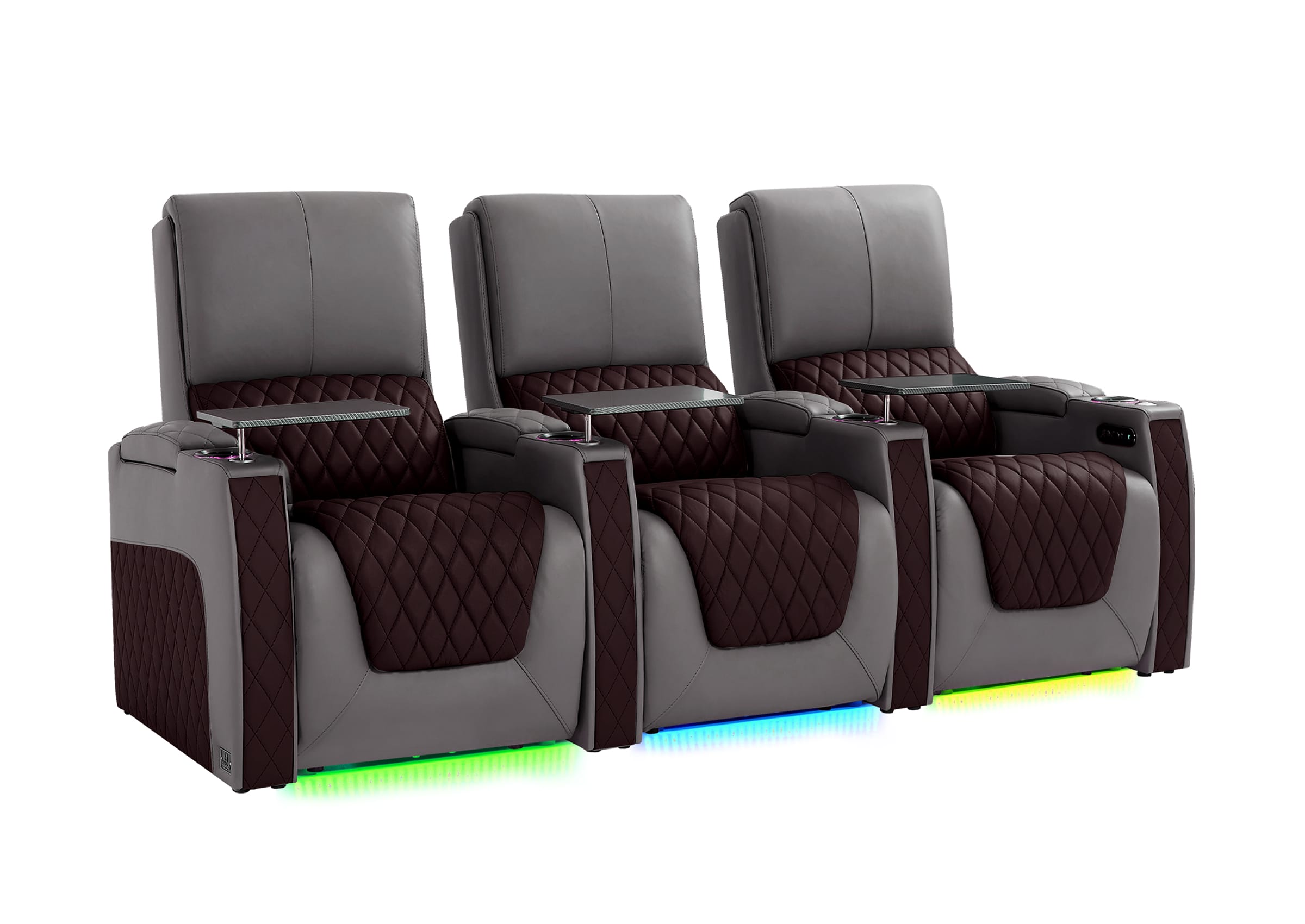
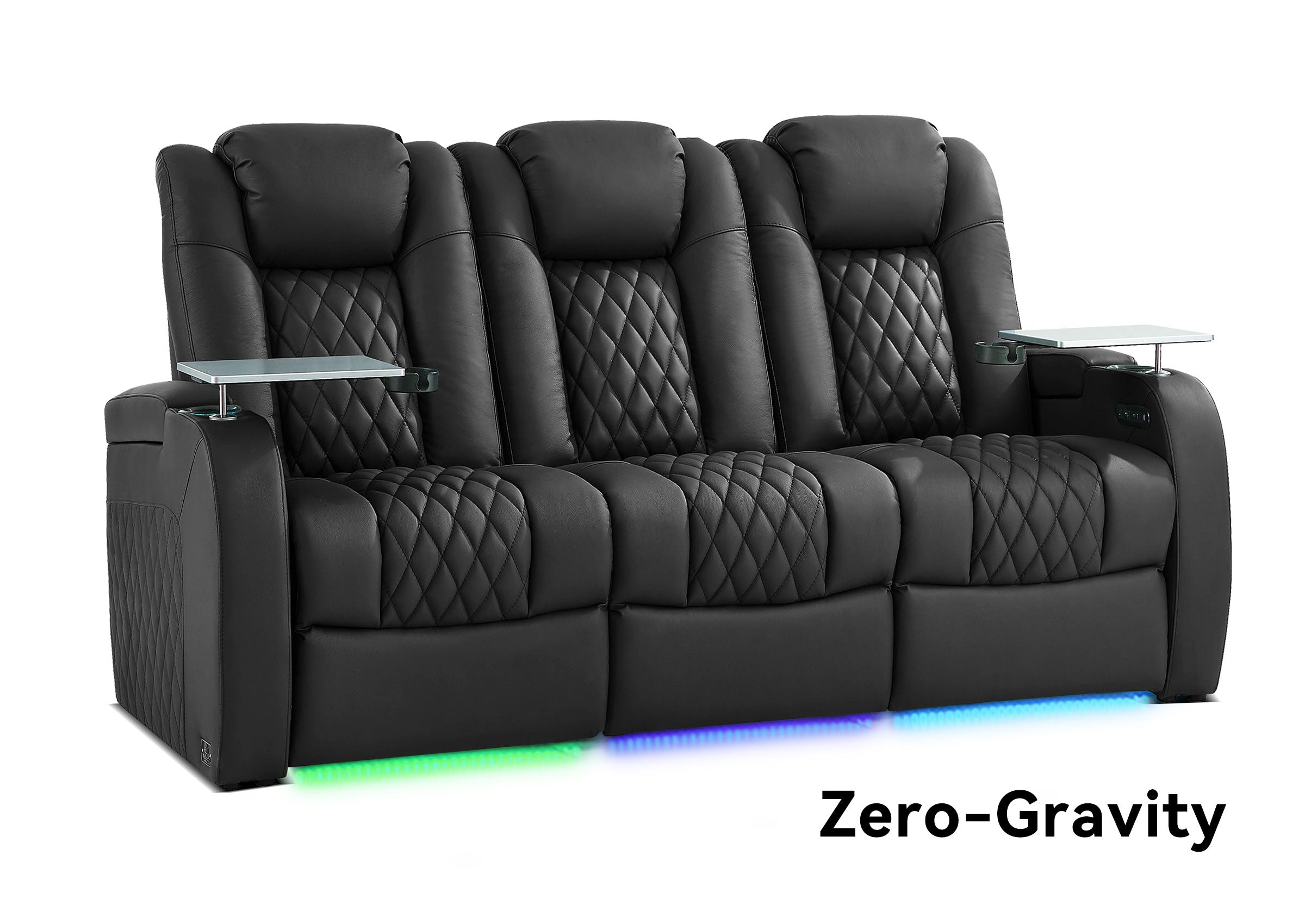


If you are wondering how to organize a media room without making it feel crowded or difficult to use, start with the decisions that control everything else: what the room is mainly for, where the screen goes, where people sit, how they move through the space, and where everyday devices and accessories belong.
A well-organized media room is not simply a room with less clutter. It should make movies, gaming, sports, streaming, family time, and everyday relaxation easier without forcing people to move furniture, search for remotes, step over cables, or squeeze around reclining seats.
The most useful planning order is: purpose → screen → seating → traffic flow → power → storage → lighting.
If you are still deciding what qualifies as this type of space, start with our guide to what a media room is. This guide focuses on what comes next: organizing the room so it works in real life.
How Should You Organize a Media Room for Real Daily Use?
Before moving furniture or buying anything new, think about what happens in the room during a normal week.
A media room may support:
- Family movie nights
- Sports watching
- Gaming
- Streaming shows
- Kids’ entertainment
- Casual lounging
- Guests
- Music
- Multiple everyday entertainment activities
The mistake is treating every possible use as equally important.
A movie-focused media room may prioritize comfortable screen-facing seats and better light control. A family media room may need more flexible seating and accessible storage. A gaming-heavy room may place more importance on charging, device access, and open floor space.
Choose one primary use first. Let secondary activities influence the room without controlling every decision.
Use the Normal-Week Test
Instead of planning around the largest gathering you might host once a year, ask:
- Who uses the room most often?
- How many people normally watch together?
- Are movies, sports, gaming, or casual streaming the main activity?
- Is the room used during the day?
- Do people usually sit upright, recline, lie down, or move around?
- What needs to happen when the screen is off?
This gives you a more useful starting point than simply trying to fit the maximum possible number of seats.
What Should You Plan First in a Media Room?
Start with the relationship between the screen and the main seating area.

The screen location influences viewing direction, furniture placement, walking paths, glare, speaker positions, and how much space remains for storage or secondary activities.
A practical organization order is:
- Define the room’s main use.
- Choose the screen wall.
- Establish the main seating position.
- Protect the main walking paths.
- Check the active footprint of reclining or movable furniture.
- Confirm power, charging, and device locations.
- Create storage zones close to where items are used.
- Adjust lighting around real viewing conditions.
This order matters because later decisions depend on earlier ones. Buying a large sofa first can force the screen into a poor location. Adding storage before understanding traffic flow can make an already narrow walkway worse.
A media room should be organized from the viewing experience outward—not from the furniture showroom inward.
How Do You Arrange Seating in a Media Room?
Media-room seating should give the regular users a comfortable view without making the rest of the space difficult to use.
| Seating Layout | Often Works Well For | Main Tradeoff | What to Check |
|---|---|---|---|
| Straight seating row | Focused viewing and narrower rooms | Less conversation-oriented | Screen alignment and aisle space |
| L-shaped seating | Family use and social spaces | Some positions may view from an angle | Which seats are actually used for viewing |
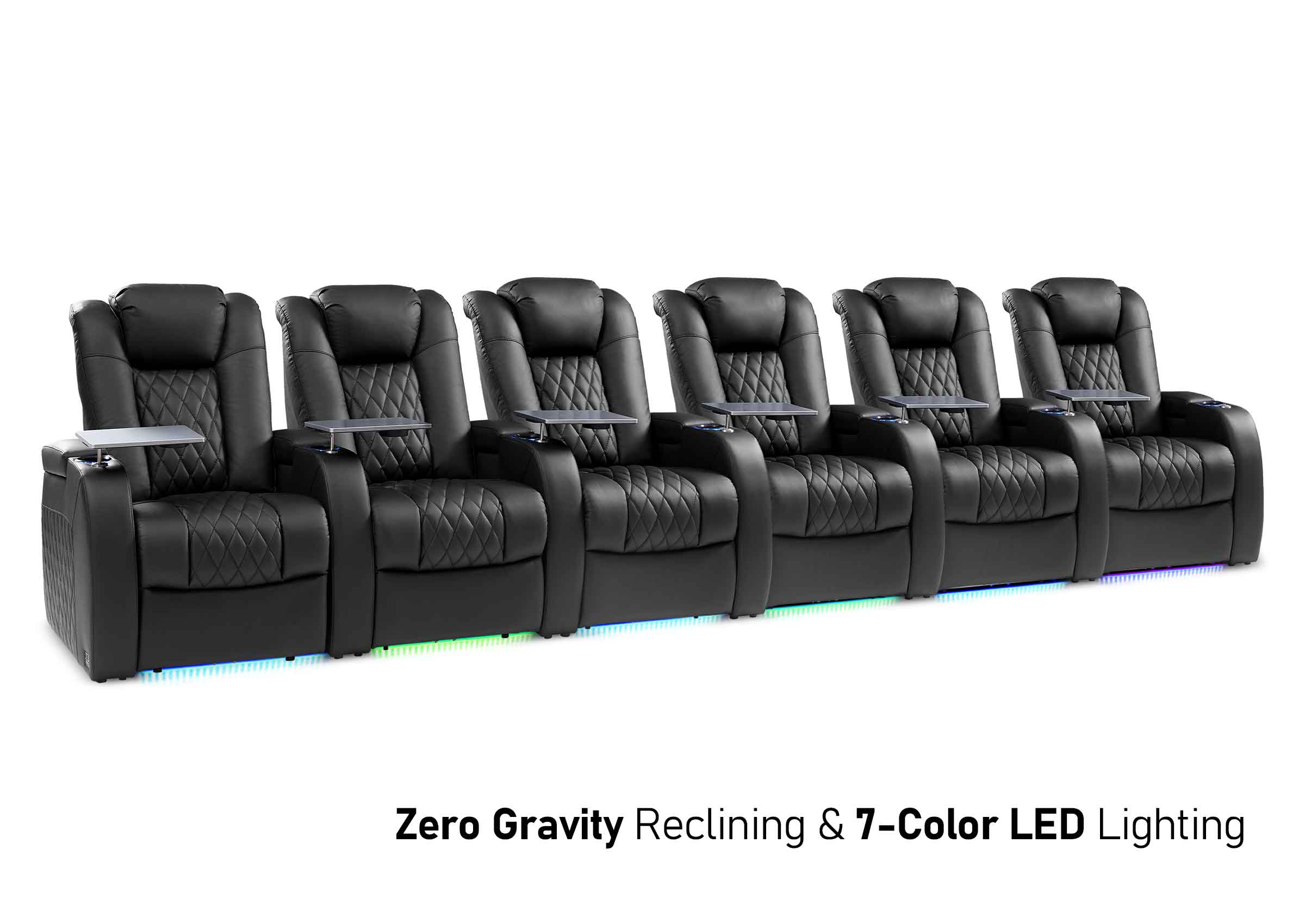
| Sectional | Shared lounging and larger households | Can dominate the room footprint | Chaise position, walkways, and usable viewing seats |
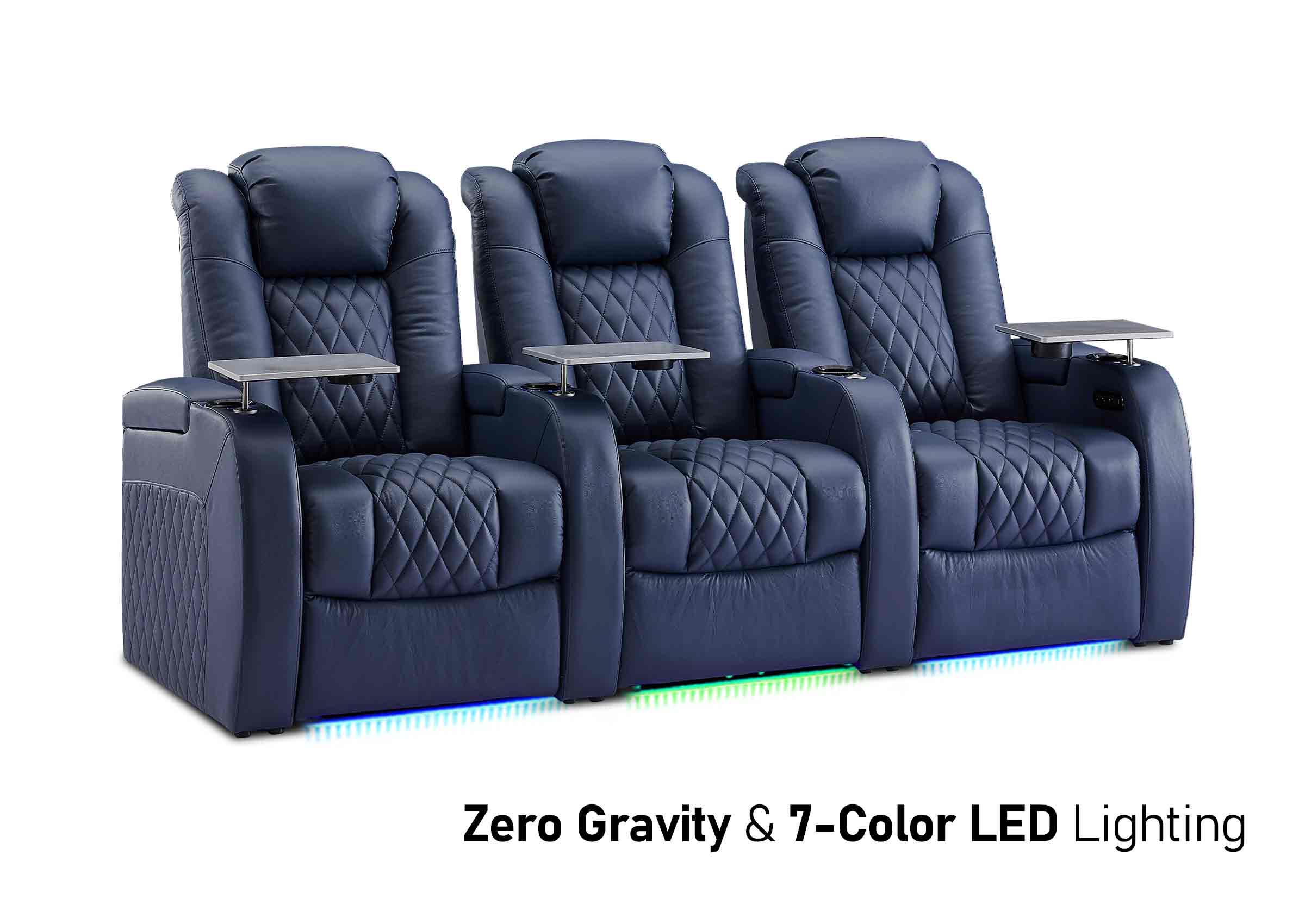
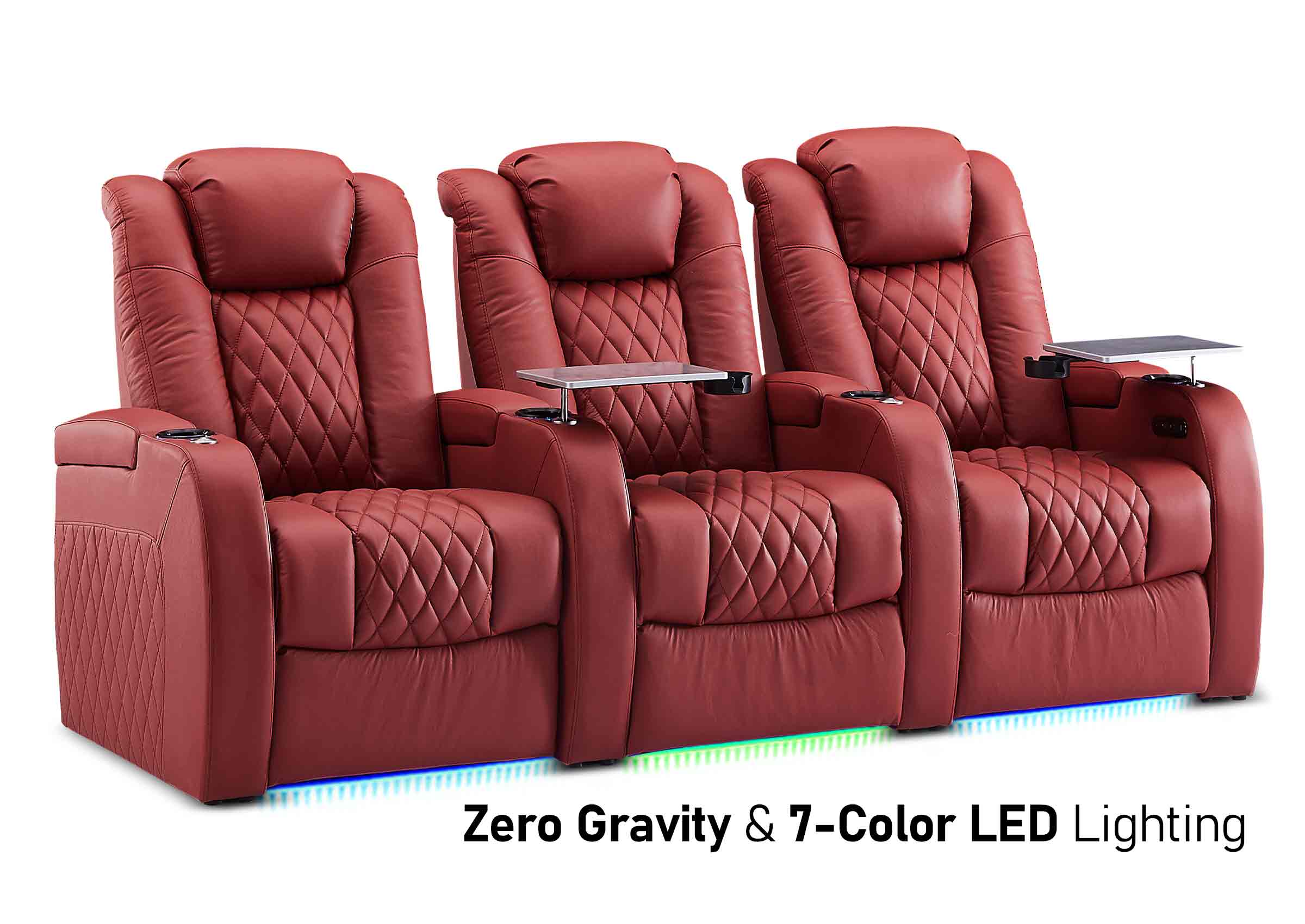
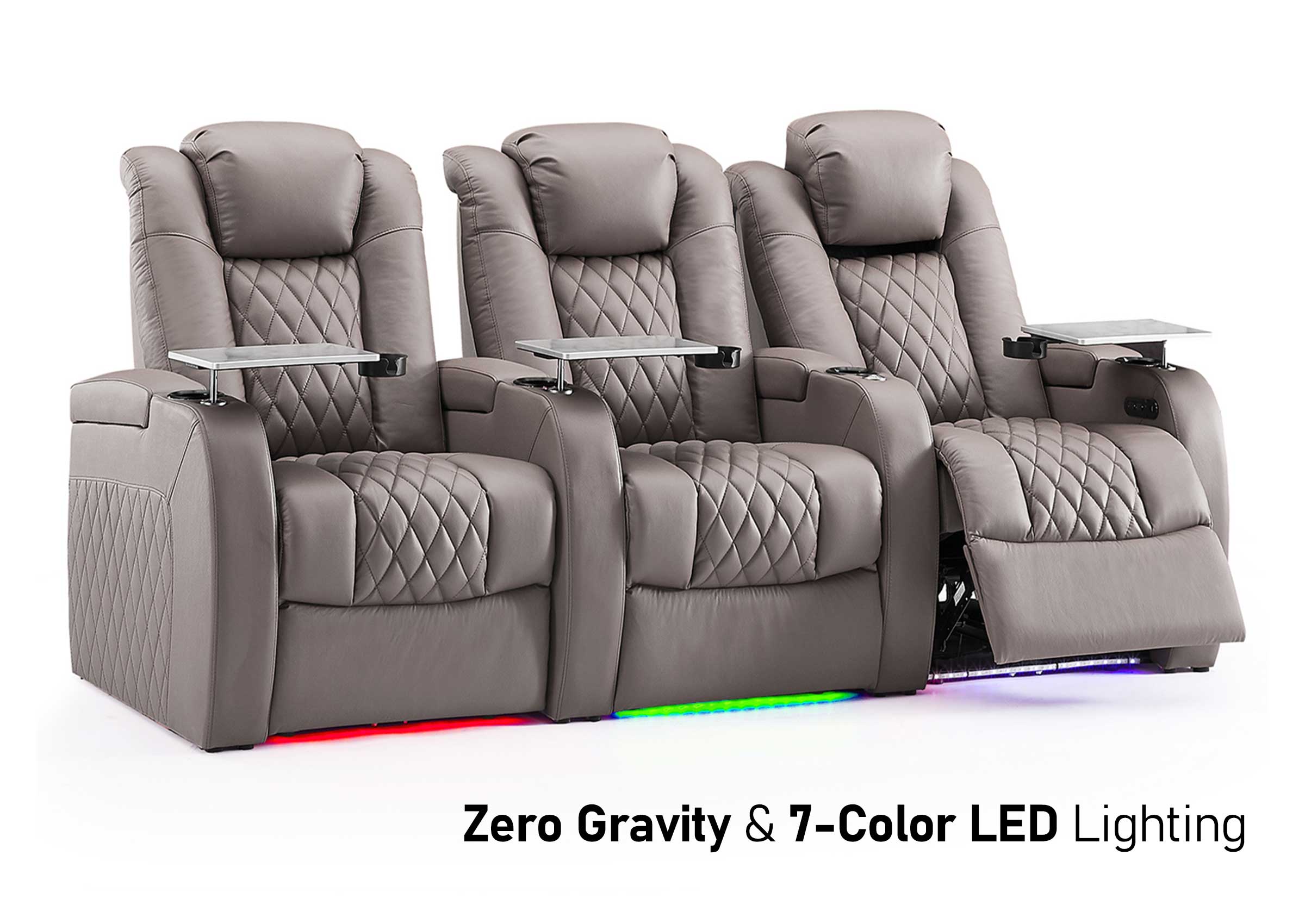
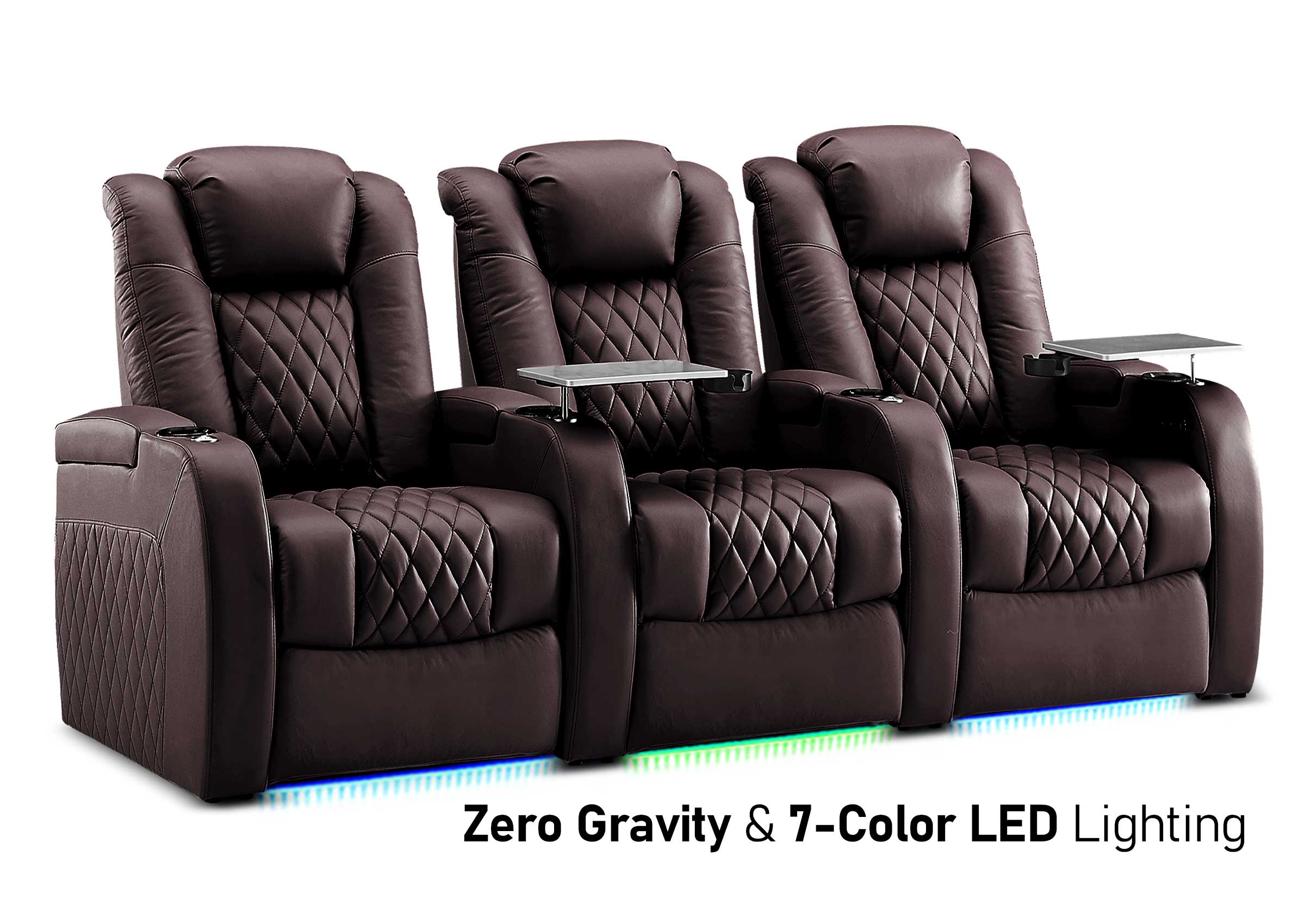
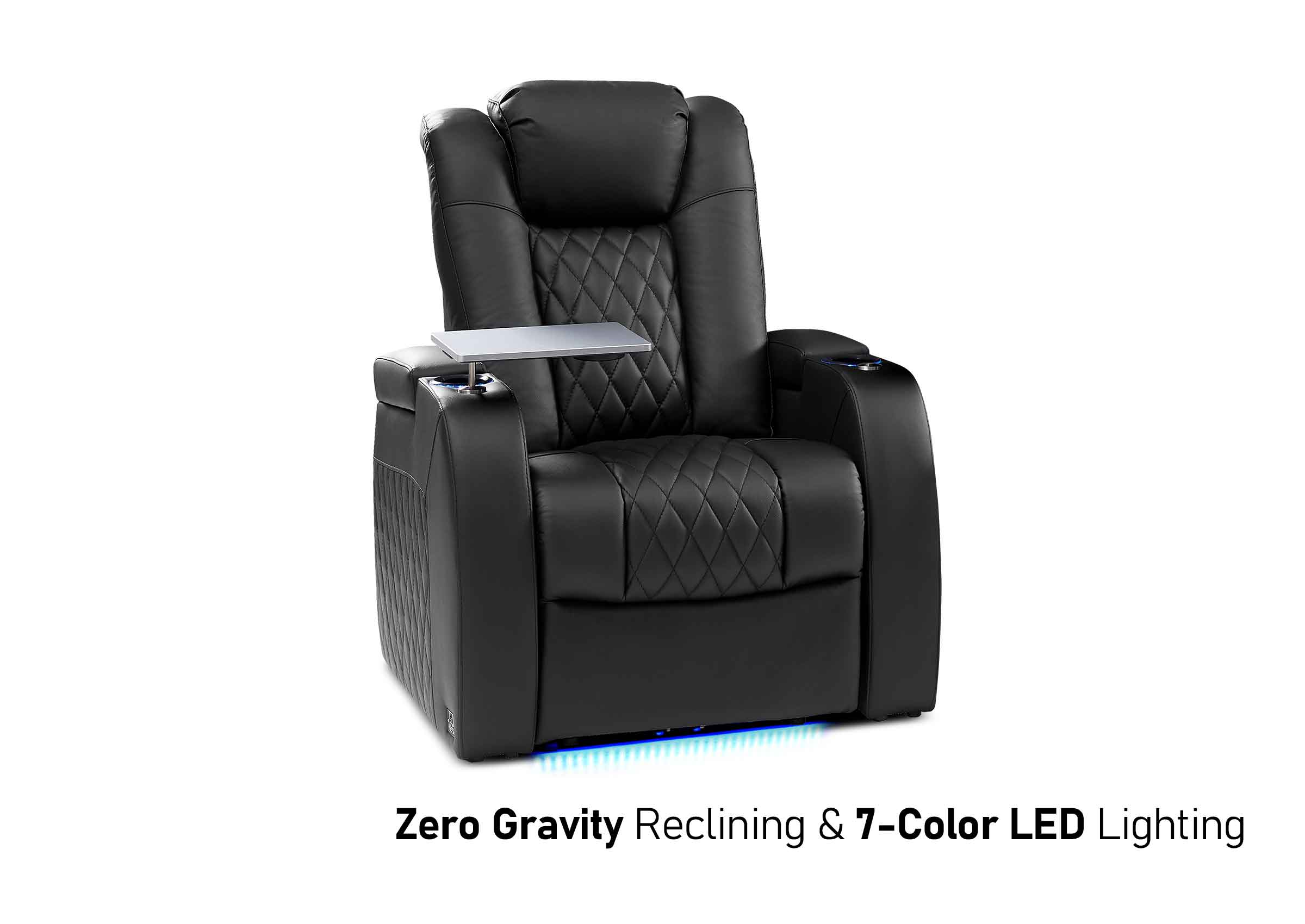
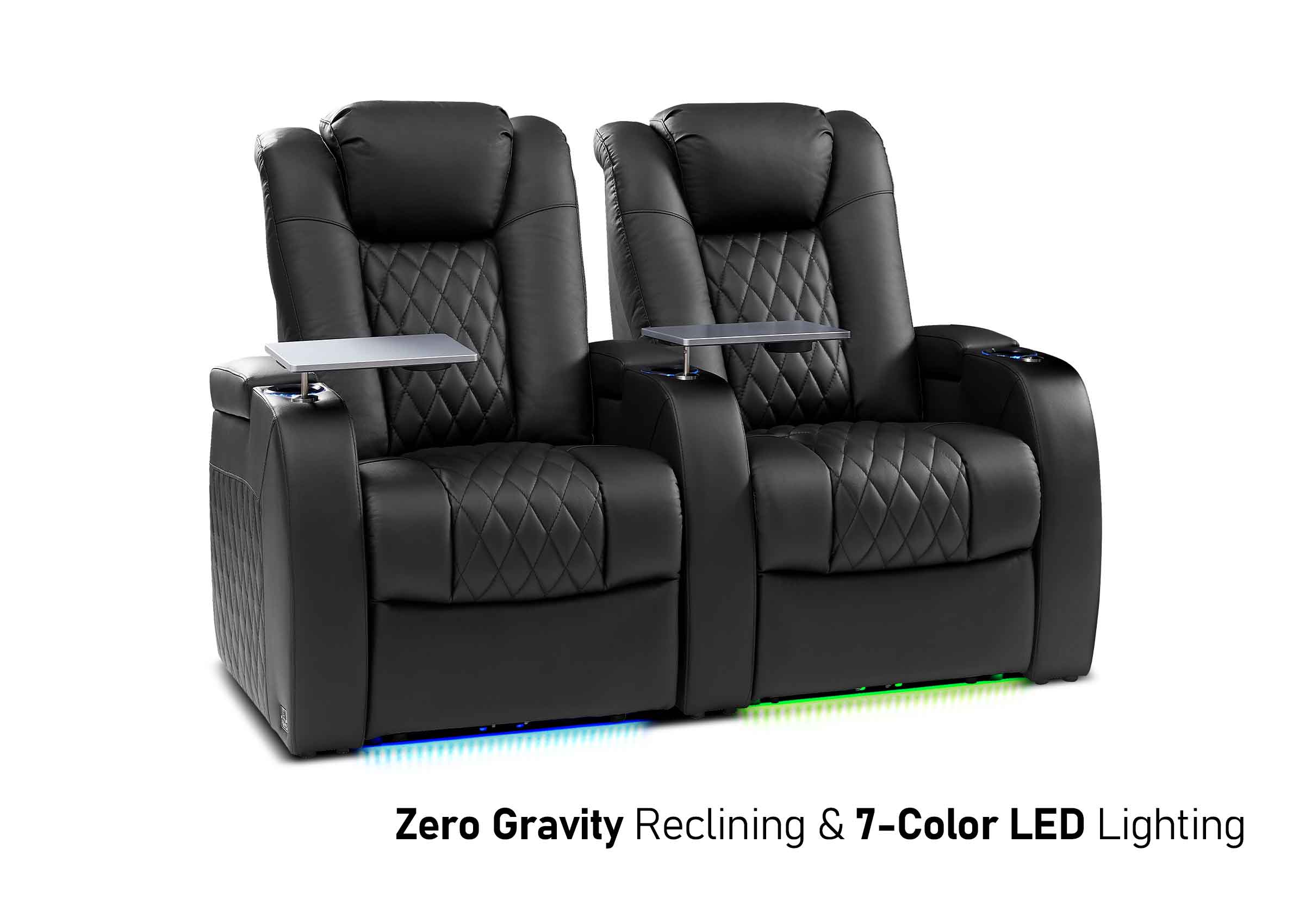
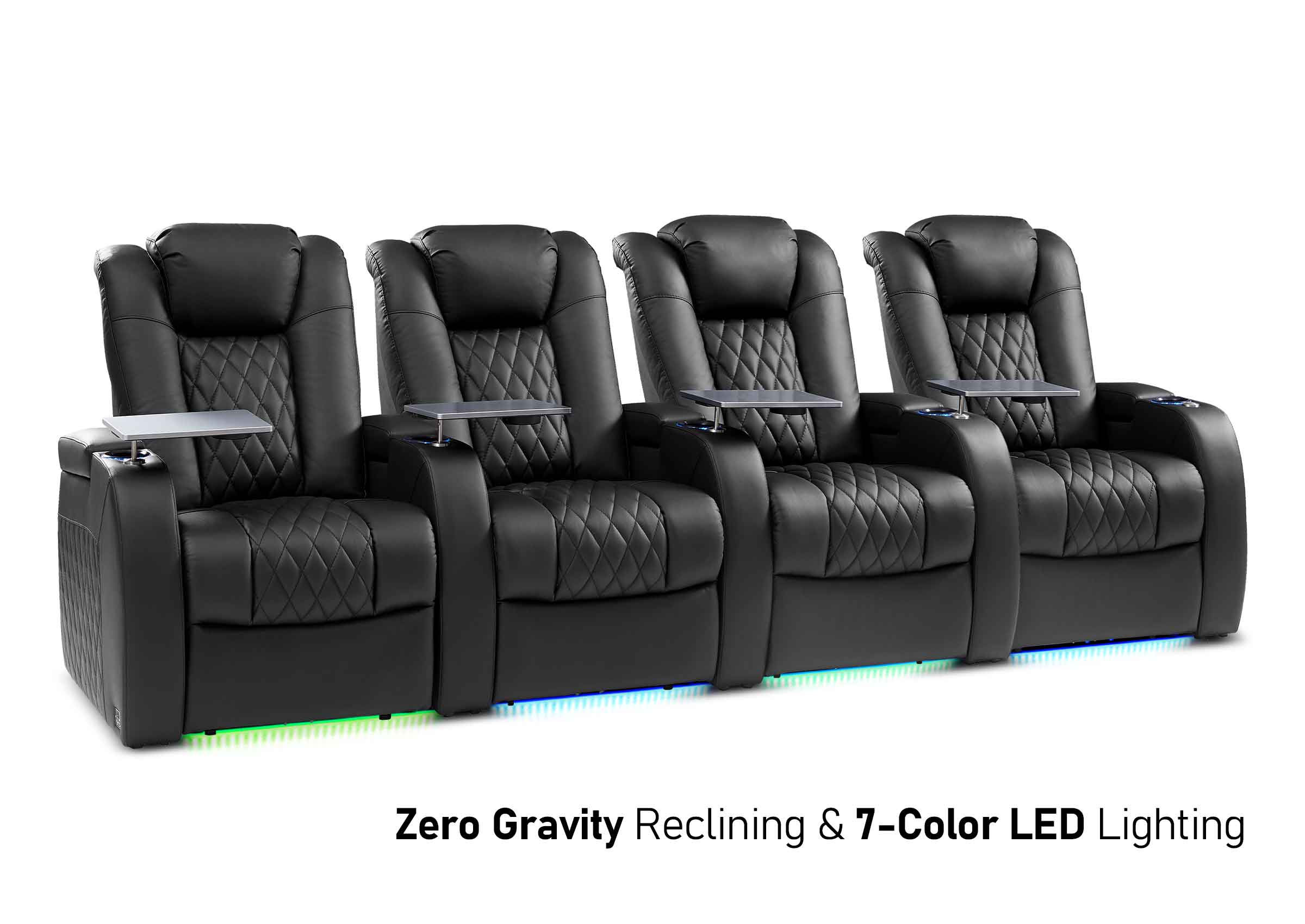
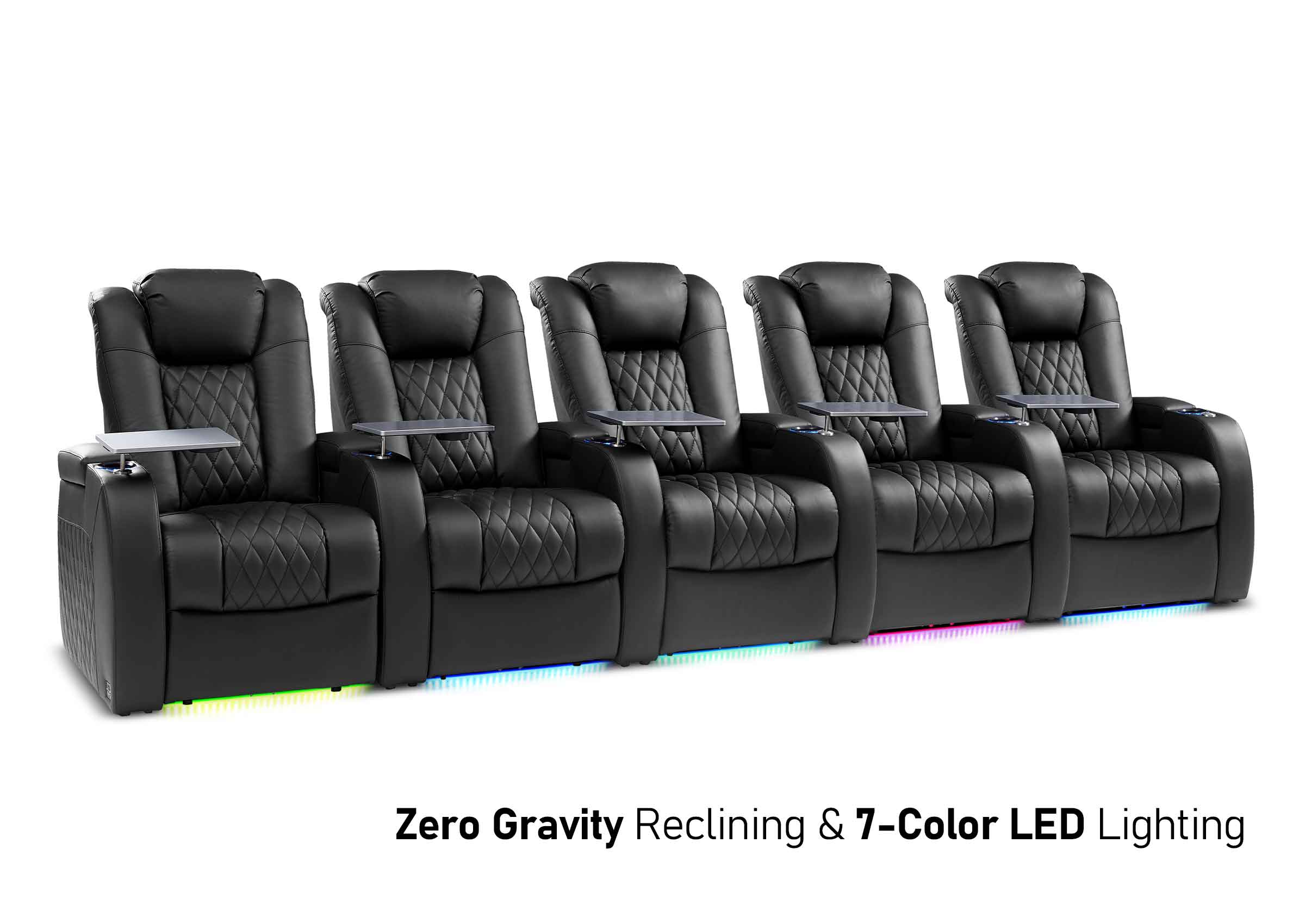
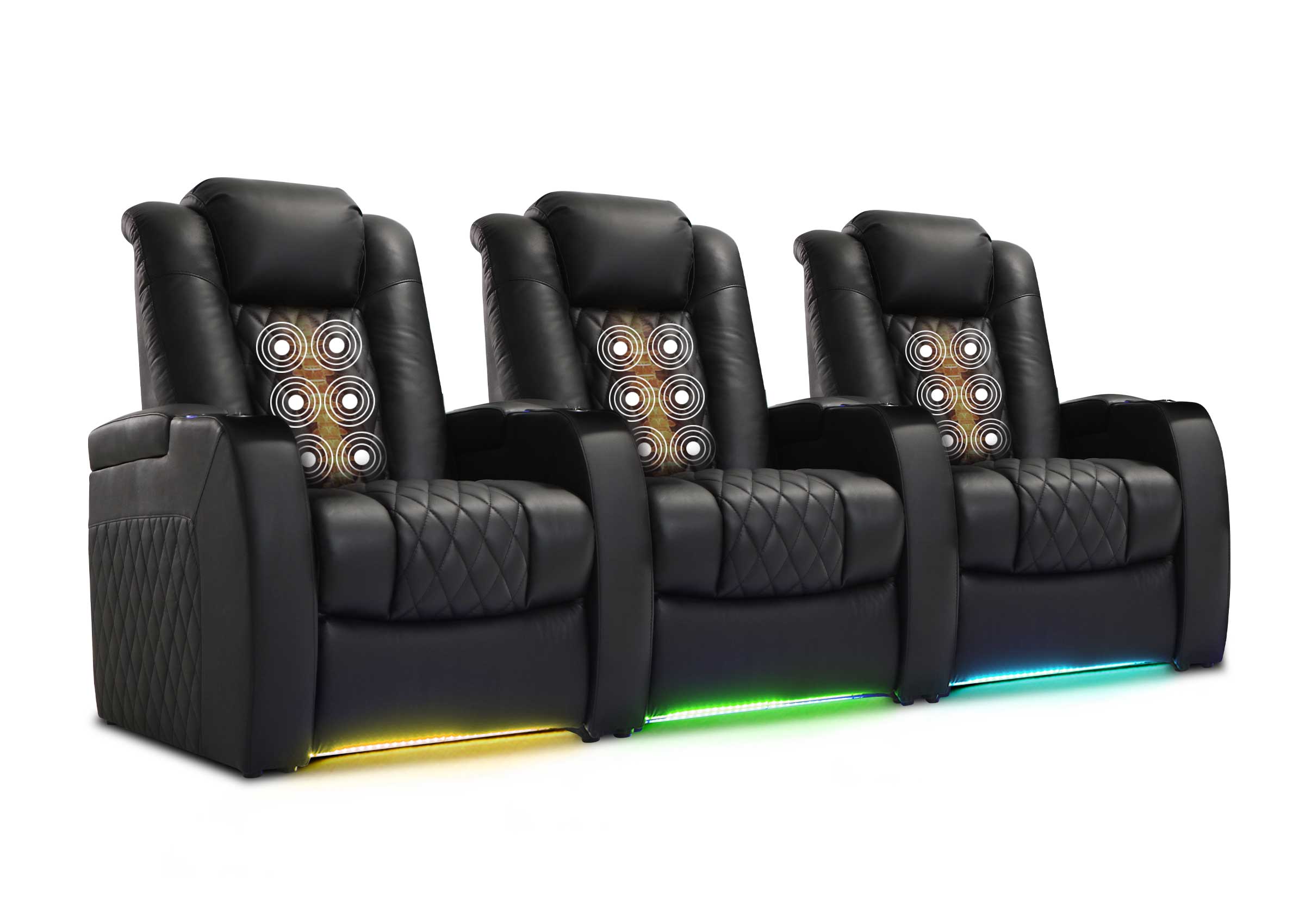
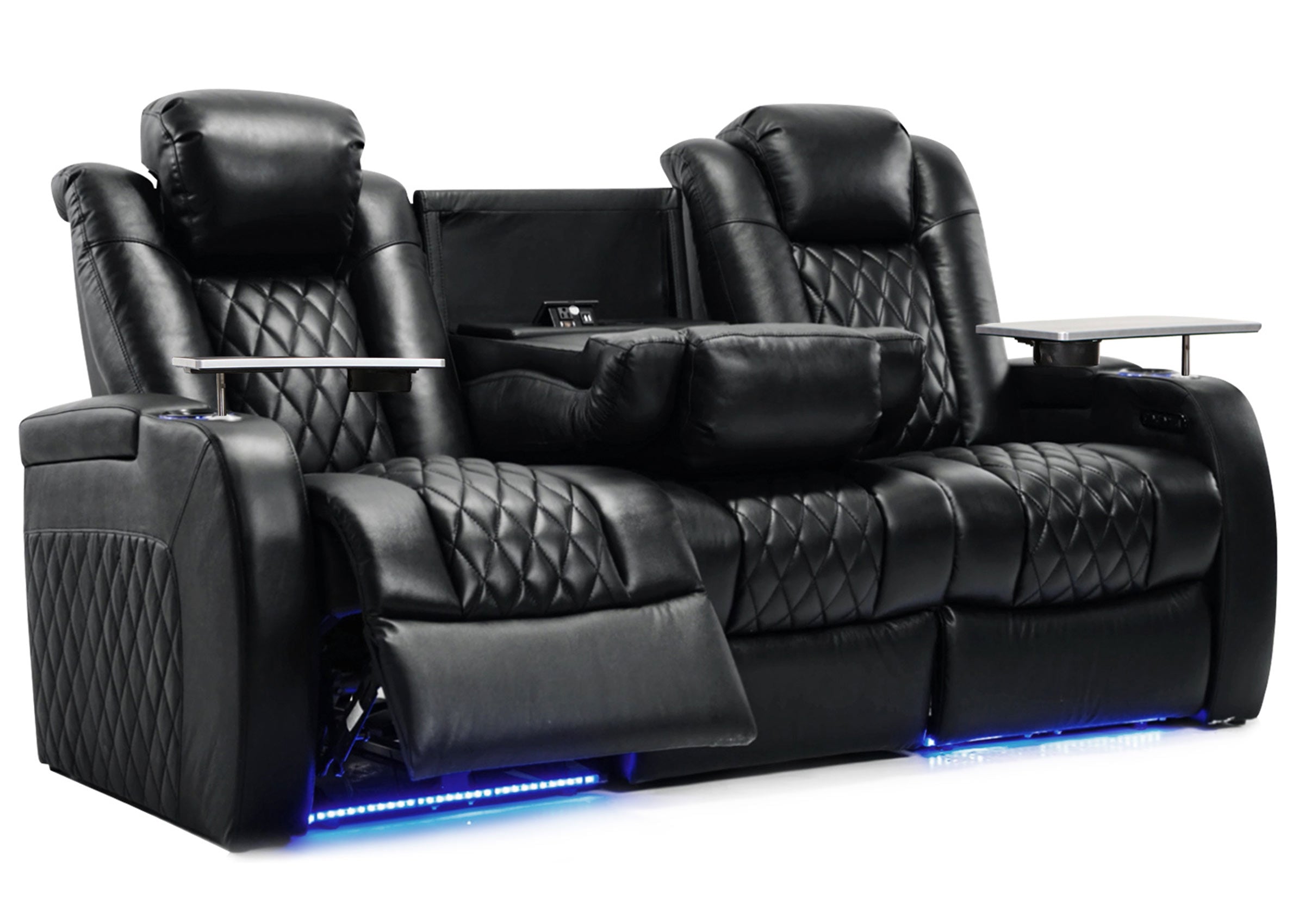
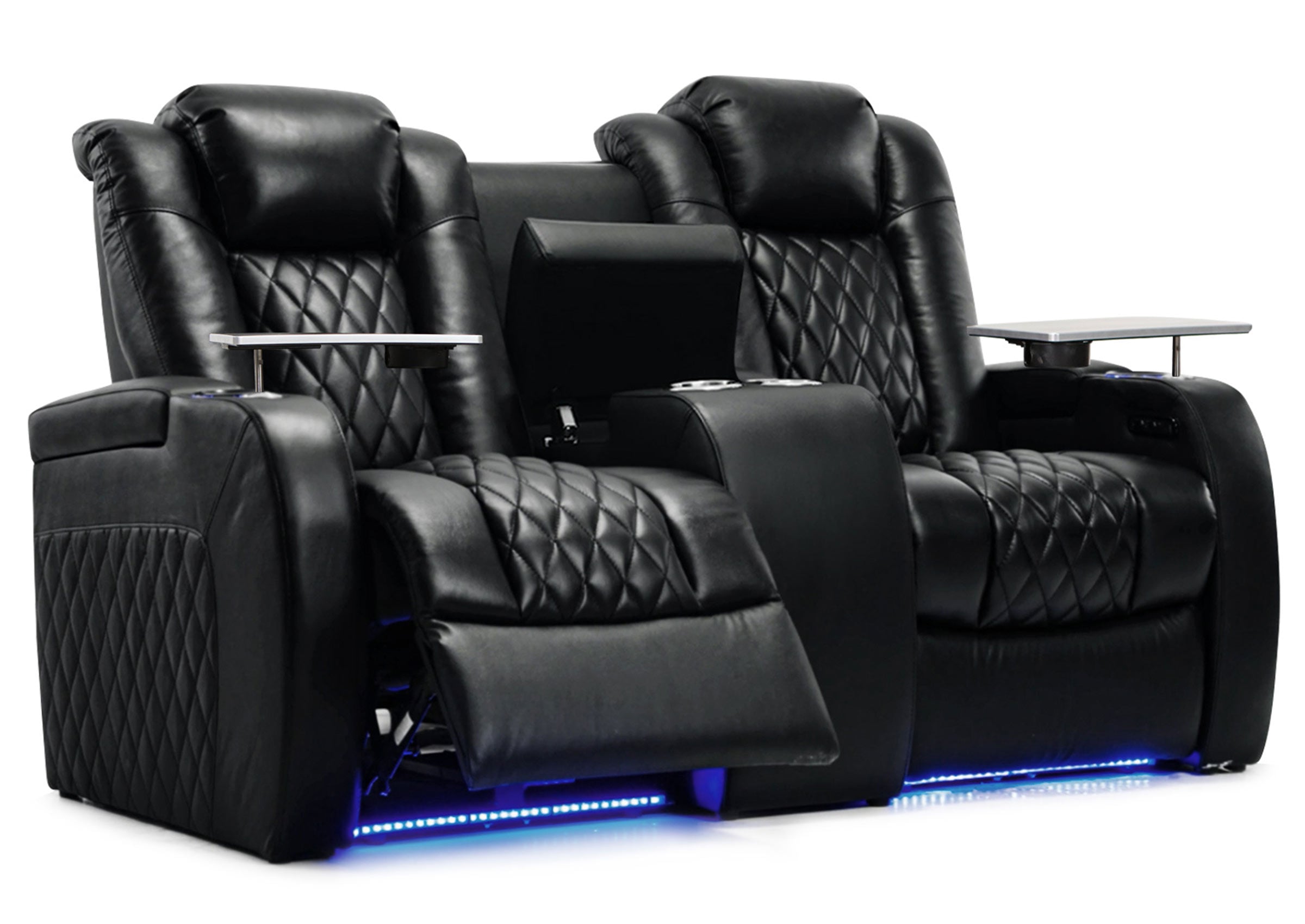
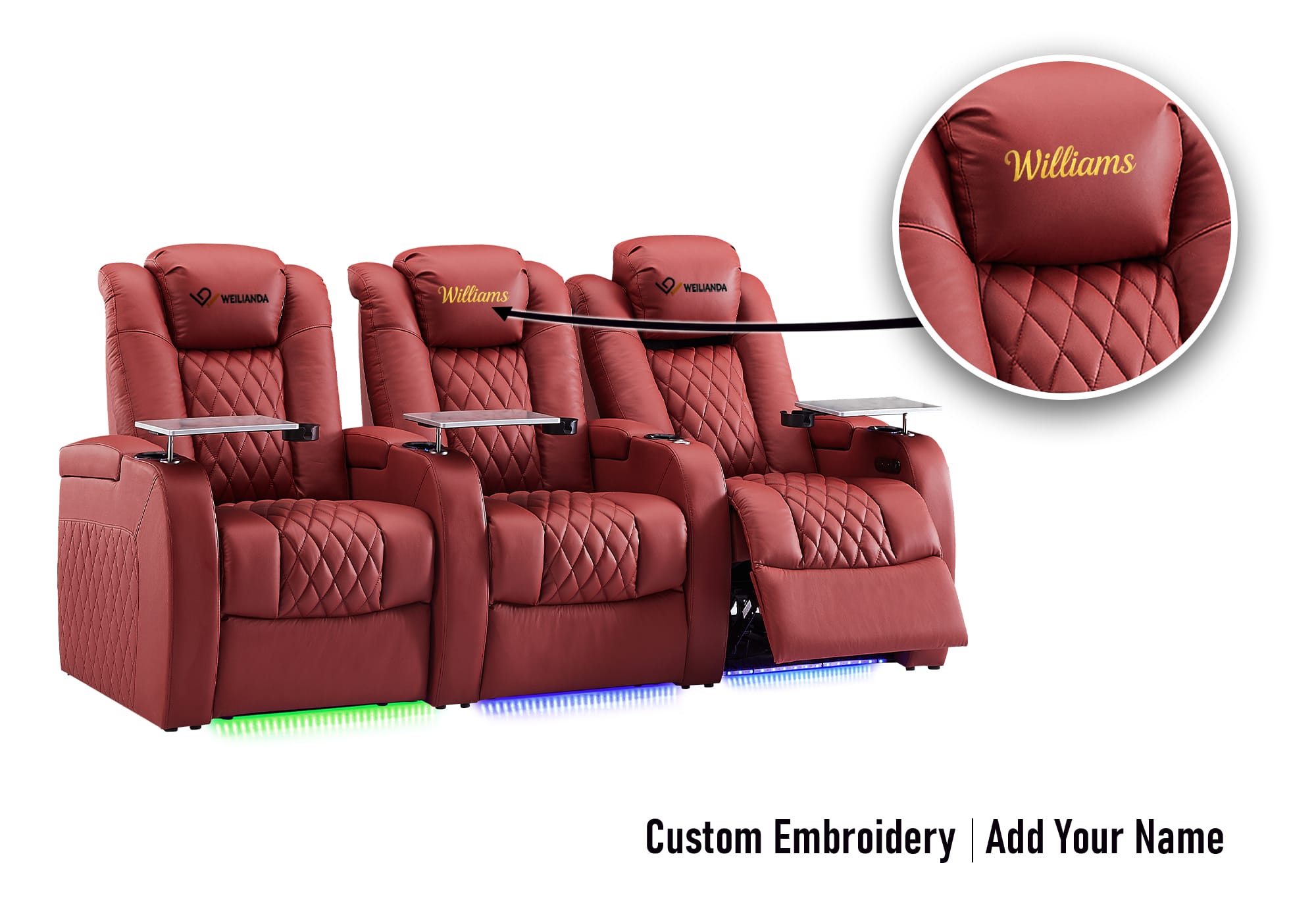
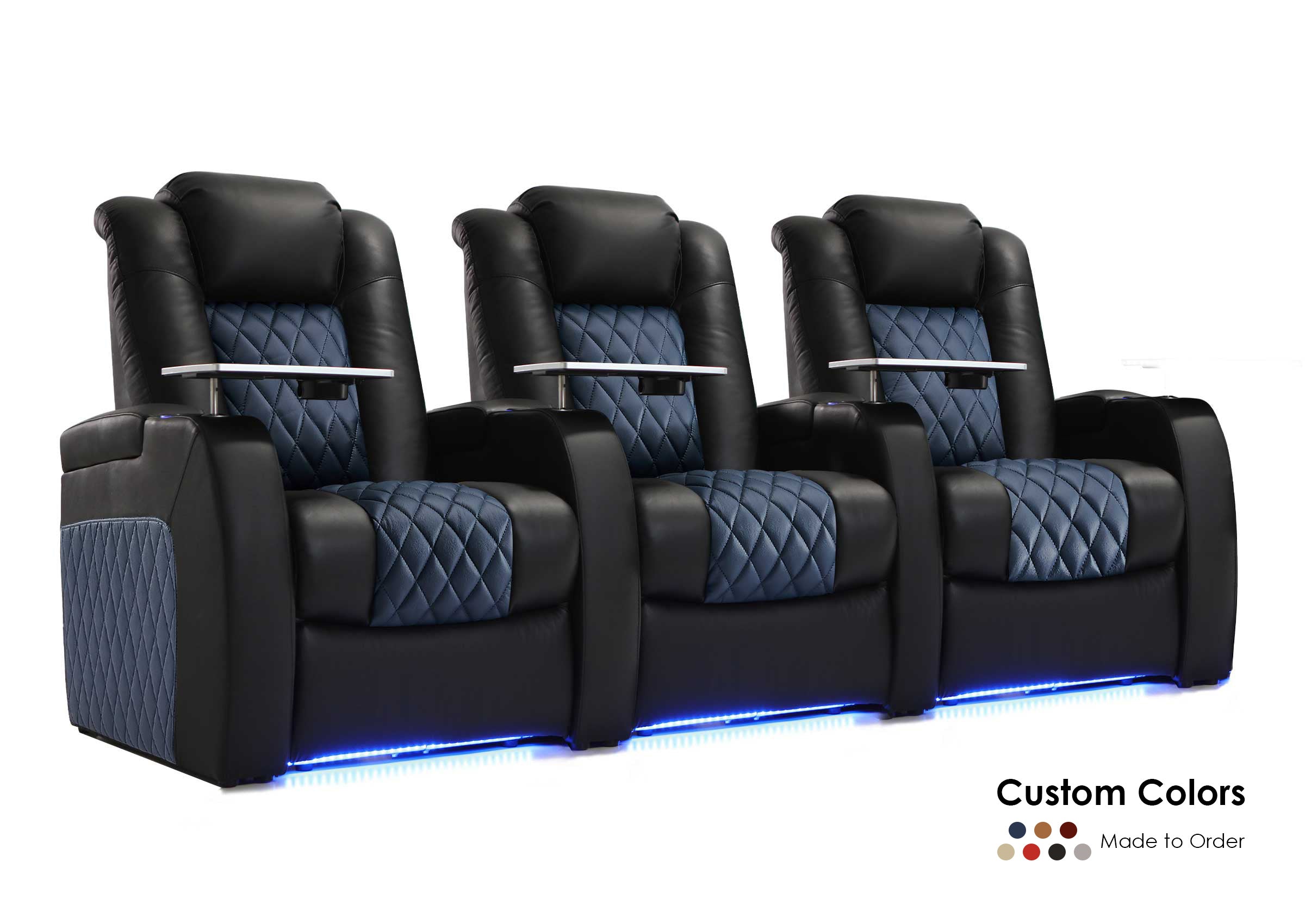
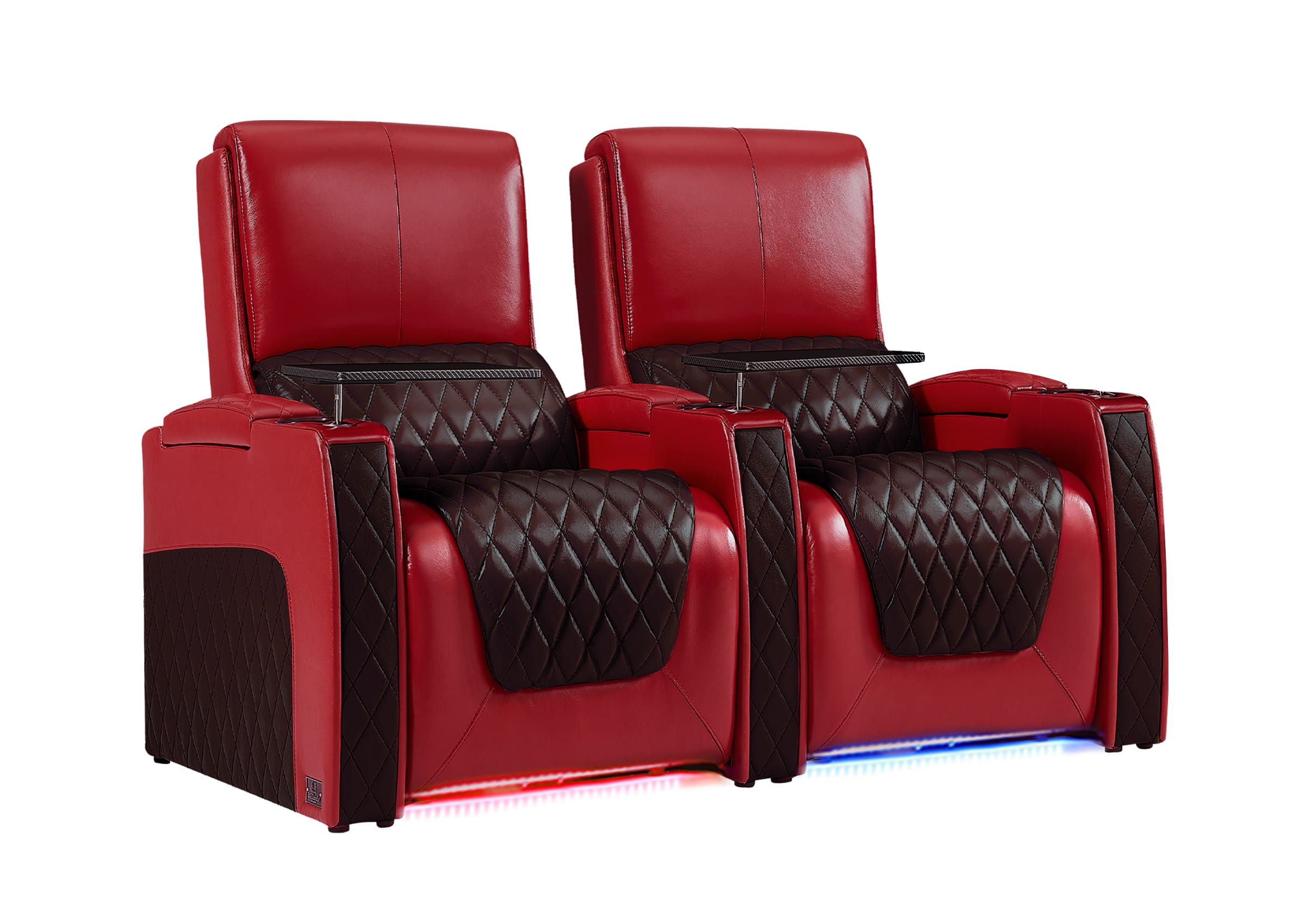
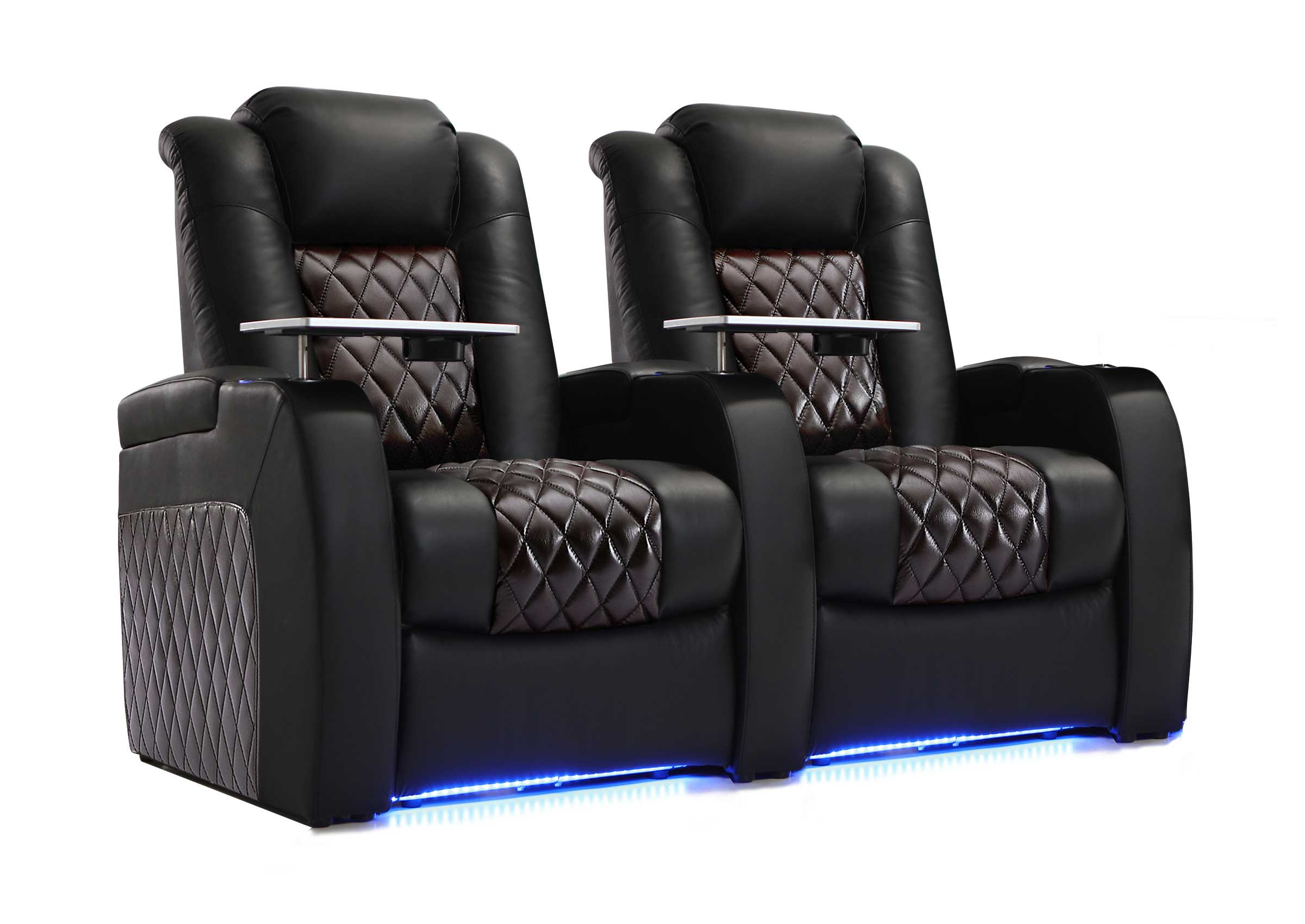
| Reclining sofa | Movies, sports, and everyday relaxation | Requires a larger active footprint | Fully reclined depth and access |
| Modular seating | Changing room uses and future flexibility | Not every system is equally reconfigurable | Supported module combinations |
For a full comparison of sofas, sectionals, recliners, and theater-style seating, see our guide to choosing seating for a media room.
If future reconfiguration is especially important, our modular home theater seating guide explains what flexibility can actually mean after purchase.
Protect the Main Walking Paths Before Filling the Room
A room can have enough square footage and still feel crowded when people have to walk around footrests, squeeze behind furniture, or cross directly in front of the screen.
Identify the routes people use most often:
- Entrance to the main seats
- Seats to the doorway
- Seats to storage or snacks
- Seats to a bathroom or adjoining room
- Access to equipment and controls
Avoid using those routes as leftover space after the furniture is placed.
Traffic flow should be planned deliberately, especially when reclining furniture changes the usable floor area during a movie.
How Much Space Do Reclining Seats Really Need?
Reclining seating creates one of the most common media-room planning mistakes: judging the furniture only when it is upright.

Before choosing reclining seating, confirm:
| What to Check | Why It Matters |
|---|---|
| Room width | Determines how many seats fit without crowding side access |
| Room depth | Affects screen distance and the active reclining footprint |
| Wall clearance | Prevents interference behind the seating |
| Fully reclined depth | Shows the real footprint during use |
| Front circulation | Helps prevent people stepping around extended footrests |
| Door and stair access | Matters before large seating reaches the room |
| Outlet locations | Important for powered seating and charging |
Use the Fully Reclined Footprint Test
Mark the upright furniture footprint with painter’s tape, then extend the markings to represent the fully reclined position.
Walk the normal routes through the room while imagining the seats occupied.
Check whether you can still:
- Enter and leave comfortably
- Reach a door or cabinet
- Pass another seated person
- Use a side table
- Access storage
- Avoid crossing directly in front of the screen
This reveals problems that are easy to miss when looking only at product dimensions on a screen.
What Is the Best Layout for a Small Media Room?
In a small media room, organization is mostly about deciding what the room does not need.
The goal is not to fill every available wall or maximize advertised seating capacity.
A smaller room often works better with:
- One clear viewing direction
- One main seating area
- Fewer permanent seats
- Furniture with an appropriate active footprint
- Storage located close to the seats
- Minimal furniture between the screen and viewers
One Main Seating Row
A single seating row is often the cleanest solution in a compact room. It simplifies viewing and preserves more open floor area.
Compact Reclining Seating
A reclining sofa or loveseat may provide adjustable comfort without requiring multiple separate chairs, but the fully opened dimensions still need to be checked.
L-Shaped or Sectional Layout
An L-shaped arrangement can work when family lounging and conversation matter, but the chaise or return section should not block the main traffic route or create too many sideways viewing positions.
Do Not Design Around Maximum Capacity
Three comfortable, usable positions are often better than five nominal seats that make the room difficult to move through.
If your needs are more about inspiration than room organization, see our media room ideas for different ways the space can be used.
How Should You Organize Remotes, Controllers, Cables, and Accessories?
Once the room layout works, organize the smaller items around where people actually use them.
Common clutter includes:
- Remote controls
- Game controllers
- Charging cables
- Headphones
- Streaming devices
- Blankets
- Pillows
- Snacks
- Discs and games
A simple zoning system works well:
| Zone | Purpose | Typical Solution |
|---|---|---|
| Viewing zone | Main screen and seating | Keep sightlines and circulation clear |
| Control zone | Remotes and controllers | Drawer, caddy, console, or side storage |
| Charging zone | Phones and devices | Accessible outlets or charging near seating |
| Accessory zone | Headphones, games, cables, blankets | Cabinet, ottoman, drawer, or enclosed storage |
| Equipment zone | Streaming, gaming, and AV devices | Accessible, ventilated equipment storage |
For detailed storage and clutter management, see our guide to decluttering a media room.
If you are specifically trying to use furniture itself as storage, see media room seating storage ideas.
How Should You Organize Power and Cables?
Power and cable planning should support the room without becoming another source of clutter.
Think about everything that may need power or connectivity:
- TV or projector
- Streaming devices
- Gaming consoles
- Audio equipment
- Chargers
- Lighting
- Powered recliners
- USB-equipped seating
Keep cords away from primary walkways whenever possible. Avoid trapping equipment connections behind furniture that cannot be moved easily.
Leave reasonable access to devices that may need to be reset, replaced, or reconnected later.
A visually clean setup is only useful if the equipment remains serviceable.
How Does Lighting Affect Media Room Organization?
Lighting is part of organization because it affects where furniture, screens, and activities work comfortably.
A practical media room may need to shift between:
- Daytime television
- Movie viewing
- Gaming
- Conversation
- Cleaning
- People entering or leaving while others continue watching
Dimmable fixtures, suitable window coverings, low-level lamps, and controlled ambient light can make those transitions easier.
Avoid placing strong light sources where they reflect directly on the screen or shine into the main viewing positions.
Use the Five-Minute Test for Everyday Usability
A media room can look organized and still be frustrating to use.
Ask whether another member of the household can enter the room and begin watching or gaming within about five minutes without asking for help.
They should be able to:
- Find the correct remote or controller
- Choose the required input
- Adjust the lights
- Use the audio
- Reach charging when needed
- Access a comfortable seat
- Put everyday items away afterward
If the room requires repeated furniture movement, cable reconnection, remote hunting, or instructions from one “expert” family member, the organization system is creating friction.
What Media Room Organization Mistakes Should You Avoid?
Buying Furniture Before Confirming the Layout
A large sofa or sectional can determine the entire room once it arrives. Establish the screen, seating zone, and traffic flow first.
Planning Only for Upright Furniture
Recliners, footrests, chaise sections, cabinet doors, drawers, and ottomans can all change the usable floor area.
Trying to Maximize the Number of Seats
Nominal seating capacity is not the same as usable viewing capacity. Count the positions people can actually use comfortably.
Giving Every Activity Equal Priority
A multipurpose room still needs a primary purpose. Without one, lighting, furniture, storage, and screen placement may all pull the layout in different directions.
Creating Storage Far From Where Items Are Used
If remotes, controllers, chargers, and blankets are inconvenient to put away, people are less likely to maintain the system.
Ignoring the Reset Process
An organized room should be easy to return to its normal state after use.
Try the Five-Minute Reset Test
After a normal movie, gaming session, or sports night, ask whether the room can be returned to a comfortable everyday state in about five minutes.
That means:
- Controllers and remotes have obvious homes
- Cables do not need to be disconnected and rebuilt
- Blankets and accessories have nearby storage
- Furniture does not require major rearrangement
- Walking paths become clear again quickly
If resetting the room feels like a separate household chore, the organization system may be too complicated.
When Does a Media Room Need a More Specialized Layout?
Some spaces require more planning because of unusual dimensions, multiple activities, limited access, or seating requirements.
That can include:
- Narrow or irregular rooms
- Basements with stairs or columns
- Rooms that combine gaming and movie viewing
- Layouts using multiple reclining seats
- Spaces where furniture may need to change later

If the space is becoming more focused on fixed rows, controlled viewing positions, or a dedicated screen-first layout, our guide to organizing a home theater room may be the more appropriate next step.
A Simple Media Room Organization Checklist
| Question | Why It Matters |
|---|---|
| What is the room mainly used for? | Establishes the priority for every later decision |
| Where is the screen? | Sets the main viewing direction |
| Where should the regular users sit? | Defines the primary seating zone |
| Can people move through the room easily? | Protects everyday circulation |
| Does any furniture recline or move? | Reveals the active footprint |
| Where are power and charging needed? | Reduces exposed cables and later changes |
| Where do everyday accessories belong? | Makes the room easier to reset |
| Can the lighting support both viewing and normal use? | Improves flexibility |
| Can the room reset quickly after use? | Tests whether the organization system works in real life |
FAQ: How to Organize a Media Room
How do I organize a small media room?
Choose one clear viewing direction, protect the main walkway, and avoid filling the room with more permanent seating than the household regularly needs. Compact reclining seating, nearby storage, and fewer pieces of furniture can make a small room easier to use.
Where should seating go in a media room?
The main seating should provide comfortable views of the screen without blocking regular circulation. The exact position depends on screen location, room dimensions, furniture type, and whether the seating reclines.
Should I choose a sofa, sectional, or reclining seating?
A sofa or sectional may work well for shared lounging and conversation. Reclining seating may provide more adjustable comfort for longer viewing. The right choice depends on the room’s primary use and available active footprint.
Is a sectional good for a media room?
Yes, particularly in a family-oriented media room. However, check the chaise or return section carefully because it can affect walking paths and create viewing positions that do not face the screen directly.
How do I keep a media room from looking cluttered?
Create specific homes for remotes, controllers, chargers, headphones, cables, blankets, and other frequently used items. Storage works best when it is close to where those items are actually used.
How much space do reclining seats need?
Use the fully reclined dimensions of the specific furniture rather than estimating from its upright size. Check front access, wall clearance, nearby furniture, doors, and the main walking route.
What should I organize first in a media room?
Start with the room’s main purpose, then organize the screen, seating, walking paths, power, storage, and lighting in that order. This reduces the chance that later purchases will force compromises in the basic layout.
Create a Media Room That Works in Everyday Life
A well-organized media room is not simply tidy. It allows people to watch, relax, play, move around, charge devices, store everyday items, and reset the space without unnecessary effort.
Start with the room’s primary use. Establish the screen and main seating relationship. Protect circulation. Check the active furniture footprint. Then organize power, storage, and lighting around those decisions.
Once that foundation works, furniture style and entertainment features become much easier to choose.
If seating is the part you still need to confirm, Weilianda can help review product-specific dimensions, configurations, reclining options, and room-fit considerations for the models you are considering. With home theater seating manufacturing experience since 2008 and factory-direct communication, the goal is to clarify the practical details before you commit to a seating layout.
Visit Weilianda Support or email leon@weiliandahome.com for seating guidance.