







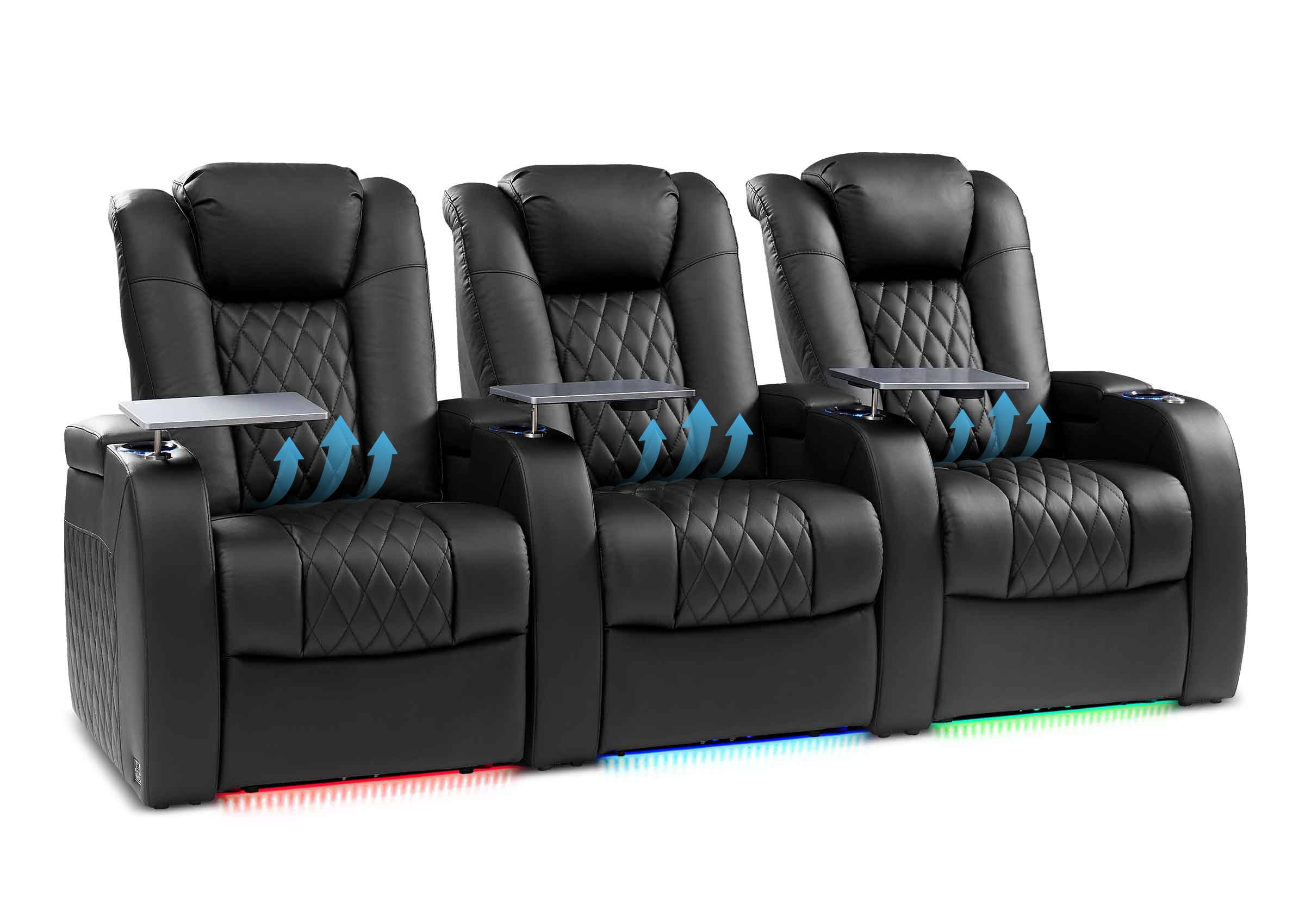


















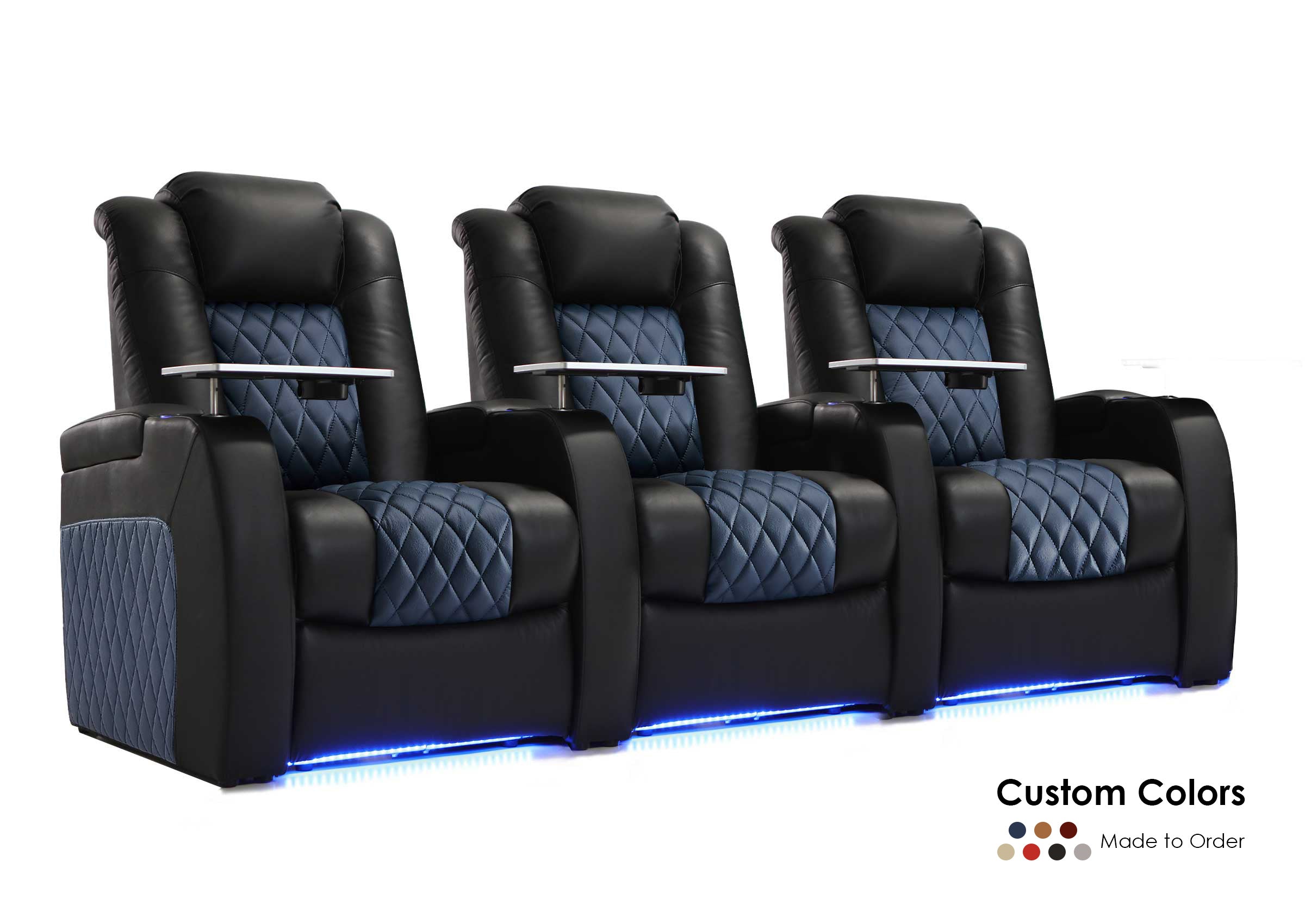

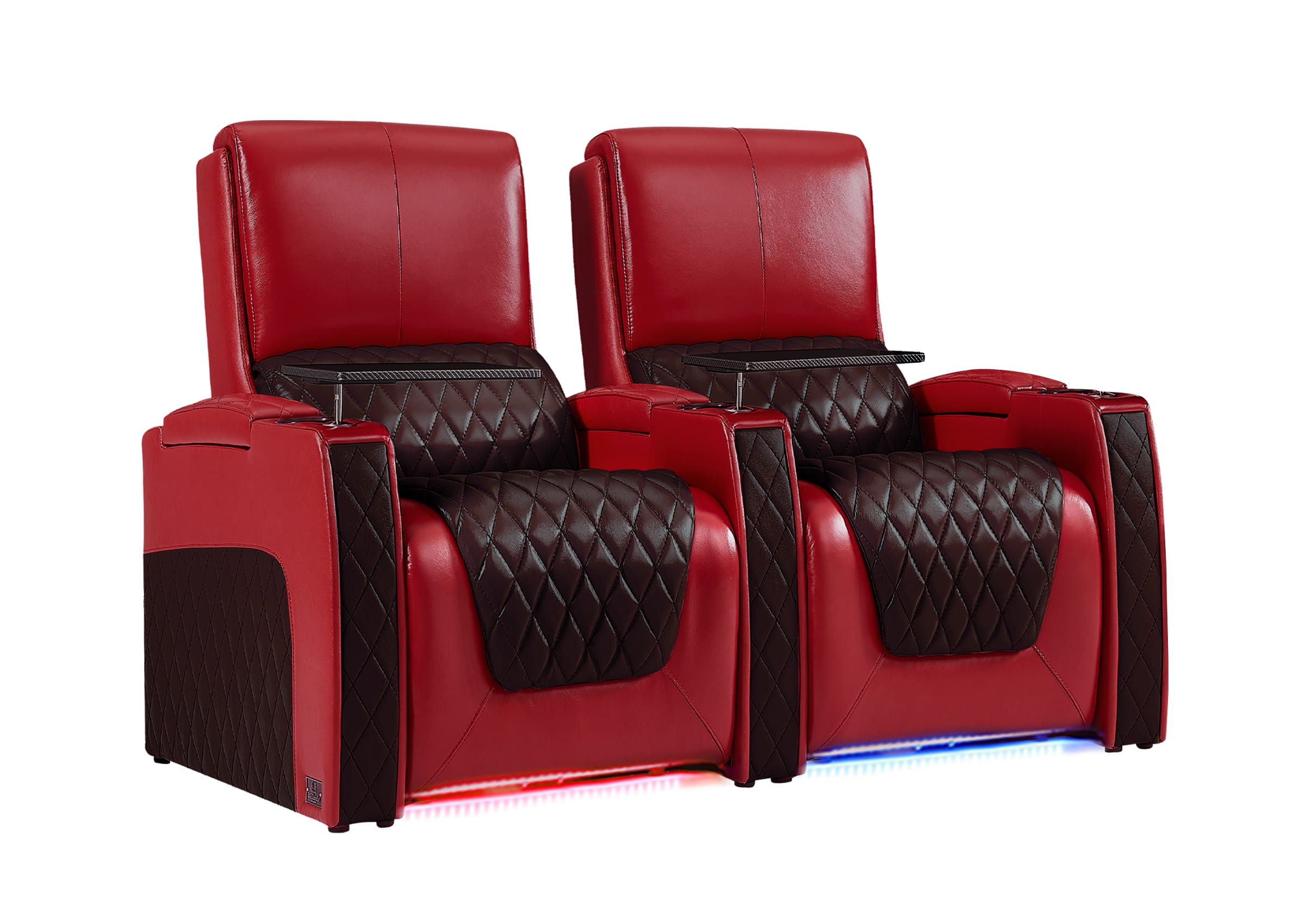
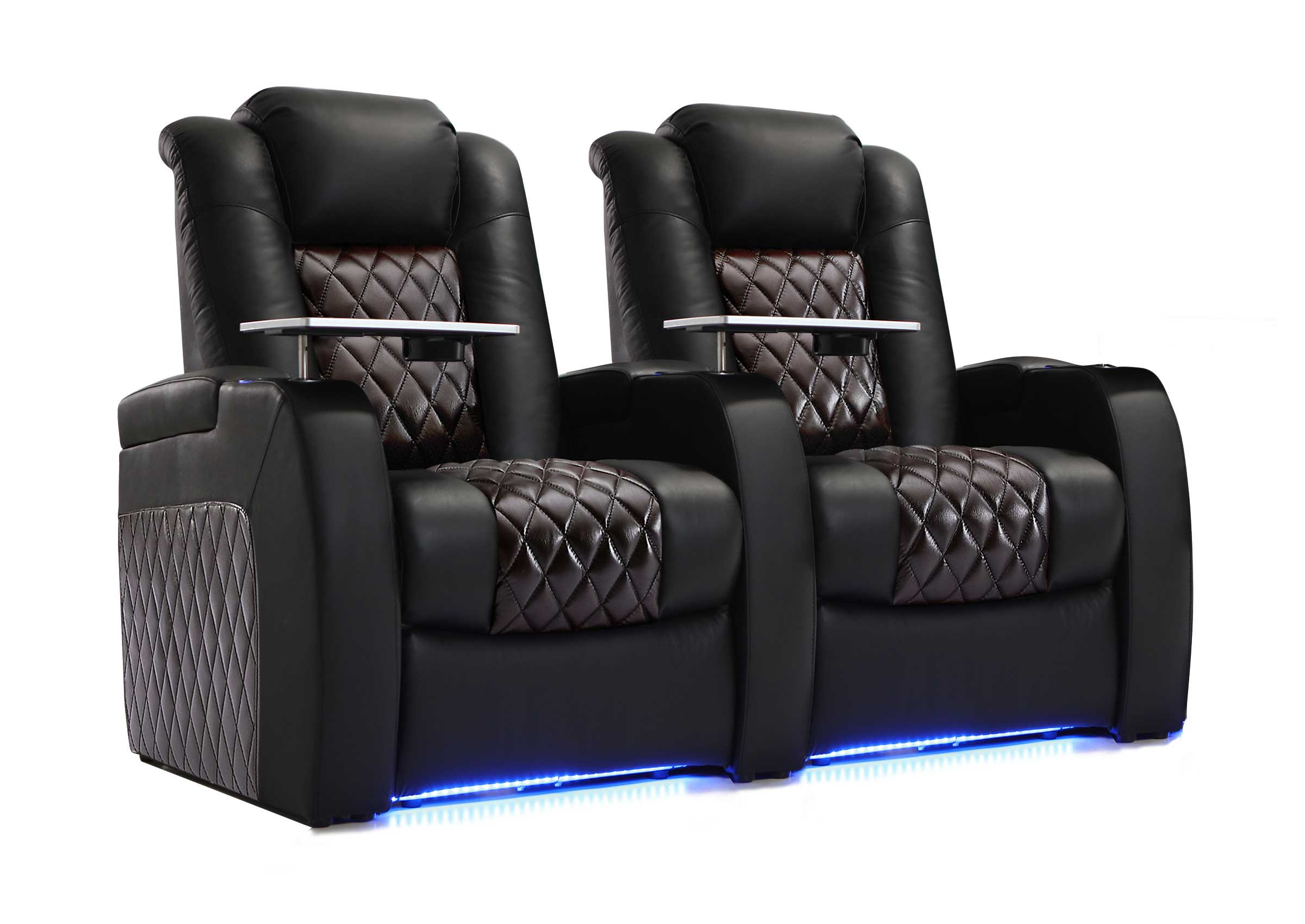
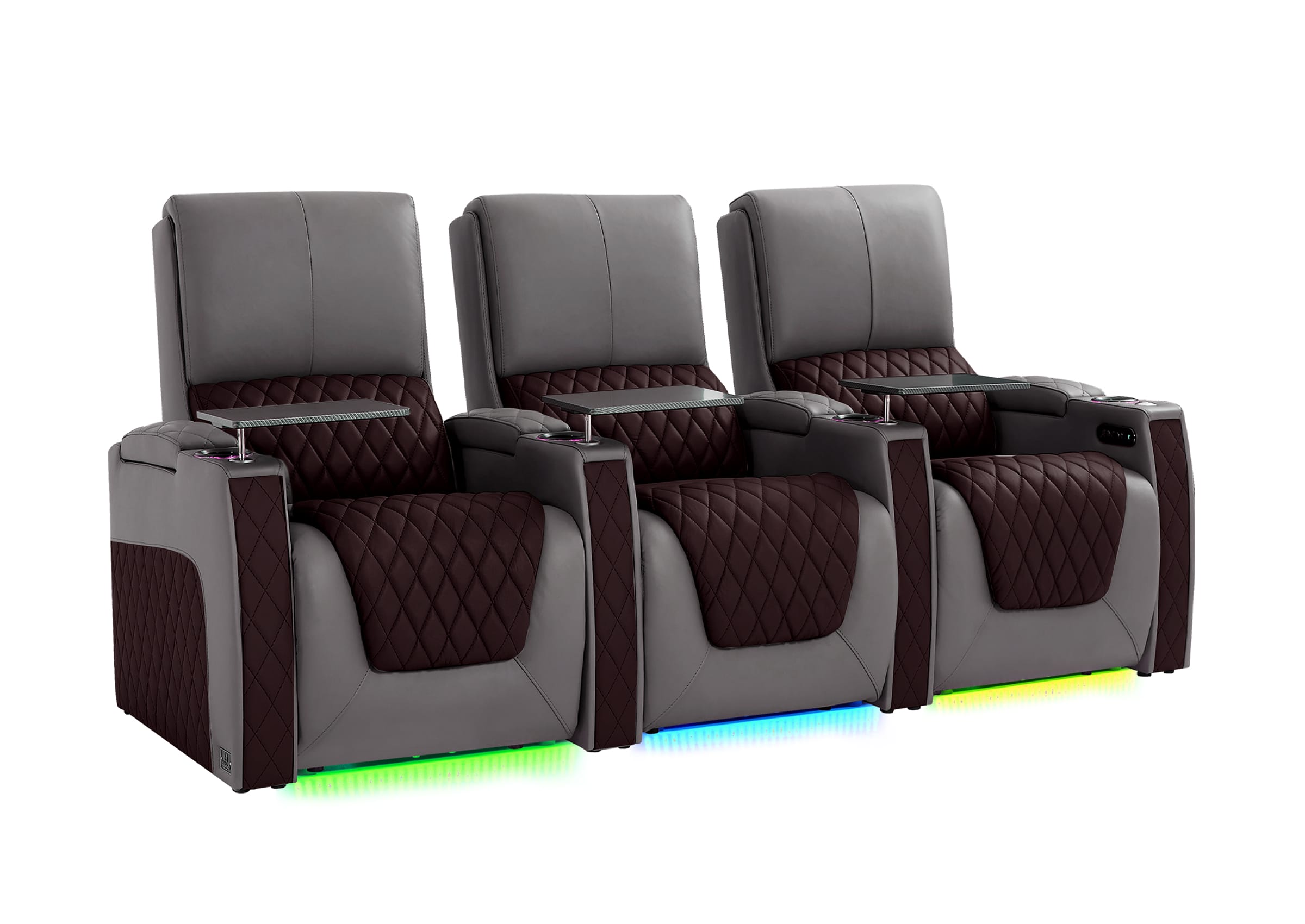
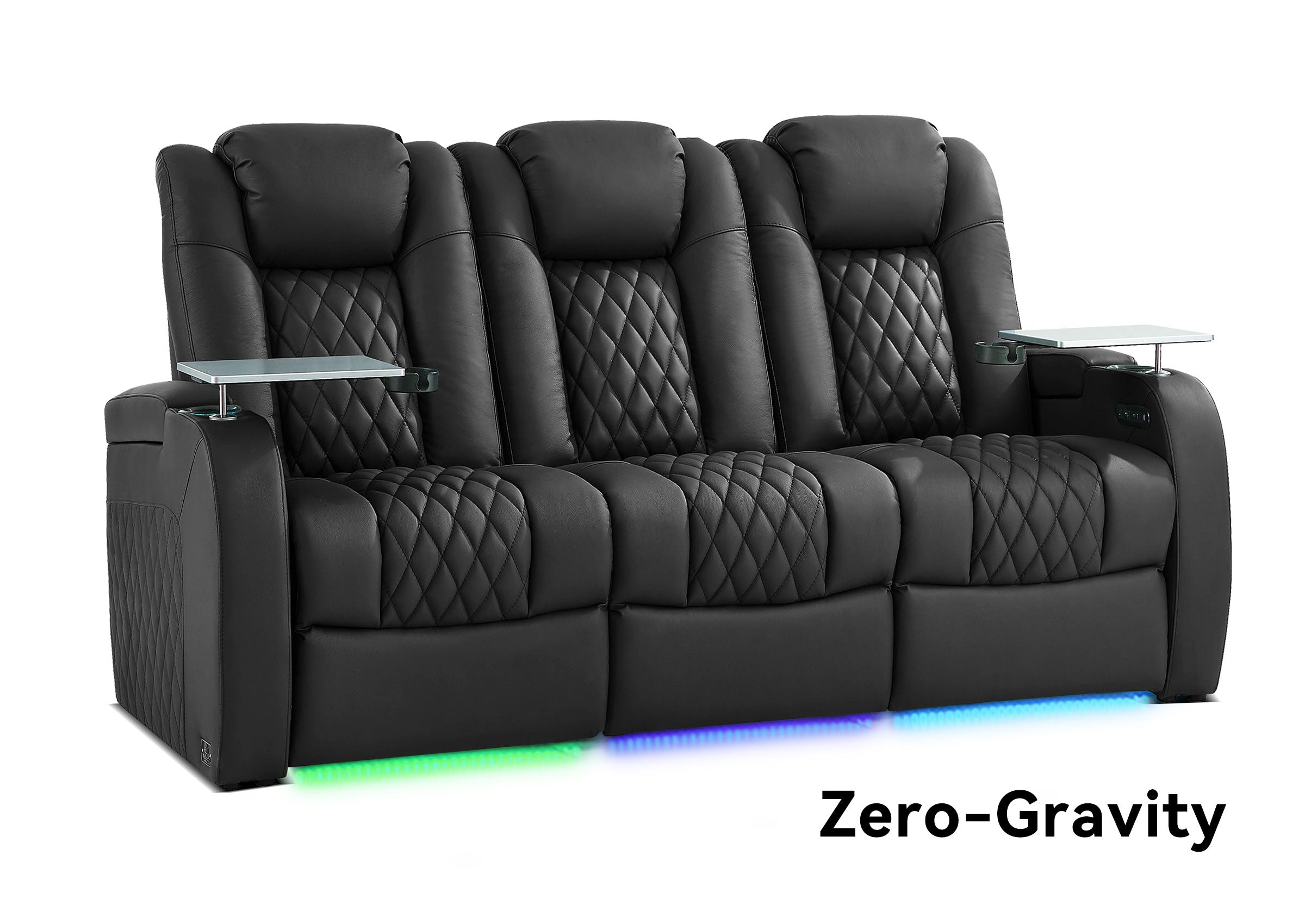


Most home theater calibration advice begins with one assumption: there is one best seat.
Real rooms are rarely that simple.
A three-seat sofa may be used by a couple every night. A four-seat row may need to work for the whole family. One person may care most about the center seat, while everyone else regularly sits a few feet to either side. Once that happens, the goal changes.
You are no longer trying to create one perfect point in the room. You are deciding where precision matters most and how much consistency the rest of the seating area needs.
That decision should come before you run Audyssey, Dirac Live, or another room-correction system.
Start With the People, Not the Microphone
Before choosing a main listening position, ask a more useful question:
Which seats actually matter during normal use?
Not every seat deserves equal acoustic priority.
If one person uses the theater alone most nights and guests occupy the other seats only occasionally, optimizing primarily for that person's seat may make sense.
If two people almost always watch together, designing around the shared listening area may be more useful than making one person's seat exceptional and the other noticeably worse.
If three or four seats are occupied regularly, consistency usually matters more. You may willingly give up some single-seat precision if it prevents the outer seats from sounding obviously unbalanced.
| How the room is actually used | Sensible optimization goal |
|---|---|
| One primary listener | Maximum accuracy around the primary seat |
| One main listener plus occasional guests | Protect the main seat; make nearby seats acceptable |
| Two equally important listeners | Optimize the shared listening zone |
| Three or four regularly used seats | Prioritize consistency across the important seating area |
| Different solo and family uses | Consider separate calibration presets if the equipment supports them |
The mistake is treating the physical center of the couch as automatically important.
It may be the right reference point. It may not.
Is the Main Listening Position the Same as the Sweet Spot?
The terms are often used almost interchangeably, but separating them is useful when planning a real room.
The main listening position, or MLP, is the reference position you choose for speaker alignment and calibration.
The sweet spot is the area where imaging, tonal balance, timing, and surround presentation come together most convincingly.
In a simple one-person system, those may effectively be the same place.
In a multi-seat theater, they do not have to describe the same thing.
Your MLP can be one prioritized reference position while the useful listening area extends around it.
That distinction matters because current room-correction systems do not all treat measurements the same way. Audyssey MultEQ-X, for example, instructs users to make the first measurement at the primary seating position at seated ear height. If there is no single primary position, Audyssey says to use the center of the primary seating area. That first position is especially important because it is used to establish delays and trims. See the Audyssey MultEQ-X guidance.
Dirac similarly identifies the first measurement—the main position or sweet spot—as the most important measurement for gain and delay calculations. See Dirac's measurement-position guidance.
So the reference position is not just another dot in a calibration pattern. It represents a choice about what part of the room gets priority.
The Best MLP Is Not Automatically the Middle Cushion
Imagine a four-seat theater row.
The geometric center may fall between the two middle seats. The owner, however, may sit in the second seat almost every night.
There are now two legitimate goals.
You could optimize tightly around the owner's actual seat.
Or you could deliberately choose a more central reference for better shared performance across the two middle seats.
Neither is automatically correct.
What matters is recognizing that the second option is a compromise rather than pretending there is one objectively perfect MLP.
This is one reason multi-seat calibration works better when you define the room's priorities first:
Do not ask the calibration software to decide which listeners matter. Decide that yourself.
Settle the Seating Before You Calibrate the Sound
A home theater seat is part of the acoustic geometry of the room.
That does not mean the sofa needs special acoustic properties. It means the location of the listener's ears, the height of the backrest, the position of the headrest, and the distance to nearby speakers are physical inputs the calibration system cannot ignore.
Before measuring, settle the things that will remain part of normal use:
- final seat location;
- normal headrest position;
- normal listening posture;
- speaker locations and aiming;
- subwoofer location;
- any large furniture that will remain in the room.
This is especially relevant with reclining seating.
If reclining moves your head significantly backward or downward, the position used during calibration may no longer represent where your ears are during a two-hour movie. You do not need to chase every inch of movement, but a meaningful change in listening position is worth recognizing before selecting the reference point.

Follow the microphone orientation and placement instructions for your specific calibration system, but use actual seated ear position as the practical reference rather than an arbitrary point above an empty cushion.
Dolby's placement guidance also builds speaker geometry around the listening position and seated ear height. Review Dolby's speaker setup guidance. If you are still deciding how Atmos itself should be configured, the Dolby Atmos home theater setup guide covers that separate task in more detail.
Fix Physical Problems Before Asking Room Correction to Fix Them
Room correction is powerful, but it works best after the basic geometry makes sense.
Dirac's documentation recommends getting the speakers into suitable positions before calibration and avoiding measurements where furniture or other objects interrupt the acoustic path between a speaker and microphone. See the Dirac Live User Manual.
That leads to an important order of operations:
seating → speaker geometry → obvious obstructions and bass problems → calibration
Not the other way around.
Before running calibration, sit in every important seat and look for problems the software cannot physically remove.
Is one outer seat extremely close to a surround speaker?
Does a raised headrest sit directly between the listener and a surround channel? If so, first determine whether the seat itself is interrupting the direct sound path. Our guide to how a high-back couch can affect surround sound covers that specific problem.
Is the sofa pressed against the rear wall, leaving no useful space for the rear-speaker geometry you planned?
Does bass nearly disappear at one important seat while remaining strong a few feet away?
Those are different acoustic problems.
Treating all of them as “the receiver needs recalibration” wastes time.
Room correction can adjust timing, level, frequency response, and other system-dependent parameters. It cannot move a speaker farther from an outside listener, create a clear direct path through a headrest, or create physical space behind a couch.
If the basic speaker system itself is still being planned, use the Home Theater Speakers Guide for speaker types, room fit, and general placement decisions rather than trying to solve those questions through calibration.
Four Seats Do Not Mean Four Microphone Positions
This is one of the easiest calibration mistakes to make.
A four-seat sofa does not automatically mean:
- measure seat one;
- measure seat two;
- measure seat three;
- measure seat four.
Calibration measurements are generally trying to characterize a listening region, not assign one measurement to each cushion.

Audyssey MultEQ-X makes this particularly clear. Even if there is only one listening position, it recommends taking additional measurements around that position rather than repeating the exact same measurement. Its guidance describes measuring around the center of the listening area and warns against extreme positions that do not represent normal listeners.
Trinnov makes the broader principle explicit: multiple measurements are used to characterize and optimize a listening area and are not necessarily seat-specific. It recommends distributing points intelligently enough to capture useful acoustic differences rather than simply repeating measurements at nominal seat locations. See Trinnov's single- vs. multiple-measurement guidance.
The useful rule is:
Map microphone positions to the listening area you want to improve, not to the upholstery seams underneath it.
How Wide Should the Calibration Area Be?
There is no universal measurement footprint because the answer depends on what you are trying to protect.
A smaller measurement area tells the system more about a tightly defined listening region.
A wider pattern gives the correction system information about how the room changes over a larger area.
Dirac's measurement guidance describes this tradeoff: tighter microphone spacing focuses the optimization on a smaller listening region, while wider spacing represents a broader area.
Trinnov approaches the same decision from a different calibration architecture: a single reference position can prioritize one location more precisely, while multi-position optimization is intended to produce more robust results across a wider listening area.
That tradeoff matters more than chasing a magic number of measurement points.
For a primarily solo theater, keep the meaningful measurement region centered around the actual main position according to your system's instructions.
For a two-person setup, represent the zone those two listeners really occupy.
For a wider family row, let the measurement area describe the regularly used seating region—but do not extend it to an occasional corner seat simply because the seat exists.
An unimportant seat should not be allowed to distort the optimization target for everyone else.
PLAN THE LISTENING AREA
Planning the Seats Before You Calibrate the Room?
The best calibration target starts with a seating layout that reflects who actually uses the room. Confirm the row, seat positions, and everyday listening area before fine-tuning the sound.
A Wider Sweet Spot Is Not Automatically Better
“Make the sweet spot bigger” sounds like an obvious goal.
It is not always the best one.
A wider listening area can mean more listeners receive a reasonably consistent presentation. But acoustic conditions become increasingly different as measurement positions move apart.
A filter that must work across several different conditions cannot be as narrowly tailored to one position as a filter optimized only around one listener.
Multi-position optimization can produce more robust seat-to-seat results, but that wider goal comes with a tradeoff: the system is no longer optimizing only for one exact reference point.
This is not a flaw.
It is the price of optimizing for a different goal.

A dedicated one-person listening room may reasonably favor precision.
A family theater may reasonably favor consistency.
The better calibration is the one that matches how the room is used.
Speaker Geometry Still Changes as You Move Across a Wide Sofa
Room correction does not make every seat geometrically equivalent.
Move from the middle of a wide sofa to an outside seat and several things change at once:
- your distance to the left and right speakers is no longer symmetrical;
- one surround may become much closer than the other;
- speaker angles relative to your head change;
- reflections reach you differently;
- low-frequency response may change because you occupy a different point in the room.
This is why a multi-seat theater should not be judged only by what happens at the MLP.
The Home Acoustics Alliance notes that the usable listening area is influenced by factors including speaker separation, speaker directivity, center-channel behavior, bass response, and the size of the seating area—not simply by putting one listener in an ideal triangle. Read the Home Acoustics Alliance discussion of seating position.
The practical consequence is important:
Calibration can improve consistency across seats, but it cannot make different seats physically identical.
Separate Four Different Multi-Seat Sound Problems
When one seat sounds worse than another, identify what changed before changing the calibration.
Front-Stage Imbalance
At an outside seat, dialogue may remain anchored by the center speaker while the left/right image becomes less symmetrical.
This is partly a geometry problem. Calibration can adjust level and timing, but it cannot make an off-center listener occupy the same physical relationship to the front speakers as a centered listener.
Surround Proximity
An outside seat may sit much closer to one surround speaker.
If that speaker becomes distracting or obviously localized, the first question should be whether its physical position and aiming work for the width of the seating area.
Reducing a channel level may help, but doing so globally could make the surround field weaker for other listeners.
Bass Variation
Bass is its own multi-seat problem.
A location that has powerful bass can sit surprisingly close to another position where a room mode produces a deep reduction. SVS notes that a single subwoofer will not generally produce the same frequency response at every listening position and identifies smoother seat-to-seat response as one reason multiple-subwoofer systems are used. See SVS's discussion of multiple subwoofers.
If one important seat has dramatically weaker bass than the others, diagnose the low-frequency problem separately rather than assuming another full-range calibration pass will solve it.
Calibration Footprint
Finally, the speakers may be physically reasonable while the correction itself has simply been optimized around too narrow—or too wide—an area.
That is when changing the measurement strategy becomes the appropriate tool.
These four problems can feel similar from the couch, but they require different solutions.
How Should You Calibrate for One, Two, or Four Listeners?
A useful strategy is to scale the optimization target with actual use rather than seat count.
One Primary Listener
Use the listener's real position as the reference.
The surrounding measurements should still capture a small three-dimensional region rather than the exact same point repeatedly, following the requirements of your calibration system.
Other seats are secondary.
Two Equally Important Listeners
First decide whether either seat deserves priority.
If not, the shared listening area becomes the important zone. Depending on the calibration platform, that may mean choosing a reference near the center of the primary seating region and distributing additional measurements around the area occupied by both listeners.
Accept that neither listener may receive the same narrow optimization that one dedicated MLP could receive.
Three or Four Regular Listeners
This is where consistency usually becomes the stronger goal.
Keep the measurement region focused on the regularly occupied seats rather than the entire room. Test the outer important seats carefully after calibration because surround proximity and off-axis front-stage changes often become more noticeable there.
The target is not “four sweet spots.”
It is a listening area without a seriously compromised important seat.
Multiple Rows
Two rows introduce another level of geometry because front-to-back position changes as well as left-to-right position.
At that point, first decide which row is primary. If the processor supports separate presets, different listening modes can sometimes be more useful than forcing every seat into one compromise.
Detailed two-row speaker positioning is a separate problem from choosing the calibration priority, so do not solve it merely by spreading microphone points throughout both rows. If the seat count, row spacing, aisle, or room depth is still being planned, use the home theater seating layout guide for those room-planning decisions.
For a larger private theater where multiple rows, seat positions, room dimensions, and other project-specific requirements need to be coordinated before the layout is finalized, you can also explore theater seating options for private theater projects. This becomes more relevant when seating geometry is part of a larger room plan rather than a single-row setup.
Should You Use Different Calibration Presets?
If your processor supports multiple calibration presets or filter slots, different use cases can justify different optimizations.
For example:
Solo Movie Preset
Focused around one primary listener.
Family Movie Preset
Based on a wider regularly occupied seating area.
Some room-correction platforms allow different presets or profiles to serve different listening priorities. The exact options vary by processor or receiver, so confirm what your hardware supports before planning around multiple profiles.
The important idea is broader than any one brand:
If two listening situations demand contradictory compromises, one calibration does not necessarily have to serve both.
Test the Seats After Calibration, Not Just the Graphs
A calibration graph is useful, but the final test happens with people sitting in the room.
Choose a short scene you know well and listen from every important seat without changing the master volume.
You do not need to evaluate twenty audio qualities. Concentrate on four.
Dialogue
Does dialogue remain clear and connected to the screen?
An outside seat does not need exactly the same imaging as the MLP, but voices should not become unnaturally detached or difficult to follow.
Front Soundstage
Listen to a pan or a scene with activity moving across the screen.
Does the center remain convincing? Does one side suddenly dominate?
Surround Balance
Pay particular attention to the outside seats.
A surround channel that disappears at the center may be too quiet; one that feels as if it is speaking directly into the ear of an outside listener may be too close, too directional, or poorly aimed for the seating width.
Bass
Compare the same bass passage from the primary and secondary seats.
Do not worry about tiny differences.
Look for large ones: one seat booming while another loses the impact almost entirely.
Write down the problem before changing anything.
Then make one change at a time.
That simple discipline is more useful than repeatedly running automatic calibration without knowing which problem you are trying to fix.
When Should You Recalibrate?
Recalibration makes sense when the acoustic reference changes meaningfully.
That can include:
- moving speakers;
- changing speaker aiming substantially;
- moving a subwoofer;
- moving the main seating area;
- replacing a sofa with one that places listeners in a different location;
- changing a regularly used seating or headrest configuration enough to alter the listening geometry;
- making substantial changes to the room or large furnishings.
You do not need to recalibrate because someone moved a pillow.
The question is whether the system is now measuring and correcting a room that is meaningfully different from the one people actually use.
What Room Correction Cannot Promise
No calibration system can make every seat in a real room sound exactly the same.
That is not a reasonable target.
Listeners at different positions experience different speaker angles, distances, reflections, and low-frequency room behavior. Some of those differences can be reduced electronically. Others are consequences of geometry.
A better goal is more practical:
The primary seat should sound as good as your priorities require, while the other important seats should avoid obvious failures.
That could mean:
- dialogue stays intelligible throughout the row;
- no regularly used seat is overwhelmed by one surround speaker;
- bass does not collapse at an important position;
- the front soundstage remains believable off center;
- the system does not sacrifice the seats used every night to improve seats used twice a year.
That is a much more useful definition of good multi-seat home theater sound than trying to create one enormous perfect sweet spot.
A Simple Decision Rule Before Your Next Calibration
Before putting the microphone on a stand, answer these questions:
- Which seats are used most often?
- Is there one listener who should receive priority?
- Where are people's ears during the way they actually watch movies?
- Are any important seats physically too close to, blocked from, or poorly positioned relative to a speaker?
- Is the problem full-range balance, surround geometry, or seat-specific bass?
- Am I optimizing one reference position or a wider listening area?
- Does my calibration system support a second preset if I need both?
Once those answers are clear, the microphone positions stop being arbitrary.
They become a description of the listening experience you actually want.
Frequently Asked Questions
Is the main listening position always the center seat?
No. The MLP is the listening position you choose to prioritize. The center seat is often a convenient acoustic reference, but actual usage should influence the decision. If there is no single primary listener, some calibration systems recommend using the center of the primary listening area instead.
Should I place the calibration microphone on every seat?
Not necessarily. Measurement points are intended to characterize the relevant listening area, and several room-correction systems use multiple positions around that area rather than treating each cushion as one measurement point. Follow the measurement pattern required by your particular system.
Can room correction fix a seat that is too close to a surround speaker?
It may improve level, timing, or frequency balance, but it cannot change the physical distance or direction of the speaker. If one seat is extremely close to a surround channel, speaker placement and aiming should be evaluated before relying on calibration.
Should I calibrate with the recliner upright or reclined?
Use a reference that reasonably represents where your ears are during normal listening, while following the microphone-position and orientation requirements of your calibration system. If reclining substantially changes head position, account for that when defining the primary listening area rather than automatically calibrating to an empty upright seat.
Is a wider sweet spot always better?
No. A wider optimization area can improve consistency for multiple listeners, but it may require giving up some position-specific precision at the main seat. The right choice depends on whether the room is primarily used by one listener or several.
What if my home theater has two rows?
Choose which row or seating area has priority before calibration. Multi-row rooms create additional speaker-coverage and geometry issues, so simply spreading measurement points across both rows does not automatically produce the best result. If your equipment supports multiple presets, separate solo and multi-seat strategies may also be worth testing.
Build the Listening Area Around How You Actually Use the Room
Good multi-seat sound begins before the calibration microphone comes out. The seats people actually use determine the listening area, and that listening area should guide the priorities you give the system.
If you are still planning the room, you can explore home theater seating configurations alongside your speaker and room layout rather than treating seating as a final addition.
If you are unsure how your seating position, room dimensions, or configuration should fit together before moving forward, visit Weilianda Support or email leon@weiliandahome.com with your room and seating questions.
