





























A gaming room and a home theater were once designed for two different types of entertainment. One focused on interactive gameplay, while the other focused on movies and cinematic viewing.
Today, many homeowners want a space that can do both.
A well-designed entertainment room can combine immersive gaming, movie nights, sports viewing, and comfortable social experiences in one flexible space. Instead of choosing between a gaming room and a home theater, many people are creating hybrid entertainment spaces that match the way they actually spend time at home.
This guide explains the differences between gaming rooms and home theaters, what each setup does best, and how to design a space that delivers better comfort, immersion, and everyday usability.
Gaming Room vs Home Theater: What Is the Real Difference?
The biggest difference between a gaming room and a home theater is not the equipment. It is the purpose of the space.
A traditional gaming room is usually designed around focused gameplay:
● PC or console gaming
● Competitive performance
● Individual play sessions
● Desk-based setups
A home theater is usually designed around shared entertainment:
● Movies
● Streaming
● Sports events
● Family viewing
However, modern entertainment habits are changing.
A single room may now need to support:
● Playing FIFA, NBA 2K, NFL, and racing games with friends
● Watching a movie after gaming
● Hosting sports nights
● Relaxing with family
● Enjoying long entertainment sessions
|
Setup |
Best For |
Main Advantage |
Consider Before Choosing |
|
Gaming Room |
Dedicated gamers |
Focused gaming experience |
Less flexible for groups |
|
Home Theater |
Movie and sports lovers |
Cinematic atmosphere |
Requires more room planning |
|
Hybrid Entertainment Space |
Families and mixed use |
Gaming, movies, sports, and gatherings |
Needs balanced design |
The best entertainment space is not the one built around a single activity—it is the one that remains useful as your lifestyle changes.
Why More Homes Are Combining Gaming Rooms and Home Theaters
The line between gaming and home entertainment is becoming smaller.
Modern games are already designed with cinematic experiences in mind:
● Large open-world environments
● Movie-like storytelling
● Realistic sound design
● Detailed visual experiences
At the same time, a home theater is no longer only used for movies.
It can become a space for:
● Multiplayer gaming
● Sports games
● Family entertainment
● Weekend gatherings
A successful hybrid entertainment space combines the strengths of both:
Gaming Room Strengths
● Interactive experience
● Competitive gameplay
● Personal customization
Home Theater Strengths
● Large-screen immersion
● Better sound experience
● Comfortable group viewing
The result is a room that works for more than one type of entertainment.
Choosing the Right Display for Gaming and Movies
The display is often the centerpiece of both a gaming room and a home theater.
However, the largest screen is not always the best choice.
The right display depends on:
● Room size
● Viewing distance
● Gaming habits
● Console or PC performance
● Movie viewing preferences
For gaming, important factors include:
● Low input lag
● High refresh rate
● Smooth motion
For movies and cinematic games, important factors include:
● Screen size
● Contrast
● HDR performance
● Viewing angle
A large screen can create a more immersive experience, especially for racing games, sports games, and adventure titles. However, the screen should match the seating position.
As a general planning reference, a 75-inch screen often works well around 9.5–12.5 feet away, while a 100-inch projection screen may work well around 10–15 feet depending on the room and viewing preference. These are planning guidelines, not fixed rules.
The right display creates immersion without making long gaming or viewing sessions uncomfortable.
Sound: Turning Gaming and Movies Into an Immersive Experience
A great entertainment space is not only about what you see.
Sound creates the feeling of being inside the experience.
In gaming, audio helps you notice:
● Directional movement
● Footsteps
● Vehicle sounds
● Environmental details
In movies and sports, sound creates:
● Stadium atmosphere
● Cinematic impact
● Surrounding realism
A more immersive setup may include:
● Surround speakers
● Subwoofer support
● Dolby Atmos-style audio
● Proper speaker placement
However, better sound is not only about buying more equipment.
Room layout matters.
Seating position, wall surfaces, furniture placement, and room size all influence how sound reaches the listener.
A balanced entertainment room should make sound feel natural rather than simply louder.
Seating: The Missing Piece in Many Gaming Setups
Many people upgrade their screen and audio first, then choose seating later.
But seating is the part of the room you experience for the longest time.
A gaming session, movie marathon, or sports event can easily last several hours. A comfortable seat can determine whether the room feels premium or tiring.
A well-designed entertainment seat should support:
● Long gaming sessions
● Movie nights
● Sports viewing
● Family gatherings
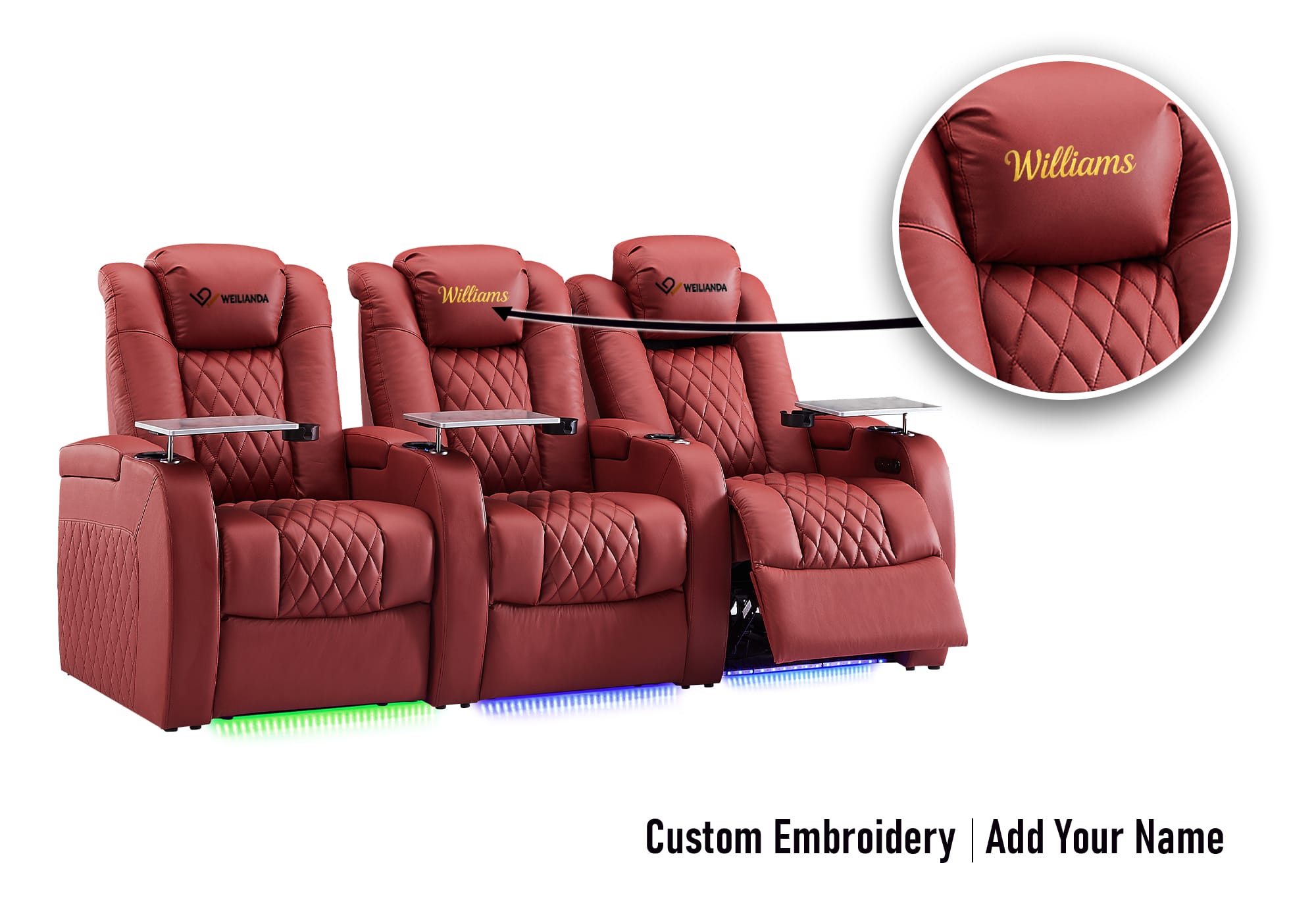
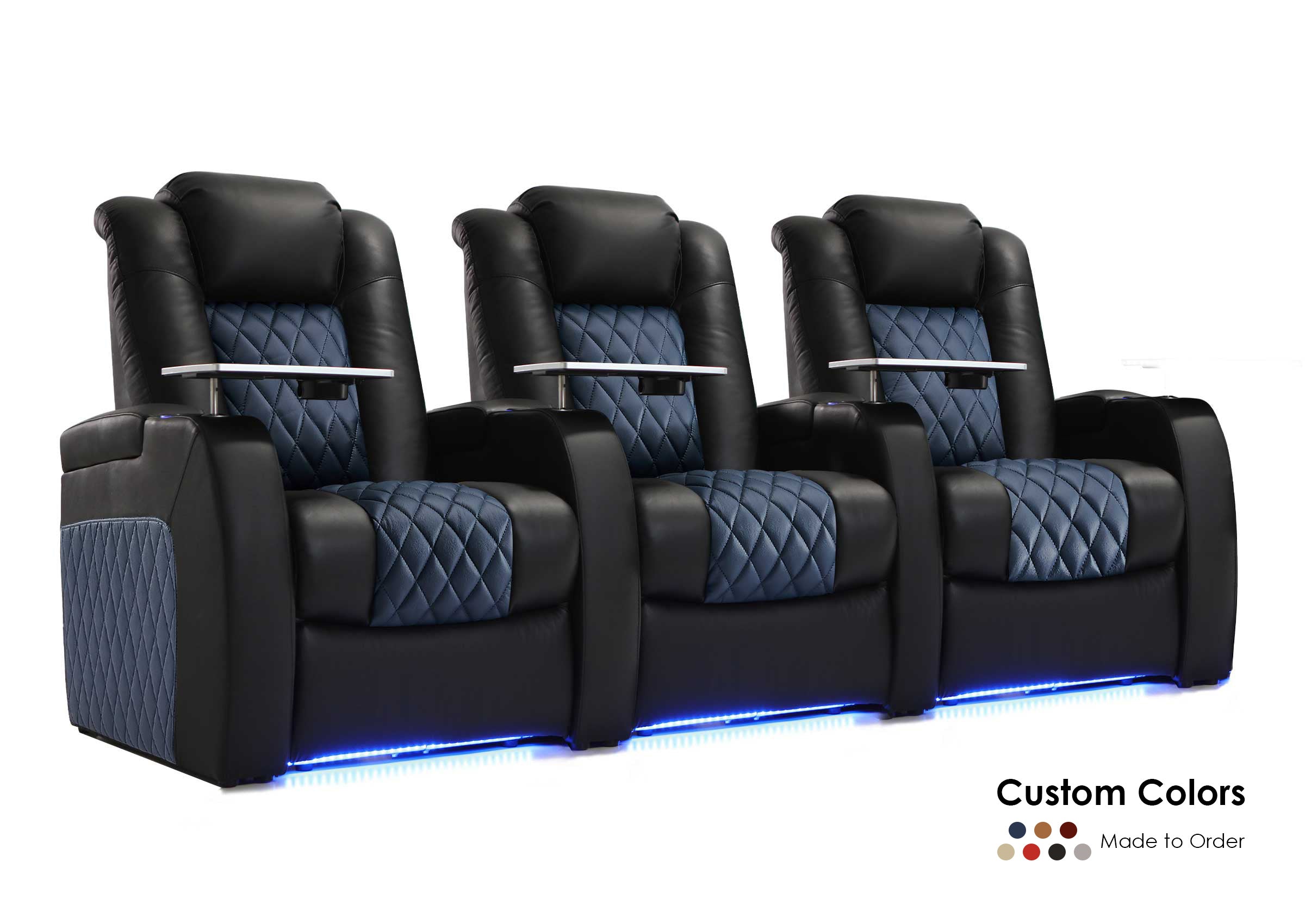
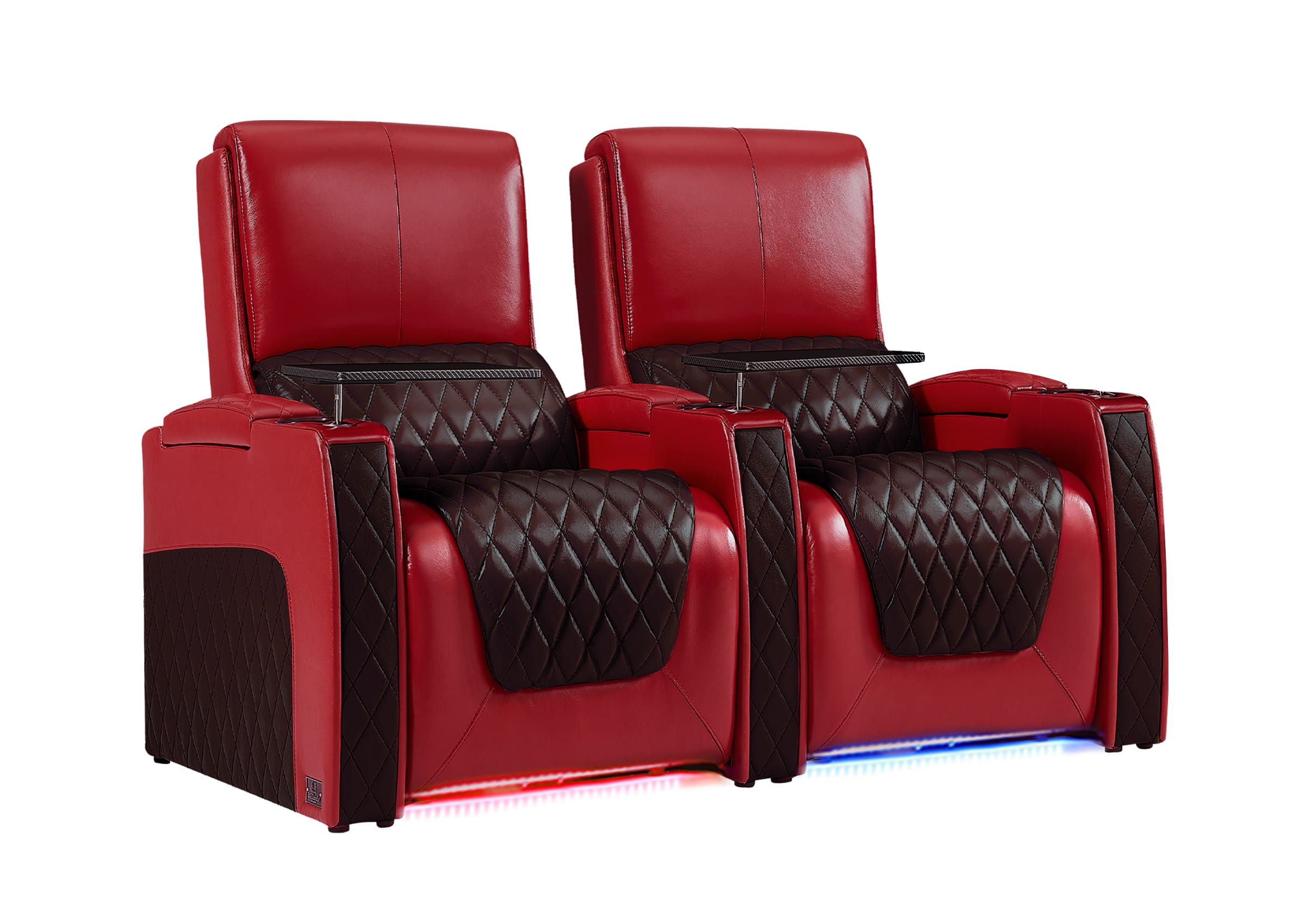
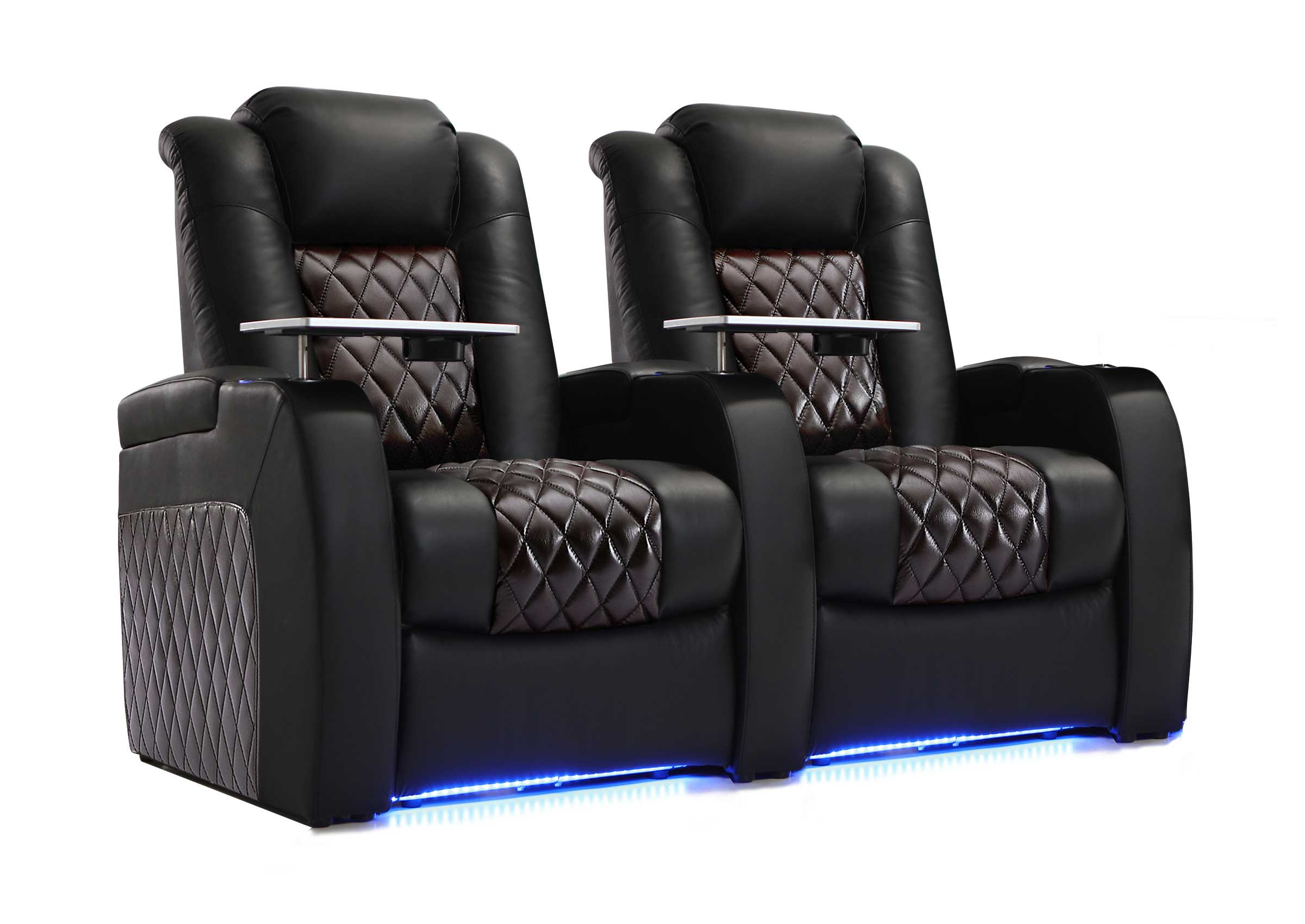
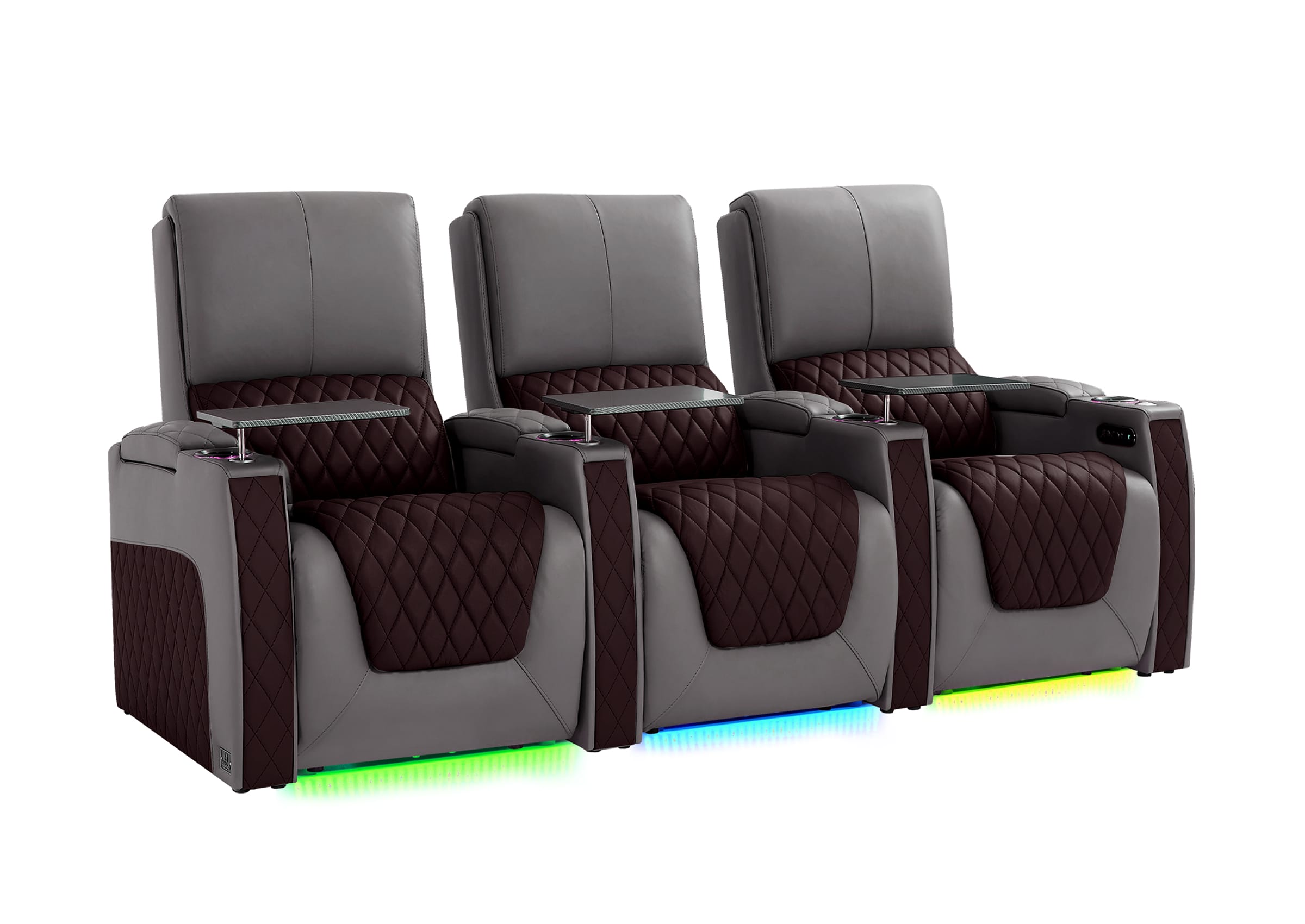
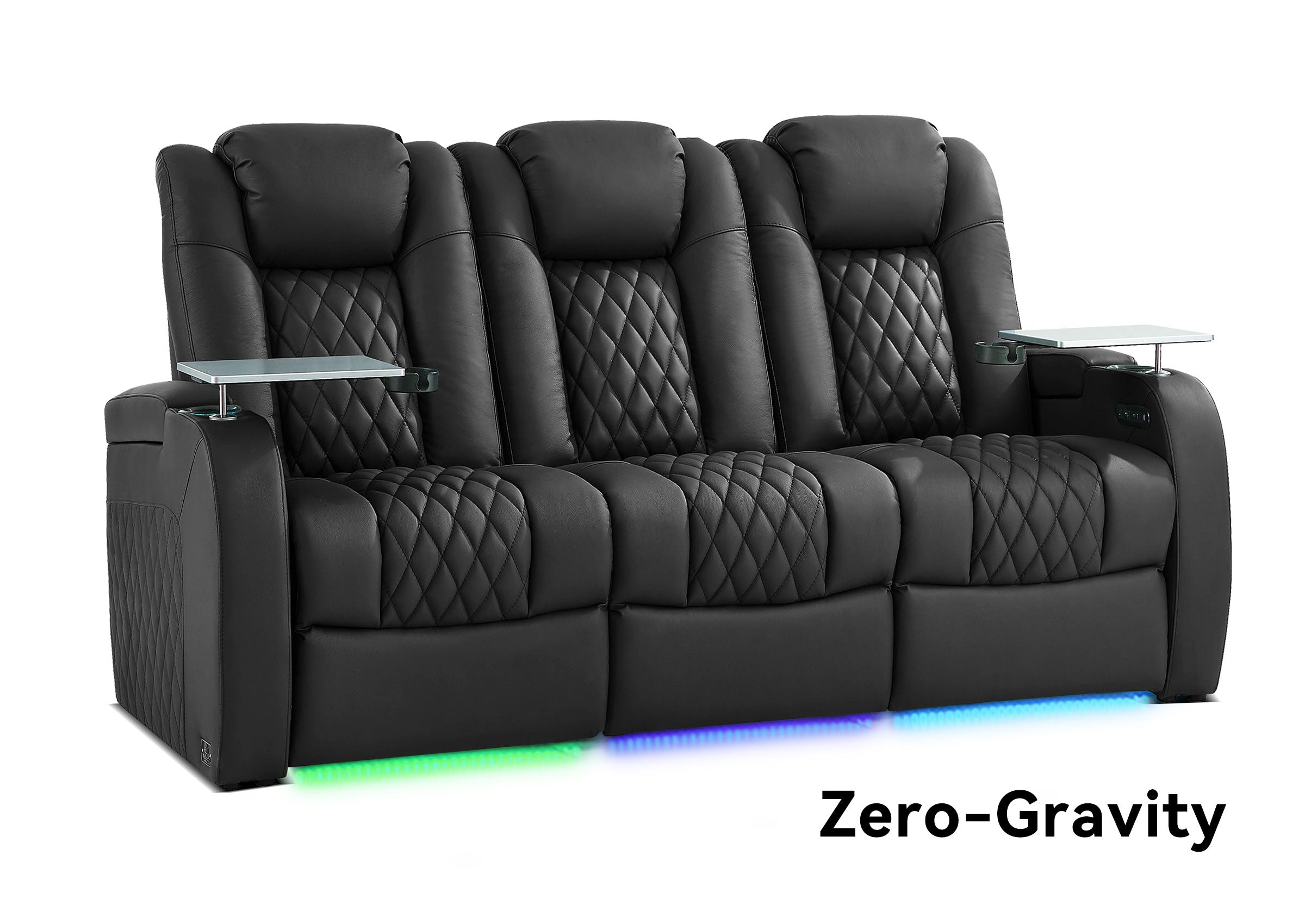
Compared with basic sofas or office chairs, theater-style reclining seating can provide:
● Adjustable reclining positions
● Head support
● Lumbar support options
● Footrest adjustment
● Storage for controllers and accessories
● USB charging
● Cup holders
● Tray tables
For long entertainment sessions, comfort is not an extra feature—it is part of the experience.
Different users may prioritize different features:
|
Usage Scenario |
Features That Matter Most |
|
Long RPG or adventure games |
Reclining comfort, head support, lumbar support |
|
Competitive multiplayer |
Comfortable posture and easy device access |
|
Sports gaming with friends |
Multiple seats, cup holders, shared viewing |
|
Family entertainment |
Storage, charging, easy everyday use |
When planning seating, always consider the fully reclined footprint instead of only the upright size. Recline depth, walking space, and room layout all affect daily comfort.
Gaming Chair vs Home Theater Seating: Which Is Better?
The right seating depends on how you use the room.
|
Seating Type |
Best For |
Advantages |
Limitations |
|
Gaming Chair |
Desk-based gaming |
Good for focused individual play |
Less suitable for group entertainment |
|
Sofa |
Flexible family rooms |
Casual and versatile |
Less personalized support |
|
Home Theater Recliner |
Gaming, movies, sports, long sessions |
Comfort, adjustability, shared experience |
Requires more layout planning |
A gaming chair may be the right choice for a dedicated PC setup.
A recliner-based entertainment space may work better when the room is used for:
● Console gaming
● Movies
● Sports
● Family activities
● Friends gathering
The question is not which seat is better overall.
The question is which seat matches how the room will actually be used.
Design the Room for More Than Gaming
One of the biggest mistakes when creating a gaming space is making it too limited.
A better approach is designing a room that can change with the activity.
Gaming Nights
A large screen, immersive audio, and comfortable seating can make multiplayer gaming more enjoyable.
Games such as FIFA, NBA 2K, NFL, racing games, and open-world adventures benefit from a more cinematic environment.
Movie Nights
The same space can become a private cinema with:
● Better lighting control
● Comfortable seating
● Surround sound
● Large-screen viewing
Family and Social Entertainment
A flexible entertainment room can support:
● Family movie nights
● Weekend gatherings
● Sports events
● Casual gaming
The best entertainment rooms are designed around real life, not only one hobby.
Lighting Ideas for a Better Gaming and Theater Experience
Lighting changes how an entertainment space feels.
The goal is not adding as many lights as possible. It is creating the right atmosphere.
Consider:
Ambient Lighting
Soft background lighting can make the room feel more comfortable without distracting from the screen.
LED Accent Lighting
LED lighting around seating, walls, or entertainment areas can add personality and create a stronger gaming atmosphere.
Activity-Based Lighting
Different situations may need different lighting:
● Gaming mode
● Movie mode
● Sports viewing mode
● Relaxing mode
The best lighting supports the experience instead of competing with it.
Plan Your Entertainment Space Before Buying Equipment
A common mistake is purchasing equipment first and planning the room later.
A better approach starts with the space.
Consider Room Size
Measure the available area before choosing:
● Seating
● Display size
● Speaker placement
Plan Viewing Distance
The screen, seating position, and viewing angle should work together.
Think About Daily Movement
Avoid blocking:
● Doors
● Walkways
● Storage areas
● Air vents
● Speaker locations
Measure Reclining Space
Power recliners require enough room to open fully.
Always consider:
● Fully reclined depth
● Walking space
● Access to accessories
● Space between seating areas
Organize Devices and Accessories
Controllers, remotes, charging cables, and gaming accessories can quickly create clutter.
Storage and organization should be part of the original design.
Common Mistakes When Creating a Gaming Home Theater
Choosing Equipment Before Planning the Room
A premium display or audio system cannot solve poor room planning.
Start with:
● How many people use the room
● Main activities
● Seating position
● Available space
Focusing Only on Technology
Technology matters, but the best experience comes from balancing:
● Image quality
● Sound
● Comfort
● Convenience
Ignoring Seating Comfort
A room may look impressive but become uncomfortable after a few hours.
Comfort should be treated as part of the entertainment system.
Designing Only for Gaming
A dedicated gaming setup may become limiting over time.
Consider whether the room should also support:
● Movies
● Sports
● Family activities
● Guests
Forgetting Storage and Convenience
Controllers, drinks, snacks, and charging devices need a place.
Features such as storage compartments, cup holders, tray tables, and charging options can improve everyday use.
Features That Create a Better Entertainment Experience
Not every feature improves a room equally.
The most valuable upgrades are usually the ones you use repeatedly.
|
Feature |
Why It Matters |
|
Power recline |
Adjust comfort during long sessions |
|
Adjustable headrest |
Supports a comfortable viewing angle |
|
Lumbar support |
Adds support during extended use |
|
Storage |
Keeps controllers and accessories organized |
|
USB charging |
Keeps devices ready |
|
Tray tables and cup holders |
Makes snacks, drinks, and accessories easier to manage |
|
Ambient lighting |
Adds atmosphere |
Weilianda focuses on practical home theater seating designed for real homes, with options that can include power reclining, adjustable headrests, lumbar support, storage, USB charging, tray tables, cup holders, and ambient lighting depending on the model.
Gaming Room vs Home Theater: Setup Checklist
|
Area |
What to Consider |
|
Display |
Screen size, viewing distance, refresh rate, input lag |
|
Audio |
Surround sound, speaker placement, room balance |
|
Seating |
Comfort, recline, support, spacing |
|
Lighting |
Atmosphere, glare control, flexibility |
|
Storage |
Controllers, remotes, accessories |
|
Layout |
Movement, equipment placement, future use |
Create an Entertainment Space That Fits Your Lifestyle
The choice between a gaming room and a home theater does not have to be either-or.
The best modern entertainment spaces combine:
● Gaming immersion
● Movie atmosphere
● Sports viewing
● Family comfort
Whether you are upgrading a basement, designing a media room, or creating a dedicated entertainment area, the most important step is building around how you actually use the space.
A great entertainment room should fit your lifestyle first, then your technology.
If you are planning a more comfortable gaming, movie, or family entertainment space, choosing seating based on your room layout and daily usage can make a significant difference. Weilianda provides practical home theater seating solutions designed for real homes and everyday entertainment.
FAQ
Can a gaming room also be a home theater?
Yes. A gaming room can become a home theater by adding a larger display, immersive audio, comfortable seating, and better room planning. The advantage is that the same space can support gaming, movies, sports, and social entertainment instead of being limited to one activity.
Is a home theater good for gaming?
A home theater can be excellent for gaming when it includes suitable display performance, comfortable seating, proper viewing distance, and responsive controls. It works especially well for cinematic games, racing games, sports games, and multiplayer experiences.
Should I choose a gaming chair or home theater seating?
The right choice depends on how you use the room. Gaming chairs are often designed for individual desk gaming, while home theater seating is better suited for shared spaces, large-screen gaming, movies, and longer relaxation sessions.
What is more important: a bigger screen or better seating?
Both matter, but seating is often underestimated. A larger screen improves visual impact, but comfortable seating determines how enjoyable the experience remains during long gaming sessions, movie nights, and gatherings.
Can I use recliners for gaming?
Yes. Recliners can work very well for gaming because many games involve extended sessions. Adjustable positions, head support, lumbar support, and charging convenience can improve comfort compared with standard seating.
How much space do I need for a gaming home theater?
The required space depends on the display, seating type, and room layout. Always measure the fully reclined seating footprint and leave enough space for movement, equipment access, and everyday use.
What games are best for a home theater gaming setup?
Large-screen gaming works especially well for racing games, sports games, open-world adventures, role-playing games, and multiplayer games where visual immersion and shared experiences matter.
What should I upgrade first in a gaming home theater?
Start with the foundation: display, sound, seating, and layout. Accessories can improve the experience, but the main elements determine whether the room feels comfortable and immersive.
