



























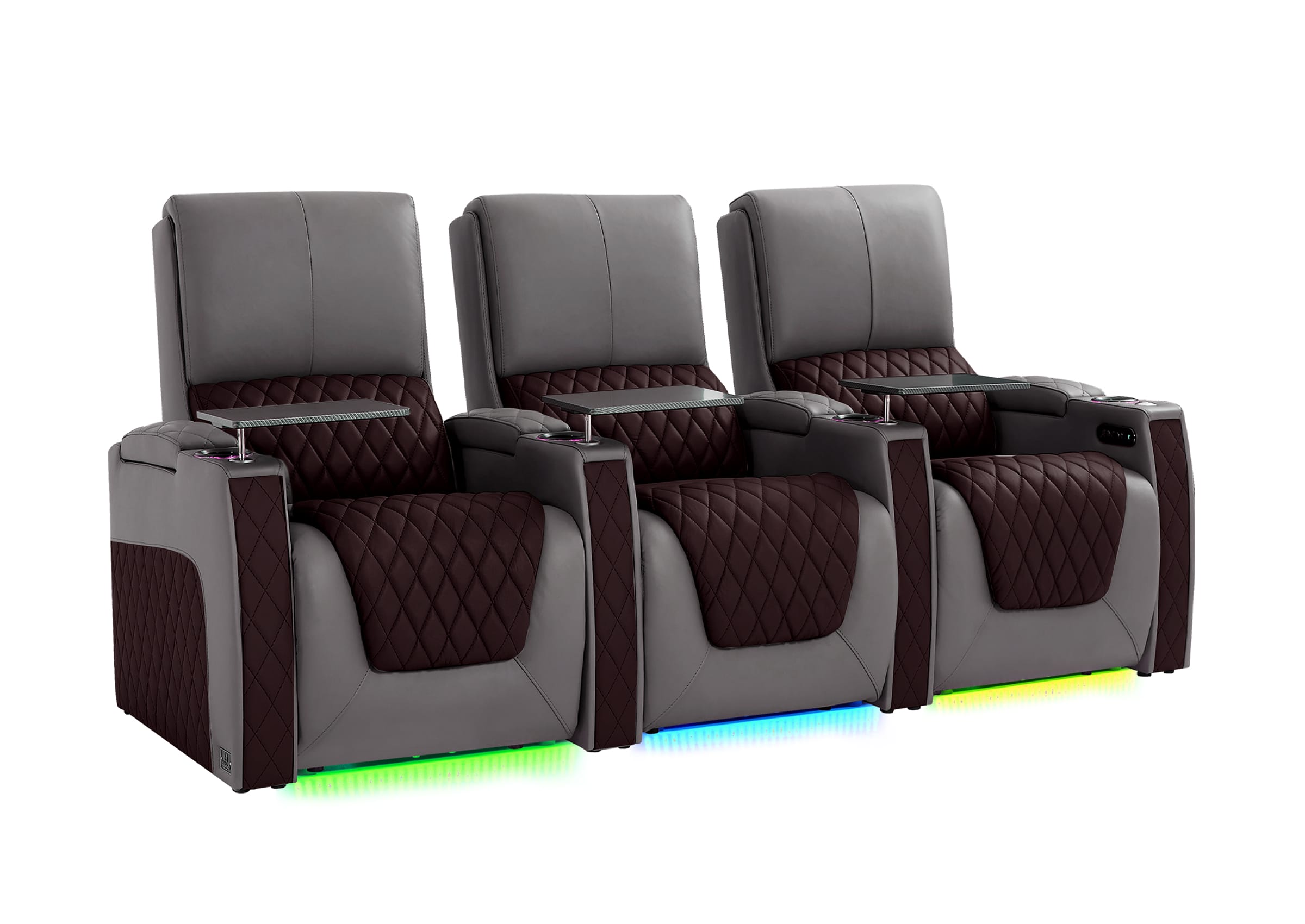
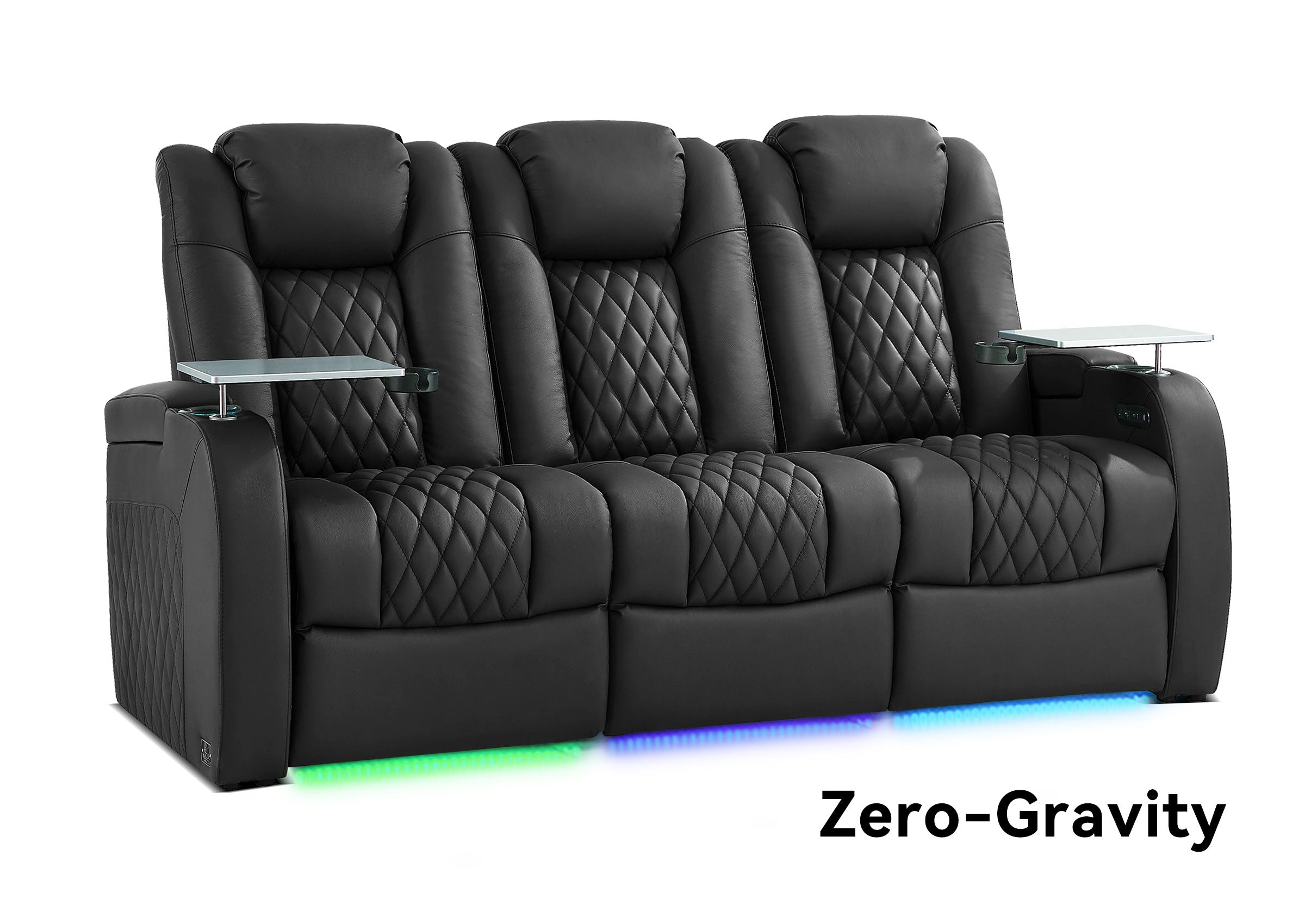


A cluttered media room usually does not need more storage everywhere—it needs clearer rules for what stays near the seats, what belongs in the room, and what should be removed entirely.
Remotes, game controllers, charging cables, discs, headphones, blankets, and accessories tend to collect around the places where people watch and play. When none of those items has a predictable home, even a well-designed entertainment room starts to feel disorganized.
This guide focuses specifically on decluttering and storing media-room accessories, physical media, remotes, controllers, and cables. If you are still deciding where the screen, seating, walkways, power, and storage zones should go, start with our broader guide to how to organize a media room.
Start by Separating What You Use From What You Store
Before buying organizers, shelves, or cabinets, gather the items that currently live around your media room.
That may include:
- TV and streaming remotes
- Game controllers
- Charging cables and adapters
- Headphones
- DVDs and Blu-rays
- Physical game discs
- Blankets and pillows
- Viewing accessories
- Old devices and unused electronics
Then divide them into three groups:
| Group | What Belongs Here | Where It Should Usually Go |
|---|---|---|
| Daily use | Remotes, current controllers, frequently used chargers | Within easy reach of the main seats |
| Occasional use | Extra controllers, less-used games, spare accessories | Nearby cabinet, drawer, or secondary storage |
| Archive or remove | Unused cables, obsolete devices, unwanted media | Separate long-term storage, donation, recycling, or removal |
The goal is not to find a storage container for everything. It is to reduce how much needs to remain in the media room at all.

Use the Reach-Frequency Rule
A simple way to decide where something belongs is to combine two questions:
- How often do I use this?
- Do I normally use it while sitting down?
Items used frequently while seated should be the easiest to reach. Items used occasionally can move farther away. Rarely used items should not occupy the most convenient storage in the room.
For example:
- A TV remote may belong inside an armrest or nearby drawer.
- A current game controller may belong beside the primary gaming seat.
- A spare HDMI cable can live in a cabinet.
- An old console you no longer use probably should not remain in the active entertainment zone.
This prevents convenient storage from slowly turning into another junk drawer.
How Should You Organize Remote Controls?
Remote controls are easy to lose because they move constantly between hands, cushions, tables, and different parts of the room.
The best solution is usually not a more complicated organizer. It is giving every remote one permanent return location.
Use One Control Zone
Choose a single place near the primary seating area for everyday controls.
Possible locations include:
- A small remote caddy
- A side-table drawer
- An armrest storage compartment
- A center seating console
- A dedicated shallow cabinet drawer
Keep only current, regularly used remotes there. Old remotes for equipment you no longer use should be removed rather than allowed to accumulate.
Label Similar Remotes When Necessary
If several controls look alike, simple labels such as “TV,” “Audio,” or “Streaming” can make the system easier for everyone in the household to use.
A storage system works best when another person can find and return the correct remote without needing instructions.
How Should You Store Game Controllers and Gaming Accessories?
Gaming accessories create more clutter than controllers alone. Headsets, charging leads, adapters, spare batteries, handheld devices, and small accessories often collect around the same seating area.
Separate gaming gear into:
- Current-session gear: controllers, headset, charging cable
- Backup gear: spare batteries, adapters, extra cables
- Archive gear: accessories for systems you rarely use
Keep the first group near the seats. The other two can move to drawers or cabinets farther from the main viewing area.
If you use several consoles, group games and accessories by system first. That is usually easier to maintain than mixing everything together and relying on memory later.
How Should You Organize DVDs, Blu-rays, and Physical Games?
Physical media still deserves dedicated storage if you regularly use or collect it, but the right solution depends more on how often you browse the collection and how much of it you want visible than on a universal storage capacity.
| Storage Type | Best For | Main Advantage | Main Tradeoff |
|---|---|---|---|
| Open shelves | Collections you browse frequently | Easy to see and access | More visible clutter and dust |
| Closed cabinets | Larger collections you want hidden | Cleaner appearance | Requires more room |
| Drawers | Smaller organized collections | Hidden but accessible | Titles may be harder to scan |
| Media binders | Users who value compact storage | Reduces the space occupied by cases | Original packaging is separated from the disc |
| Wall-mounted shelving | Rooms with limited floor area | Uses vertical space | Requires appropriate installation |
Do not assume every physical title needs to remain in the media room.
Keep frequently watched movies and currently played games nearby. Older collections, special editions, or rarely used media can move to less accessible storage without affecting daily use.

Should You Organize Physical Media by Type, Title, or Frequency?
There is no single correct system. Choose the one that matches how you actually search for something.
By Format
Keep DVDs, Blu-rays, games, and other formats in separate groups. This works well when the collection includes several different device types.
By Console
For physical games, separating PlayStation, Xbox, Nintendo, and other platforms first makes compatibility obvious.
By Frequency
If only part of the collection is used regularly, put current favorites in the easiest-to-reach locations and archive the rest.
Alphabetically or by Genre
This can work well for larger collections, especially when several people use the room and need a predictable system.
The best organization method is the one people can maintain without thinking about it.
When Is Hidden Storage Better Than Open Shelving?
Open shelves make collections easy to browse, but they also keep everything visually present in the room.
Hidden storage is usually more useful when you want the screen and seating—not the accessories—to remain the visual focus.
Options include:
- Closed media cabinets
- Storage ottomans
- Drawer systems
- Lift-top tables
- Center seating consoles
- Armrest storage
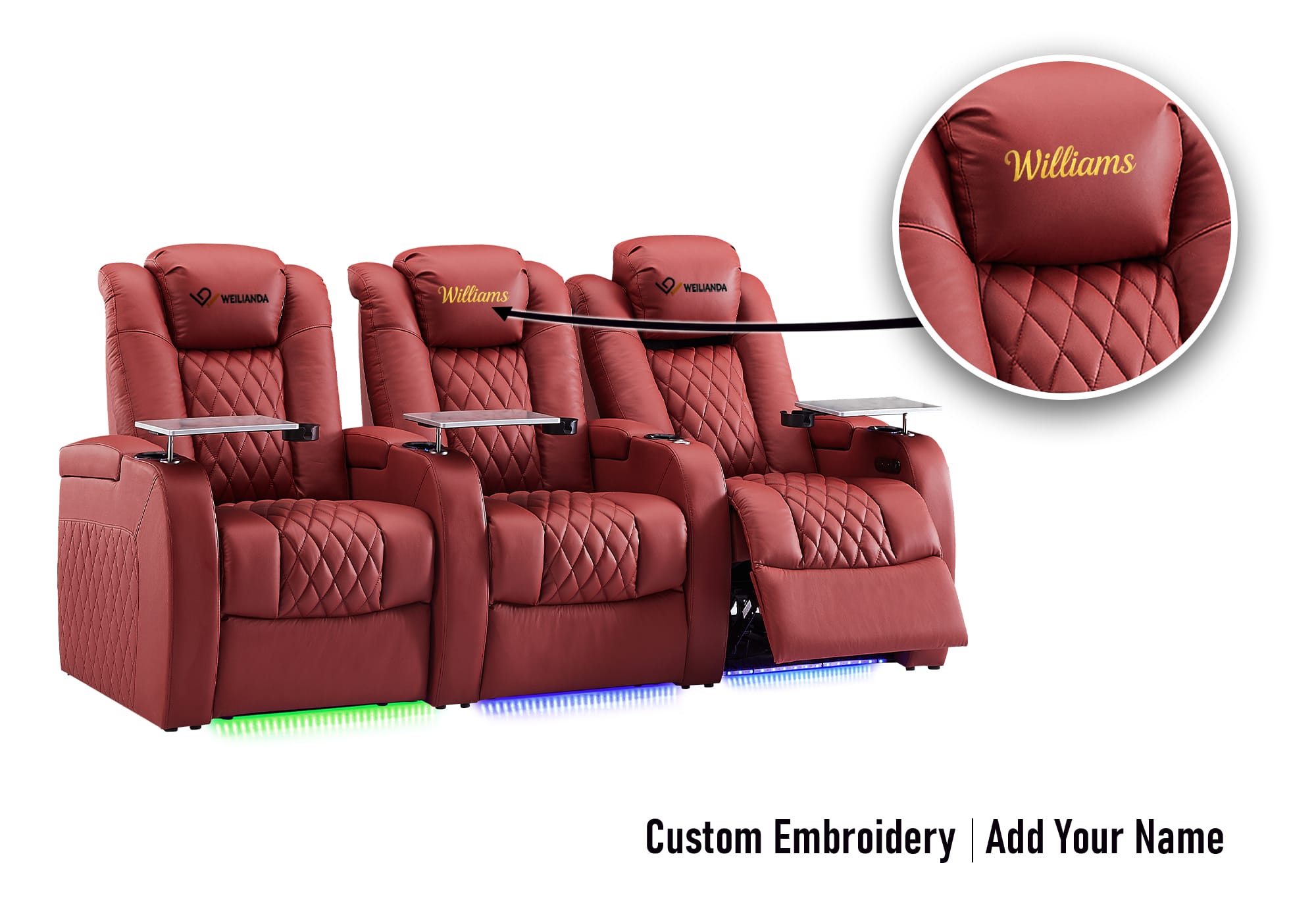
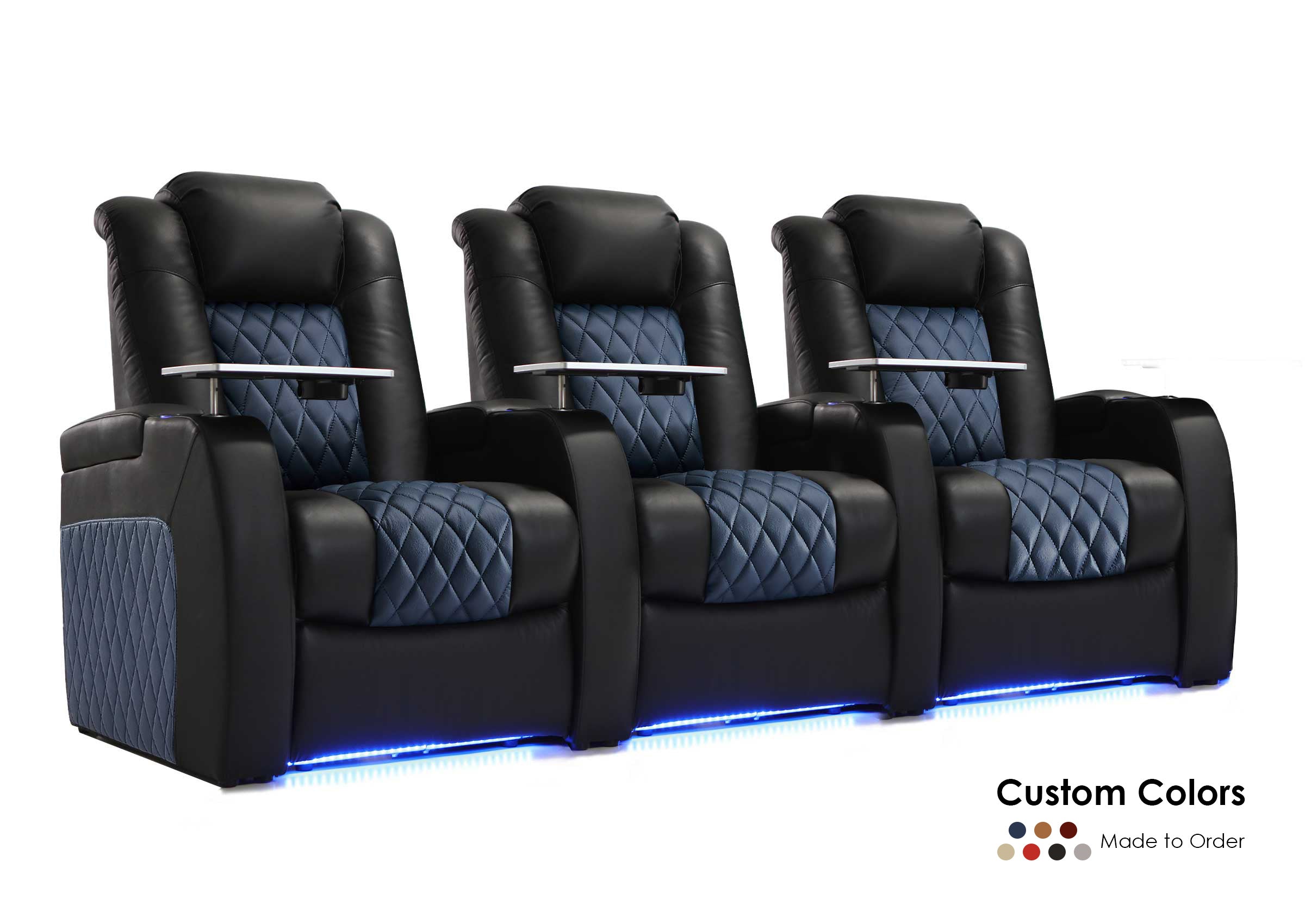
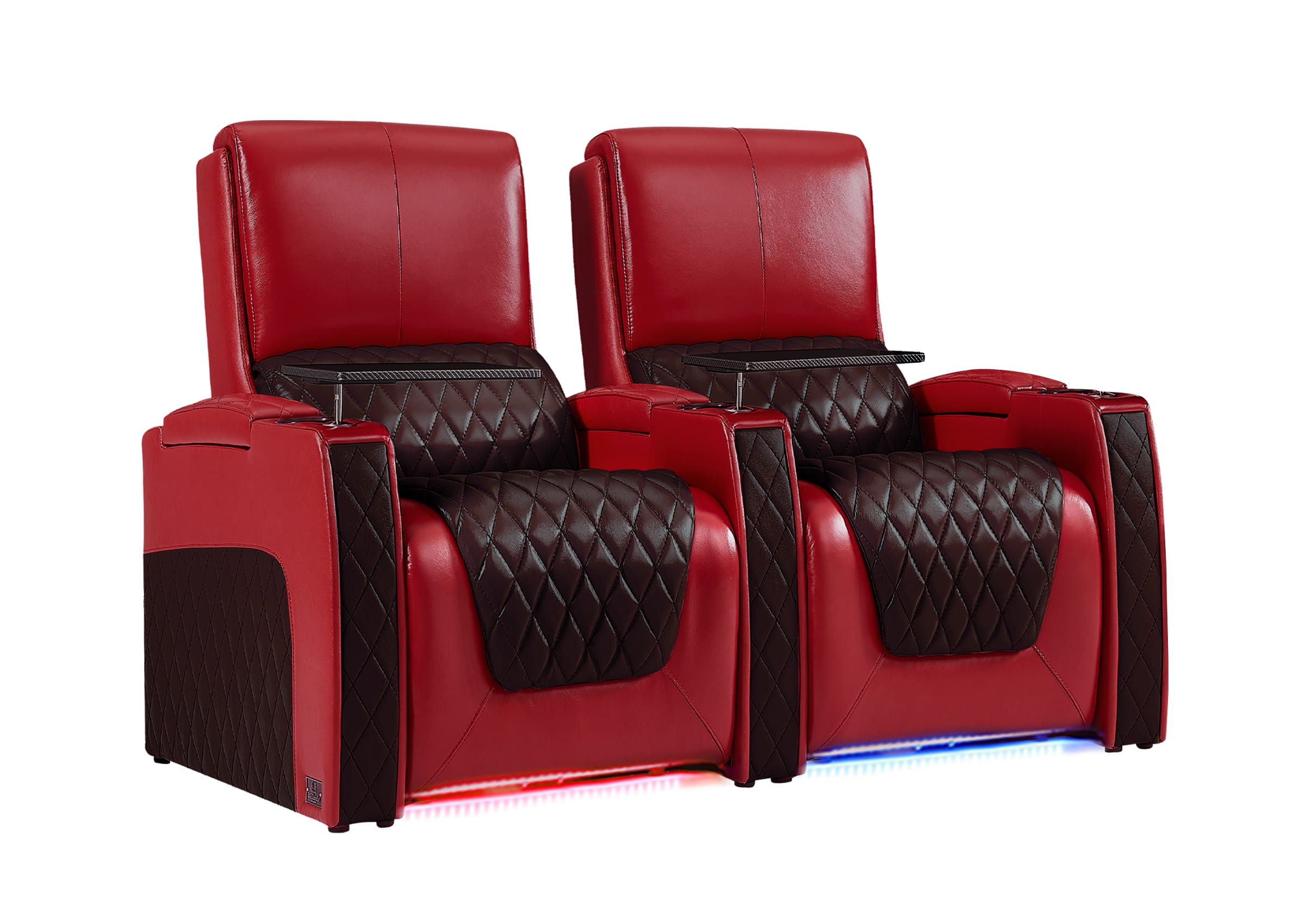
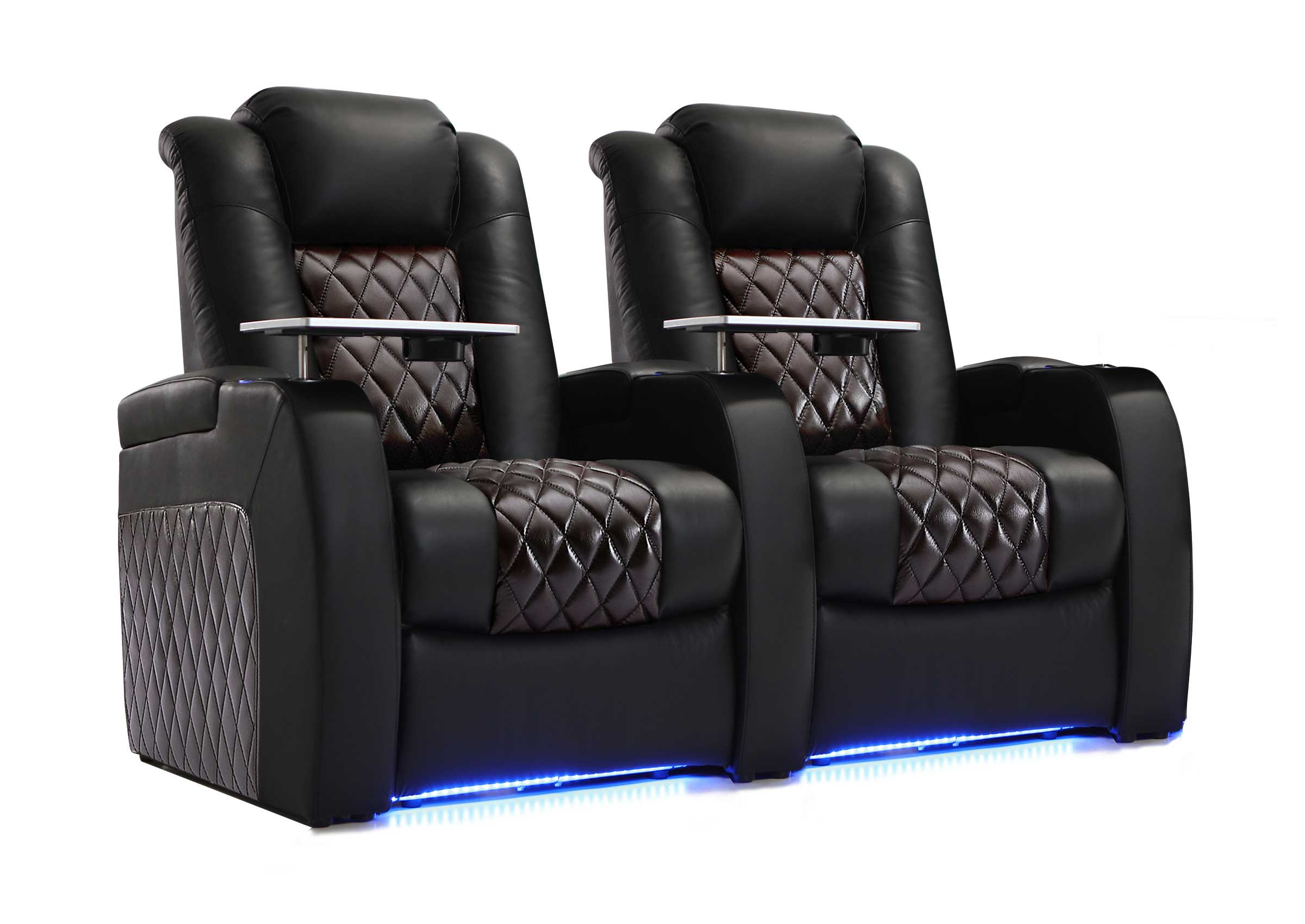
Built-in seating storage is particularly useful for the small items you repeatedly use while seated, such as remotes and controllers. If you are deciding what should live inside the seating itself, see our guide to media room seating storage.

Wall-Mounted vs. Freestanding Media Storage
Both approaches can work. The better choice depends on whether you value floor space or future flexibility more.
| Consideration | Wall-Mounted Storage | Freestanding Storage |
|---|---|---|
| Floor space | Keeps more floor area open | Uses part of the floor footprint |
| Installation | Requires secure mounting | Usually easier to place |
| Future rearrangement | Less flexible | Easier to relocate |
| Rental use | May be less practical | Usually easier to use without permanent changes |
| Weight support | Depends on wall and mounting method | Depends on furniture construction |
In a smaller media room, wall-mounted storage can preserve valuable floor area. In a room that may be rearranged later, freestanding storage is often easier to adapt.
Always consider what is behind the wall and whether the installation method is appropriate for the expected load before mounting heavy shelving.

How Do You Declutter Media Room Cables?
Cable clutter is different from accessory clutter because a visually clean solution can still be inconvenient—or unsafe—if cords are routed poorly.
Use a process that keeps cables identifiable and serviceable.
- Identify each cable. Before reorganizing, determine what every power, HDMI, network, charging, and speaker cable connects to.
- Remove obsolete cables. Do not continue bundling cords that are no longer connected to anything you use.
- Label important connections. Labeling both ends can make future equipment changes much easier.
- Bundle related cables. Reusable cable ties or appropriate cable sleeves can keep related runs together without making later changes unnecessarily difficult.
- Keep cables away from walking paths. Do not leave charging or power cords where people regularly step.
- Protect cables from moving furniture. Recliners and other powered seating can change position, so cable routing should account for moving mechanisms and footrests.
- Leave service access. Equipment connections should remain reachable when a device needs to be reset, replaced, or disconnected.
The goal is not just to hide wires. It is to create a cable system you can still understand six months later.
Do Not Hide Equipment That Needs Ventilation
Decluttering does not mean putting every device inside an enclosed cabinet.
Some electronics produce heat or require reliable ventilation. Equipment storage should account for manufacturer requirements, airflow, cable access, and future maintenance.
A streaming device, receiver, gaming console, router, or other active equipment may need a different storage solution from remotes, controllers, discs, and other passive accessories.
Keep the distinction clear:
- Accessory storage: designed primarily for organization
- Equipment storage: also needs to support ventilation, connections, and service access
Use the One-Touch Return Rule
The easiest organization systems minimize the number of actions required to put something away.
If returning a remote requires opening a cabinet across the room, moving another item, and finding the correct shelf, people will eventually stop doing it.
If the remote simply drops into the armrest compartment beside the seat, the habit is much easier to maintain.
Try to give frequently used items a home that requires one simple action:
- Remote → control compartment
- Controller → gaming drawer
- Headphones → designated hook or compartment
- Blanket → storage ottoman or larger console
- Charging cable → reusable tie and charging zone
This is especially useful in family media rooms, where the organization system needs to make sense to more than one person.
Try a Five-Minute Media Room Reset
A practical decluttering system should make it possible to return the room to its normal state shortly after a movie or gaming session.
A five-minute reset might include:
- Returning remotes to their storage location
- Putting controllers away or back on charge
- Removing dishes and food waste
- Folding blankets
- Coiling loose charging cables
- Returning discs and games to their shelves
If this process regularly takes much longer because people do not know where items belong, the room probably needs simpler storage rules rather than more storage furniture.
When Should You Declutter Instead of Adding More Storage?
Adding a cabinet is not always the solution.
Consider removing items instead when:
- Storage is already full of accessories you rarely use.
- You are keeping cables for devices you no longer own.
- Old remotes have been replaced but never removed.
- Physical media has expanded far beyond what you actually watch or play.
- Extra furniture would reduce walking or reclining space.
If adding storage makes the room harder to move through, decluttering is usually the better first step.
If the clutter problem is actually being caused by furniture placement, poor walking paths, or a lack of room zones, return to the complete media room organization guide before adding another cabinet or storage piece.
Media Room Decluttering Checklist
| Question | What It Helps Decide |
|---|---|
| Do we use this item regularly? | Whether it should stay in the active media room |
| Do we use it while seated? | Whether it belongs near the seating |
| Does everyone know where it goes? | Whether the storage system is intuitive |
| Could this item move to secondary storage? | Whether prime storage space is being wasted |
| Does this device require ventilation? | Whether enclosed storage is appropriate |
| Are cables safe and serviceable? | Whether cable management needs improvement |
| Can the room reset quickly? | Whether the system will work long term |
FAQs
How often should I declutter my media room?
There is no fixed schedule that works for every household. A better trigger is noticing that storage compartments are becoming difficult to close, cables are accumulating again, or frequently used items no longer have obvious places. A short review at those points can prevent clutter from rebuilding.
What is the best way to store unused DVD and Blu-ray cases?
If you want to preserve original cases but do not need them in the active media room, move them to a clean, dry storage area where temperature and moisture conditions are appropriate for the materials. Keep collectible or valuable editions in their original packaging.
Can DVDs, Blu-rays, and games use the same cabinet?
Yes. Separate them by format, console, genre, or frequency of use so the collection remains easy to browse. Dividers or dedicated shelves can help larger mixed collections stay organized.
Should I use open shelves or closed cabinets?
Open shelves are easier to browse and display, while closed storage creates a quieter visual appearance and helps keep collections out of sight. Choose based on whether accessibility or visual simplicity matters more in the room.
Where should remotes and controllers be stored?
Keep frequently used controls close to the seats where people actually use them. Armrest storage, center consoles, small drawers, and remote caddies can all work as long as the return location is consistent.
How do I stop a media room from becoming cluttered again?
Reduce the number of active items, give frequently used accessories predictable homes, and use a quick reset after movies or gaming sessions. The simpler it is to put something away, the more likely the system is to last.
Keep the Media Room Easy to Reset
A decluttered media room does not need empty shelves or perfectly hidden accessories. It needs a system that keeps the things you actually use easy to find while preventing unused equipment, cables, media, and miscellaneous items from occupying the most valuable space.
Keep everyday controls near the seats. Move occasional-use items into secondary storage. Remove what no longer serves the room. Keep equipment ventilated and cables accessible. Then make sure everyone can return the room to its normal state without a complicated cleanup process.
When the storage problem is part of a larger layout problem, use the complete media room organization guide to plan seating, traffic flow, power, storage, and everyday use together.
