








































Start with LEGO Voyagers if there are two of you and someone would rather figure things out by looking than by reading. If a confident player wants to help a first-timer through tricky jumps, pick Unravel Two. For three or four people, try Super Mario Bros. Wonder for a shared platforming course or Overcooked! All You Can Eat for short rounds with adjustable time pressure.
Pick a Game for the People on Your Couch
| If you’re playing with… | Pick and same-console players | Console versions covered |
|---|---|---|
| One person who wants to explore without much reading | LEGO Voyagers, 2 | Switch, Switch 2, PS4, PS5, Xbox Series X and S |
| A partner who wants help getting past tricky jumps | Unravel Two, 2 | Switch, Xbox One, Xbox Series X and S, PS4 edition |
| A child or adult who wants a simple role in a 3D adventure | Kirby and the Forgotten Land, 2 | Original Nintendo Switch release |
| Three or four people who want to jump through a level together | Super Mario Bros. Wonder, 2–4 | Switch or Switch 2, including the Switch 2 Edition |
| Two to four people who want a short team task with adjustable timers | Overcooked! All You Can Eat, 2–4 | Switch, PS4, PS5, Xbox One, Xbox Series X and S |
Ease depends on what trips up the person beside you. Someone may be happy to work out a puzzle but dislike a clock or have trouble steering and jumping in three dimensions. The first-round suggestions below use each game’s documented controls, player count, and difficulty options.
Check That “Local” Means One Console
Look for the same-system player count for your exact edition. Couch co-op means the two or more people are working together on one console. On a shared screen, everyone sees the same view. In local split-screen, the TV shows a separate view for each player. Both types fit one TV. Split-screen gives each player their own view. From the far seat, check whether both people can read the prompts in their part of the picture.
Local wireless can link nearby consoles. Online co-op connects players over the internet, and features like GameShare may still require a second system even if one person owns the game. Super Mario Bros. Wonder has separate options for playing on one system and sharing the game with other systems. For the couch, choose Local Multiplayer on the host console. Nintendo’s local and online mode guide
Set out one compatible controller or supported controller configuration per person. Pair the controllers before handing them out. Ask the second player to move on that controller. If it only moves Player 1, check the game's add-player menu and controller assignments before you start. If you’re using a Nintendo Switch Lite, plan for its built-in screen. It lacks TV output. Nintendo’s Switch model comparison

Before Player Two Joins
Make the Game Prompts Easier to Read
Check captions, menus, and on-screen prompts from both seats before you start the first level.
LEGO Voyagers for Two Players Who Prefer Visual Puzzles
Two people play as little LEGO bricks, tumbling, jumping, and snapping onto objects or each other. The story is told without spoken dialogue. That makes it a good choice if someone wants to learn by seeing what moves and what fits. Both people get their own character on the shared screen. Help with any menu prompts, then give the newcomer time to get used to steering and jumping in 3D. LEGO’s local co-op and platform details · PlayStation’s game overview
In the full game, start local play with two supported controllers. The Switch and Switch 2 have separate store listings. Use the listing for your system and check the controller configuration before assuming a single detachable Joy-Con will work. Try one small section together. Let the newcomer find the next object to snap onto and take the first jump. Move on once both players have tried the move. Switch edition · Switch 2 edition
Unravel Two When One Player Can Help With the Jumps
The two Yarnys are connected by a strand, so one player can hold position while the other swings or pulls on the yarn. For a tricky stretch, the characters can combine and move together, then separate again when a puzzle needs two positions. Let the beginner take over again once you’re across. The Switch manual also documents hints, slow motion for platforming, and autosaves at checkpoints. Some sections still call for careful timing. EA’s Switch manual
Use two controllers for local play. The Switch manual covers single Joy-Con controls as well as the Pro Controller. It explains how to join from the in-game multiplayer menu. On Xbox, look for the two-player local co-op listing on Xbox One or Series X|S. For PlayStation, the game is listed as PS4 software, with PS5 compatibility noted by the store. Try one puzzle or play until the next checkpoint if you have limited time. Xbox local co-op listing · PlayStation Store edition details
Kirby and the Forgotten Land When One Person Wants a Simpler Role
In the original Nintendo Switch release, one player controls Kirby and a second can join on the same system as Bandana Waddle Dee. Nintendo shows a Joy-Con handed to the second player. Give the experienced player Kirby’s copy abilities and let the newcomer try moving, jumping, and using Waddle Dee’s spear. The two roles feel different, so swap controllers on a later stage if both people want to be Kirby. Nintendo’s Switch game and co-op details
Start in Spring-Breeze Mode for extra health. A player who has never used a stick may still need a moment to judge depth in 3D. Before moving deeper into a stage, stop in an open spot and let them practice approaching an enemy or lining up a jump. Nintendo’s gameplay and difficulty tips
Super Mario Bros. Wonder for Three or Four on a Switch
On one Switch or Switch 2, up to four people can play together locally. Nintendo covers the original release and the Switch 2 Edition with Meetup in Bellabel Park. If you have compatible detachable controllers, use a single Joy-Con held sideways per person, or use one of the other supported controller configurations. Set the player count first, then register each controller and select characters. Nintendo’s exact local setup
Give a new player Yoshi or Nabbit to reduce setbacks from enemies. They still have to make jumps and can fall into pits. Pick an early course and ask the faster players to stay with the person learning. The shared view is easier to follow when the group moves at roughly the same pace. Nintendo’s beginner tips · Official game overview
Overcooked! All You Can Eat for Short Rounds With Less Pressure
This edition supports up to four offline players. Use one compatible controller per cook to make it easy to assign roles. Team17 specifies a DualSense for each active player in the native PS5 version. Check for the full All You Can Eat name, since that’s the edition with the Assist Mode options described here. Team17’s edition and controller FAQ
Start in Practice or turn on Assist Mode in a simple kitchen. You can lengthen the level timer and adjust or turn off the individual order timers. Turning off order timers still leaves the level timer. Show the beginner one recipe icon and demonstrate the first task. With four people, try one person chopping, one cooking, one plating, and one serving. With two people, one can prep while the other cooks and serves. Pick a simple kitchen with a single recipe to learn first. Agree on a call for a handoff, such as “rice ready,” then try to serve one dish together.

Give the First Round a Small Goal
Start with one room, one course, or one dish. Demonstrate the move the player needs right now, then put the controller back in their hands. If the newcomer keeps losing track of the view in a 3D game, try a side-view course together. If everyone can follow the action but has trouble reading the prompts, adjust the game’s text or subtitle size if the option is available. If the issue is time pressure, try one kitchen with Assist Mode before switching games. Give people a chance to stop after the first small win.
Frequently Asked Questions
Which game should I start with if the other person never plays?
Try LEGO Voyagers if they like looking for a solution and can get comfortable moving in 3D. If they’d rather learn a side-view game with help through tricky jumps, try Unravel Two. Give them the controller early so you can see which kind of movement feels better to them.
Is split-screen the same as couch co-op?
Split-screen describes the view. Couch co-op describes people playing together on one system. A couch co-op game might divide the TV into views for each player or display everyone in one shared view.
Can four people play with the two Joy-Con that came with a Switch?
The two included Joy-Con can cover two people when the game supports one per player. For four players in Super Mario Bros. Wonder, bring two more supported controller setups and confirm the game registers all four.
Do all players need an online subscription for couch co-op?
You use the local or offline option for same-console play. A digital game can still have console licensing or sign-in requirements, so open it and register the second player on the actual console before guests arrive. If you add a remote friend, check the rules for the online mode separately.
What if there are four of us but the game only takes two?
Pick a four-player game if everyone wants to stay involved for the full session. If the group wants a two-player game, agree to swap at a checkpoint or after a complete round so the next pair knows when they’re up.
Pick One Game and Pair the Controllers
Say how many people are playing, pick a game from the table, and get everyone into the local mode before you start the first level. Give the newcomer one thing to try, then let them decide whether they want another round.
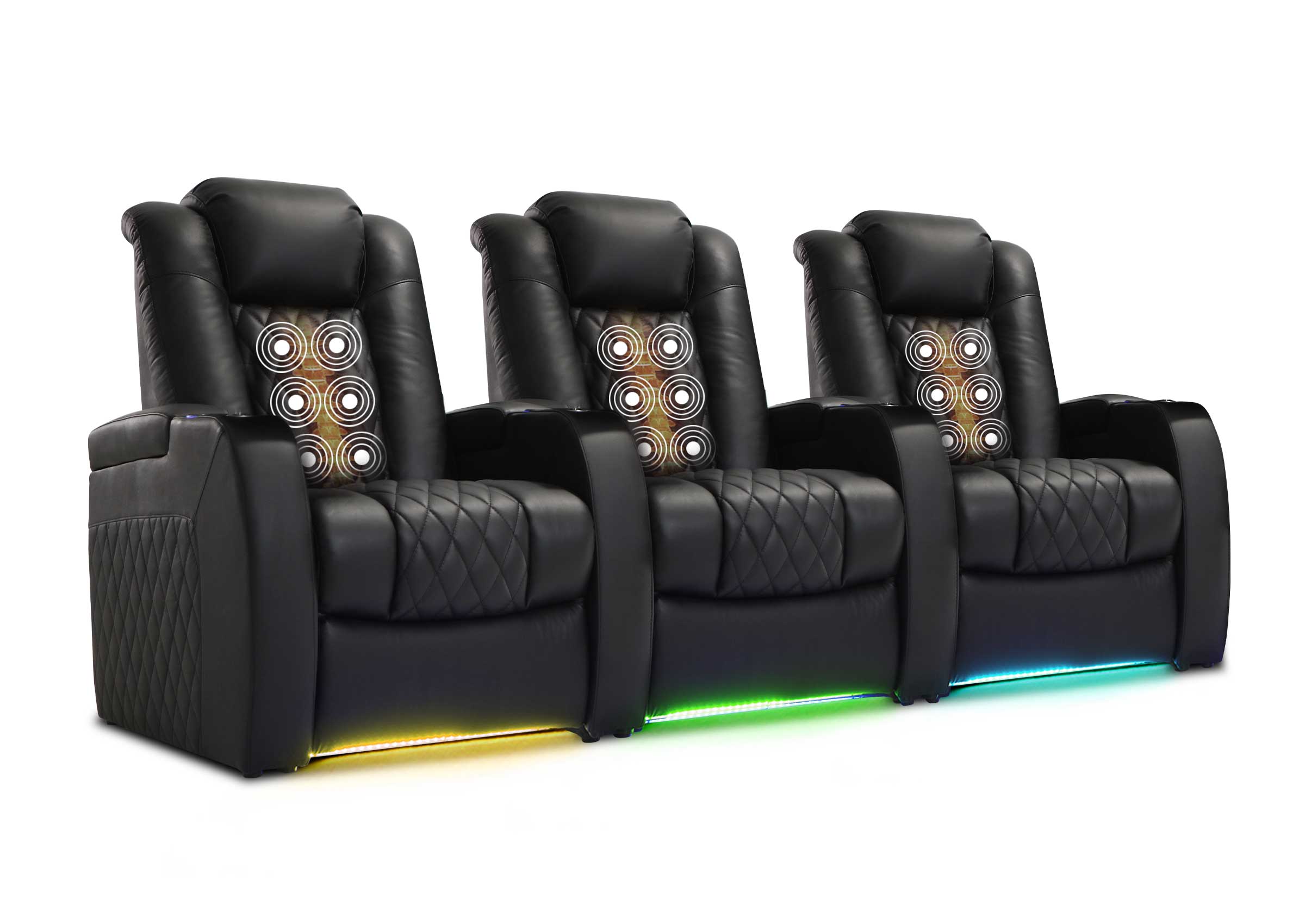
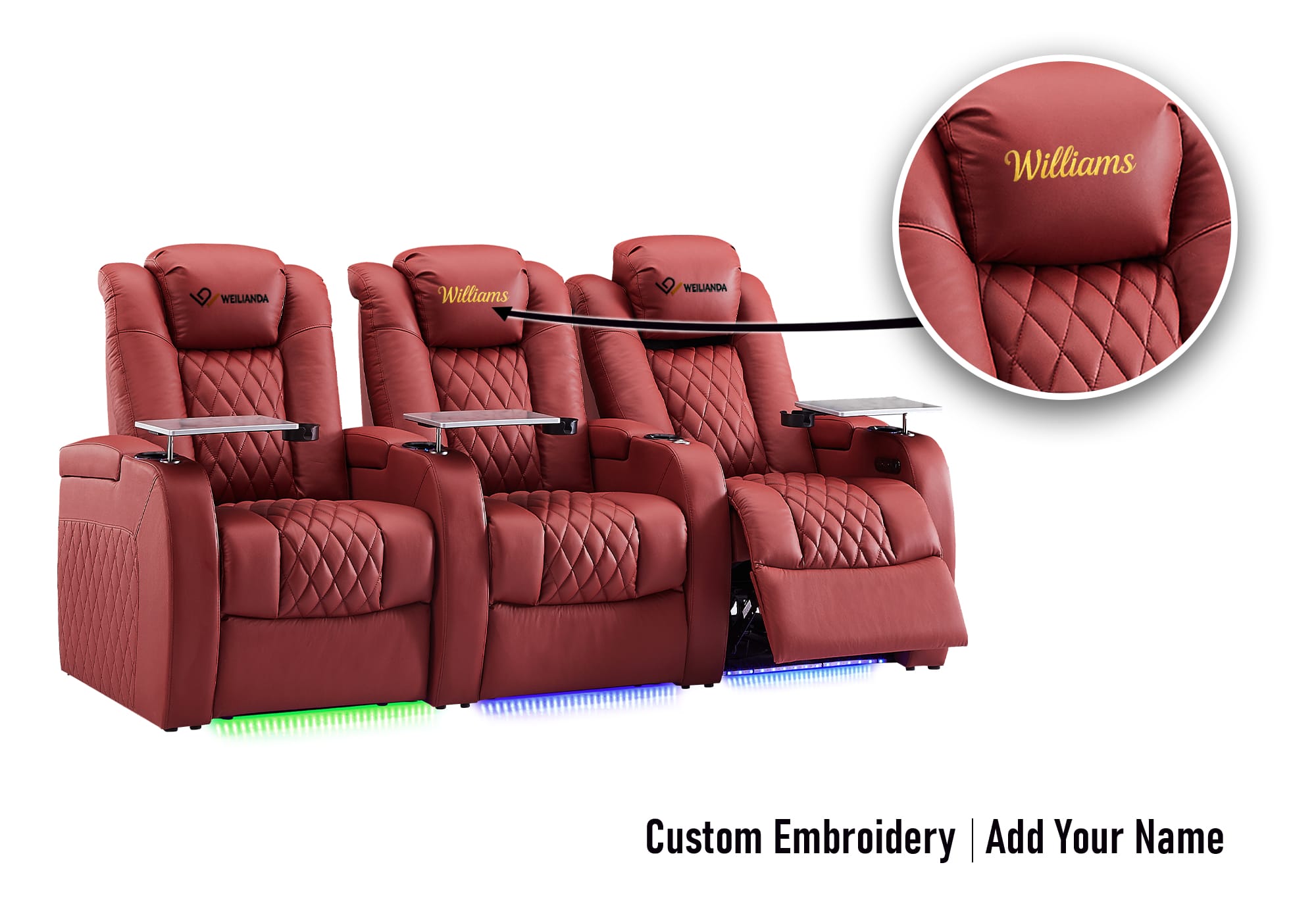
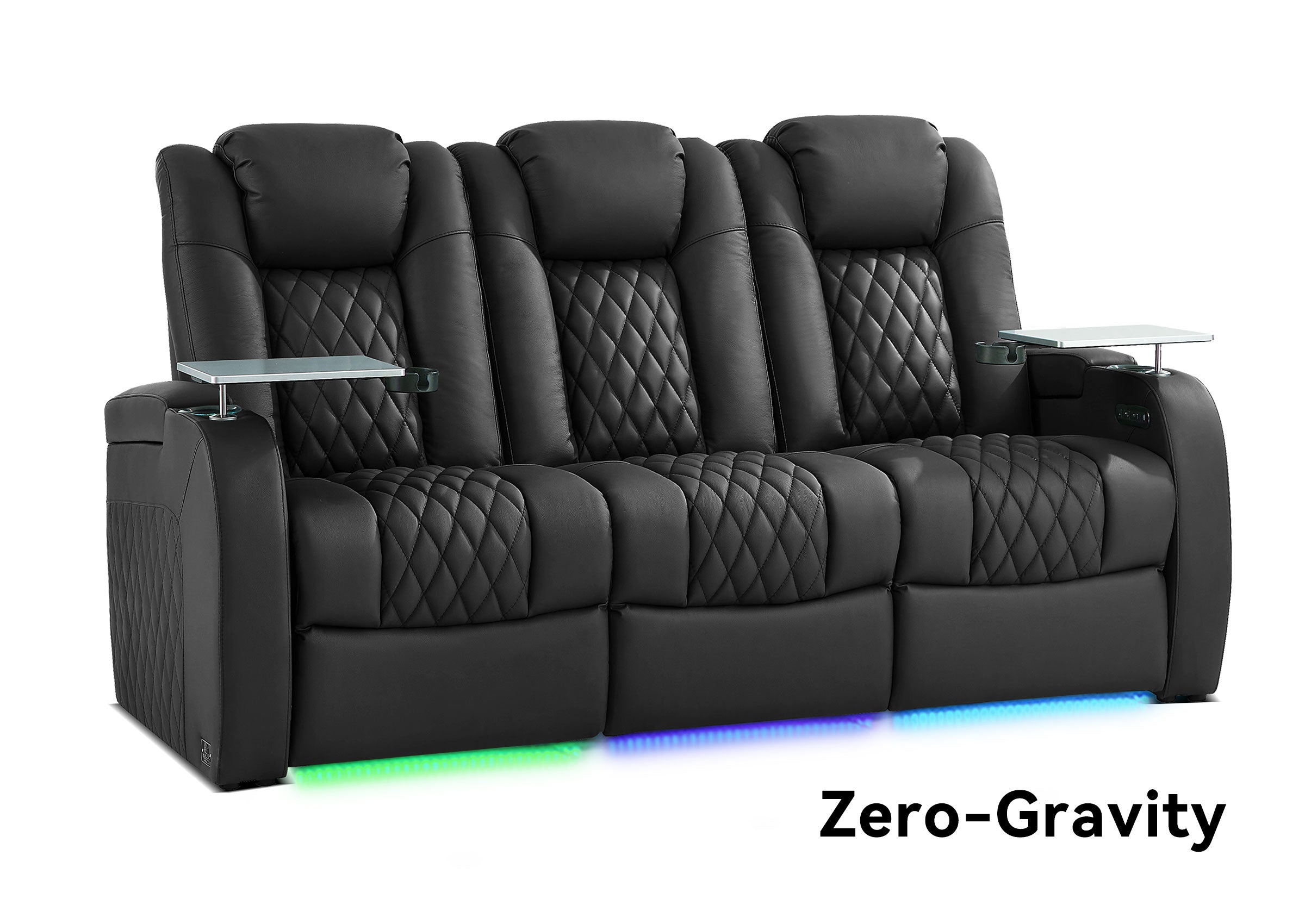
If the same TV room needs to work for both gaming and movies and you’re considering a new seating layout, send the room dimensions, TV location, and usual number of players. Weilianda Support · leon@weiliandahome.com